Inside Dell Latitude 13 5320 – disassembly and upgrade options
As a typical 13-inch business ultrabook, this device doesn’t offer the best upgrade options out there. However, Dell offers quite a lot of different configurations, which should suit pretty much everybody’s needs.
Check out all Dell Latitude 13 5320 prices and configurations in our Specs System or read more in our In-Depth review.
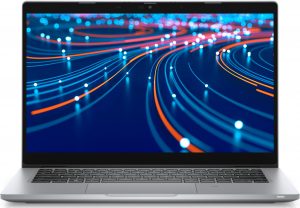
1. Remove the bottom plate
This notebook’s bottom panel is held in place by 8 captive Phillips-head screws. After you undo them, pry the panel with a plastic tool, and remove it from the chassis.

2. Battery
Powering the laptop, when it’s away from the plug, there is a large 63Wh battery pack. Keep in mind that this notebook comes with a 42Wh unit as well.

3. Мemory and storage
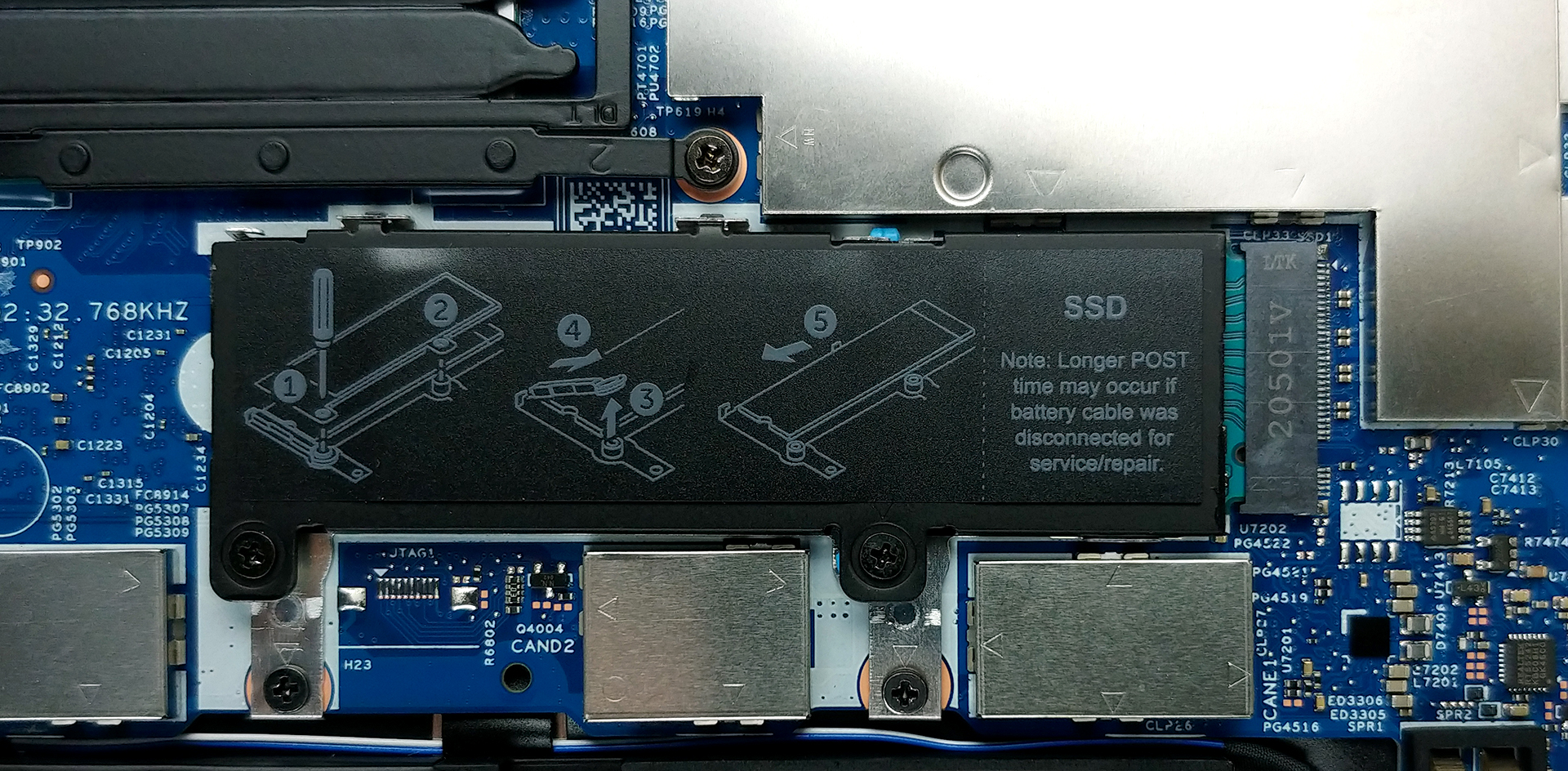
Unfortunately, the memory here is soldered to the motherboard. However, there are configurations spanning from 4 to 32GB of DDR4 RAM with the smallest option operating at a single channel, while everything from 8GB and above works in dual-channel mode. As for the storage, there is a single M.2 PCIe x4 slot with instructions being labeled on the cooling shroud.
4. Cooling system
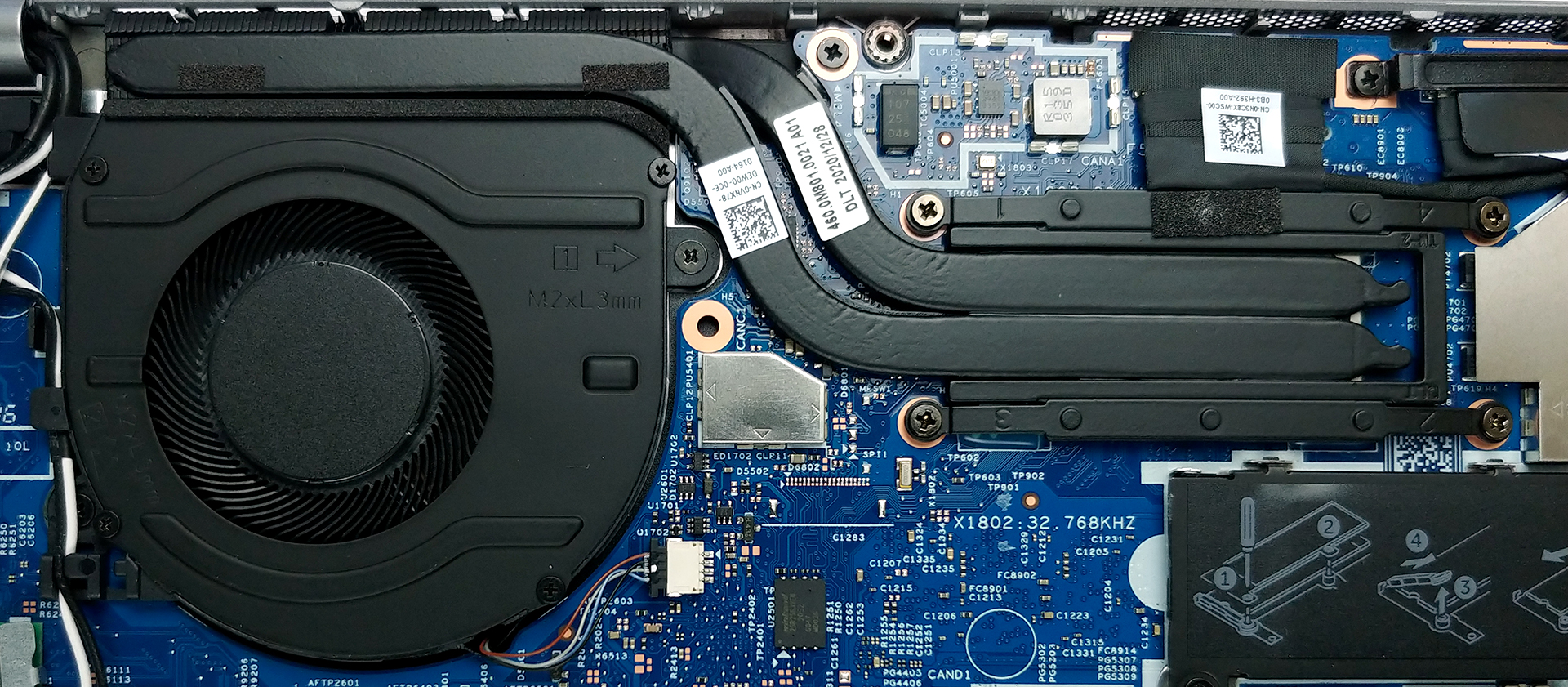
Speaking of cooling, Dell has provided two heat pipes. Interestingly, they are attached in a sandwich formation around the tiny heat spreader.
Check out all Dell Latitude 13 5320 prices and configurations in our Specs System or read more in our In-Depth review.
Dell Latitude 13 5320 reseña en profundidad
Although many laptops (especially in the gaming industry) are relying on AMD processors, the business world still aims more towards Intel to provide a hassle-free and secure work environment. Dell and their brand new Latitude 13 5320 are no exception to the trend, as we see the Tiger Lake CPU lineup onboard. Interestingly, though Intel has finally provided a viable base option in the face of the Core i3-1125G4, which is now a quad-core/octa-thread processor. Although it ditches the fast and reliable Iris Xe Graphics G7, we feel that it will provide a more than decent performance for the avera[...]
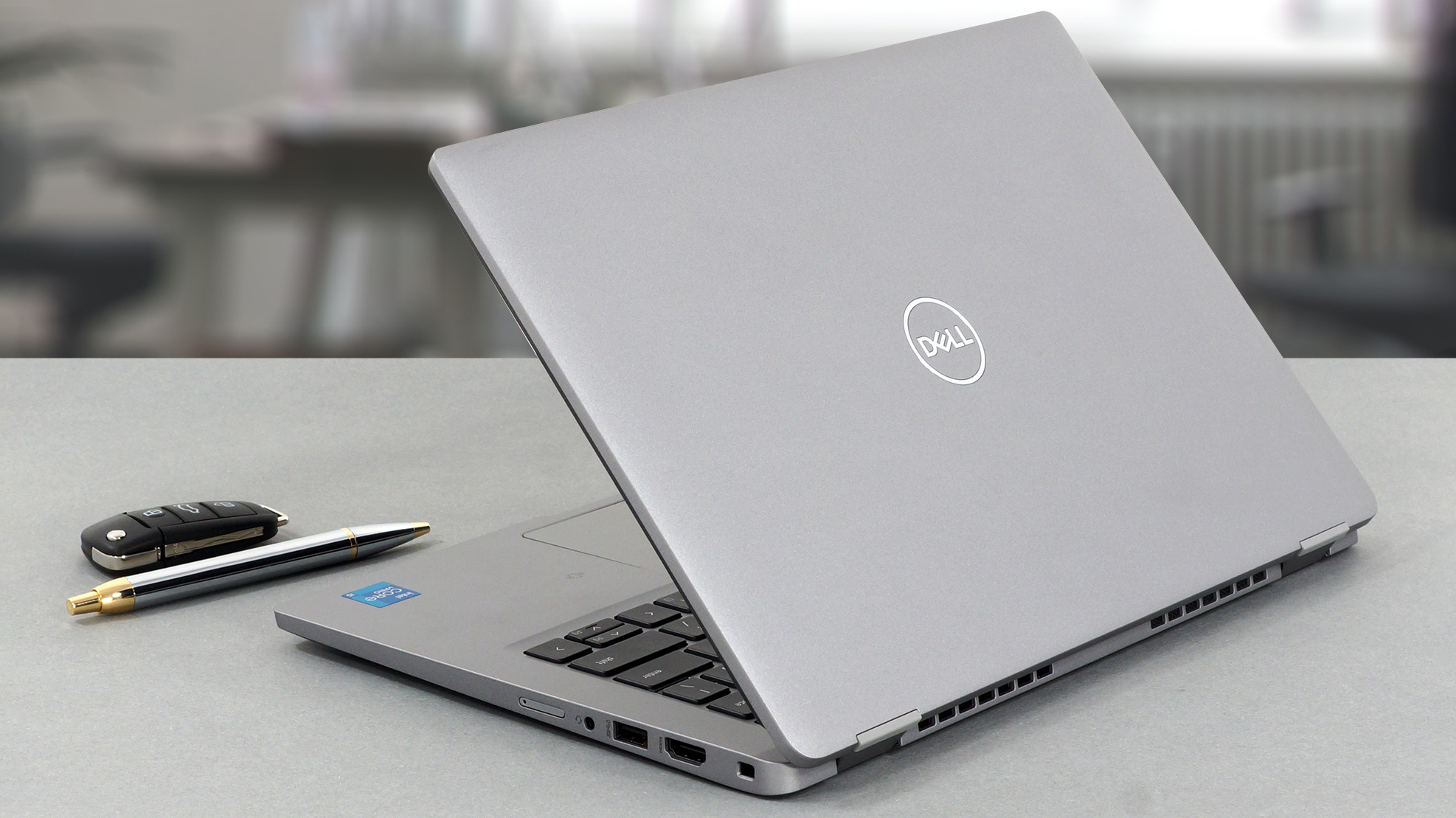
Pros
- A ton of security software
- Doesn't use PWM for brightness adjustment (AUO JM7T2-B133HAN)
- Wi-Fi 6 support, optional LTE connectivity, and an optional Smart Card reader
- Great battery life
- Comfortable keyboard
- Optional fingerprint reader and IR face recognition systems
- Wide I/O, including two Thunderbolt 4 connectors, and a MicroSD card reader
Contras
- Covers only 55% of sRGB colors (AUO JM7T2-B133HAN)
- Build quality doesn't match the premium price tag
- Memory is soldered to the motherboard
 Author: Alex Iliev

![[Agosto de 2026] Clasificación mundial de las GPU para portátiles más vendidas en Amazon: Apple se impone con autoridad, mientras que la RTX 5060 de NVIDIA encabeza la lista de tarjetas dedicadas](https://laptopmedia.com/wp-content/uploads/2026/09/Best-Selling-GPUs-GLOBAL-Top-10-400x225.jpg)
![[Agosto de 2026] Clasificación mundial de las CPU para portátiles más vendidas en Amazon: Apple domina tanto el segmento económico como el de gama alta; la A18 Pro y la M5 arrasan frente a Intel y AMD en agosto de 2026](https://laptopmedia.com/wp-content/uploads/2026/09/Best-Selling-CPUs-GLOBAL-Top-10-400x225.jpg)
![[Agosto de 2026] Amazon Global: las 10 portátiles más vendidas — La Apple MacBook Neo domina las listas, mientras que los portátiles con Windows de gama baja y media compiten por el volumen de ventas](https://laptopmedia.com/wp-content/uploads/2026/09/Best-Selling-Laptops-GLOBAL-Top-10-400x225.jpg)
![[Agosto de 2026] Las marcas de portátiles más vendidas en Amazon Global: Apple domina los ingresos, mientras que HP lidera la variedad de modelos](https://laptopmedia.com/wp-content/uploads/2026/09/GLOBAL-Best-Brands-400x225.jpg)
![[Agosto de 2026] Amazon Global: Las 10 portátiles para videojuegos más vendidas – La HP Victus 15 se lleva la corona mientras los modelos económicos dominan las listas de ventas](https://laptopmedia.com/wp-content/uploads/2026/09/Best-Selling-Gaming-Laptops-GLOBAL-Top-10-400x225.jpg)
