Inside Dell Vostro 14 5402 – disassembly and upgrade options
Even though this is a pretty small and portable notebook, Dell didn’t sacrifice its upgradability.
Check out all Dell Vostro 14 5402 prices and configurations in our Specs System or read more in our In-Depth review.
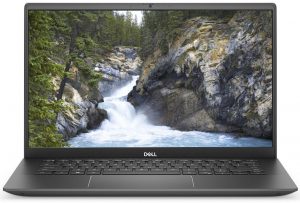
1. Remove the bottom plate
There are only 7 Phillips-head screws that are separating you from this notebook’s internals. Two of them, located on the back corners, are captive, and after you undo them the bottom panel will slightly lift. This is where you want to start the prying process.

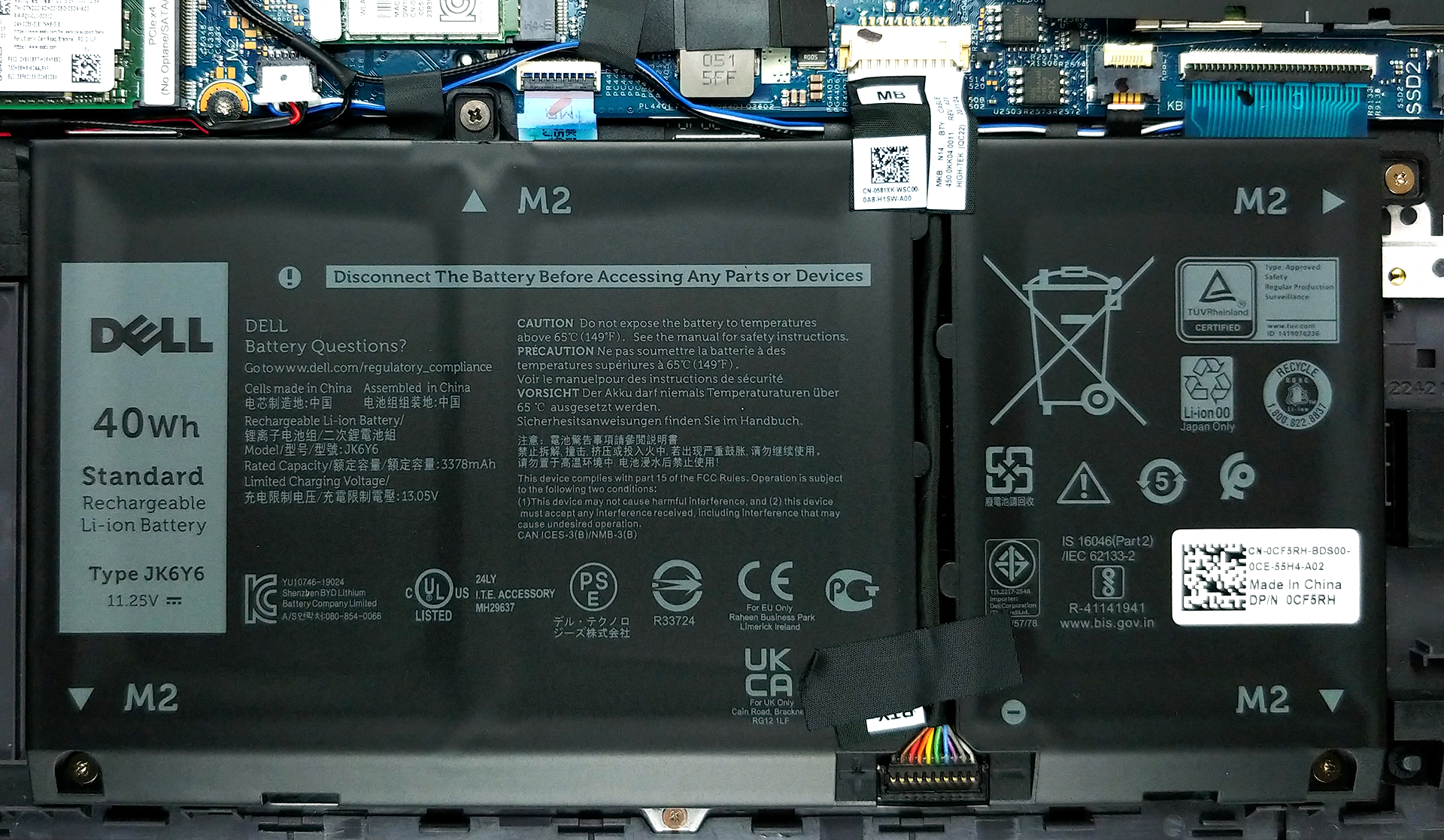
2. Battery
Once you’re inside, you will find the 40Wh battery pack, which powers the laptop when it’s away from the plug. This device can also be found with a 53Wh unit.
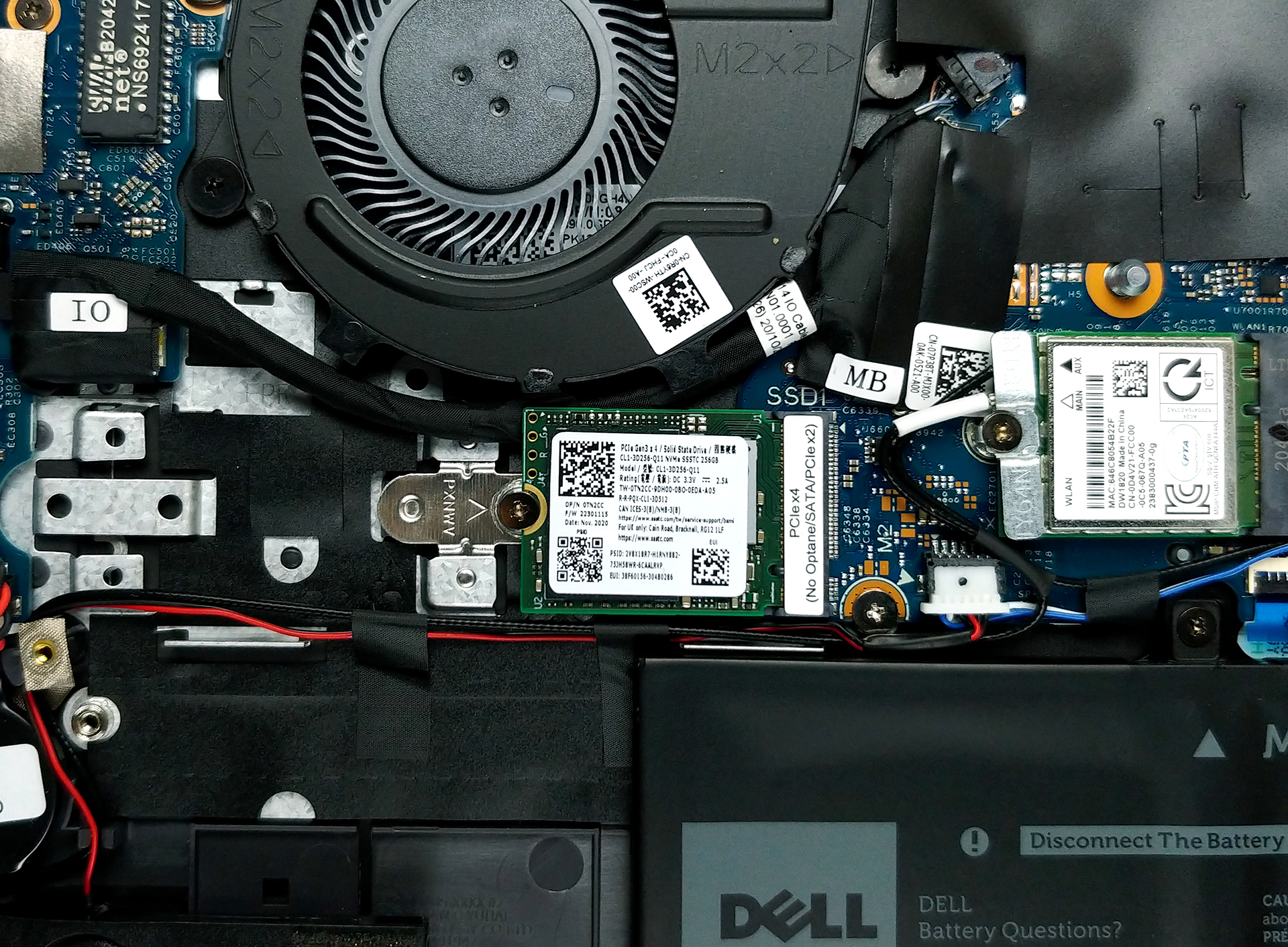
3. Memory and storage
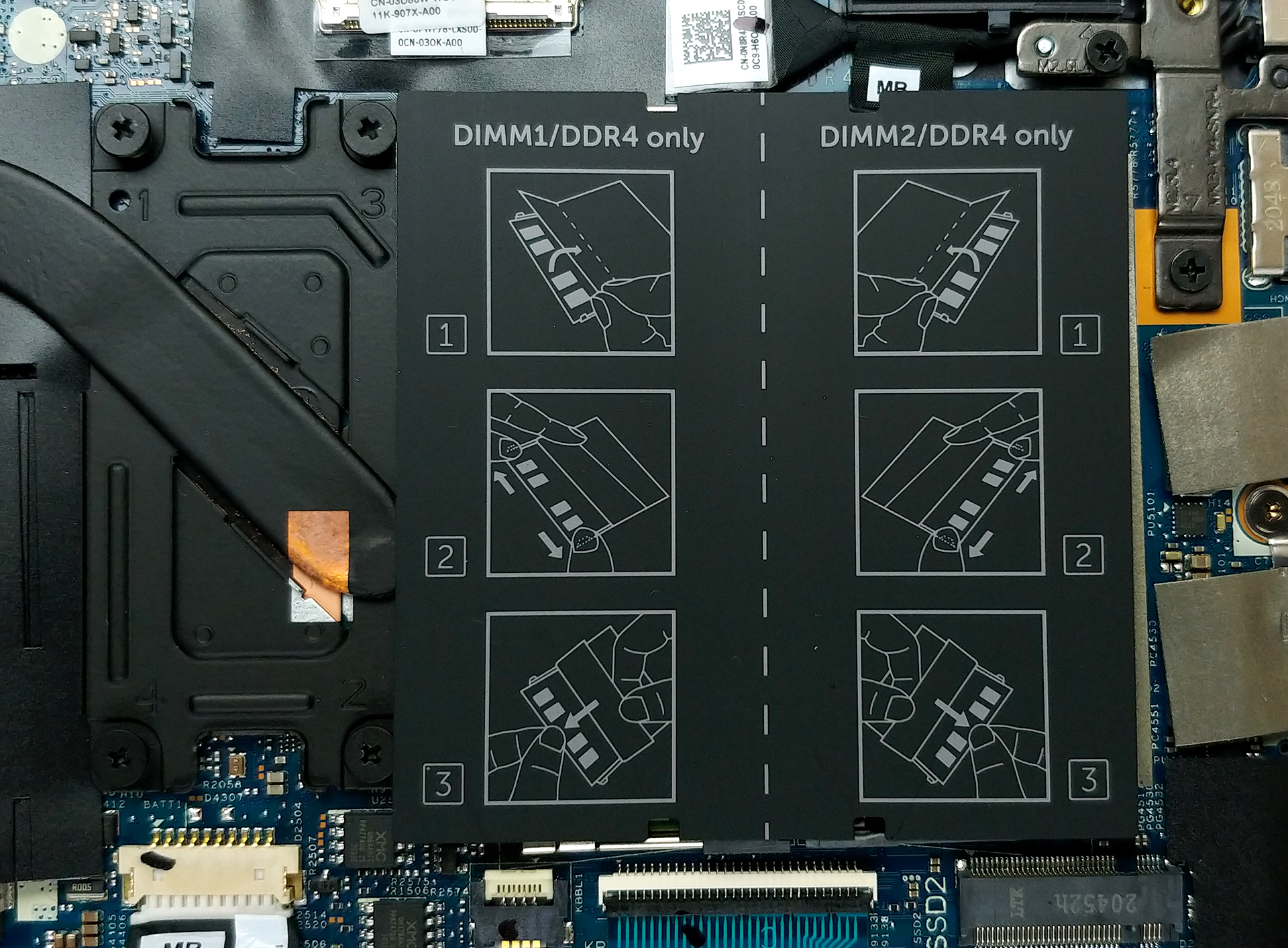
Thankfully, there are two RAM SODIMM slots, that can fit up to 32GB of DDR4 memory in dual-channel mode. As for the storage, there is one M.2 PCIe x4 slot. Also, there seems to be a second one, but the situation there is very weird. In our unit (which has the smaller battery), we won’t be able to use this slot, because the shape of the speaker prevents us from installing a drive in it. However, according to Dell, if you order the laptop with Intel Optane storage, you will be able to use it. Sounds quirky, doesn’t it?
4. Cooling system
Here, the cooling solution comprises a single heat pipe and a rather small heat spreader.
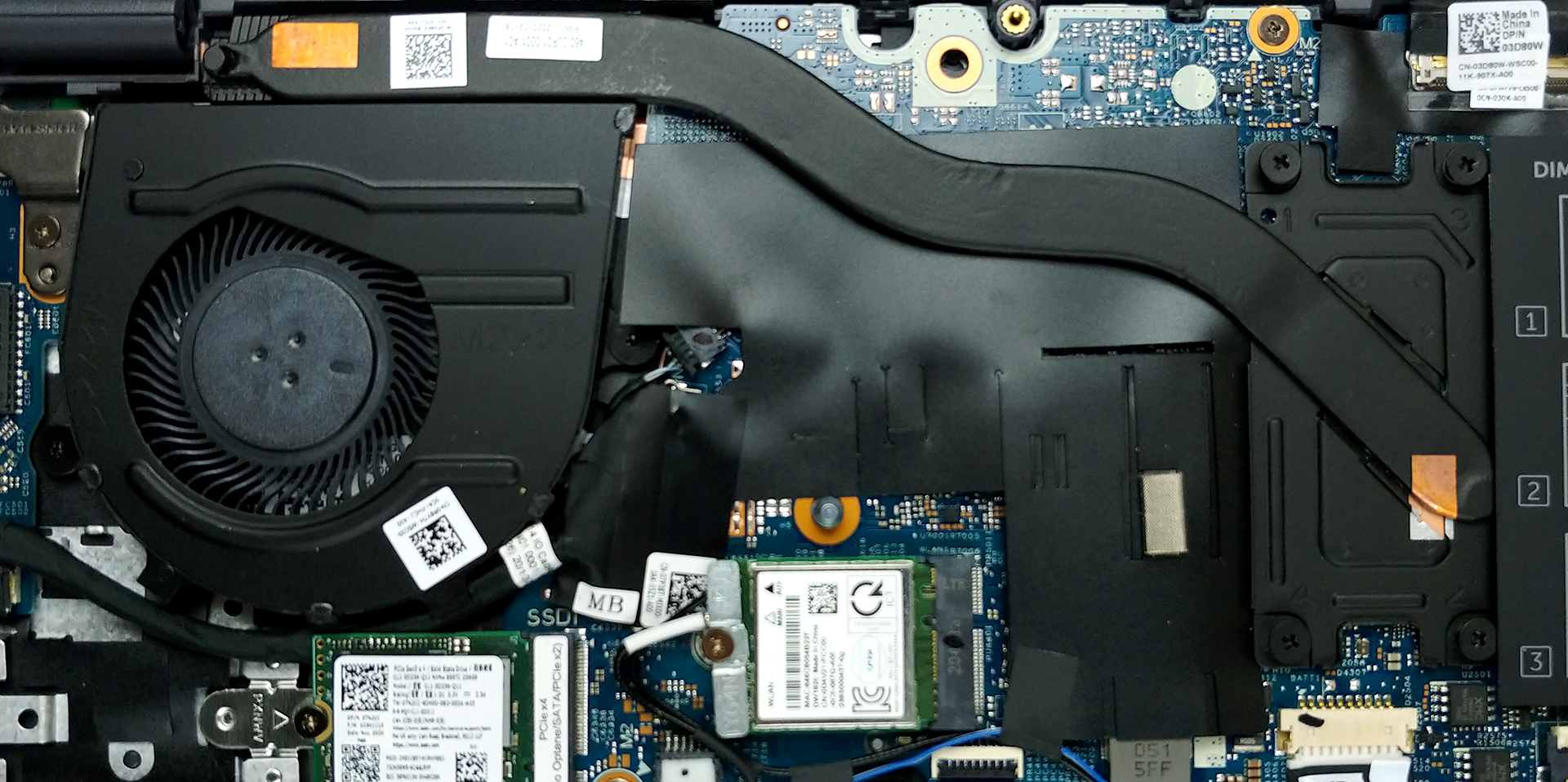
Check out all Dell Vostro 14 5402 prices and configurations in our Specs System or read more in our In-Depth review.
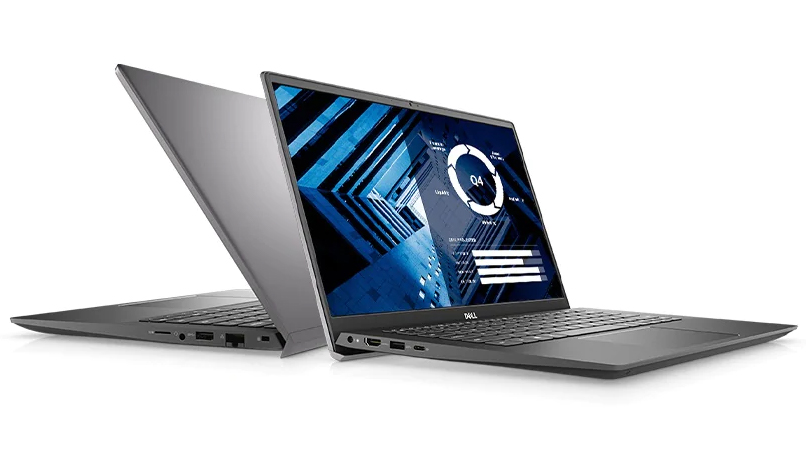
Dell Vostro 14 5402 critique approfondie
If you are in the looks for an office or business laptop, but Dell's Latitude series are a bit hardcore for you. And the Inspiron ones are not secure enough, then you should be looking at the middle-ground Vostro lineup. Actually, the Vostro is an Inspiron on security steroids, if we can put it this way.Today, we have the 14-inch Dell Vostro 14 5402, and since it is pretty much the same as the Vostro 14 5401, we will be occasionally comparing it with the Vostro 14 5490 model.So what should you expect from this device? Well, it comes equipped with Intel's Tiger Lake processors and can [...]
Pour
- Wi-Fi 6 connection, MicroSD card slot, and a well-populated I/O
- Two RAM SODIMM slots, and PCIe x4 support for storage
- Thin and light body
- PWM-free display (AUO B156HAN02.1)
Cons
- A ton of confusion around its second M.2 slot
- Covers only 51% of the sRGB color gamut (AUO B156HAN02.1)
- The model with a 40Wh battery doesn't shine with great screen-on times
 Author: Alex Iliev

![[Juin 2026] Les marques d’ordinateurs portables les plus vendues sur Amazon Global – La domination sans égale d’Apple en termes de volume de ventes et de chiffre d’affaires](https://laptopmedia.com/wp-content/uploads/2026/07/GLOBAL-Best-Brands-400x225.jpg)
![[Juin 2026] Amazon Global : le top 10 des ordinateurs portables les plus vendus – Le nouveau MacBook Neo d’Apple s’empare de la première place et redéfinit le marché grâce à son prix abordable](https://laptopmedia.com/wp-content/uploads/2026/07/Best-Selling-Laptops-GLOBAL-Top-10-400x225.jpg)
![[Juin 2026] Amazon Global : le top 10 des ordinateurs portables de jeu les plus vendus – Le Nitro V 16S AI d’Acer domine les ventes, tandis qu’ASUS arrive en tête en termes de chiffre d’affaires global](https://laptopmedia.com/wp-content/uploads/2026/07/Best-Selling-Gaming-Laptops-GLOBAL-Top-10-400x225.jpg)
![[Juin 2026] Classement mondial des cartes graphiques pour ordinateurs portables les plus vendues sur Amazon – La NVIDIA RTX 5060 est la carte graphique dédiée la plus vendue](https://laptopmedia.com/wp-content/uploads/2026/07/Best-Selling-GPUs-GLOBAL-Top-10-400x225.jpg)
![[Juin 2026] Classement mondial des processeurs d’ordinateurs portables les plus vendus sur Amazon : l’Apple M5 domine, tandis que l’AMD Ryzen 7 260 s’impose dans le segment haut de gamme](https://laptopmedia.com/wp-content/uploads/2026/07/Best-Selling-CPUs-GLOBAL-Top-10-400x225.jpg)
