Inside Lenovo Ideapad S145 15″ – disassembly and upgrade options
Lenovo Ideapad S145 15″ has a very wide target, given the fact that it can be bought with either a Pentium or a Core i7 processor.
Check out all Lenovo Ideapad S145 15″ prices and configurations in our Specs System or read more in our In-Depth review.
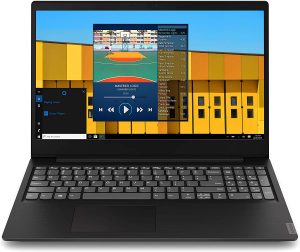

1. Remove the bottom plate
There are 10 Phillips-head screws that you have to take out of your way to remove the bottom plate. Then, as traditionally, pry the plastic panel up by preferably using a plastic tool. Be really careful, though, because, in order to keep the price down, Lenovo has given up on build quality.
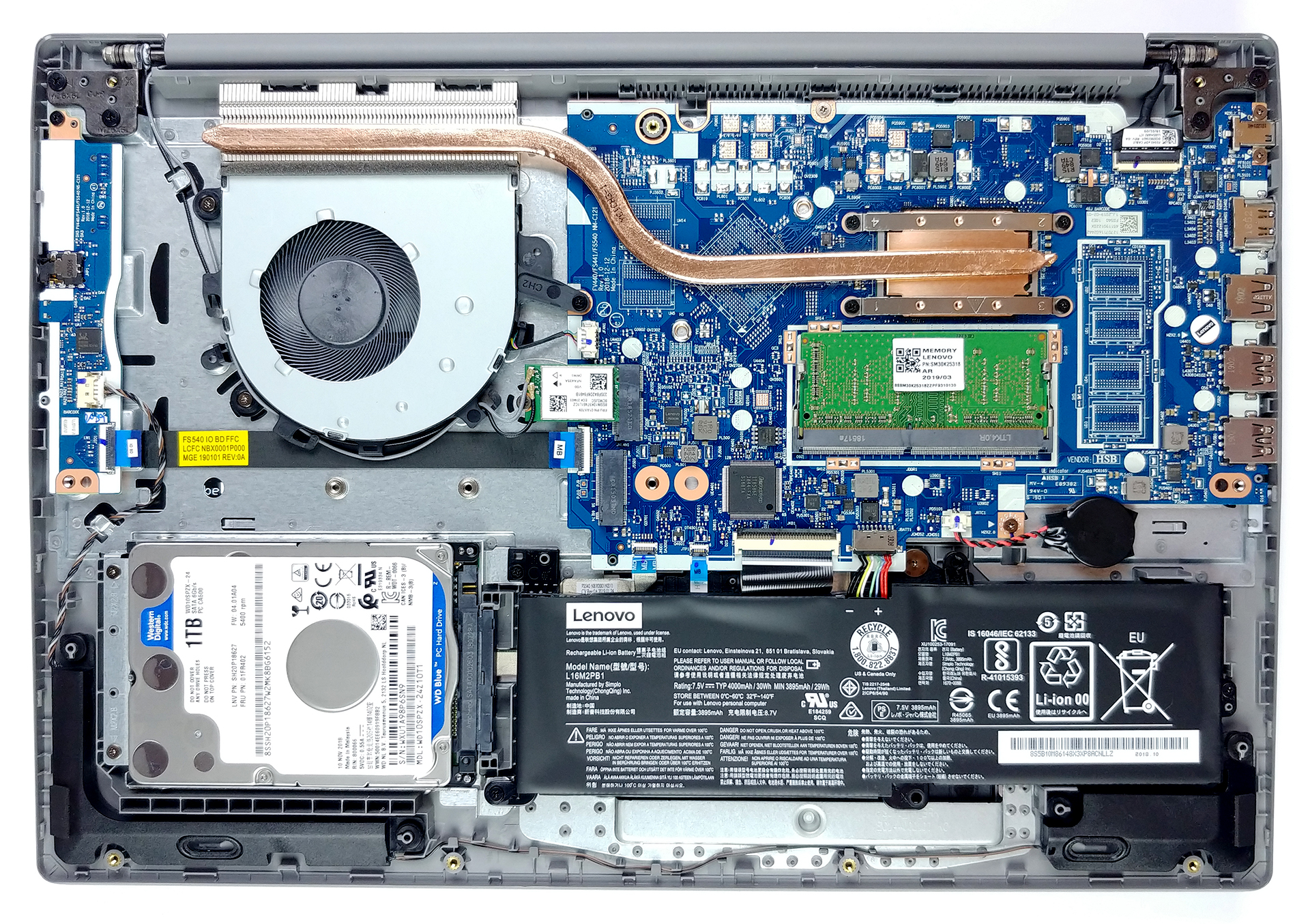
2. Battery
Ideapad S145 15″ packs a rather small 30Wh battery. Don’t expect a whole lot from it but Lenovo state it could last somewhere between four and five hours web browsing. We’re going to check that in our In-depth review of course. If you’d like to upgrade the laptop we would suggest disconnecting the battery plug and if you want to remove it entirely – there are three Phillips-head screws holding in place.
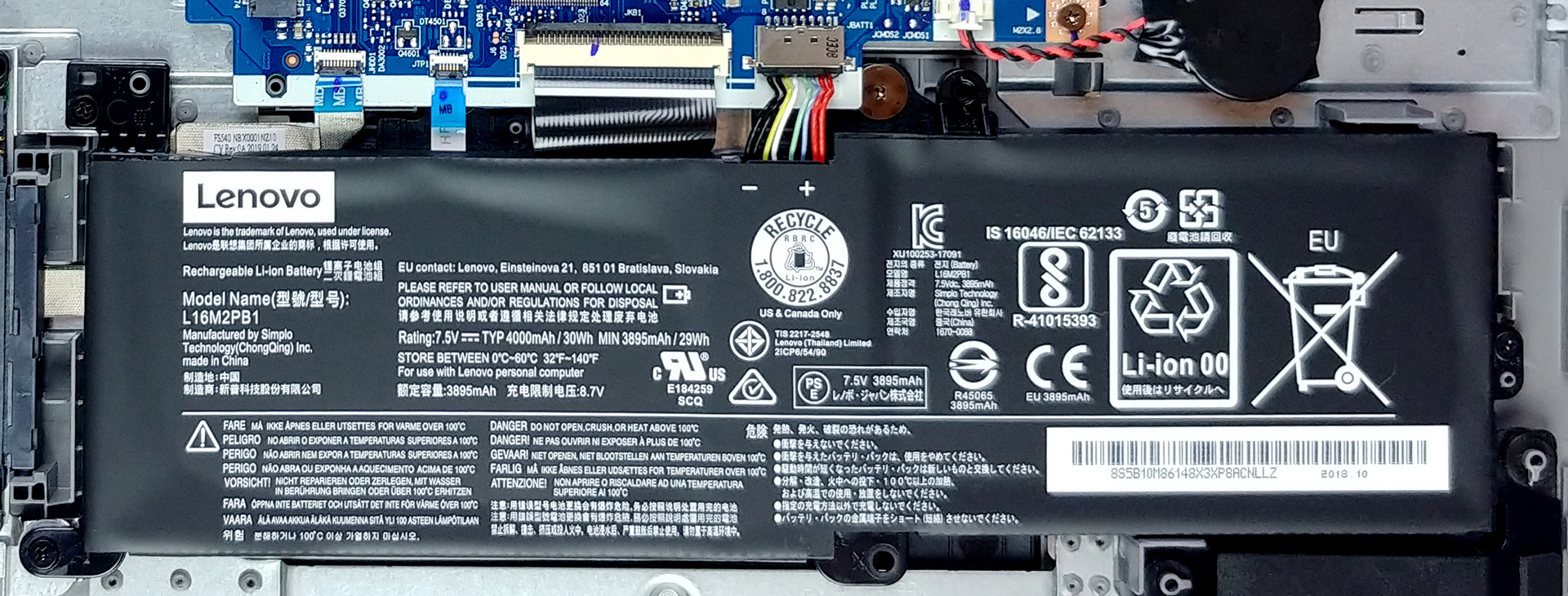
3. Memory and storage
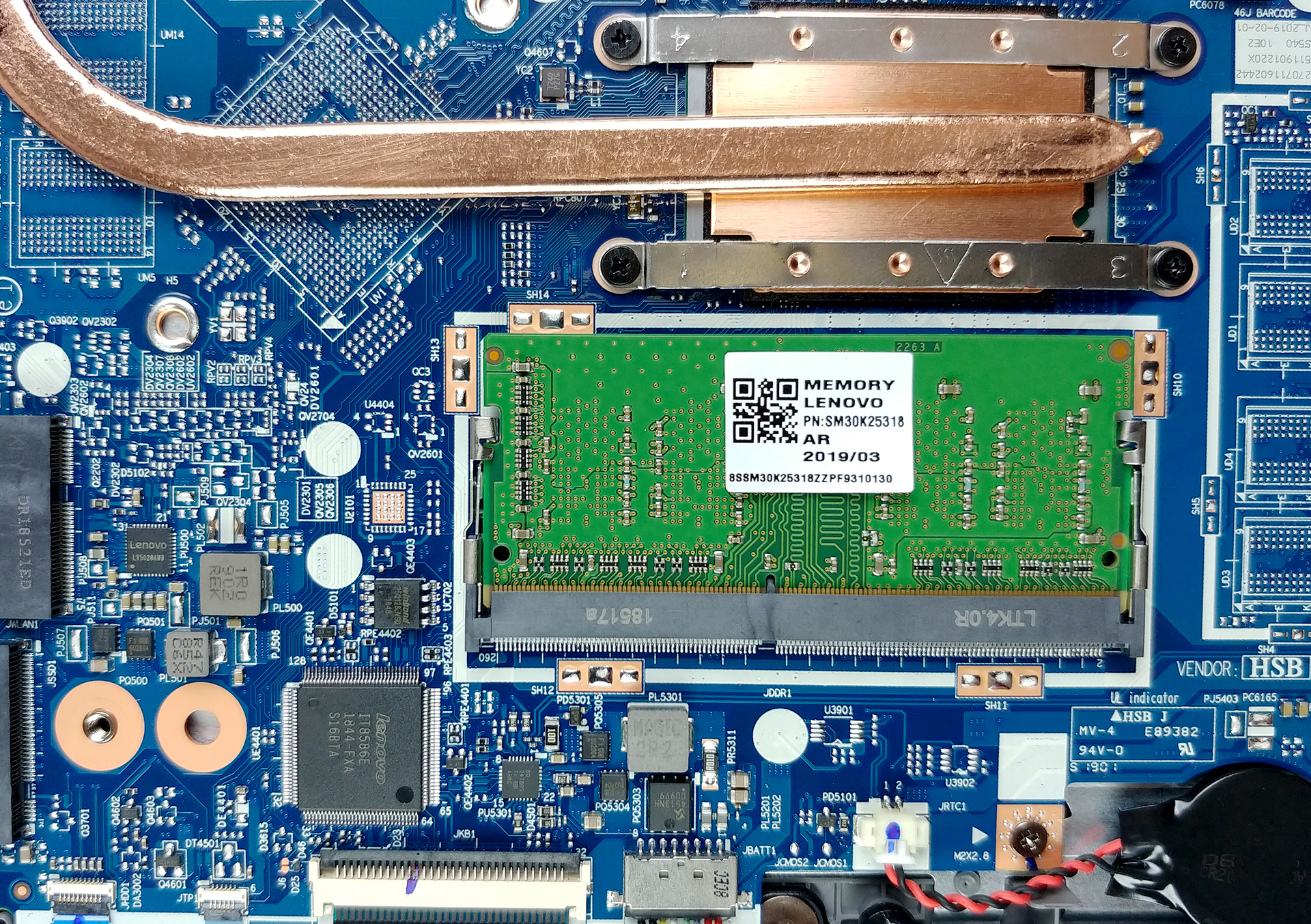
On this laptop you are going to find only one RAM DIMM and the memory support depends on the processor you chose. Storage-wise there is a 2.5″ SATA slot and an M.2 slot.
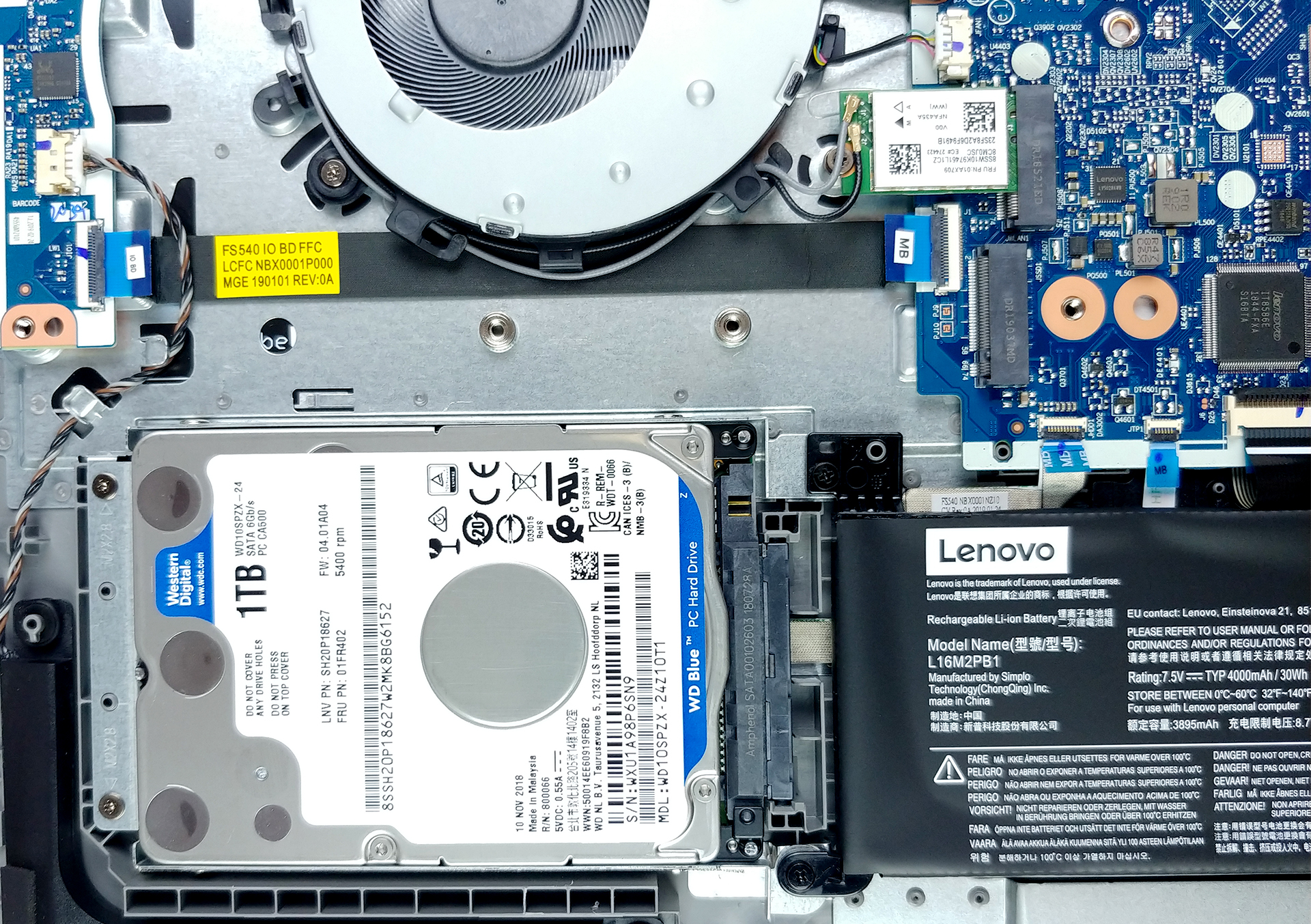
4. Cooling system
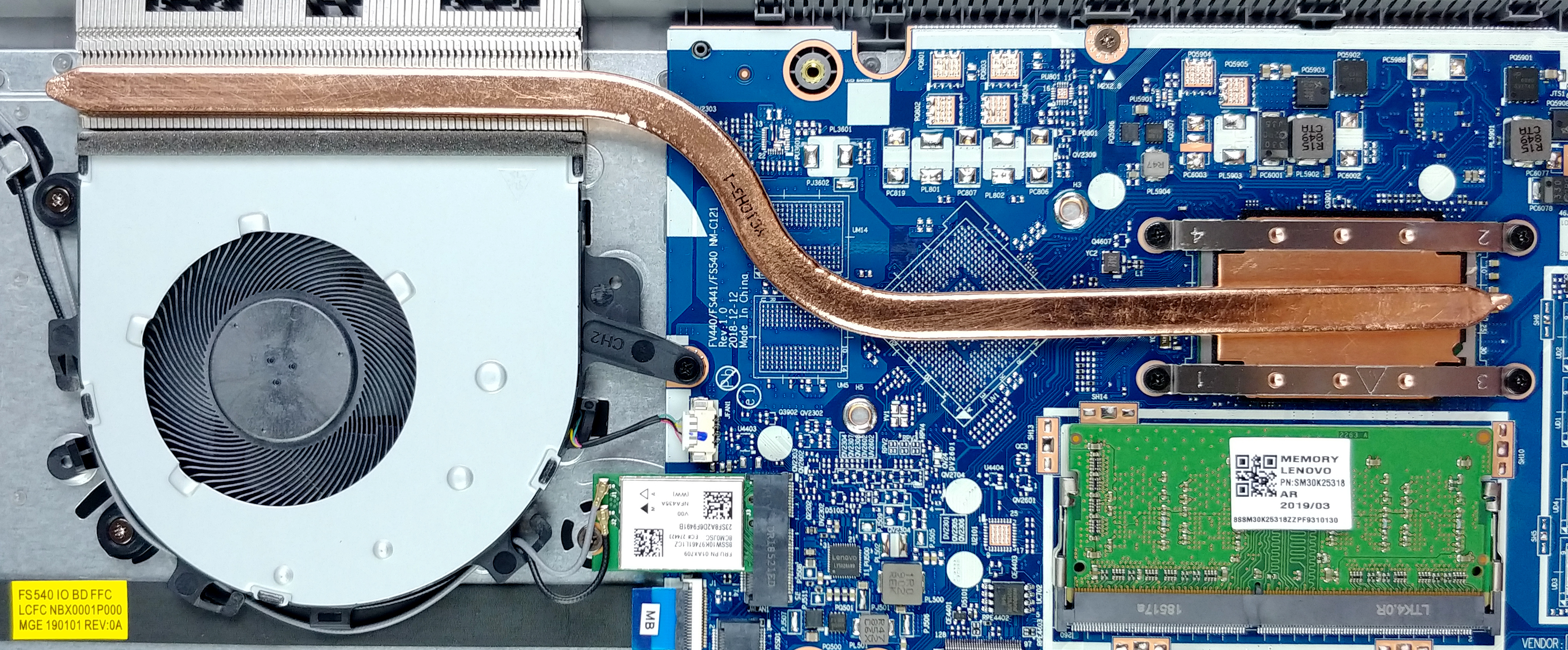
The cooling solution is very simple – only a single heat pipe and a fan (and a heatsink of course).
Check out all Lenovo Ideapad S145 15″ prices and configurations in our Specs System or read more in our In-Depth review.
 Author: Alex Iliev

![[Juin 2026] Les marques d’ordinateurs portables les plus vendues sur Amazon Global – La domination sans égale d’Apple en termes de volume de ventes et de chiffre d’affaires](https://laptopmedia.com/wp-content/uploads/2026/07/GLOBAL-Best-Brands-400x225.jpg)
![[Juin 2026] Amazon Global : le top 10 des ordinateurs portables les plus vendus – Le nouveau MacBook Neo d’Apple s’empare de la première place et redéfinit le marché grâce à son prix abordable](https://laptopmedia.com/wp-content/uploads/2026/07/Best-Selling-Laptops-GLOBAL-Top-10-400x225.jpg)
![[Juin 2026] Amazon Global : le top 10 des ordinateurs portables de jeu les plus vendus – Le Nitro V 16S AI d’Acer domine les ventes, tandis qu’ASUS arrive en tête en termes de chiffre d’affaires global](https://laptopmedia.com/wp-content/uploads/2026/07/Best-Selling-Gaming-Laptops-GLOBAL-Top-10-400x225.jpg)
![[Juin 2026] Classement mondial des cartes graphiques pour ordinateurs portables les plus vendues sur Amazon – La NVIDIA RTX 5060 est la carte graphique dédiée la plus vendue](https://laptopmedia.com/wp-content/uploads/2026/07/Best-Selling-GPUs-GLOBAL-Top-10-400x225.jpg)
![[Juin 2026] Classement mondial des processeurs d’ordinateurs portables les plus vendus sur Amazon : l’Apple M5 domine, tandis que l’AMD Ryzen 7 260 s’impose dans le segment haut de gamme](https://laptopmedia.com/wp-content/uploads/2026/07/Best-Selling-CPUs-GLOBAL-Top-10-400x225.jpg)

can I add a gpu for this comp?
yes 16G DDR4 2400 hz works very well
Can you change the CPU
No, it’s soldered to the motherboard.
can u change the motherboard
What processor can it be upgraded up to?
Can I expand my internal hard drive, as there looks to be an open space at the bottom left hand corner of the motherboard. If so what do I need to order as it looks like plug and play
Hello. I have been given a Lenovo Ideapad 3 for (free) repair. The problem is quite simple : the power chip next to the power jack is burnt and in short circuit : P0100. Unfortunately, the surface is charcoaled to a point that nothing is readable on it. Does/Can anybody give me the name of this chip for a repair attempt ?
BTW, is there a link where I could download the schematic diagram of the board of a Ideapad 3 15IIL05 ?
Thanks in advance for your help.