ASUS Vivobook Pro 15 OLED (N6506) – Un écran de qualité, une batterie durable, des compromis mineurs
 L’ASUS Vivobook Pro 15 OLED (N6506) est un appareil qui convient à la création de contenu et aux jeux grâce à son matériel puissant et à ses fonctions utiles. Le célèbre DialPad d’ASUS est présent et, comme toujours, il est intégré au pavé tactile. Vous pouvez l’utiliser lorsque vous travaillez avec des applications Adobe telles que Photoshop pour modifier la taille du pinceau et la police de caractères, ou vous pouvez simplement augmenter ou diminuer le volume des haut-parleurs. Cette fonction a l’air assez sophistiquée et, en réalité, elle est très pratique lorsqu’on s’y habitue.
Après le travail, vous pouvez jouer à des jeux avec cet appareil. Le matériel est moderne et conforme aux normes d’une machine polyvalente performante. Vous avez le choix entre deux CPU Intel Meteor Lake-H et deux GPU NVIDIA RTX 4000. Le combo le plus puissant de la série est le Core Ultra 9 185H plus la GeForce RTX 4060 (Laptop). Il n’y a qu’un seul modèle d’écran mais vous n’avez pas besoin de plus (du moins nous le pensons) car il s’agit d’une dalle OLED 3K (2880 x 1620) avec un taux de rafraîchissement de 120hz.
L’ordinateur portable dispose d’un commutateur MUX, une caractéristique typique des jeux vidéo qui libère tout le potentiel du GPU lorsque l’adaptateur d’alimentation est branché. La sélection des ports est moderne, avec un port Thunderbolt 4 et un lecteur de carte SD 4.0 qui devrait être un plus précieux pour les artistes et les créateurs de contenu. Les options de connectivité sont bonnes (Wi-Fi 6E + Bluetooth 5.3) et vous pouvez trouver de nombreux extras dans l’application MyASUS, tels que différents modes de GPU et de ventilateur, ainsi qu’une fonction “Flicker-Free Dimming” (gradation sans scintillement).
Vous pouvez consulter les prix et les configurations dans notre système de spécifications : https://laptopmedia.com/series/asus-vivobook-pro-15-oled-n6506/

Contents
- Spécifications, pilotes, contenu de la boîte
- Design et construction
- Qualité d’affichage, impact sur la santé (PWM), son
- Acheter nos profils
- Performance : CPU, GPU, tests de jeu
- [Guide de l’eBook + Outils] Comment MAXIMISER Votre Ordinateur Portable
- Températures et confort, autonomie de la batterie, comparaison des préréglages de performance
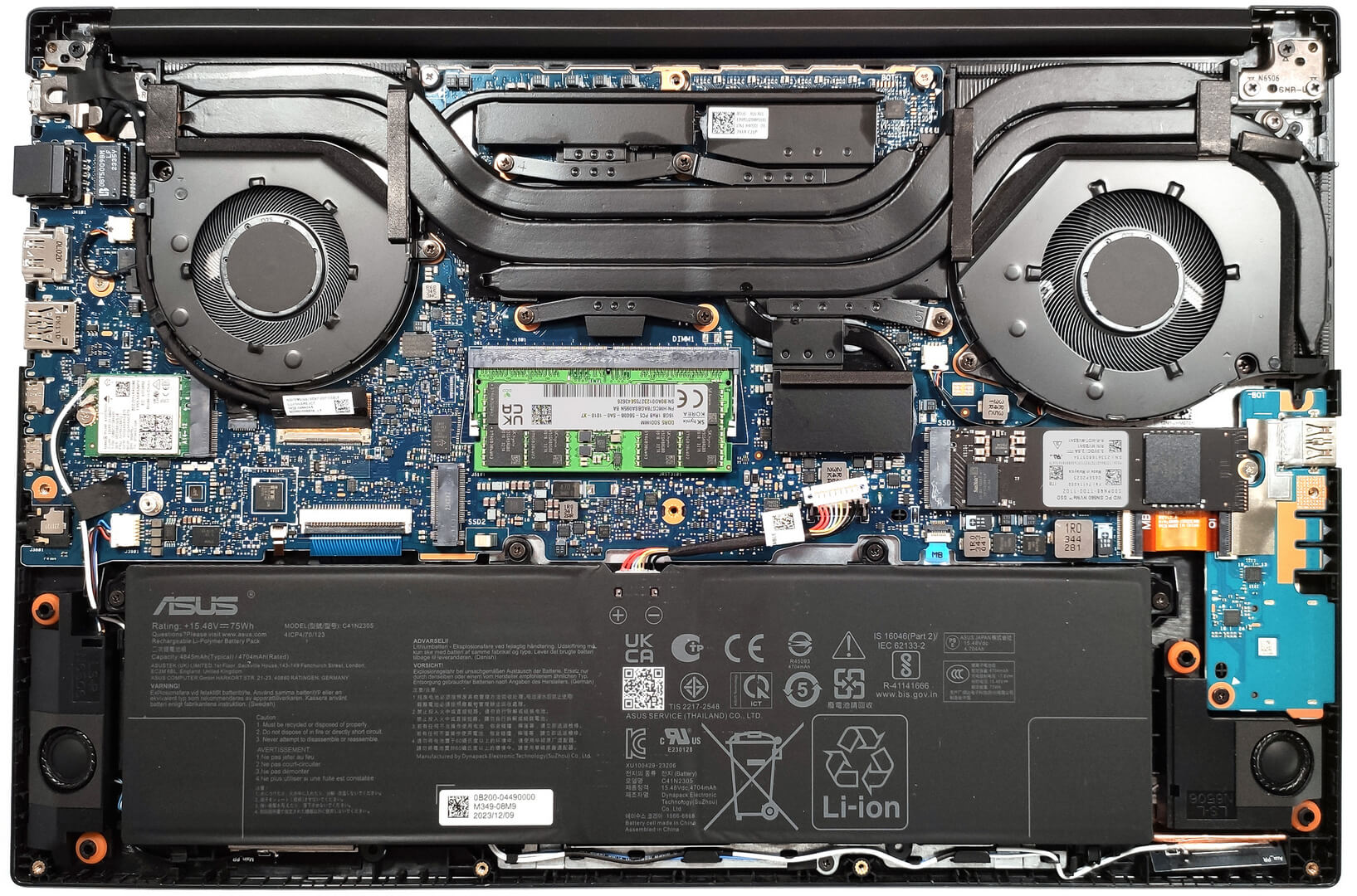
- Démontage, options de mise à niveau et entretien
- Performances du stockage
- Verdict
Spécifications, pilotes, contenu de la boîte
ASUS Vivobook Pro 15 OLED (N6506) - Specs


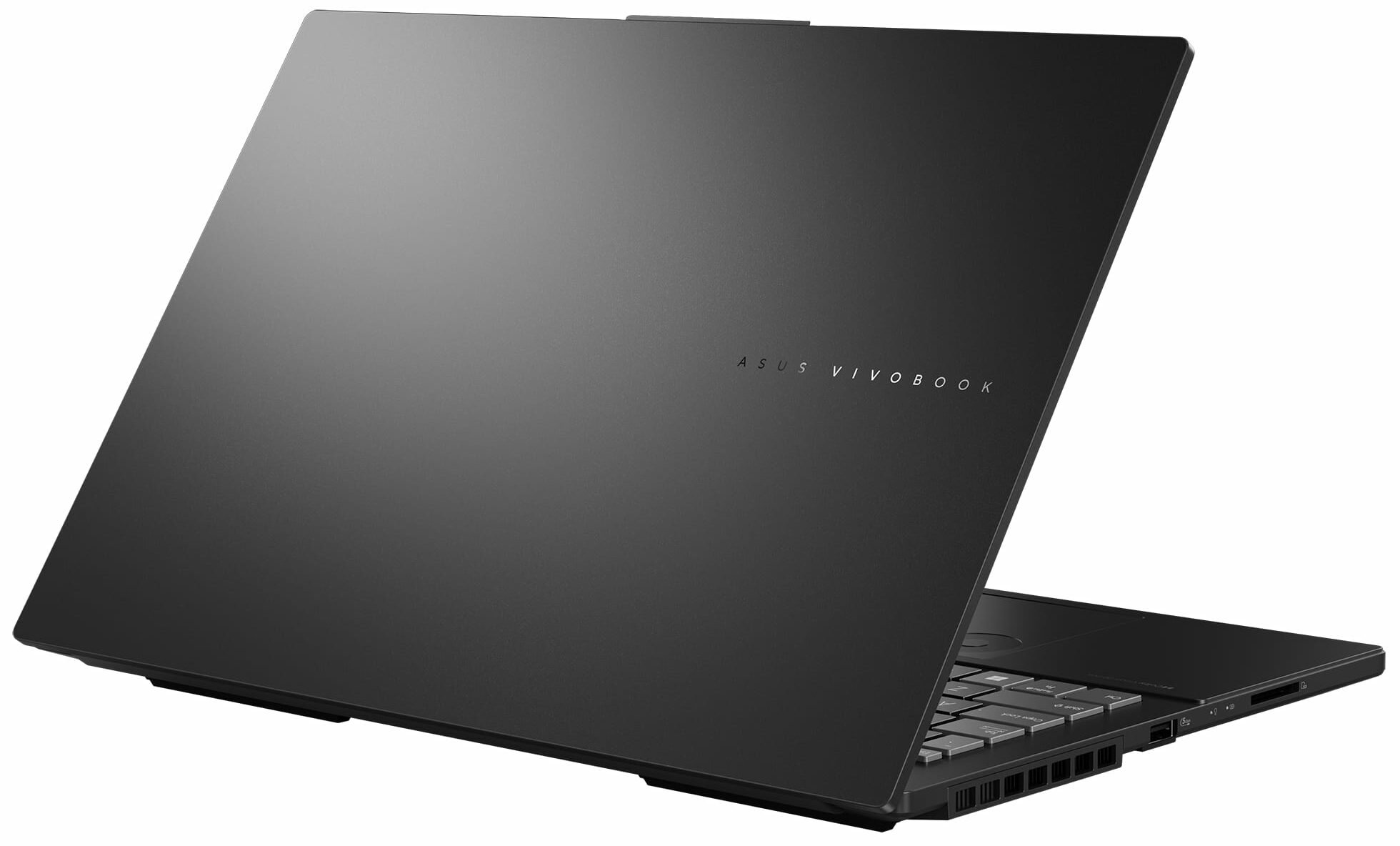

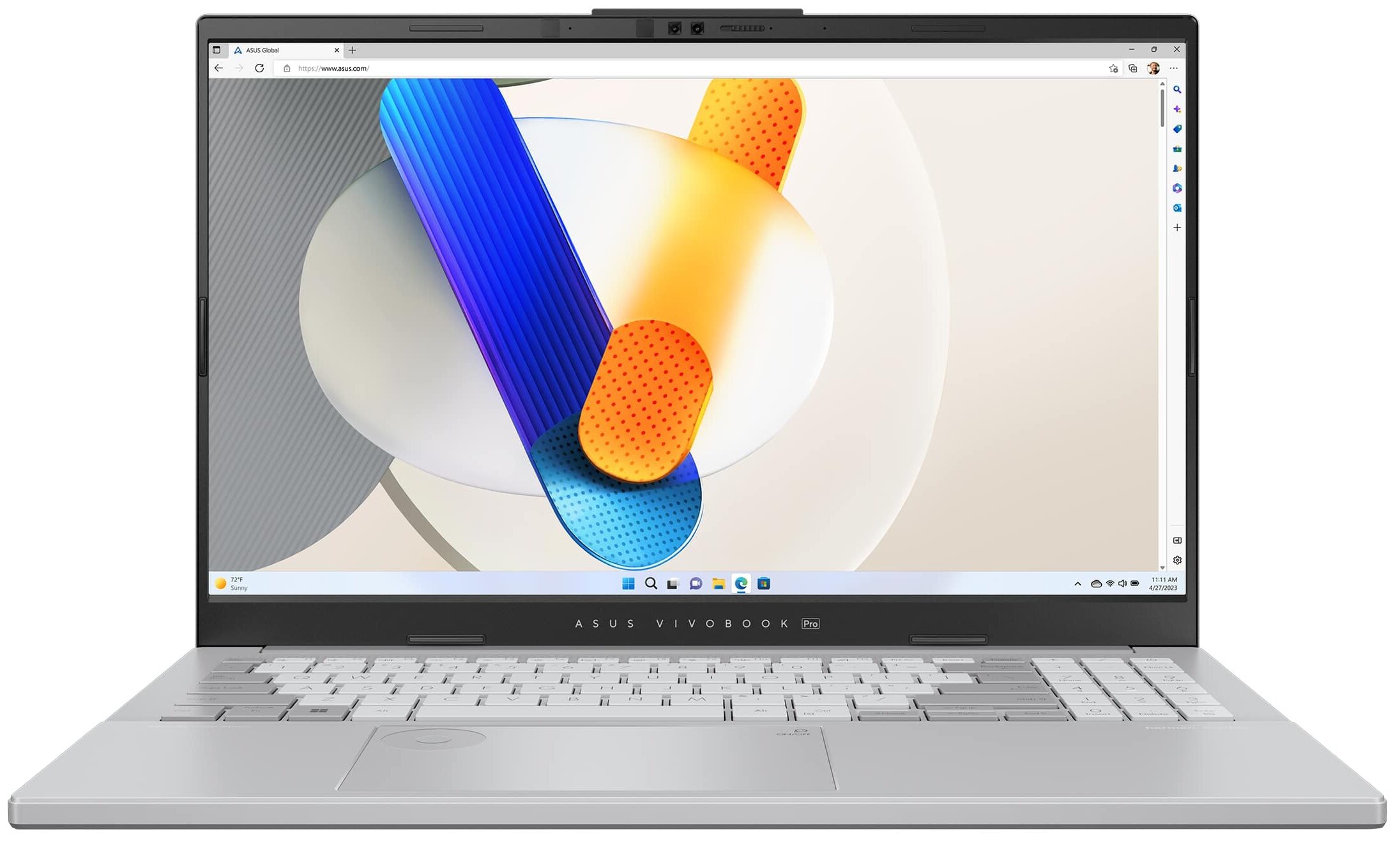

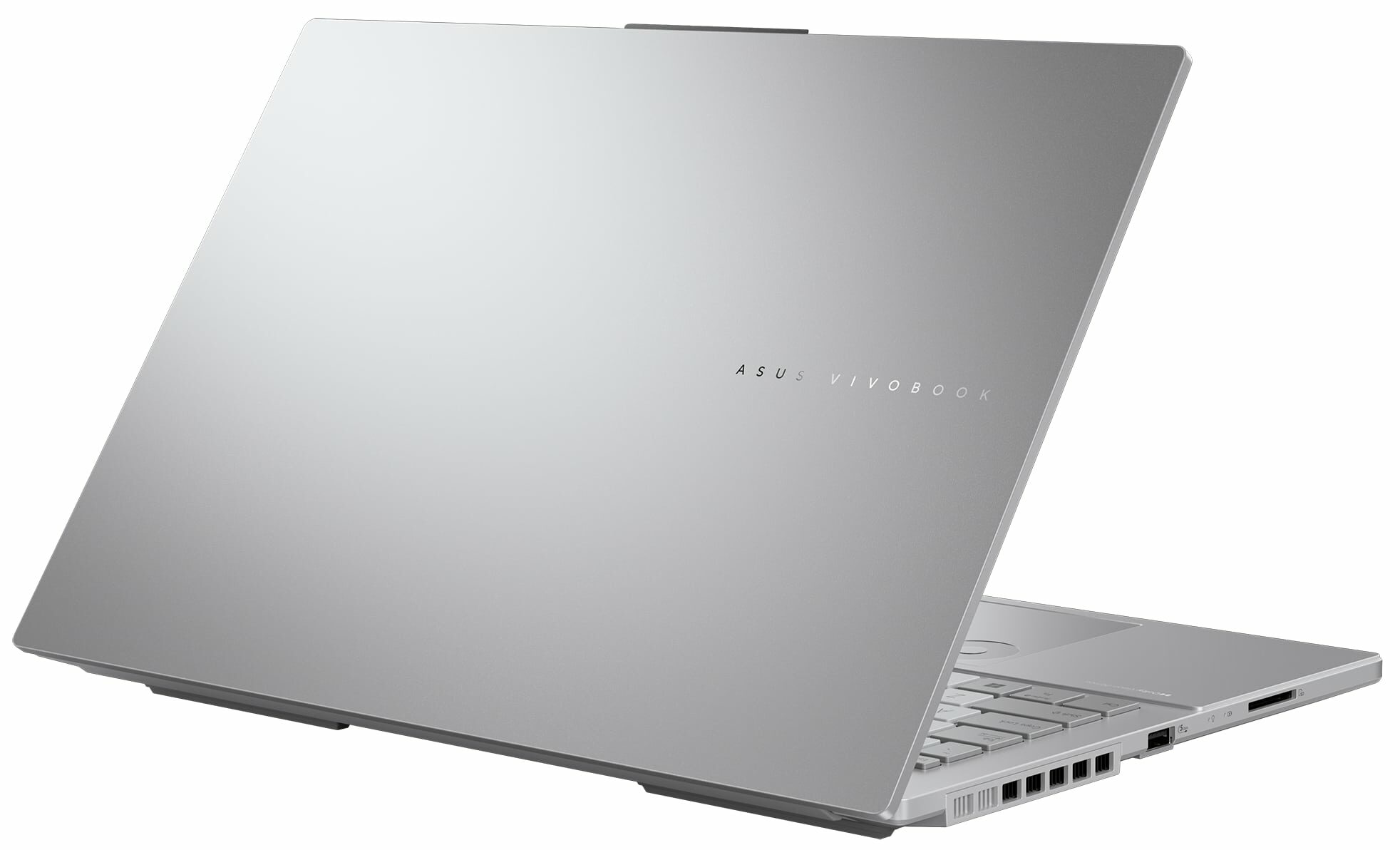


- HDD/SSD
- jusqu'à 8000GB SSD
- Emplacement M.2
- 2x 2280 M.2 NVMe PCIe 4.0 x4 Voir photo
- RAM
- up to 40GB
- OS
- Windows 11 Home, Windows 11 Pro, DOS, Windows 11
- Batterie
- 75Wh, 4-cell, 75Wh, 4-cell
- Matériau du corps
- Plastic / Polycarbonate, Aluminum
- Dimensions
- 355.7 x 235.3 x 19.9 mm (14.00" x 9.26" x 0.78")
- Poids
- 1.80 kg (4 lbs)
- Ports et connectivité
- 2x USB Type-A
- 3.2 Gen 1 (5 Gbps)
- 1x USB Type-C
- 3.2 Gen 2 (10 Gbps), Power Delivery (PD), DisplayPort
- 1x USB Type-C
- 4.0, Thunderbolt 4, Power Delivery (PD), DisplayPort
- HDMI
- 2.1
- Lecteur de cartes
- SD (SD, SDHC, SDXC)
- LAN Ethernet
- 10, 100, 1000 Mbit/s
- Wi-Fi
- Wi-Fi 6E
- Bluetooth
- 5.3
- Prise audio
- 3.5mm Combo Jack
- Caractéristiques
- Lecteur d'empreintes
- optional
- Webcam
- 5.0MP with privacy shutter
- Clavier rétroéclairé
- Microphone
- Array Microphone with Cortana Support
- Haut-parleurs
- Speaker, Smart Amp Technology, harman/kardon
- Lecteur optique
- Emplacement de sécurité
Tout ASUS Vivobook Pro 15 OLED (N6506) configurations
Pilotes
Tous les pilotes et utilitaires pour cet ordinateur portable sont disponibles ici : https://www.asus.com/laptops/for-home/vivobook/asus-vivobook-pro-15-oled-n6506/helpdesk_knowledge/
Contenu de la boîte
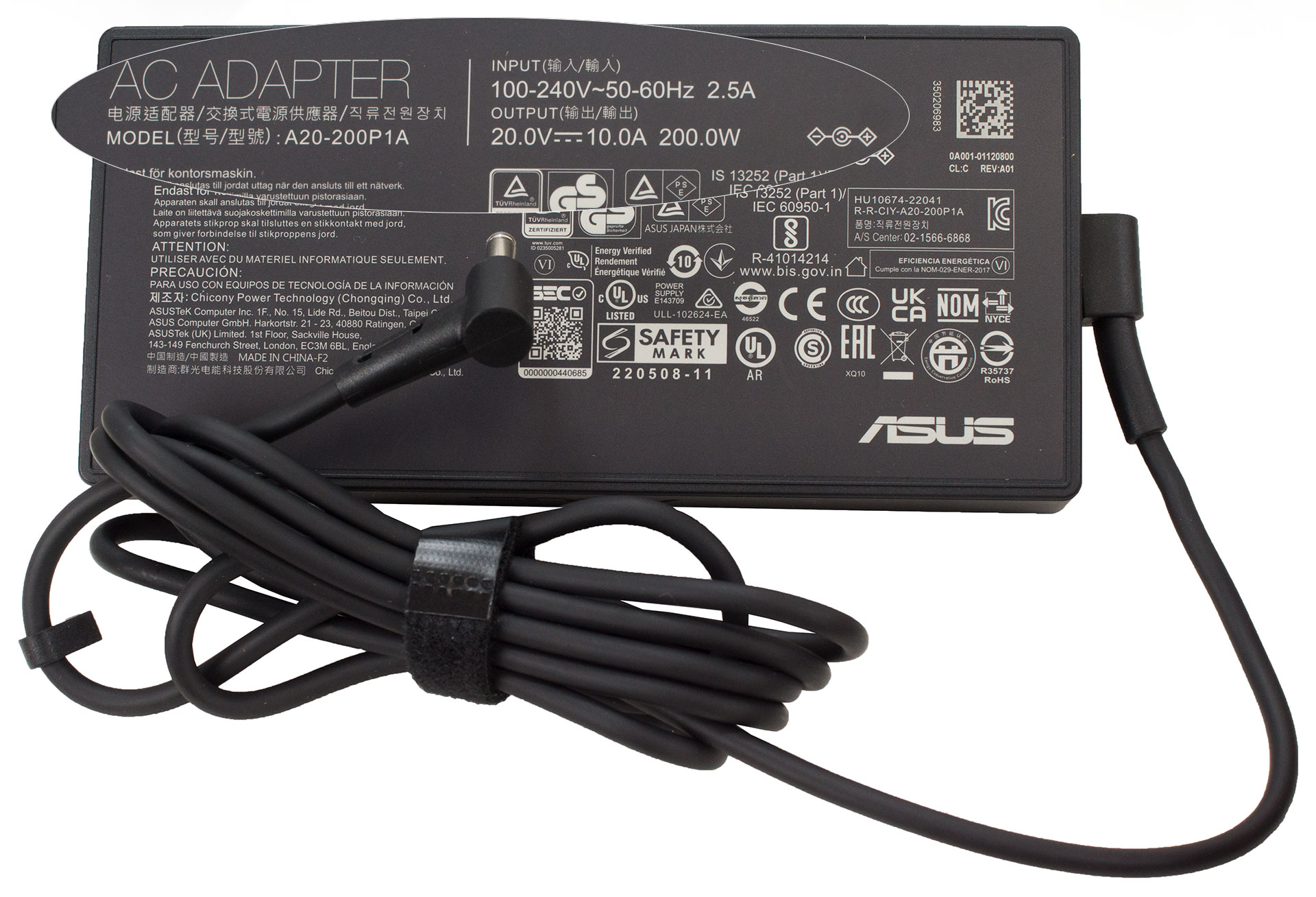
La boîte contient quelques manuels et un adaptateur de prise de courant de 200W. Dans certaines régions, l’emballage contient également une souris optique filaire ou un sac à dos.
 Author: Nikolay Palaozov
 Author: eng. Kroum NikolovHead of Engineering at LaptopMedia.com, inventor and innovator with 40+ years of experience in electronics and high technology.

![[Août 2026] Classement mondial des cartes graphiques pour ordinateurs portables les plus vendues sur Amazon : Apple règne en maître, la RTX 5060 de NVIDIA arrive en tête du classement des cartes dédiées](https://laptopmedia.com/wp-content/uploads/2026/09/Best-Selling-GPUs-GLOBAL-Top-10-400x225.jpg)
![[Août 2026] Classement mondial des processeurs d’ordinateurs portables les plus vendus sur Amazon : Apple domine aussi bien le segment économique que le segment haut de gamme. Les modèles A18 Pro et M5 écrasent Intel et AMD en août 2026](https://laptopmedia.com/wp-content/uploads/2026/09/Best-Selling-CPUs-GLOBAL-Top-10-400x225.jpg)
![[Août 2026] Amazon Global : le top 10 des ordinateurs portables les plus vendus – L’Apple MacBook Neo domine le classement tandis que les portables Windows d’entrée et de milieu de gamme se disputent les parts de marché](https://laptopmedia.com/wp-content/uploads/2026/09/Best-Selling-Laptops-GLOBAL-Top-10-400x225.jpg)
![[Août 2026] Les marques d’ordinateurs portables les plus vendues sur Amazon Global : Apple domine en termes de chiffre d’affaires tandis que HP se distingue par la diversité de ses modèles](https://laptopmedia.com/wp-content/uploads/2026/09/GLOBAL-Best-Brands-400x225.jpg)
![[Août 2026] Amazon Global : le top 10 des ordinateurs portables de jeu les plus vendus – Le HP Victus 15 s’empare de la première place alors que les modèles abordables dominent le classement](https://laptopmedia.com/wp-content/uploads/2026/09/Best-Selling-Gaming-Laptops-GLOBAL-Top-10-400x225.jpg)

Does the laptop support the installing of a 32GB stick of memory in the sodimm slot or intalling it results in the system not booting up, not recognize the memory or behave strangely? On the zephyrus g14 2022 Asus claims a maximum memory of 32GB but I knew of people reaching 48GB with no problem changing the 16GB stick with a 32GB one.
Thank you in advance.
According to ASUS, the maximum amount of RAM supported is 24GB. However, since the CPU can support up to 96GB, the Vivobook Pro 15 OLED likely wouldn’t have issues running with up to 56GB of DDR5-5600MHz RAM (8GB soldered + 48GB in the SODIMM slot).
Yes. But 32GB is a 2 rank memory, so the frequency will be lowered to 4800 and the total speed will be around 40GB/s.
Thank you for such a comprehensive review. I would really appreciate if you could incorporate the fan noise for a normal workload – web browsing, movies, etc. This is often left out in favor of fan noise at full load, which is seldom relevant.
How would you categorize the fan noise under normal office work, please?
It’s basically silent, occasionally there is some fan noise but it’s very quiet. Does get very loud sometimes during intensive workloads, but silent mode should do the trick in most cases.
Is the GPU eco mode disabled when the laptop is connected via the power brick? 🙁
With my current asus laptop I usually always have eco mode on even when connected to power to keep my laptop cool (often have it my lap or chest)
For the display what is the max brightness in HDR (small window and full screen)? Also what is the colour accuracy like in HDR?
Measuring color accuracy in HDR mode is more complex and influenced by various external and internal factors, which is why our current measurements are limited to SDR mode. Additionally, manufacturers typically prioritize more attractive picture over color accuracy in HDR. If you aim for the most realistic colors, working in SDR mode is the better option.
Regarding the size of the white window when measuring screen brightness, we’ve conducted tests with both 10% fill and fullscreen fill. In both cases, the max brightness was similar, just below 400 nits.
Did you really get 25 hours of browser time or is that a mistake?
I have this laptop at idle on minimum brightness consumes about 9 watts, that is about 8 hours of idle time with no applications running.
Any activity increases the consumption and the actual browser time is about 6 hours.
But I have a second module 32 GB, maybe the reason is this, or the drivers are not installed correctly. Installed different Windows builds several times, different drivers – nothing helps.
Hi,
I have this laptop, and with browsing on chrome, I only get 2-3 hours. Could you tell me what settings you are using?
Even though they said 25 hours, 6 hours is still better than the 3 hours that I’m getting.
I’m on silent mode, and it’s fairly new. I usually just use google docs and some other websites like amazon, makerworld, but nothing super power intensive.
Thank you!!
Just use Optimal Operation mode to disconnect Nvidia from the battery (this is crucial) and Standard or Quiet cooler mode.
If only 2-3 hours in this case as well,
1. Look in Task Manager to see which applications are loading the CPU and/or graphics card
2. Install drivers for your laptop from the official Asus website, because other, even newer drivers not from Asus may not work correctly.
Thank you so much for your helpful response! I looked in the Task Manager and found that a few background apps like steam were using a lot of resources, so I just closed out of them, and with a few chrome tabs, I also let MyASUS auto install some drivers, and I’m getting much better battery life! (Nvidia was already disconnected and quiet mode was on before.)
Thanks for your help! I’m getting around an estimate of around 5 hours, seeing that I lost around 50 percent after 3 hours.
Hi,
Please tell me how you got it to 25 hours of battery life!!! I can’t even get 3 hours on this thing and I’m just doing basic web browsing with google docs!
Anything helps!!
Thank you so much!