Lenovo ThinkPad X13 Gen 3 review – small laptops are getting seriously powerful
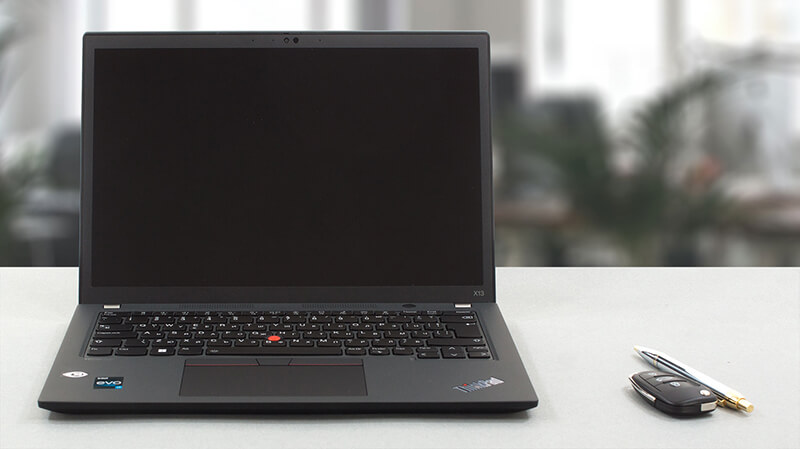 The ThinkPad brand is full of laptops suiting every budget, and every size preference. Today, we have one for the more pretentious users. A laptop, that offers good portability, premium build, and more than adequate performance.
The laptop in question is called the Lenovo Thinkpad X13 Gen 3, and it is exactly what you expect. However, it is interesting to see that the manufacturer is not afraid to use powerful CPUs inside its small chassis.
We are talking about the Intel version, which is offered with up to the Core i7-1280P – a 28W CPU with 6 P-cores and 8 E-cores. As usual, you are given a choice of build materials. Well, your retailers are given a choice, so you can buy whatever is stocked – more on that in a minute.
We are also thrilled to find out, that there are no TN display options for this laptop. Not that we expected one, but you never know what companies can do with their business devices.
You can check the prices and configurations in our Specs System: https://laptopmedia.com/series/lenovo-thinkpad-x13-gen-3-intel/
Contents
- Specs, Drivers, What’s in the box
- Design and construction
- Display quality, Health impact (PWM), Sound
- Buy our profiles
- Performance: CPU, GPU, Gaming Tests
- [eBook Guide + Tools] How to MAX OUT your Laptop
- Temperatures and comfort
- Temperatures and comfort, Battery Life
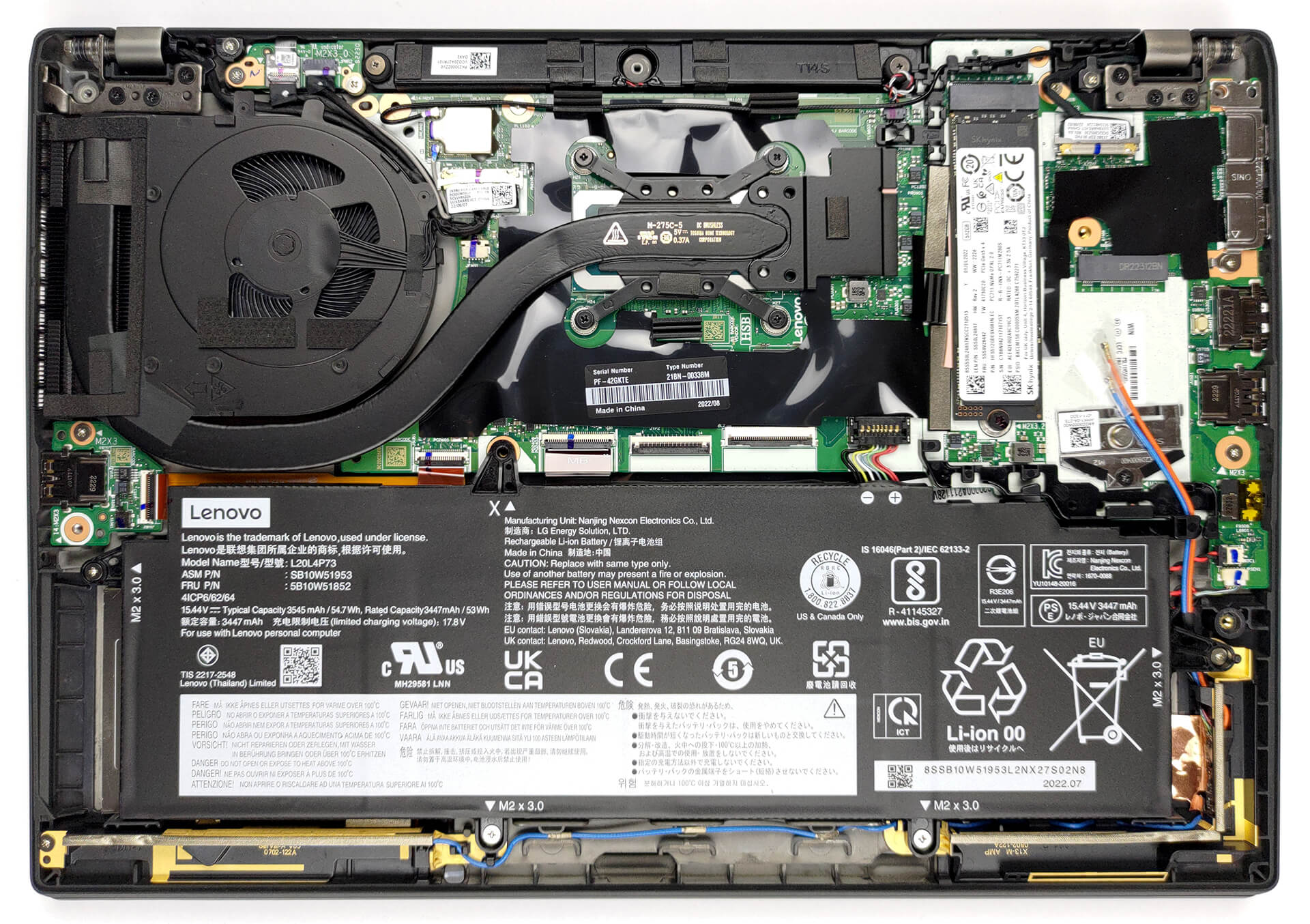
- Disassembly, Upgrade options, and Maintenance
- Verdict
Specs, Drivers, What’s in the box
Lenovo ThinkPad X13 Gen 3 (Intel) - Specs


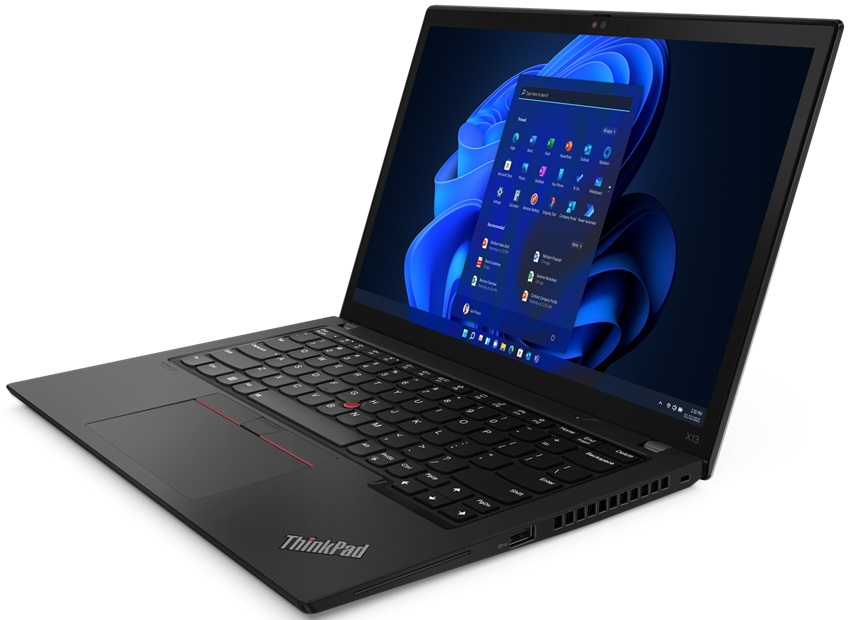
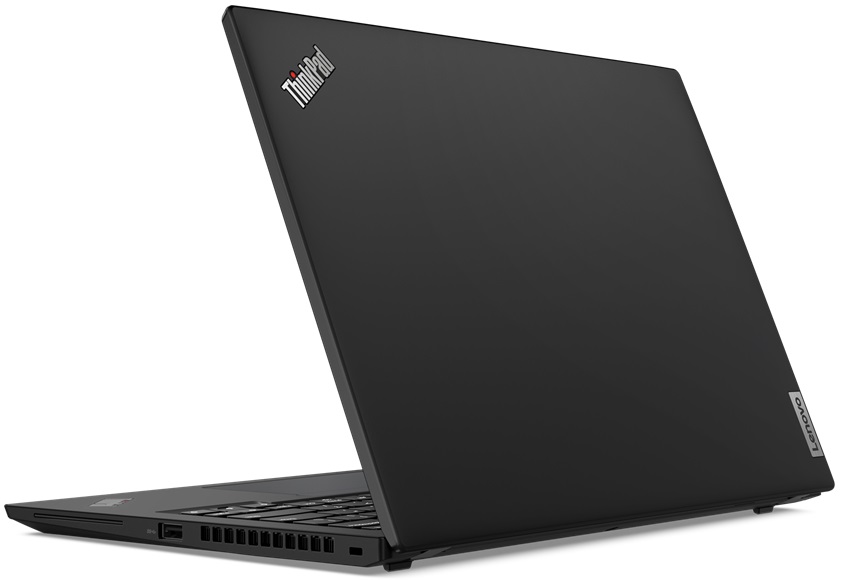


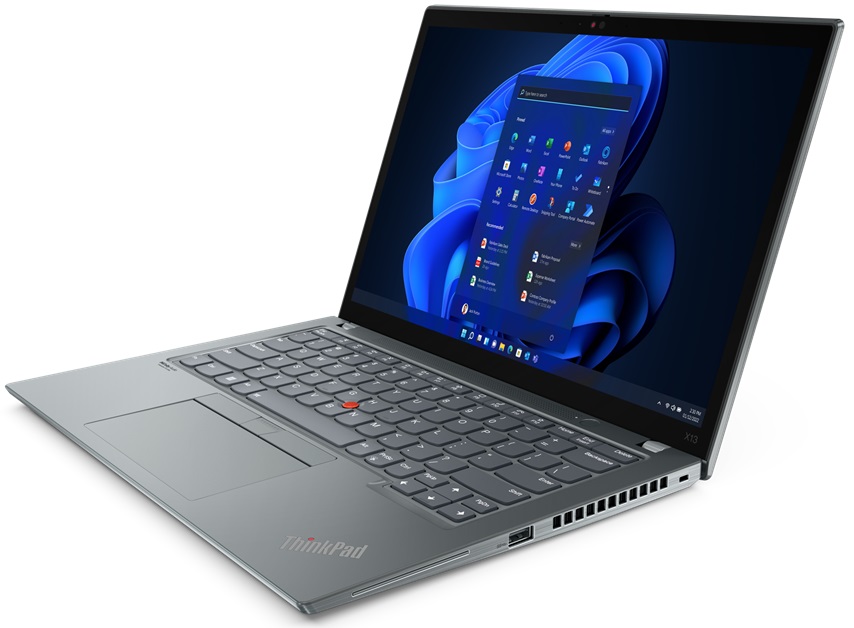

- Display
- 13.3”, WUXGA (1920 x 1200), IPS

- HDD/SSD
- up to 4000GB SSD
- M.2 Slot
- 1x 2280 PCIe NVMe 4.0 x4 See photo
- RAM
- up to 32GB
- OS
- Windows 11 Pro, Windows 11 Home, Windows 10 Pro
- Battery
- 54.7Wh, 41Wh
- Body material
- Plastic / Polycarbonate, Aluminum, Carbon, Glass Fiber
- Dimensions
- 305.8 x 217.89 x 18.25 mm (12.04" x 8.58" x 0.72")
- Weight
- 1.20 kg (2.6 lbs)
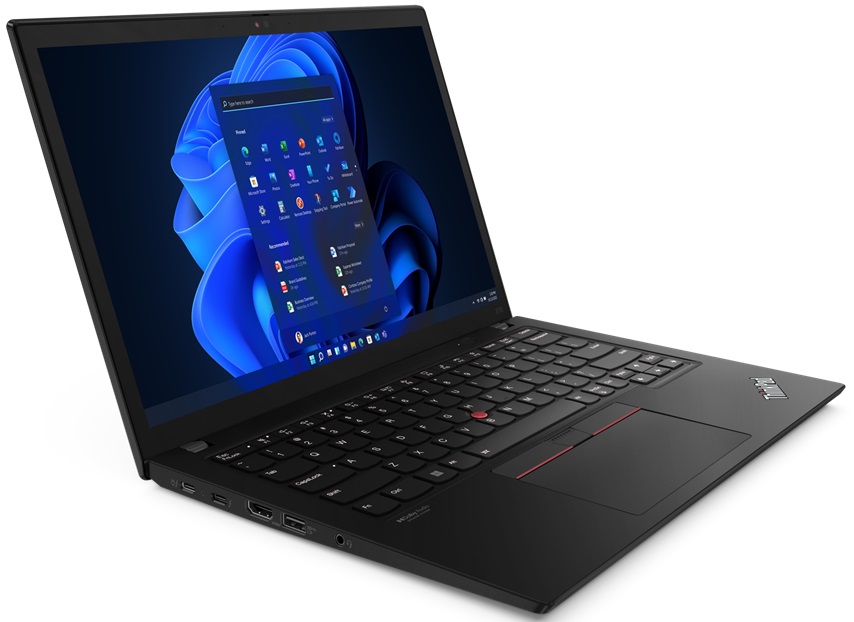
- Ports and connectivity
- 1x USB Type-A
- 3.2 Gen 1 (5 Gbps)
- 1x USB Type-A
- 3.2 Gen 1 (5 Gbps), Sleep and Charge
- 2x USB Type-C
- 4.0, Thunderbolt 4, Power Delivery (PD), DisplayPort
- HDMI
- 2.0
- Card reader
- Ethernet LAN
- Wi-Fi
- 802.11ax
- Bluetooth
- 5.2
- Audio jack
- 3.5mm Combo Jack
- Features
- Fingerprint reader
- optional
- Web camera
- HD / FHD
- Backlit keyboard
- optional
- Microphone
- Dual Array Microphone, far-field, Dolby Voice
- Speakers
- 2x 2W Stereo Speakers, Dolby Audio
- Optical drive
- Security Lock slot
- Kensington Nano Lock
All Lenovo ThinkPad X13 Gen 3 (Intel) configurations
Drivers
All drivers and utilities for this notebook can be found here: https://pcsupport.lenovo.com/us/en/products/laptops-and-netbooks/thinkpad-x-series-laptops/thinkpad-x13-gen-3-type-21bn-21bq/downloads/driver-list
What’s in the box?
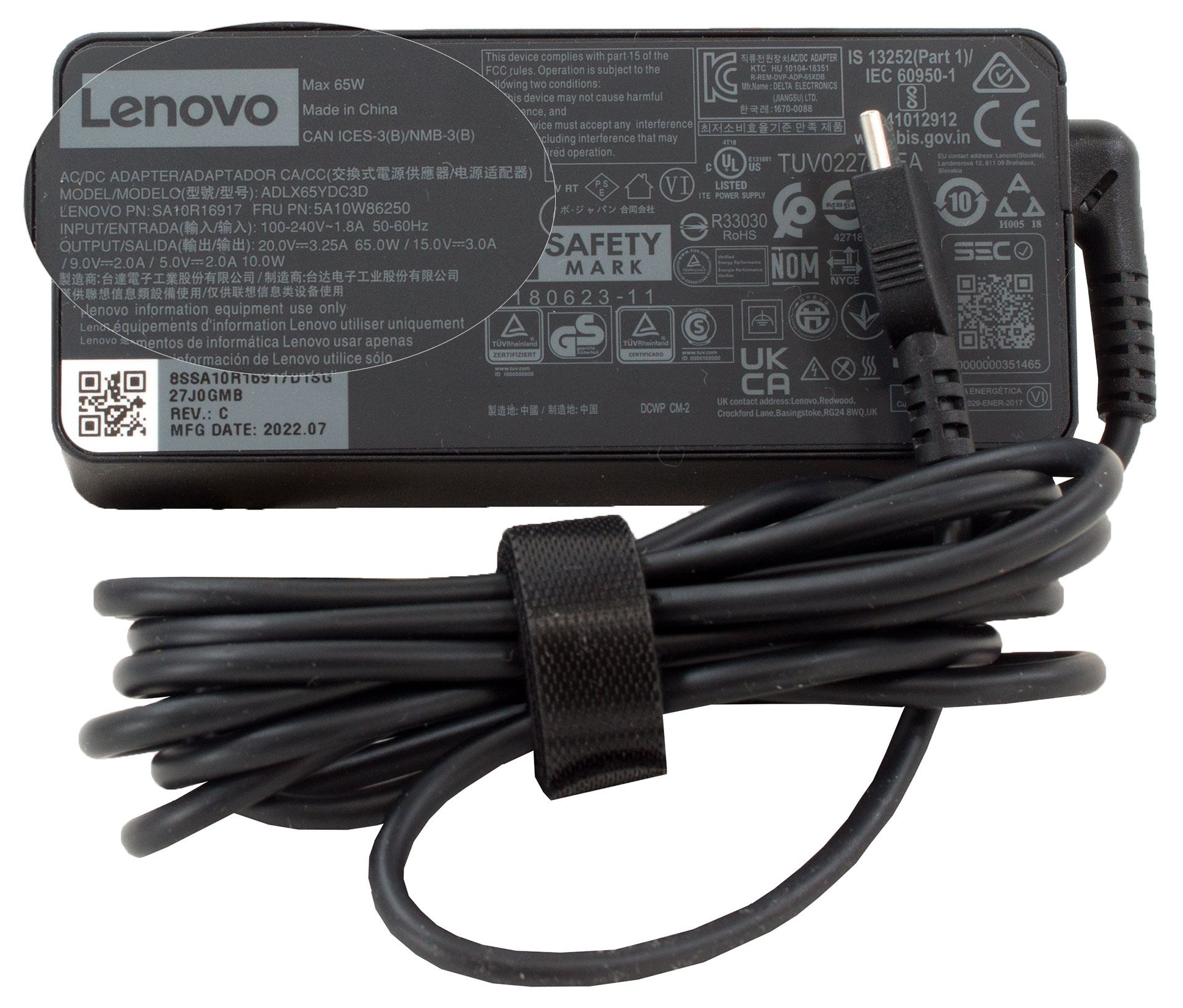
Inside the package, you will find the mandatory paperwork, paired with a 65W USB Type-C charger, capable of Rapid charging the battery from flat to 80% in only 1 hour.
 Author: Alex Iliev
 Author: eng. Kroum NikolovHead of Engineering at LaptopMedia.com, inventor and innovator with 40+ years of experience in electronics and high technology.

![[May 2026] Amazon Global: Top 10 Best-Selling Gaming Laptops – Budget-Friendly ASUS TUF Gaming A15 Dominates the Market](https://laptopmedia.com/wp-content/uploads/2026/06/Best-Selling-Gaming-Laptops-GLOBAL-Top-10-400x225.jpg)
![[May 2026] Amazon Global: Top 10 Best-Selling Laptops – Apple’s Affordable ‘MacBook Neo’ Takes the Crown Amidst Strong Air and Pro Sales](https://laptopmedia.com/wp-content/uploads/2026/06/Best-Selling-Laptops-GLOBAL-Top-10-400x225.jpg)
![[May 2026] Best-Selling Laptop Brands on Amazon Global – Apple Dominates in Units and Revenue](https://laptopmedia.com/wp-content/uploads/2026/06/GLOBAL-Best-Brands-400x225.jpg)
You have got to be high if you think I can afford that laptop all I can pay for a computer is 100 dollars no more since I get 100 dollars a month
I don’t understand why laptops are over a hundred dollars when you cant even watch anything free on them Netflix cost money and Hulu you have to be rich these days to even get a computer