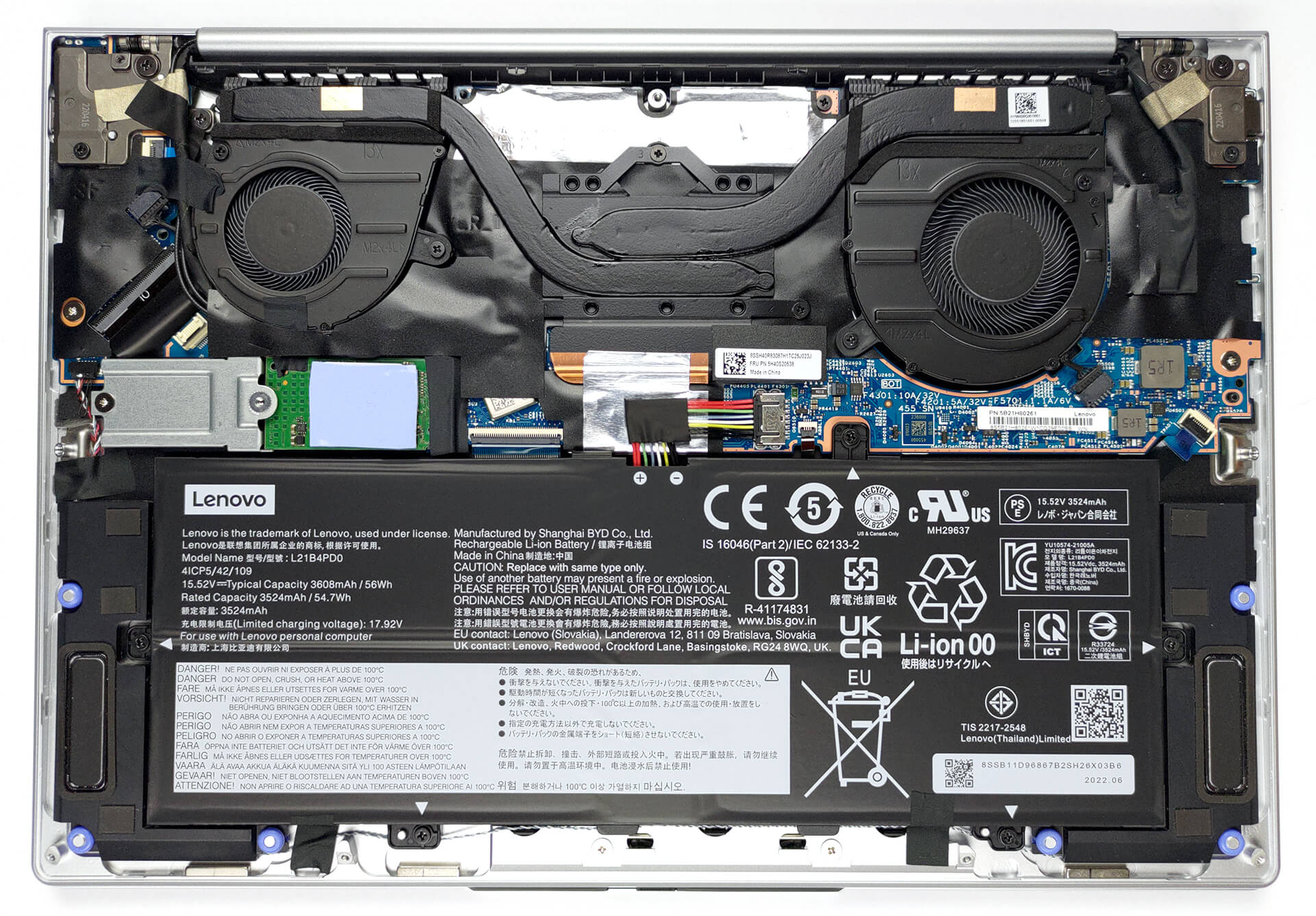
Lenovo ThinkBook 13x Gen 2 review – portability is king
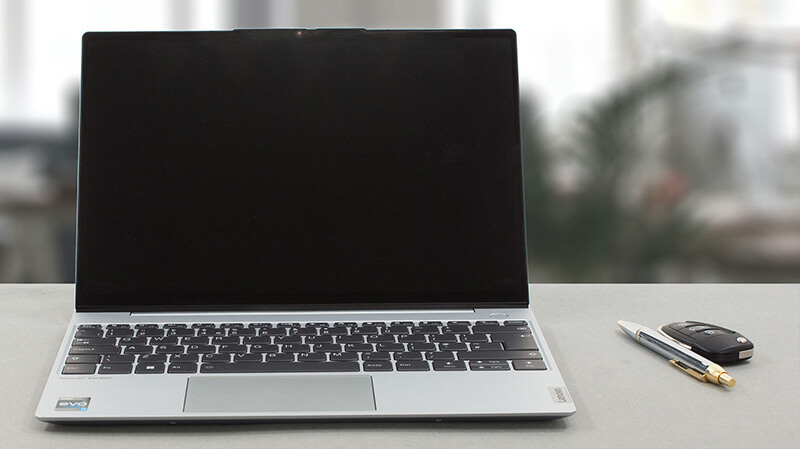 Built for business on the go, the Lenovo ThinkBook 13x Gen 2 leaves little to the imagination. Its physical properties explain 100% of the purpose of this laptop’s existence.
Before we get there, we have to state that there are a lot of shapes on the market – 2-in-1’s, retractable screens, and now even foldables. However, the best-selling laptops are clamshells. And the ThinkBook 13x Gen 2 shows us what are the limits of this form factor.
It is really interesting to see how the cooling setup is going to handle the Alder Lake-U processors. Considering the 12.9mm thickness this will be a very hard job, but if anyone can do it, that is Lenovo.
Nowadays, a slight feeling of disappointment runs down our spine, when we see a lack of an OLED display option from a high-tier device. However, if Lenovo’s goal is to make a laptop that is as close to the sRGB color standards, perhaps IPS is the better option.
You can check the prices and configurations in our Specs System: https://laptopmedia.com/series/lenovo-thinkbook-13x-gen-2/
Contents
Specs, Drivers, What’s in the box
Lenovo ThinkBook 13x Gen 2 - Specs

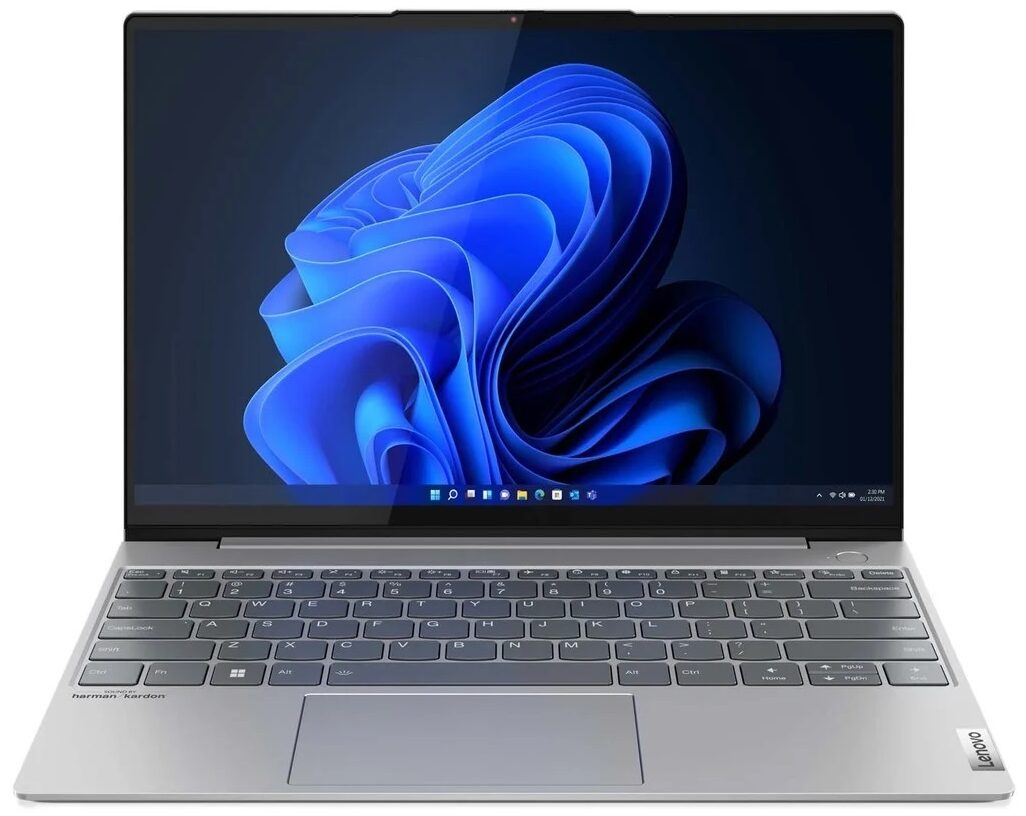
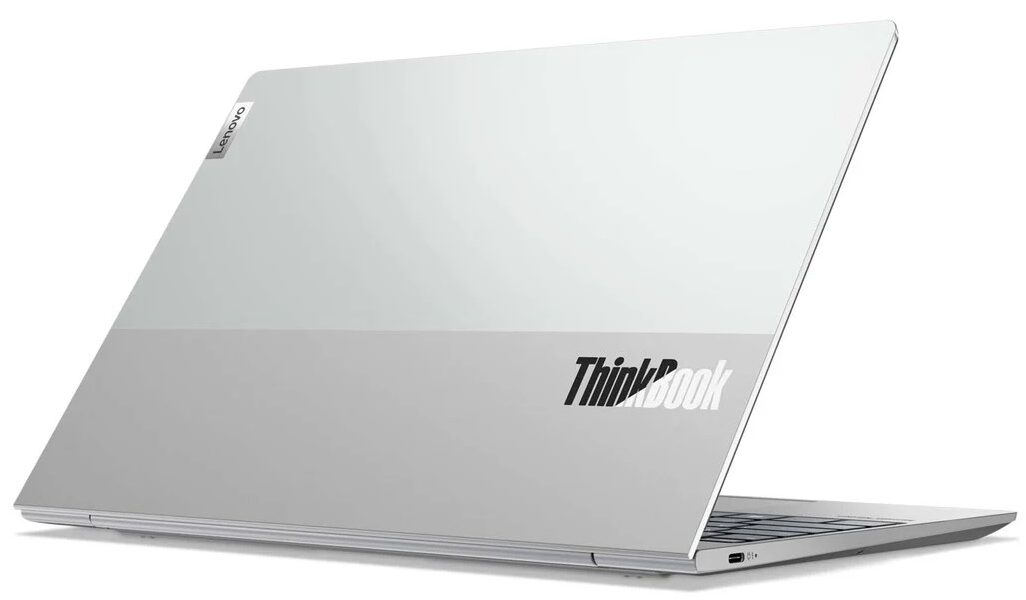
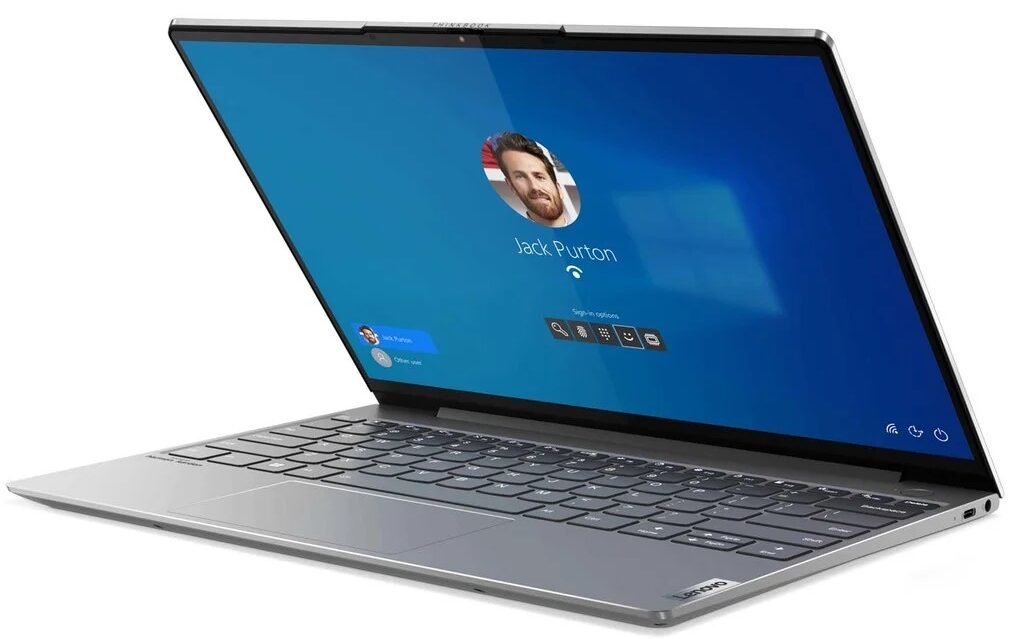
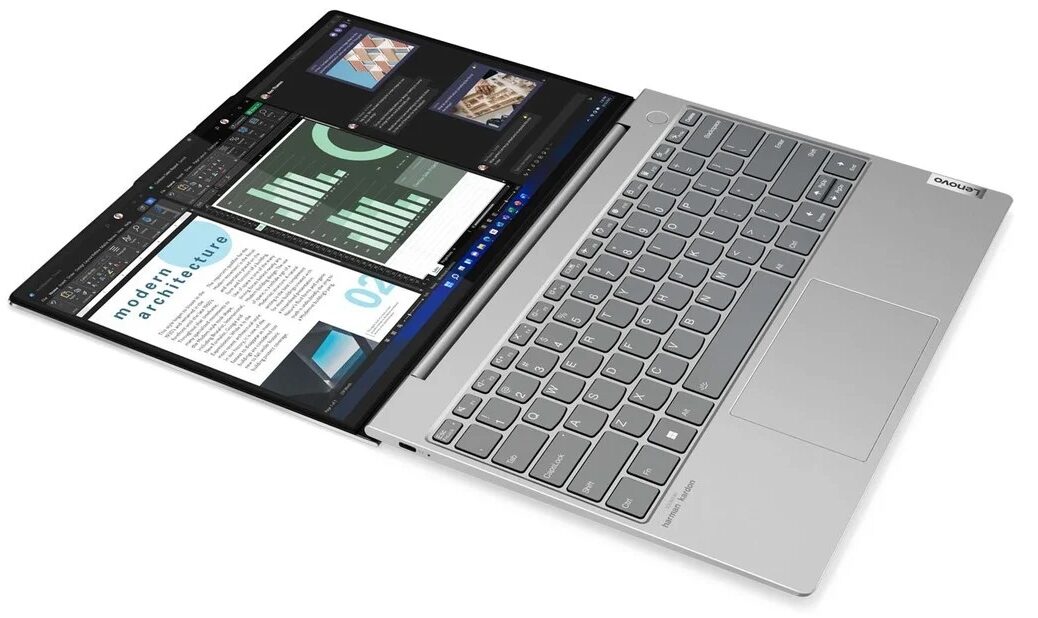
- Display
- 13.3”, WQXGA (2560 x 1600), IPS

- HDD/SSD
- up to 4000GB SSD
- M.2 Slot
- 1x 2280 PCIe NVMe 4.0 x4 See photo
- RAM
- up to 32GB
- OS
- Windows 11 Pro, Windows 11 Home, Windows 10 Pro
- Battery
- 56Wh, 56Wh, 3-cell
- Body material
- Aluminum
- Dimensions
- 298 x 209 x 12.9 mm (11.73" x 8.23" x 0.51")
- Weight
- 1.20 kg (2.6 lbs)
- Ports and connectivity
- 2x USB Type-C
- Thunderbolt 4
- HDMI
- Card reader
- Ethernet LAN
- Wi-Fi
- 802.11ax
- Bluetooth
- 5.0
- Audio jack
- 3.5mm Combo Jack
- Features
- Fingerprint reader
- optional
- Web camera
- HD & IR
- Backlit keyboard
- optional
- Speakers
- 2x 2W Stereo Speakers, Dolby Atmos
- Optical drive
All Lenovo ThinkBook 13x Gen 2 configurations
Drivers
All drivers and utilities for this notebook can be found here: https://pcsupport.lenovo.com/us/en/products/laptops-and-netbooks/thinkbook-series/thinkbook-13x-g2-iap/downloads/driver-list
What’s in the box?
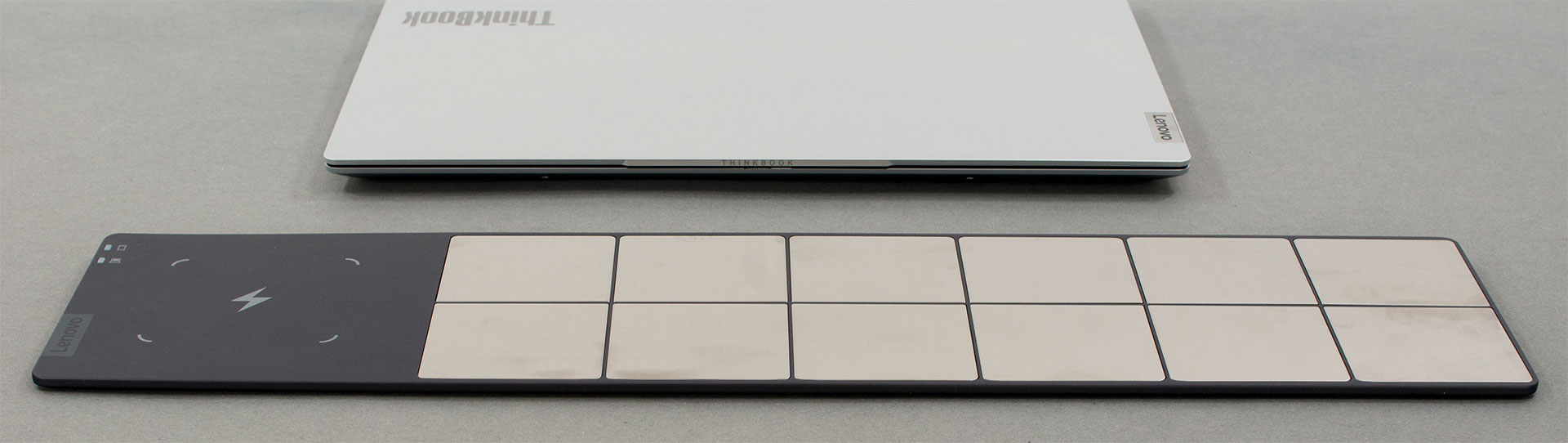
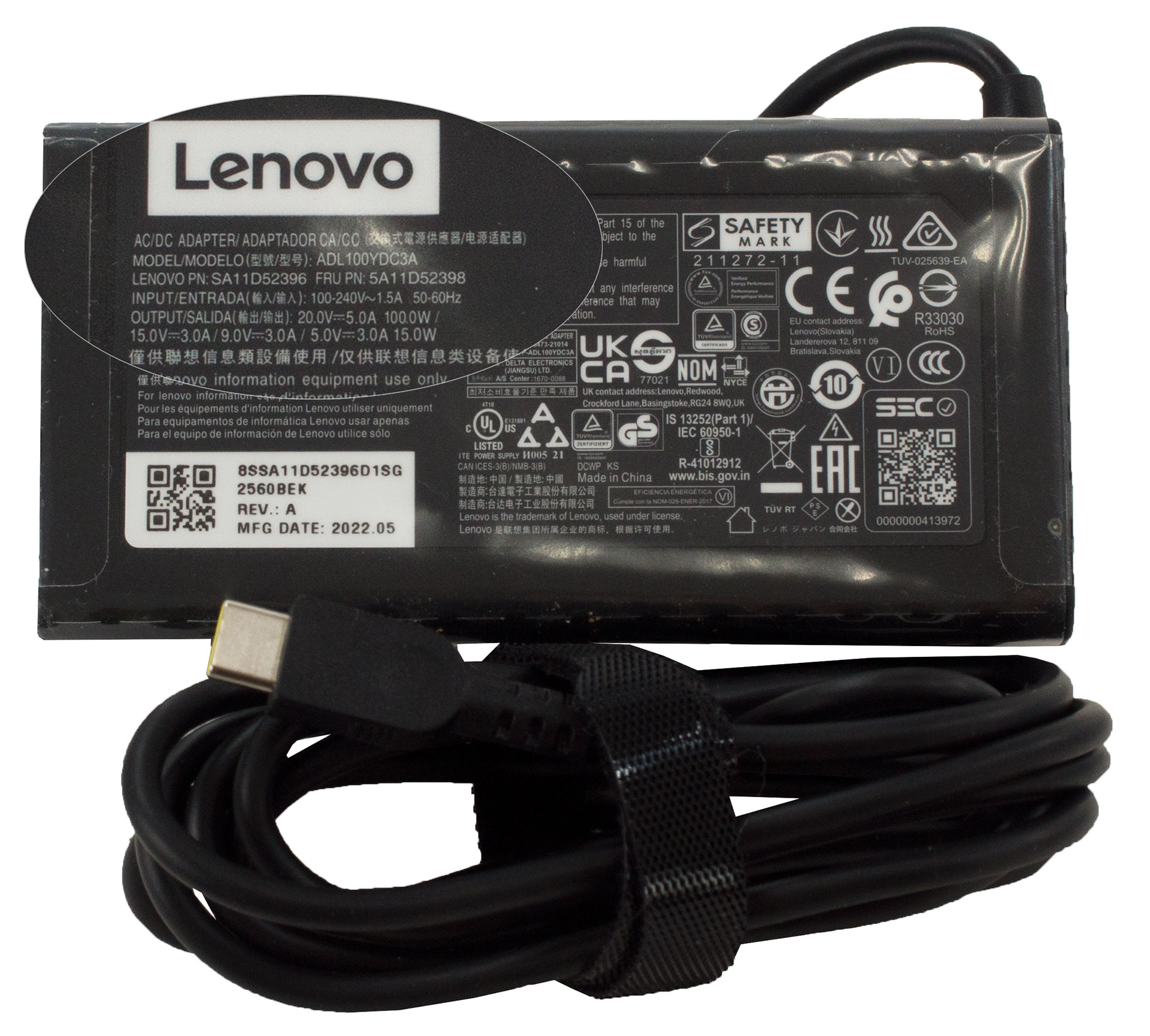
Our configuration came in two boxes. The first one houses the more conventional stuff – some paperwork, a 100W USB Type-C charger, and the laptop itself. On the other hand, in the second box, you will find a wireless charging mat. It uses both Qi charging for a smart device, as well as many metal squares, which provide charge for the ThinkBook 13x Gen 2 via a couple of contact points on either side of the back rubber foot. In addition to that, you get a USB Type-C to HDMI and USB Type-A adapter.
 Author: Alex Iliev
 Author: eng. Kroum NikolovHead of Engineering at LaptopMedia.com, inventor and innovator with 40+ years of experience in electronics and high technology.

![[August 2026] Amazon Global: Top 10 Best-Selling Laptops – Apple MacBook Neo Dominates the Charts as Budget and Mid-Range Windows Portables Fight for Volume](https://laptopmedia.com/wp-content/uploads/2026/09/Best-Selling-Laptops-GLOBAL-Top-10-400x225.jpg)
![[August 2026] Best-Selling Laptop Brands on Amazon Global – Apple Dominates Revenue While HP Leads in Model Variety](https://laptopmedia.com/wp-content/uploads/2026/09/GLOBAL-Best-Brands-400x225.jpg)
![[August 2026] Amazon Global: Top 10 Best-Selling Gaming Laptops – HP Victus 15 Captures the Crown as Budget-Friendly Models Dominate the Charts](https://laptopmedia.com/wp-content/uploads/2026/09/Best-Selling-Gaming-Laptops-GLOBAL-Top-10-400x225.jpg)
![[August 2026] Best-Selling Laptop Brands on Amazon Japan – Apple Dominates Market Share and Revenue Led by Strong Unit Sales](https://laptopmedia.com/wp-content/uploads/2026/09/CO.JP-Best-Brands-1-400x225.jpg)
![[August 2026] Best-Selling Laptop Brands on Amazon USA – Apple Dominates Market Revenue and Volume Despite Lower Model Diversity](https://laptopmedia.com/wp-content/uploads/2026/09/COM-Best-Brands-1-400x225.jpg)