HP 15s (15s-eq0000) review – really wants to be your daily driver
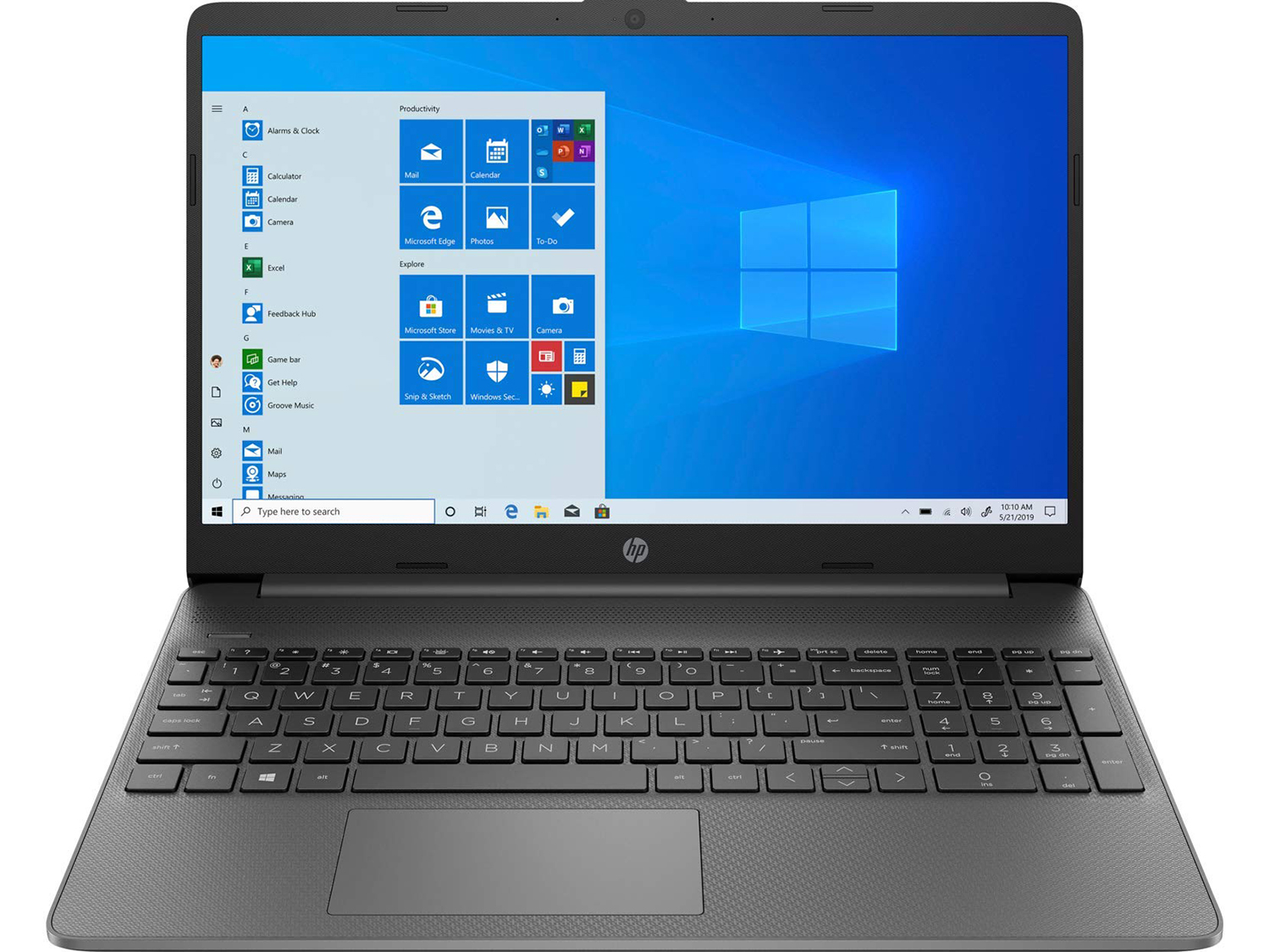
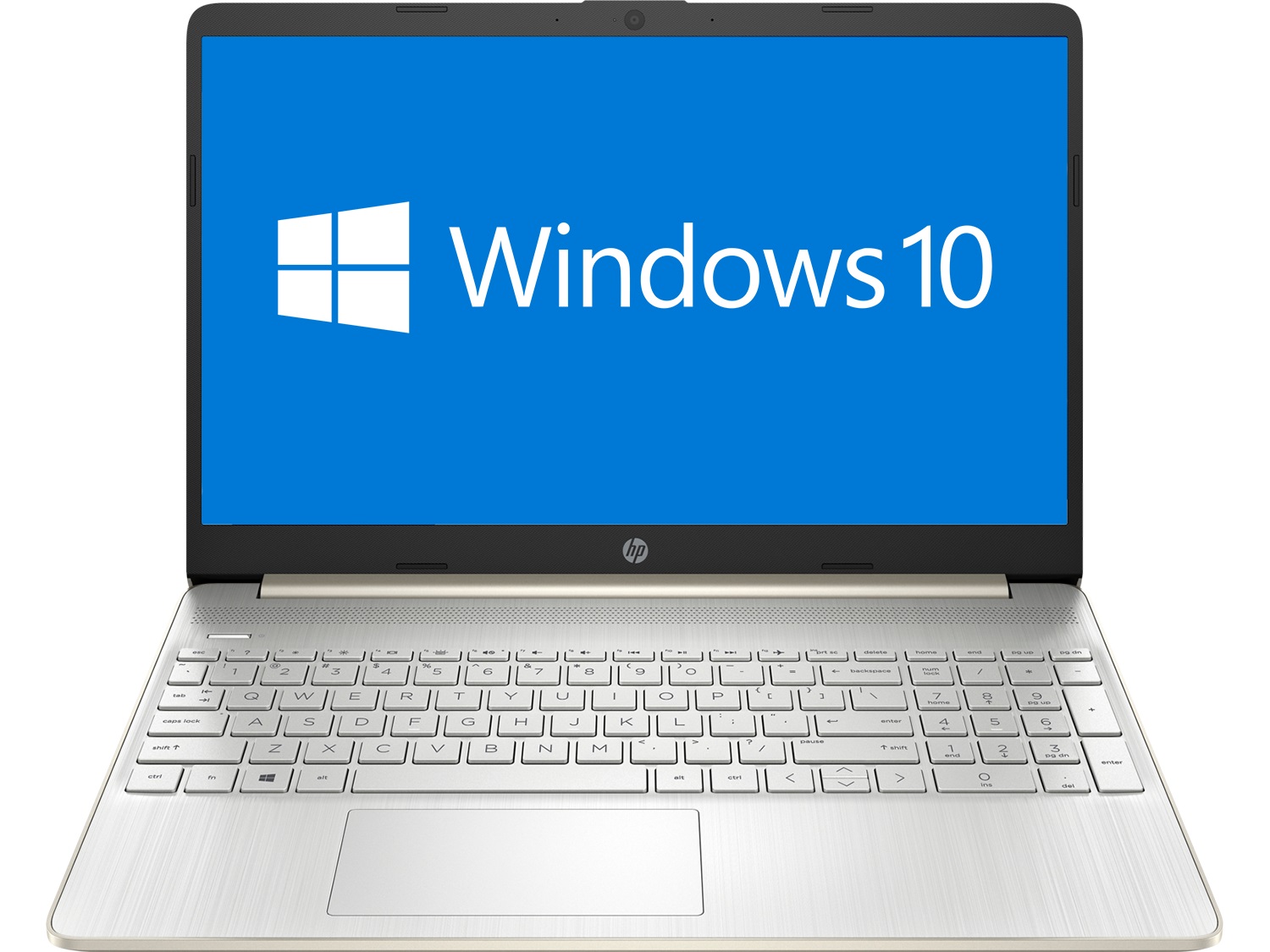
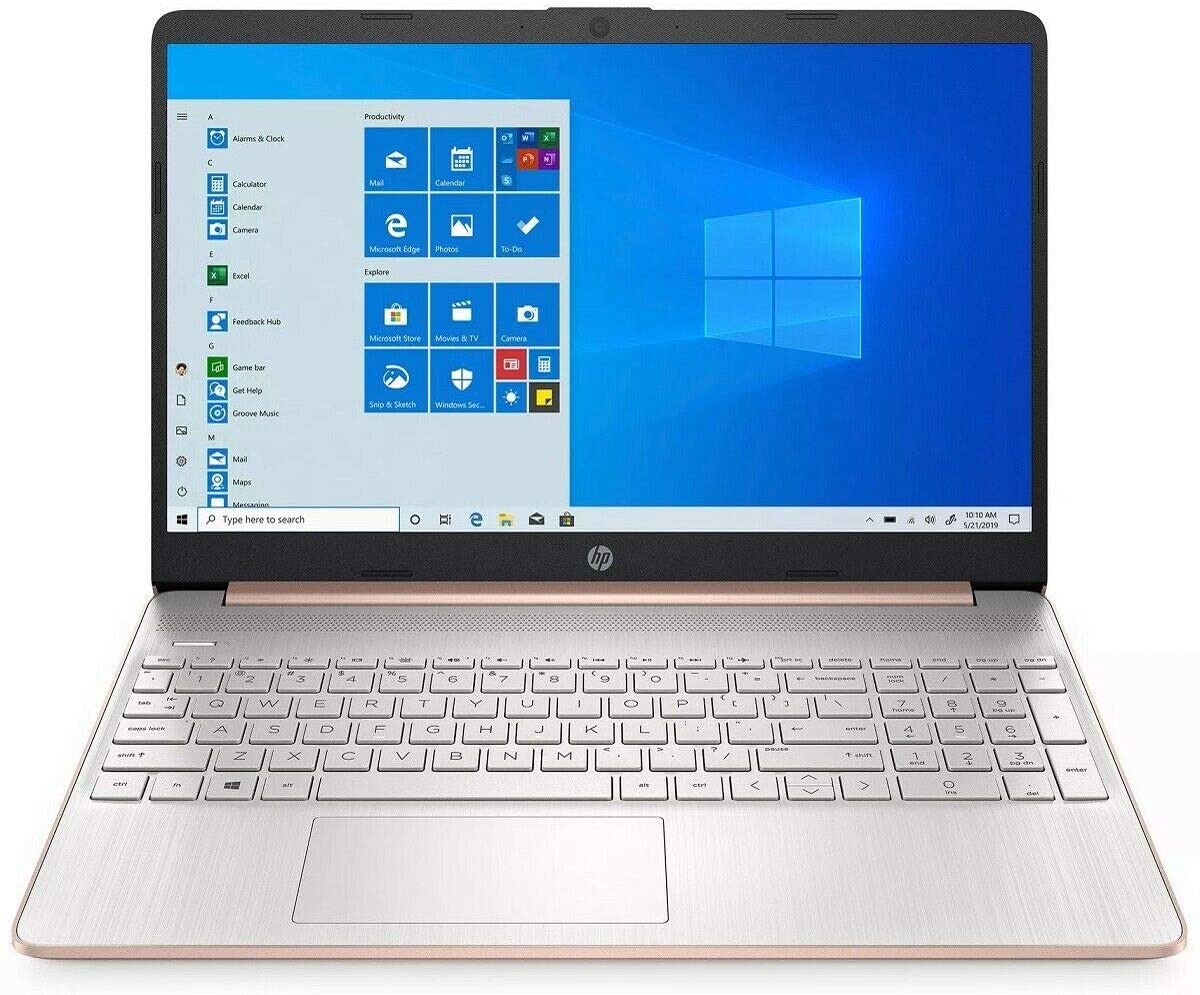
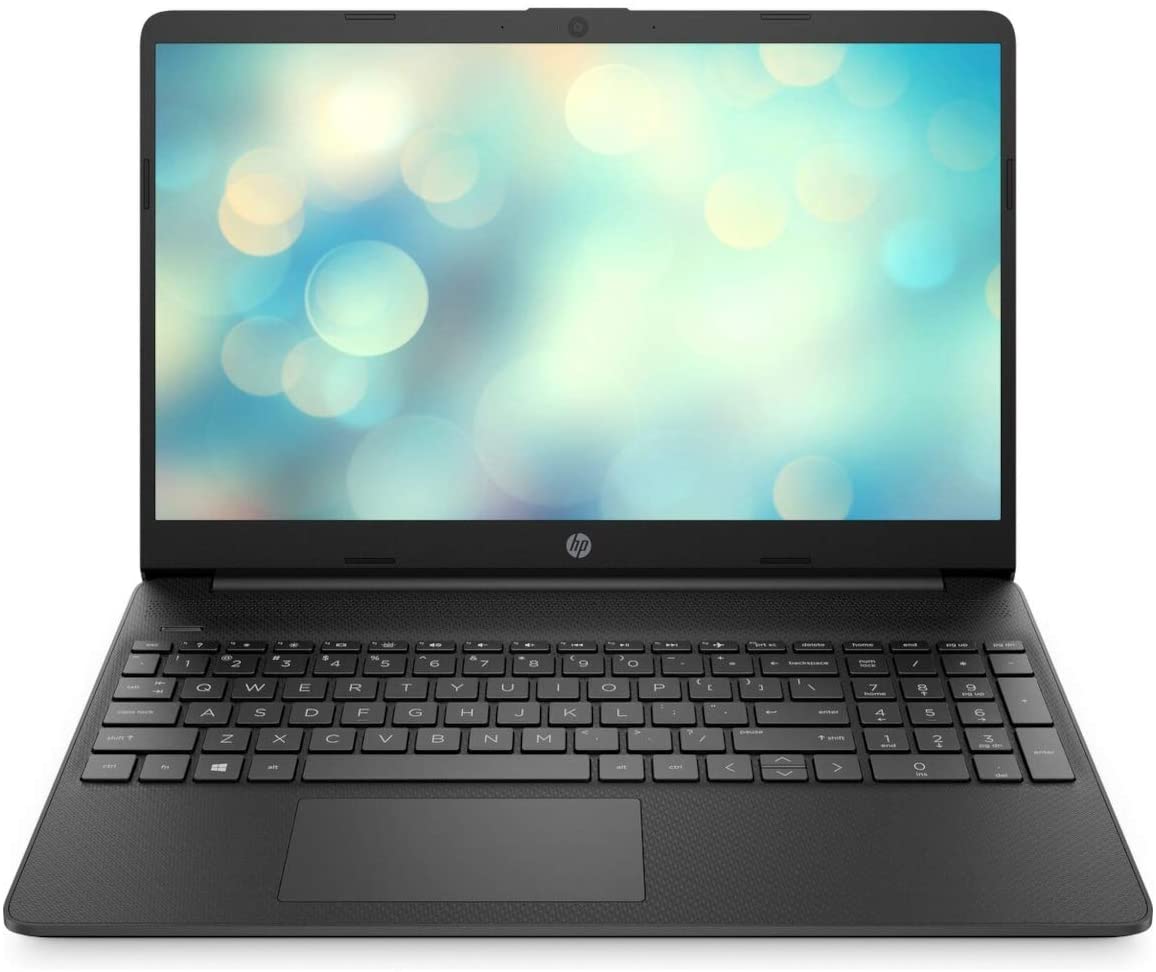
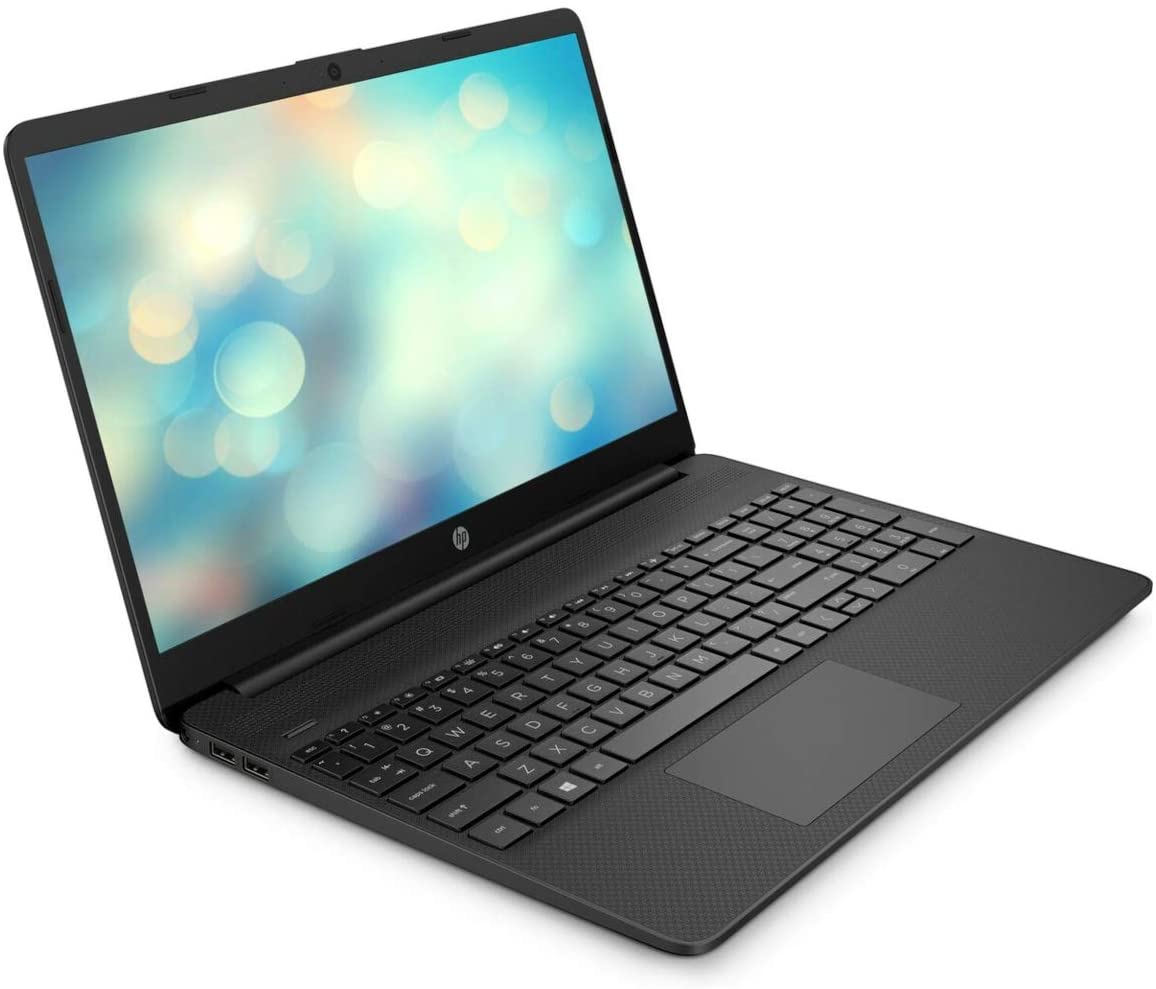
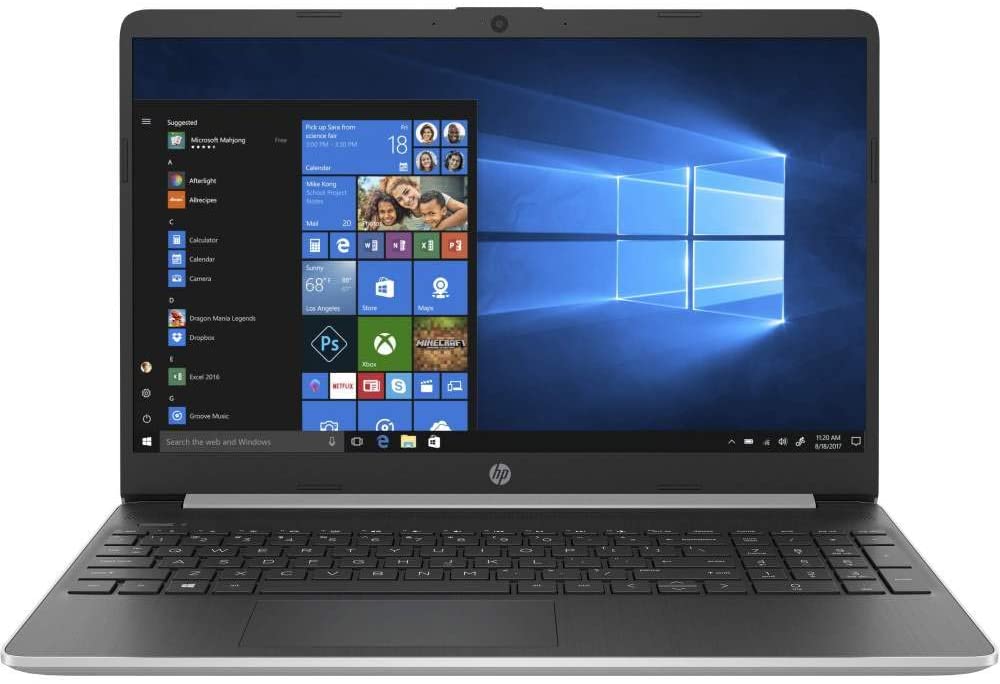
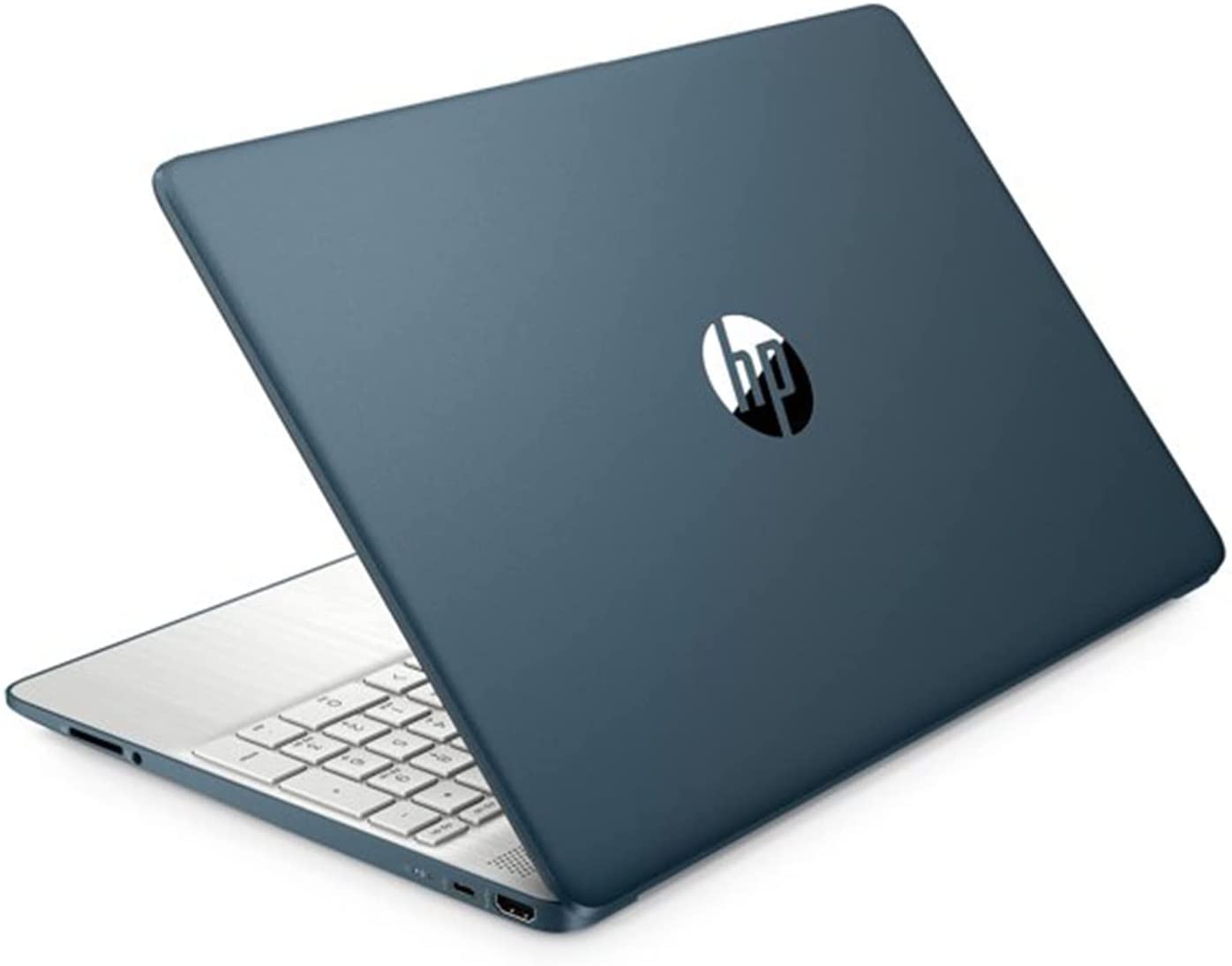
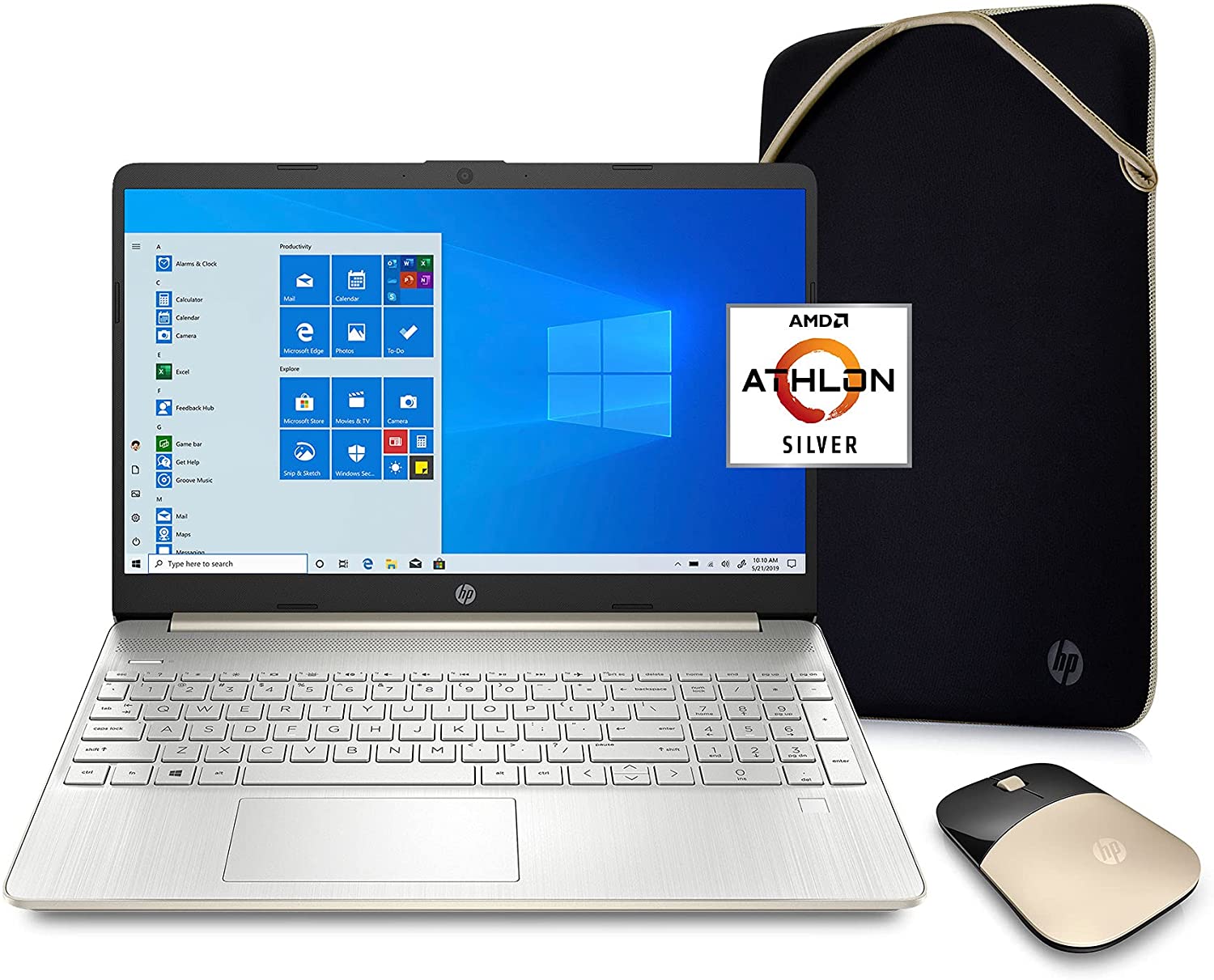
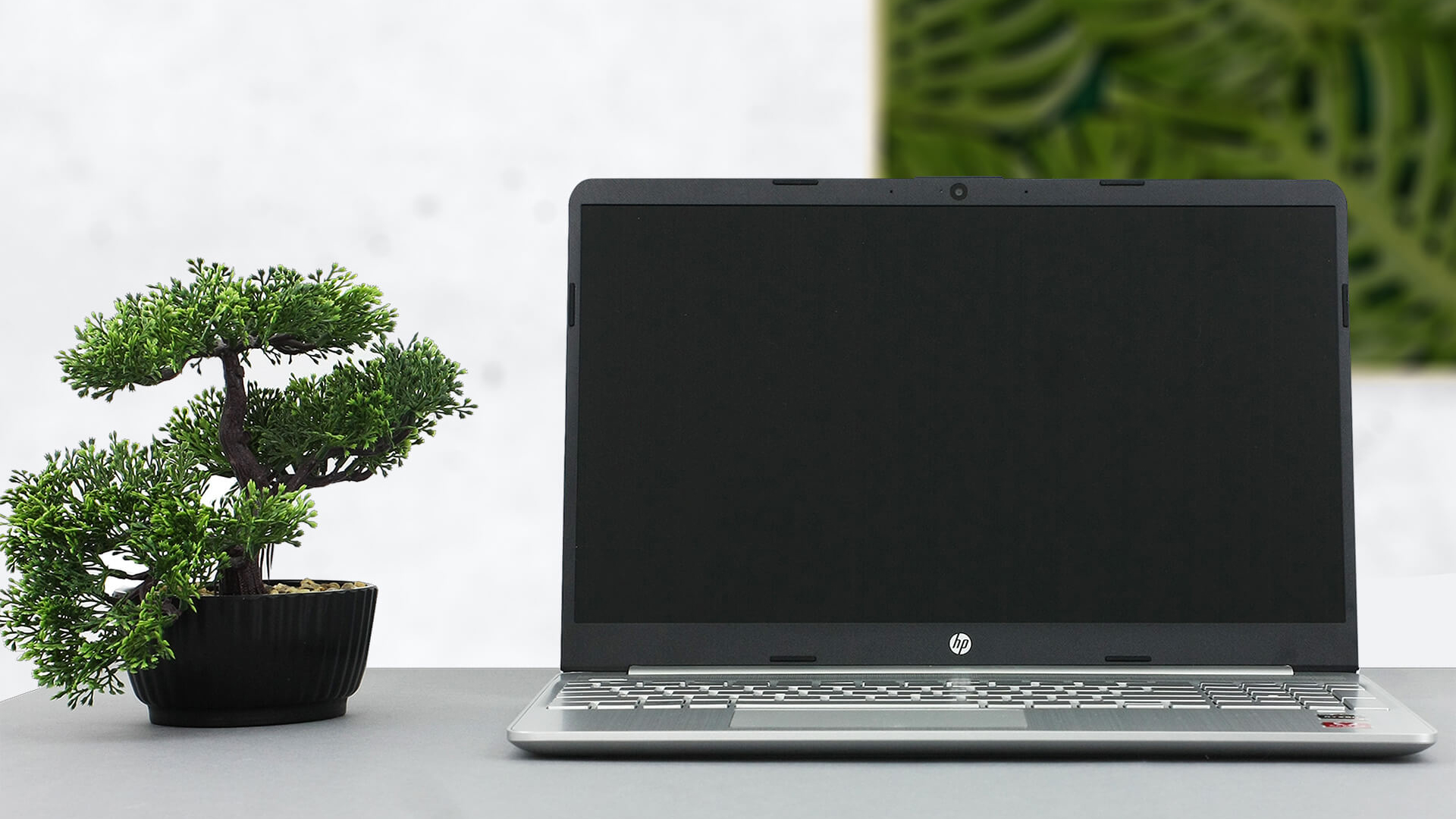 After the HP 15 from last year looked like a 5-year old device, the manufacturer has actually improved (or modernized) the design. Not only that but they have made a sport version, as well. At least, this is how we would explain the “s” letter in the 15s moniker.
While it doesn’t really look sporty, we think it actually looks sleek. However, the actual difference in the name is because of the insides – this unit houses AMD processors. Sadly, they are not part of the Ryzen 4000U series, but still, they include the reasonably impressive 3000Us, as well as some Athlon options.
In addition to that HP is offering an IPS panel, which is something we really look forward to, especially given the price point of the laptop.
You can check the prices and configurations in our Specs System: https://laptopmedia.com/series/hp-15-15s-eq0000-eq1000/

Contents
Specs Sheet
HP 15 (15s-eq0000, eq1000, eq2000, eq3000, fq0000, fq1000, fq2000, fq3000, fq4000, fr0000, fr1000, fr2000, ey0000, ey1000) - Προδιαγραφές


- CPU
- Intel Processor N200 #217 στους Κορυφαίους CPU Intel Core i7-1255U #159 στους Κορυφαίους CPU Intel Core i7-1195G7 #205 στους Κορυφαίους CPU Intel Core i3-N305 #206 στους Κορυφαίους CPU Intel Core i3-N300 #214 στους Κορυφαίους CPU Intel Core i3-1215U #201 στους Κορυφαίους CPU AMD Ryzen 7 5700U #197 στους Κορυφαίους CPU AMD Ryzen 5 3500U #209 στους Κορυφαίους CPUIntel Pentium Silver N6000 Intel Pentium Silver N5030 Intel Core i7-1165G7 Intel Core i7-1065G7 Intel Core i5-1235U Intel Core i5-1155G7 Intel Core i5-1135G7 Intel Core i5-1035G1 Intel Core i3-8130U Intel Core i3-1115G4 Intel Celeron N4120 Intel Celeron N4100 Intel Celeron N4020 AMD Ryzen 7 4700U AMD Ryzen 5 5625U AMD Ryzen 5 5500U AMD Ryzen 5 4500U AMD Ryzen 3 5300U AMD Ryzen 3 3250U AMD Athlon Silver 3050U AMD Athlon Gold 3150U AMD Athlon 300U
- GPU
- Intel UHD Graphics Xe G4 (48EU) #313 στις Κορυφαίες GPU Intel UHD Graphics Xe 750 (32EU) #343 στις Κορυφαίες GPU Intel UHD Graphics G1 #345 στις Κορυφαίες GPU Intel UHD Graphics 620 #342 στις Κορυφαίες GPU Intel UHD Graphics 605 #365 στις Κορυφαίες GPU Intel UHD Graphics 600 #366 στις Κορυφαίες GPU Intel UHD Graphics (Jasper Lake 32 EU) #354 στις Κορυφαίες GPU Intel UHD Graphics (Alder Lake, 64EU) #315 στις Κορυφαίες GPU Intel Iris Xe Graphics G7 (96EU) #323 στις Κορυφαίες GPU Intel Iris Xe Graphics G7 (80EU) #318 στις Κορυφαίες GPU Intel Iris Xe Graphics G4 #328 στις Κορυφαίες GPU Intel Iris Plus Graphics G7 #340 στις Κορυφαίες GPU AMD Radeon RX Vega 8 (R4000/5000, 15W) #310 στις Κορυφαίες GPU AMD Radeon RX Vega 8 (R2000/3000, 15W) #322 στις Κορυφαίες GPU AMD Radeon RX Vega 7 (R4000/5000, 15W) #321 στις Κορυφαίες GPU AMD Radeon RX Vega 6 (R4000/5000, 15W) #329 στις Κορυφαίες GPU AMD Radeon RX Vega 3 #335 στις Κορυφαίες GPU

- HDD/SSD
- έως 4000GB SSD + έως 1000GB HDD
- RAM
- up to 64GB
- OS
- Windows 10 S, Windows 11 Home, Windows 10 Home, Windows 11 Pro, Windows 11, DOS, Windows 10 Pro, Windows OS, Chrome OS
- Μπαταρία
- 41Wh, 3-cell
- Διαστάσεις
- 358.5 x 242 x 17.9 mm (14.11" x 9.53" x 0.70")
- Βάρος
- 1.74 kg (3.8 lbs)
- Θύρες και συνδεσιμότητα
- 2x USB Type-A
- 3.2 Gen 1 (5 Gbps)
- 1x USB Type-C
- 3.2 Gen 1 (5 Gbps)
- HDMI
- 1.4b
- Αναγνώστης καρτών
- SD
- Wi-Fi
- 802.11ac
- Bluetooth
- 4.2
- Υποδοχή ήχου
- 3.5 Combo Jack
- Χαρακτηριστικά
- Αναγνώστης δακτυλικών αποτυπωμάτων
- optional
- Κάμερα web
- HD
- Φωτιζόμενο πληκτρολόγιο
- optional
- Μικρόφωνο
- Dual Array Digital Microphone
- Ηχεία
- 2 Speakers
- Οπτικός δίσκος
Όλα HP 15 (15s-eq0000, eq1000, eq2000, eq3000, fq0000, fq1000, fq2000, fq3000, fq4000, fr0000, fr1000, fr2000, ey0000, ey1000) διαμορφώσεις
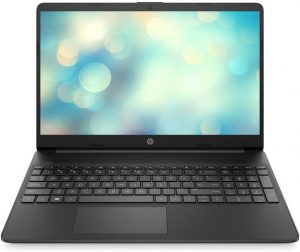
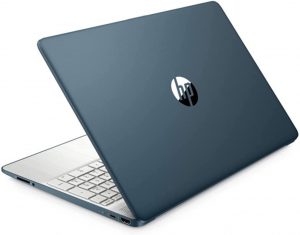
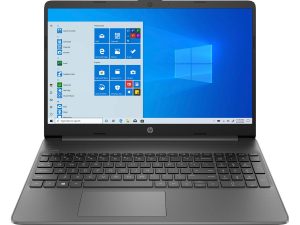
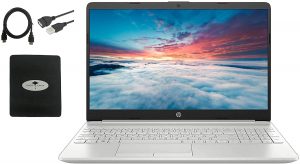
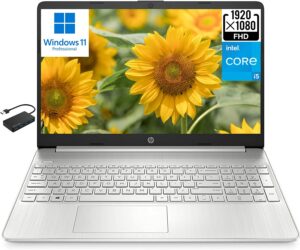
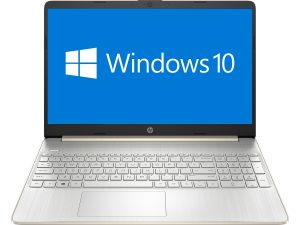
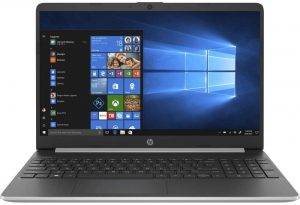
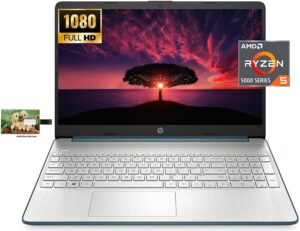
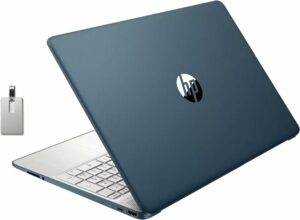
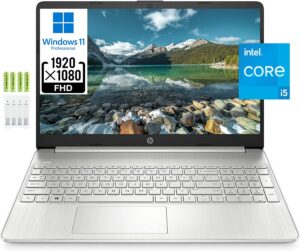
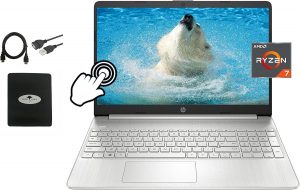
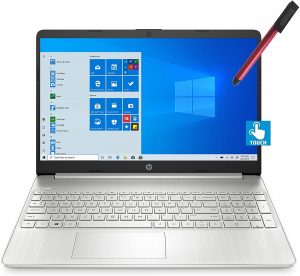
What’s in the box?
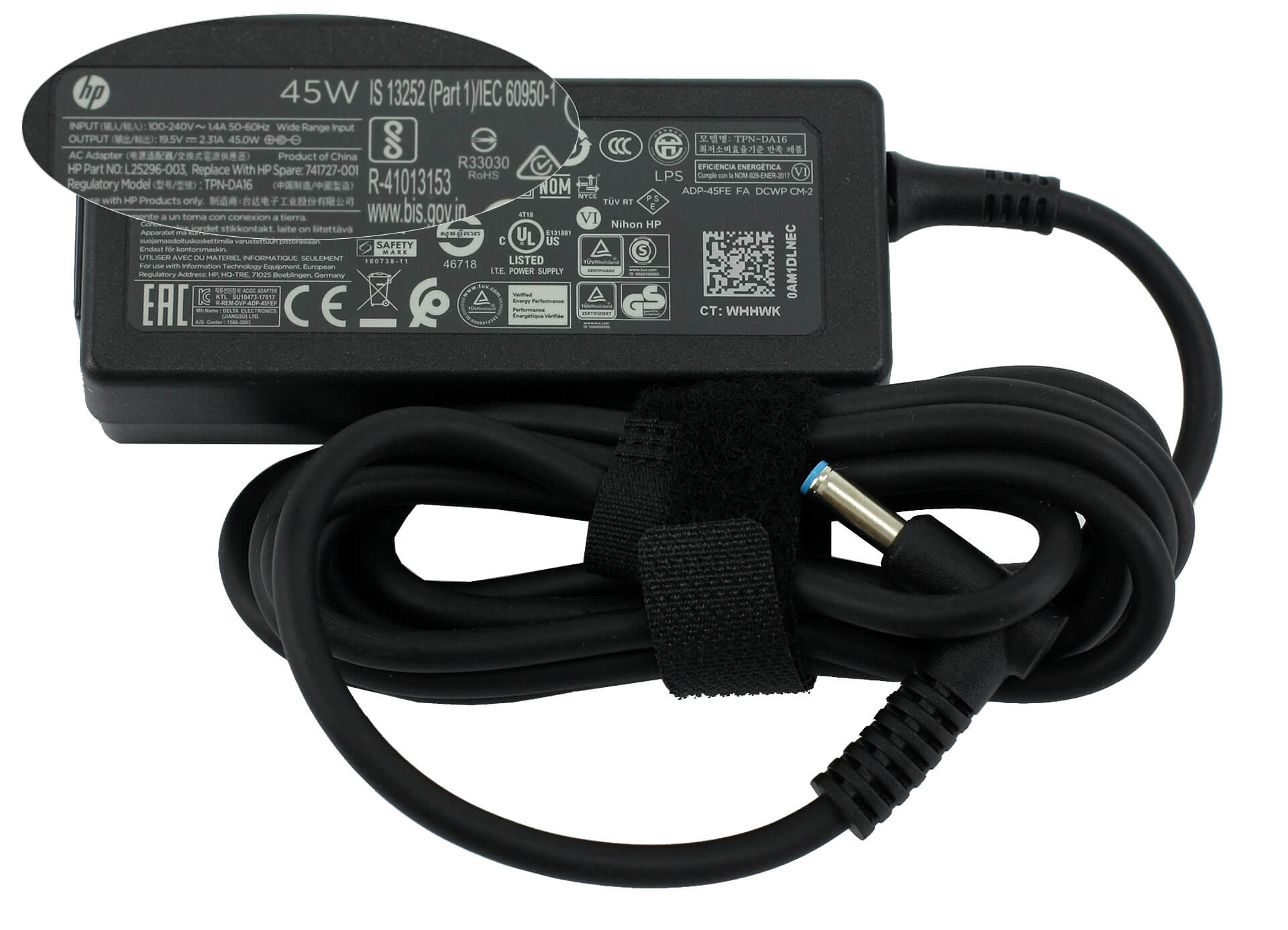
Inside of our device’s packaging, we found some quick instructions, the other mandatory paperwork, and a 45W power brick with a barrel-style plug.
Design and construction
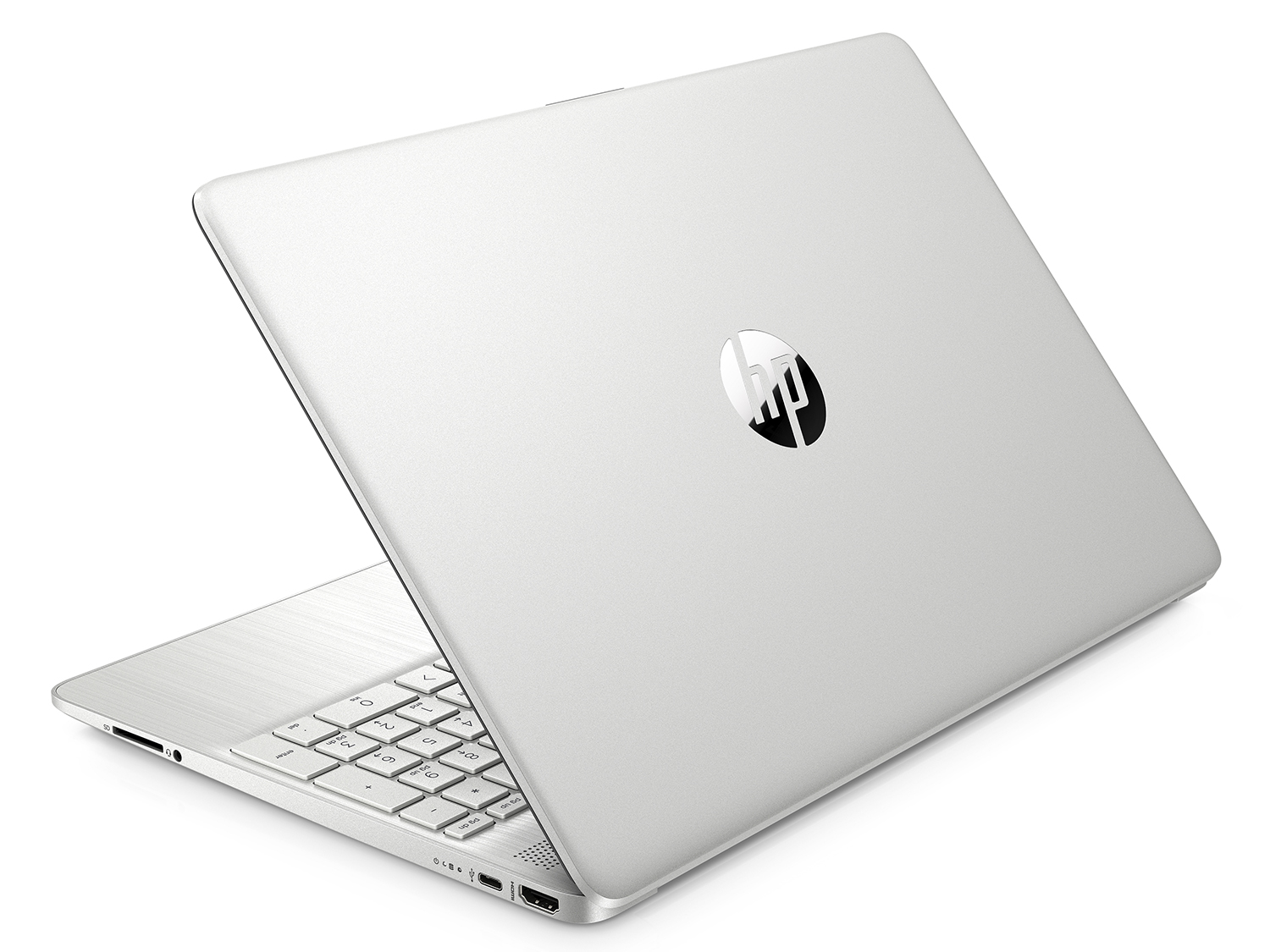
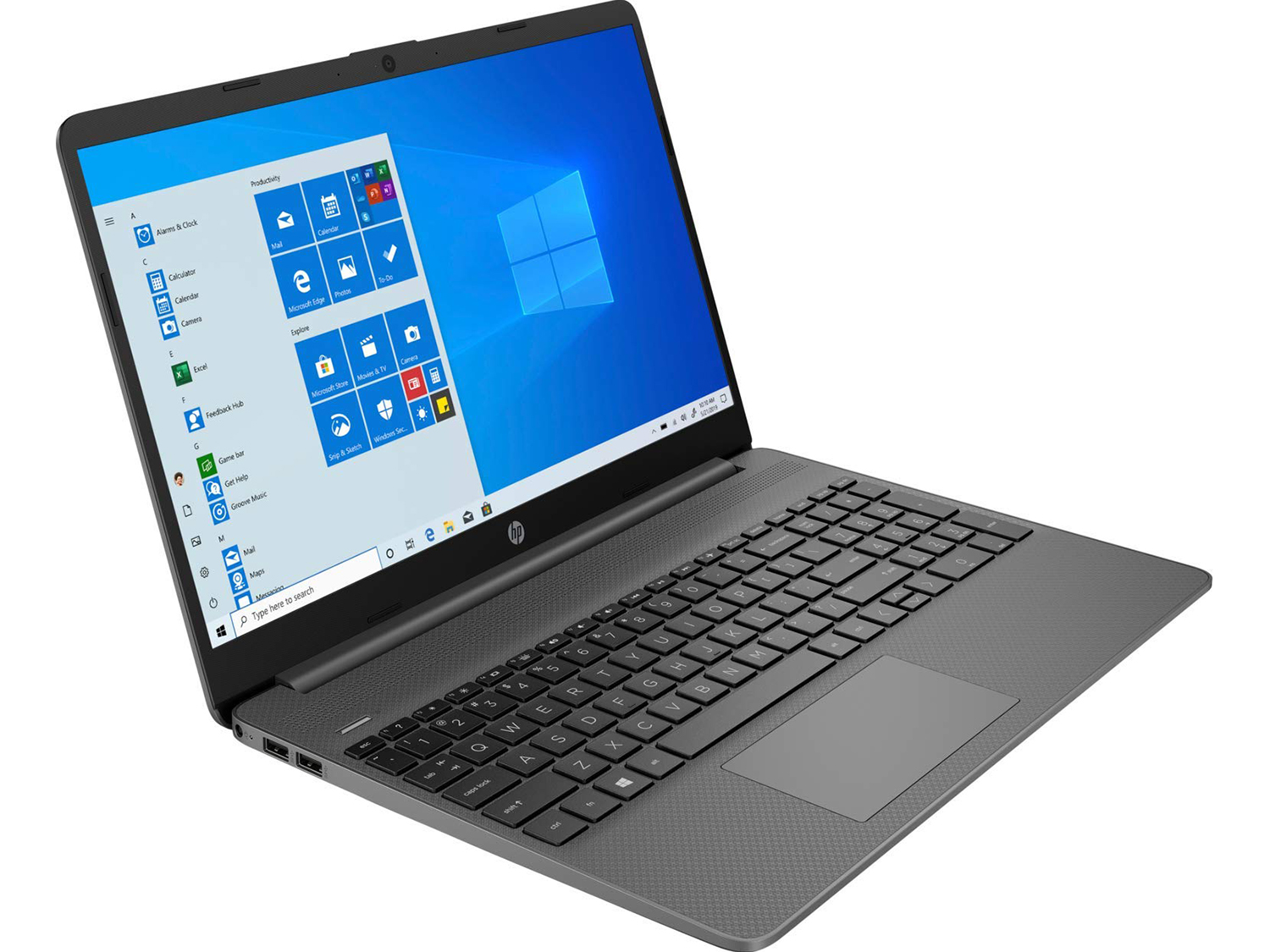
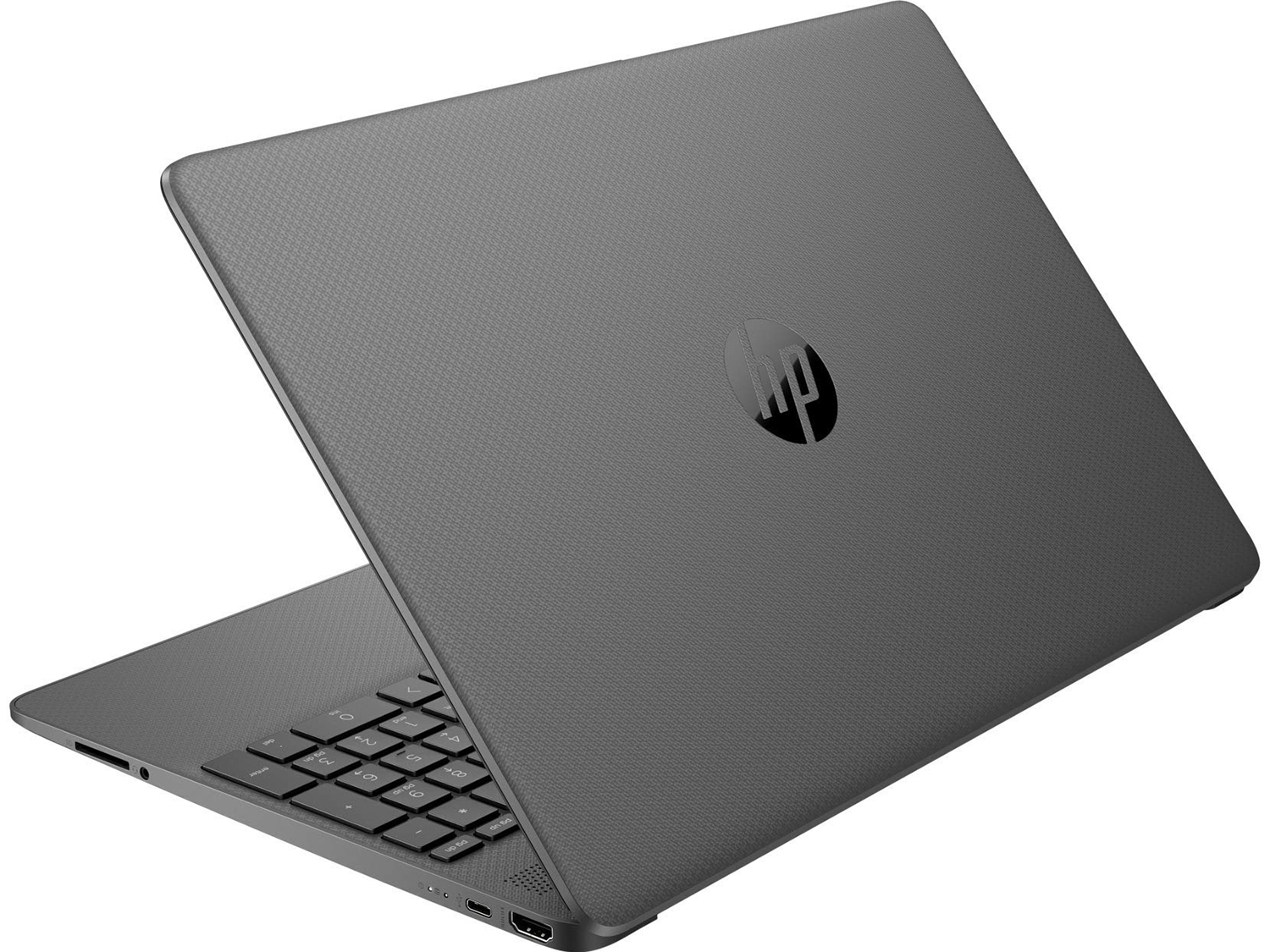
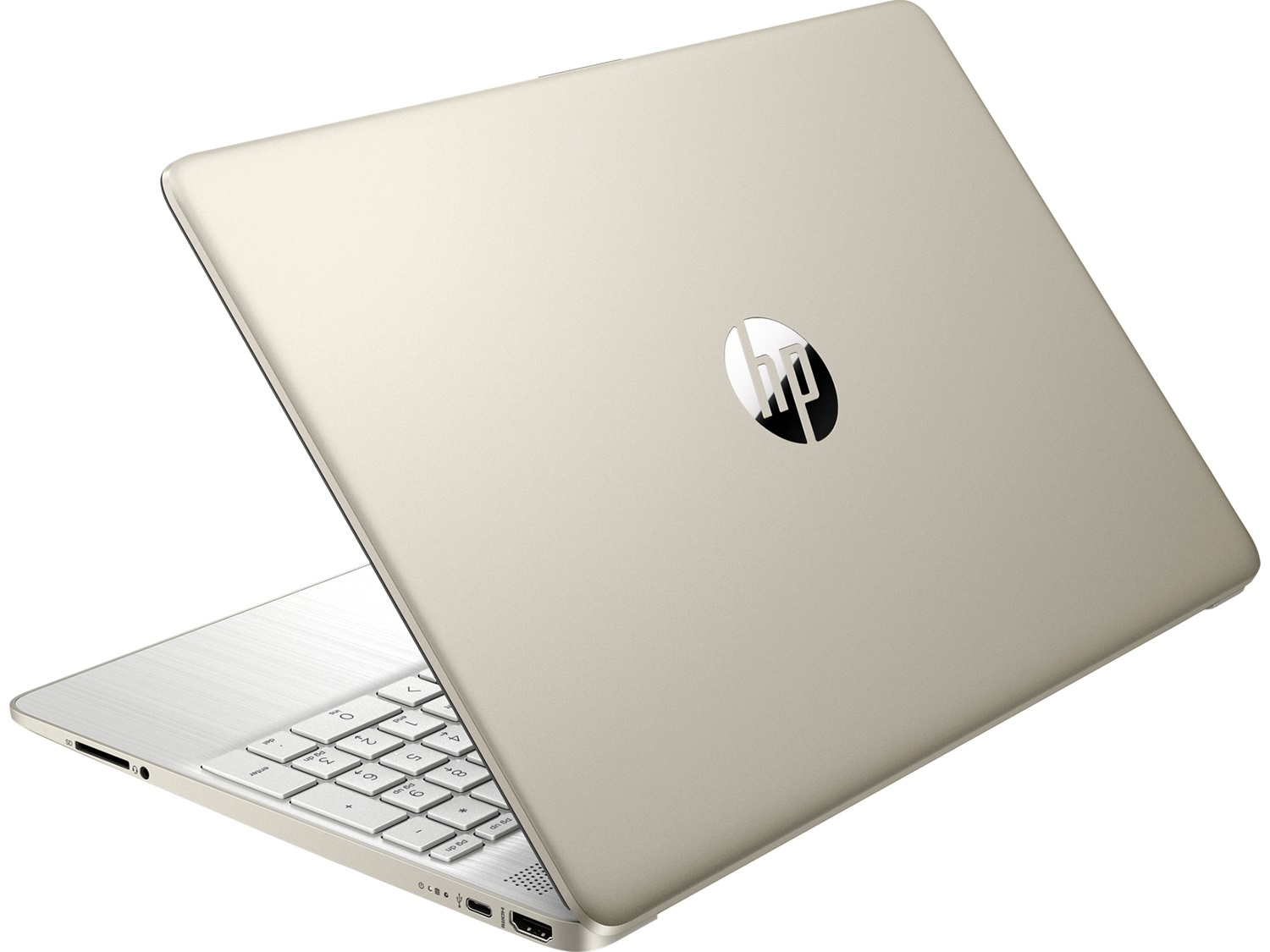
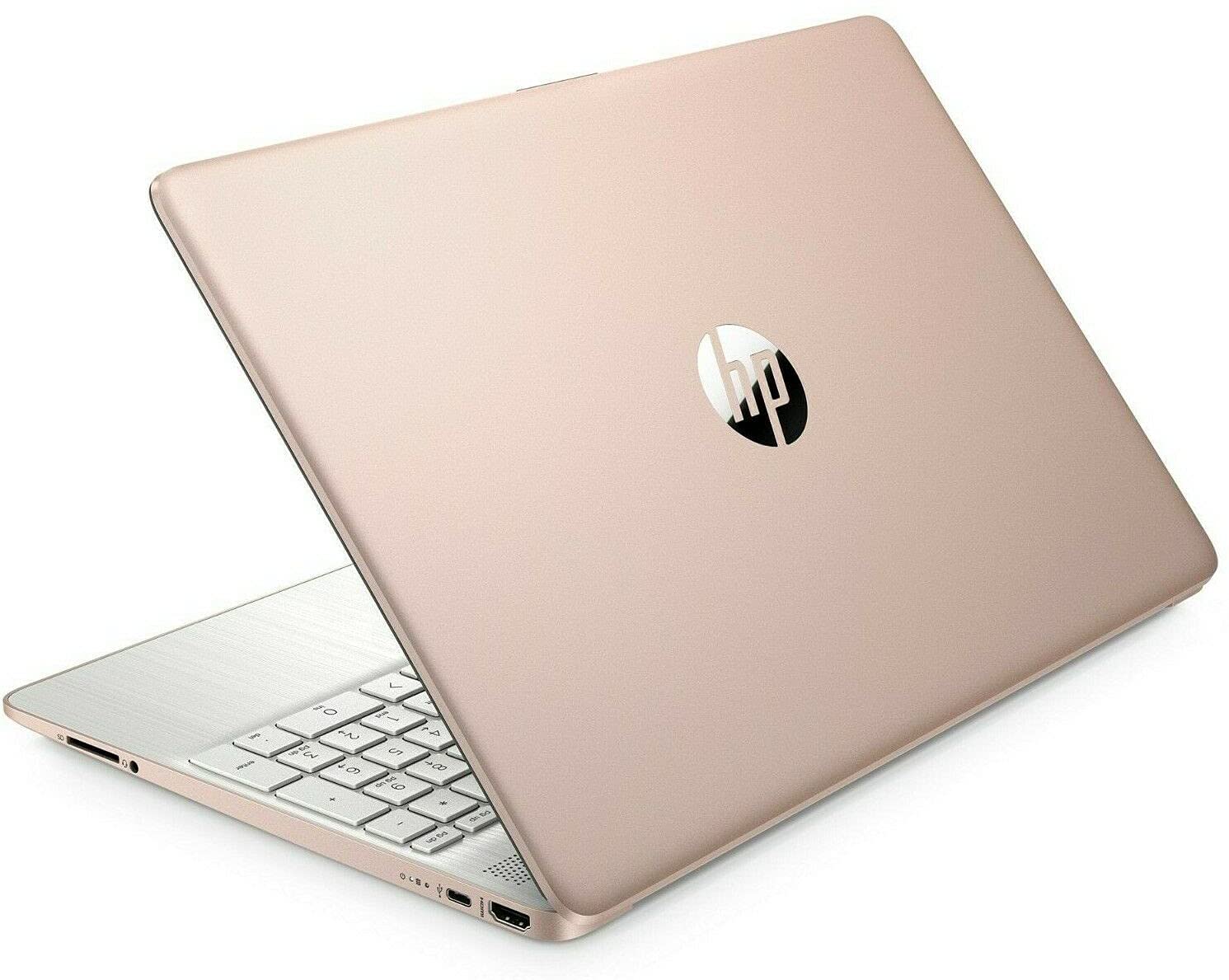
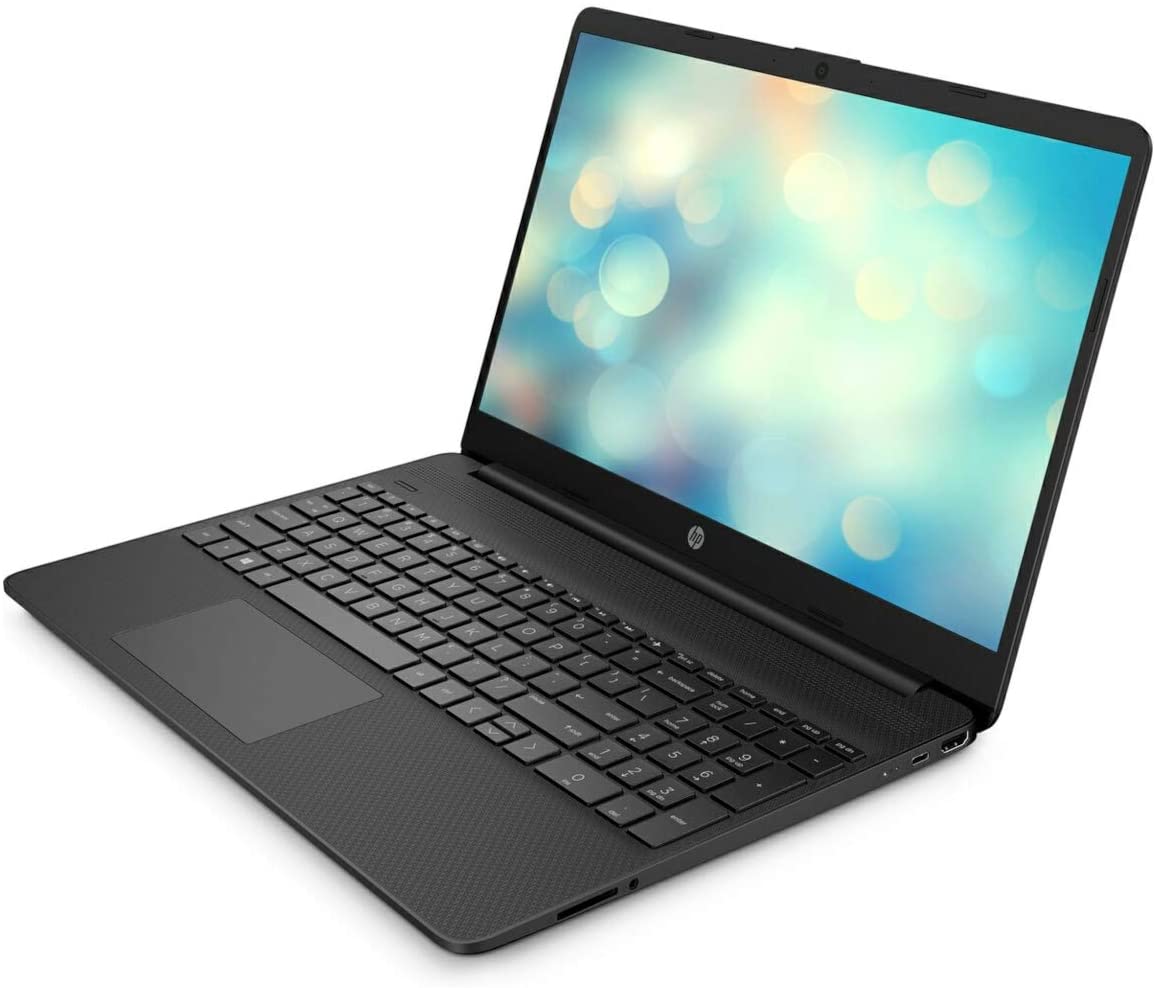
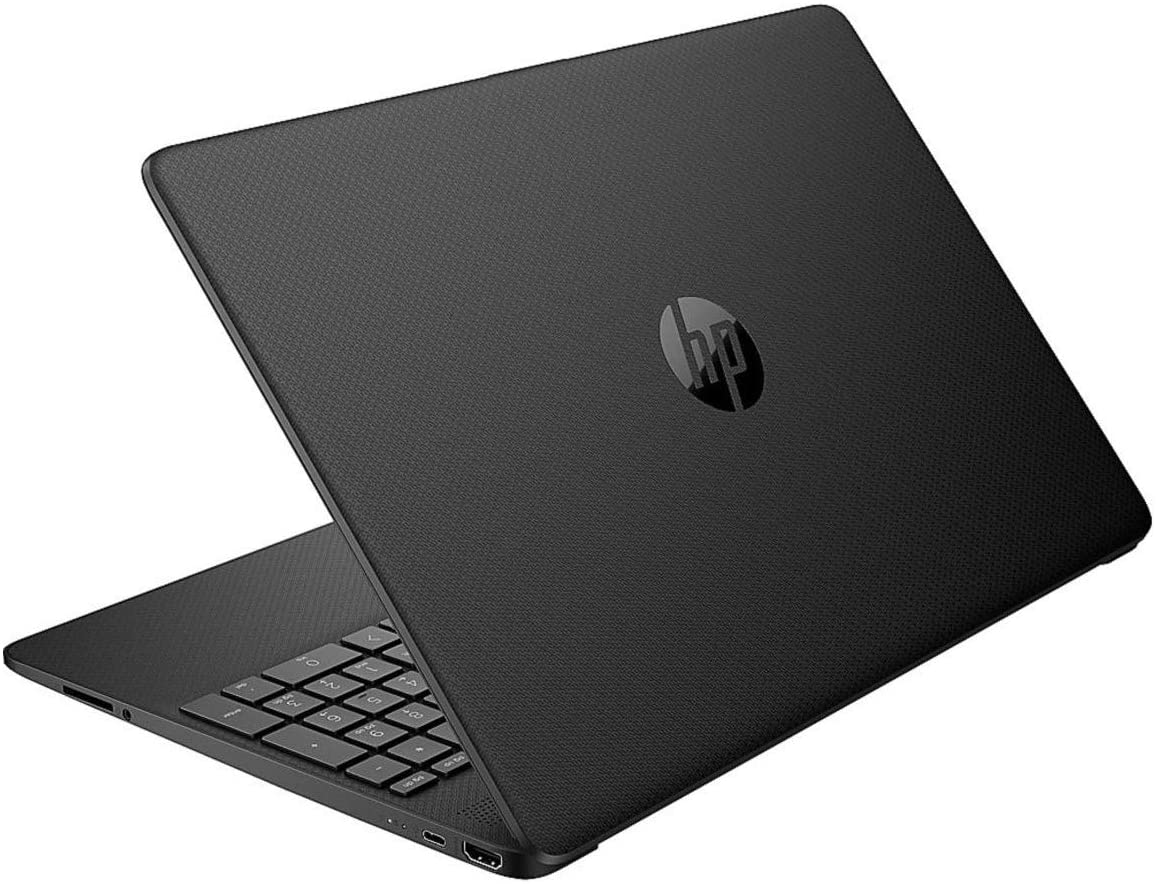
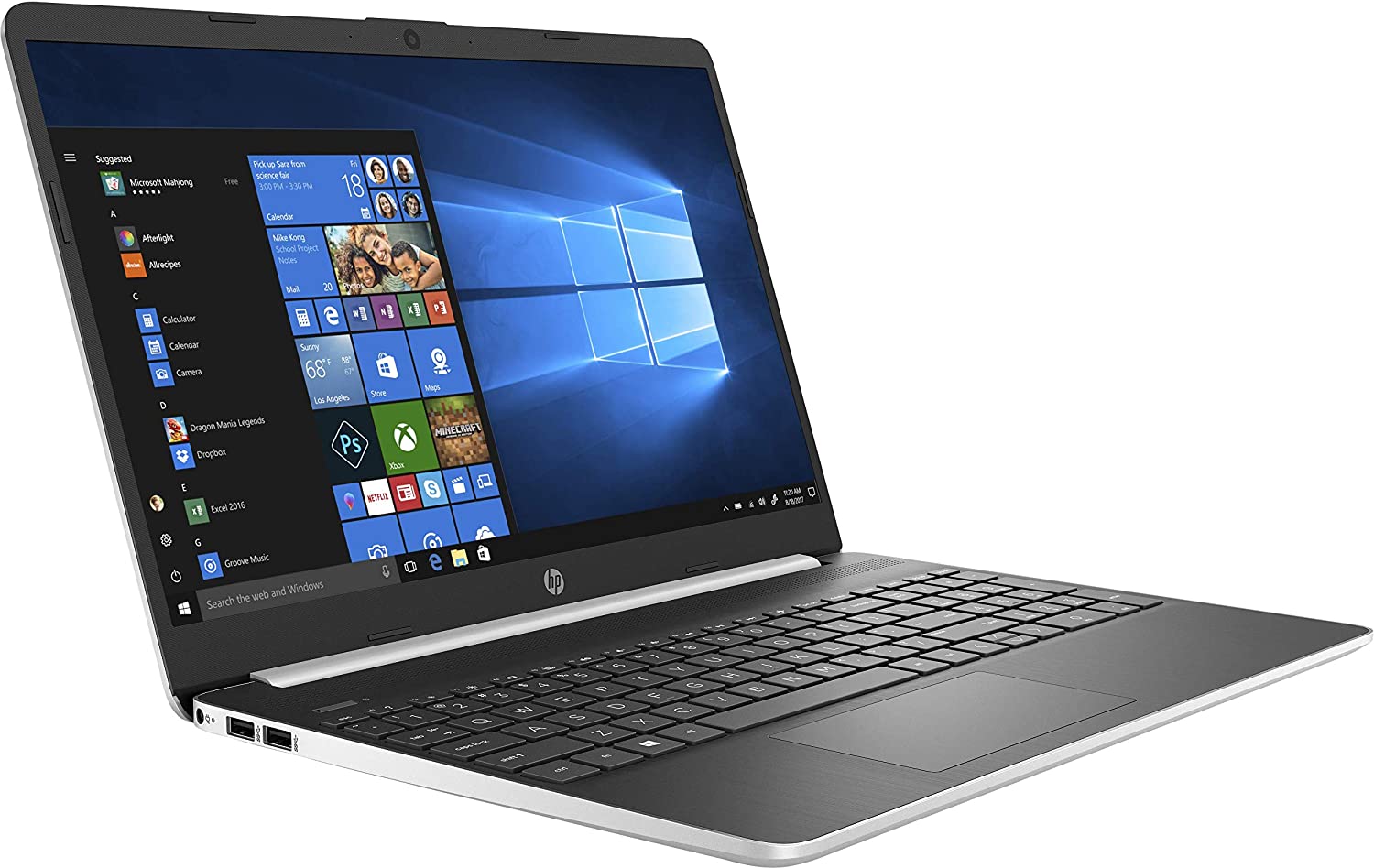
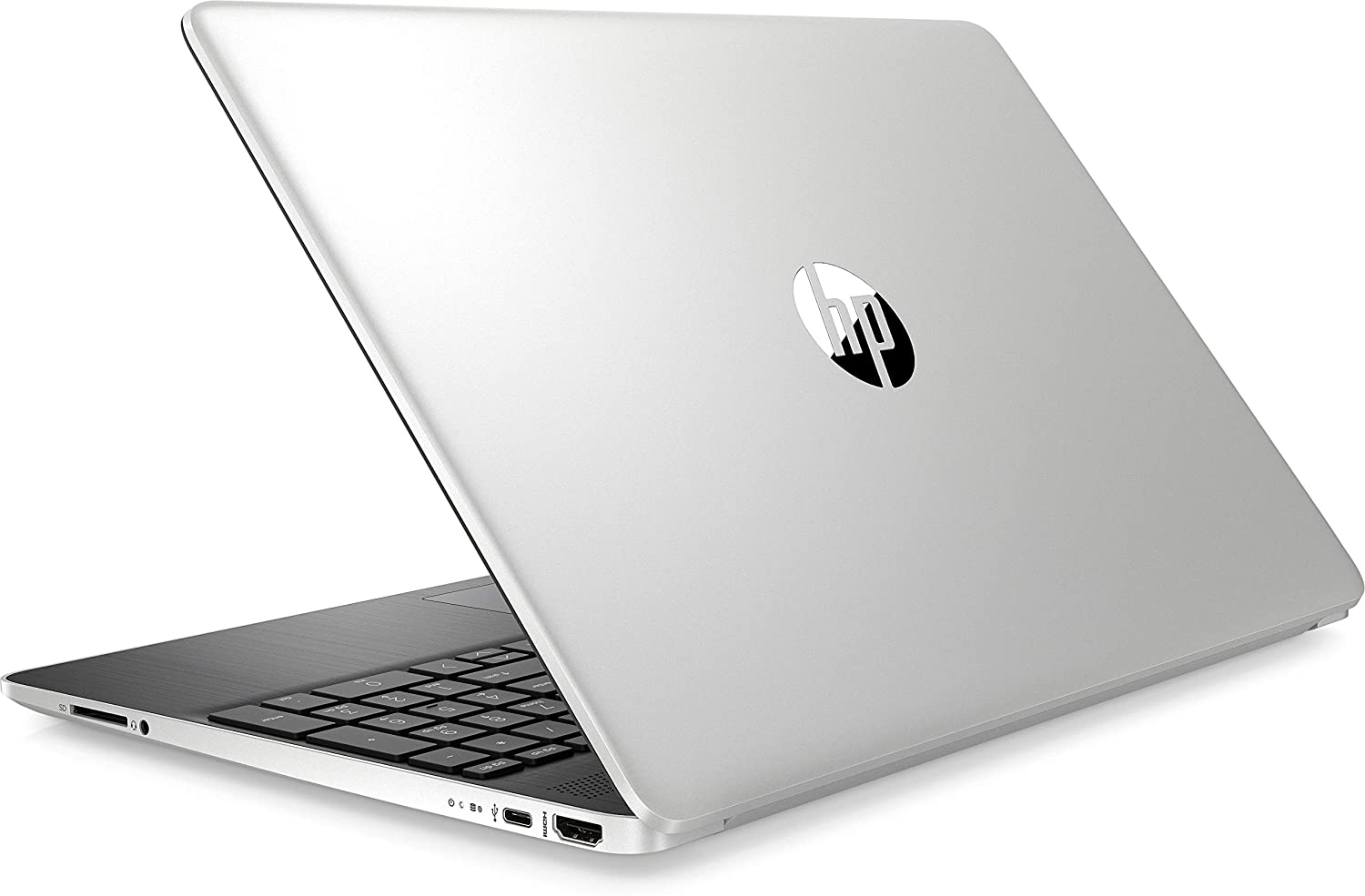
Perhaps expectedly, the build quality of this notebook is not great. To no surprise, the entire chassis is made out of plastic, and it has somewhat poor resistance to flex. On the top (the lid), you will find a matte silver finish, whereas the base is painted in a brushed pattern. Although we were not impressed by the quality, we were actually pleasantly surprised by the measurements of the device – it weighs 1.74 kg and has a profile of 17.9mm – something that is rarely seen on a 15-incher, especially on a budget one.
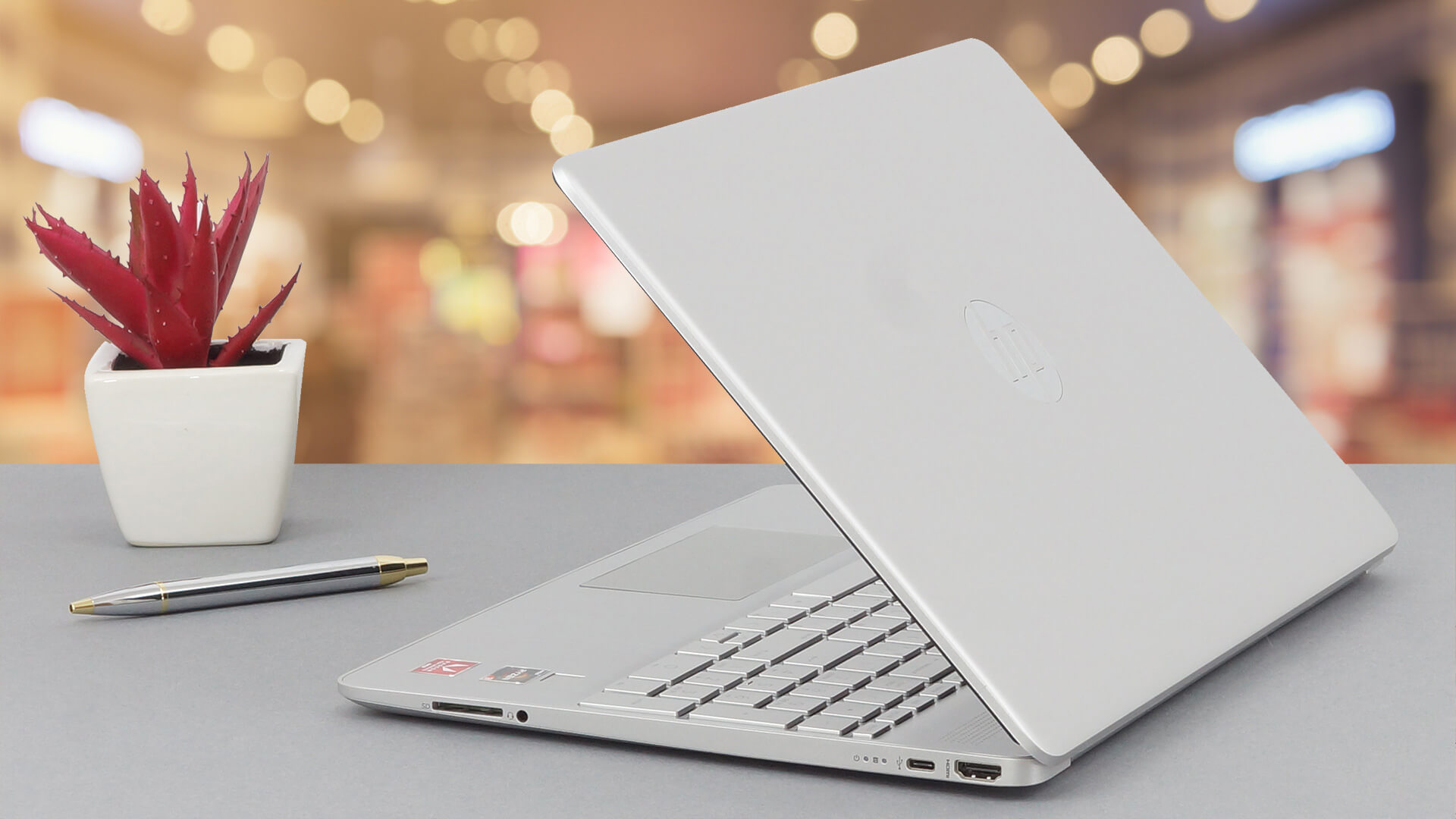
Similarly to the base, the lid is a little bendy, but there is nothing too much to worry about. Sadly, though, you won’t be able to open it with a single hand and the hinges seem a little wobbly.
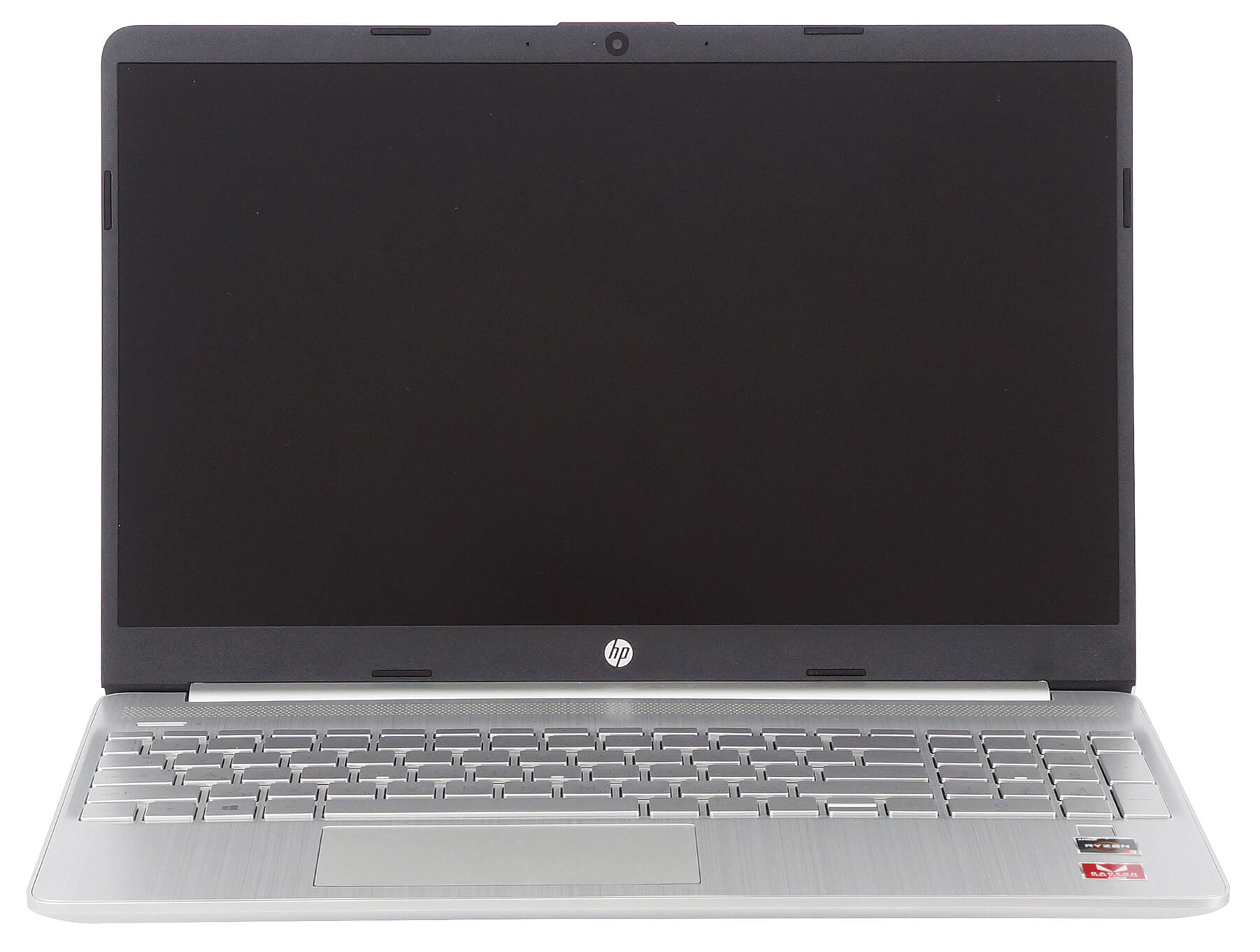
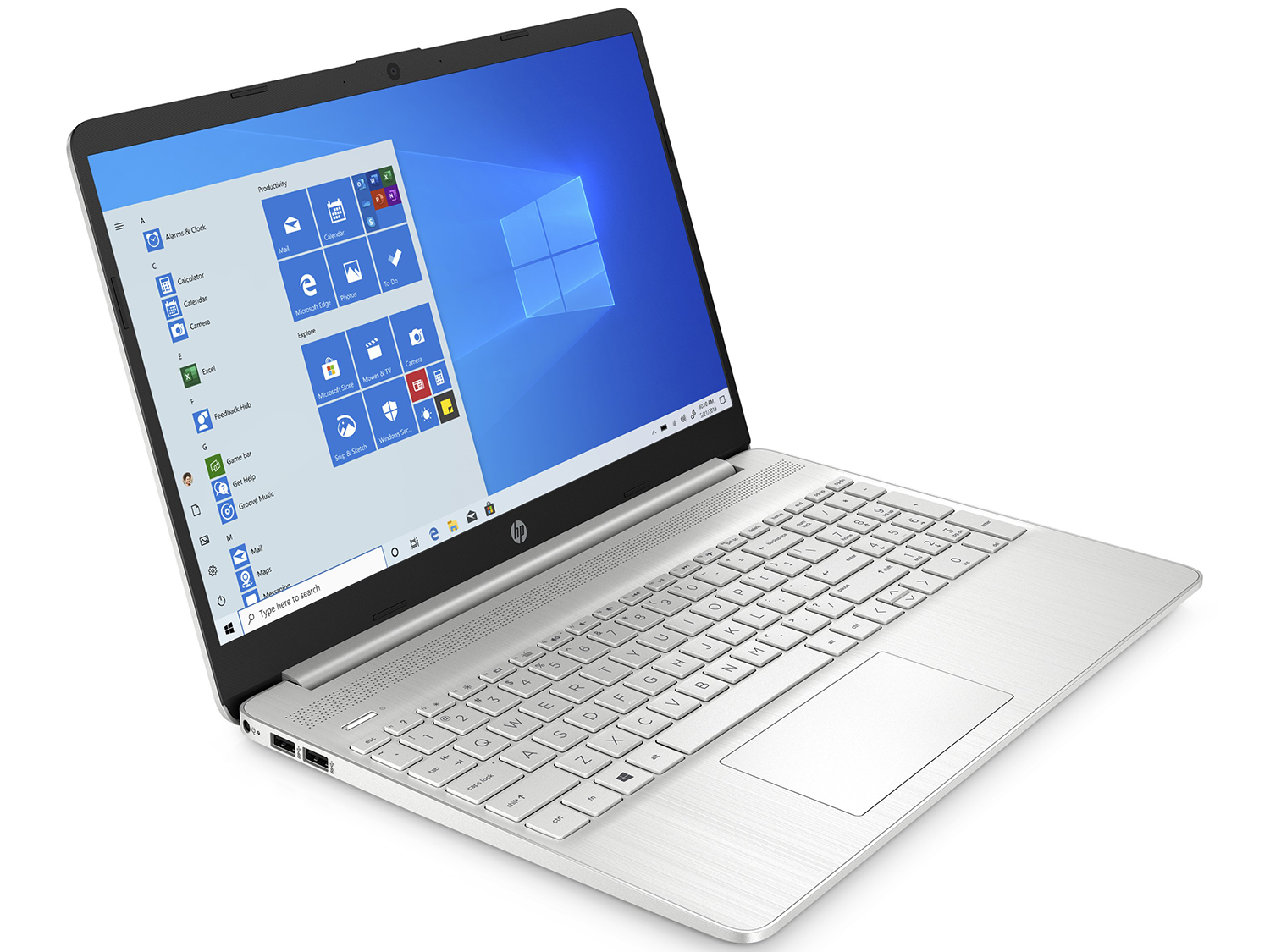
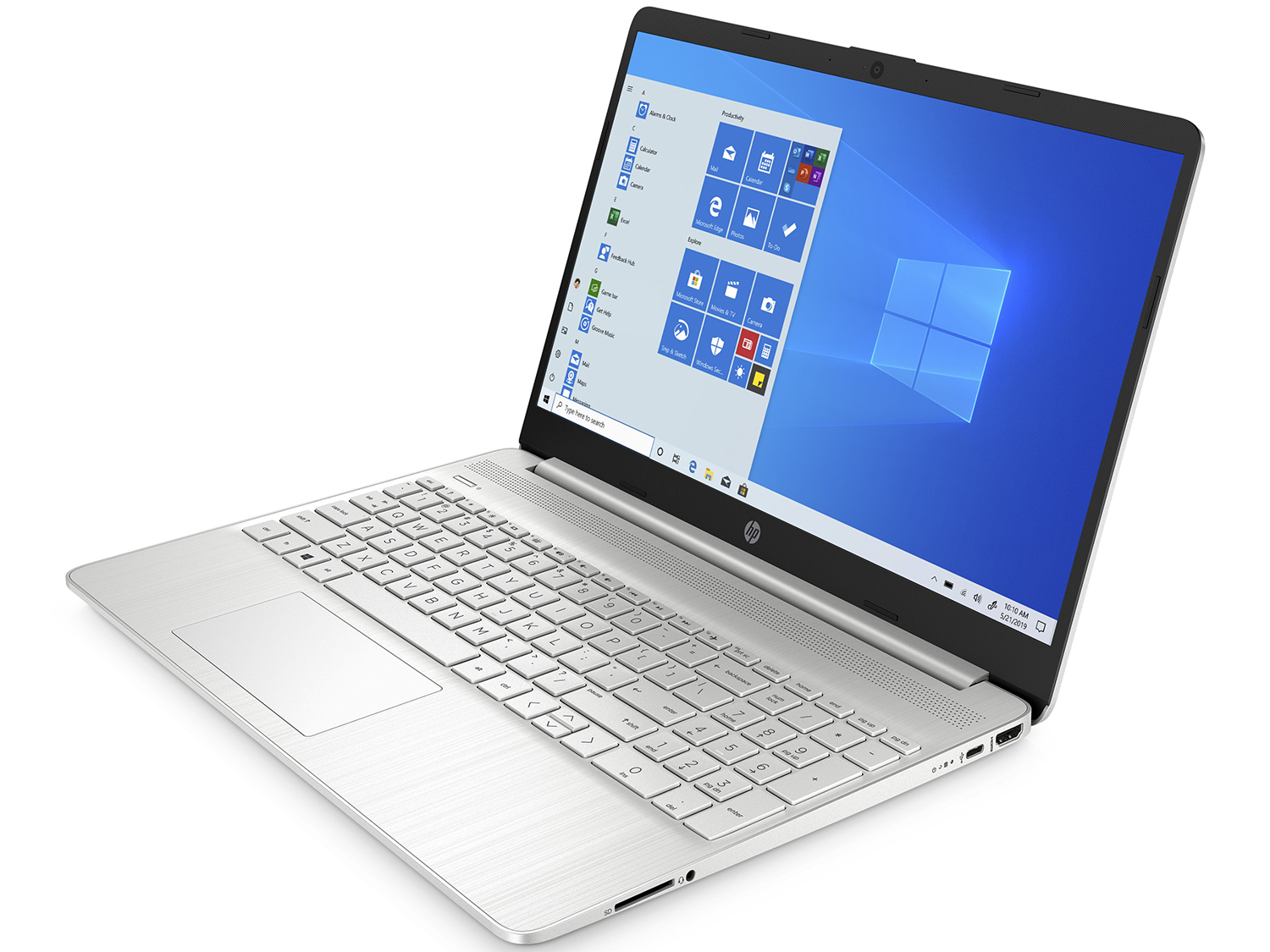
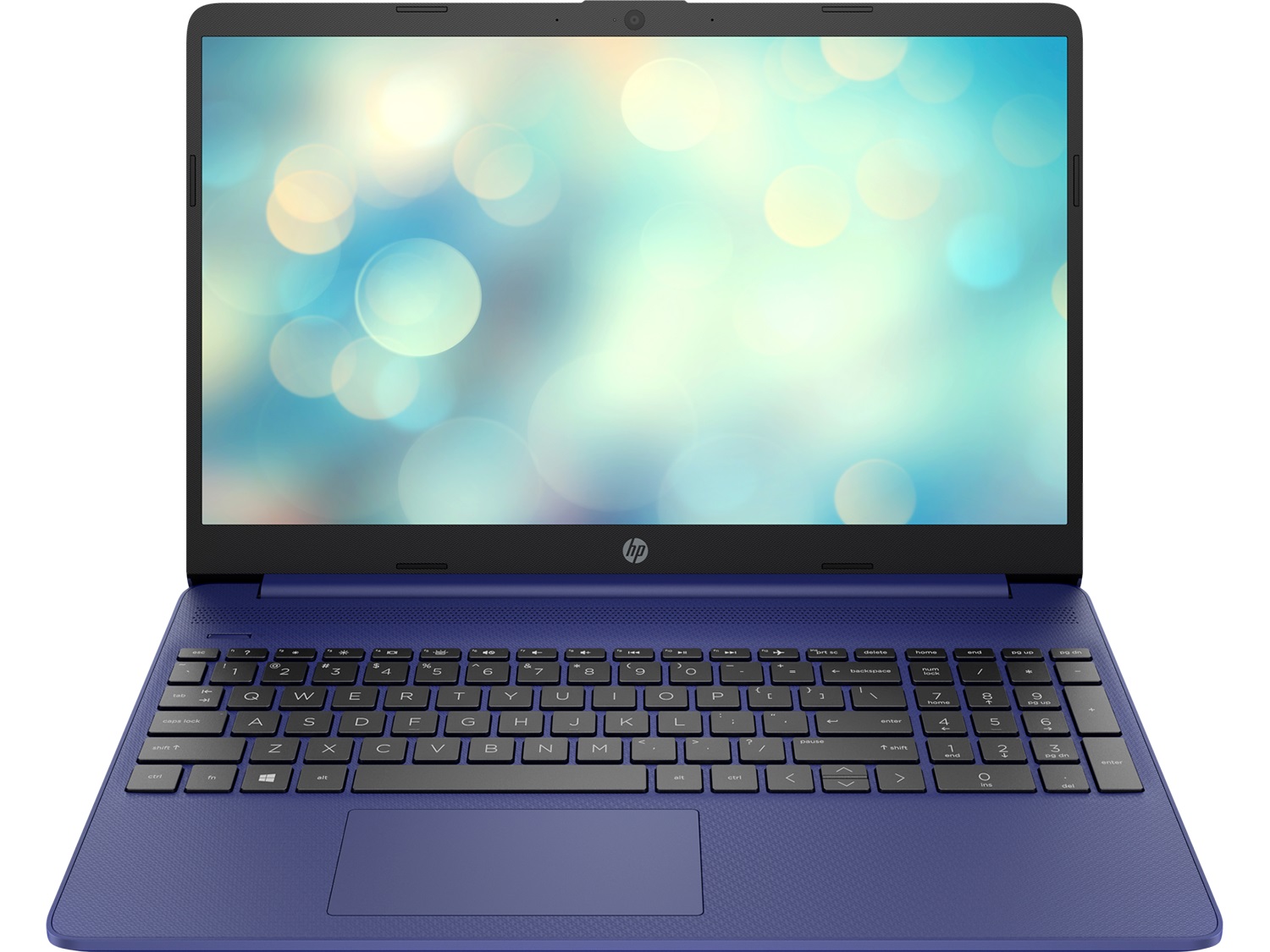
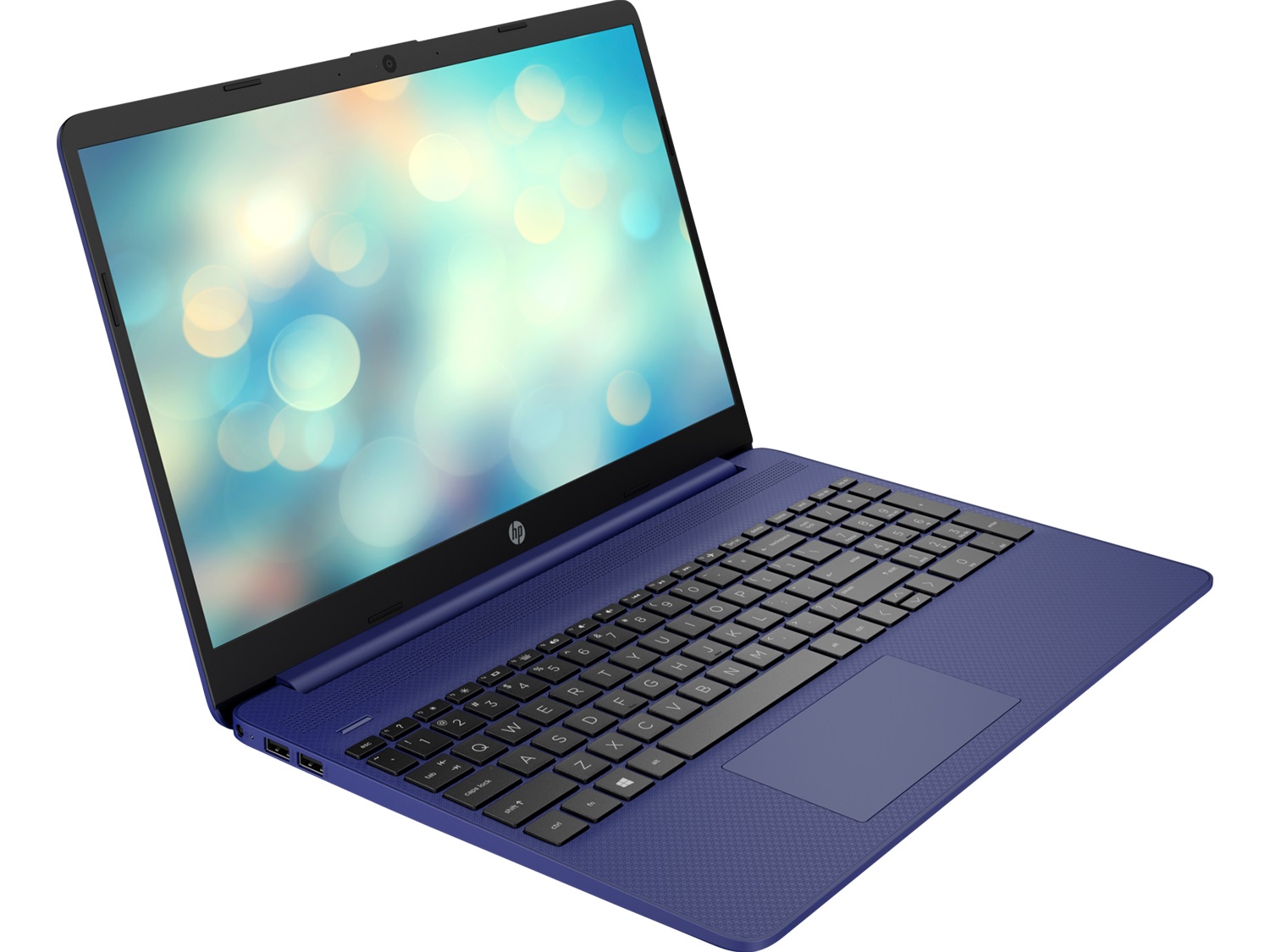
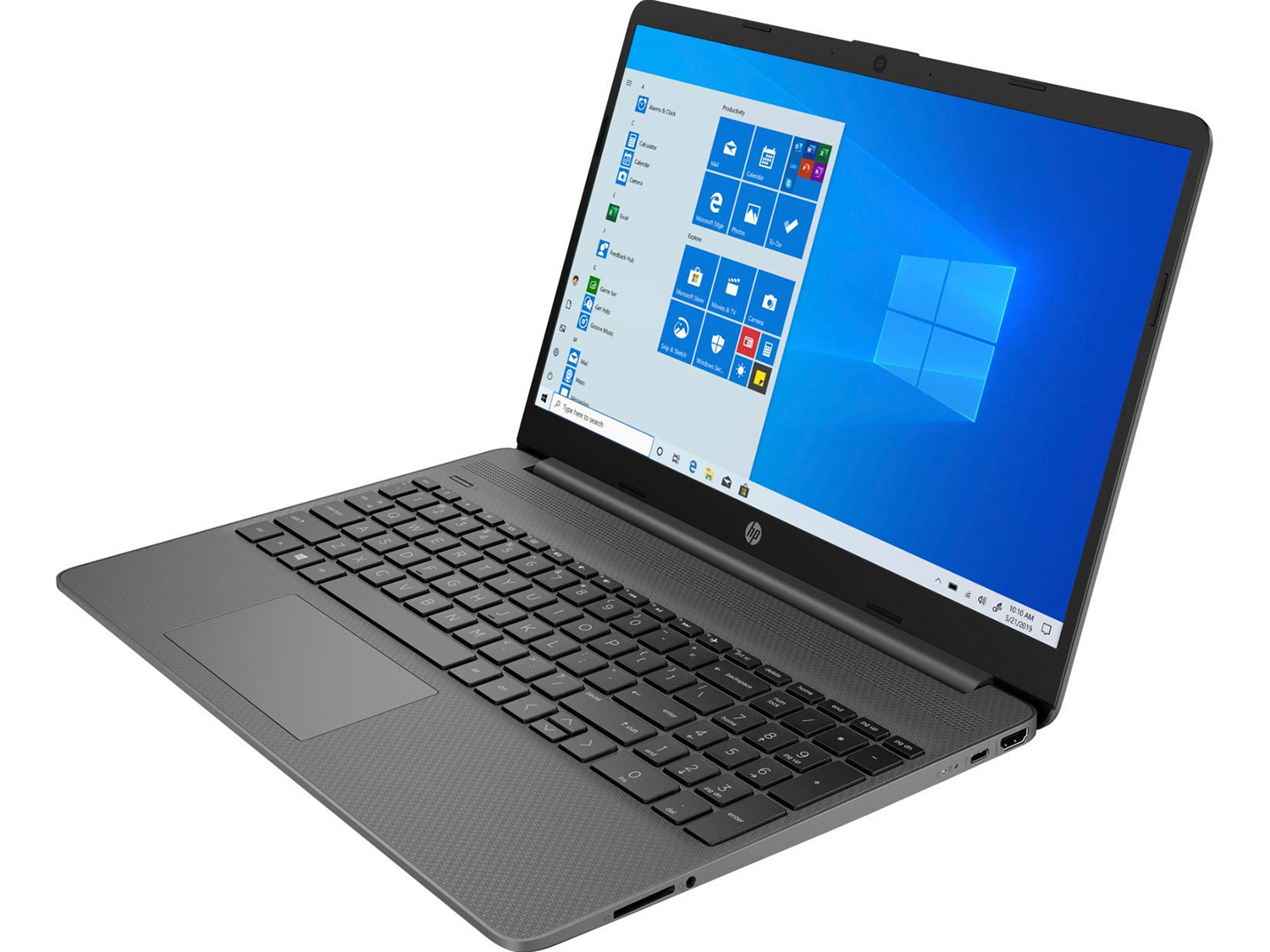
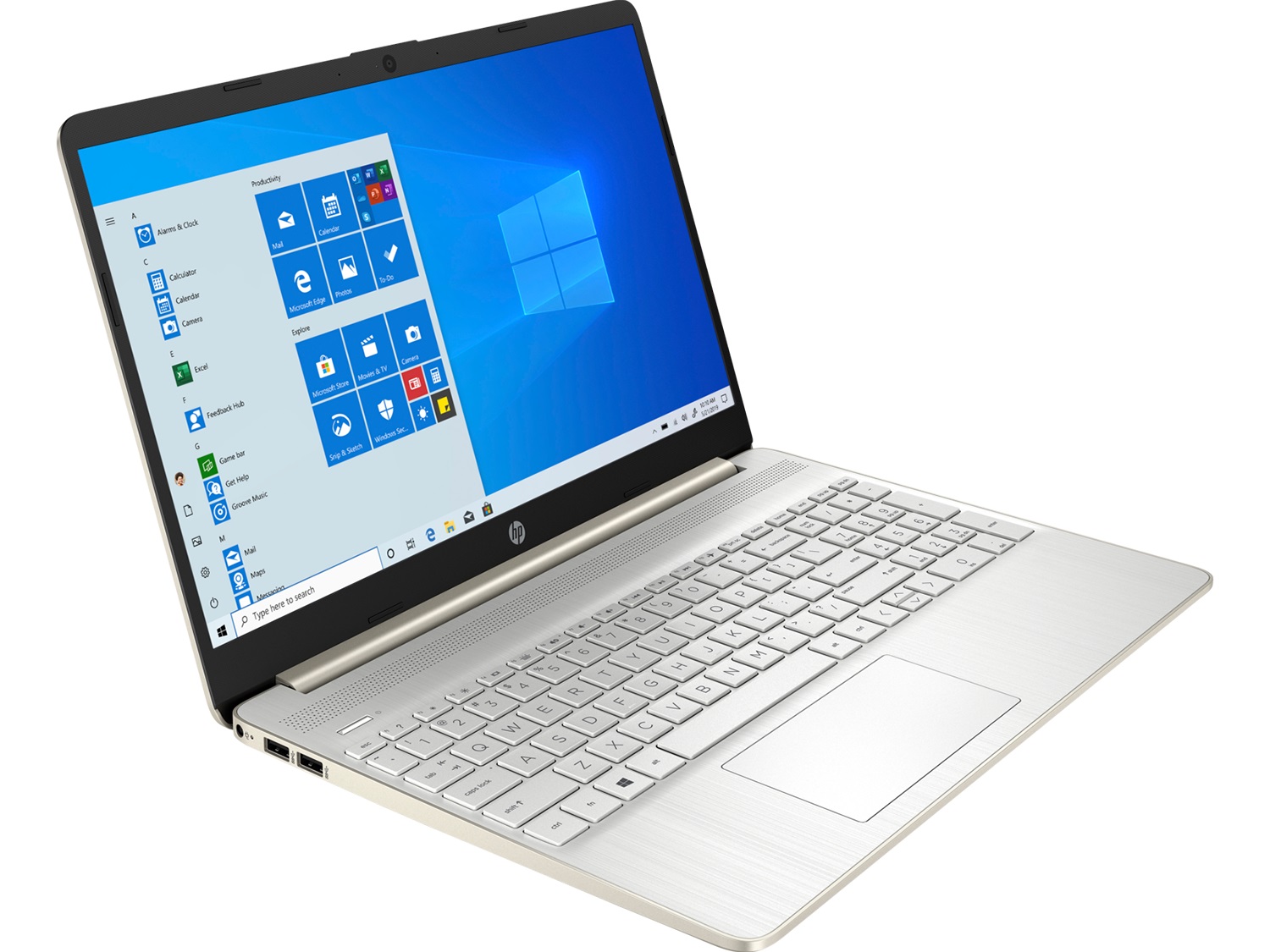
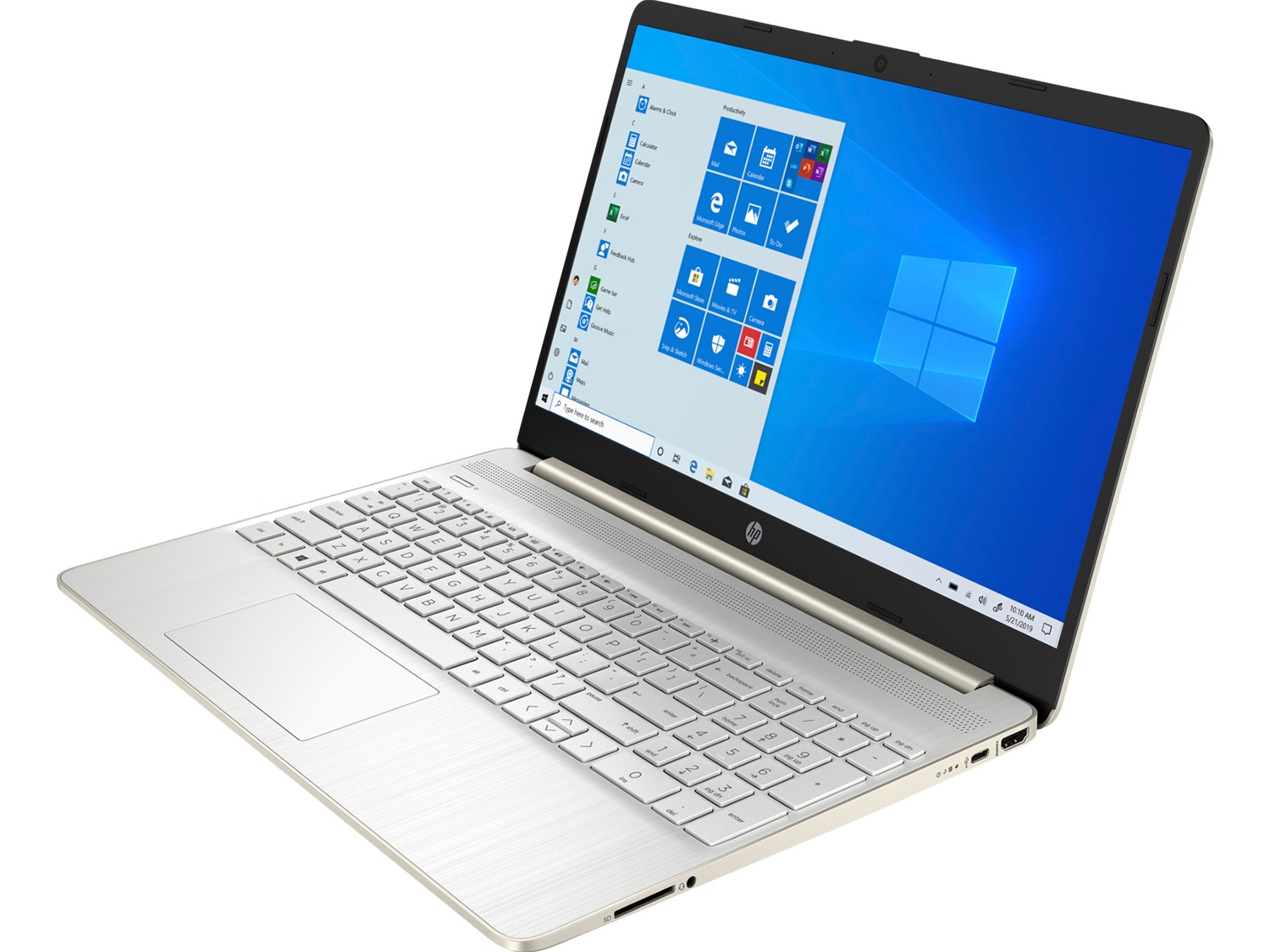
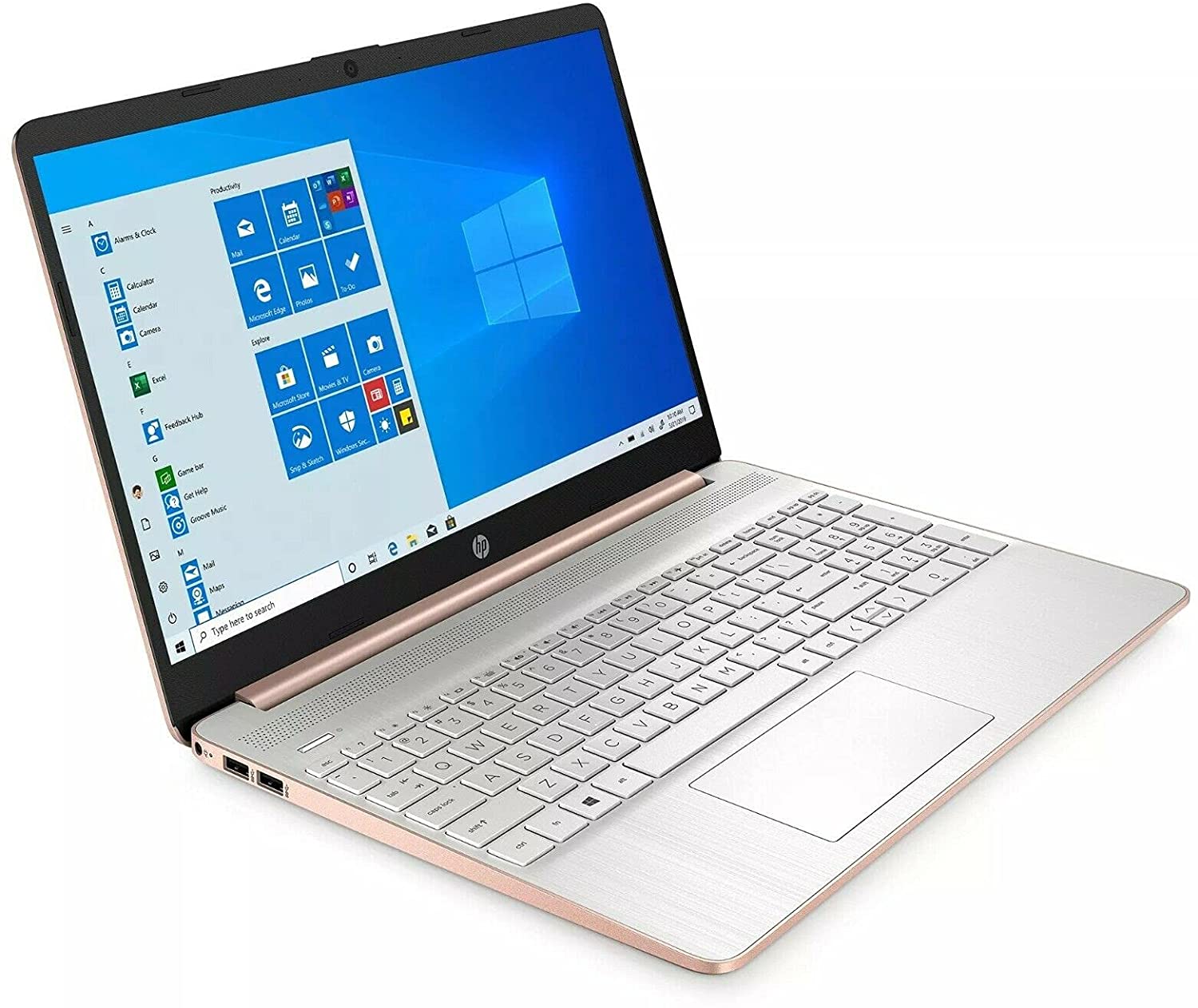
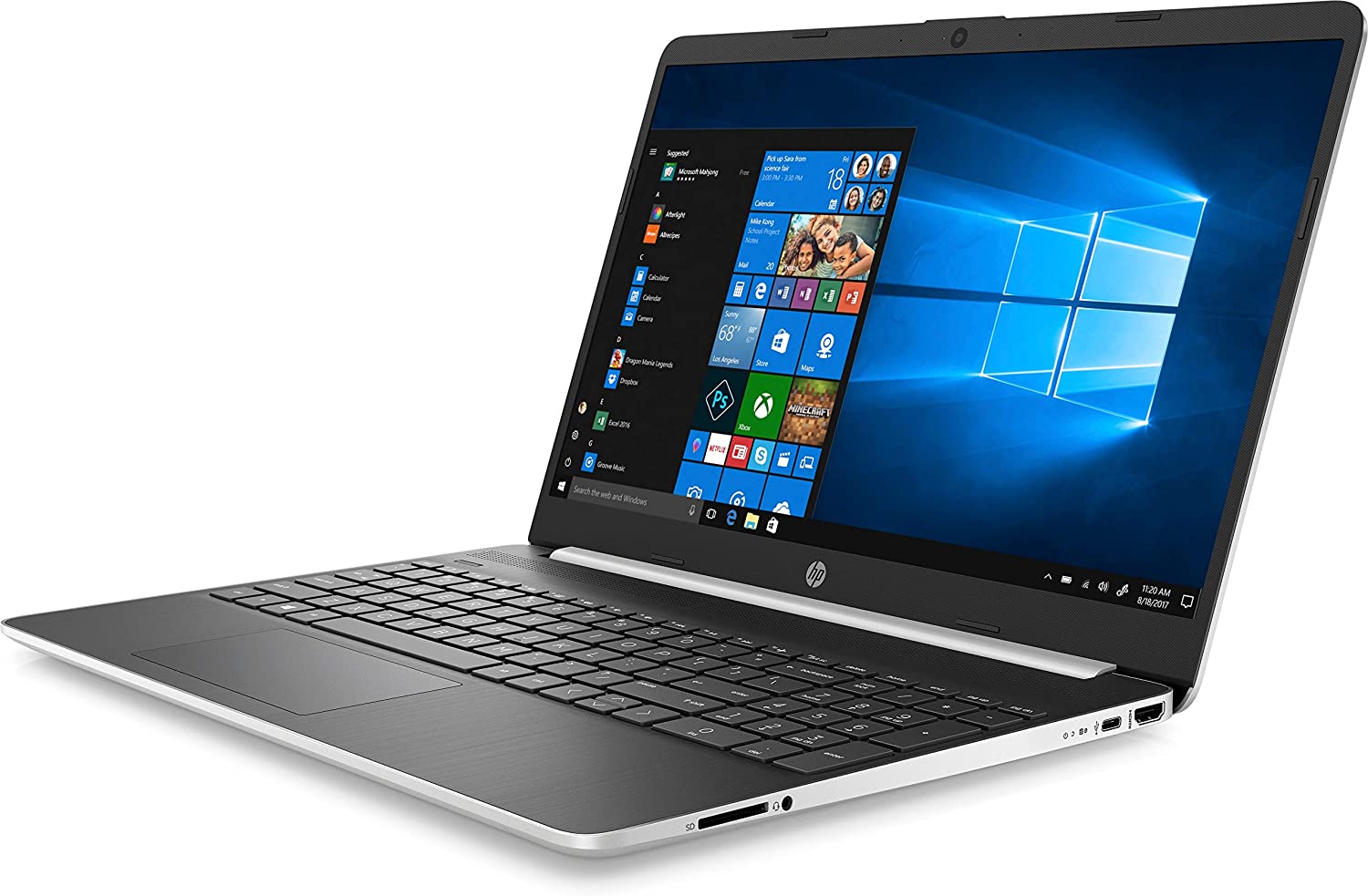
Next comes the base. As the tradition says, here you can find the input devices. However, there are a couple more things that can be seen, as well. First, on the top-most part of the base, you will see grills for the speakers. Then there is the power button, on the top left side, and only then comes the keyboard, itself. This unit doesn’t include a backlight, but it has a decent travel, clicky feedback, and a full-sized NumberPad section. All-in-all – a good board for typing. But wait?! What is that on the bottom right corner? A fingerprint reader? Yep, your eyes are not lying – this is a fingerprint reader placed on a budget machine. Not bad.
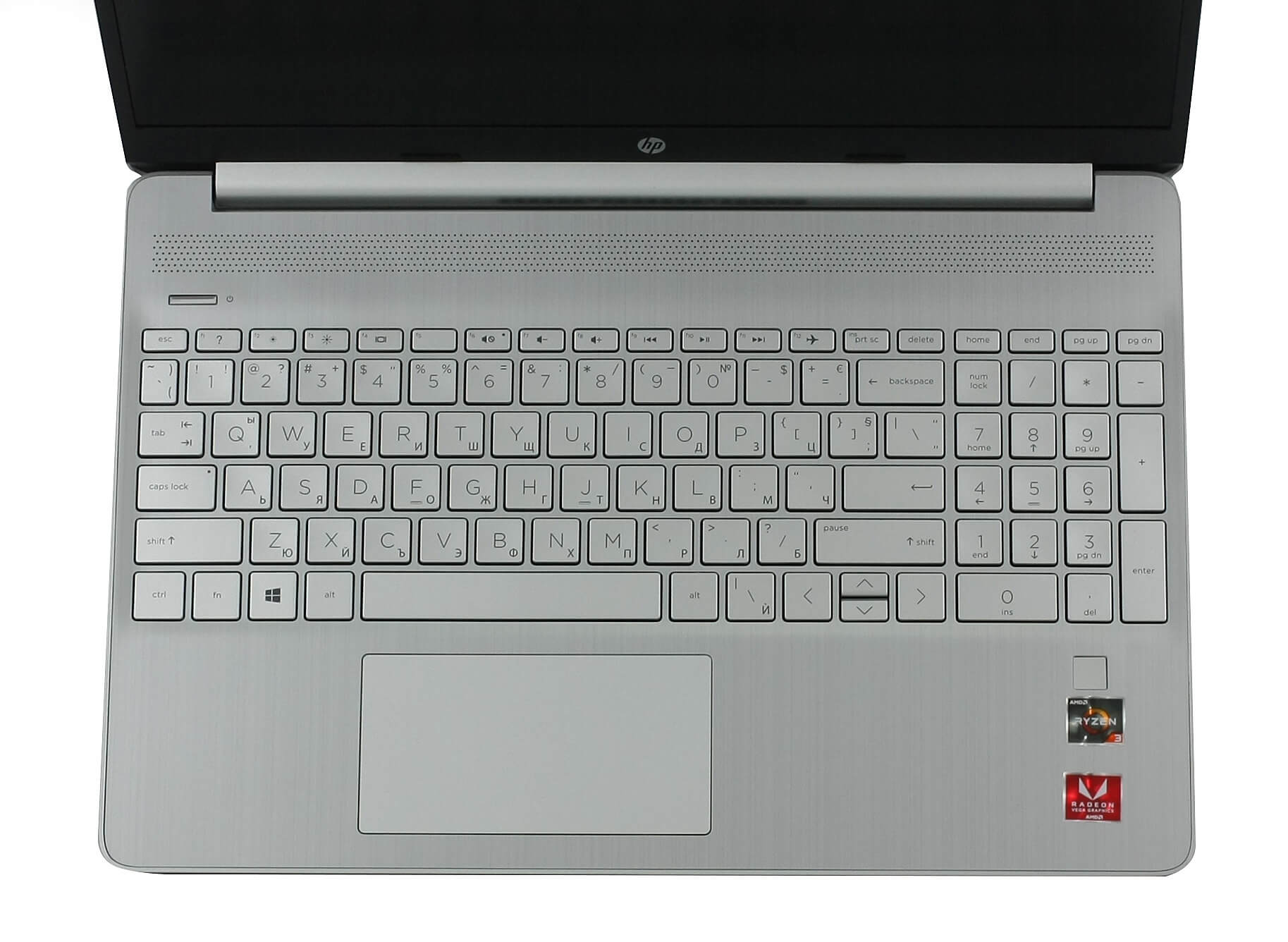
What is definitely not good, though, is to have a touchpad that protrudes from the palm rest area. More precisely, its entire bottom side is lifted upwards. We are not sure what is the reason for that, but it is certainly making it less pleasant. On the bright side, the unit is wide and its gliding is good. However, you may find the clicking mechanism a little too tight when you press above the bottom third of the area.
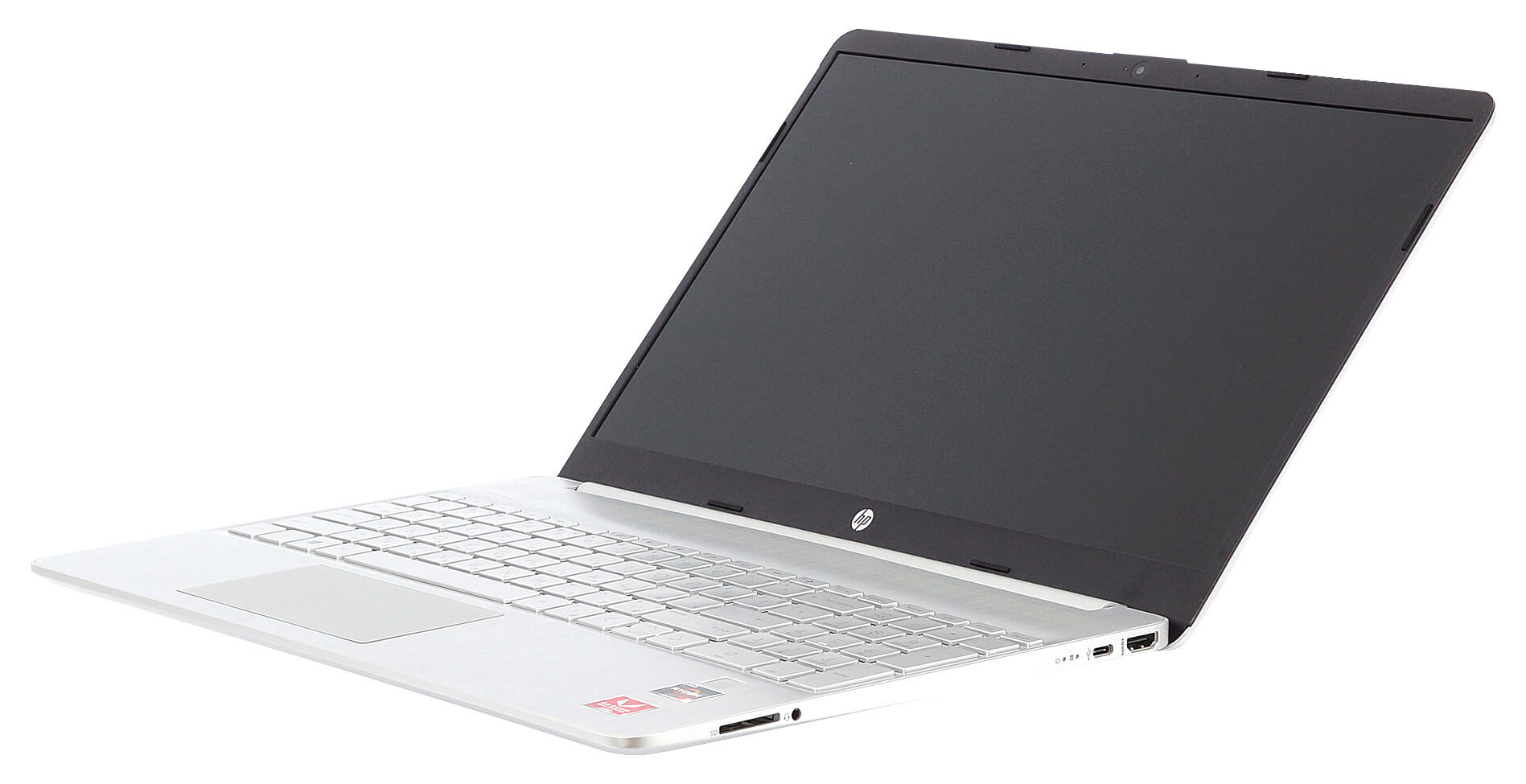
And if you are wondering where does this laptop breathe from – it is from the sizeable grill on the bottom panel, while the hot air is exhausted from around the hinge cover location.
Ports
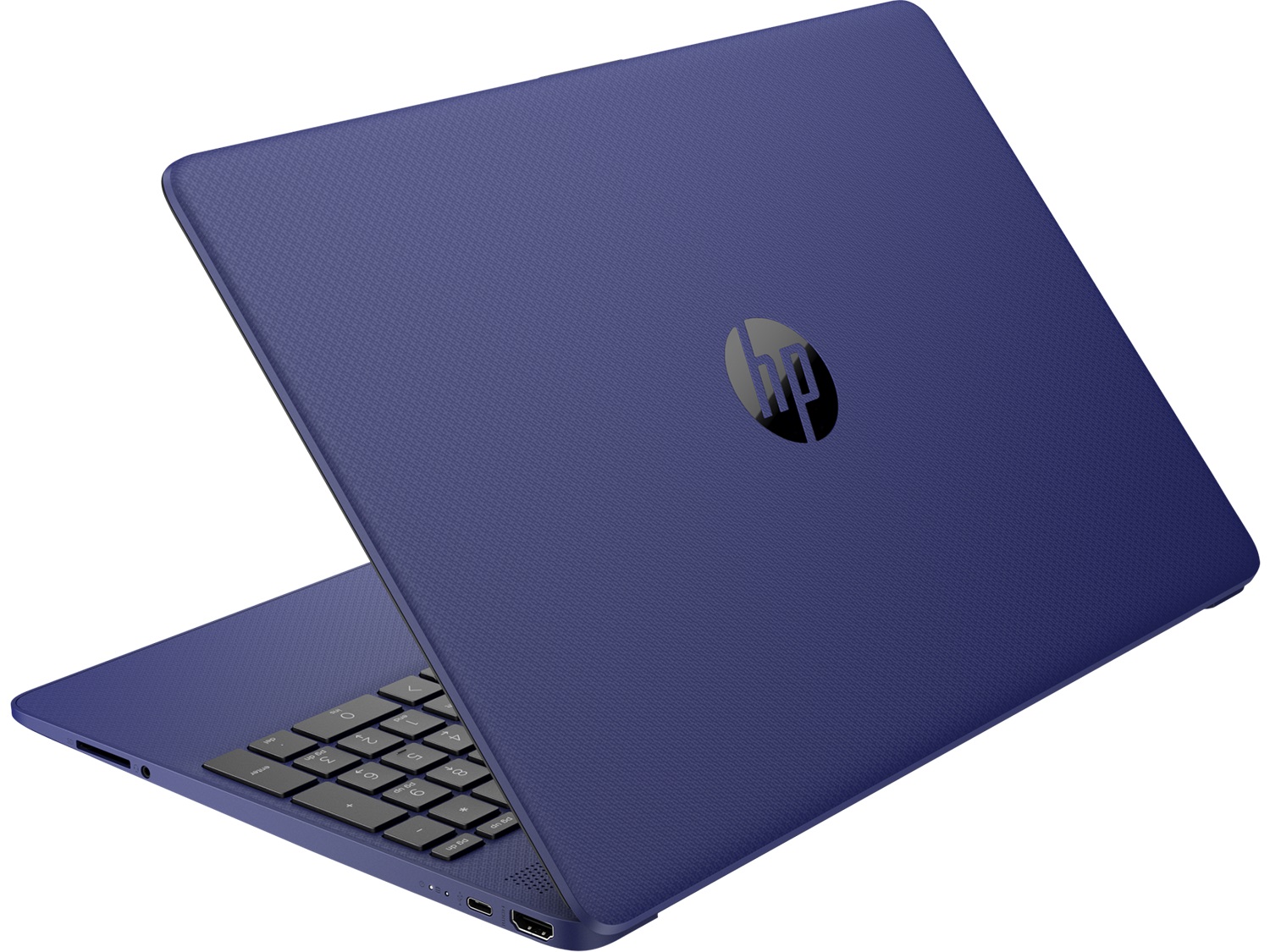
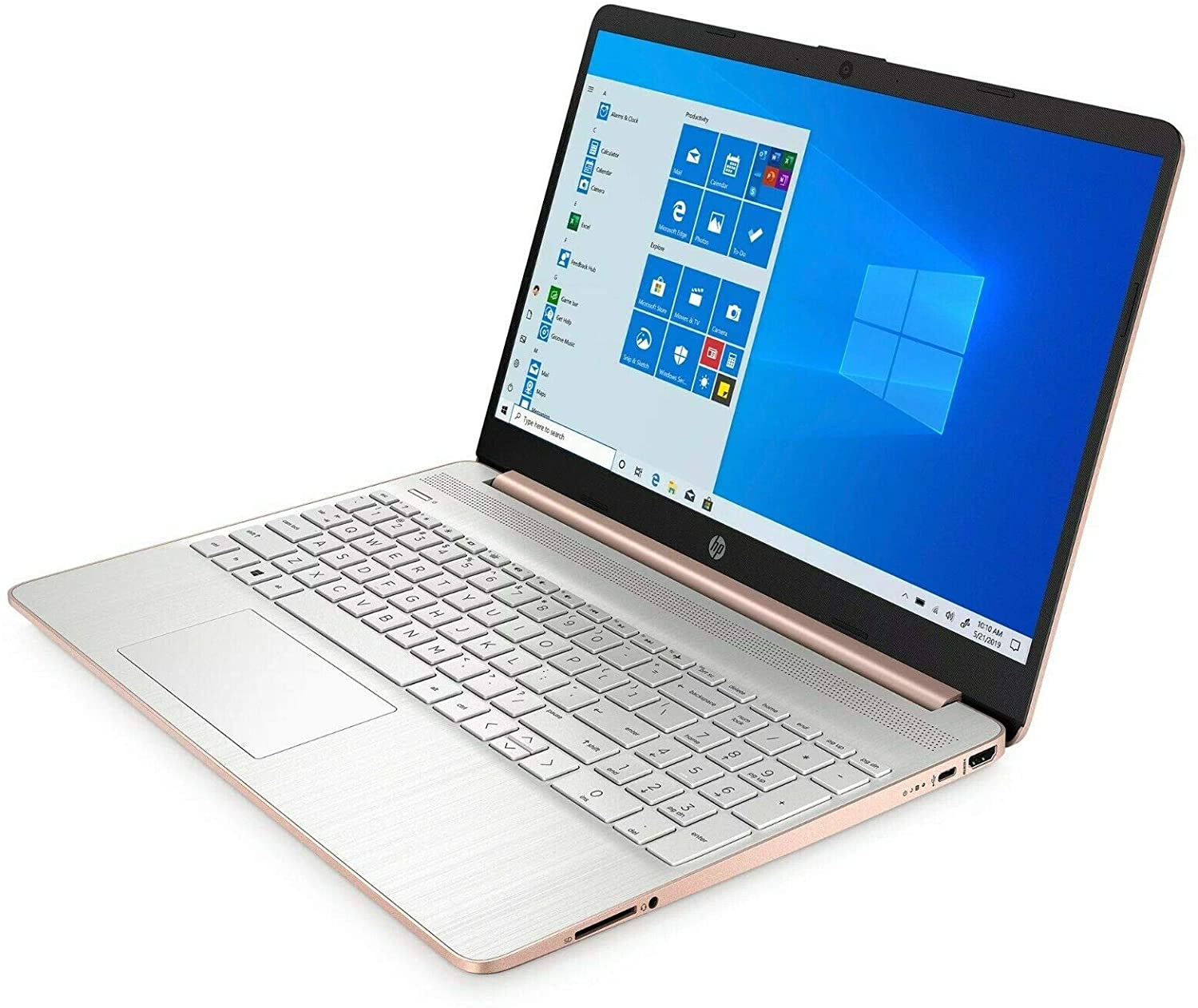
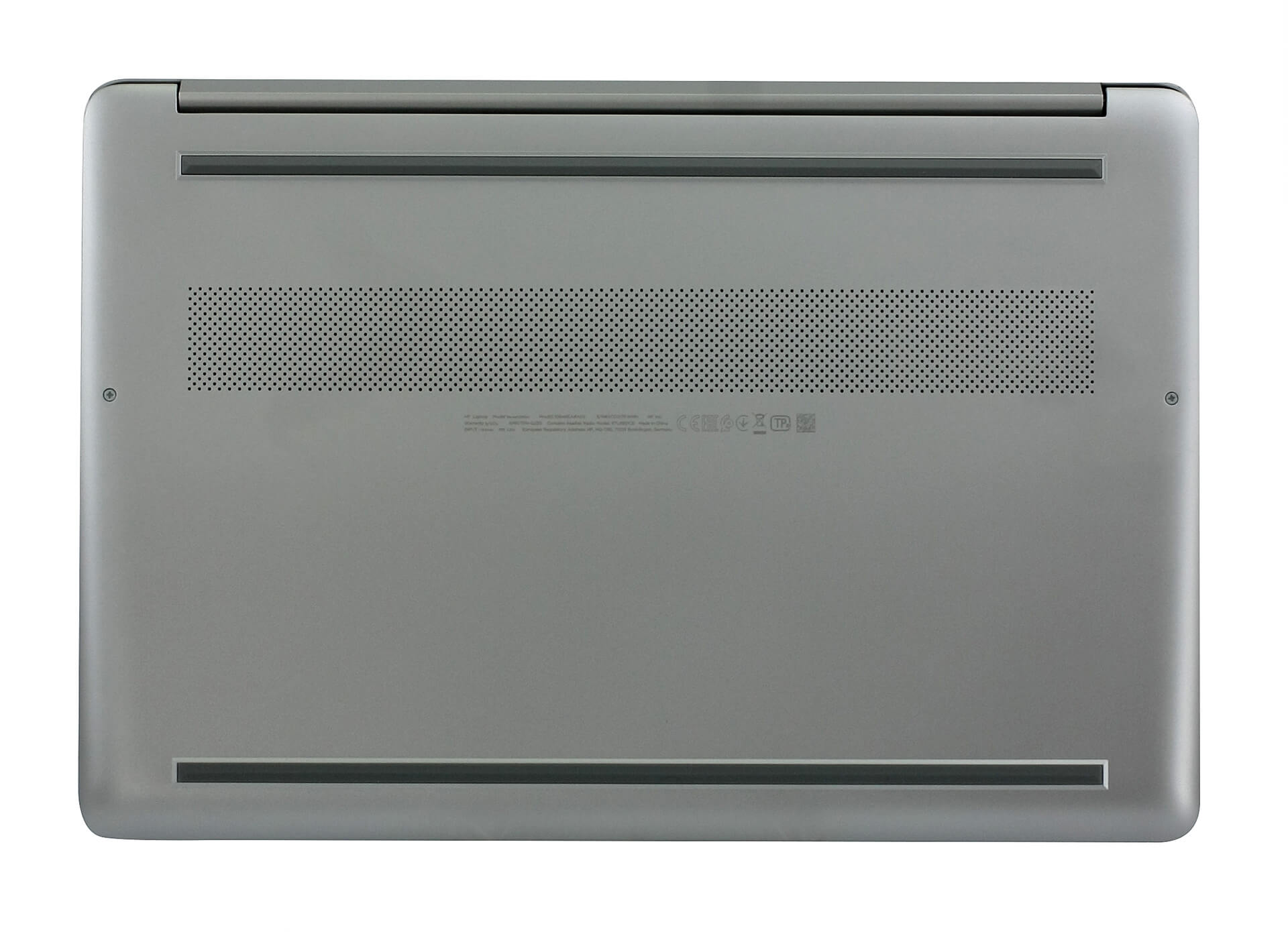
On the left side of the machine, you can find the power plug, as well as two USB Type-A 3.1 (Gen. 1) ports. Then, on the right, there is an HDMI 1.4b port, a USB Type-C 3.1 (Gen. 1) port, an audio jack, and an SD card reader.


Display quality
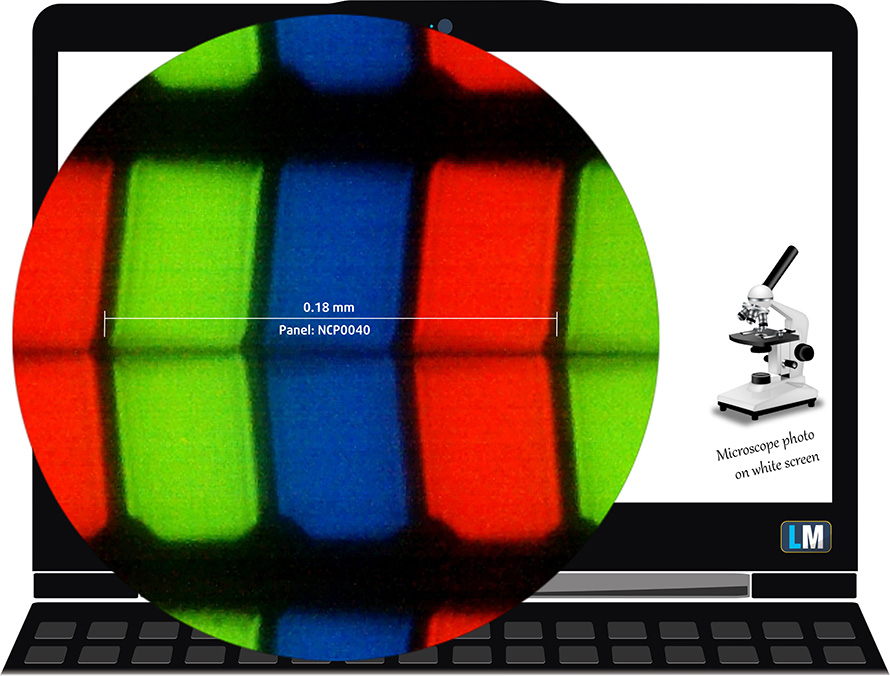
HP 15s (15s-eq0000) comes with a Full HD IPS panel, model number NCP0040. Its diagonal is 15.6″ (39.62 cm), and the resolution – 1920 х 1080p. Additionally, the screen ratio is 16:9, the pixel density – 142 ppi, their pitch – 0.18 x 0.18 mm. The screen can be considered Retina when viewed from at least 60 cm (from this distance, the average human eye can’t see the individual pixels).
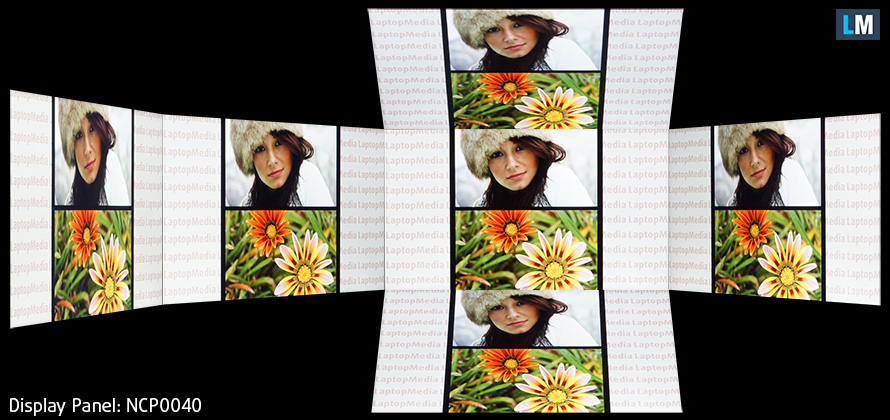
Viewing angles are good. We offer images at different angles to evaluate the quality.
The maximum measured brightness is 272 nits (cd/m2) in the middle of the screen and 256 nits (cd/m2) average across the surface with a maximum deviation of 9%. The Correlated Color Temperature on a white screen and at maximum brightness is 7300K (average) – colder than the 6500K optimum for sRGB.
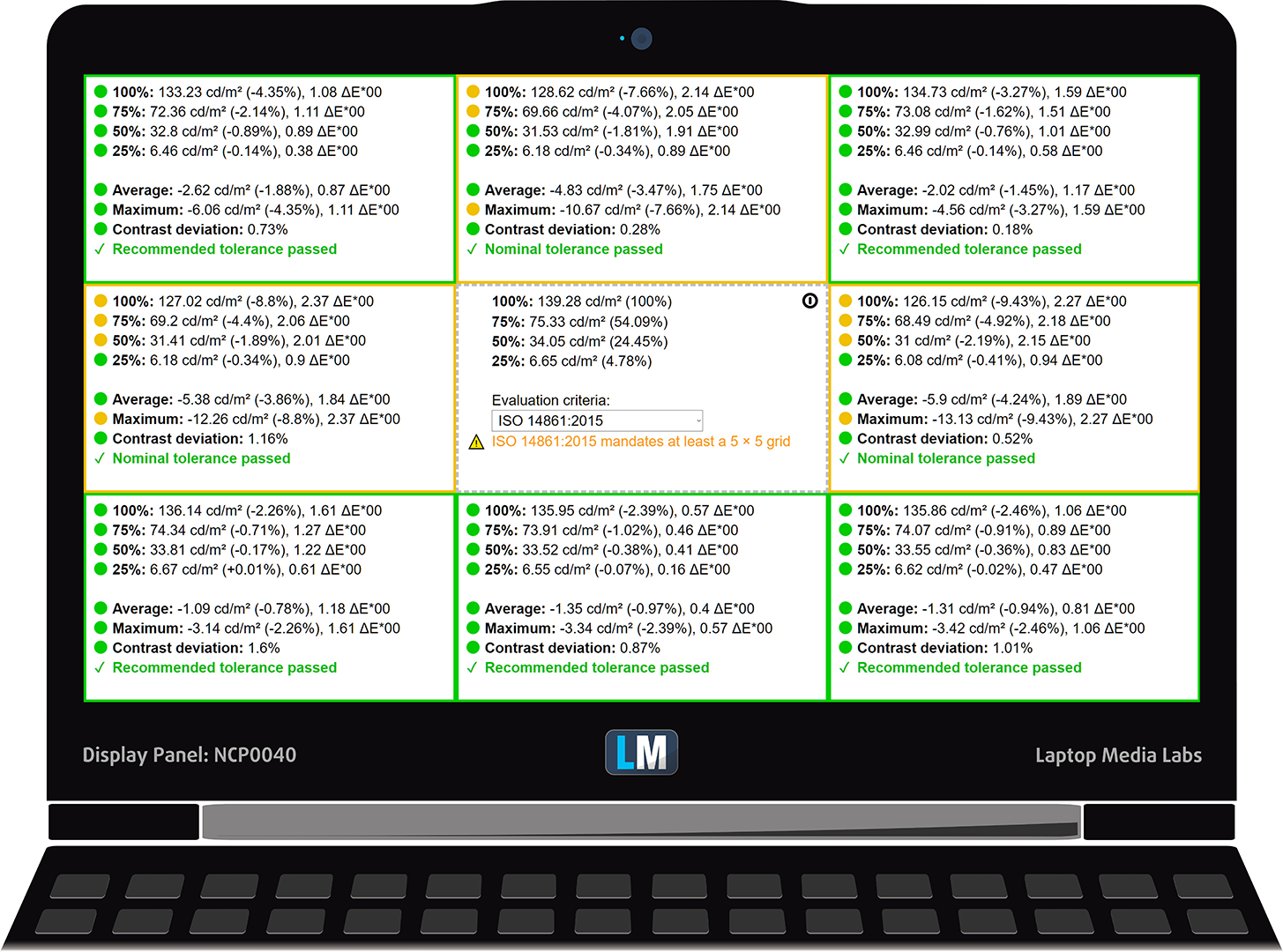
In the illustration below you can see how the display performs from uniformity perspective. The illustration below shows how matters are for operational brightness levels (approximately 140 nits) – in this particular case at 76% Brightness (White level = 139 cd/m2, Black level = 0.10 cd/m2).
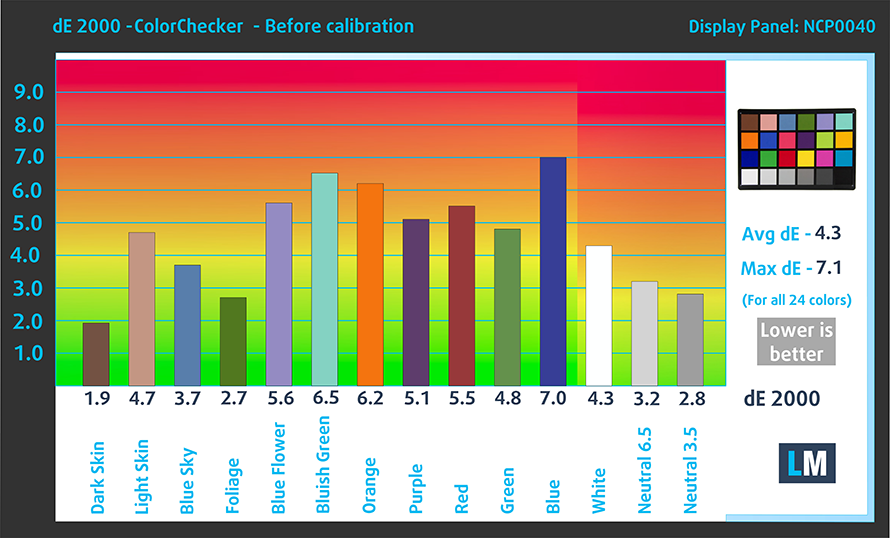
Values of dE2000 over 4.0 should not occur, and this parameter is one of the first you should check if you intend to use the laptop for color-sensitive work (a maximum tolerance of 2.0 ). The contrast ratio is good – 1340:1.
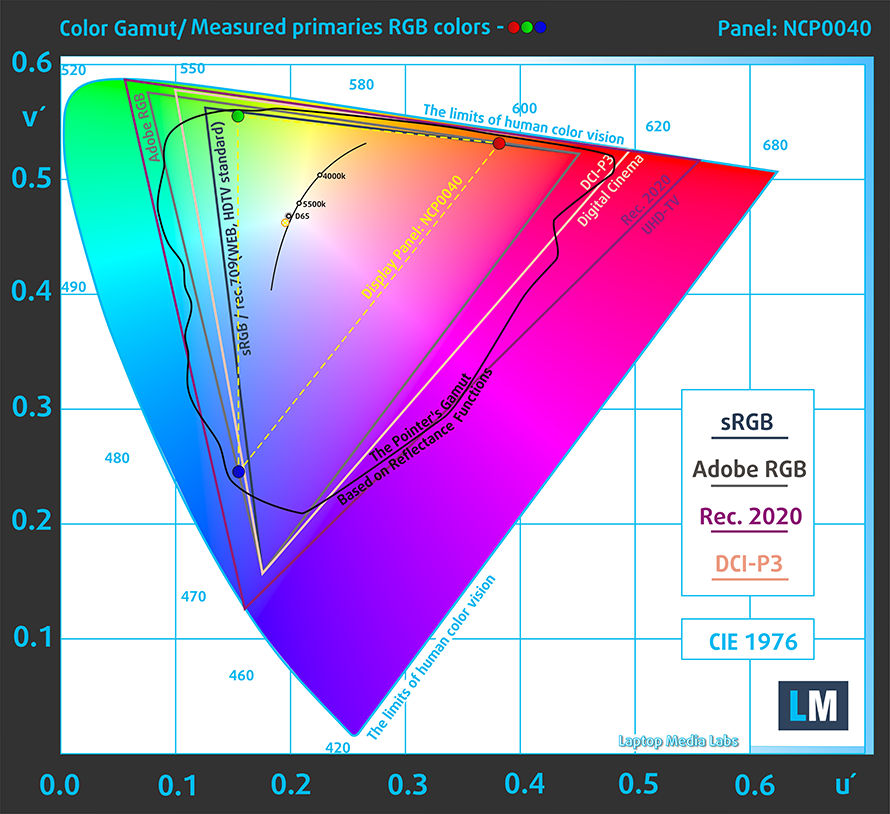
To make sure we are on the same page, we would like to give you a little introduction to the sRGB color gamut and the Adobe RGB. To start, there’s the CIE 1976 Uniform Chromaticity Diagram that represents the visible specter of colors by the human eye, giving you a better perception of the color gamut coverage and the color accuracy.
Inside the black triangle, you will see the standard color gamut (sRGB) that is being used by millions of people in HDTV and on the web. As for the Adobe RGB, this is used in professional cameras, monitors, etc for printing. Basically, colors inside the black triangle are used by everyone and this is the essential part of the color quality and color accuracy of a mainstream notebook.
Still, we’ve included other color spaces like the famous DCI-P3 standard used by movie studios, as well as the digital UHD Rec.2020 standard. Rec.2020, however, is still a thing of the future and it’s difficult for today’s displays to cover that well. We’ve also included the so-called Michael Pointer gamut, or Pointer’s gamut, which represents the colors that naturally occur around us every day.
The yellow dotted line shows HP 15s (15s-eq0000)’s color gamut coverage.
Its display is limited just to 54% of the sRGB/ITU-R BT.709 (web/HDTV standard) in CIE1976.
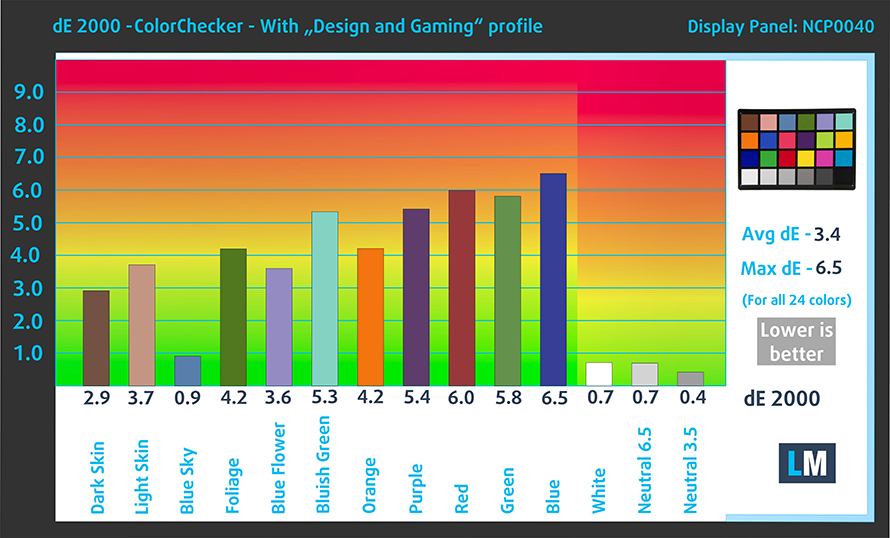
Our “Design and Gaming” profile delivers optimal color temperature (6500K) at 140 cd/m2 luminance and sRGB gamma mode.
We tested the accuracy of the display with 24 commonly used colors like light and dark human skin, blue sky, green grass, orange, etc. You can check out the results at factory condition and also, with the “Design and Gaming” profile.
Below you can compare the scores of HP 15s (15s-eq0000) with the default settings (left), and with the “Gaming and Web design” profile (right).
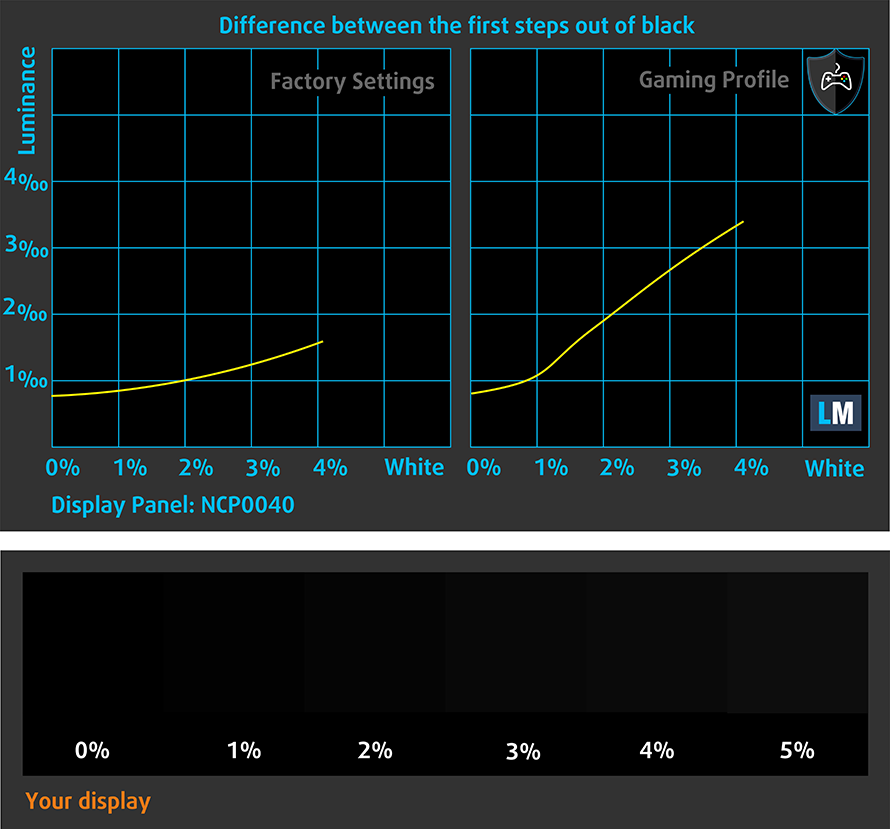
The next figure shows how well the display is able to reproduce really dark parts of an image, which is essential when watching movies or playing games in low ambient light.
The left side of the image represents the display with stock settings, while the right one is with the “Gaming and Web Design” profile activated. On the horizontal axis, you will find the grayscale and on the vertical axis – the luminance of the display. On the two graphs below you can easily check for yourself how your display handles the darkest nuances but keep in mind that this also depends on the settings of your current display, the calibration, the viewing angle, and the surrounding light conditions.
Response time (Gaming capabilities)
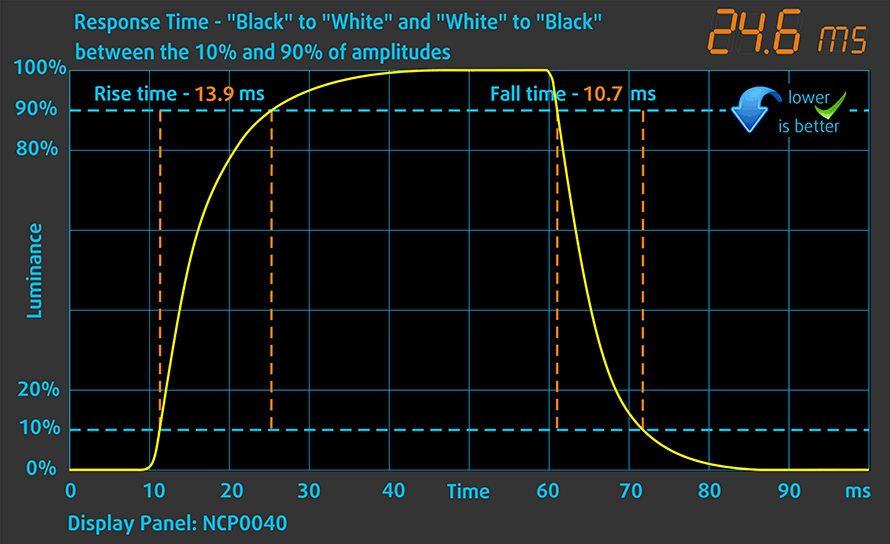
We test the reaction time of the pixels with the usual “black-to-white” and “white-to-black” method from 10% to 90% and vice versa.
We recorded Fall Time + Rise Time = 25 ms.
Health impact – PWM / Blue Light
PWM (Screen flickering)
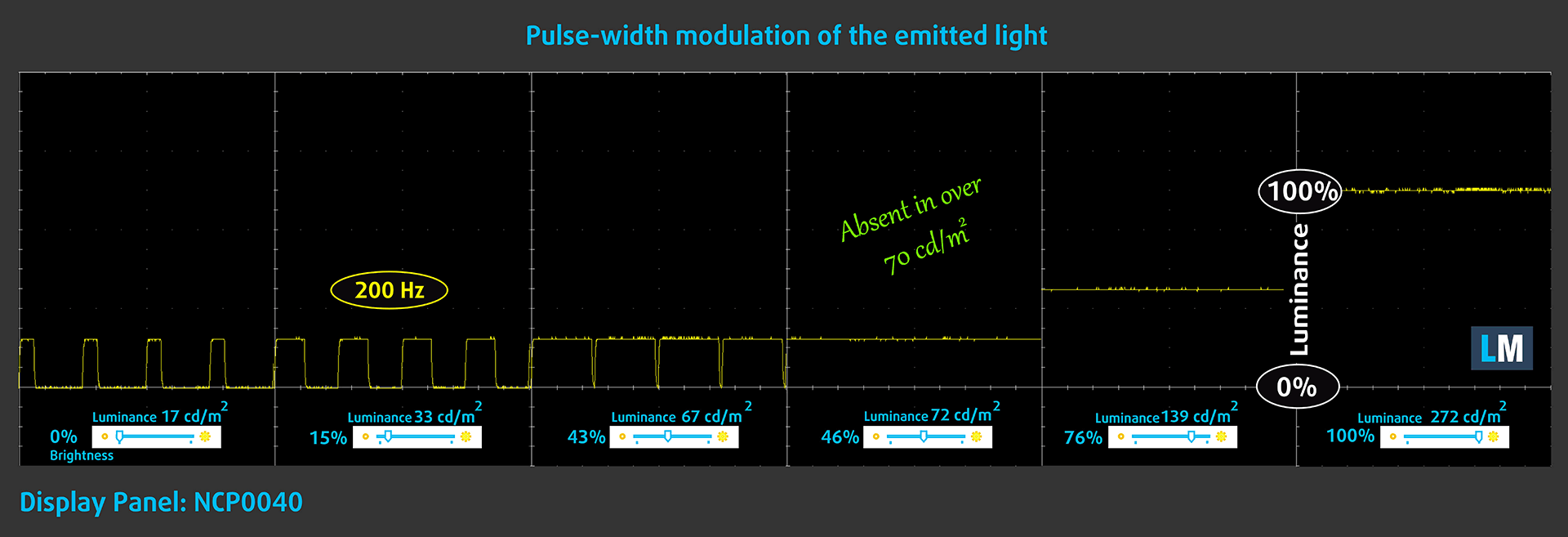
Pulse-width modulation (PWM) is an easy way to control monitor brightness. When you lower the brightness, the light intensity of the backlight is not lowered, but instead turned off and on by the electronics with a frequency indistinguishable to the human eye. In these light impulses, the light/no-light time ratio varies, while brightness remains unchanged, which is harmful to your eyes. You can read more about that in our dedicated article on PWM.
HP 15s (15s-eq0000)’s backlight is not PW-modulated above 70 nits of brightness. This makes it comfortable in general usage, but should you use it in dark environments, there will be a nasty 200Hz flickering.
Blue light emissions
Installing our Health-Guard profile not only eliminates PWM but also reduces the harmful Blue Light emissions while keeping the colors of the screen perceptually accurate. If you’re not familiar with the Blue light, the TL;DR version is – emissions that negatively affect your eyes, skin, and your whole body. You can find more information about that in our dedicated article on Blue Light.
Conclusions
HP 15s (15s-eq0000) is blessed with an IPS panel. It has a Full HD resolution, comfortable viewing angles, and a good contrast ratio. Sadly, its color reproduction is bad with poor color accuracy and only 52% of sRGB coverage. While it doesn’t use PWM to adjust its brightness above 70 nits, it is noteworthy that below that point, the flickers have a low frequency, thus being harmful if you watch videos late at night – our Health-Guard profile takes care of this issue.
Buy our profiles
Since our profiles are tailored for each individual display model, this article and its respective profile package are meant for HP 15s (15s-eq0000) configurations with 15.6″ NCP0040 (FHD, 1920 × 1080) IPS.
*Should you have problems with downloading the purchased file, try using a different browser to open the link you’ll receive via e-mail. If the download target is a .php file instead of an archive, change the file extension to .zip or contact us at [email protected].
Read more about the profiles HERE.
Εκτός από τη λήψη αποδοτικών και φιλικών προς την υγεία προφίλ, αγοράζοντας τα προϊόντα της LaptopMedia υποστηρίζετε επίσης την ανάπτυξη των εργαστηρίων μας, όπου δοκιμάζουμε συσκευές για να παράγουμε τις πιο αντικειμενικές δυνατές αξιολογήσεις.

Office Work
Το Office Work πρέπει να χρησιμοποιείται κυρίως από χρήστες που περνούν τον περισσότερο χρόνο τους κοιτάζοντας κείμενα, πίνακες ή απλώς σερφάροντας. Αυτό το προφίλ στοχεύει στην παροχή καλύτερης ευκρίνειας και σαφήνειας διατηρώντας μια επίπεδη καμπύλη γάμμα (2.20), εγγενή θερμοκρασία χρώματος και αντιληπτικά ακριβή χρώματα.

Design and Gaming
Αυτό το προφίλ απευθύνεται σε σχεδιαστές που εργάζονται επαγγελματικά με χρώματα, καθώς και για παιχνίδια και ταινίες. Το Design and Gaming ωθεί τα πάνελ οθόνης στα όριά τους, καθιστώντας τα όσο το δυνατόν πιο ακριβή στο πρότυπο sRGB IEC61966-2-1 για Web και HDTV, σε λευκό σημείο D65.

Health-Guard
Το Health-Guard εξαλείφει την επιβλαβή διαμόρφωση πλάτους παλμού (PWM) και μειώνει το αρνητικό Μπλε Φως που επηρεάζει τα μάτια και το σώμα μας. Δεδομένου ότι είναι ειδικά προσαρμοσμένο για κάθε πάνελ, καταφέρνει να διατηρεί τα χρώματα αντιληπτικά ακριβή. Το Health-Guard προσομοιώνει το χαρτί, οπότε η πίεση στα μάτια μειώνεται σημαντικά.
Αποκτήστε και τα 3 προφίλ με 33% έκπτωση

Sound
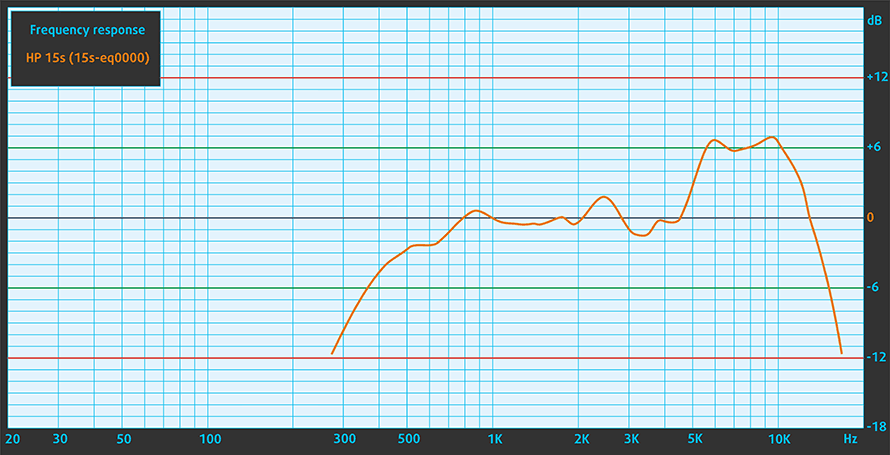
HP 15s (15s-eq0000)’s speakers produce a fairly loud sound. Its low, mid, and high tones are clear of deviations.
Drivers
All of the drivers and utilities for this notebook can be downloaded from here: https://support.hp.com/us-en/drivers/selfservice/hp-15s-eq0000-laptop-pc-series/30794450
Battery
Now, we conduct the battery tests with Windows Better performance setting turned on, screen brightness adjusted to 120 nits, and all other programs turned off except for the one we are testing the notebook with. Here, the 41Wh was able to deliver around 10 hours and a half of Web browsing and almost 9 hours of video playback.
Φωτεινότητα: 180 nits; Λειτουργία οθόνης: SDR
Χρόνος μέχρι την πλήρη εκφόρτιση: Υψηλότερο είναι καλύτερο
Για την προσομοίωση πραγματικών συνθηκών, χρησιμοποιήσαμε το δικό μας σενάριο για αυτόματη περιήγηση στο διαδίκτυο σε πάνω από 70 ιστότοπους.
CPU options
Currently, this notebook comes with a reasonable choice of AMD CPUs. This includes the Athlon 300U, Athlon Silver 3050U, Athlon Gold 3150U, Ryzen 3 3200U, Ryzen 3 3250U, and the Ryzen 5 3500U.
Τα αποτελέσματα προέρχονται από τη δοκιμή CPU του Cinebench 20 (όσο υψηλότερη η βαθμολογία, τόσο καλύτερα)
GPU options
In terms of GPUs, you only get integrated solutions – Radeon RX Vega 3 and Vega 8.
HP 15 (15s-eq0000, eq1000, eq2000, eq3000, fq0000, fq1000, fq2000, fq3000, fq4000, fr0000, fr1000, fr2000, ey0000, ey1000) Παραλλαγές GPU
Εδώ μπορείτε να δείτε μια κατά προσέγγιση σύγκριση μεταξύ των GPU που μπορούν να βρεθούν στα μοντέλα HP 15 (15s-eq0000, eq1000, eq2000, eq3000, fq0000, fq1000, fq2000, fq3000, fq4000, fr0000, fr1000, fr2000, ey0000, ey1000) στην αγορά. Με αυτόν τον τρόπο μπορείτε να αποφασίσετε ποιο μοντέλο HP 15 (15s-eq0000, eq1000, eq2000, eq3000, fq0000, fq1000, fq2000, fq3000, fq4000, fr0000, fr1000, fr2000, ey0000, ey1000) προσφέρει την καλύτερη αξία για τα χρήματά σας.
Σημείωση: Το διάγραμμα δείχνει τις φθηνότερες διαφορετικές διαμορφώσεις GPU, οπότε θα πρέπει να ελέγξετε ποιες είναι οι άλλες προδιαγραφές αυτών των φορητών υπολογιστών κάνοντας κλικ στο όνομα του φορητού υπολογιστή / GPU.
Τα αποτελέσματα προέρχονται από το 3DMark Time Spy (Graphics). Το υψηλότερο είναι καλύτερο.
Τα αποτελέσματα προέρχονται από το benchmark 3DMark: Fire Strike (Graphics) (όσο υψηλότερη η βαθμολογία, τόσο καλύτερα)
Τα αποτελέσματα προέρχονται από το benchmark 3DMark: Wild Life (Γραφικά) (όσο υψηλότερη η βαθμολογία, τόσο καλύτερα)
Τα αποτελέσματα προέρχονται από το benchmark Unigine Superposition (όσο υψηλότερη η βαθμολογία, τόσο καλύτερα)
Temperatures and comfort
Max CPU load
In this test we use 100% on the CPU cores, monitoring their frequencies and chip temperature. The first column shows a computer’s reaction to a short load (2-10 seconds), the second column simulates a serious task (between 15 and 30 seconds), and the third column is a good indicator of how good the laptop is for long loads such as video rendering.
Average core frequency (base frequency + X); CPU temp.
| AMD Ryzen 3 3200U (15W TDP) | 0:02 – 0:10 sec | 0:15 – 0:30 sec | 10:00 – 15:00 min |
|---|---|---|---|
| HP 15s (15s-eq0000) | 3.39 GHz (B+30%) @ 87°C | 3.32 GHz (B+28%) @ 87°C | 2.94 GHz (B+13%) @ 68°C |
| HP 15 (15-db1000) | 2.79 GHz (B+7%) @ 66°C | 2.64 GHz (B+2%) @ 69°C | 2.66 GHz (B+2%) @ 70°C |
As you can see, HP has definitely gained some ground with its new design. Even though the Ryzen 3 3200U is a fairly unpretentious processor, there is always room to get it wrong.
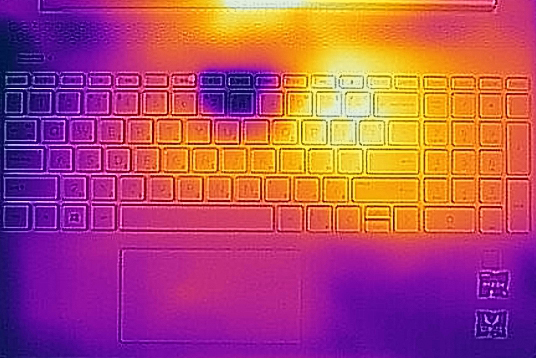
Comfort during full load
And while it was able to adequately handle this CPU, the laptop felt a little louder than it should. This can also be said about the temperature on the surface, which although not too hot (at 40C), seems a bit too warm for a laptop with this processor.
Verdict
You want a budget laptop – you get a budget laptop. We just want you to keep your expectations low enough. This is not a gaming laptop, neither it is a powerhouse. However, if you want it as a daily driver – for example to watch videos, do some school work or just browse the Web in your spare time – it will definitely do the job.
And despite its relatively low-quality build, it is good to see that HP has given you more than decent input devices, and overall a laptop that you will carry around effortlessly, as it is both thinner and lighter than the average budget-friendly laptops out there.
Additionally, it is good to see an SD card reader and a USB Type-C port on this machine (the latter was nowhere to be found on the Ideapad 3 (15)). And surely, having the opportunity to browse the Web for more than 10 hours and watching movies for around 9 hours can be considered as a big advantage.
HP 15s (15s-eq0000) is blessed with an IPS panel. It has a Full HD resolution, comfortable viewing angles, and a good contrast ratio. Sadly, its color reproduction is bad with poor color accuracy and only 52% of sRGB coverage. While it doesn’t use PWM to adjust its brightness above 70 nits, it is noteworthy that below that point, the flickers have a low frequency, thus being harmful if you watch videos late at night – our Health-Guard profile takes care of this issue.
So, at the end of the day, this is a non-obnoxious device. It doesn’t scream “Buy me!” in your face, but it rather stays in the corner, tosses a tennis ball and waits, because it knows you need it. By the way, we ran the gaming benchmarks last, and our device shut down twice on us, because of “overheating” during both the DOTA2 and the CS:GO benchmarks. While this may be an isolated case, we have to say that we have a retail unit, so this could well happen to you too.
Pros
- Good input devices
- MicroSD card slot and a fingerprint reader on board
- Great battery life
- Comfortable viewing angles and a good contrast ratio
- Thin and light design
Cons
- Covers only 52% of sRGB (BOE NV140FHM-N49) and has mediocre color accuracy
- We’ve got some overheating issues, where the laptop switched itself off during gameplay
- Uses aggressive PWM below 70 nits (our Health-Guard profile fixes the issue)
- Not the best build quality out there
You can check the prices and configurations in our Specs System: https://laptopmedia.com/series/hp-15-15s-eq0000-eq1000/
 Author: Alex Iliev
 Author: eng. Kroum NikolovHead of Engineering at LaptopMedia.com, inventor and innovator with 40+ years of experience in electronics and high technology.

![[Αύγουστος 2026] Amazon Global: Οι 10 φορητοί υπολογιστές με τις μεγαλύτερες πωλήσεις – Το Apple MacBook Neo κυριαρχεί στις λίστες, ενώ οι οικονομικοί και μεσαίας κατηγορίας φορητοί υπολογιστές με Windows ανταγωνίζονται για τον όγκο πωλήσεων](https://laptopmedia.com/wp-content/uploads/2026/09/Best-Selling-Laptops-GLOBAL-Top-10-400x225.jpg)
![[Αύγουστος 2026] Οι μάρκες φορητών υπολογιστών με τις μεγαλύτερες πωλήσεις στο Amazon Global – Η Apple κυριαρχεί σε έσοδα, ενώ η HP πρωτοστατεί στην ποικιλία μοντέλων](https://laptopmedia.com/wp-content/uploads/2026/09/GLOBAL-Best-Brands-400x225.jpg)
![[Αύγουστος 2026] Amazon Global: Οι 10 πιο δημοφιλείς φορητοί υπολογιστές για παιχνίδια – Ο HP Victus 15 κατακτά την πρώτη θέση, ενώ τα οικονομικά μοντέλα κυριαρχούν στις λίστες](https://laptopmedia.com/wp-content/uploads/2026/09/Best-Selling-Gaming-Laptops-GLOBAL-Top-10-400x225.jpg)
![[August 2026] Best-Selling Laptop Brands on Amazon Japan – Apple Dominates Market Share and Revenue Led by Strong Unit Sales](https://laptopmedia.com/wp-content/uploads/2026/09/CO.JP-Best-Brands-1-400x225.jpg)
![[August 2026] Best-Selling Laptop Brands on Amazon USA – Apple Dominates Market Revenue and Volume Despite Lower Model Diversity](https://laptopmedia.com/wp-content/uploads/2026/09/COM-Best-Brands-1-400x225.jpg)

The blue light emissions from any screen is at least a hundred times less than that from the sun. There is literally no evidence that screens emit sufficient light to damage the eye.