How to open ASUS ProArt P16 H7606 (2025) – disassembly and upgrade options
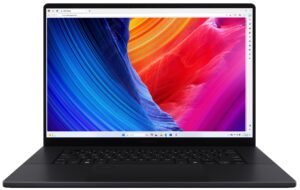
Step 1: Opening the ASUS ProArt P16 (H7606)
- Power off the laptop and place it on a stable, static-free surface.
- Carefully remove the two rubber caps concealing screws near the front edge using a precision knife or sharp plastic tool. Preserve the adhesive on the caps for reuse.
- Undo the total of 11 Torx #6 screws holding the bottom cover. Note that the screws vary in length—organize them on a white surface or magnetic pad to avoid confusion during reassembly.
- Use a plastic pry tool to release the plastic clips securing the bottom panel. Start from the edge near the trackpad area and finish along the hinge. Once unclipped, lift the bottom panel away from the chassis.
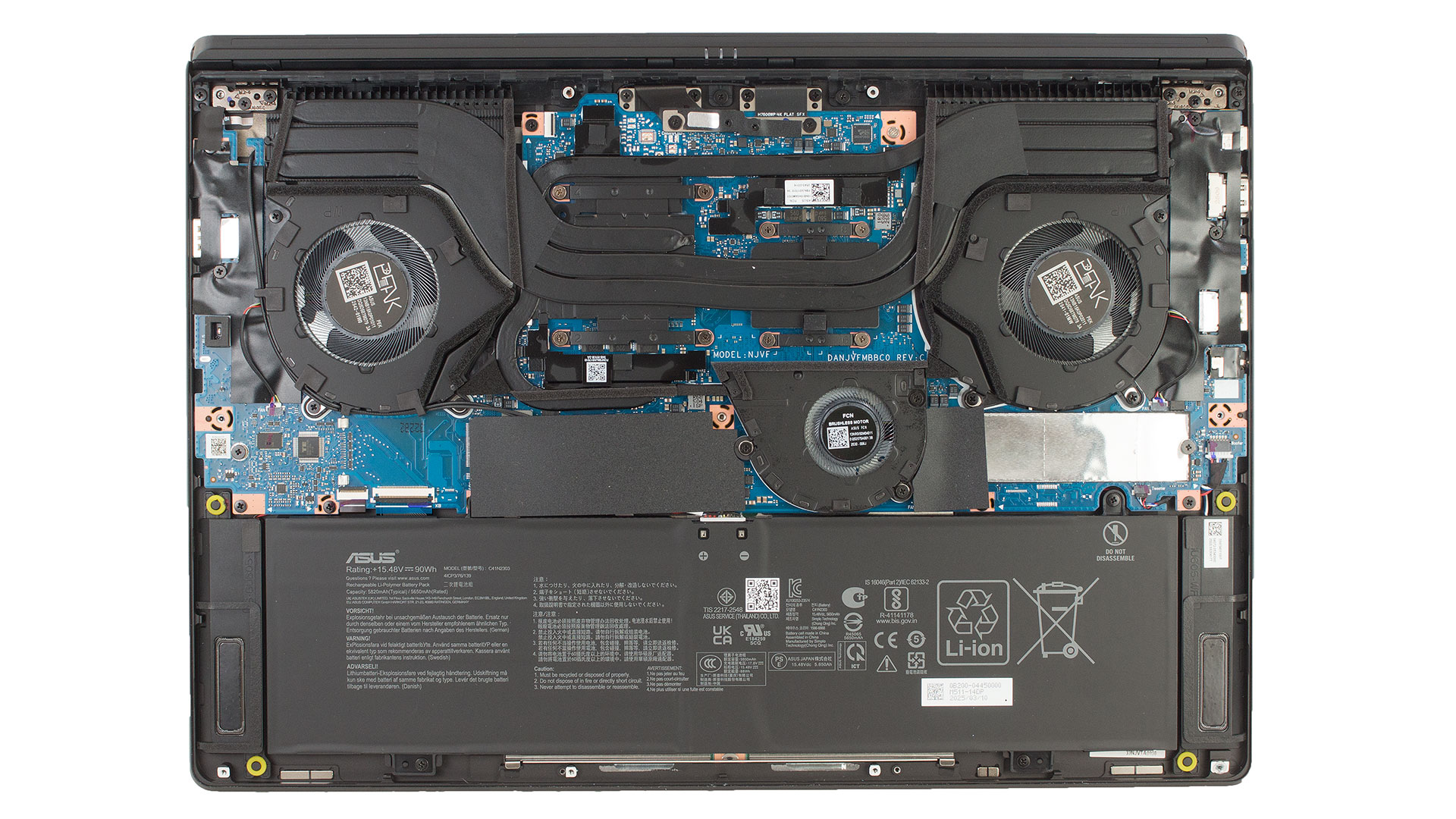
Battery Removal
- Disconnect the battery by unlocking the metal retention bracket and lifting the connector straight up.
- Undo the four screws securing the battery. Use a JIS screwdriver for these screws—Philips drivers can damage the heads.
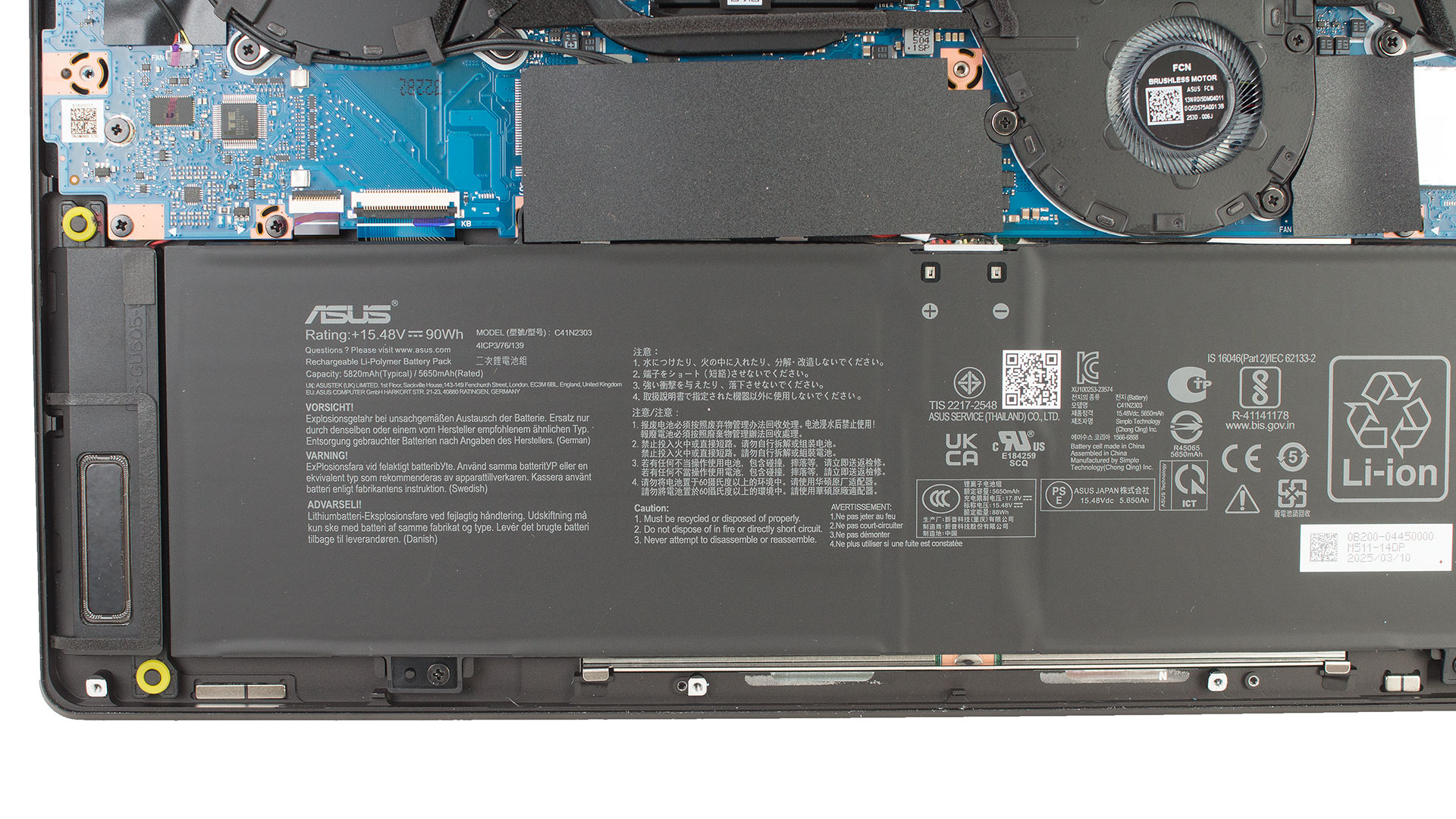
Storage Upgrade
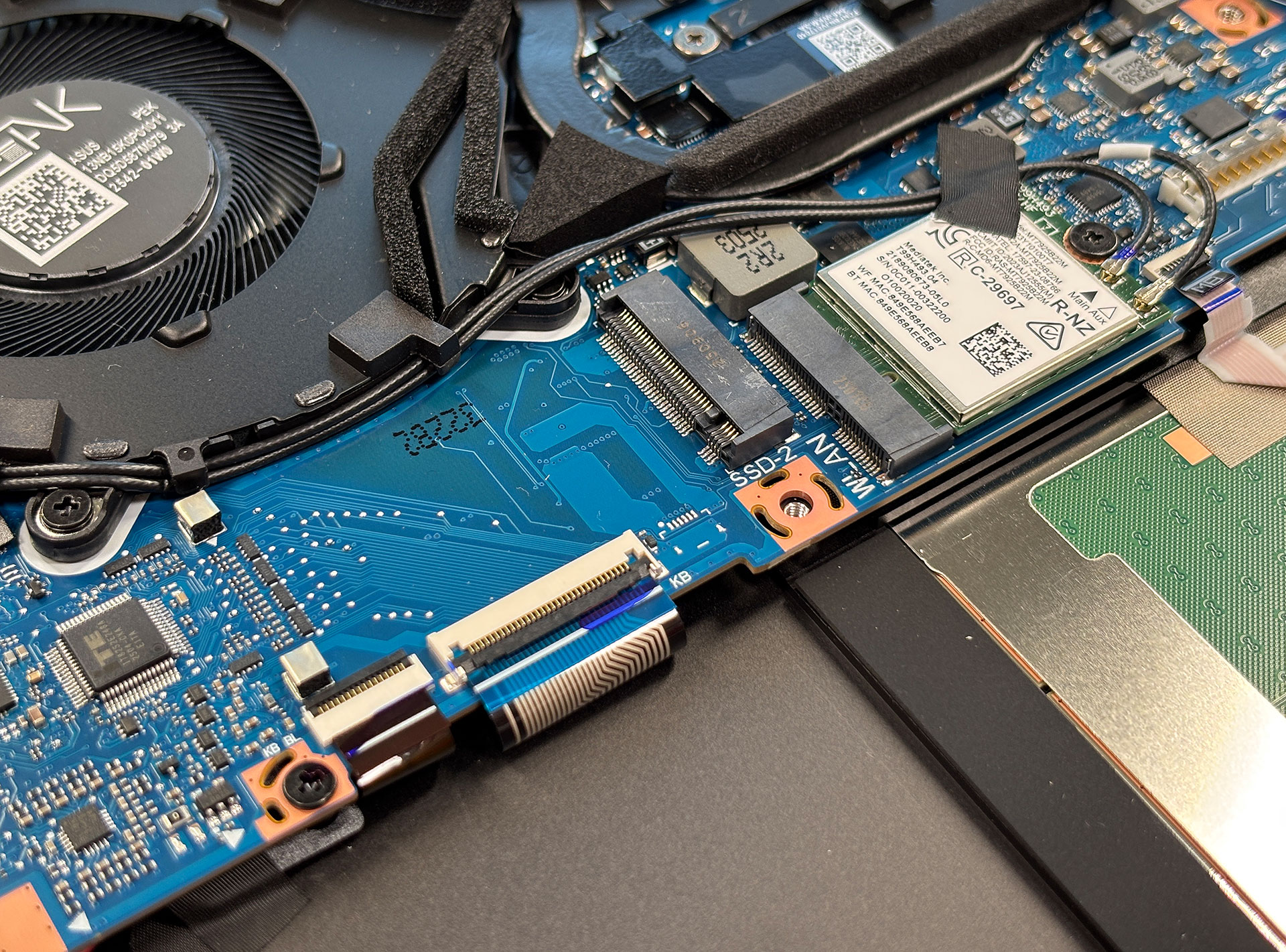
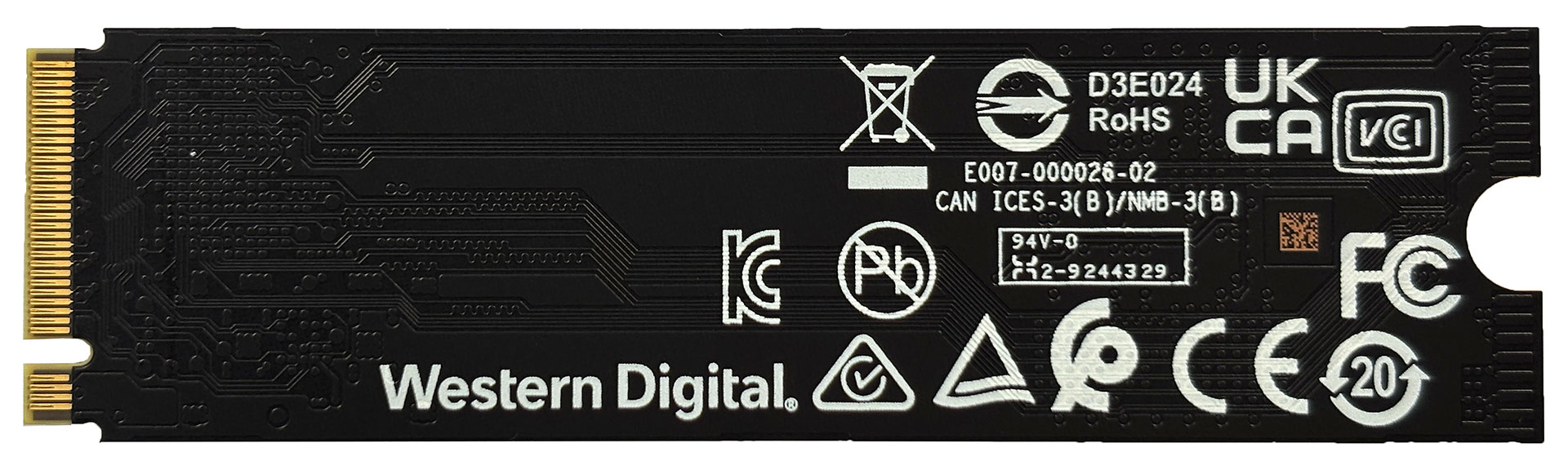
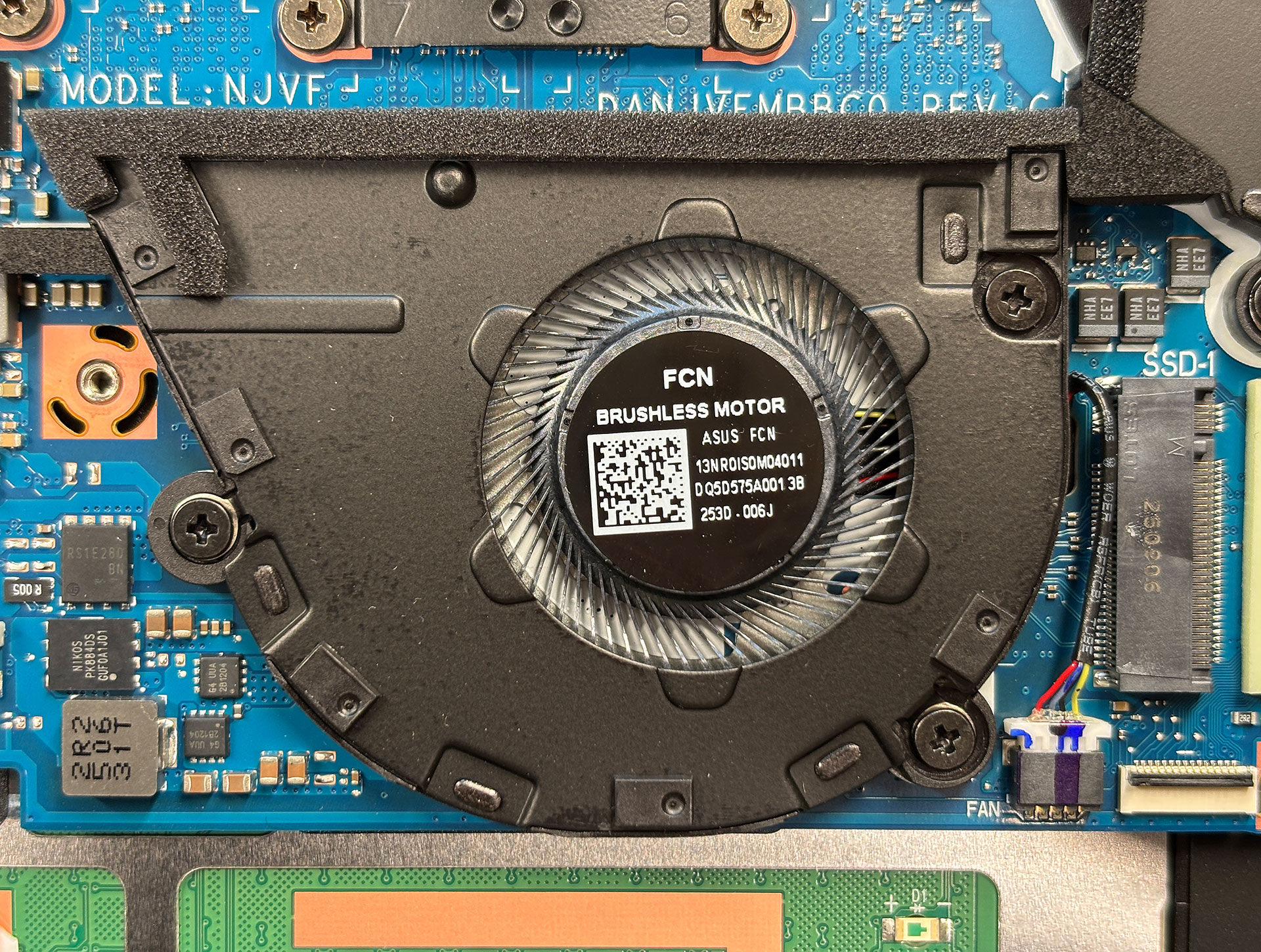
- The laptop features two M.2 slots for 2280 PCIe NVMe SSDs, one of which is preinstalled and protected by an aluminum shield and thermal pad.
- Remove the shield and pad carefully to upgrade or replace the SSD.
Hint: Don’t forget to check out our Top M.2 SSDs Performance Rankings for insights on the best storage options available.
You can buy Gen 4 NVMe SSDs here: Buy from Amazon.com (#CommissionsEarned)
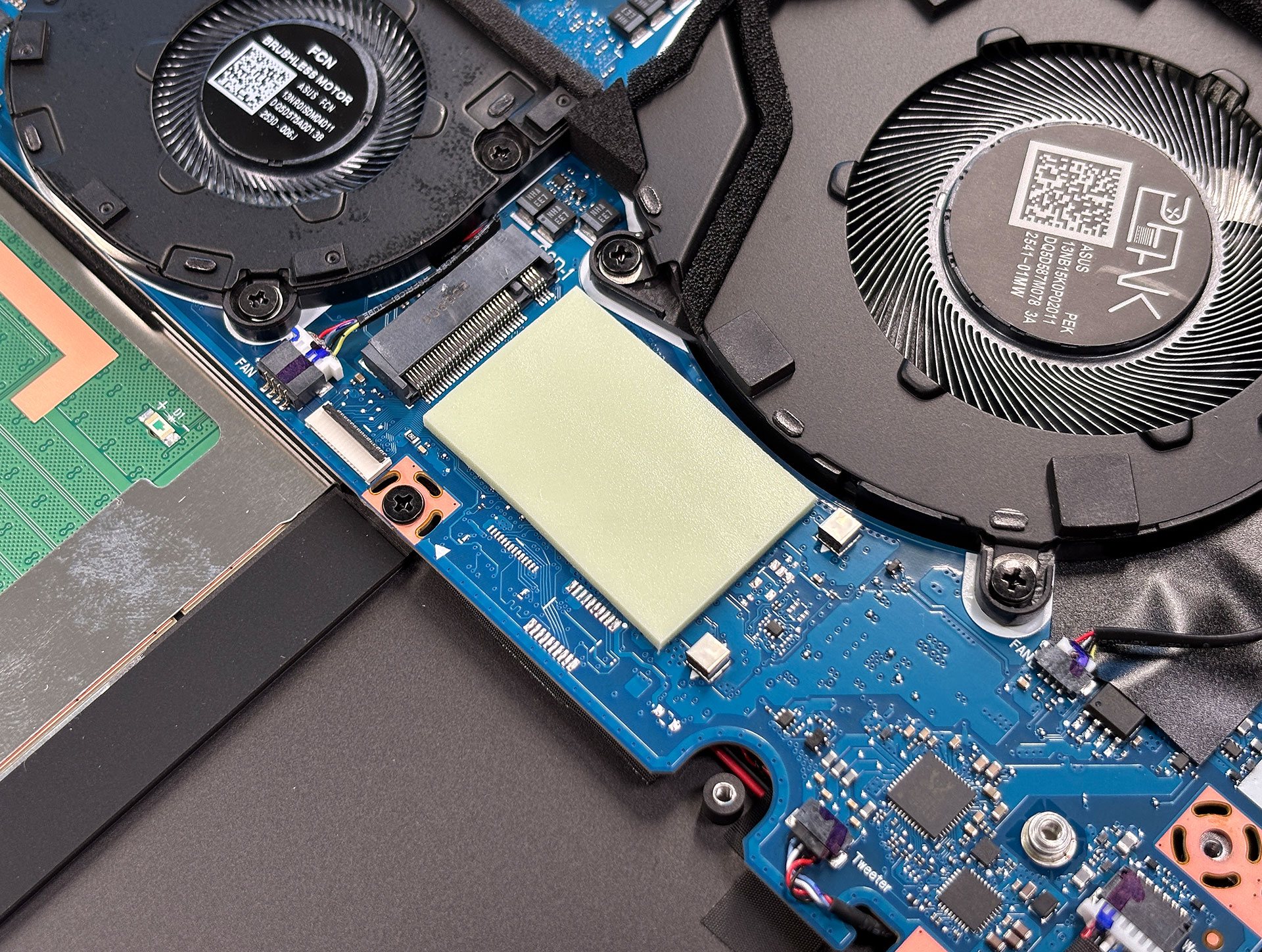
Wireless Module
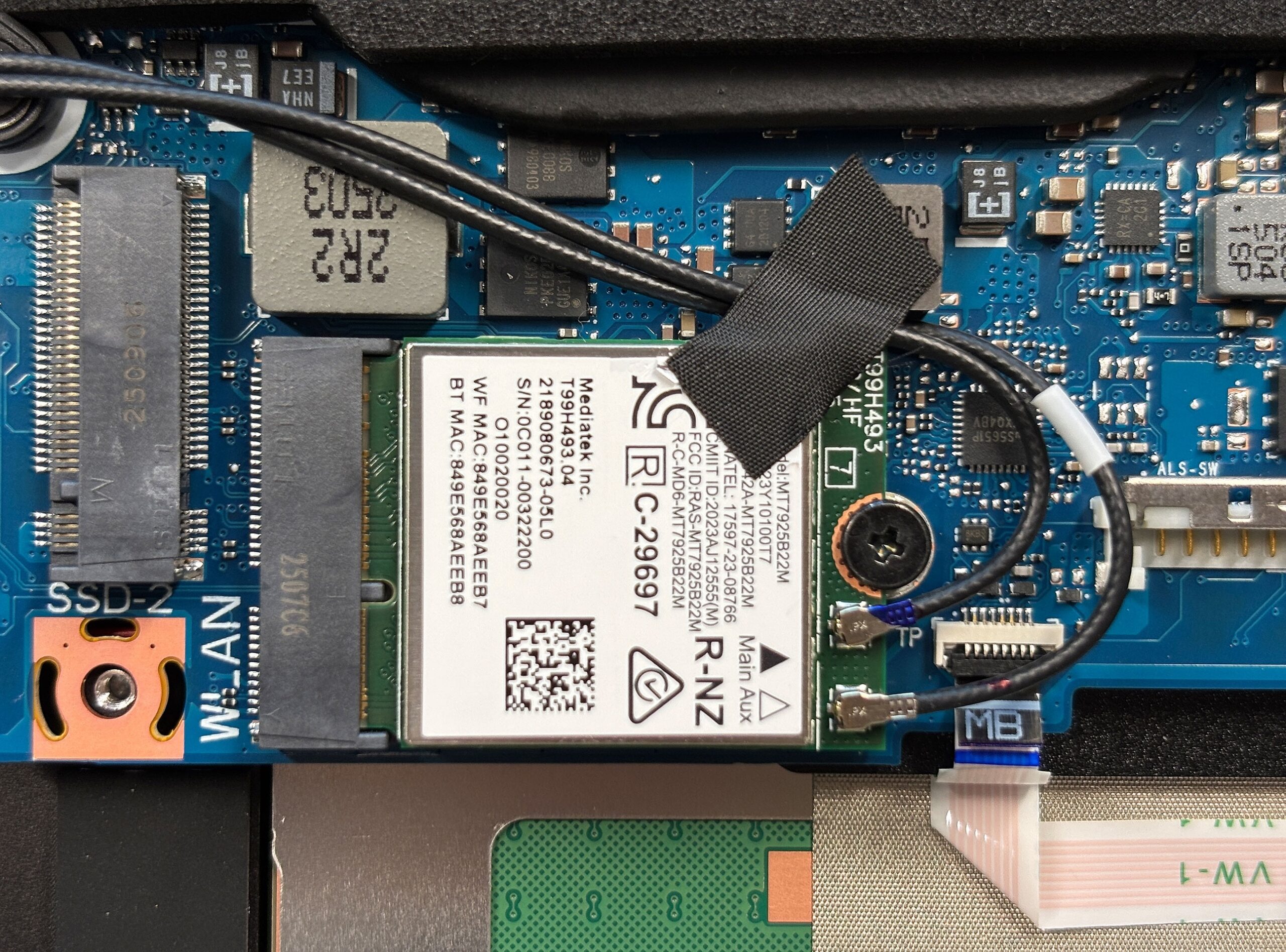
- The Wi-Fi module is user-replaceable, secured by a single screw, and located conveniently near the SSD slots for easy access.
Maintenance Tips
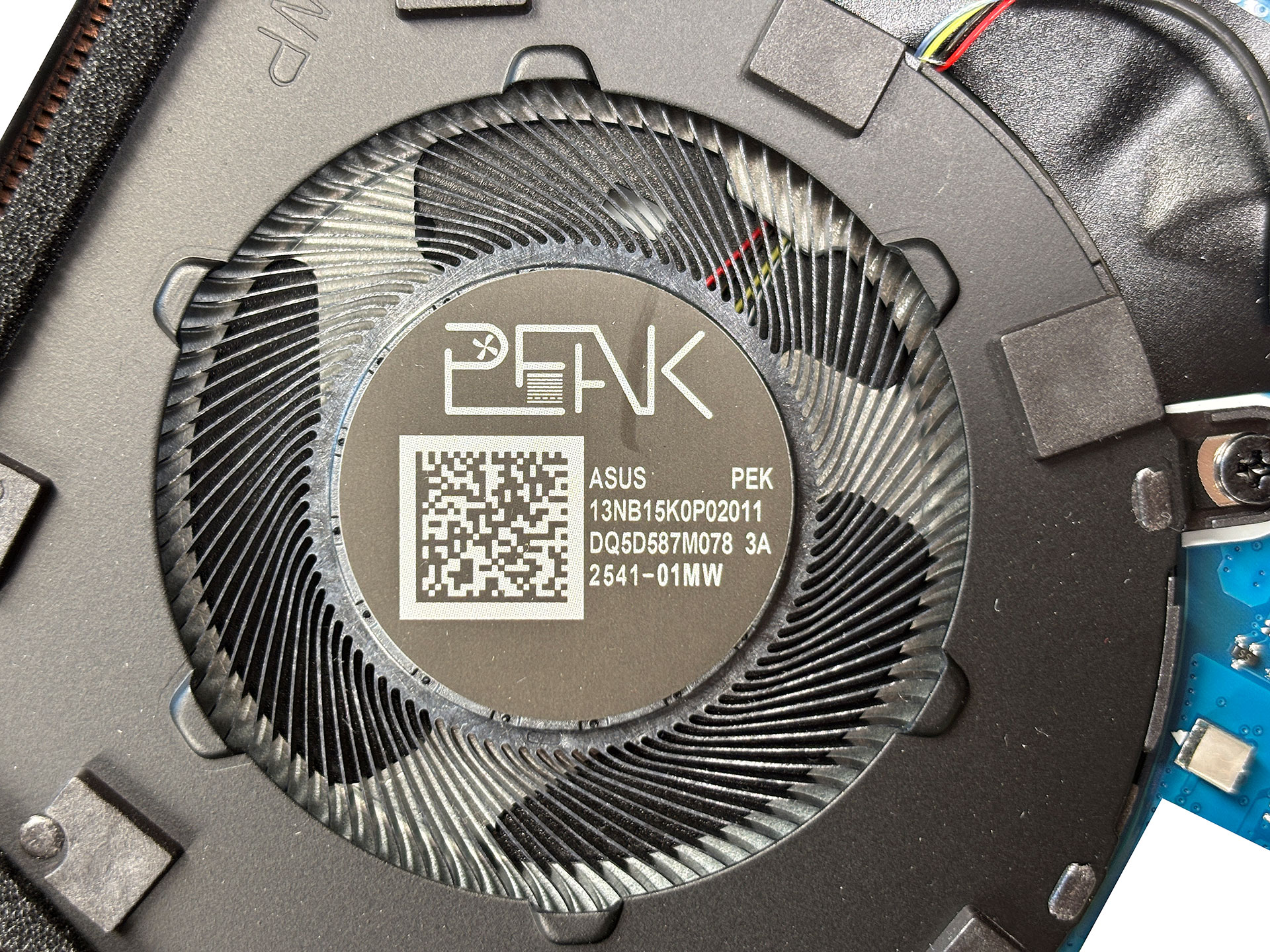
- With the bottom panel removed, all key components are accessible for upgrades or cleaning, making this workstation-grade laptop reasonably serviceable for users comfortable with disassembly.
ASUS ProArt P16 (H7606) in-depth review
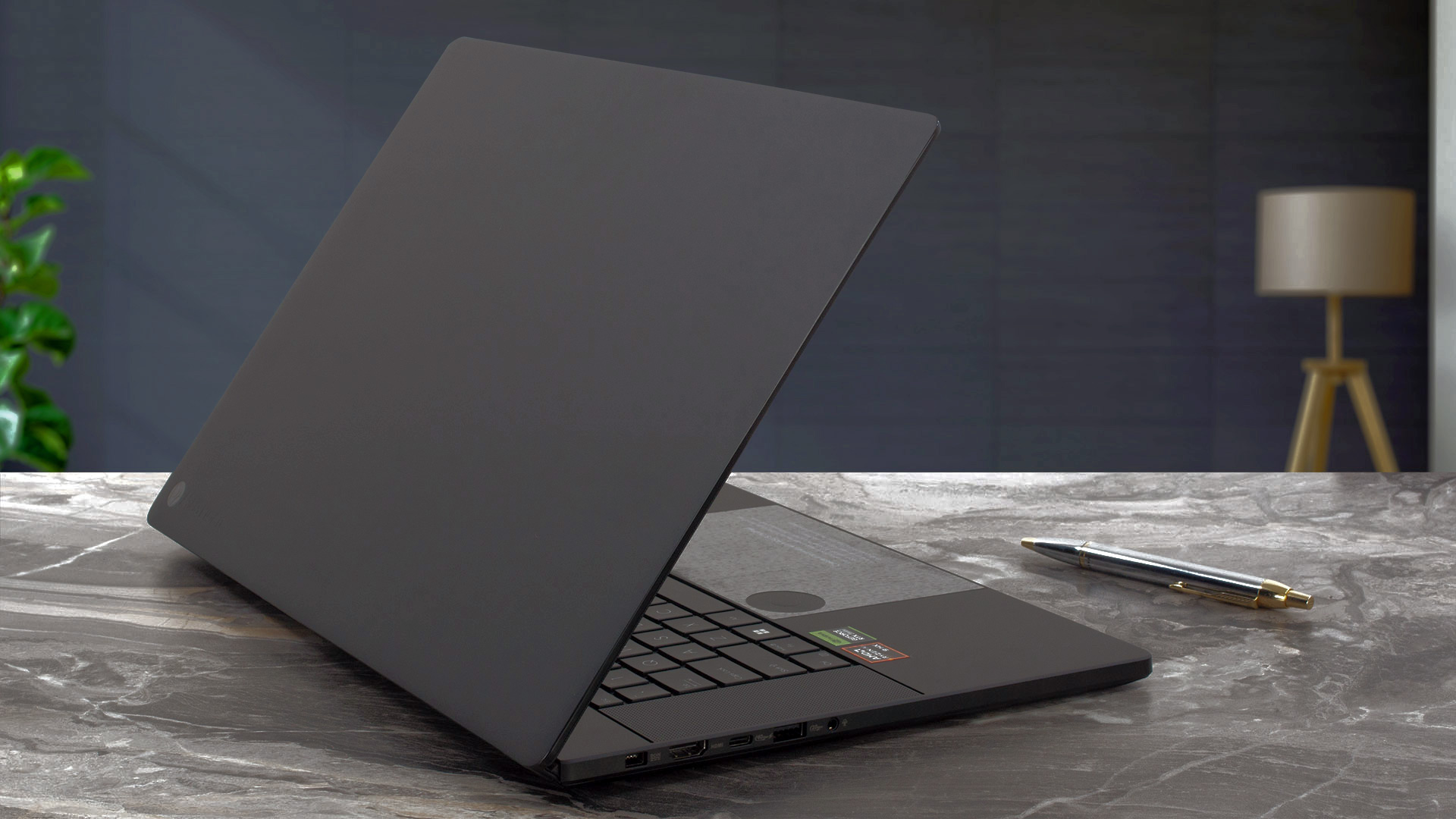
This is one of the most beautiful laptops we've ever seen. Dell upped its game with the latest XPS lineup in terms of design (XPS 9640 review), and now ASUS responds, making life difficult for content creators needing to decide on the best premium laptop on the market.The ASUS ProArt P16 (H7606) is essentially a stealthier version of the portable gaming powerhouse, the ROG Zephyrus G16, with a few key differences. While the ROG model features a display with a lower resolution of 2.5K but a higher refresh rate of 240 Hz, the ProArt P16 opts for greater detail with a 4K resolution but a slow[...]
Pros
- Gorgeous design
- Solid build, meets MIL-STD-810H military-grade standards
- Thin (0.59" / 14.9mm) and light (4.1lbs / 1.85kg) chassis
- High-resolution vivid display with accurate colors (dE = 1.1)
- 100% sRGB and 100% DCI-P3 color coverage
- Great quality Harman/Kardon speaker setup
- Cool ASUS DialPad controller
- ASUS Pen 2.0 and a Backpack in the bundle
Cons
- High reflectance display surface (147 GU)
- 60 Hz panel
 Author: Dimitar Stalev

![[August 2026] Amazon Global: Top 10 Best-Selling Laptops – Apple MacBook Neo Dominates the Charts as Budget and Mid-Range Windows Portables Fight for Volume](https://laptopmedia.com/wp-content/uploads/2026/09/Best-Selling-Laptops-GLOBAL-Top-10-400x225.jpg)
![[August 2026] Best-Selling Laptop Brands on Amazon Global – Apple Dominates Revenue While HP Leads in Model Variety](https://laptopmedia.com/wp-content/uploads/2026/09/GLOBAL-Best-Brands-400x225.jpg)
![[August 2026] Amazon Global: Top 10 Best-Selling Gaming Laptops – HP Victus 15 Captures the Crown as Budget-Friendly Models Dominate the Charts](https://laptopmedia.com/wp-content/uploads/2026/09/Best-Selling-Gaming-Laptops-GLOBAL-Top-10-400x225.jpg)
![[August 2026] Best-Selling Laptop Brands on Amazon Japan – Apple Dominates Market Share and Revenue Led by Strong Unit Sales](https://laptopmedia.com/wp-content/uploads/2026/09/CO.JP-Best-Brands-1-400x225.jpg)
![[August 2026] Best-Selling Laptop Brands on Amazon USA – Apple Dominates Market Revenue and Volume Despite Lower Model Diversity](https://laptopmedia.com/wp-content/uploads/2026/09/COM-Best-Brands-1-400x225.jpg)

Hello, thanks for the video !
I have a question : Do I need to remove completely the battery before adding RAM to the PC ? Or can I just disconnect the battery connector ?
Thank you