Inside HP 250 G8 – disassembly and upgrade options
Although this is a fairly budget notebook, you get a decent amount of options for upgrades down the line.
Check out all HP 250 G8 prices and configurations in our Specs System or read more in our In-Depth review.
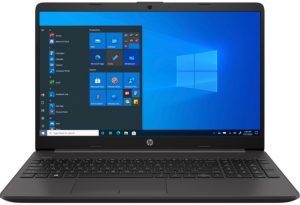
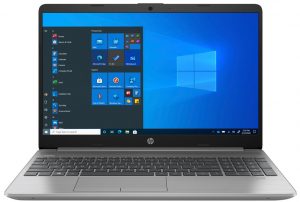
1. Remove the bottom plate
Once again, HP has decided to play their favorite game and has hidden most of this laptop’s screws beneath the two rubber feet. After you locate and undo all 8 of the Phillips-head screws, turn the laptop around, open it and start prying the bottom panel off the chassis.
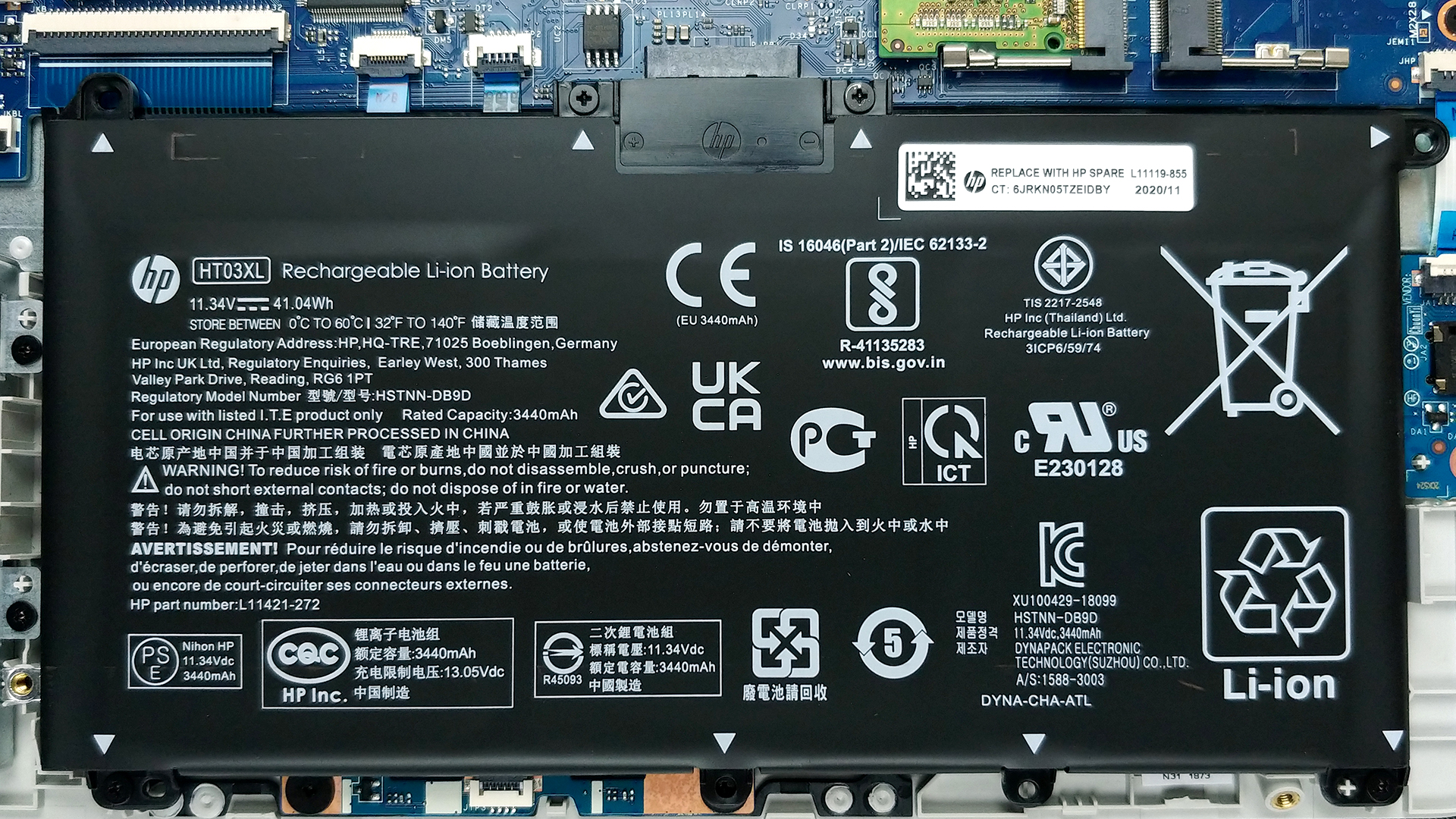
2. Battery
Our unit comes equipped with a pretty small 41Wh battery pack.
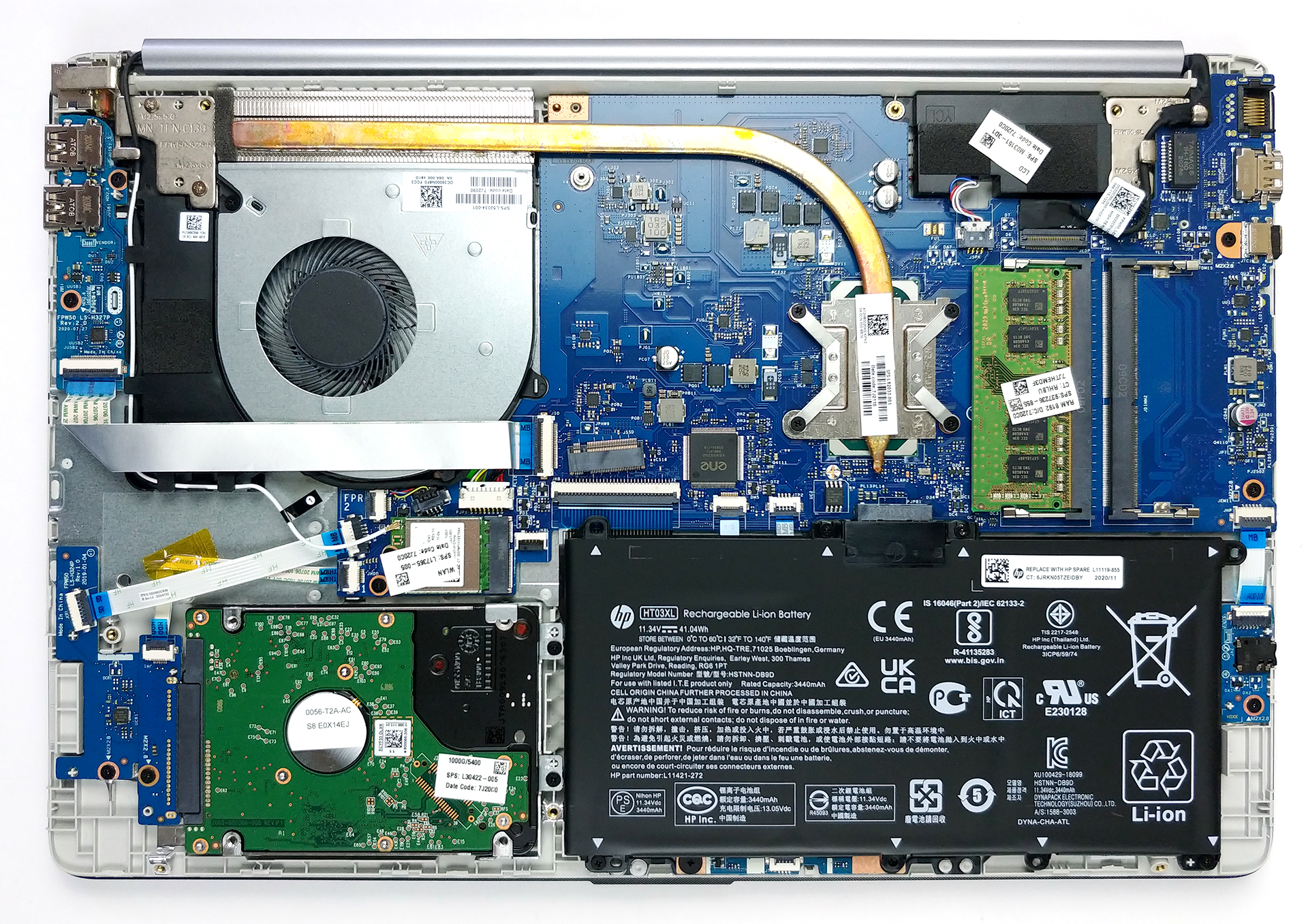
3. Memory and storage
Memory-wise you get two RAM SODIMM slots, which support dual-channel mode. According to some sources, they can fit up to 32GB in total. In terms of storage, there is one M.2 slot, which should fit both NVMe and SATA drives. Also, there is a 2.5-inch SATA drive bay.
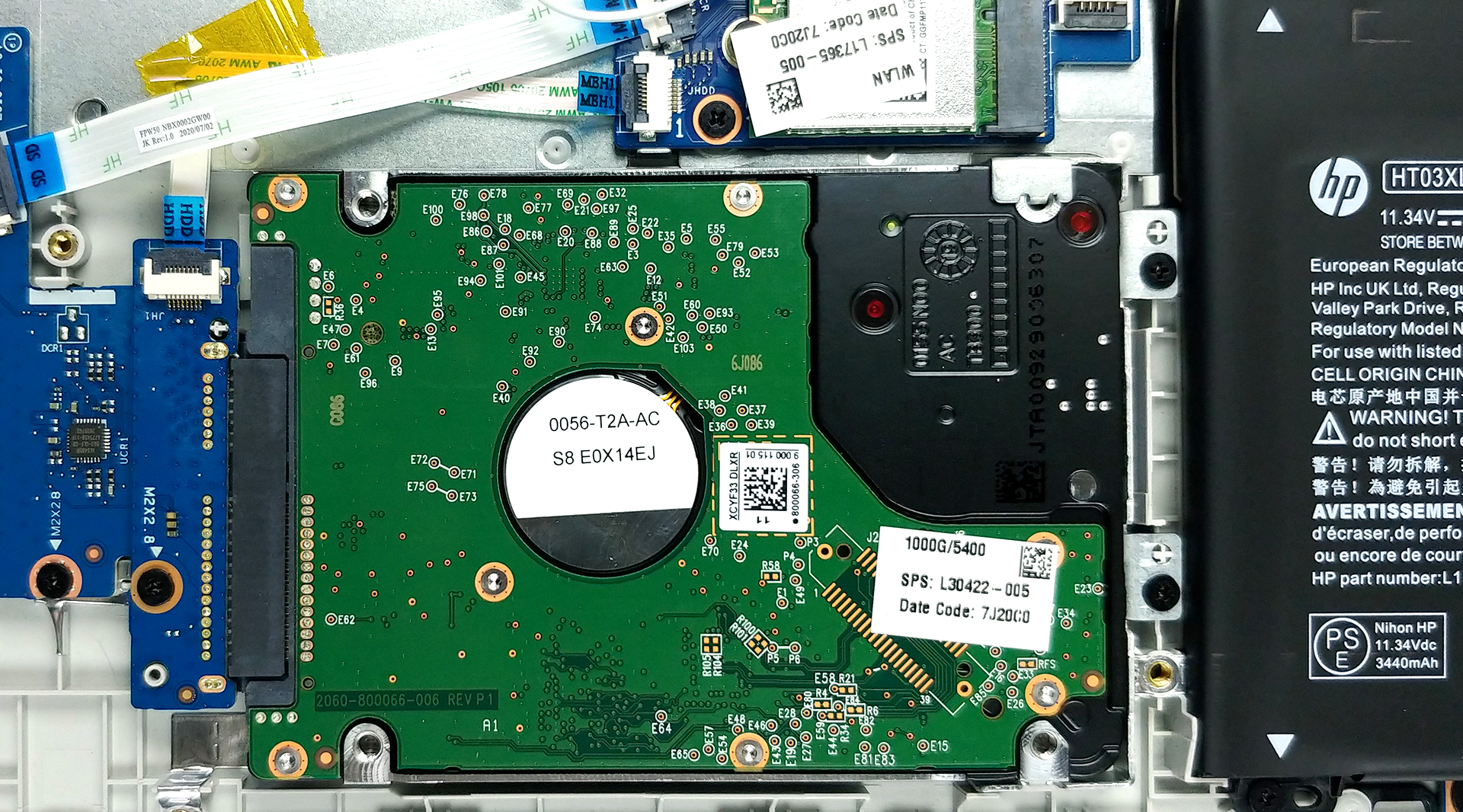
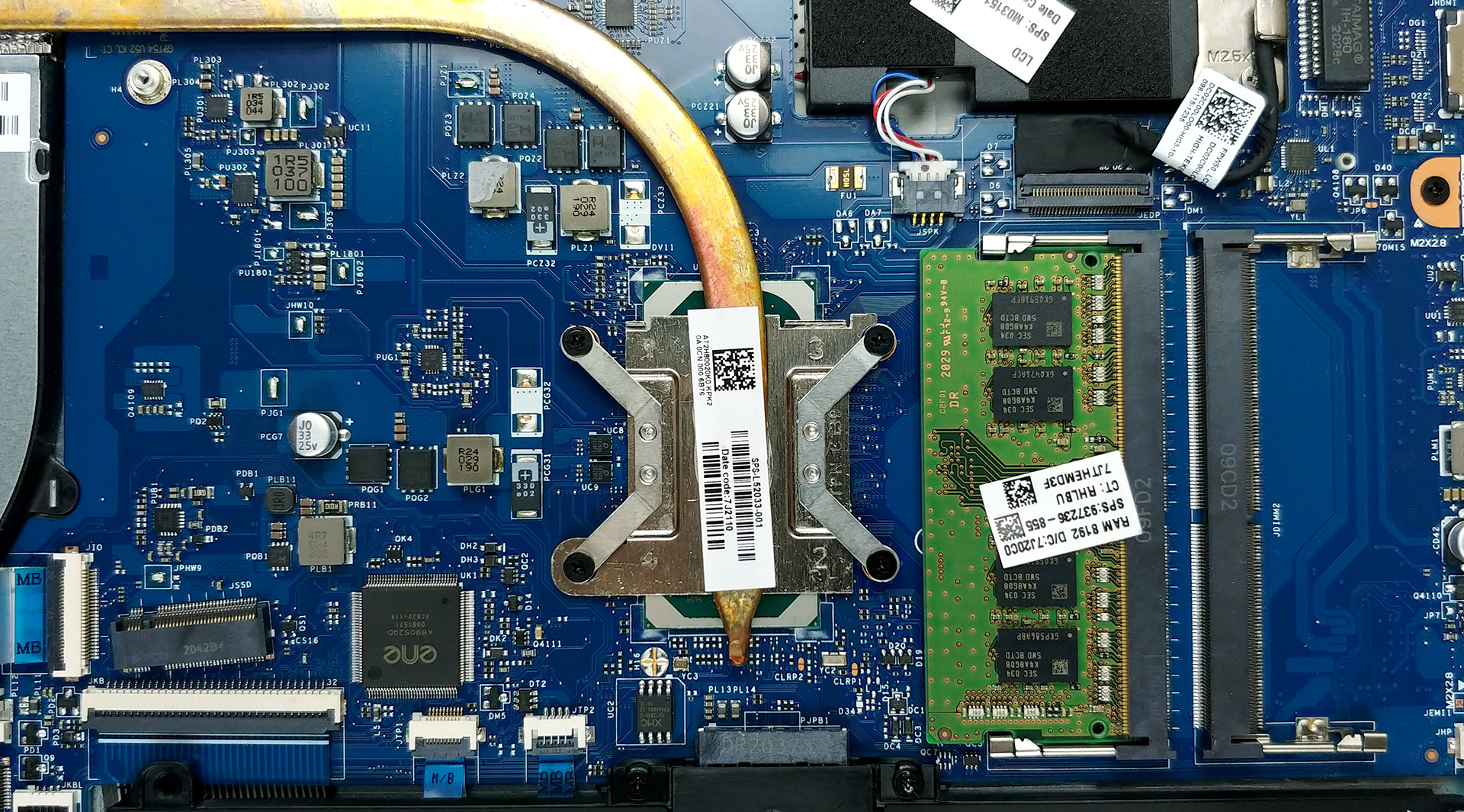
4. Cooling system
For cooling, the manufacturer has used a very thin but long heat pipe. Thankfully, the sizes of the heat sink and the fan look decent.
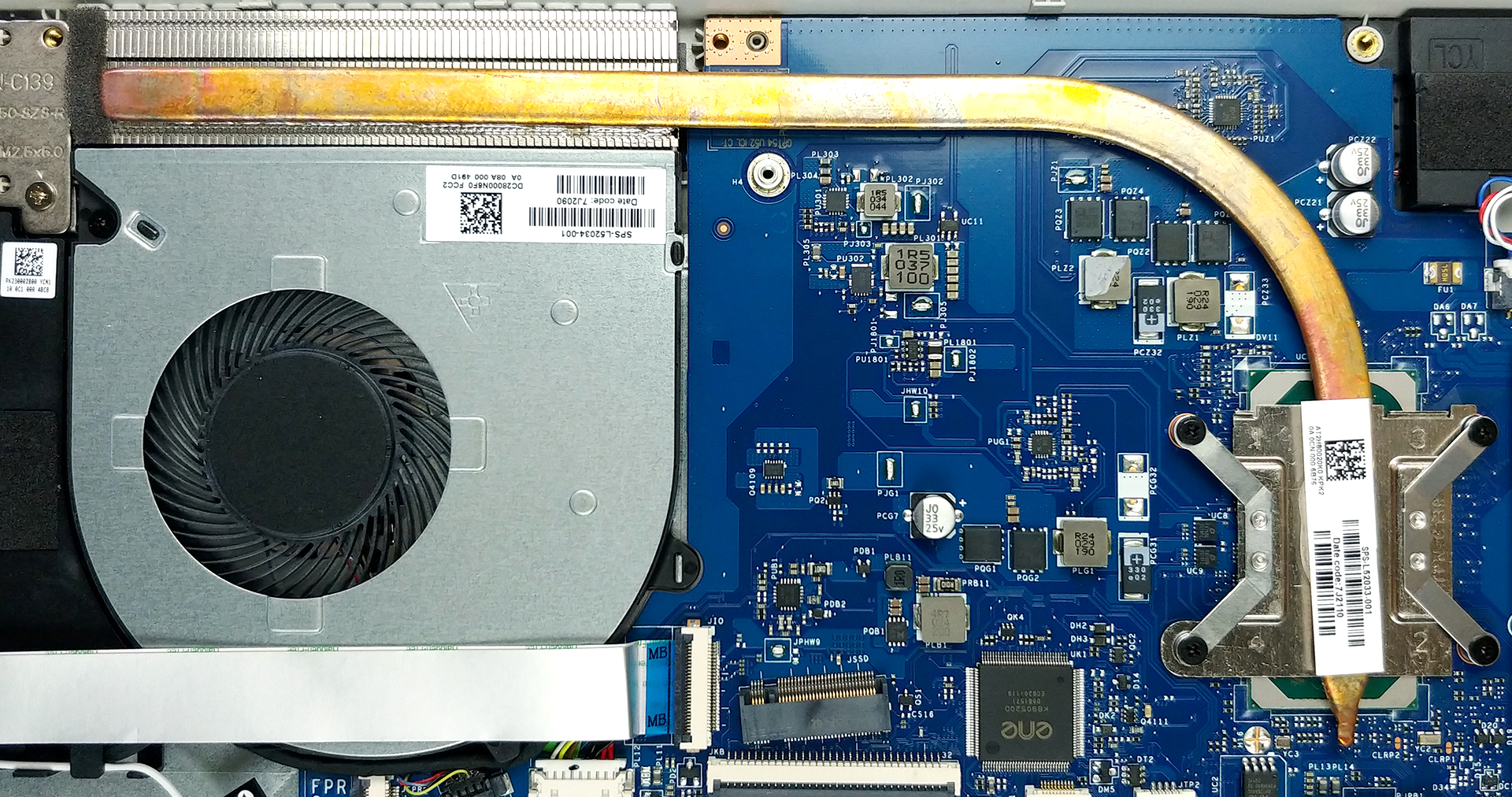
Check out all HP 250 G8 prices and configurations in our Specs System or read more in our In-Depth review.
HP 250 G8 / 255 G8 in-depth review
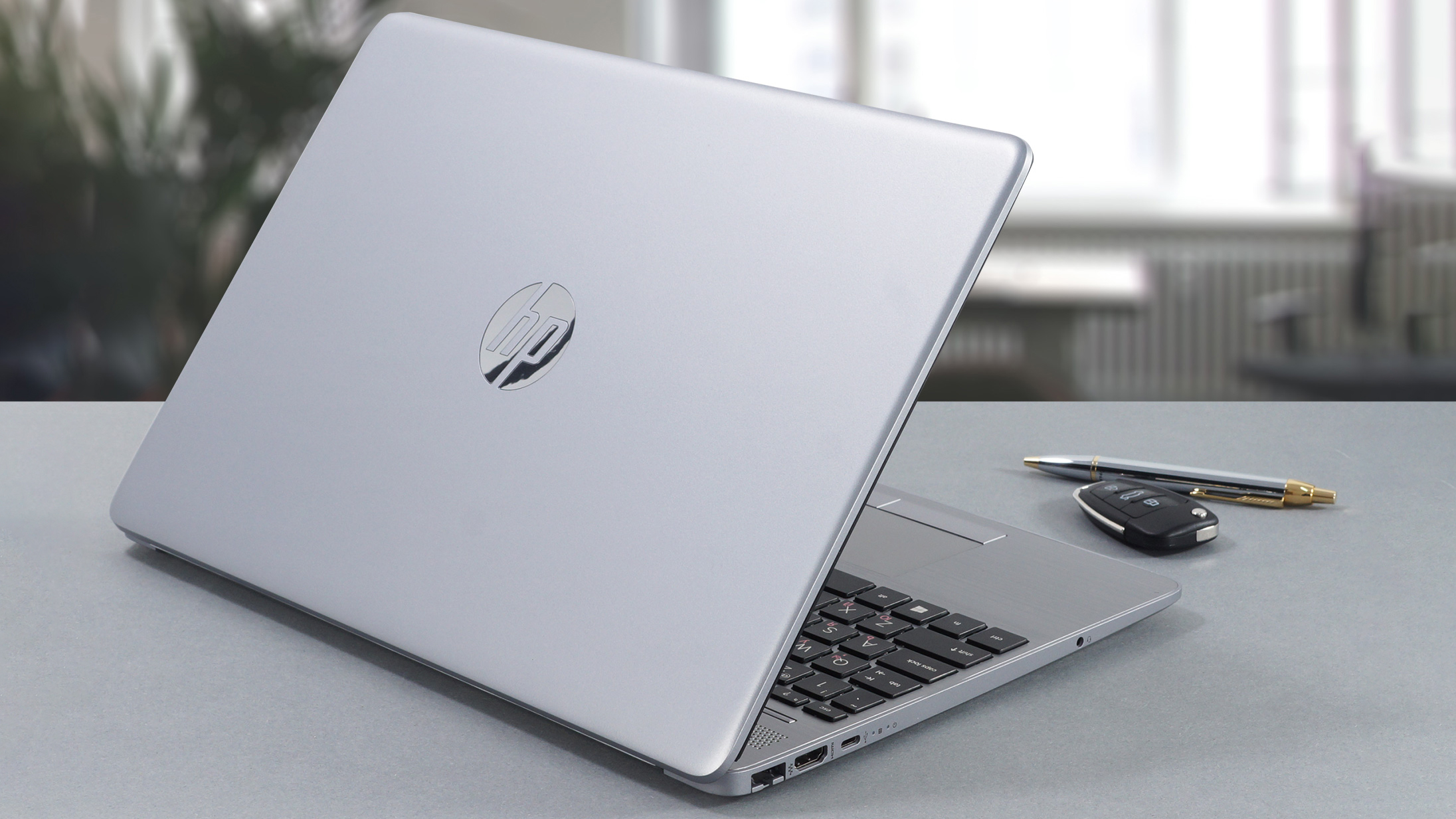
Okay, everybody, we are back in the budget territory today, and the laptop we're going to test is the HP 250 G8. Ultimately, this is the third iteration of the HP 250 we're reviewing, and the previous two all came with TN panels, which was a bummer. At the same time, it is somehow expected, since this is the main cost-cutting factor. Well... this, and the materials for the build.Unsurprisingly, we also got a TN model, which now feels weird in 2021, but it's good to know that you can still buy an IPS version. If you can spare the money - go for it. Nevertheless, this laptop offers a lot of[...]
Pros
- Wide configuration options
- One of the best keyboards for the price
- Doesn't use aggressive PWM for brightness adjustment (Innolux CMN1526)
- Great upgradability
- More portable than ever
Cons
- Poor build materials choice
- Its TN panel has poor viewing angles, mediocre contrast ratio and covers only 53% of the sRGB color gamut (Innolux CMN1526)
- Underpeforming
- Uncomfortable touchpad
 Author: Alex Iliev

![[August 2026] Amazon Italy: Top 10 Best-Selling Laptops – Apple MacBook Neo Claims the Crown as Budget and Mid-Range Windows Machines Dominate Volume](https://laptopmedia.com/wp-content/uploads/2026/09/Best-Selling-Laptops-IT-Top-10-400x225.jpg)
![[August 2026] Amazon Italy: Top 7 Best-Selling Gaming Laptops – ASUS V16 Claims the #1 Spot Amid Strong Mid-Range Demand](https://laptopmedia.com/wp-content/uploads/2026/09/Best-Selling-Gaming-Laptops-IT-Top-10-400x225.jpg)
![[August 2026] Best-Selling Laptop Brands on Amazon Italy – Lenovo Dominates Market Share and Revenue Leadership](https://laptopmedia.com/wp-content/uploads/2026/09/IT-Best-Brands-400x225.jpg)
![[August 2026] Amazon India: Top 10 Best-Selling Laptops – Apple MacBook Neo Dominates the Charts with Massive Sales Lead](https://laptopmedia.com/wp-content/uploads/2026/09/Best-Selling-Laptops-IN-Top-10-400x225.jpg)
![[August 2026] Amazon India: Top 10 Best-Selling Gaming Laptops – HP Victus 15 Dominates the Market with Massive Unit Lead](https://laptopmedia.com/wp-content/uploads/2026/09/Best-Selling-Gaming-Laptops-IN-Top-10-400x225.jpg)

a reminder for the future, this laptop doesn’t have the m.2 screw