ASUS ROG Zephyrus G14 GA402 (2023) review – vapor chamber cooling combined with metal build and high performance
- 1. Bevezetés, Specifikációk, Illesztőprogramok, Mi van a dobozban
- 2. Design and construction
- 3. Display quality, Health impact (PWM), Sound
- 4. Buy our profiles
- 5. Performance: CPU, GPU, Gaming Tests
- 6. [eBook Guide + Tools] How to MAX OUT your Gaming Laptop
- 7. Temperatures and comfort, Battery Life
- 8. Disassembly, Upgrade options, and Maintenance
- 9. Storage performance
- 10. Verdict
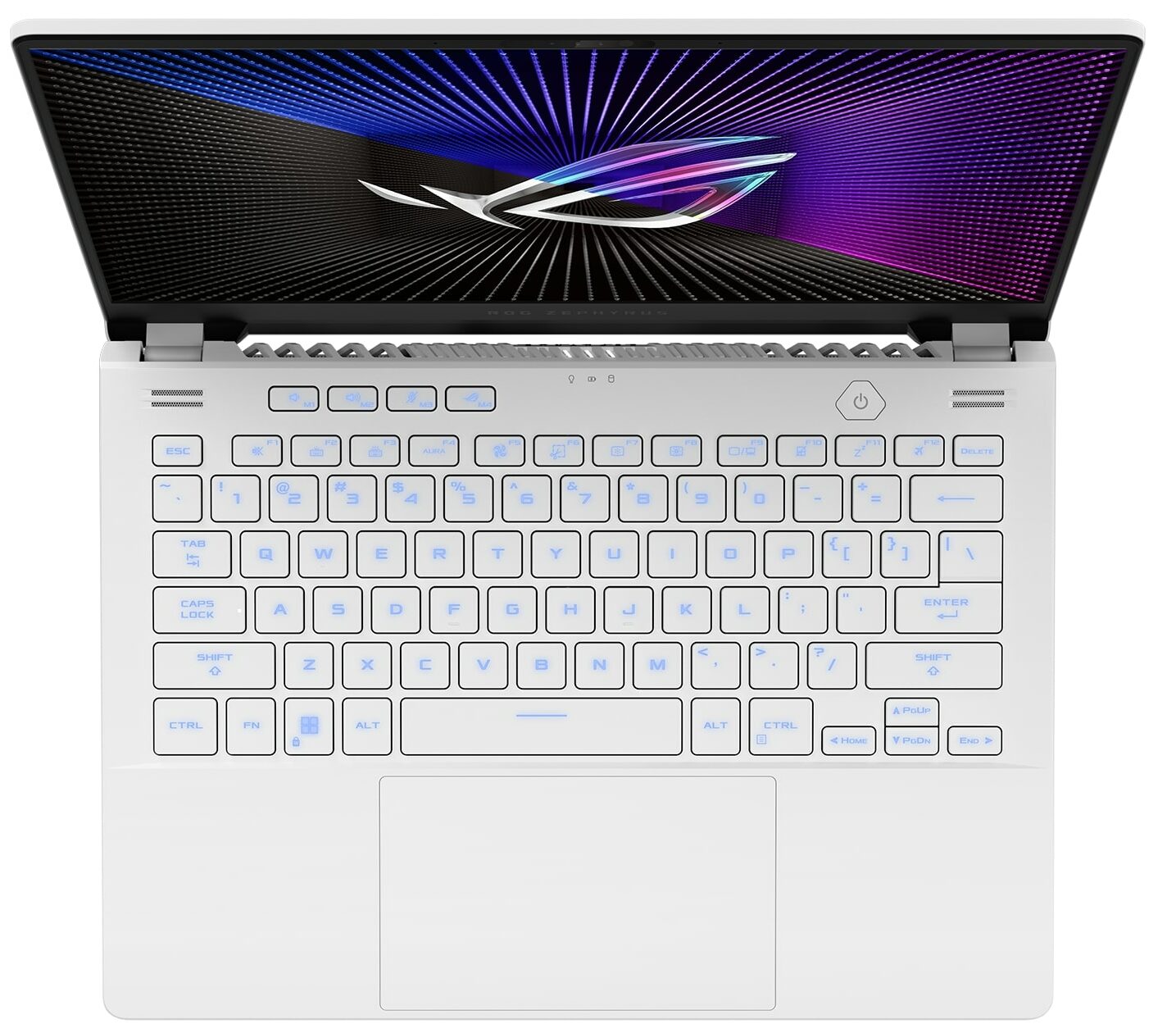
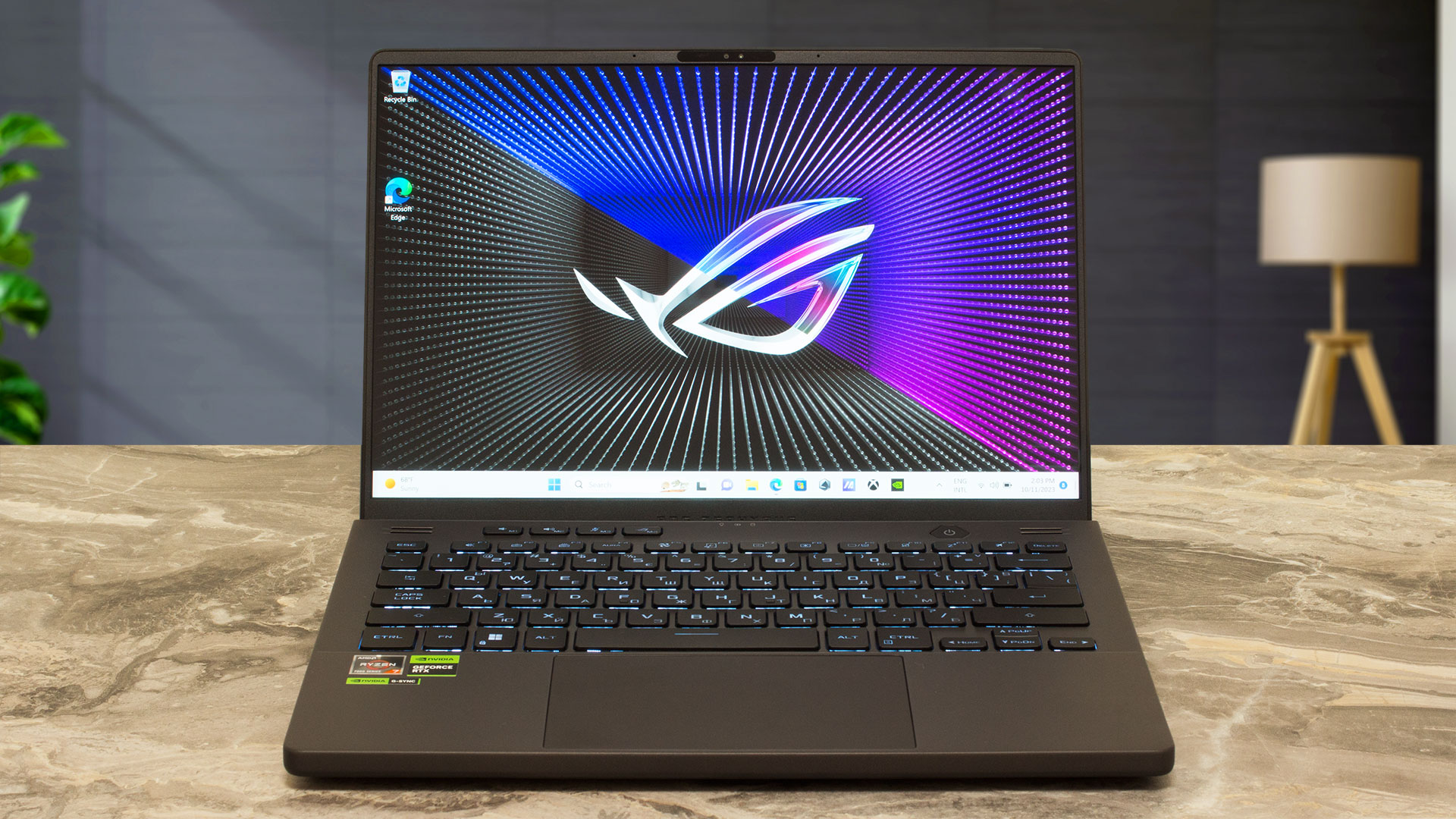 Years ago, the ASUS ROG Zephyrus G14 GA401 was a real blockbuster with its AniMe Matrix lid cover, powerful AMD Zen 3 CPUs, and NVIDIA RTX 3000 GPUs. The situation with the current successor isn’t much different. The ASUS ROG Zephyrus G14 GA402 (2023) still offers a compact, gaming-oriented 14-inch design, high-end hardware, and other useful features.
Like it or not, the design hasn’t changed much over the years. The 2022 iteration (with an AMD GPU) and the GA401 model aren’t that different in terms of looks compared to the current-gen machine. Aside from that, you can get a device with a powerful AMD Zen 4 HS processor or with a refreshed Zen 3+ chip—these are well-known for their superb efficiency.
The most powerful GPU variant is the NVIDIA GeForce RTX 4090 (Laptop), which is a true beast, and that’s why there is a vapor chamber cooling system here. The MUX switch is standard for all devices—now, that’s something nice. Three 16:10 display options are available: the base one is a 144Hz 1200p IPS panel that supports Adaptive-Sync and HDR. The other two are 1600p models with a 165Hz refresh rate, and both are paired with Advanced Optimus and G-Sync. One is an IPS variant, while the top-end model features a Mini LED unit.
You can check the prices and configurations in our Specs System: https://laptopmedia.com/series/asus-rog-zephyrus-g14-ga402-2023/

Contents
- Specs, Drivers, What’s in the box
- Design and construction
- Display quality, Health impact (PWM), Sound
- Buy our profiles
- Performance: CPU, GPU, Gaming Tests
- [eBook Guide + Tools] How to MAX OUT your Gaming Laptop
- Temperatures and comfort, Battery Life
- Disassembly, Upgrade options, and Maintenance
- Storage performance
- Verdict
Specs, Drivers, What’s in the box
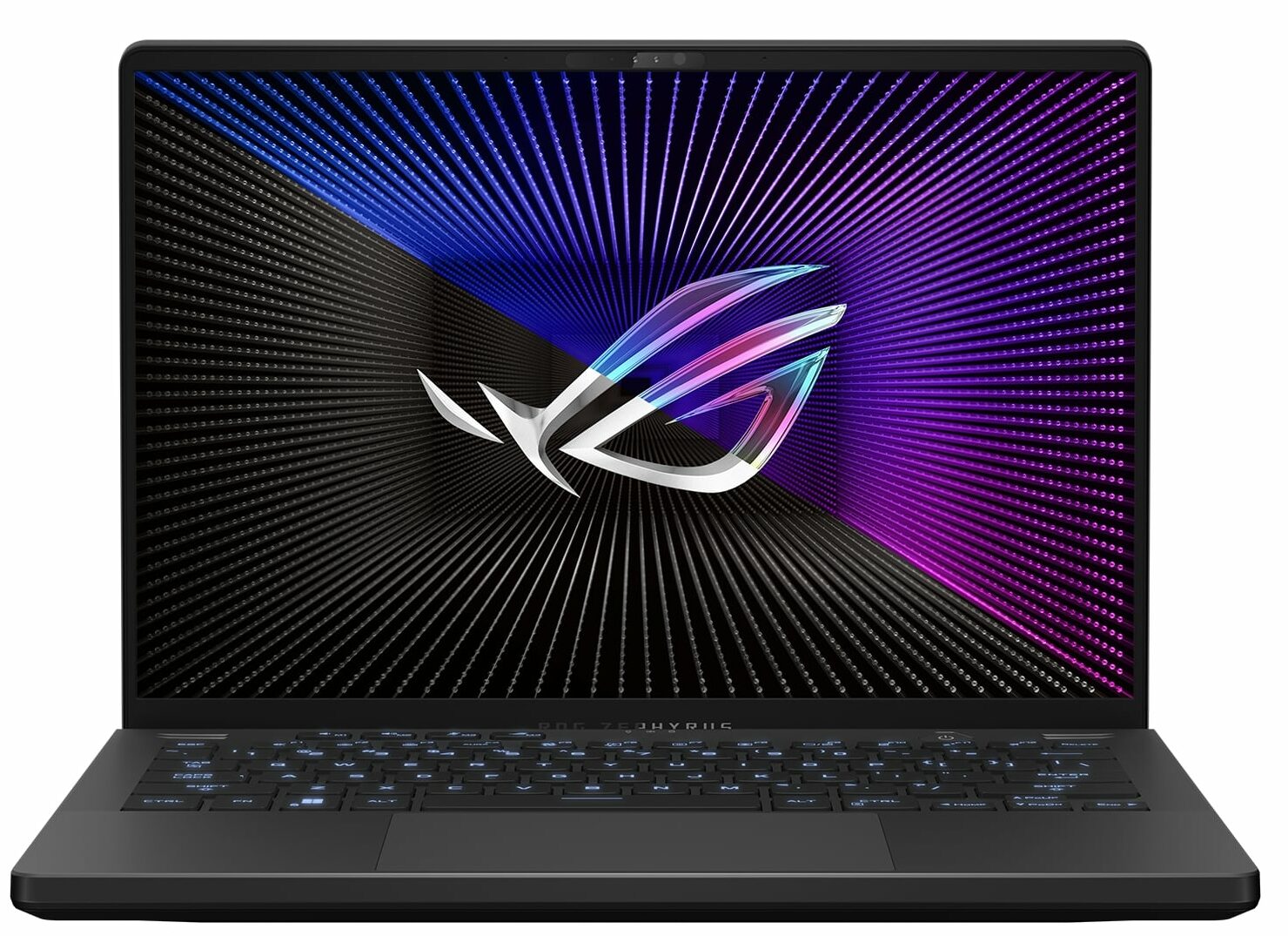
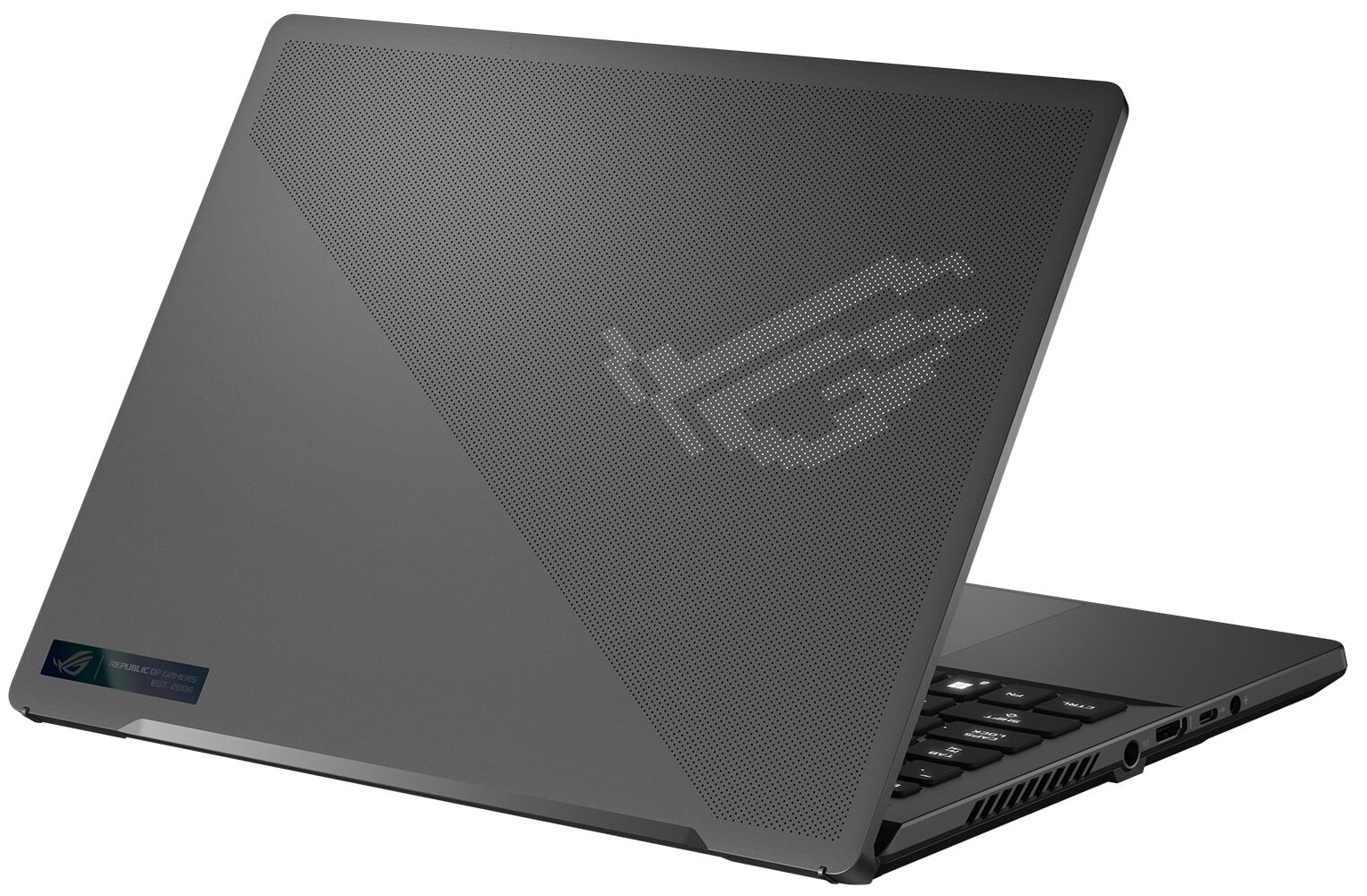
ASUS ROG Zephyrus G14 (GA402, 2023) - Specifikációk
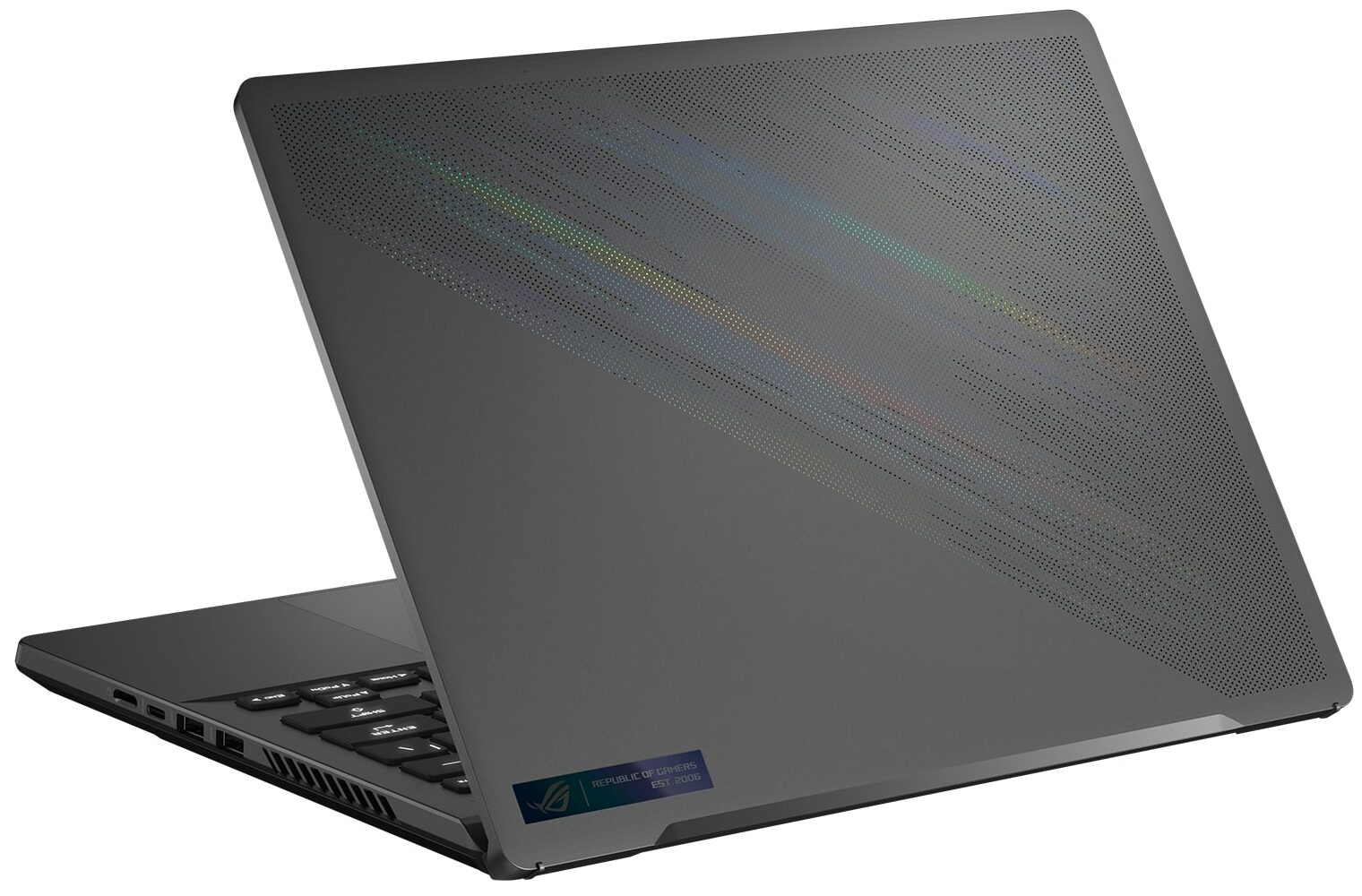

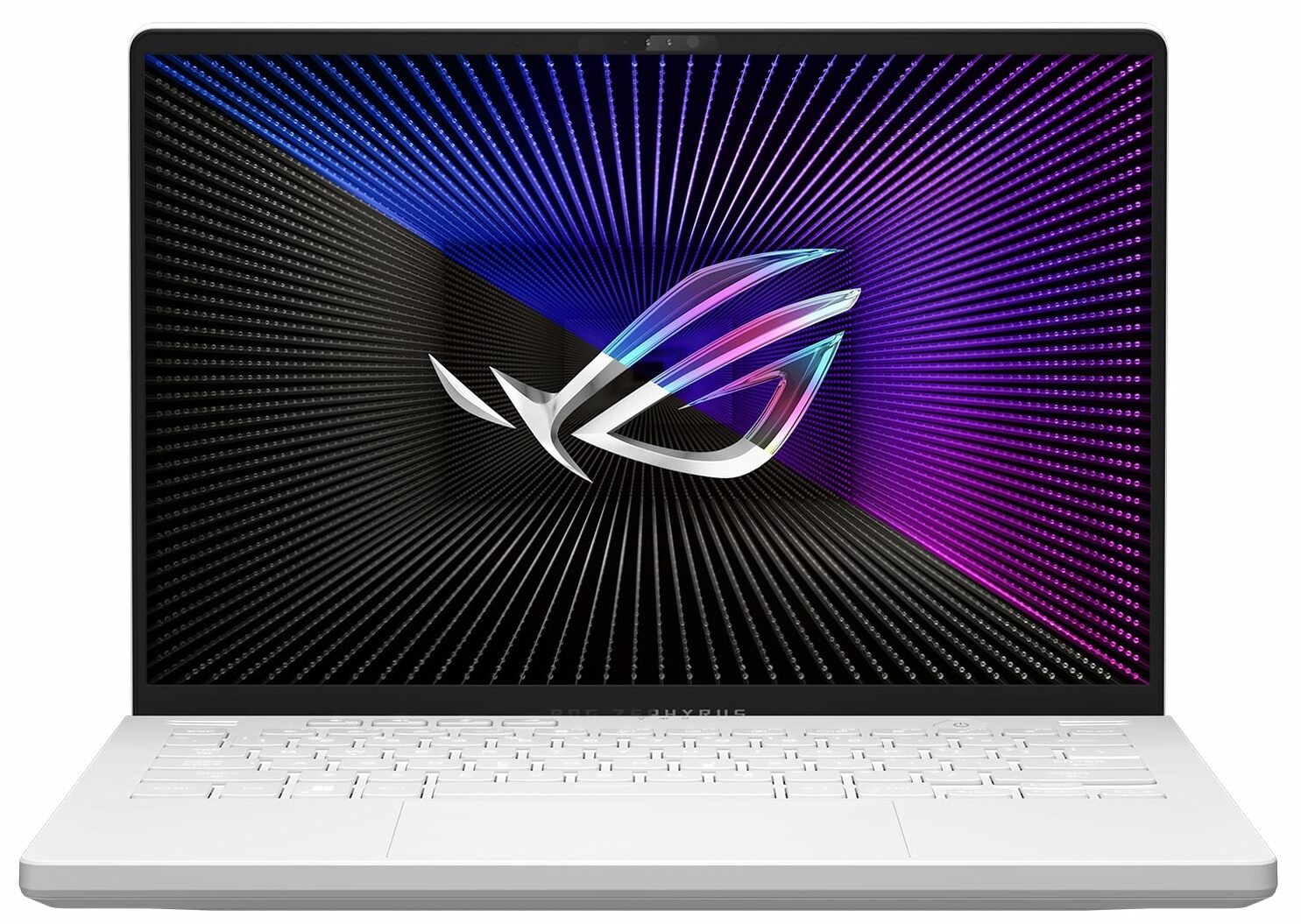
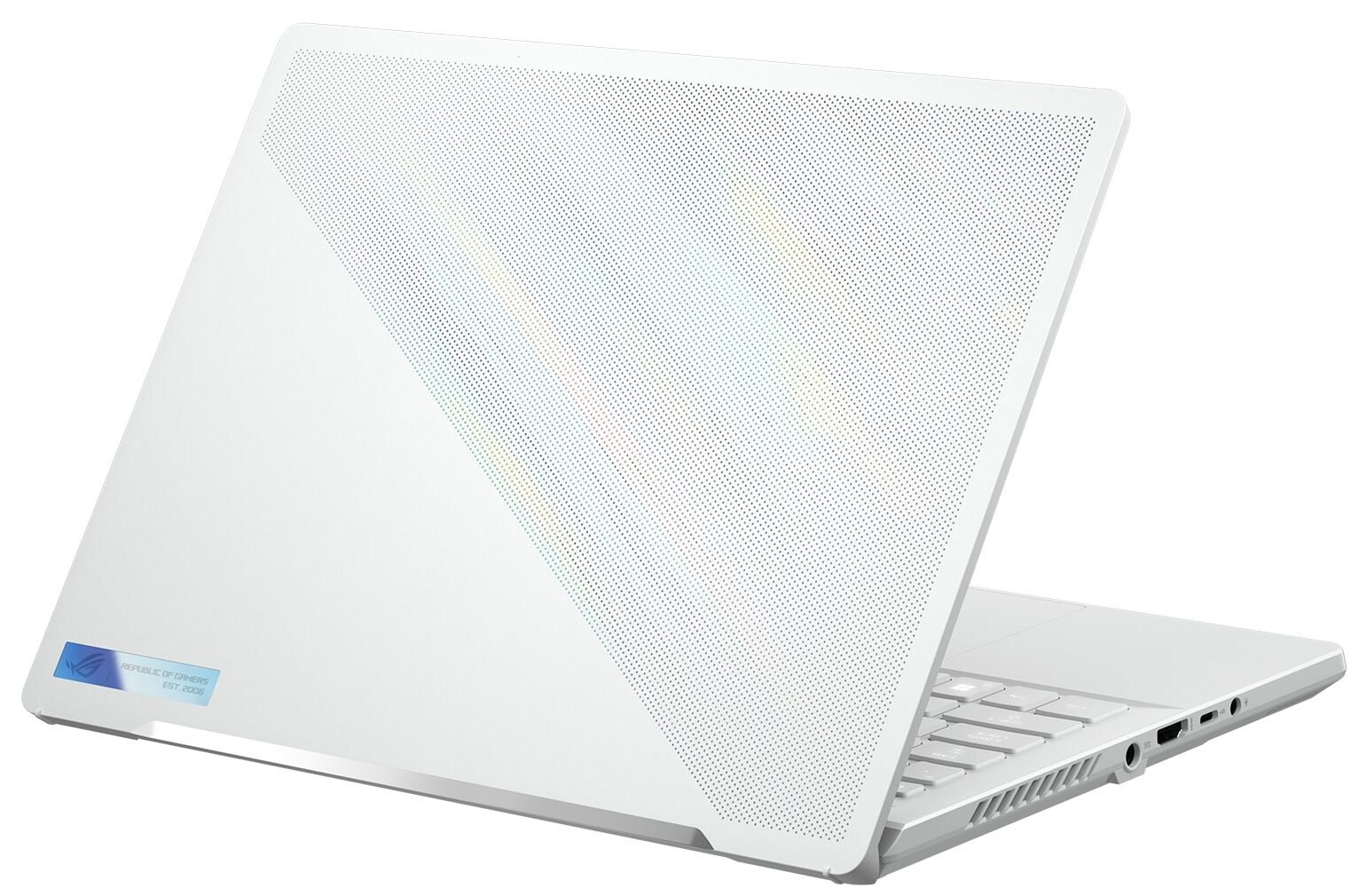
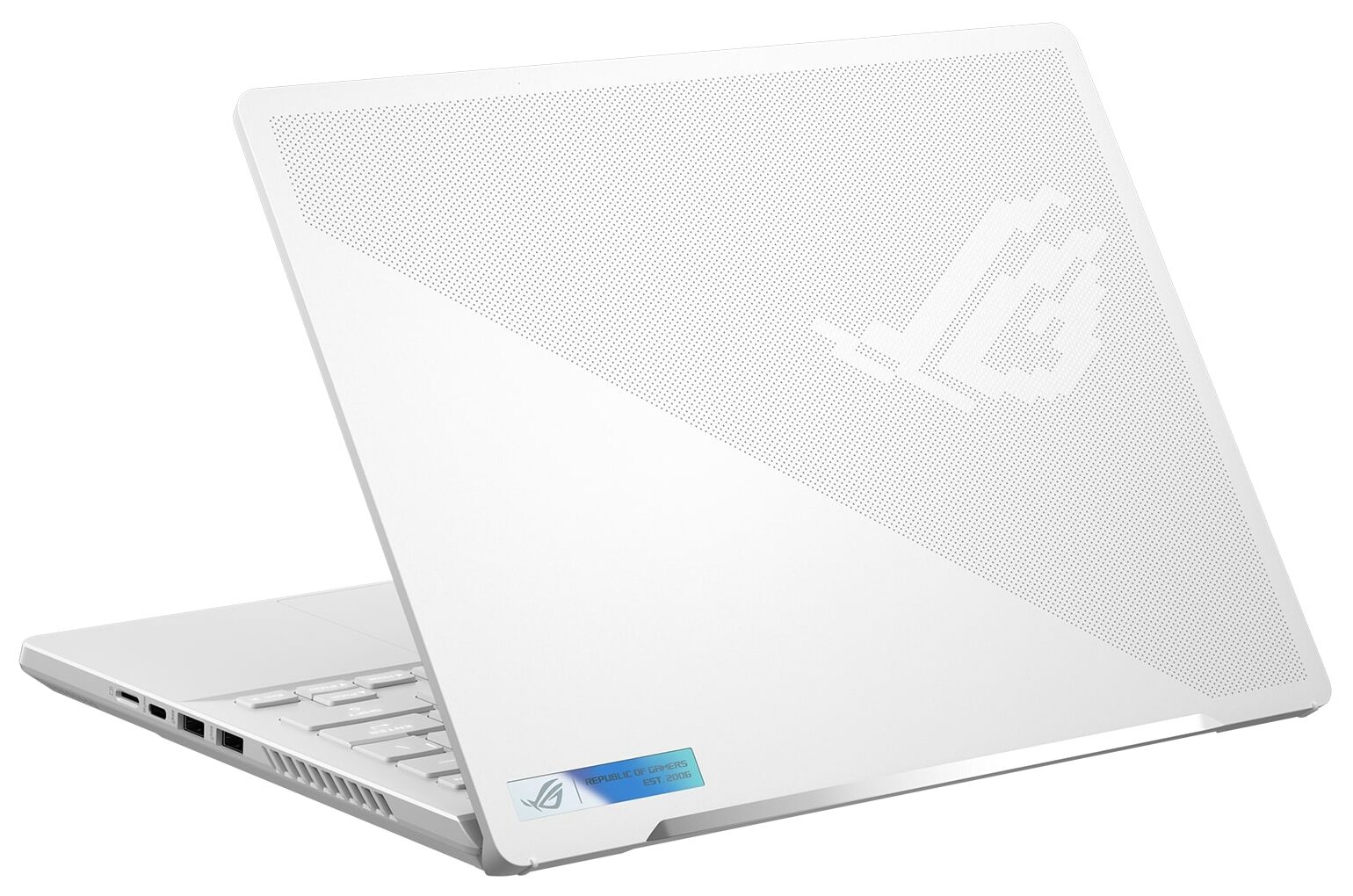
- GPU
- NVIDIA GeForce RTX 4090 (Laptop, 125W) #6 a Top GPU-k között NVIDIA GeForce RTX 4070 (Laptop, 125W) #18 a Top GPU-k között NVIDIA GeForce RTX 4060 (Laptop, 125W) #37 a Top GPU-k között NVIDIA GeForce RTX 4050 (Laptop, 120W) #90 a Top GPU-k között NVIDIA GeForce RTX 3050 (Laptop, 95W) #163 a Top GPU-k közöttNVIDIA GeForce RTX 4080 (Laptop, 125W)

- HDD/SSD
- akár 8000GB SSD
- M.2 Slot
- 1x 2280 PCIe NVMe 4.0 x4 Kép megtekintése
- RAM
- up to 64GB
- OS
- Windows 11 Home, Windows 11 Pro, Chrome OS, Windows 11, DOS, Windows 10 Pro, No OS
- Akkumulátor
- 76Wh, 4-cell, 76Wh, 4-cell
- Ház anyaga
- Aluminum
- Méretek
- 312 x 227 x 18.5 - 20.5 mm (12.28" x 8.94" x 0.73")
- Súly
- 1.65 kg (3.6 lbs)
- Portok és csatlakozás
- 2x USB Type-A
- 3.2 Gen 2 (10 Gbps)
- 1x USB Type-C
- 3.2 Gen 2 (10 Gbps), DisplayPort
- 1x USB Type-C
- 4.0, Power Delivery (PD), DisplayPort
- HDMI
- 2.1
- Kártyaolvasó
- microSD
- Ethernet LAN
- Wi-Fi
- 802.11ax
- Bluetooth
- 5.2
- Audio csatlakozó
- 3.5mm Combo Jack
- Jellemzők
- Ujjlenyomat-olvasó
- optional
- Webkamera
- FHD IR with Windows Hello
- Háttérvilágítású billentyűzet
- optional
- Mikrofon
- 3x Microphone Array with Ai noise-canceling
- Hangszórók
- 4x Speakers, Smart Amp, Dolby Atmos
- Optikai meghajtó
- Biztonsági zár helye
Összes ASUS ROG Zephyrus G14 (GA402, 2023) konfigurációk







Drivers
All drivers and utilities for this notebook can be found here: https://rog.asus.com/laptops/rog-zephyrus/rog-zephyrus-g14-2023-series/helpdesk_download/
What’s in the box?
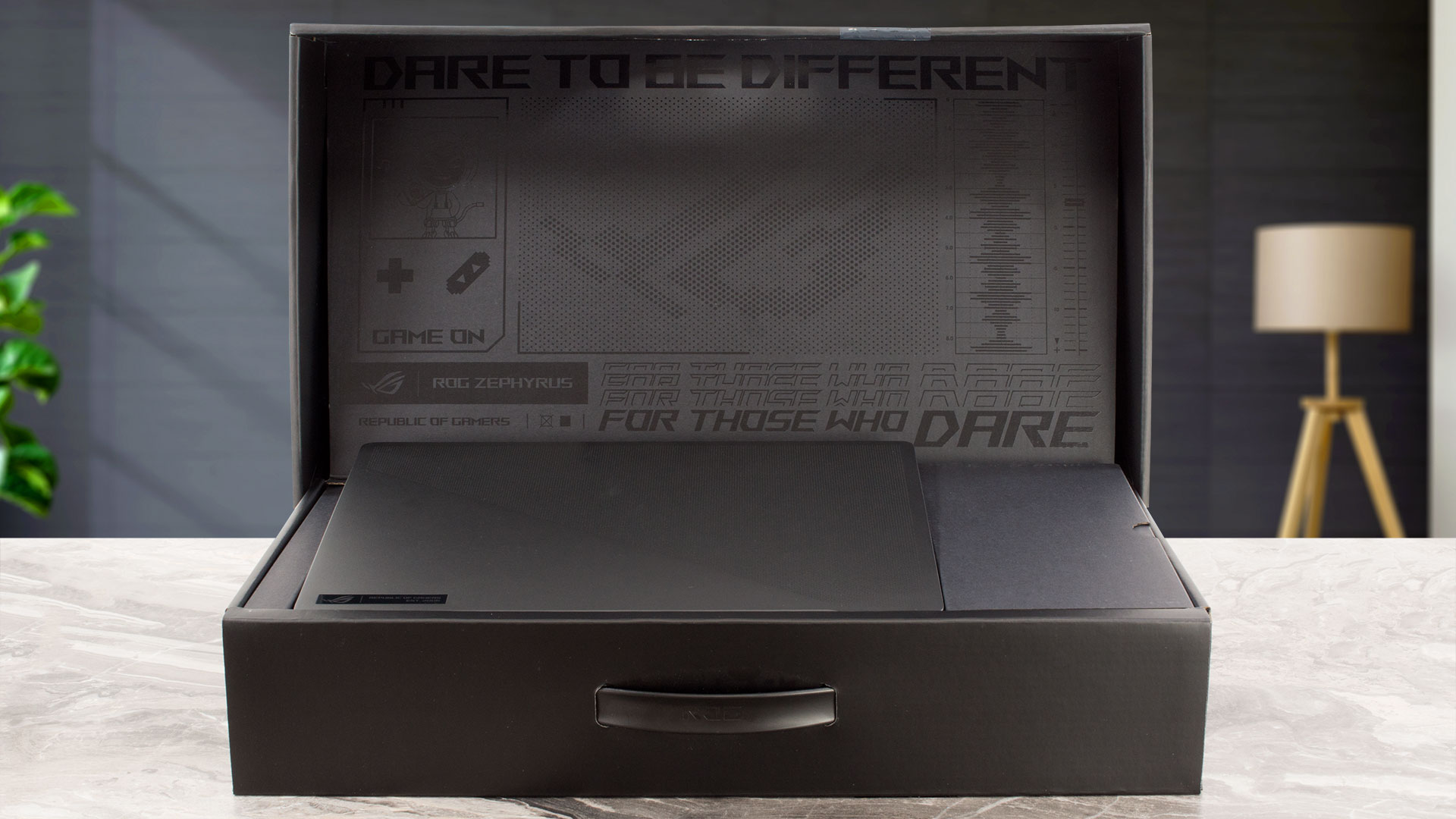
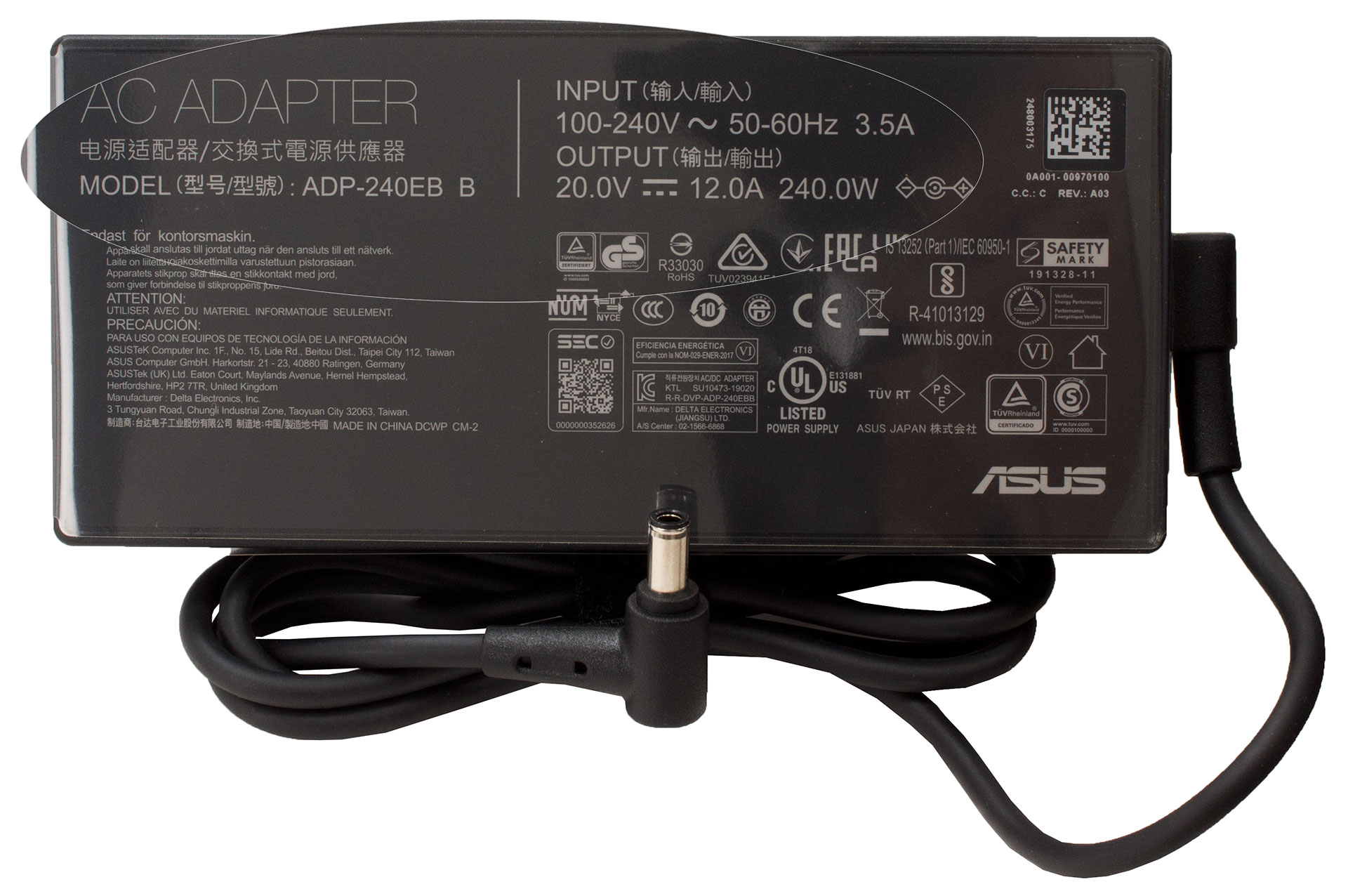
Inside the box, you will find some manuals and a 240W barrel plug power adapter.
- 1. Bevezetés, Specifikációk, Illesztőprogramok, Mi van a dobozban
- 2. Design and construction
- 3. Display quality, Health impact (PWM), Sound
- 4. Buy our profiles
- 5. Performance: CPU, GPU, Gaming Tests
- 6. [eBook Guide + Tools] How to MAX OUT your Gaming Laptop
- 7. Temperatures and comfort, Battery Life
- 8. Disassembly, Upgrade options, and Maintenance
- 9. Storage performance
- 10. Verdict
 Author: Nikolay Palaozov
 Author: eng. Kroum NikolovHead of Engineering at LaptopMedia.com, inventor and innovator with 40+ years of experience in electronics and high technology.

![[2026. augusztus] Az Amazonon legkelendőbb laptop-grafikus kártyák globális ranglistája – az Apple uralkodik, az NVIDIA RTX 5060 vezeti a dedikált kártyák ranglistáját](https://laptopmedia.com/wp-content/uploads/2026/09/Best-Selling-GPUs-GLOBAL-Top-10-400x225.jpg)
![[2026. augusztus] Az Amazonon legkelendőbb laptop-processzorok globális ranglistája – Az Apple mind az olcsóbb, mind a prémium kategóriában dominál: az A18 Pro és az M5 2026 augusztusában elsöprő fölénnyel győzött az Intel és az AMD felett](https://laptopmedia.com/wp-content/uploads/2026/09/Best-Selling-CPUs-GLOBAL-Top-10-400x225.jpg)
![[2026. augusztus] Amazon Global: A 10 legkelendőbb laptop – az Apple MacBook Neo vezeti a ranglistát, miközben az olcsóbb és középkategóriás Windows-alapú hordozható számítógépek az eladási mennyiségért küzdenek](https://laptopmedia.com/wp-content/uploads/2026/09/Best-Selling-Laptops-GLOBAL-Top-10-400x225.jpg)
![[2026. augusztus] Az Amazon Global legkelendőbb laptopmárkái – Az Apple vezeti a bevételi rangsort, míg a HP a modellválaszték terén áll az élen](https://laptopmedia.com/wp-content/uploads/2026/09/GLOBAL-Best-Brands-400x225.jpg)
![[2026. augusztus] Amazon Global: A 10 legkelendőbb játékos laptop – Az HP Victus 15 szerezte meg az első helyet, miközben a kedvező árú modellek uralják a ranglistát](https://laptopmedia.com/wp-content/uploads/2026/09/Best-Selling-Gaming-Laptops-GLOBAL-Top-10-400x225.jpg)


you are lieing. 10 hours battery life watching videos
We do the battery test at 120 nits brightness (rather low) and only VLC running, so if you are using the laptop with other programs and at higher brightness, you should expect less battery life.
May I ask do you know the location of the BIOS chip on this model GA402?