How to open MSI Stealth 16 AI Studio A1V – disassembly and upgrade options

Opening the Device
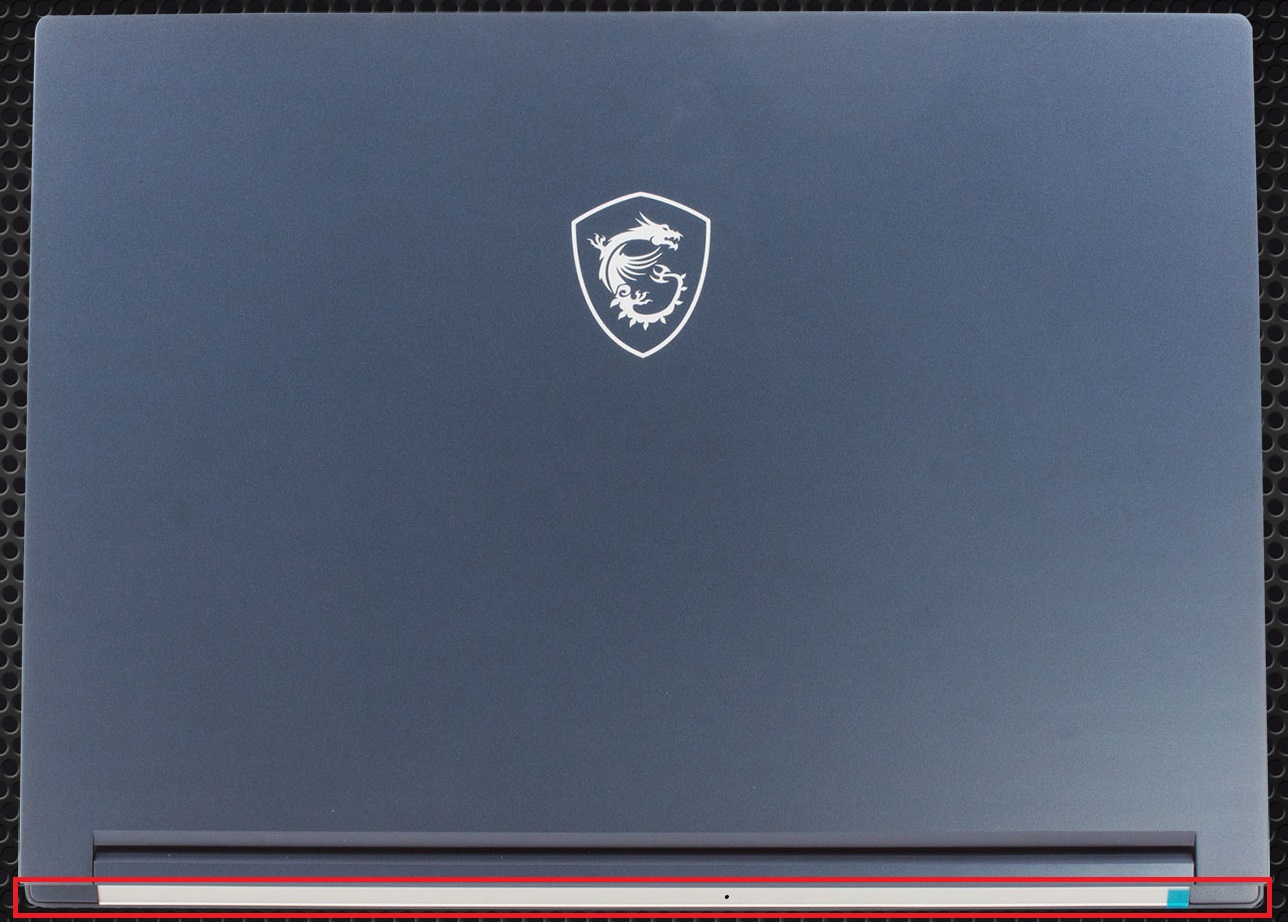
- Undo the 7 Phillips-head screws securing the bottom panel.
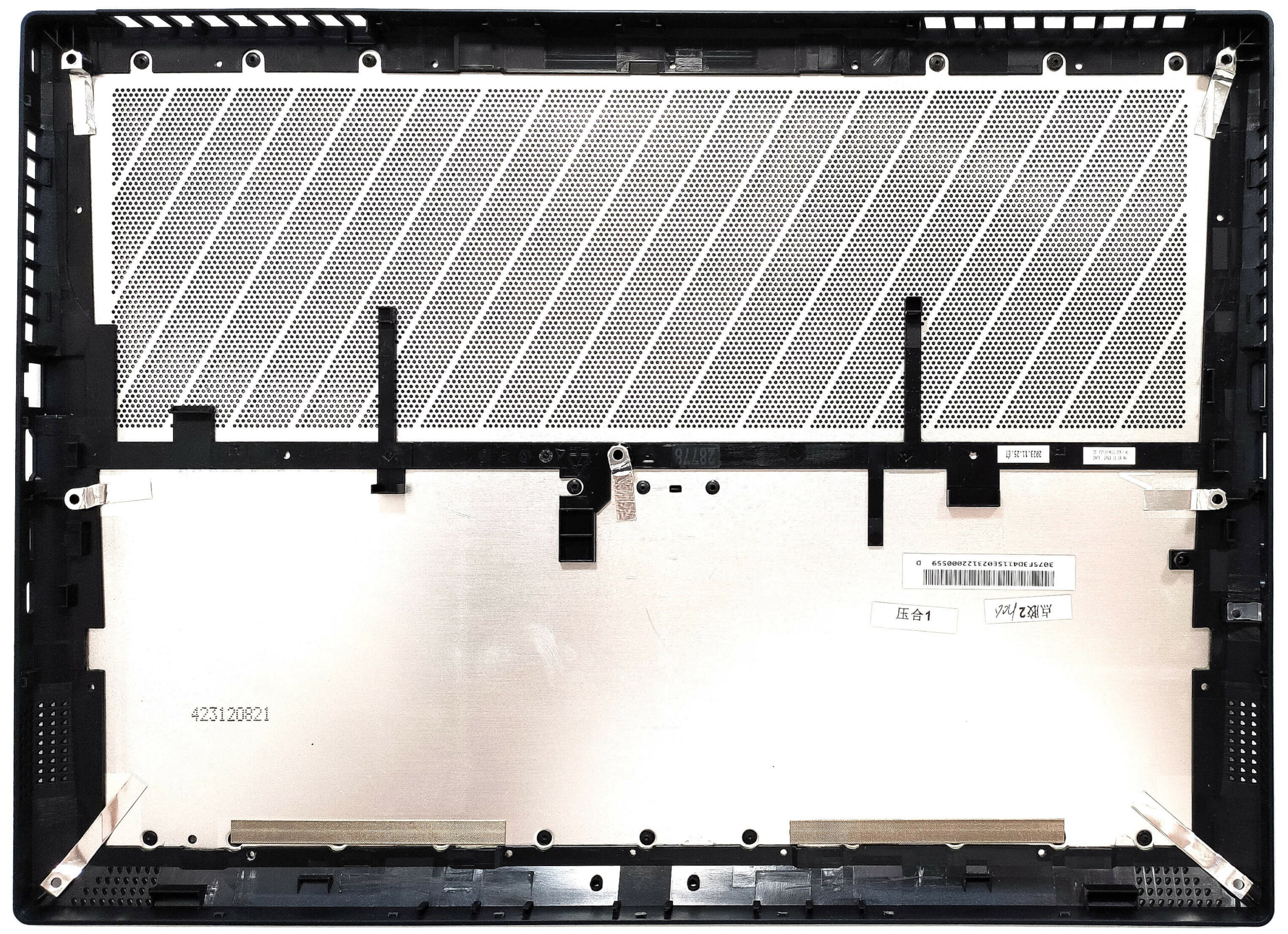
- Flip the notebook and pry the back with a thin plastic tool.
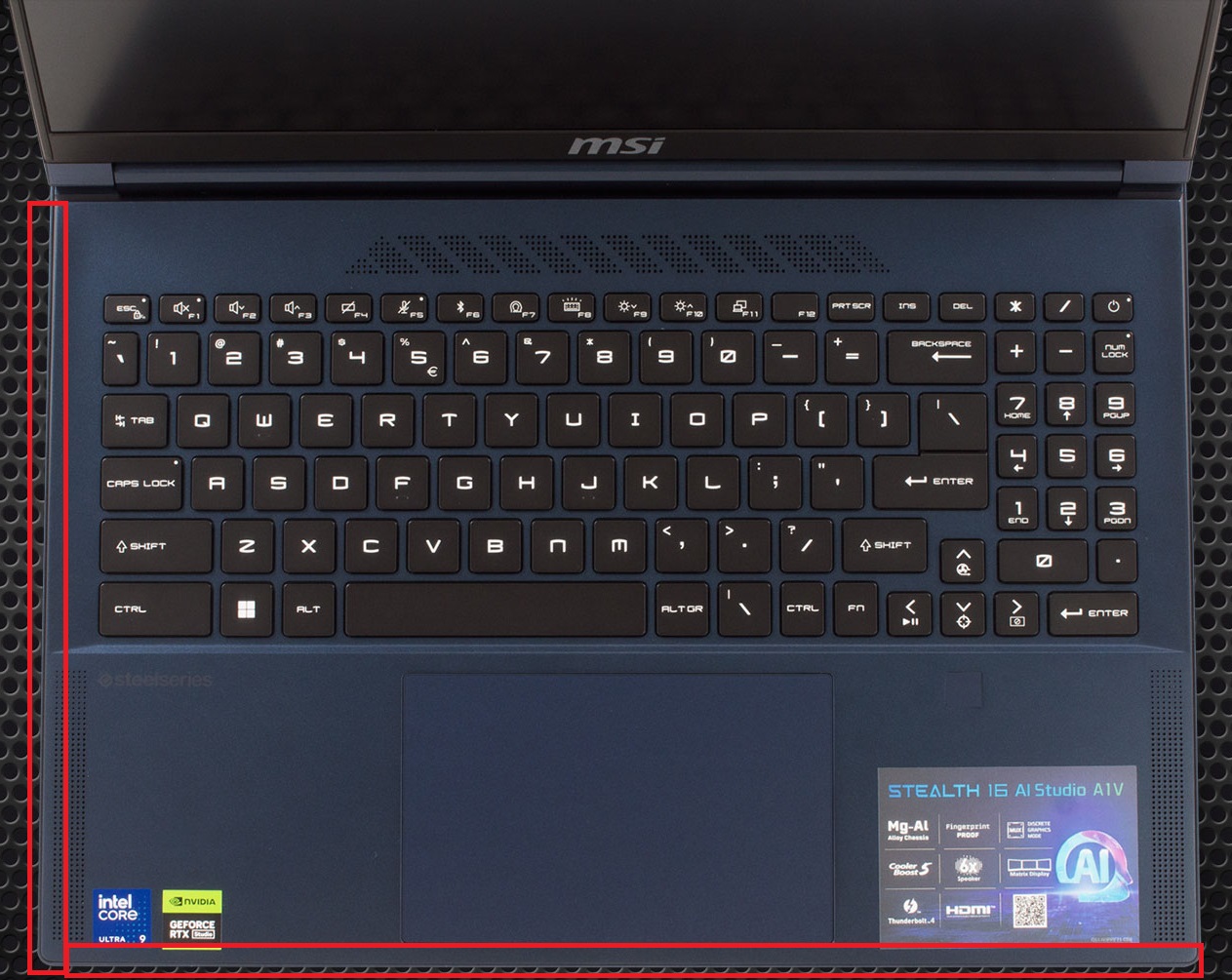
- Open the device and pry the left and front sides through the base. Avoid popping the right side.
More info: Since the audio jack sticks out of the mainboard, you can’t raise the bottom plate straight upwards. Lift the plate on the right and gently slide it to the left side.
Battery Removal
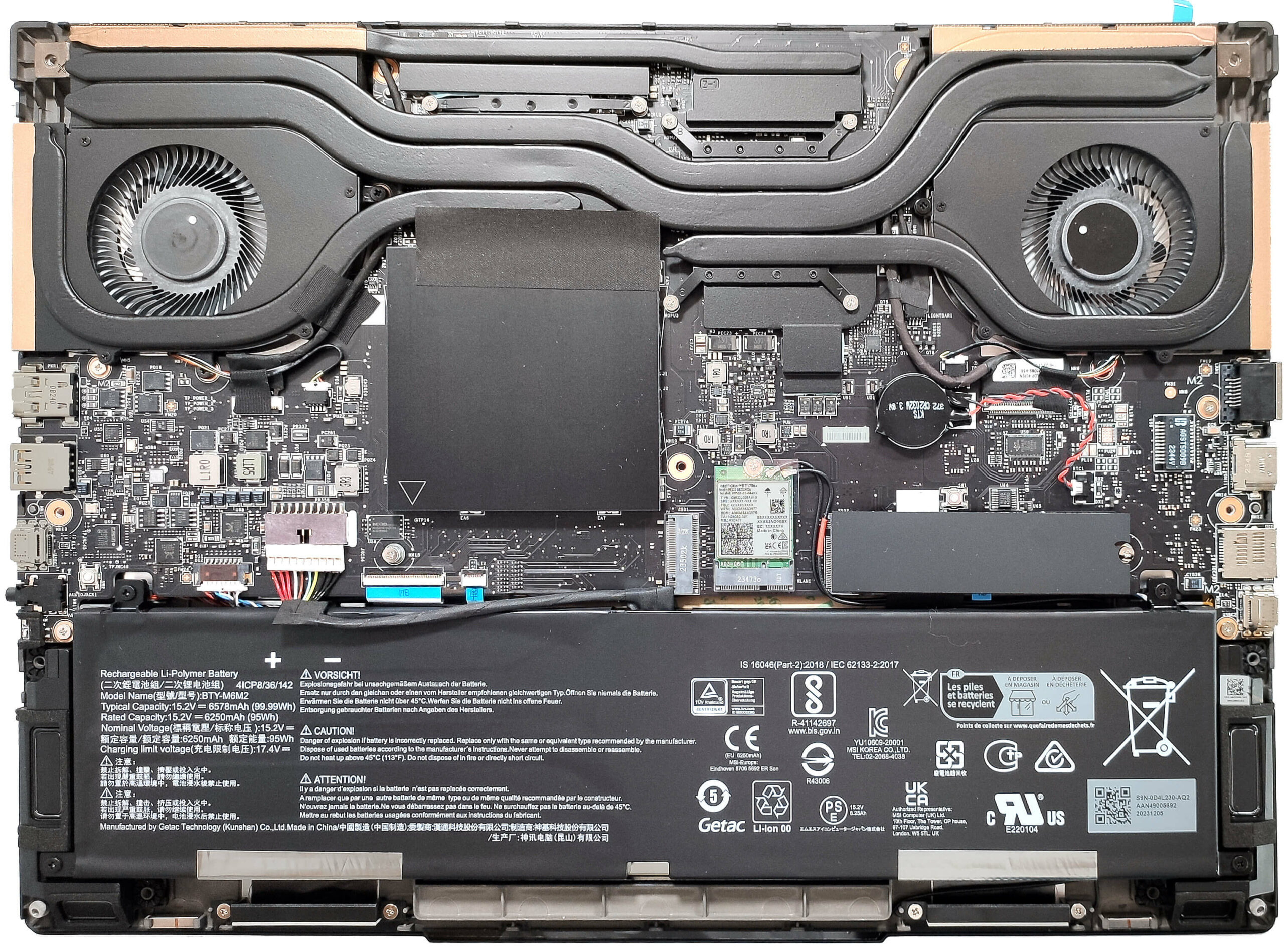
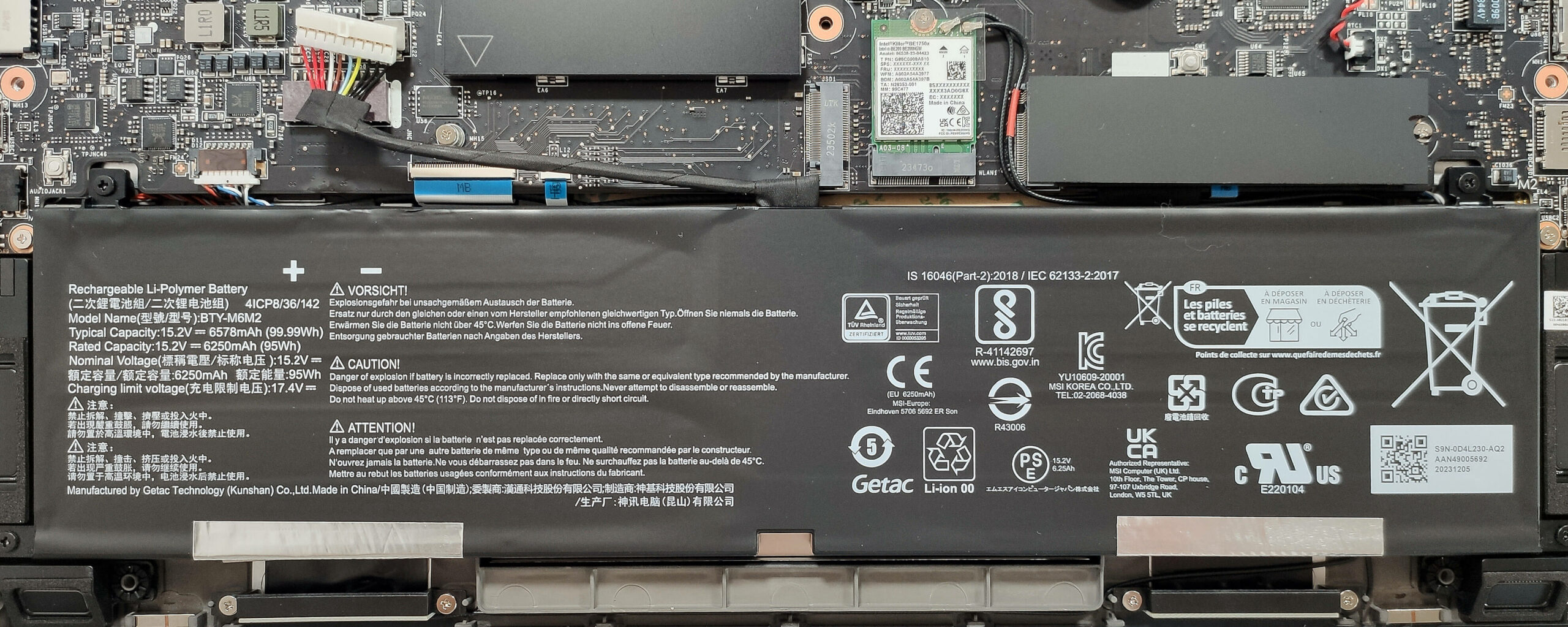
- Detach the battery connector from the mainboard.
- Undo the 4 Phillips-head screws securing the battery.
- Lift the battery to remove it from the device.
Note: The device is equipped with a 99.99Wh battery, providing approximately 7 hours of video playback.
Memory Information
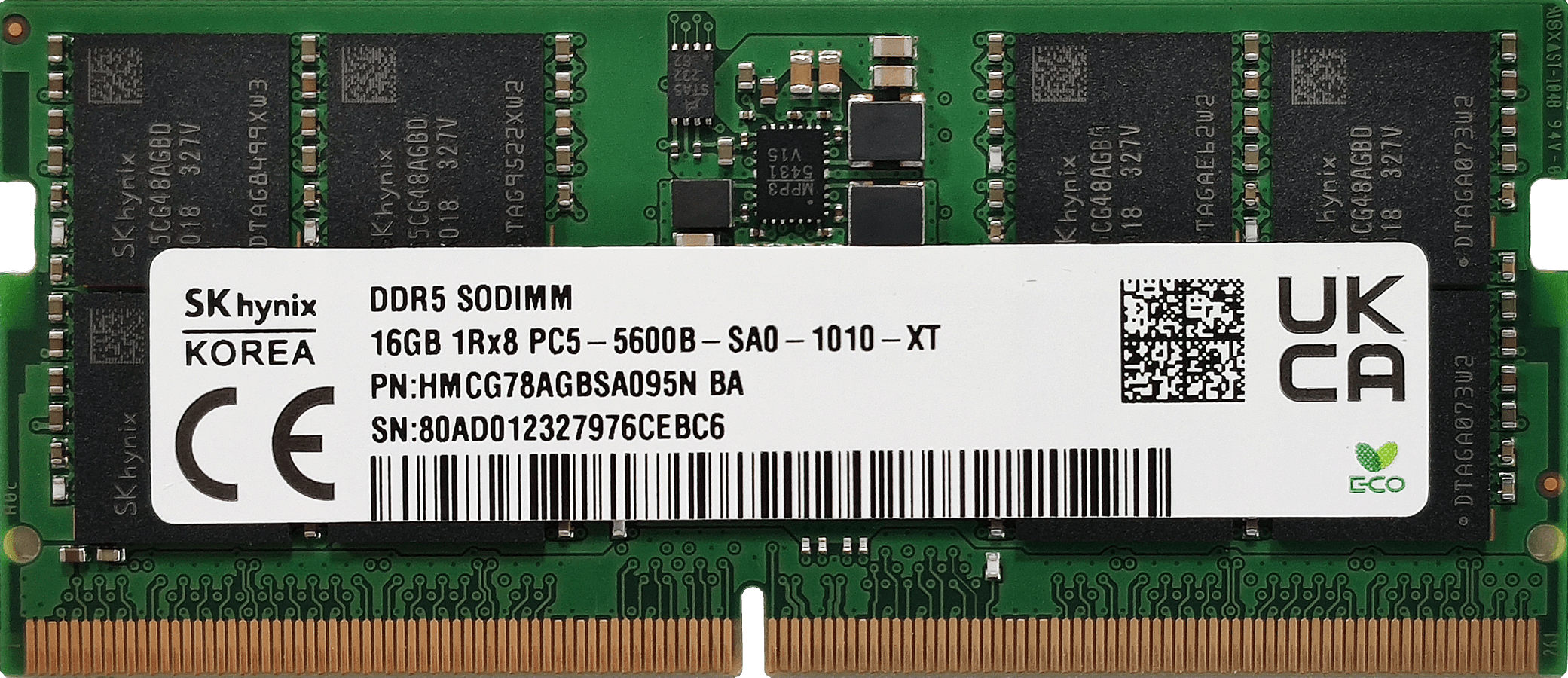
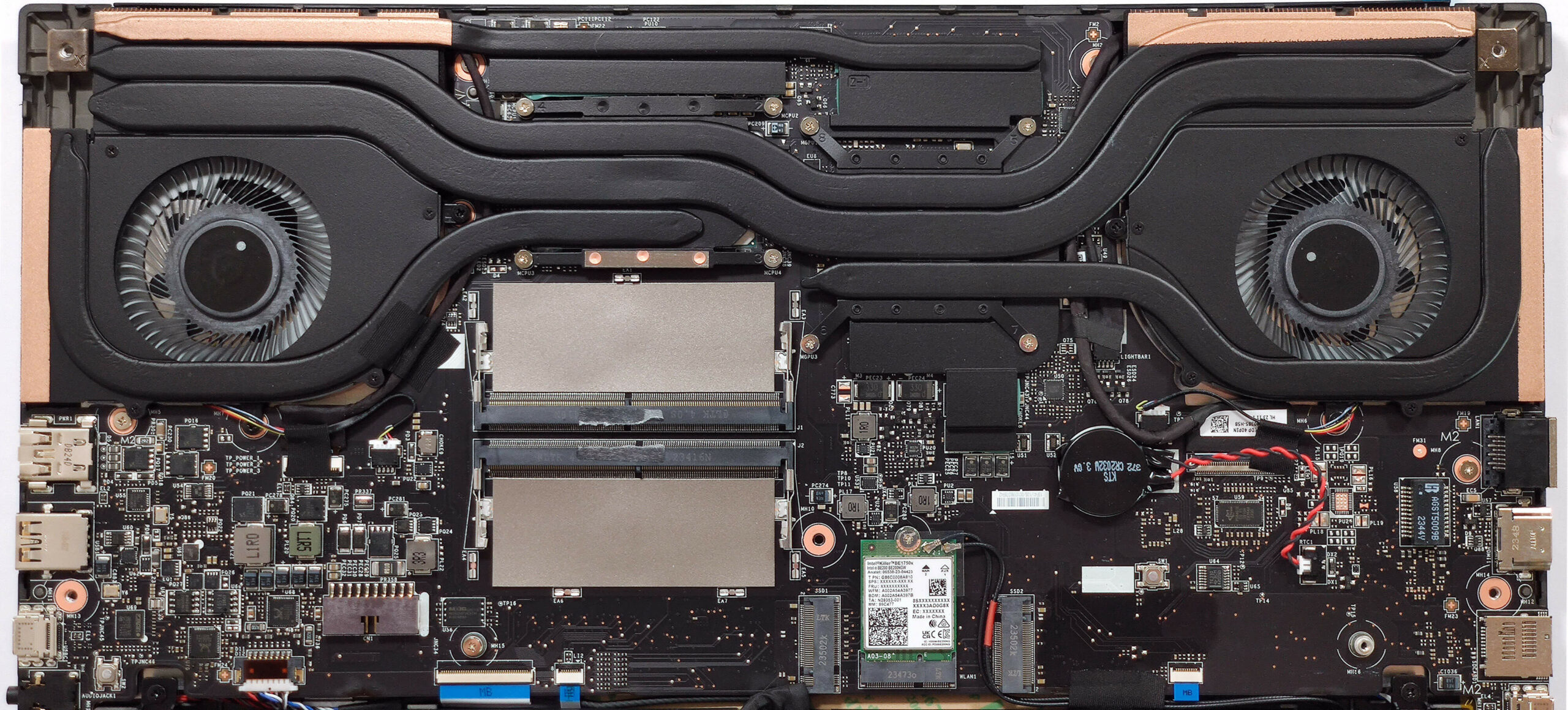
- The RAM section is protected by a metal shroud. Use a lever tool to pop it off. The metal plate has two thermal pads on the inside.
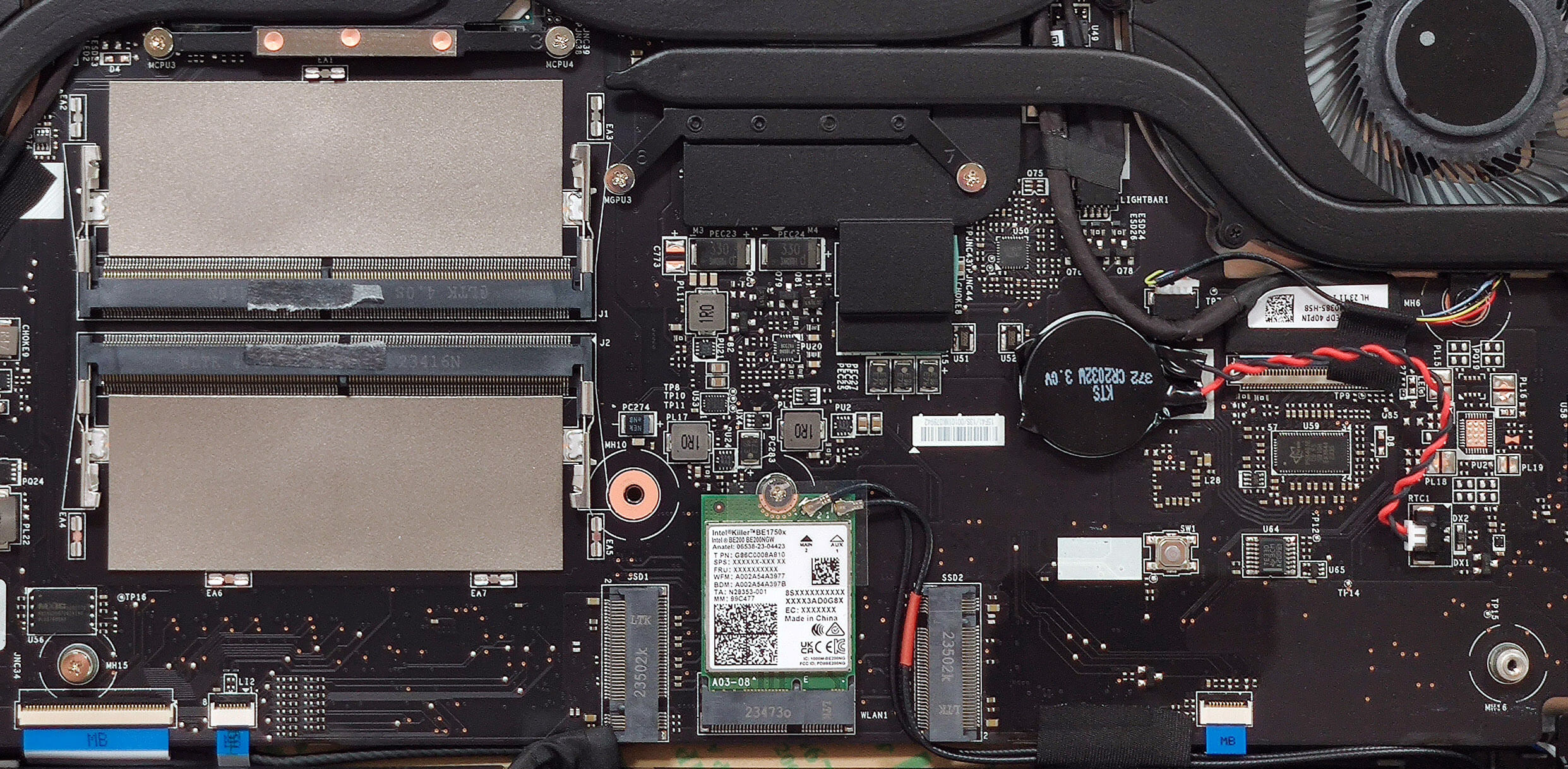
- The two SODIMMs can handle up to 96GB of DDR5-5600MHz RAM in dual-channel mode, which is the maximum official manufacturer’s specified limit for a Meteor Lake-H CPU.
You can buy compatible RAM modules here: Buy from Flipkart.com
Storage Upgrade
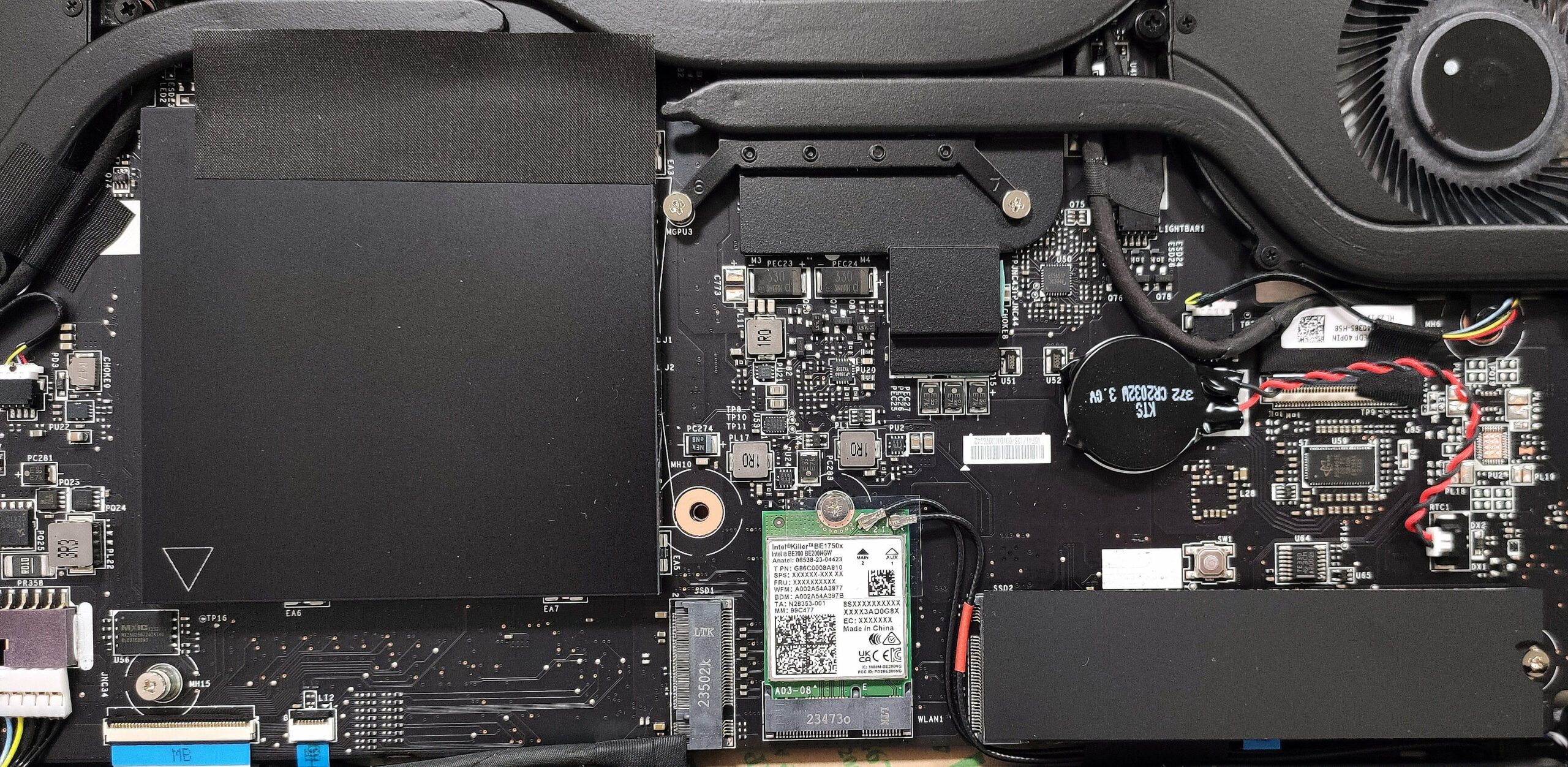
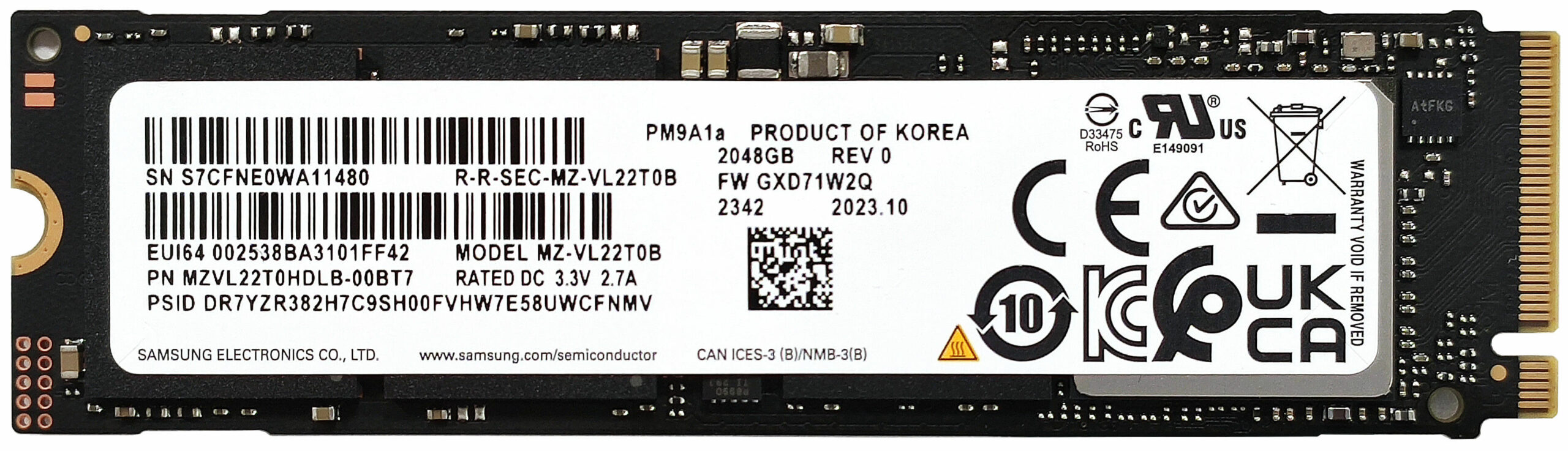
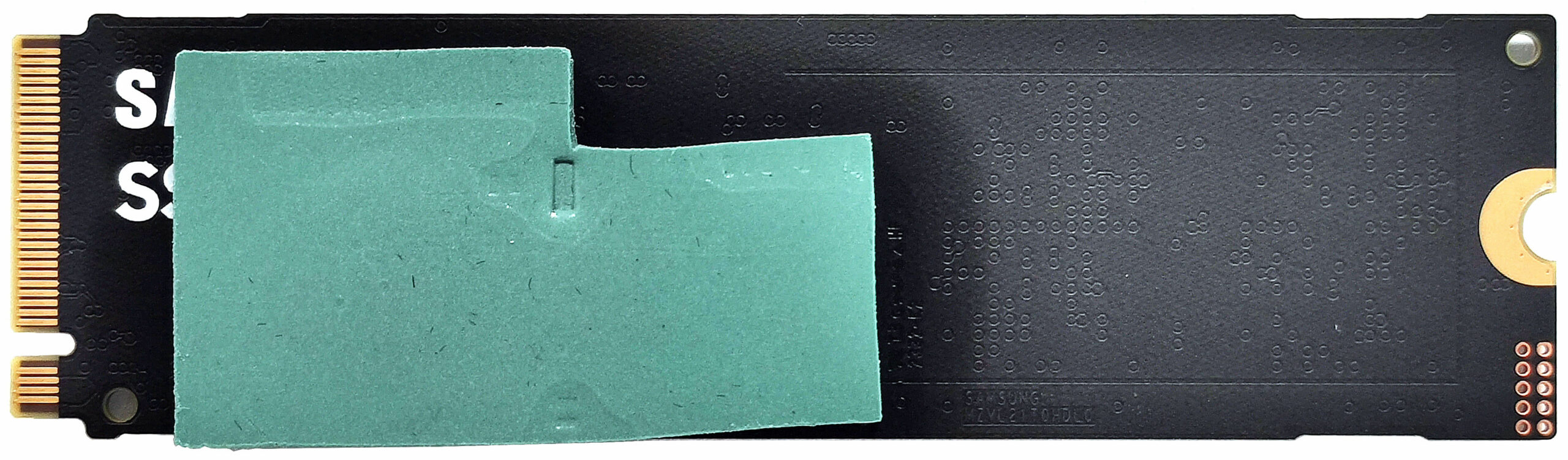
- Locate the two M.2 slots compatible with Gen 4 NVMe drives.
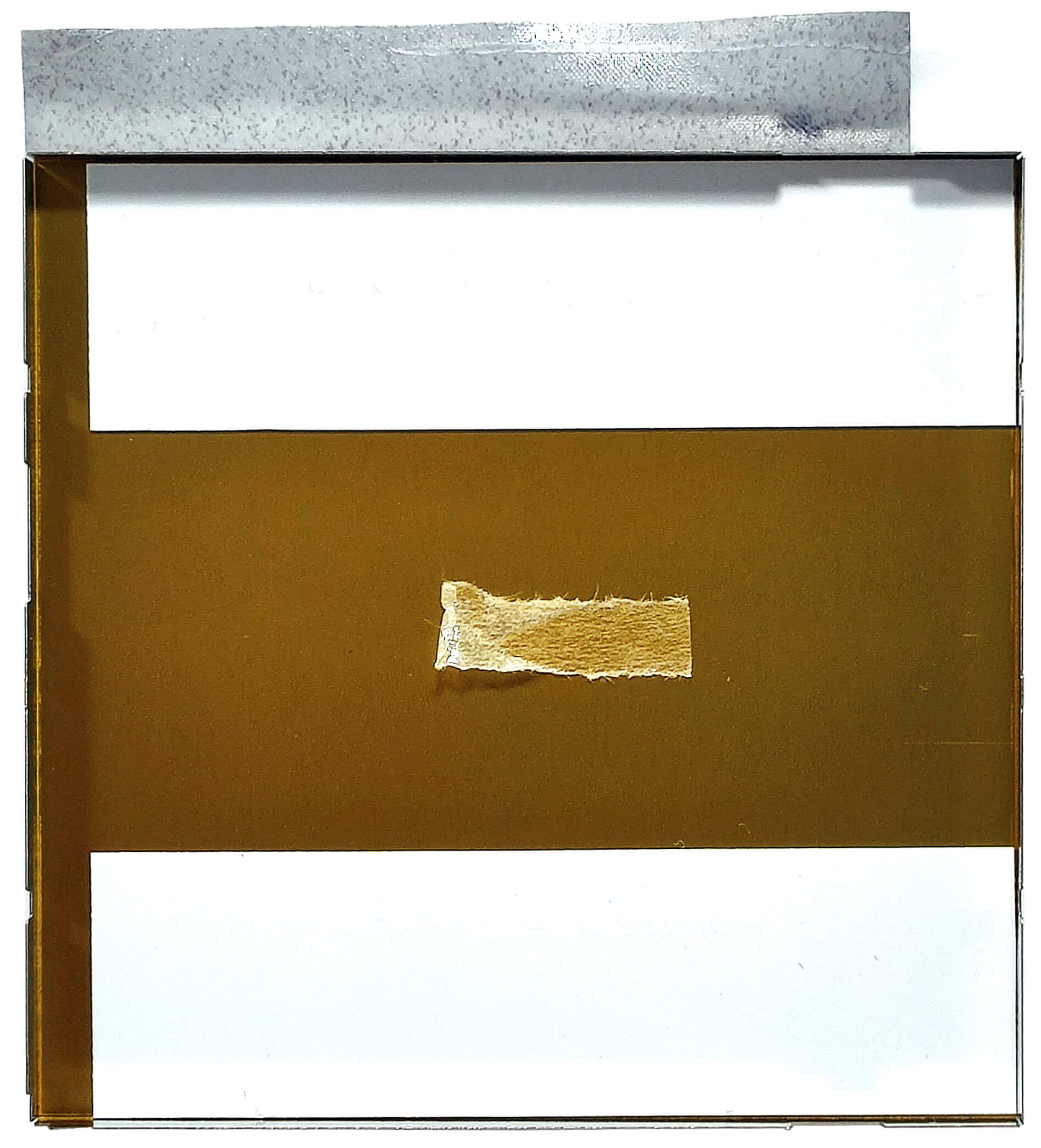
- A thick thermal pad additionally cools the SSD here.
- Install the new SSD in one of the slots.
Hint: Don’t forget to check out our Top M.2 SSDs Performance Rankings for insights on the best storage options available.
You can buy compatible SSDs here: Buy from Flipkart.com
Wi-Fi Card
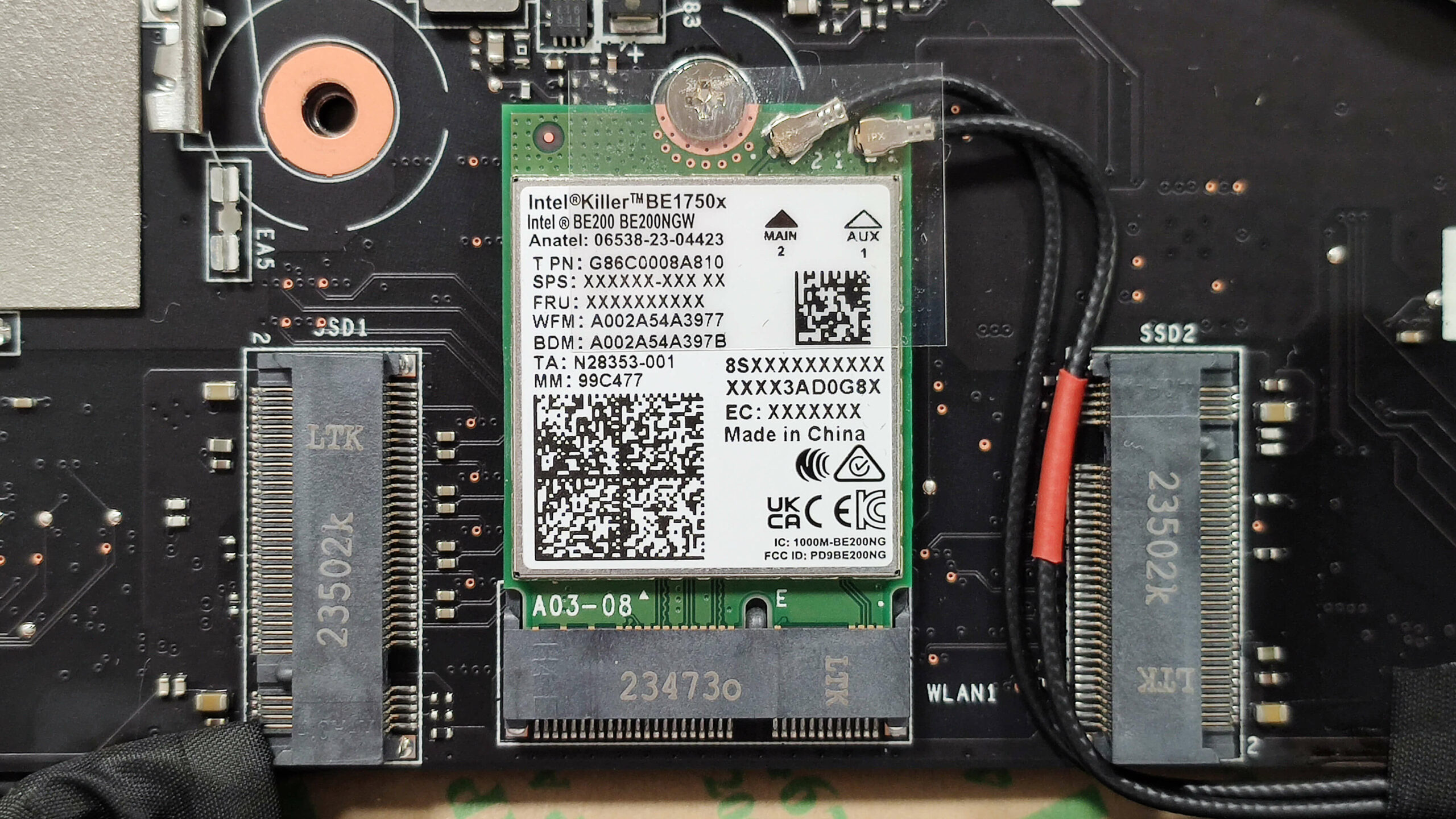
- The Wi-Fi card is located between the two M.2 slots.
Cooling System Overview
- The Cooler Boost 5 thermal system includes two fans and three heat pipes shared between the CPU and GPU, along with one additional pipe for each chip.
- The system also features four heat sinks and four heat spreaders.
- Ensure all cooling components are clean and free of dust for optimal performance.
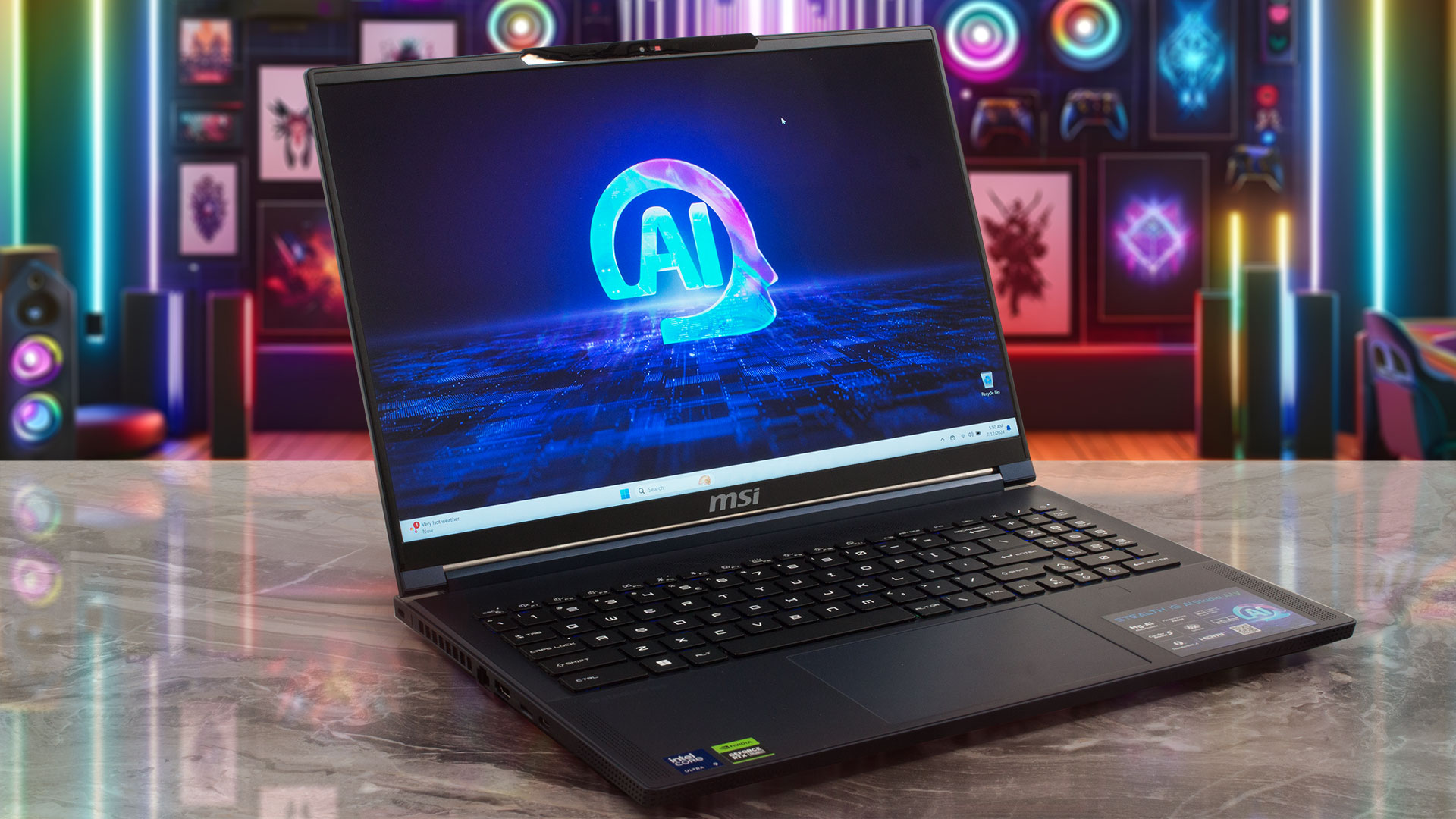
MSI Stealth 16 AI Studio (A1Vx) गहन समीक्षा
The 14-inch MSI Stealth 14 AI Studio A1V is an impressively powerful small device with two major cons - a hot keyboard and very high noise levels during gaming or other GPU-heavy tasks.Now, it's time to test the Stealth 16 AI Studio A1V which offers similar hardware under the hood but since the chassis is bigger, we expect a positive impact on the thermals of the internals. Again, you can rely on 28W Meteor Lake CPUs and this time around, you can order the bigger sibling with up to a GeForce RTX 4090 which is a bold decision by the manufacturer given the sub-20mm chassis.You get a lot [...]
पक्ष
- Good CPU performance
- 2x SODIMMs + 2x M.2 slots
- 1600p resolution + 240Hz refresh rate (CMN162F)
- Full sRGB and 98% DCI-P3 coverage + accurate colors with our "Design and Gaming" profile (CMN162F)
- High max brightness of 510 nits (CMN162F)
- Great per-key RGB keyboard by SteelSeries + smooth and accurate touchpad
- Solid magnesium aluminum chassis
- The Core Ultra 9 185H can maintain a 3.2 GHz / 2.7 GHz P and E core clock during heavy loads
- The MSI Center offers plenty of customizations
- Thunderbolt 4, 1x Type-C port + HDMI 2.1
- 1080p IR Web camera with privacy shutter
- MUX switch
- Compact for a 16-inch form factor
- The fans don't spin in idle during light loads in "Silent" mode
विपक्ष
- Loud fan noise during gaming in "Extreme Performance"
- No G-Sync or NVIDIA Advanced Optimus support
- Just three USB ports
- High GPU memory temperatures which lead to TGP throttling
 Author: Severin Kolakov

![[August 2026] Global Ranking of Best-Selling Laptop GPUs on Amazon – Apple Reigns Supreme, NVIDIA’s RTX 5060 Tops Dedicated Chart](https://laptopmedia.com/wp-content/uploads/2026/09/Best-Selling-GPUs-GLOBAL-Top-10-400x225.jpg)
![[August 2026] Global Ranking of Best-Selling Laptop CPUs on Amazon – Apple Dominates Both Budget and Premium: A18 Pro and M5 Crush Intel and AMD in August 2026](https://laptopmedia.com/wp-content/uploads/2026/09/Best-Selling-CPUs-GLOBAL-Top-10-400x225.jpg)
![[August 2026] Amazon Global: Top 10 Best-Selling Laptops – Apple MacBook Neo Dominates the Charts as Budget and Mid-Range Windows Portables Fight for Volume](https://laptopmedia.com/wp-content/uploads/2026/09/Best-Selling-Laptops-GLOBAL-Top-10-400x225.jpg)
![[August 2026] Best-Selling Laptop Brands on Amazon Global – Apple Dominates Revenue While HP Leads in Model Variety](https://laptopmedia.com/wp-content/uploads/2026/09/GLOBAL-Best-Brands-400x225.jpg)
![[August 2026] Amazon Global: Top 10 Best-Selling Gaming Laptops – HP Victus 15 Captures the Crown as Budget-Friendly Models Dominate the Charts](https://laptopmedia.com/wp-content/uploads/2026/09/Best-Selling-Gaming-Laptops-GLOBAL-Top-10-400x225.jpg)

Great explanation, it’s really useful and everything seems quite clean while you were doinf the disassembly.
I just have one question though : How thick is the thermal pad on the SSD ? 1 mm ? 2 mm? 3 mm?
I think since they do not include a thermal pad for the second SSD, it’s an information that should be included in your explanation so that others, who will take on the task of upgrading the laptop on their own, would like to have before they disassemble their laptop. So that they could procure one with the same thickness.
Good point. Unfortunately, we can’t say for this one but we’re restructuring the process so we’ll keep that in mind, thank you!
Hey, amazing. But can someone please point me towards finding out how I can change the display on this laptop ?