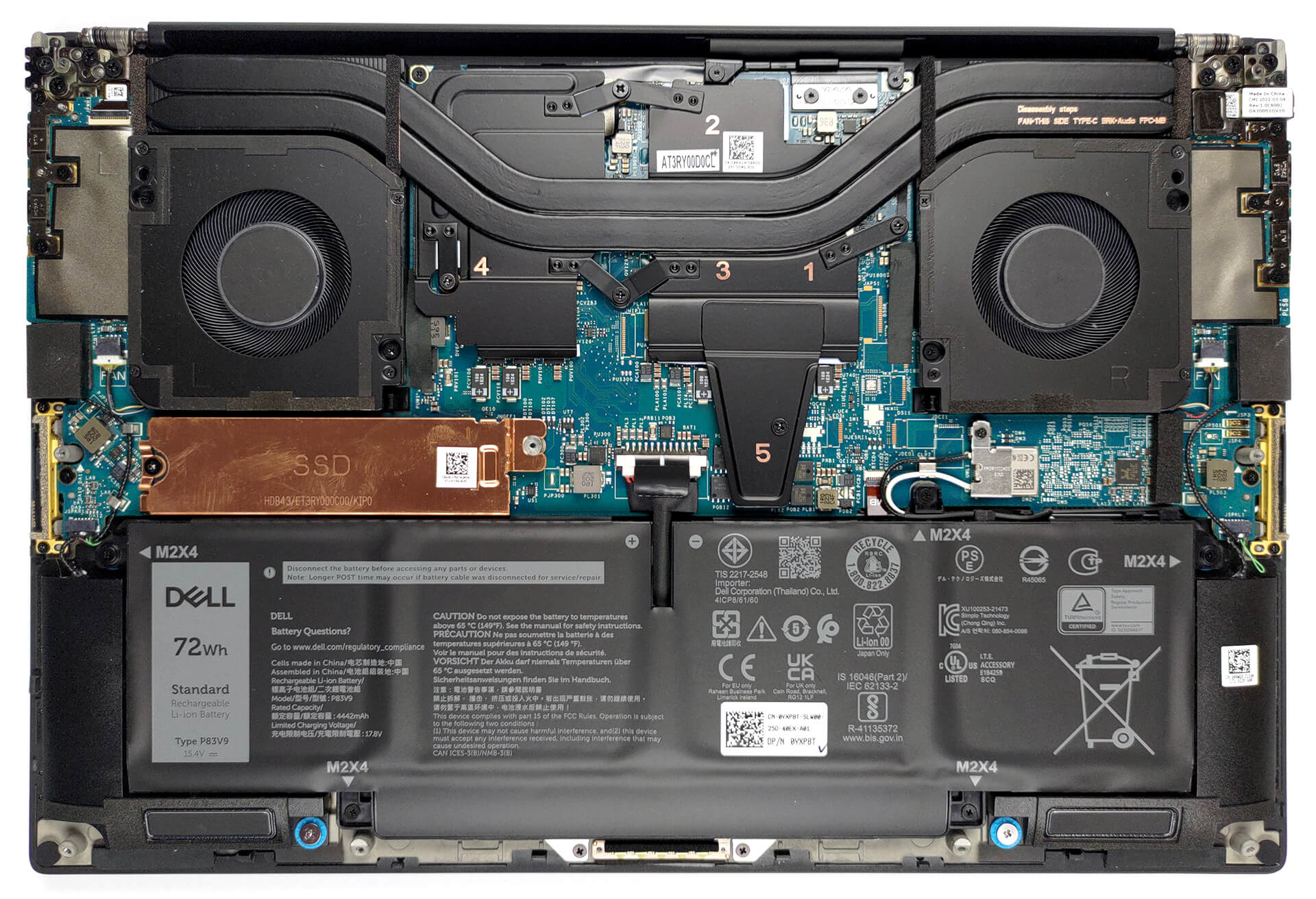
Dell Precision 14 5470 review – the most compact workstation on the market right now
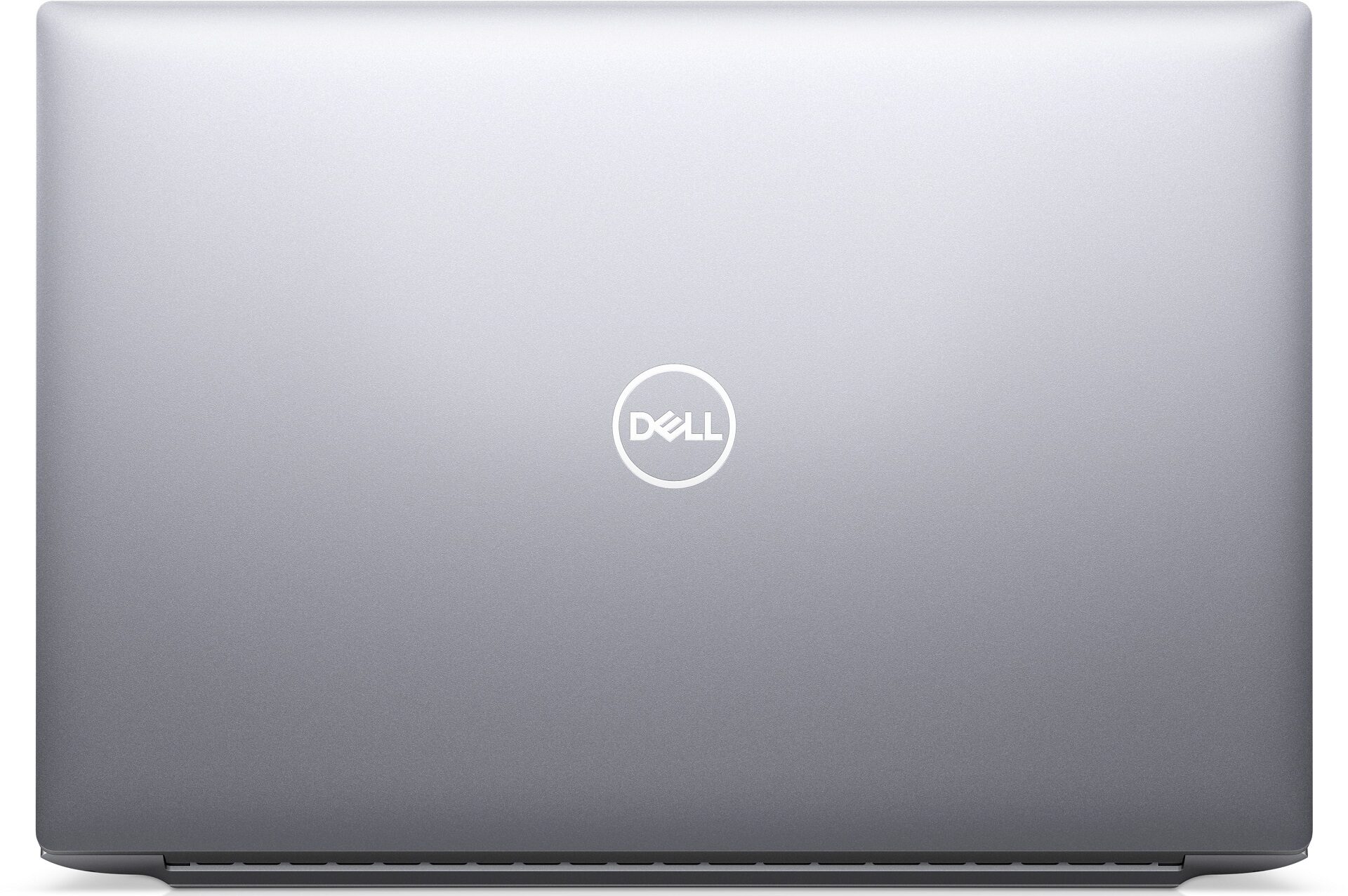
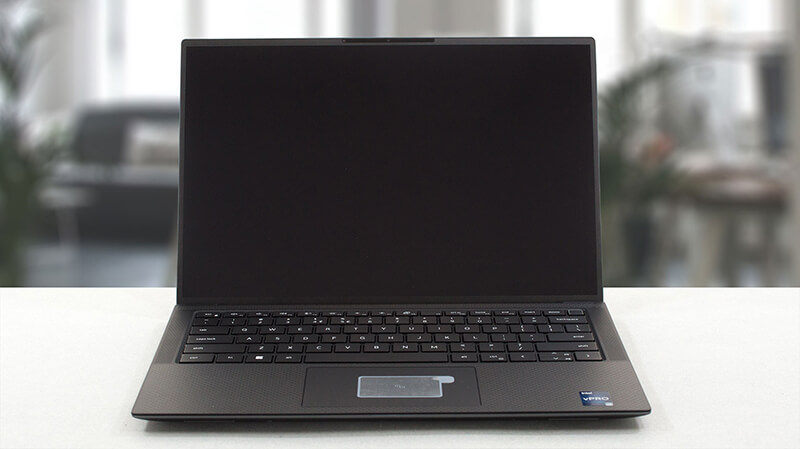 Dell’s Precision lineup is probably the most popular workstation family of notebooks on the market. Its notorious reliability and pro app integration are second to none. Today, we have the Precision 14 5470, which is an incredibly portable mobile workstation.
Not only does Dell offer it with two display options, but they are both comparable in specs, only differing in resolutions. Its IPS panels should be perfect for content creation, and any color-related work. Well, at least on paper. In the following paragraphs, we are going to put it through its paces and show you its true self.
Before that, we have to mention its hardware. The manufacturer has picked the Alder Lake-H processors, both with vPro and without vPro support. And for graphics, you have the opportunity to get the pro-grade NVIDIA RTX A1000.
Although it is one of the least powerful professional GPUs, it is incredible to see it inside the Precision 14 5470. Why? Well, because it has a super slim chassis. Let’s not get ahead of ourselves, however, and first see what you get inside the box.
You can check the prices and configurations in our Specs System: https://laptopmedia.com/series/dell-precision-14-5470/
Contents
Specs, Drivers, What’s in the box
Dell Precision 14 5470 - स्पेक्स

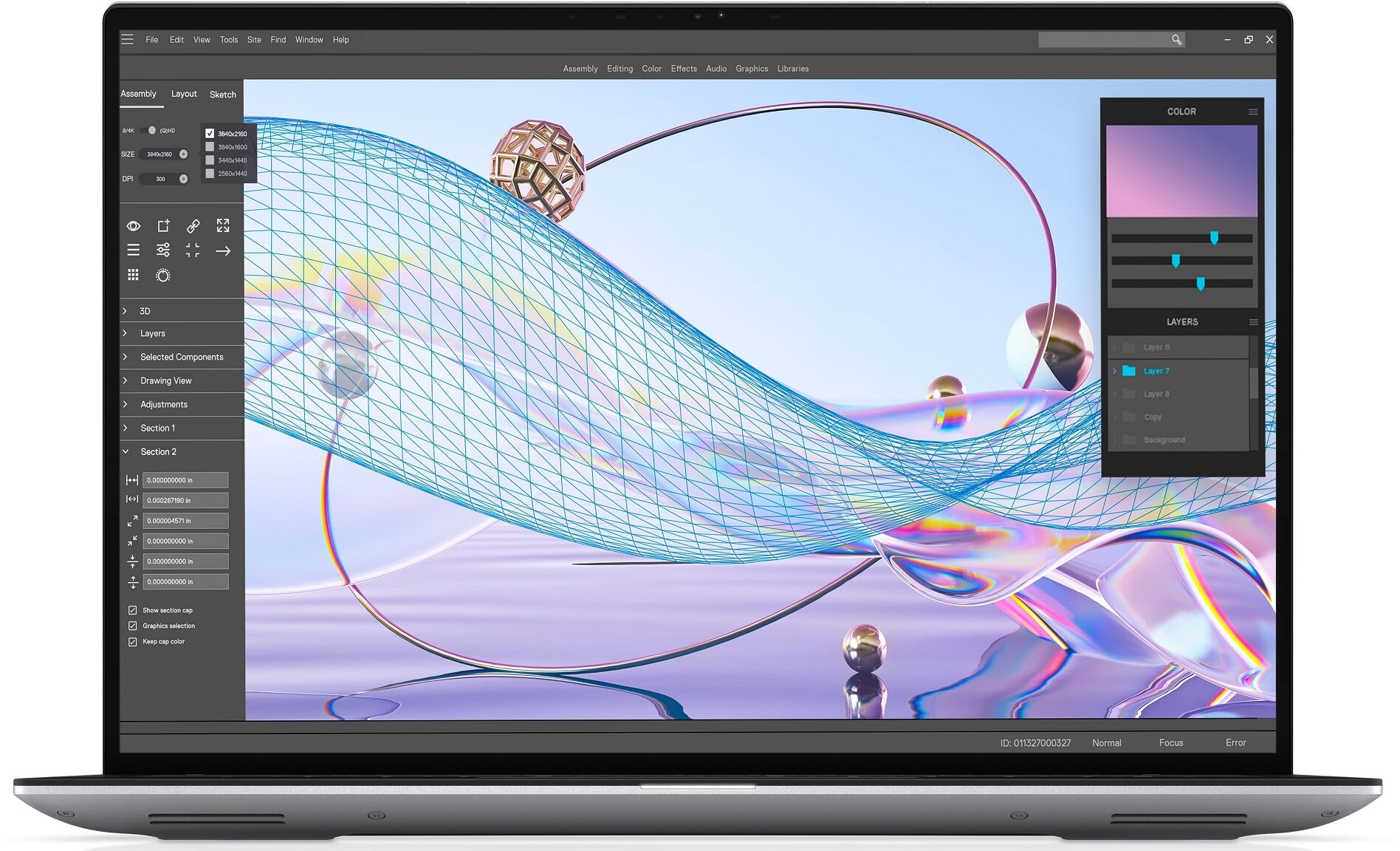
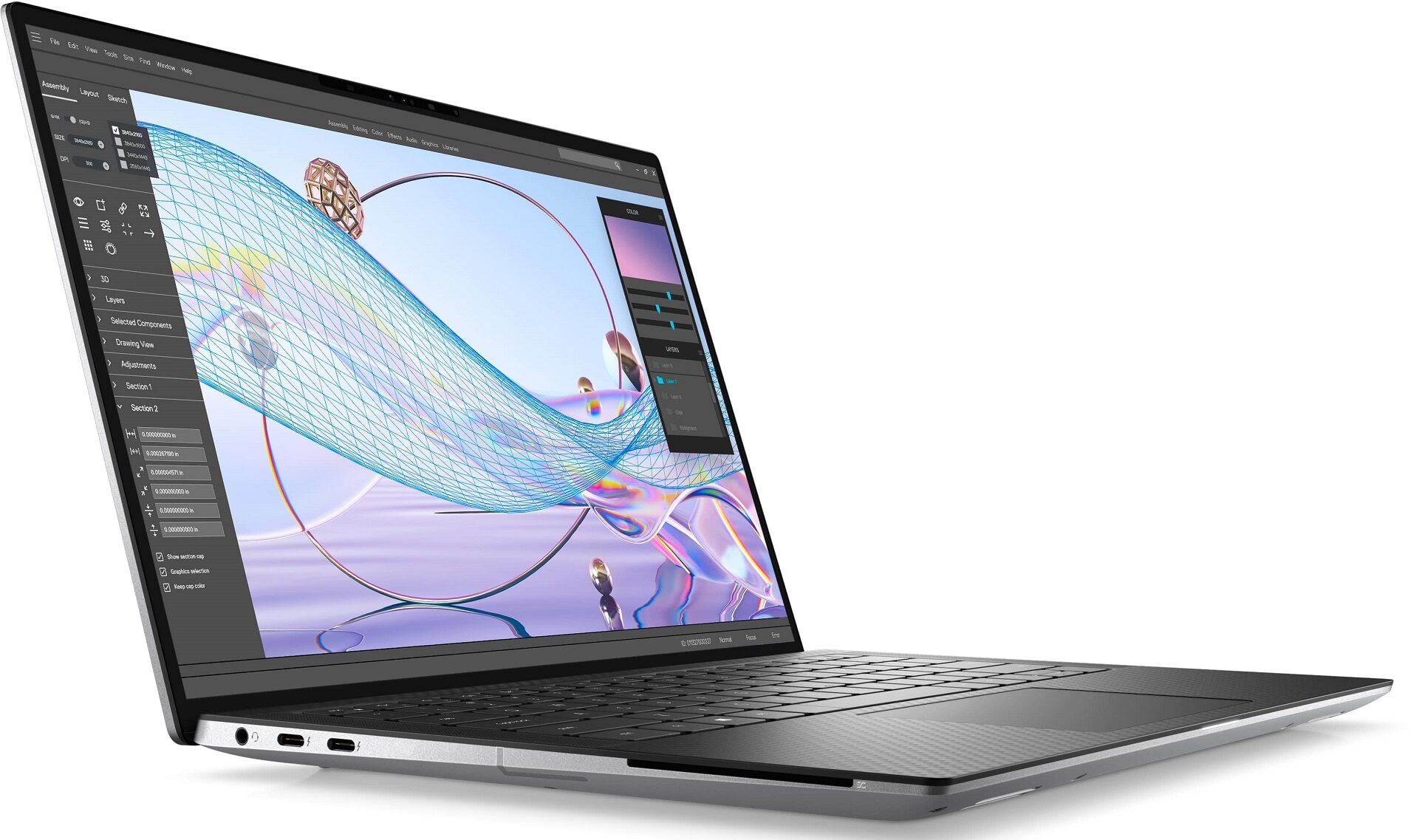
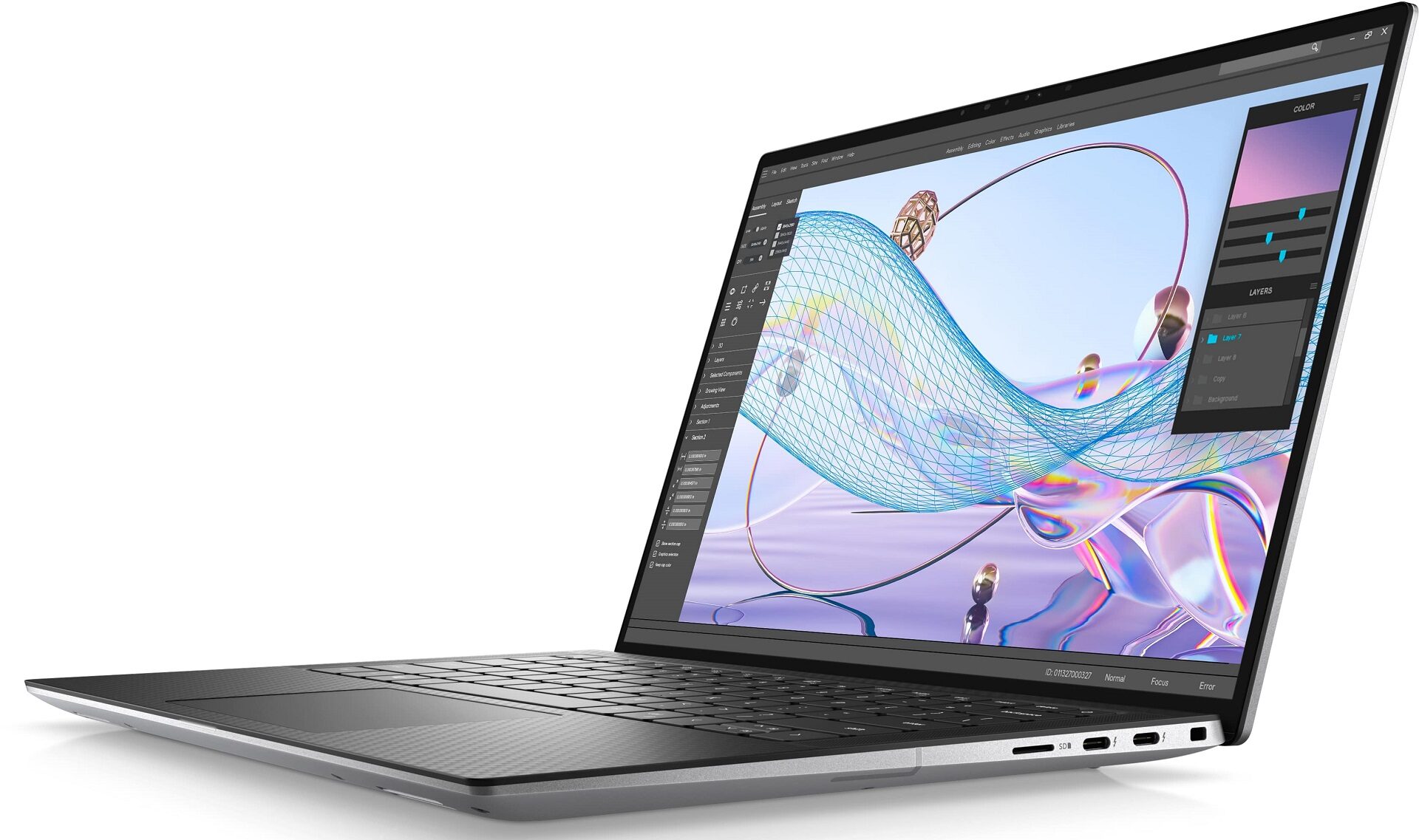
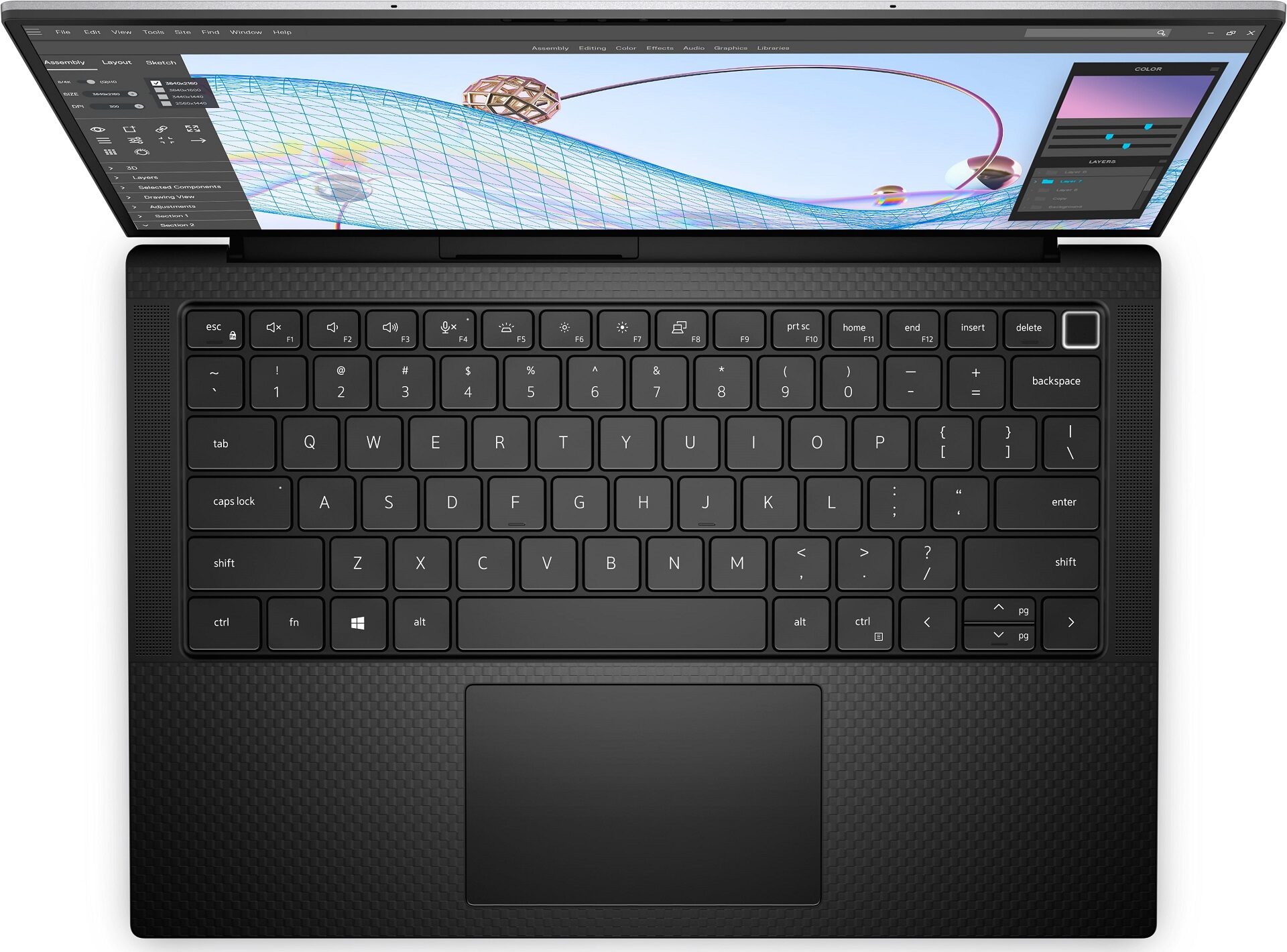

- HDD/SSD
- तक 8000GB SSD
- M.2 स्लॉट
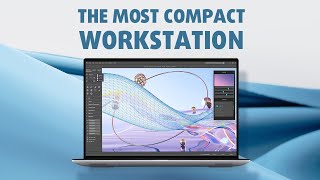
- 1x 2280 PCIe NVMe 4.0 x4 फोटो देखें
- RAM
- up to 64GB
- OS
- Windows 11 Home, Windows 11 Pro, Windows 10 Pro
- बैटरी
- 72Wh, 4-cell
- बॉडी मटीरियल
- Aluminum, Carbon
- आयाम
- 310.60 x 210.35 x 7.49 - 11.09 mm (12.23" x 8.28" x 0.29")
- वजन
- 1.48 kg (3.3 lbs)
- पोर्ट और कनेक्टिविटी
- 4x USB Type-C
- Thunderbolt 4, Power Delivery (PD), DisplayPort
- HDMI
- कार्ड रीडर
- microSD (SD/SDHC/SDXC)
- ईथरनेट लैन
- वाई-फाई
- 802.11ax
- ब्लूटूथ
- 5.2
- ऑडियो जैक
- 3.5mm Combo Jack
- विशेषताएँ
- फिंगरप्रिंट रीडर
- optional
- वेब कैमरा
- HD + IR
- बैकलिट कीबोर्ड
- optional
- माइक्रोफोन
- Dual Digital Array Microphones
- स्पीकर
- 2x 2.5W Tweeters + 2x 2.5W Woofers
- ऑप्टिकल ड्राइव
- सुरक्षा लॉक स्लॉट
- Wedge Lock
सभी Dell Precision 14 5470 कॉन्फ़िगरेशन
Drivers
All drivers and utilities for this notebook can be found here: https://www.dell.com/support/home/en-us/product-support/product/precision-14-5470-laptop/drivers
What’s in the box?
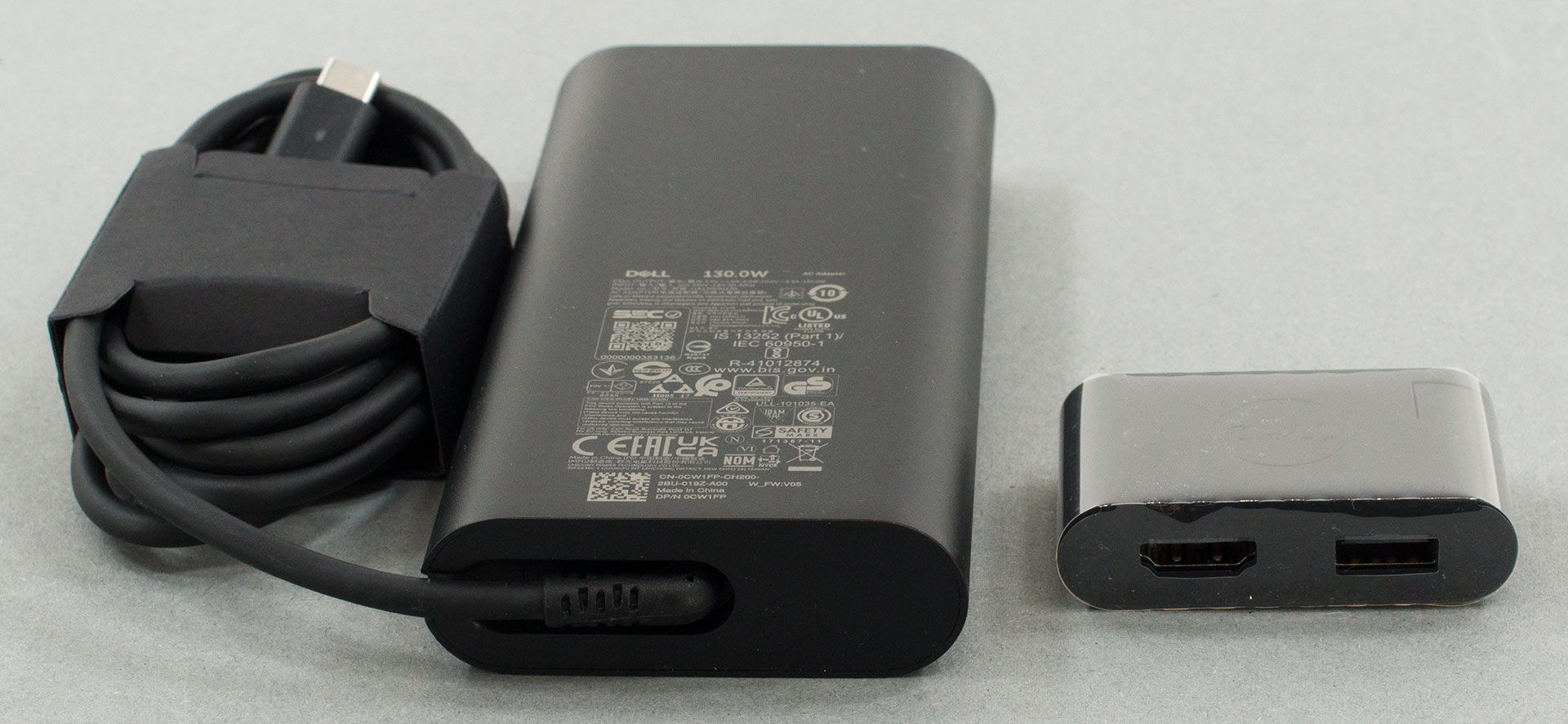
Inside this device’s packaging, we found some paperwork, a 130W USB Type-C charger, and a USB Type-C to USB Type-A and HDMI dongle.
 Author: Alex Iliev
 Author: eng. Kroum NikolovHead of Engineering at LaptopMedia.com, inventor and innovator with 40+ years of experience in electronics and high technology.

![[August 2026] Amazon Global: Top 10 Best-Selling Laptops – Apple MacBook Neo Dominates the Charts as Budget and Mid-Range Windows Portables Fight for Volume](https://laptopmedia.com/wp-content/uploads/2026/09/Best-Selling-Laptops-GLOBAL-Top-10-400x225.jpg)
![[August 2026] Best-Selling Laptop Brands on Amazon Global – Apple Dominates Revenue While HP Leads in Model Variety](https://laptopmedia.com/wp-content/uploads/2026/09/GLOBAL-Best-Brands-400x225.jpg)
![[August 2026] Amazon Global: Top 10 Best-Selling Gaming Laptops – HP Victus 15 Captures the Crown as Budget-Friendly Models Dominate the Charts](https://laptopmedia.com/wp-content/uploads/2026/09/Best-Selling-Gaming-Laptops-GLOBAL-Top-10-400x225.jpg)
![[August 2026] Best-Selling Laptop Brands on Amazon Japan – Apple Dominates Market Share and Revenue Led by Strong Unit Sales](https://laptopmedia.com/wp-content/uploads/2026/09/CO.JP-Best-Brands-1-400x225.jpg)
![[August 2026] Best-Selling Laptop Brands on Amazon USA – Apple Dominates Market Revenue and Volume Despite Lower Model Diversity](https://laptopmedia.com/wp-content/uploads/2026/09/COM-Best-Brands-1-400x225.jpg)