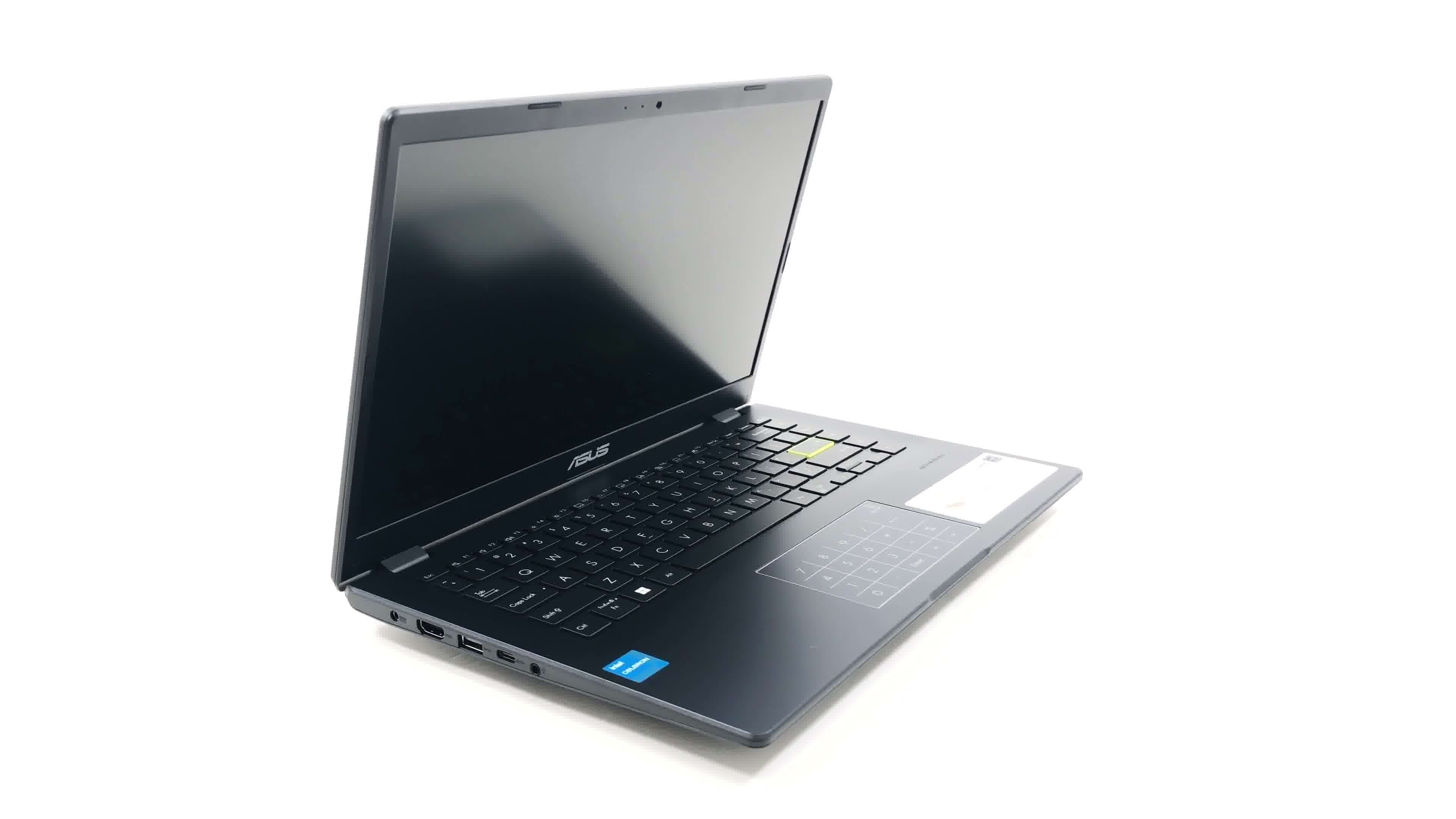
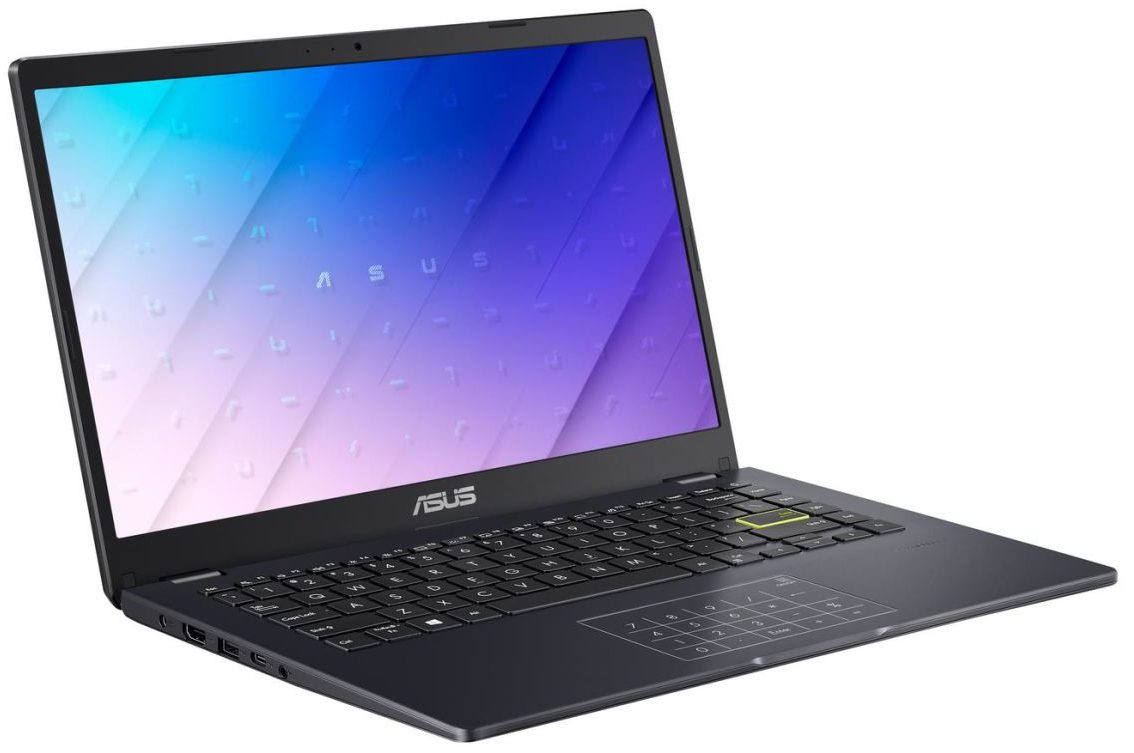
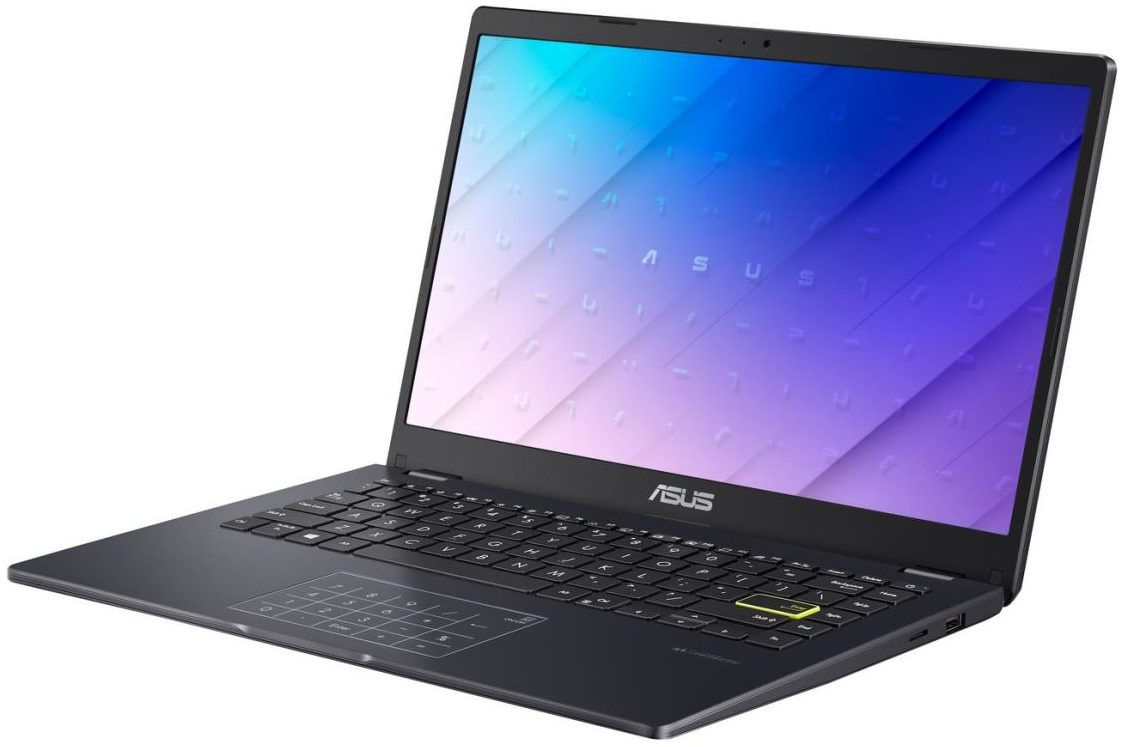
ASUS E410

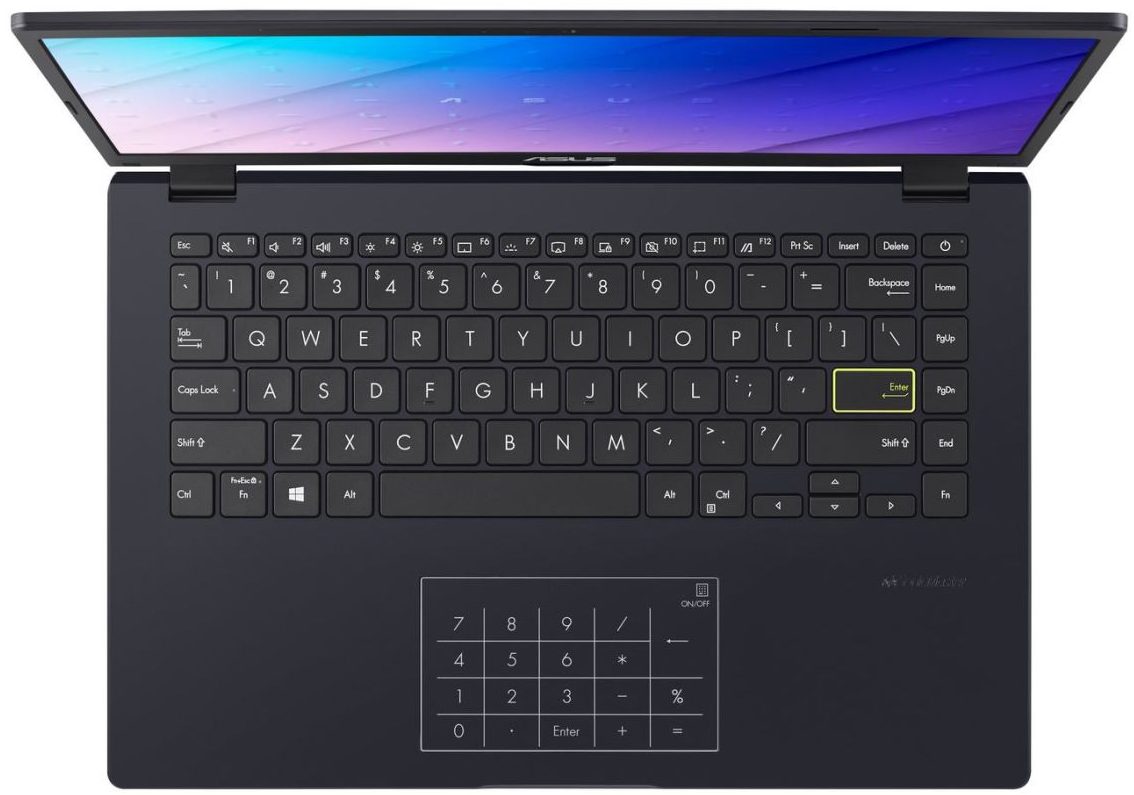
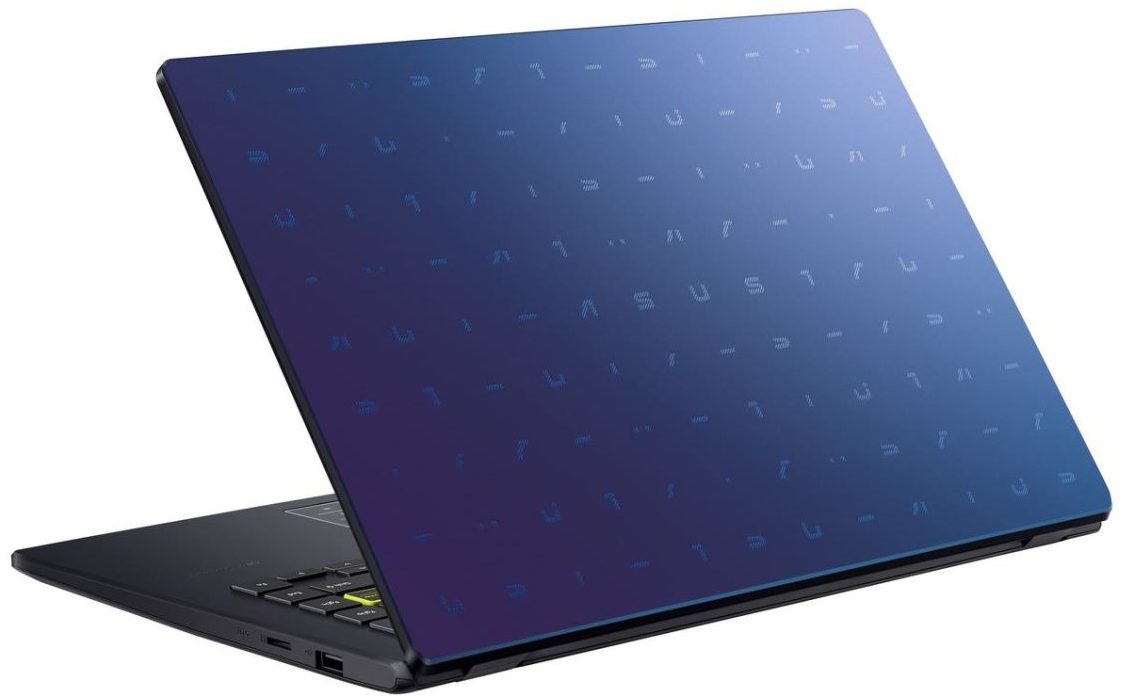

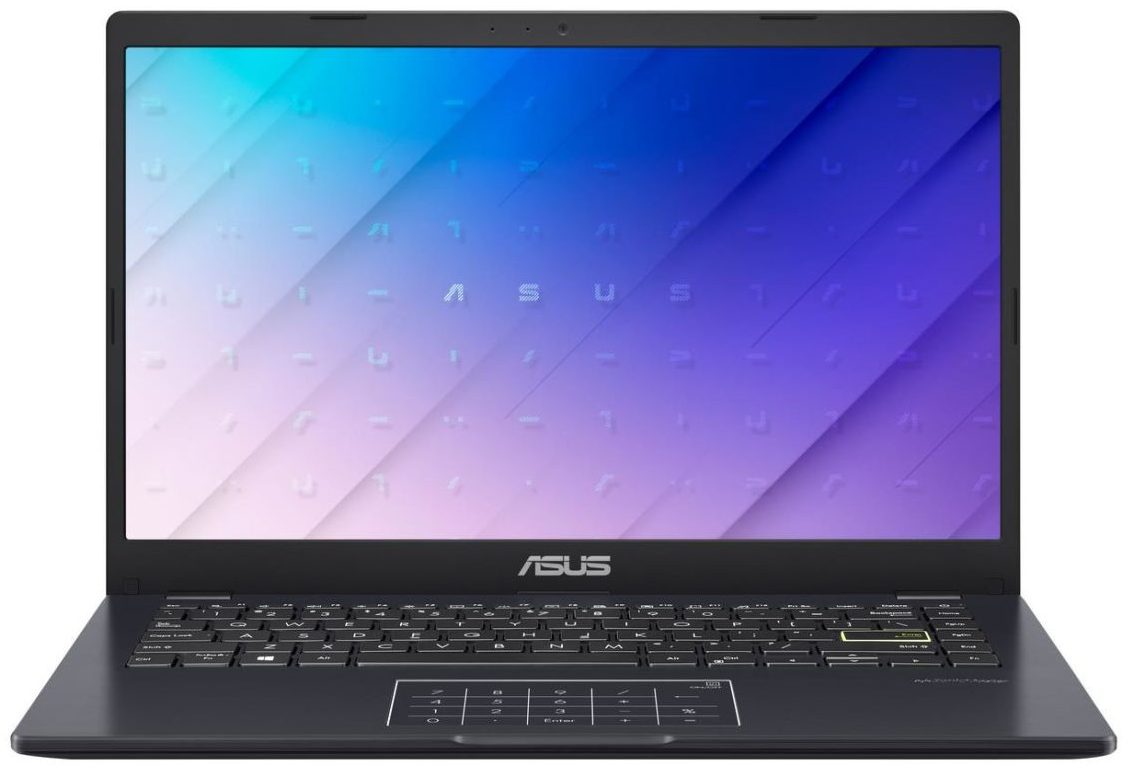
- Date Published: 31 Oct 2022
- Intel Celeron N4500
- Intel UHD Graphics (Jasper Lake 16 EU)
- 14.0”, HD (1366 x 768), TN
- 64GB SSD
- 4GB DDR4
- 1.30 kg (2.9 lbs)
Review
ASUS E410 in-depth review
Right at the start of this review, we have to tell you that you need to adjust your expectations with the price tag of this notebook. The ASUS E410 is not your average Zenbook or ROG device. Instead, it is aimed at people, who need a first laptop (including children), or individuals, who cannot afford to spend lots of money on the bare minimum.One would think that this is the easiest notebook to make in a manufacturer's lineup. However, we would argue that it is the hardest one - premium devices and heavy-duty gaming machines require a lot of R&D money, but at the end of the day, they allow for high margins, whereas here - the bar is really low.This means that ASUS (in this case), needs to make the best it can do with the said budget, and then, multiply it by millions of sold [...]
Read the full review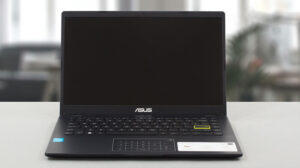
Pros
- Very affordable
- 1x M.2 NVMe slot
- Silent during any workload
- No PWM (BOE NT140FHM-N44 (BOE07F6))
- NumberPad touchpad and backlit keyboard
Cons
- No MicroSD card slot
- Covers only 53% of the sRGB gamut (BOE NT140FHM-N44 (BOE07F6))
- Narrow viewing angles and poor contrast ratio (BOE NT140FHM-N44 (BOE07F6))
- Celeron CPUs are really slow
Disassembly, maintenance and upgrade options
Probably without any surprise, the ASUS E410 doesn't offer good upgradeability. You have to be aware that some models feature eMMC flash memory, and might not have an SSD slot whatsoever.Check out all ASUS E410 prices and configurations in our Specs System, or read more in our In-Depth review.1. Remove the bottom plate To open this device, you need to undo 10 Phillips-head screws. Then, pry the bottom panel with a plastic tool, starting from the front corners.2. Remove the battery Inside, we see a 42Wh battery pack. To remove it, unplug the battery connector, and undo the[...]
Read more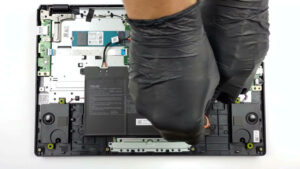


![[August 2026] Amazon Global: Top 10 Best-Selling Laptops – Apple MacBook Neo Dominates the Charts as Budget and Mid-Range Windows Portables Fight for Volume](https://laptopmedia.com/wp-content/uploads/2026/09/Best-Selling-Laptops-GLOBAL-Top-10-400x225.jpg)
![[August 2026] Best-Selling Laptop Brands on Amazon Global – Apple Dominates Revenue While HP Leads in Model Variety](https://laptopmedia.com/wp-content/uploads/2026/09/GLOBAL-Best-Brands-400x225.jpg)
![[August 2026] Amazon Global: Top 10 Best-Selling Gaming Laptops – HP Victus 15 Captures the Crown as Budget-Friendly Models Dominate the Charts](https://laptopmedia.com/wp-content/uploads/2026/09/Best-Selling-Gaming-Laptops-GLOBAL-Top-10-400x225.jpg)
![[August 2026] Best-Selling Laptop Brands on Amazon USA – Apple Dominates Market Revenue and Volume Despite Lower Model Diversity](https://laptopmedia.com/wp-content/uploads/2026/09/COM-Best-Brands-1-400x225.jpg)
![[August 2026] Amazon USA: Top 10 Best-Selling Laptops – Apple MacBook Neo Dominates the Market with Massive Unit Sales!](https://laptopmedia.com/wp-content/uploads/2026/09/Best-Selling-Laptops-COM-Top-10-400x225.jpg)