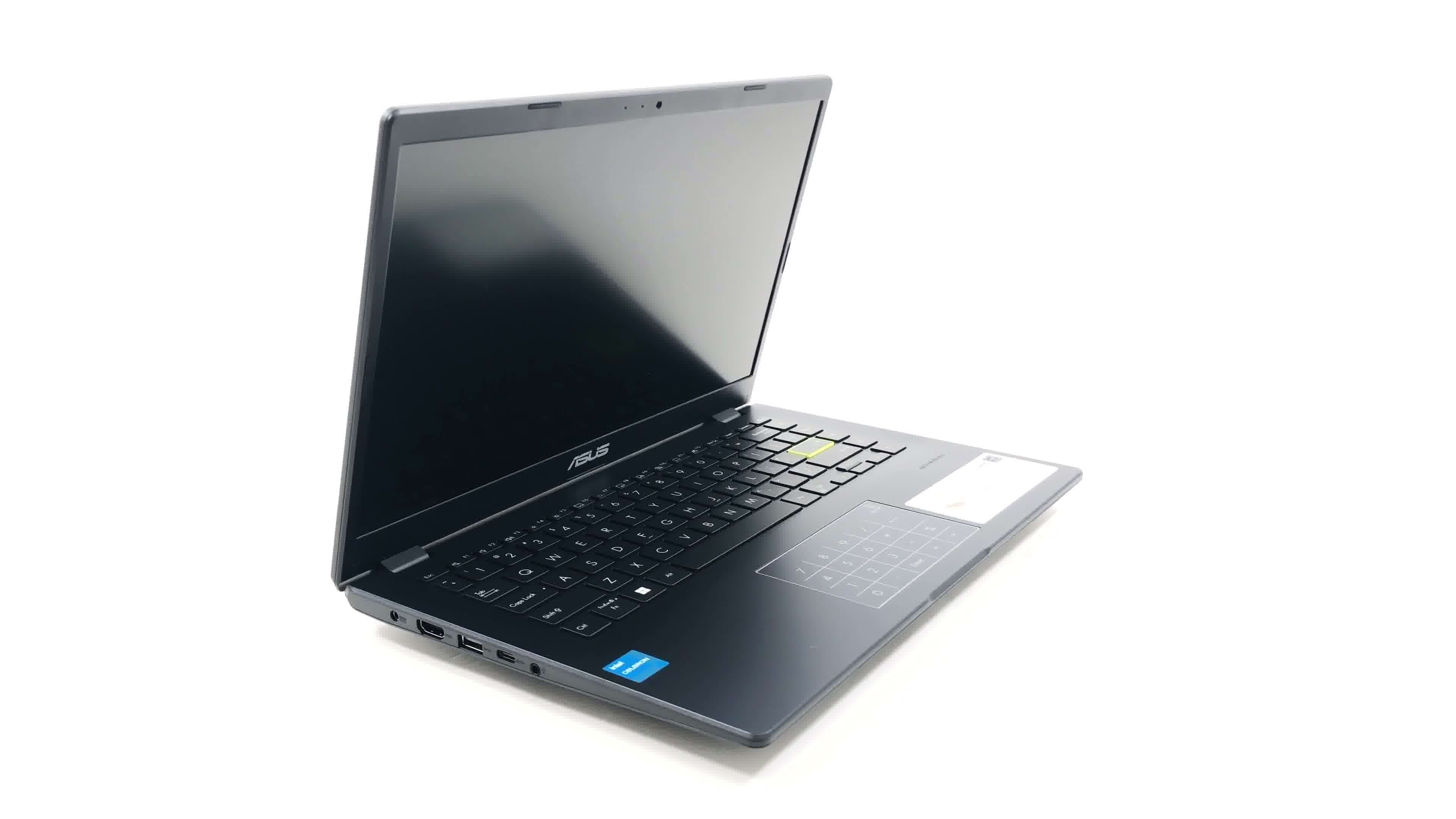
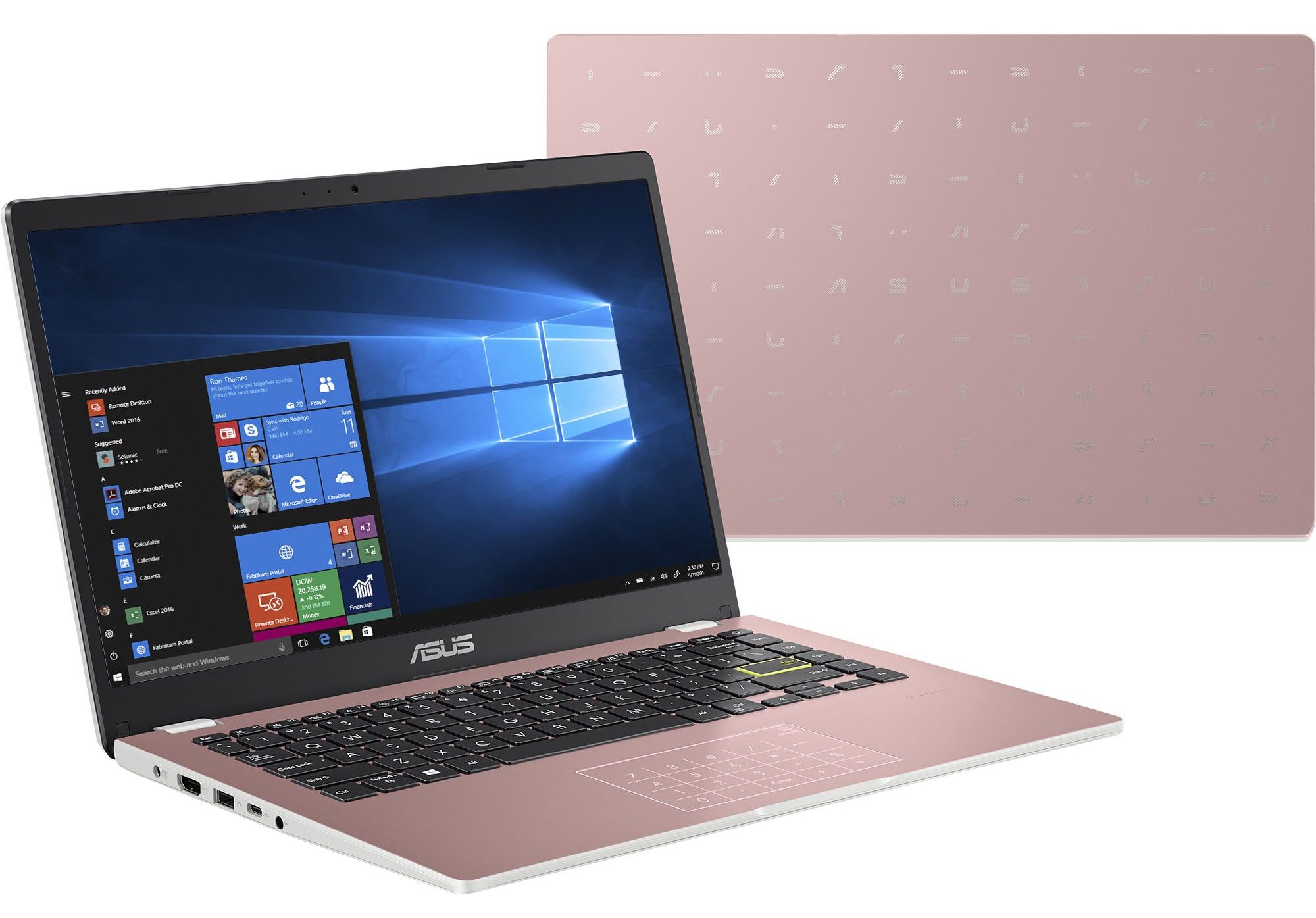
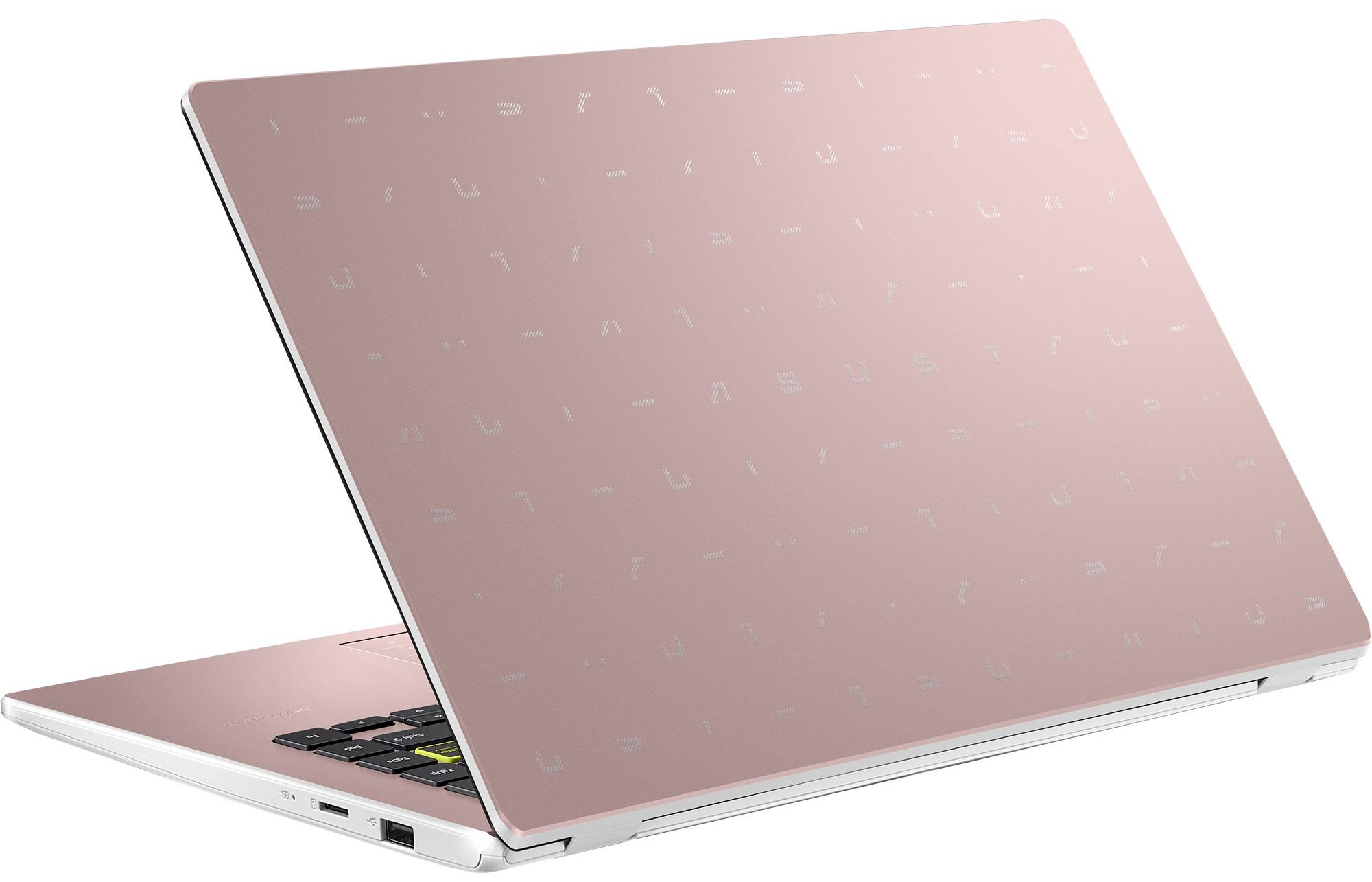
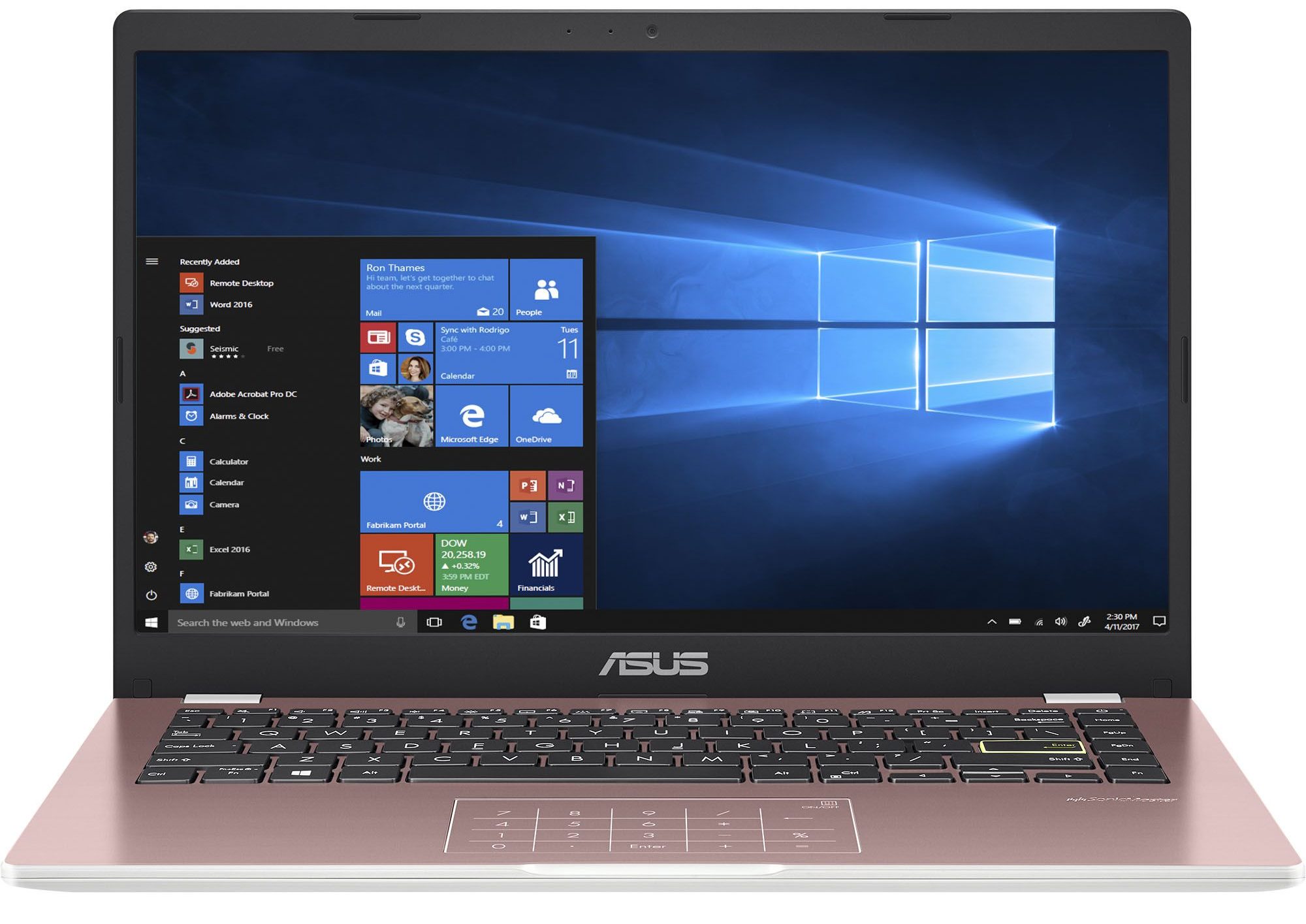
ASUS E410


- Date Published: 08 May 2025
- Intel Pentium Silver N6000
- Intel UHD Graphics (Jasper Lake 32 EU)
- 14.0”, Full HD (1920 x 1080), TN
- 128GB SSD
- 4GB RAM
- 1.30 kg (2.9 lbs)
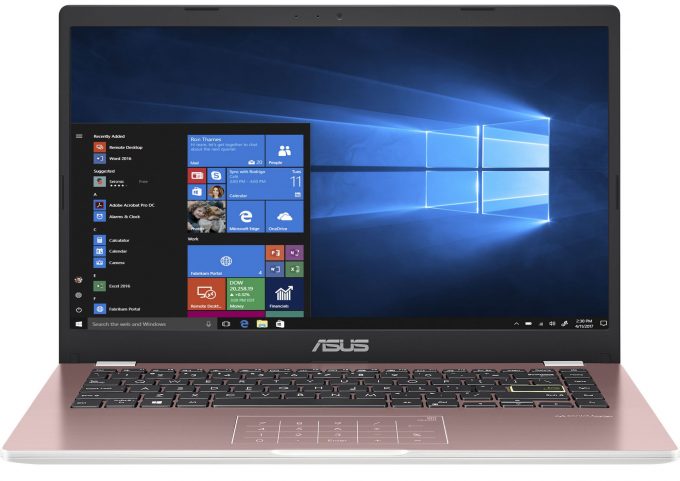
Review
ASUS E410 in-depth review
Right at the start of this review, we have to tell you that you need to adjust your expectations with the price tag of this notebook. The ASUS E410 is not your average Zenbook or ROG device. Instead, it is aimed at people, who need a first laptop (including children), or individuals, who cannot afford to spend lots of money on the bare minimum.One would think that this is the easiest notebook to make in a manufacturer's lineup. However, we would argue that it is the hardest one - premium devices and heavy-duty gaming machines require a lot of R&D money, but at the end of the day, they allow for high margins, whereas here - the bar is really low.This means that ASUS (in this case), needs to make the best it can do with the said budget, and then, multiply it by millions of sold [...]
Read the full review
Pros
- Very affordable
- 1x M.2 NVMe slot
- Silent during any workload
- No PWM (BOE NT140FHM-N44 (BOE07F6))
- NumberPad touchpad and backlit keyboard
Cons
- No MicroSD card slot
- Covers only 53% of the sRGB gamut (BOE NT140FHM-N44 (BOE07F6))
- Narrow viewing angles and poor contrast ratio (BOE NT140FHM-N44 (BOE07F6))
- Celeron CPUs are really slow
Disassembly, maintenance and upgrade options
Probably without any surprise, the ASUS E410 doesn't offer good upgradeability. You have to be aware that some models feature eMMC flash memory, and might not have an SSD slot whatsoever.Check out all ASUS E410 prices and configurations in our Specs System, or read more in our In-Depth review.1. Remove the bottom plate To open this device, you need to undo 10 Phillips-head screws. Then, pry the bottom panel with a plastic tool, starting from the front corners.2. Remove the battery Inside, we see a 42Wh battery pack. To remove it, unplug the battery connector, and undo the[...]
Read more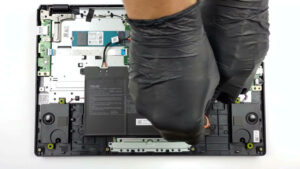
DISPLAY: 14.0-inch, 1920 x 1080, TN
- Name
- BOE NT140FHM-N44 (BOE07F6)
- Diagonal
- 14.0"
- Pixel density
- 157.35 ppi
- Brightness
- 260 cd/m2
- sRGB
- 52%
- Panel Type
- TN
- Resolution
- 1920 x 1080
- Becomes "Retina" from
- 22 inches (56 cm)
- Contrast
- 260:1
- dE Color Checker
- 13 4.3

Buy our profiles for BOE NT140FHM-N44 (BOE07F6)
In addition to receiving efficient and health-friendly profiles, by buying LaptopMedia's products you also support the development of our labs, where we test devices in order to produce the most objective reviews possible.

Office Work
Office Work should be used mostly by users who spend most of the time looking at pieces of text, tables or just surfing. This profile aims to deliver better distinctness and clarity by keeping a flat gamma curve (2.20), native color temperature and perceptually accurate colors.

Design and Gaming
This profile is aimed at designers who work with colors professionally, and for games and movies as well. Design and Gaming takes display panels to their limits, making them as accurate as possible in the sRGB IEC61966-2-1 standard for Web and HDTV, at white point D65.

Health-Guard
Health-Guard eliminates the harmful Pulse-Width Modulation (PWM) and reduces the negative Blue Light which affects our eyes and body. Since it’s custom tailored for every panel, it manages to keep the colors perceptually accurate. Health-Guard simulates paper so the pressure on the eyes is greatly reduced.



![[October 2026] Best-Selling Laptop Brands on Amazon Global – Apple Dominates Revenue Despite HP Leading in Model Variety](https://laptopmedia.com/wp-content/uploads/2026/11/GLOBAL-Best-Brands-400x225.jpg)
![[October 2026] Amazon Global: Top 10 Best-Selling Laptops – Apple Dominates the Global Market as the M5-Powered MacBook Air 13 Claims the #1 Spot](https://laptopmedia.com/wp-content/uploads/2026/11/Best-Selling-Laptops-GLOBAL-Top-10-400x225.jpg)
![[October 2026] Amazon Global: Top 10 Best-Selling Gaming Laptops – HP Victus 15 Claims the Crown as Budget-Friendly Configurations Dominate Global Sales](https://laptopmedia.com/wp-content/uploads/2026/11/Best-Selling-Gaming-Laptops-GLOBAL-Top-10-400x225.jpg)
![[October 2026] Global Ranking of Best-Selling Laptop GPUs on Amazon – Apple M5 Dominates as NVIDIA’s RTX 5060 Leads Dedicated GPUs in October 2026](https://laptopmedia.com/wp-content/uploads/2026/11/Best-Selling-GPUs-GLOBAL-Top-10-400x225.jpg)
![[October 2026] Global Ranking of Best-Selling Laptop CPUs on Amazon – Apple’s M5 Dominates as Intel and AMD Battle for Scraps](https://laptopmedia.com/wp-content/uploads/2026/11/Best-Selling-CPUs-GLOBAL-Top-10-400x225.jpg)
