ASUS X543
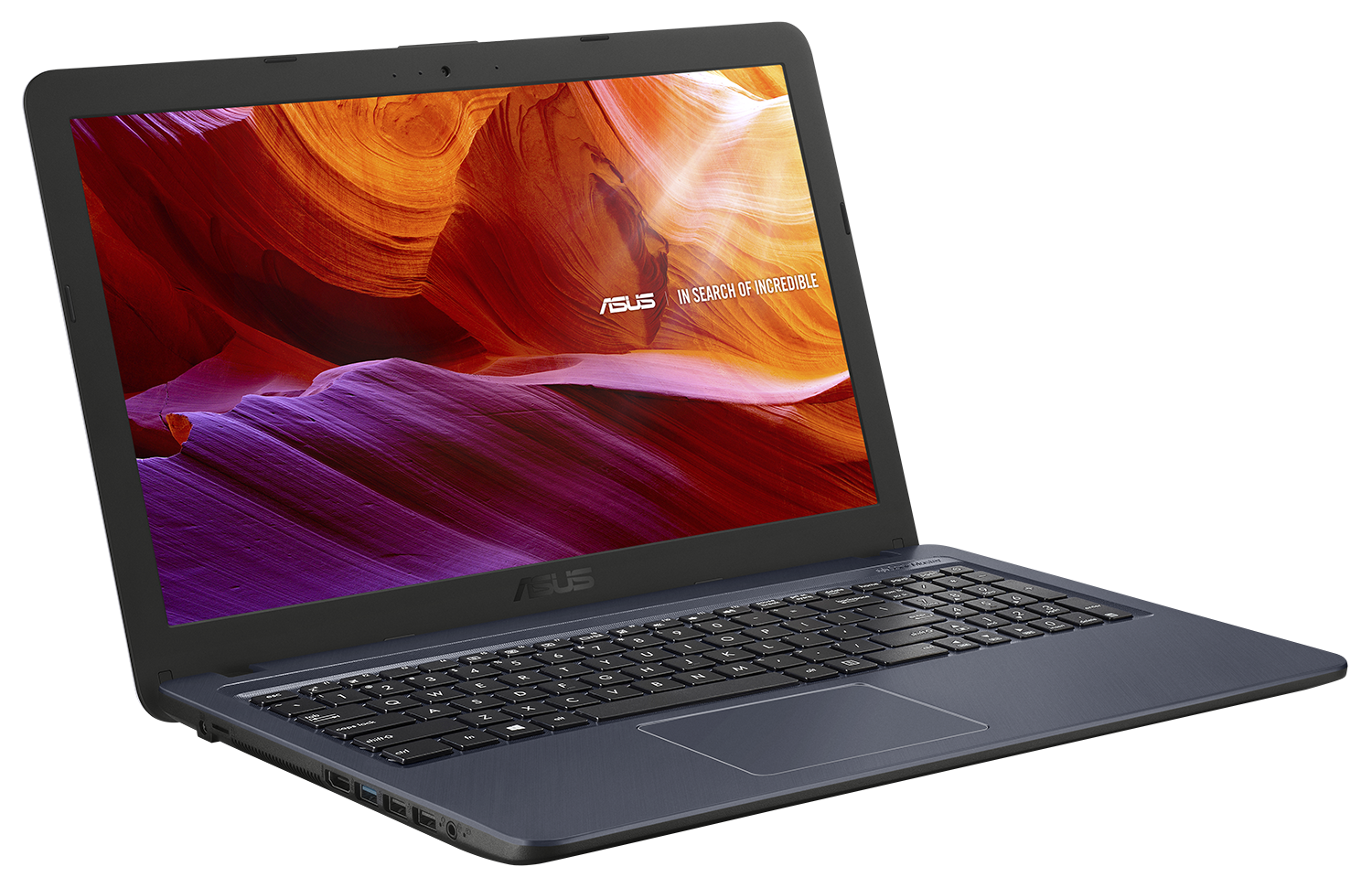
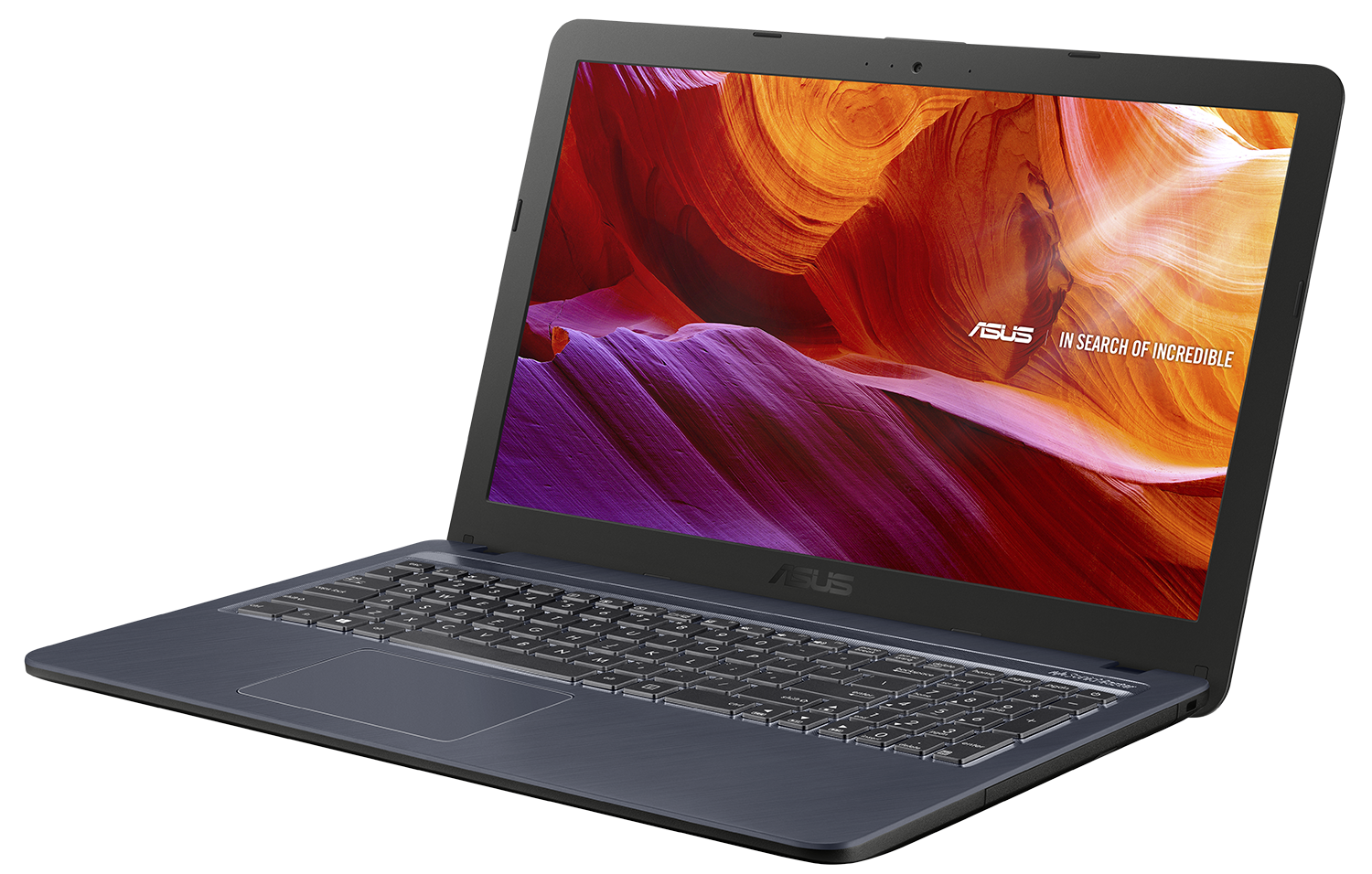
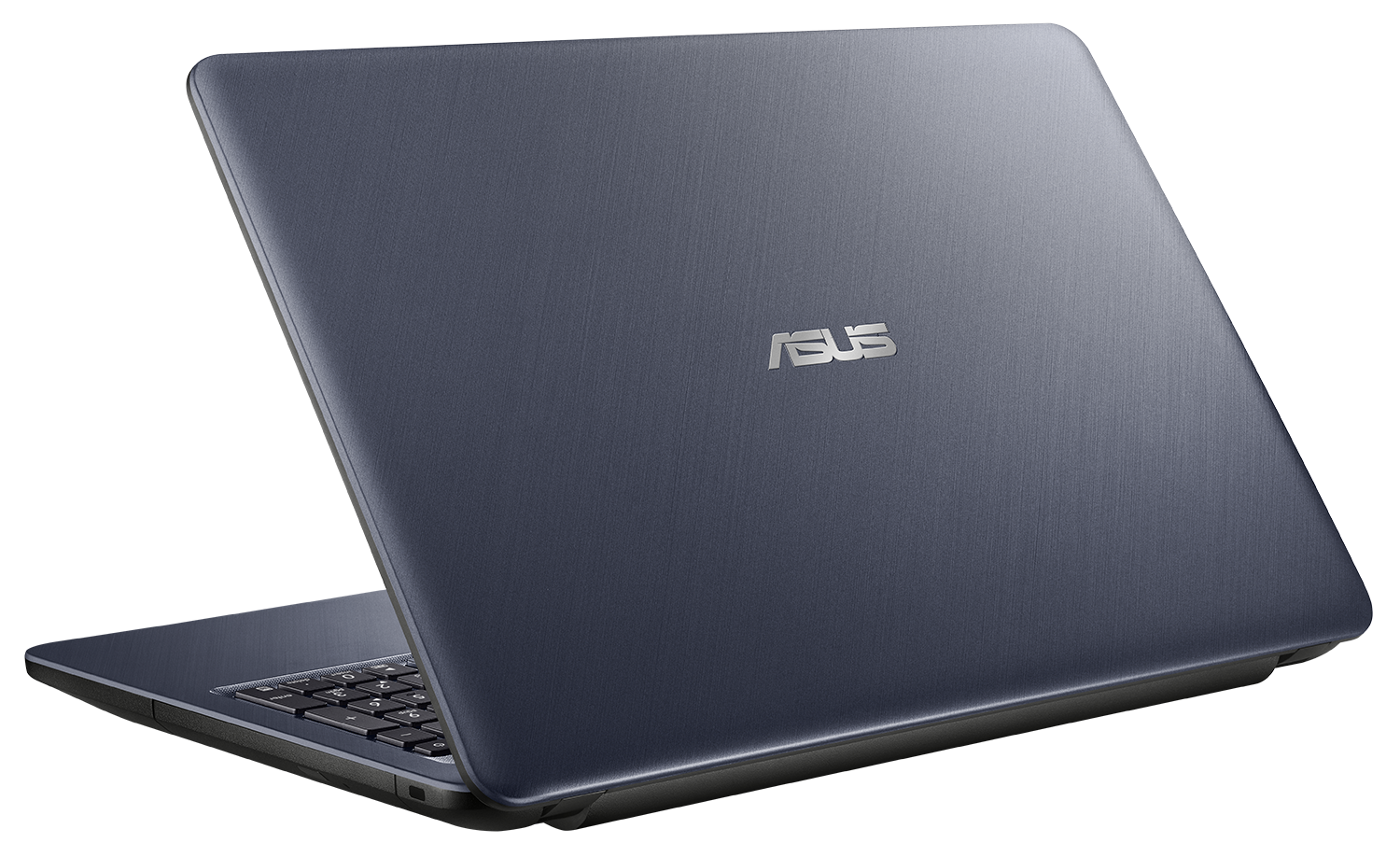
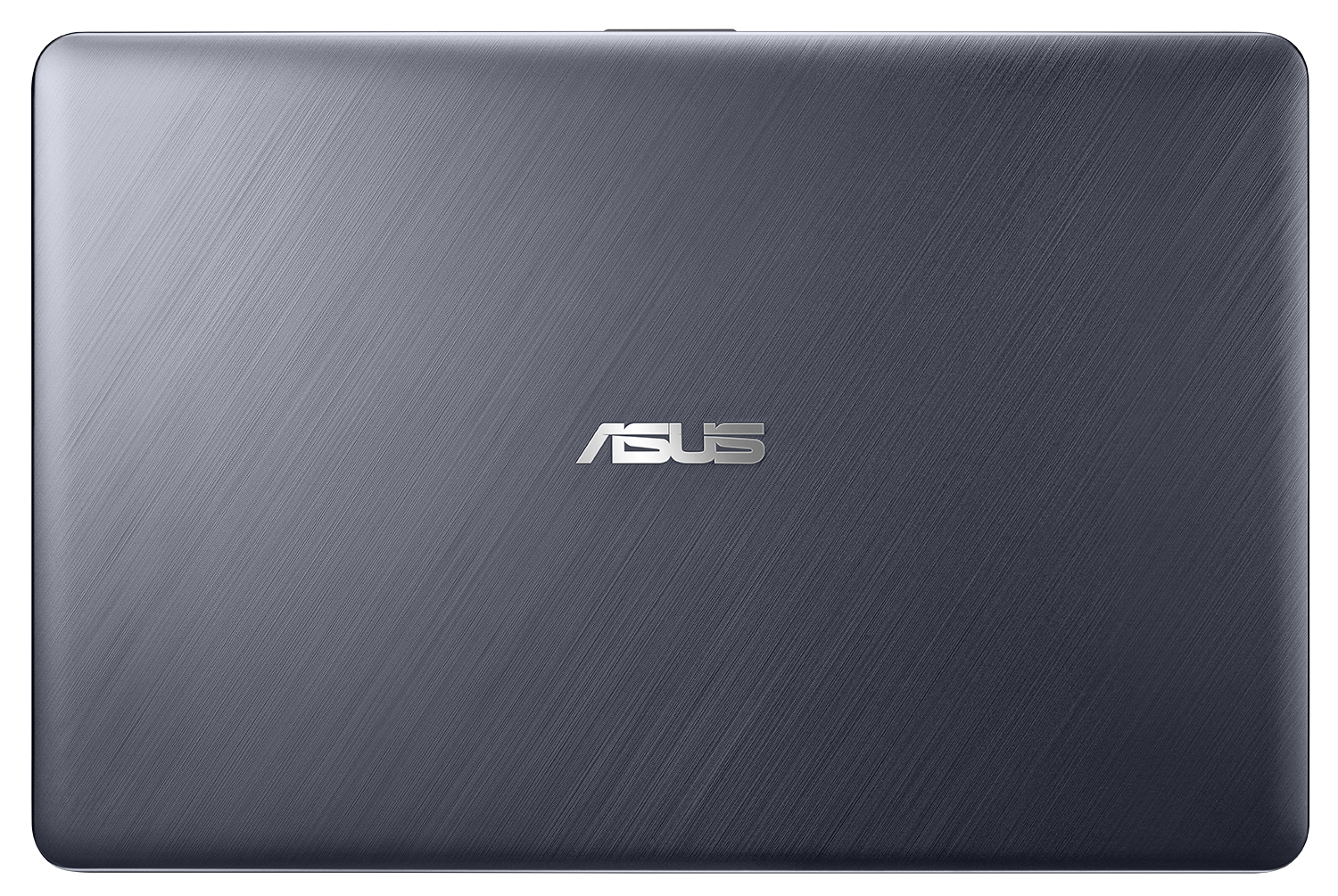
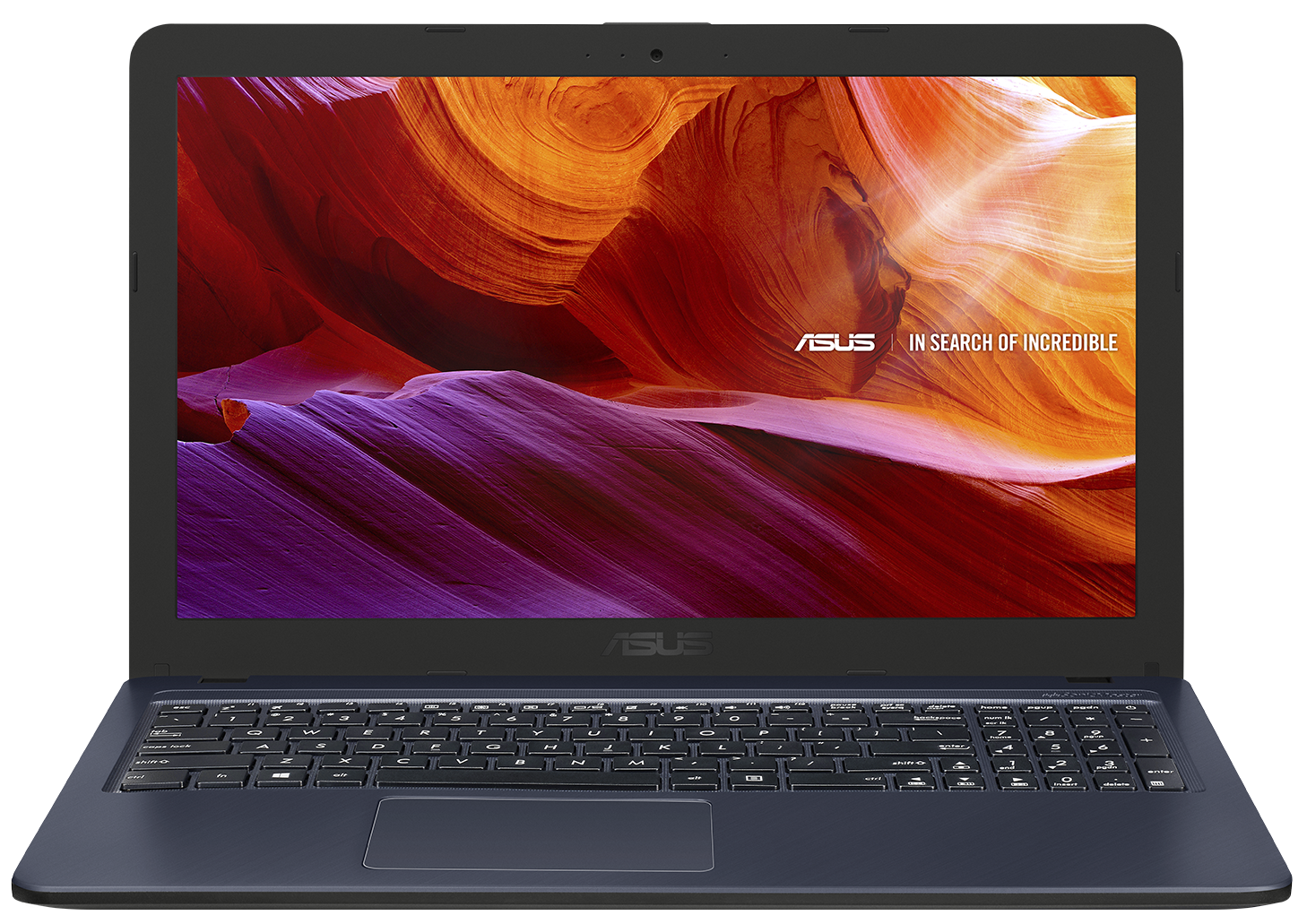
- Date Published: 14 Aug 2019
- Intel Pentium 4417U
- Intel UHD Graphics 620
- 15.6”, Full HD (1920 x 1080), TN
- 1000GB HDD
- 4GB DDR4
- 1.90 kg (4.2 lbs)
ASUS X543 in-depth review
Nowadays, it's easier than ever to get an everyday notebook for a very symbolic price. Yes, many of the gaming and ultra-secure business laptops may set you back a couple of thousand bucks (sometimes even more), but what if you need a device for your daily computing needs? Nothing too fancy - browse [...]
Read the full review

Specs
- Display

- HDD/SSD
- 1TB HDD, 5400 rpm
- RAM
- 4GB DDR4
- OS
- Windows 10 Home
- Body Material
- Plastic / Polycarbonate
- Dimensions
- 381 x 251 x 27.2 mm (15.00" x 9.88" x 1.07")
- Weight
- 1.90 kg (4.2 lbs)
- Ports and connectivity
- 2x USB Type-A
- 2.0
- 1x USB Type-A
- 3.2 Gen 1 (5 Gbps)
- HDMI
- Card Reader
- microSD
- Wi-Fi
- 802.11ac
- Bluetooth
- 4.2
- Audio jack
- 3.5 mm combo
- Features
- Fingerprint reader
- Web camera
- VGA
- Backlit keyboard
- Microphone
- Analog
- Speakers
- 2x 2W, ASUS SonicMaster Technology
- Optical drive
- Security Lock slot
Portability
Review
ASUS X543 in-depth review
Nowadays, it's easier than ever to get an everyday notebook for a very symbolic price. Yes, many of the gaming and ultra-secure business laptops may set you back a couple of thousand bucks (sometimes even more), but what if you need a device for your daily computing needs? Nothing too fancy - browse the Web, watch a movie or your favorite TV series, or just text your friends.Ultimately, this means you don't need super-powerful hardware - a simple Pentium Silver N5000 with its integrated graphics card would do the job. And while our unit is equipped with just 4GB of RAM, we strongly suggest you get 8GB - Google Chrome can be a killer when you open more than two tabs.Now, when we look at the display there are good news and bad news. Let's start positive - the resolution is 1080p. Ho[...]
Read the full reviewPros
- Extremely low price
- Decent keyboard
- Three USB ports (one 3.0) and a MicroSD card reader
- Extremely efficient hardware
- Full HD resolution and quick response times (BOE NT156FHM-N41)
Cons
- Dated design (yet somewhat stylish)
- Covers only 50% of sRGB (BOE NT156FHM-N41)
- Poor viewing angles and contrast ratio (BOE NT156FHM-N41)
- Lacks a USB Type-C port
- Uses PWM for all brightness levels, except the maximum (although the high frequency makes it far less harmful) (BOE NT156FHM-N41)




