Dell Precision 3540
- Date Published: 29 Nov 2019
- Intel Core i7-8565U
- AMD Radeon Pro WX 2100 (2GB GDDR5)
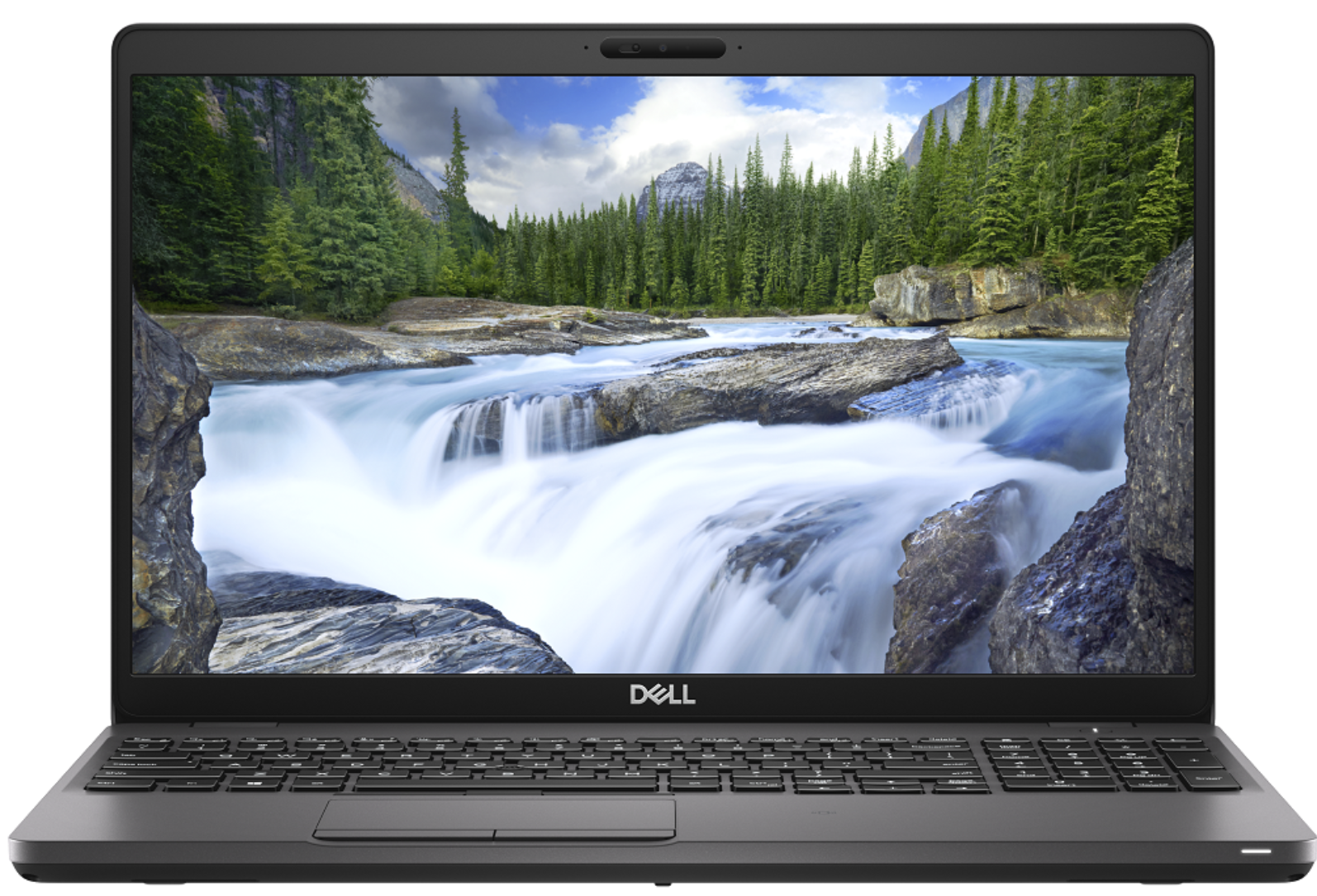
- 15.6”, Full HD (1920 x 1080), IPS
- 512GB SSD
- 8GB DDR4
- 1.83 kg (4 lbs)
Review
Dell Precision 3540 in-depth review
Despite the low number given to it by Dell, the Precision 3540 is a mid-range portable workstation that should satisfy the needs of more than just a handful of professionals. Its dedicated AMD Radeon Pro WX2100 GPU is certified to work with CAD applications, while further enhancing some minor 3D modeling and 2D manipulating tasks.Apart from professionalism, this device breathes to you, it is a laptop. And laptops have a tendency to not be perfect. Some of them are too thick, some of them are too thin but there is also a balance, where compromise is been reduced to a minimum. In the view of architects, this laptop should be super balanced, in order to catch their eyes. Let's dig into the Inspiron 3540 and see what does it have to offer.You can check the prices and configurations in[...]
Read the full review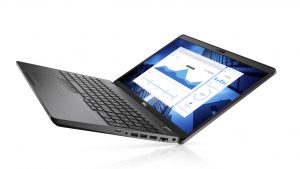
Pros
- Strong body
- One of the best keyboards on a laptop
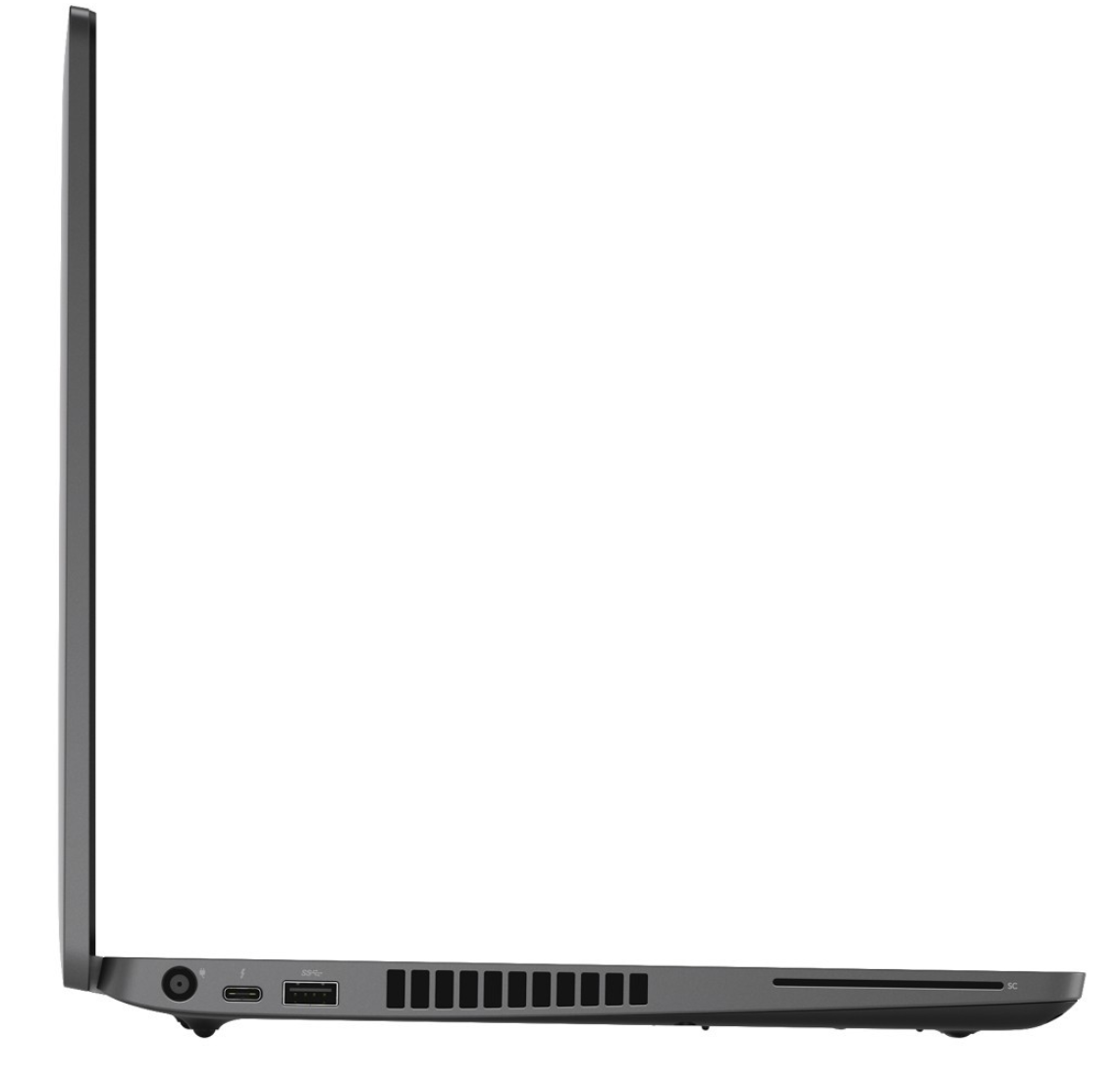
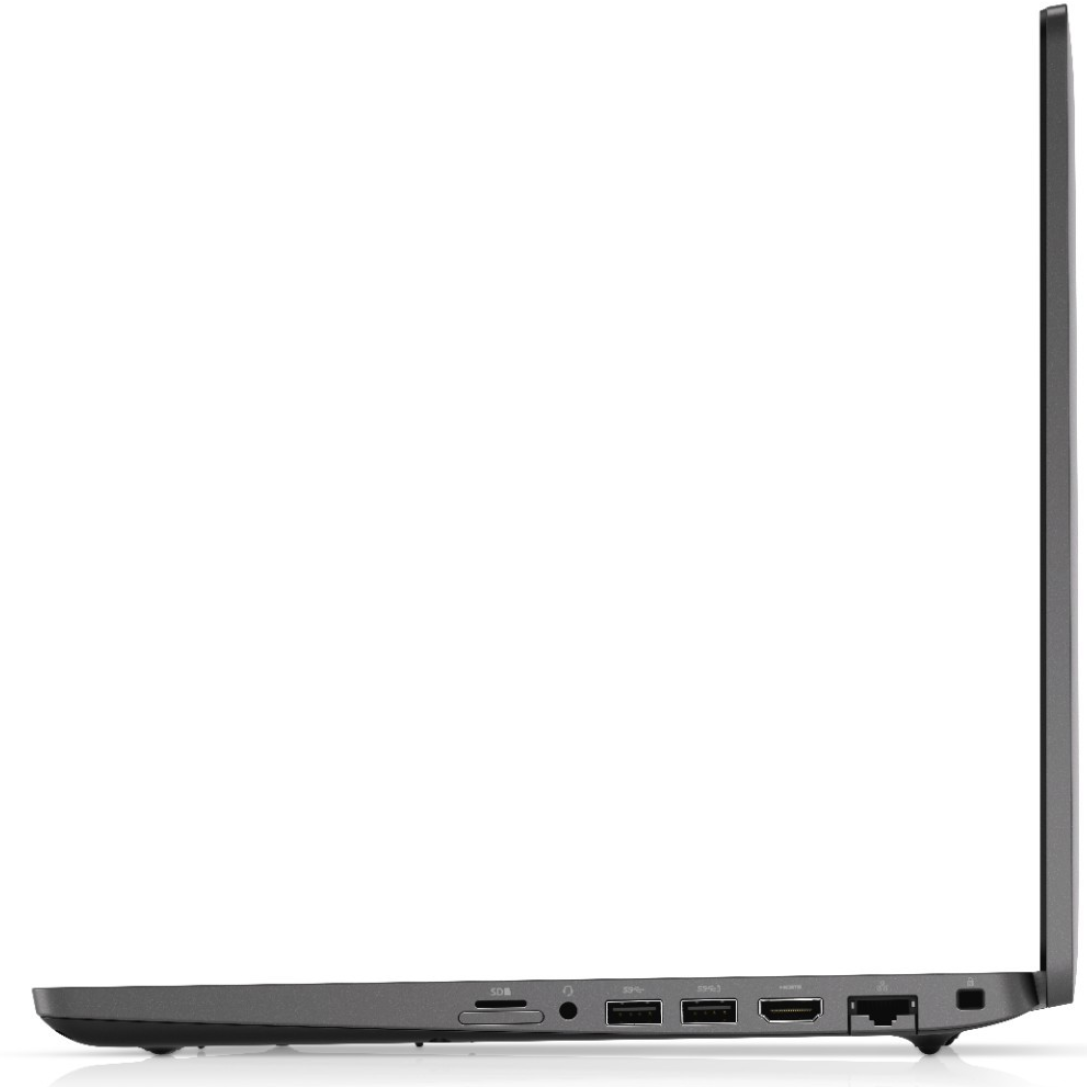
- I/O and upgradability are on point
- Great battery life
- IR face recognition
- Great viewing angles and contrast ratio (BOE NV156FHM-N4H (BOE0869))
- Thunderbolt support and PCIe x4 M.2 slot
- Above-average performance
Cons
- A bit pricey
- Covers only 50% of sRGB (BOE NV156FHM-N4H (BOE0869))
- Uses PWM to adjust its brightness (fixed by our Health-Guard profile) (BOE NV156FHM-N4H (BOE0869))
Disassembly, maintenance and upgrade options
Recently, we tested the Precision 3540, and we think that it is one of the best mobile workstations you can find there. Of course, given the price tag and the ULV technology inside.Check out all Dell Precision 3540 prices and configurations in our Specs System or read more in our In-Depth review.1. Remove the bottom plate There are 8 screws you need to remove in order to pop the bottom panel open. Thankfully, they stay attached to the plate after you unscrew them, so you will have a hard time losing them.2. Battery In terms of battery, there is a 51Wh package. However, De[...]
Read more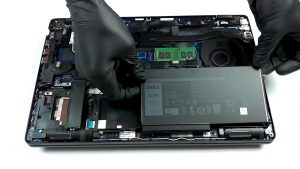
DISPLAY: 15.6-inch, 1920 x 1080, IPS
- Name
- BOE NV156FHM-N4H (BOE0869)
- Diagonal
- 15.6"
- Pixel density
- 141.21 ppi
- Refresh rate
- 60 Hz
- Brightness
- 230 cd/m2
- sRGB
- 50%
- Panel Type
- IPS
- Resolution
- 1920 x 1080
- Becomes "Retina" from
- 24 inches (62 cm)
- Contrast
- 1400:1
- dE Color Checker
- 6.5 4.2

Buy our profiles for BOE NV156FHM-N4H (BOE0869)
In addition to receiving efficient and health-friendly profiles, by buying LaptopMedia's products you also support the development of our labs, where we test devices in order to produce the most objective reviews possible.

Office Work
Office Work should be used mostly by users who spend most of the time looking at pieces of text, tables or just surfing. This profile aims to deliver better distinctness and clarity by keeping a flat gamma curve (2.20), native color temperature and perceptually accurate colors.

Design and Gaming
This profile is aimed at designers who work with colors professionally, and for games and movies as well. Design and Gaming takes display panels to their limits, making them as accurate as possible in the sRGB IEC61966-2-1 standard for Web and HDTV, at white point D65.

Health-Guard
Health-Guard eliminates the harmful Pulse-Width Modulation (PWM) and reduces the negative Blue Light which affects our eyes and body. Since it’s custom tailored for every panel, it manages to keep the colors perceptually accurate. Health-Guard simulates paper so the pressure on the eyes is greatly reduced.



![[October 2026] Amazon Italy: Top 10 Best-Selling Laptops – ASUS Vivobook 15 Takes the Crown as Productivity and Value Dominate the Market](https://laptopmedia.com/wp-content/uploads/2026/11/Best-Selling-Laptops-IT-Top-10-400x225.jpg)
![[October 2026] Amazon Italy: Top 5 Best-Selling Gaming Laptops – HP OMEN 16 Claims the Crown While Mid-to-High Tier Models Dominate](https://laptopmedia.com/wp-content/uploads/2026/11/Best-Selling-Gaming-Laptops-IT-Top-10-400x225.jpg)
![[October 2026] Best-Selling Laptop Brands on Amazon Italy – ASUS Dominates Revenue While HP Leads in Unit Sales](https://laptopmedia.com/wp-content/uploads/2026/11/IT-Best-Brands-400x225.jpg)
![[October 2026] Amazon India: Top 10 Best-Selling Laptops – Apple MacBook Neo Dominates the Market with Massive Unit Sales](https://laptopmedia.com/wp-content/uploads/2026/11/Best-Selling-Laptops-IN-Top-10-400x225.jpg)
![[October 2026] Amazon India: Top 10 Best-Selling Gaming Laptops – HP Victus 15 Dominates the Market with Massive Unit Sales](https://laptopmedia.com/wp-content/uploads/2026/11/Best-Selling-Gaming-Laptops-IN-Top-10-400x225.jpg)
