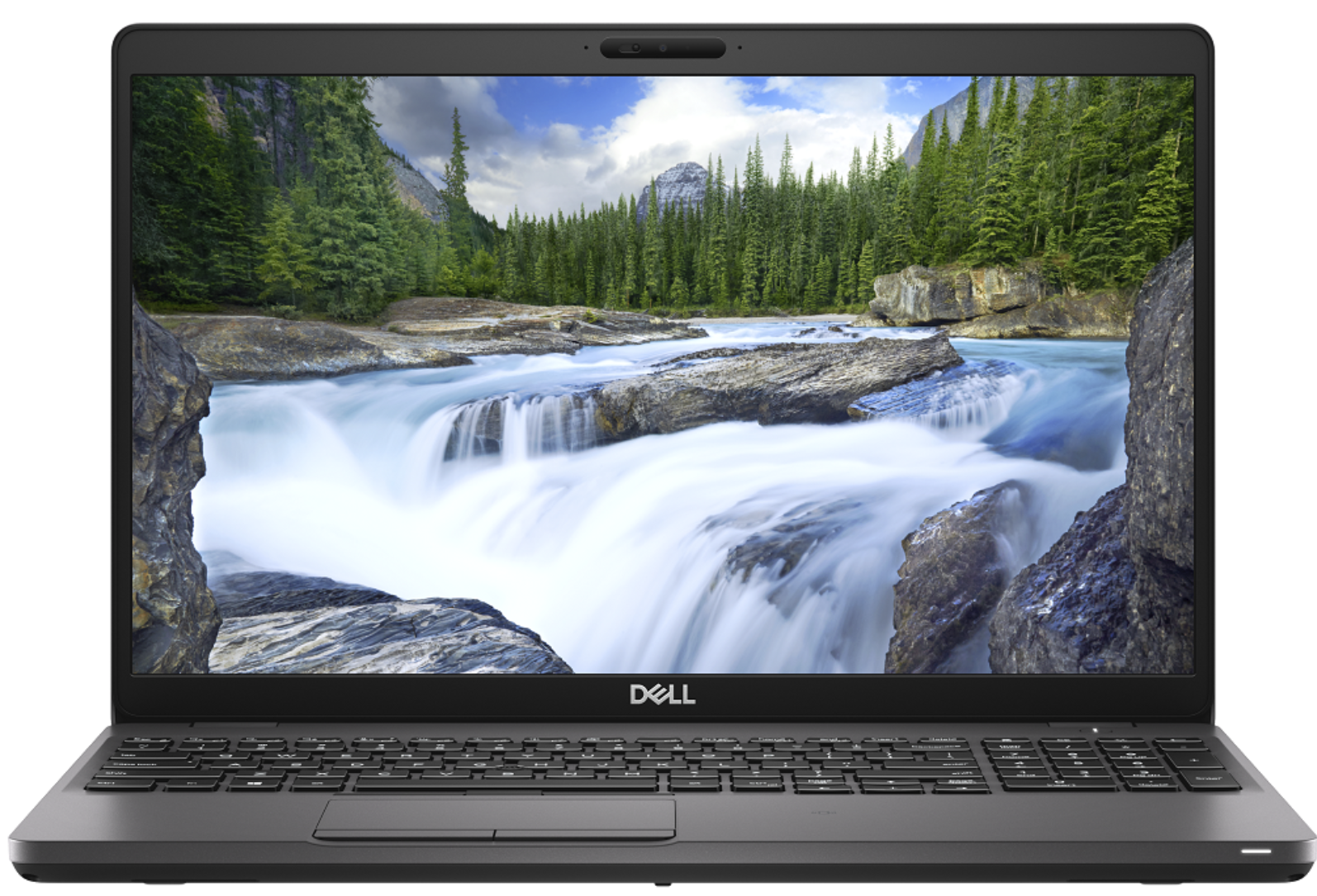
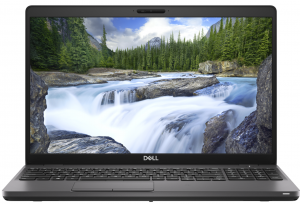
Dell Precision 15 3540
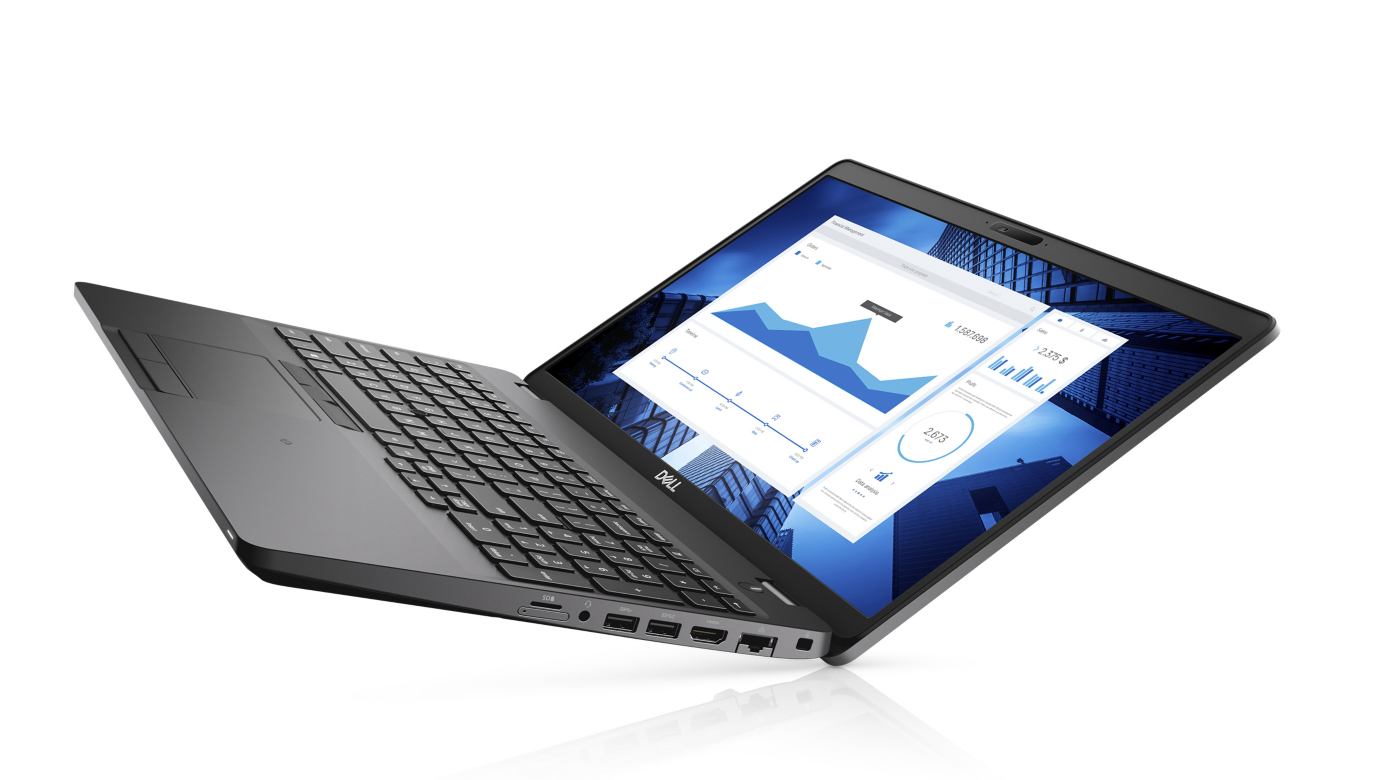
Dell Precision 15 3540 - Specs

- HDD/SSD
- up to 2000GB SSD + up to 1000GB HDD
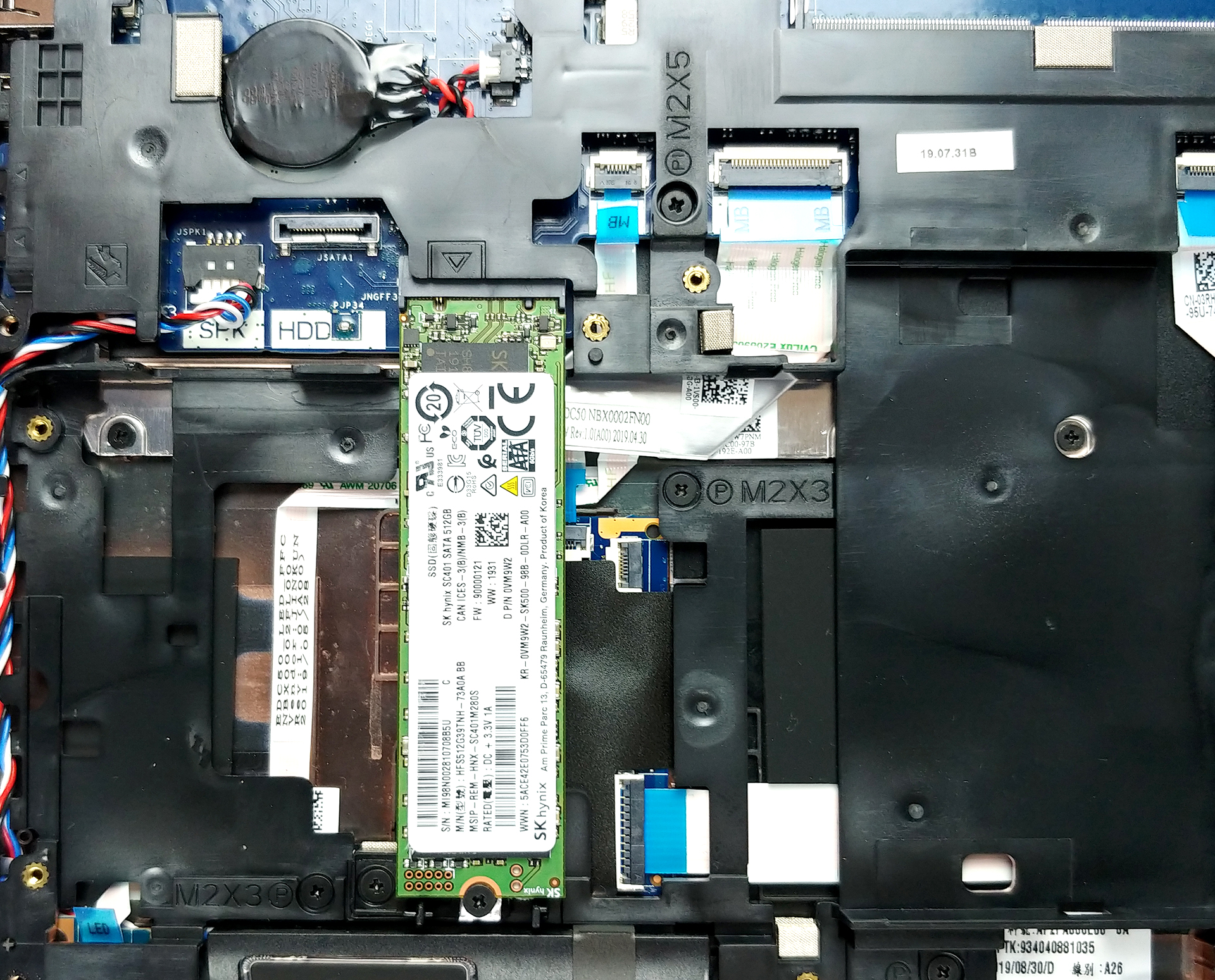
- M.2 Slot
- 1x 2280 PCIe NVMe 3.0 x4 See photo
- RAM
- up to 64GB
- OS
- Windows 10 Home, Windows 10 Pro
- Battery
- 68Wh, 4-cell, 42Wh, 3-cell, 52Wh, 3-cell, 51Wh, 3-cell
- Body material
- Plastic / Polycarbonate, Glass Fiber
- Dimensions
- 359 x 236 x 20.4 mm (14.13" x 9.29" x 0.80")
- Weight
- 1.83 kg (4 lbs)
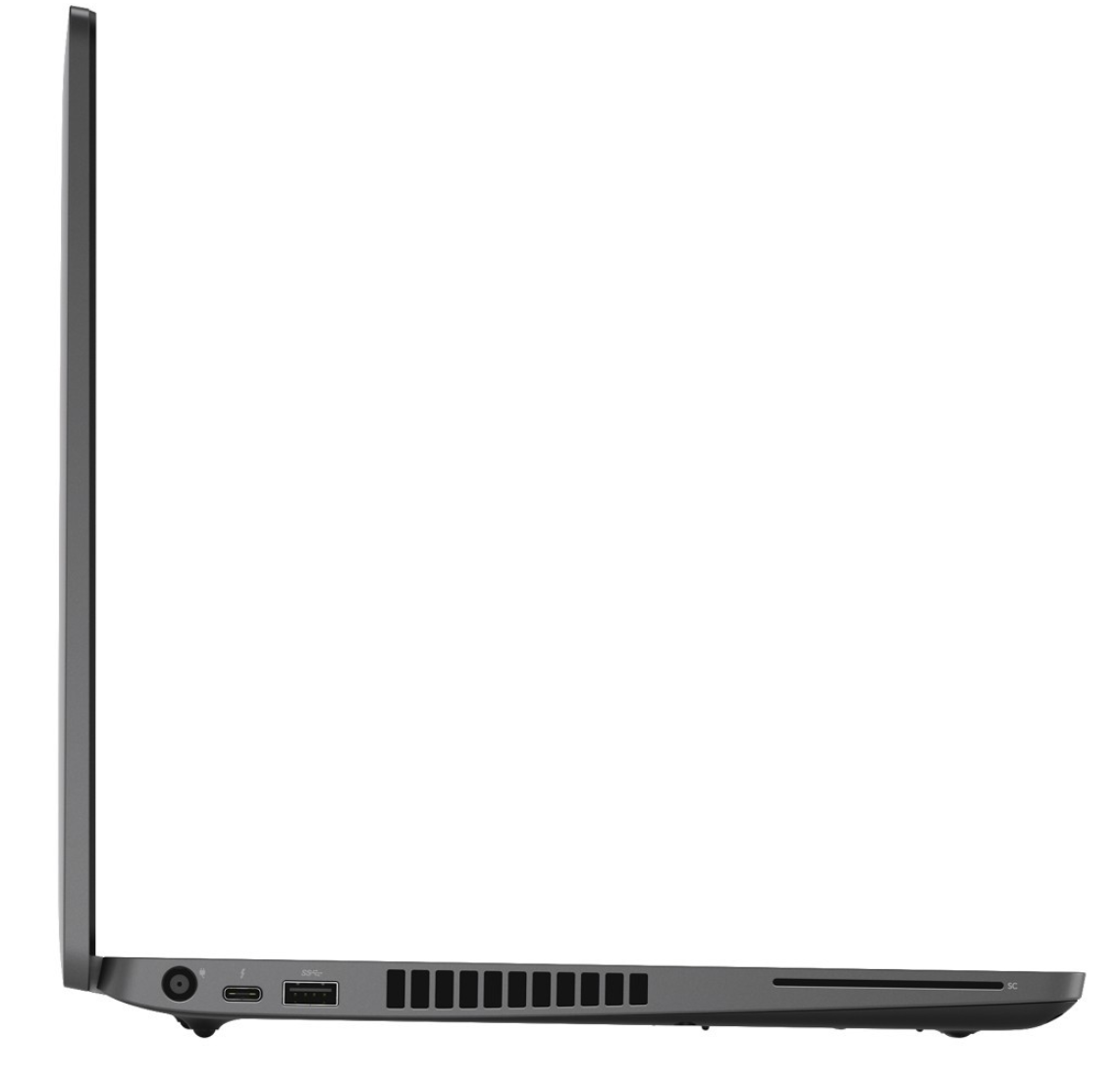
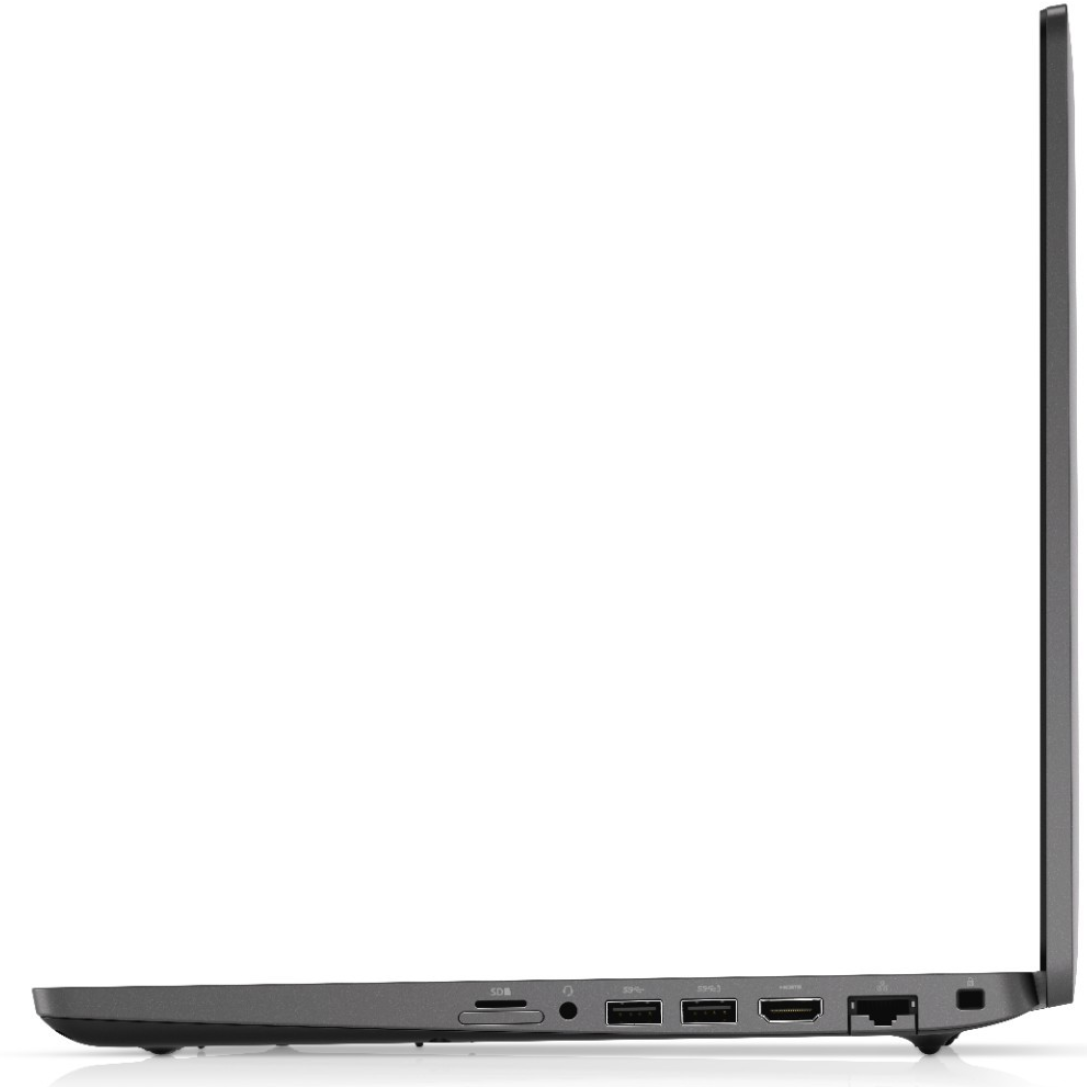
- Ports and connectivity
- 1x USB Type-C
- 3.2 Gen 1 (5 Gbps), Thunderbolt 3, DisplayPort, HDMI
- 1x USB Type-A
- 3.2 Gen 1 (5 Gbps), Sleep and Charge
- 2x USB Type-A
- 3.2 Gen 1 (5 Gbps)
- HDMI
- Card reader
- Ethernet LAN
- Wi-Fi
- 802.11ac
- Bluetooth
- Audio jack
- combo audio / microphone jack
- Features
- Fingerprint reader
- optional
- Backlit keyboard
- Microphone
- Speakers
- Optical drive
- Security Lock slot
All Dell Precision 15 3540 configurations
Buy our profiles for BOE NV156FHM-N4H (BOE0869) / 15.6”, Full HD (1920 x 1080), IPS
In addition to receiving efficient and health-friendly profiles, by buying LaptopMedia's products you also support the development of our labs, where we test devices in order to produce the most objective reviews possible.

Office Work
Office Work should be used mostly by users who spend most of the time looking at pieces of text, tables or just surfing. This profile aims to deliver better distinctness and clarity by keeping a flat gamma curve (2.20), native color temperature and perceptually accurate colors.

Design and Gaming
This profile is aimed at designers who work with colors professionally, and for games and movies as well. Design and Gaming takes display panels to their limits, making them as accurate as possible in the sRGB IEC61966-2-1 standard for Web and HDTV, at white point D65.

Health-Guard
Health-Guard eliminates the harmful Pulse-Width Modulation (PWM) and reduces the negative Blue Light which affects our eyes and body. Since it’s custom tailored for every panel, it manages to keep the colors perceptually accurate. Health-Guard simulates paper so the pressure on the eyes is greatly reduced.
Get all 3 profiles with 33% discount

CPU performance
Here you can find the price/performance difference between all the CPUs that come in the Dell Precision 15 3540 series.
Results are from the Cinebench R23 CPU test (the higher the score, the better)
Dell Precision 15 3540 in-depth review
Despite the low number given to it by Dell, the Precision 3540 is a mid-range portable workstation that should satisfy the needs of more than just a handful of professionals. Its dedicated AMD Radeon Pro WX2100 GPU is certified to work with CAD applications, while further enhancing some minor 3D modeling and 2D manipulating tasks.Apart from professionalism, this device breathes to you, it is a laptop. And laptops have a tendency to not be perfect. Some of them are too thick, some of them are too thin but there is also a balance, where compromise is been reduced to a minimum. In the view o[...]
Pros
- Strong body
- One of the best keyboards on a laptop
- I/O and upgradability are on point
- Great battery life
- IR face recognition
- Great viewing angles and contrast ratio (BOE NV156FHM-N4H (BOE0869))
- Thunderbolt support and PCIe x4 M.2 slot
- Above-average performance
Cons
- A bit pricey
- Covers only 50% of sRGB (BOE NV156FHM-N4H (BOE0869))
- Uses PWM to adjust its brightness (fixed by our Health-Guard profile) (BOE NV156FHM-N4H (BOE0869))


![[September 2026] Best-Selling Laptop Brands on Amazon Global – Apple Dominates the Market with Over 70% Revenue Share](https://laptopmedia.com/wp-content/uploads/2026/10/GLOBAL-Best-Brands-400x225.jpg)
![[September 2026] Amazon Global: Top 10 Best-Selling Laptops – Apple’s MacBook Neo Claims the #1 Spot as Budget and Premium Devices Dominate](https://laptopmedia.com/wp-content/uploads/2026/10/Best-Selling-Laptops-GLOBAL-Top-10-400x225.jpg)
![[September 2026] Amazon Global: Top 10 Best-Selling Gaming Laptops – ASUS ROG Strix G16 Dominates the Market with Record-Breaking Unit Sales](https://laptopmedia.com/wp-content/uploads/2026/10/Best-Selling-Gaming-Laptops-GLOBAL-Top-10-400x225.jpg)
![[September 2026] Global Ranking of Best-Selling Laptop GPUs on Amazon – Apple’s M5 Chip Obliterates NVIDIA in Premium Laptops, But the RTX 5060 Is the Only Dedicated GPU to Crack the Top 10](https://laptopmedia.com/wp-content/uploads/2026/10/Best-Selling-GPUs-GLOBAL-Top-10-400x225.jpg)
![[September 2026] Global Ranking of Best-Selling Laptop CPUs on Amazon – Apple’s M5 Crushes Intel as Premium Market Becomes a One-Horse Race](https://laptopmedia.com/wp-content/uploads/2026/10/Best-Selling-CPUs-GLOBAL-Top-10-400x225.jpg)