49.jpg)

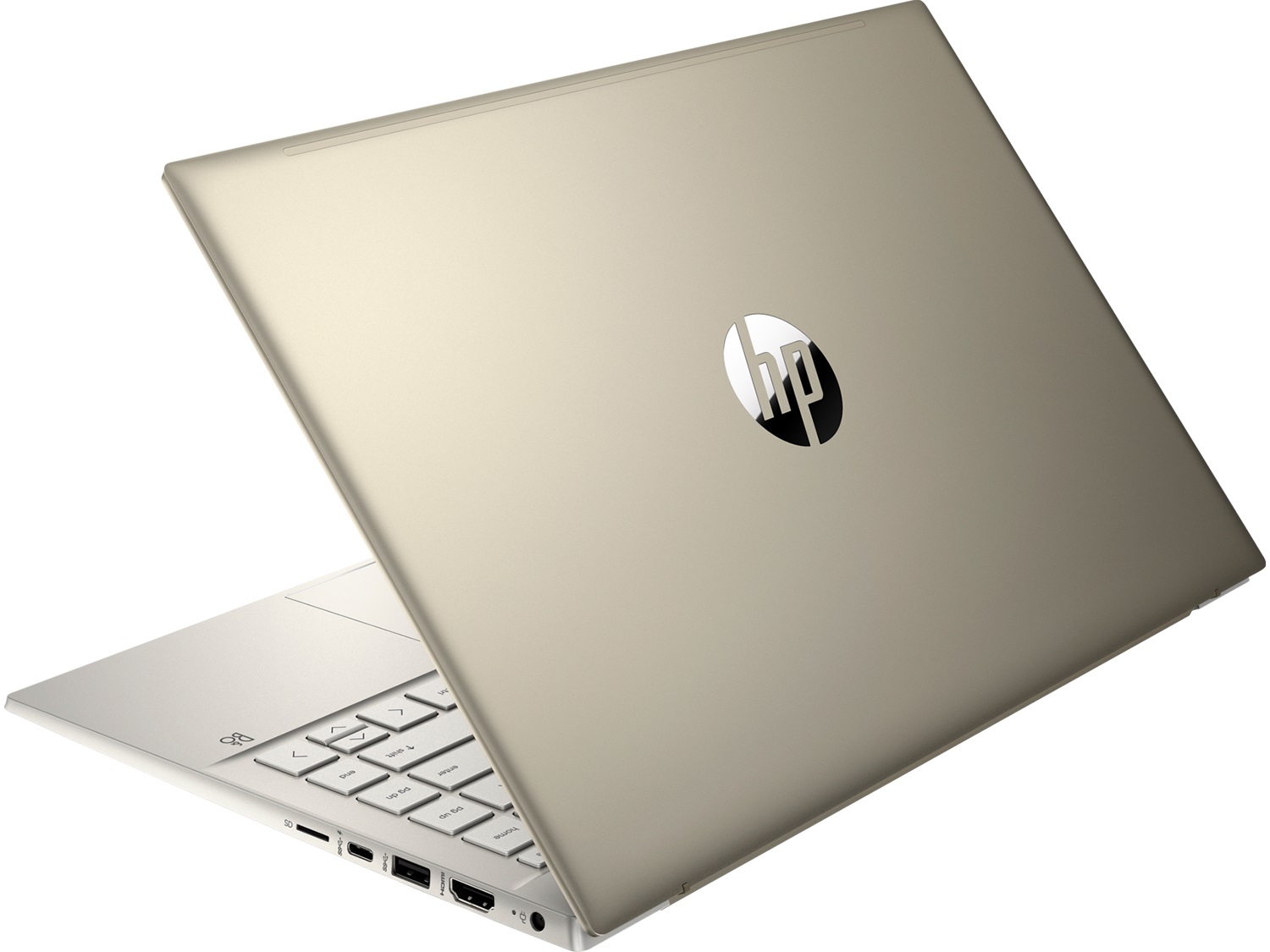
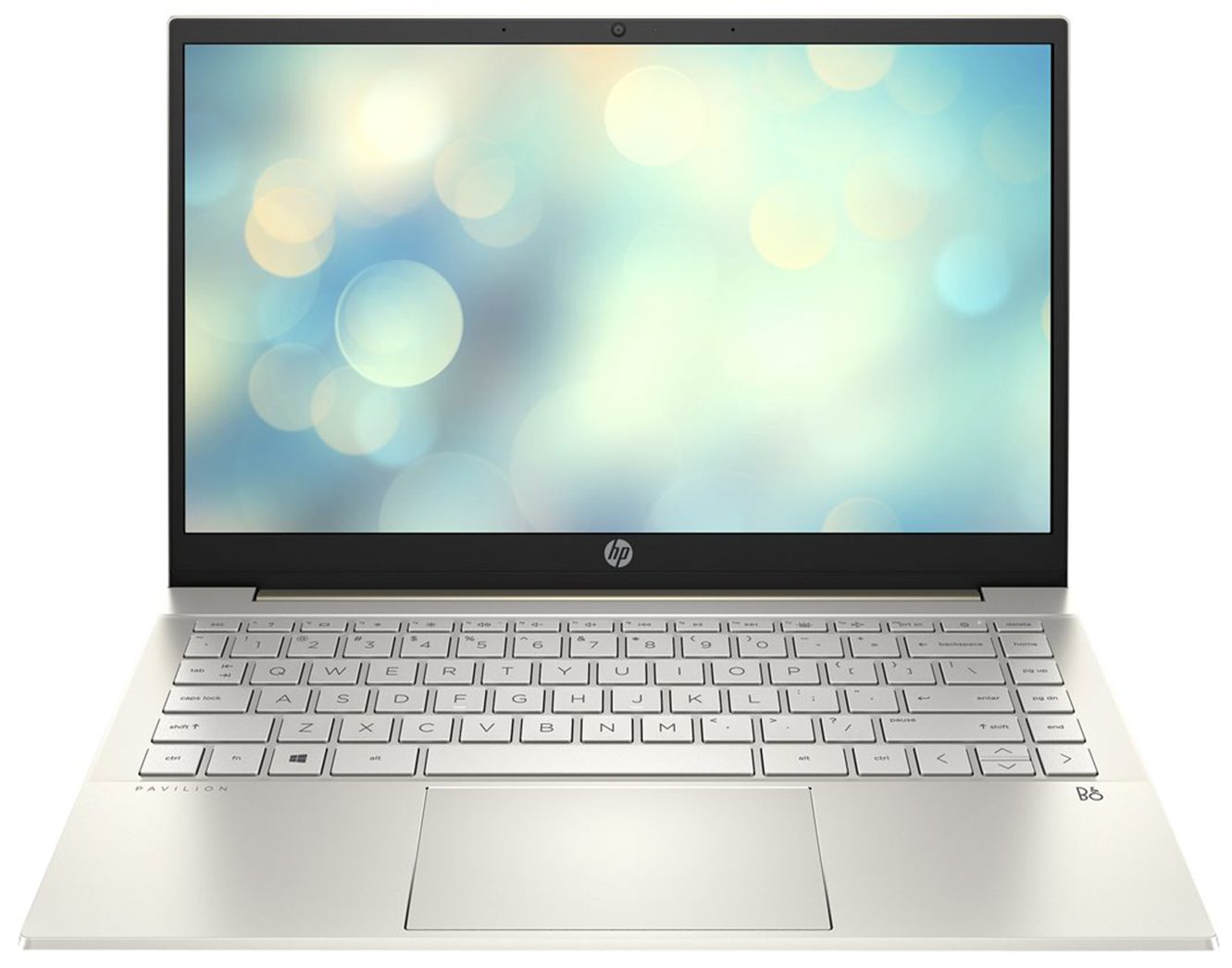
- Date Published: 17 Jun 2025
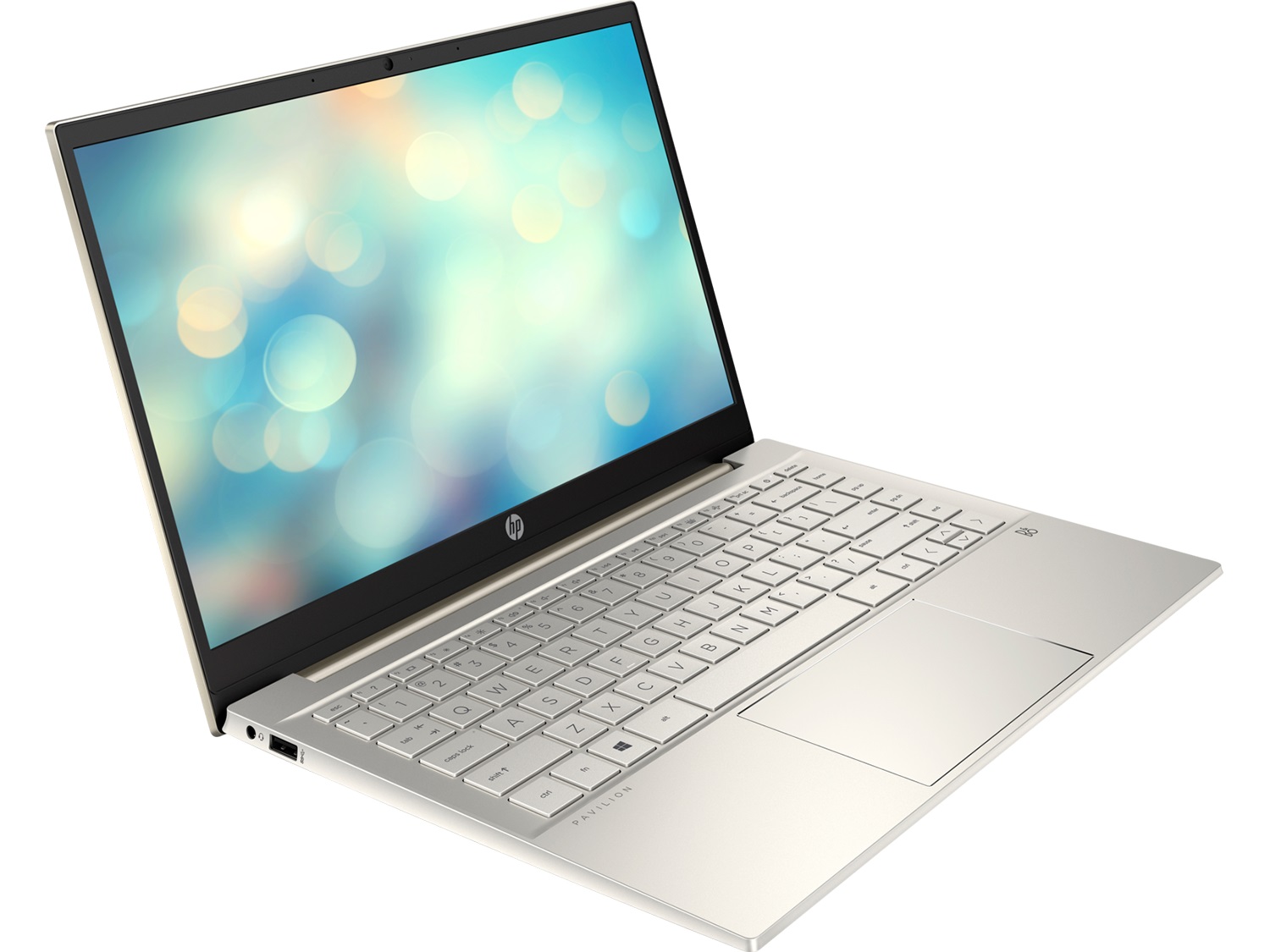
- Intel Core i5-1135G7
- Intel Iris Xe Graphics G7 (80EU)
- 14.0”, Full HD (1920 x 1080), IPS
- 2000GB SSD
- 32GB RAM
- 1.41 kg (3.1 lbs)
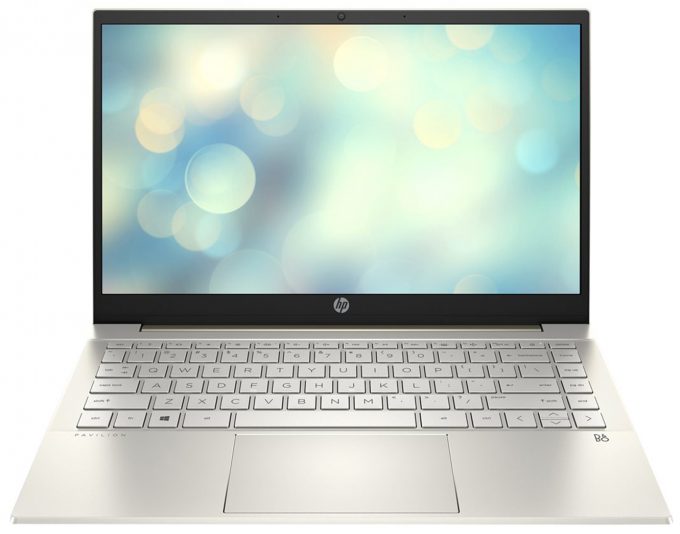
Specs

- HDD/SSD
- 2000GB SSD
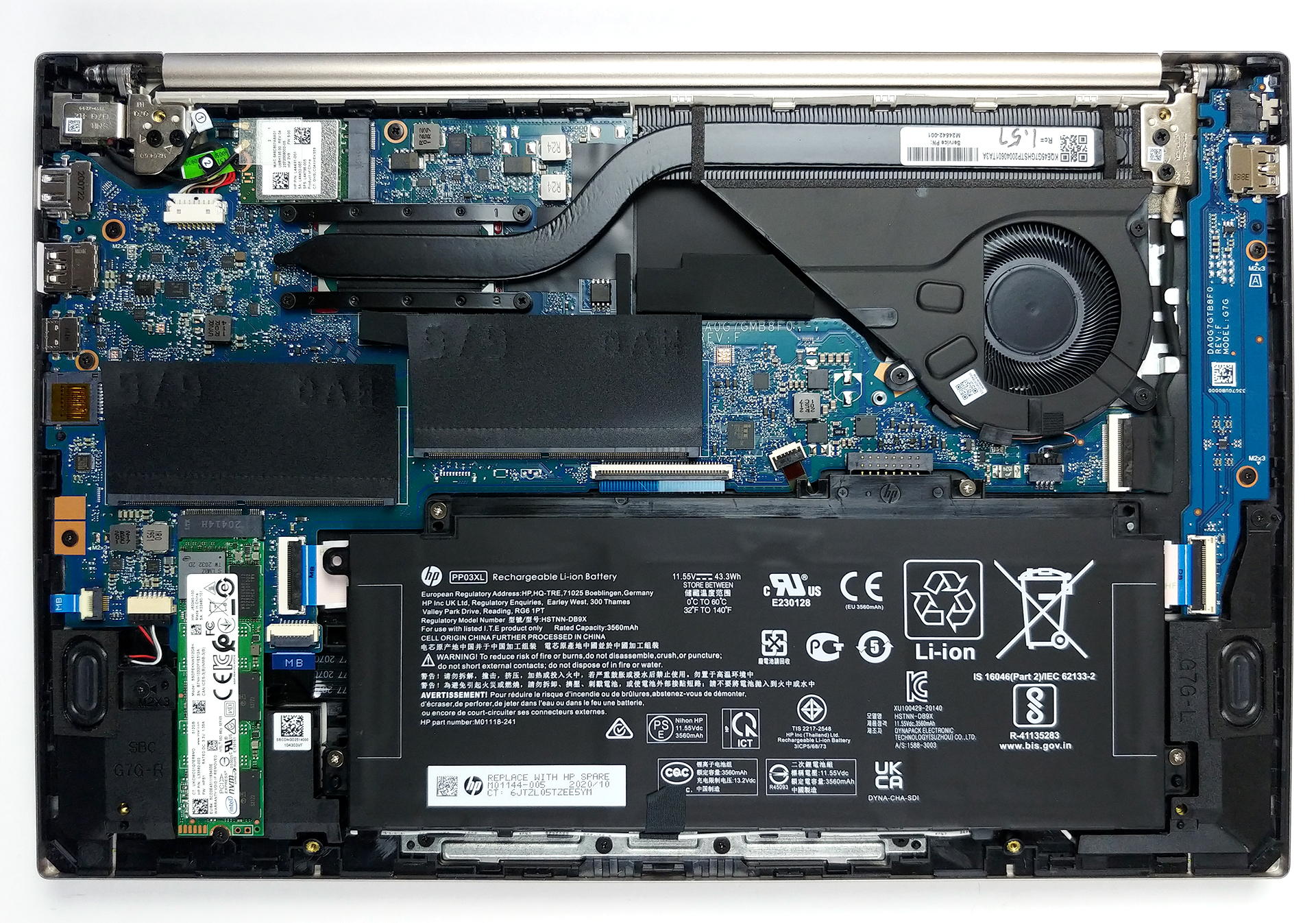
- M.2 Slot
- 1x M.2 NVMe slot See photo
- RAM
- 32GB RAM
- OS
- Windows 11 Pro
- Body Material
- Plastic / Polycarbonate, Aluminum
- Dimensions
- 325.1 x 216.6 x 17 mm (12.80" x 8.53" x 0.67")
- Weight
- 1.41 kg (3.1 lbs)
- Ports and connectivity
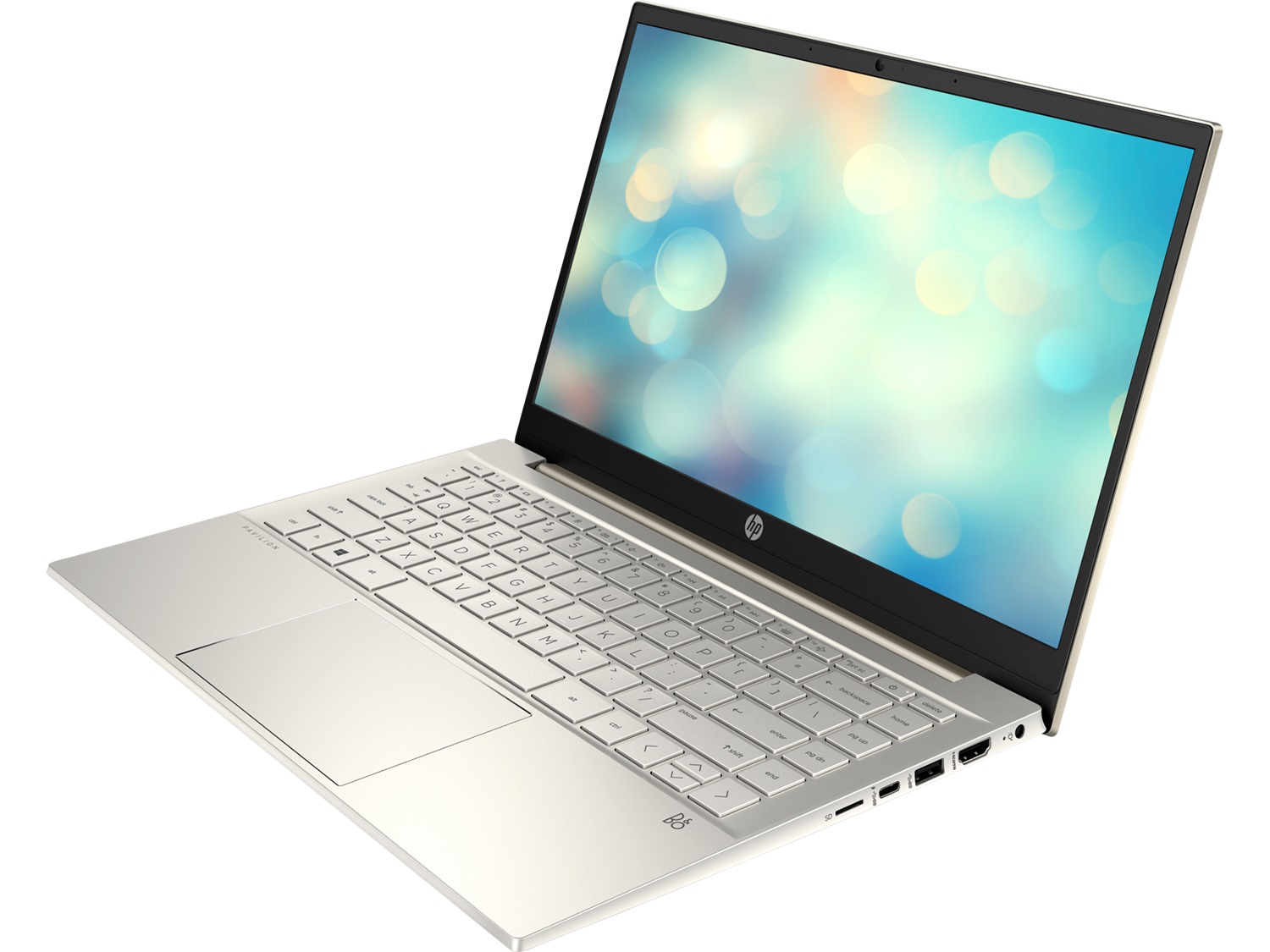
- 2x USB Type-A
- 3.2 Gen 1 (5 Gbps)
- 1x USB Type-C
- 3.2 Gen 2 (10 Gbps), Power Delivery (PD), DisplayPort, Sleep and Charge
- HDMI
- 1.4b
- Card Reader
- MicroSD
- Ethernet LAN
- Wi-Fi
- 802.11ax
- Bluetooth
- 5.0
- Audio jack
- 3.5 Combo Jack
- Features
- Fingerprint reader
- Web camera
- HD
- Backlit keyboard
- Microphone
- Dual Array Digital Microphone
- Speakers
- Speakers by Bang & Olufsen
- Security Lock slot
Portability
Review
HP Pavilion 14 in-depth review
Unsurprisingly, we found the Pavilion 14 (14-dv0000) in the "laptops for school" section on HP's Web page. However, this notebook can be used in a wide variety of scenarios with the most popular one being as an everyday device. It packs the punch thanks to the Tiger Lake processors of Intel, which may actually mean that you can not only use it for work and projects, but also for entertainment, including some mild gaming.Yes, the integrated graphics in the high-end CPUs are good enough on paper, but you can also configure it with up to the GeForce MX450 - NVIDIA's current top-tier energy-efficient GPU.In addition to that, you can expect the usual suspects in the face of Wi-Fi 6 and Bluetooth 5. And on top of that, there is the 1080p IPS panel. Allegedly, there should be a 4K IPS op[...]
Read the full review
Pros
- Doesn't use PWM for brightness adjustment (AUO JM7T2-B133HAN)
- Wi-Fi 6 support, fingerprint reader, and MicroSD card slot
- Comfortable keyboard
- Decent hardware options
- 2x RAM SODIMM slots, 1x M.2 NVMe slot
Cons
- Covers only 54% of sRGB colors (AUO JM7T2-B133HAN)
- Lacks Thunderbolt connectivity
- Not the best battery life in the class
Disassembly, maintenance and upgrade options
The good thing about most budget-centric 14-inch notebooks is that they provide you with decent options for future expansions. In this case, Pavilion 14 (14-dv0000) is not an exception.Check out all HP Pavilion 14 (14-dv0000) prices and configurations in our Specs System or read more in our In-Depth review.1. Remove the bottom plate To access this notebook's internals, you first have to remove the two rubber feet. Then, undo the six Phillips-head screws you see. After that, pry the bottom panel with a plastic tool, starting from the back.2. Battery Before you move on, unp[...]
Read more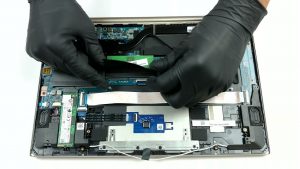


![[June 2026] Best-Selling Laptop Brands on Amazon Global – Apple’s Unrivaled Dominance in Units and Revenue](https://laptopmedia.com./wp-content/uploads/2026/07/GLOBAL-Best-Brands-400x225.jpg)
![[June 2026] Amazon Global: Top 10 Best-Selling Laptops – Apple’s New MacBook Neo Storms to #1, Reshaping the Market with Affordability](https://laptopmedia.com./wp-content/uploads/2026/07/Best-Selling-Laptops-GLOBAL-Top-10-400x225.jpg)
![[June 2026] Amazon Global: Top 10 Best-Selling Gaming Laptops – Acer’s Nitro V 16S AI Dominates Sales, While ASUS Leads Overall Revenue](https://laptopmedia.com./wp-content/uploads/2026/07/Best-Selling-Gaming-Laptops-GLOBAL-Top-10-400x225.jpg)
![[June 2026] Global Ranking of Best-Selling Laptop GPUs on Amazon – NVIDIA RTX 5060 is the Top-Selling Dedicated GPU](https://laptopmedia.com./wp-content/uploads/2026/07/Best-Selling-GPUs-GLOBAL-Top-10-400x225.jpg)
![[June 2026] Global Ranking of Best-Selling Laptop CPUs on Amazon – Apple M5 Dominates, AMD Ryzen 7 260 Gets Solid Premium Share](https://laptopmedia.com./wp-content/uploads/2026/07/Best-Selling-CPUs-GLOBAL-Top-10-400x225.jpg)