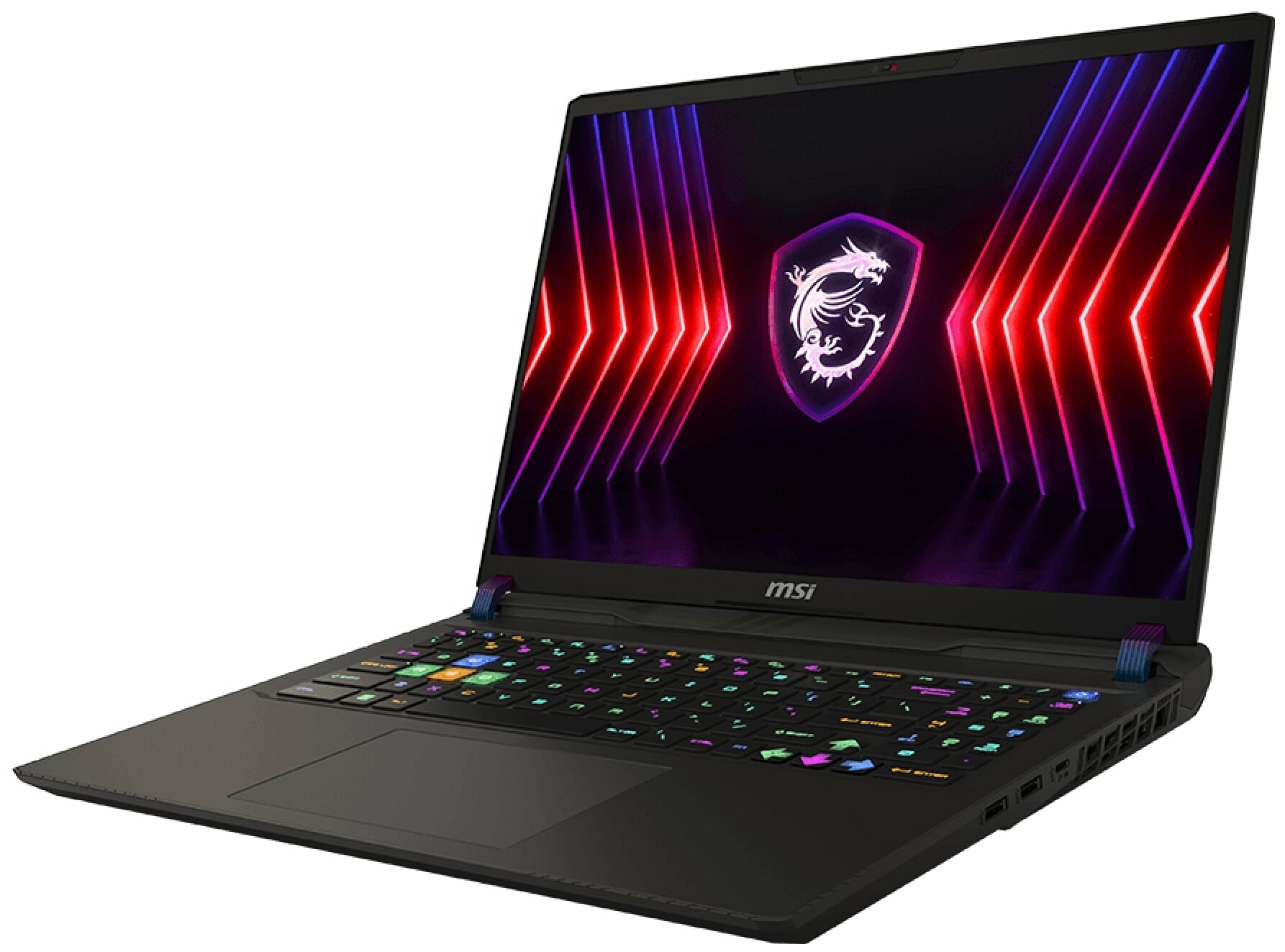
MSI Vector 16 HX



- Date Published: 09 Jan 2024
- Intel Core i9-14900HX
- NVIDIA GeForce RTX 4080 (Laptop, 175W)
- 16.0", QHD (2560 x 1600), 240 Hz, IPS
- 1000GB SSD
- 64GB DDR5
- 2.70 kg (6 lbs)
Review
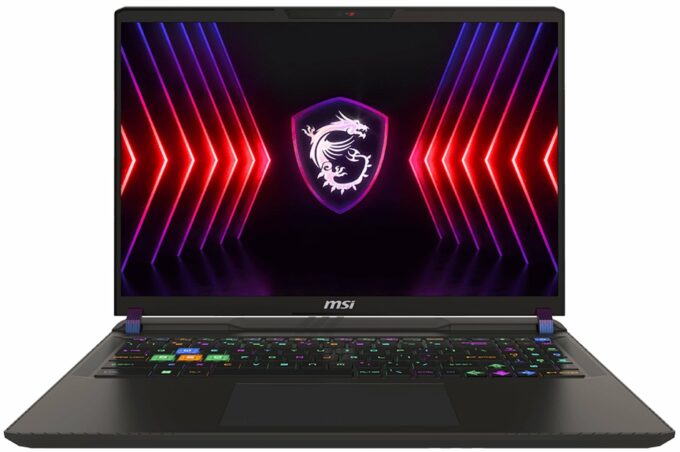
MSI Vector 16 HX in-depth review
Nowadays, you can find a lot of high-end devices in a 17-inch or 18-inch form factor. On the other hand, if you want a smaller machine with top-end hardware, your choice is fairly limited. Still, with the aid of Vector 16 HX A13V, MSI tries to prove that a 16-incher can perform as well as some of its bigger siblings with larger displays. Specs-wise, the device is a true monster. You get a choice of Intel Raptor Lake HX CPUs with tons of cores and the latest and greatest NVIDIA Ada Lovelace GPUs with the highest possible power limits.Display-wise, there are two IPS variants. The base one is a 144Hz 1200p unit and you can opt for a 240Hz 1600p model. There are no fancy OLED or 4K panels here. The absence of G-Sync support is quite strange given the price tag of the notebook. Still, there[...]
Read the full review
Pros
- Great performance for a 16-inch machine
- 2x SODIMMs + 2x M.2 slot (one is for Gen 5 SSDs)
- 144Hz refresh rate (Innolux N160JME-GTK (CMN1621))
- PWM-free + very good contrast ratio (Innolux N160JME-GTK (CMN1621))
- Superb SteelSeries keyboard
- Solid build quality
- High CPU and GPU clocks under heavy loads or gaming
- The MSI Center offers plenty of customizations
- Modern port selection + SD Express Card Reader
- Decent battery life
- Quality audio
Cons
- Bulky and heavy
- Low sRGB coverage (Innolux N160JME-GTK (CMN1621))
- Plastic base
- No G-Sync support
Disassembly, maintenance and upgrade options
Step 1: Opening the MSI Vector 16 HX A13VEnsure the laptop is powered off and placed on a clean, flat surface. Remove the 13 Phillips-head screws from the bottom of the laptop. Use a thin plastic tool to pry the sides of the hinge cover, then use a lever tool to pop the front of the cap. Open the laptop lid to ease the removal of the bottom shield. Carefully lift the left side and slide the panel to the right to avoid the audio jack.Step 2: Battery RemovalDisconnect the battery by detaching its connector from the motherboard. Remove the four Phillips-hea[...]
Read more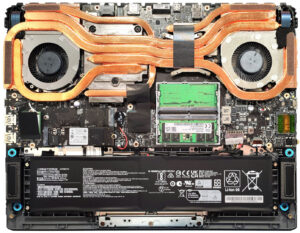


![[June 2026] Best-Selling Laptop Brands on Amazon Global – Apple’s Unrivaled Dominance in Units and Revenue](https://laptopmedia.com/wp-content/uploads/2026/07/GLOBAL-Best-Brands-400x225.jpg)
![[June 2026] Amazon Global: Top 10 Best-Selling Laptops – Apple’s New MacBook Neo Storms to #1, Reshaping the Market with Affordability](https://laptopmedia.com/wp-content/uploads/2026/07/Best-Selling-Laptops-GLOBAL-Top-10-400x225.jpg)
![[June 2026] Amazon Global: Top 10 Best-Selling Gaming Laptops – Acer’s Nitro V 16S AI Dominates Sales, While ASUS Leads Overall Revenue](https://laptopmedia.com/wp-content/uploads/2026/07/Best-Selling-Gaming-Laptops-GLOBAL-Top-10-400x225.jpg)
![[June 2026] Global Ranking of Best-Selling Laptop GPUs on Amazon – NVIDIA RTX 5060 is the Top-Selling Dedicated GPU](https://laptopmedia.com/wp-content/uploads/2026/07/Best-Selling-GPUs-GLOBAL-Top-10-400x225.jpg)
![[June 2026] Global Ranking of Best-Selling Laptop CPUs on Amazon – Apple M5 Dominates, AMD Ryzen 7 260 Gets Solid Premium Share](https://laptopmedia.com/wp-content/uploads/2026/07/Best-Selling-CPUs-GLOBAL-Top-10-400x225.jpg)
