Acer Chromebook 314 (C933)
Acer Chromebook 314 (C933) - Specifikationer
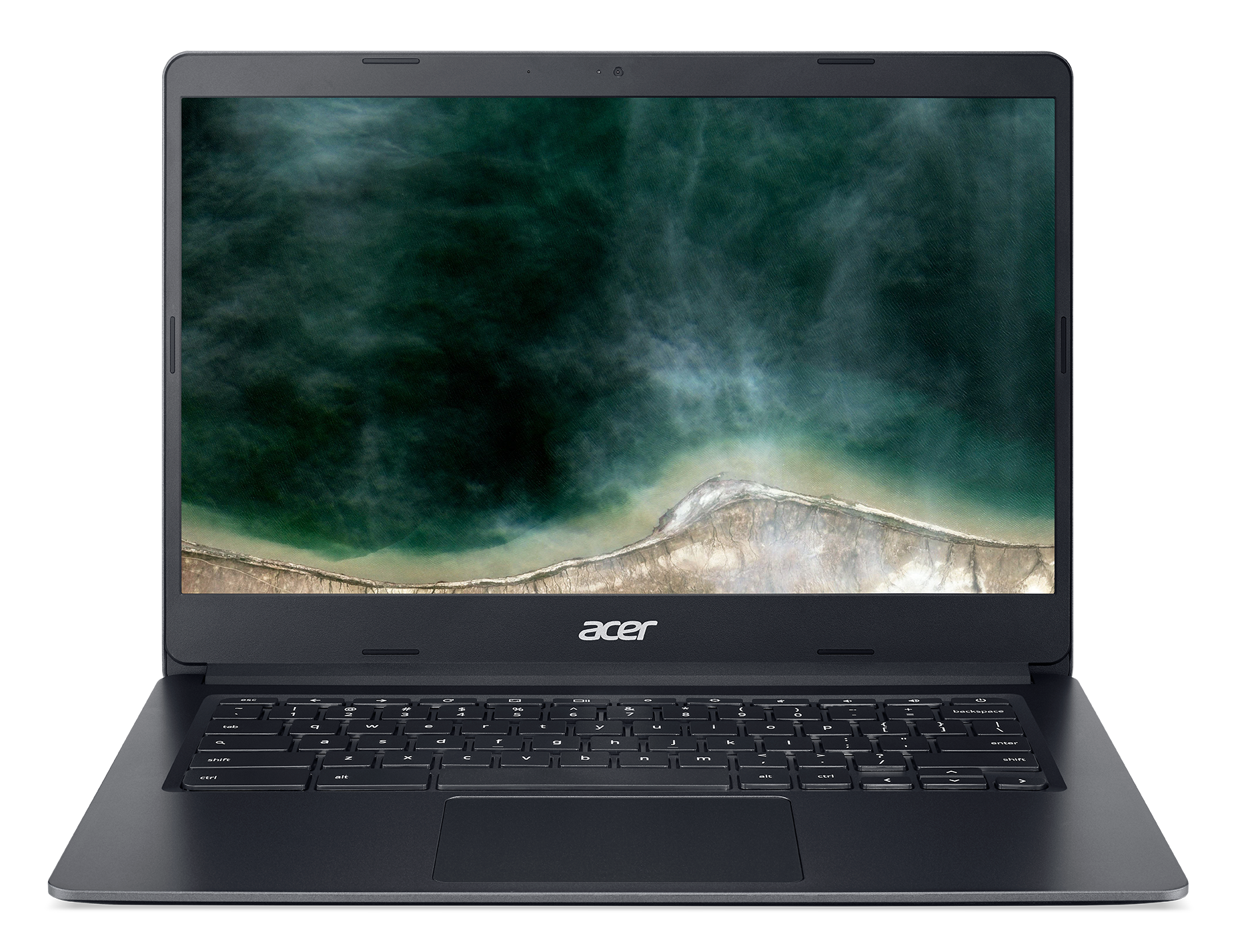
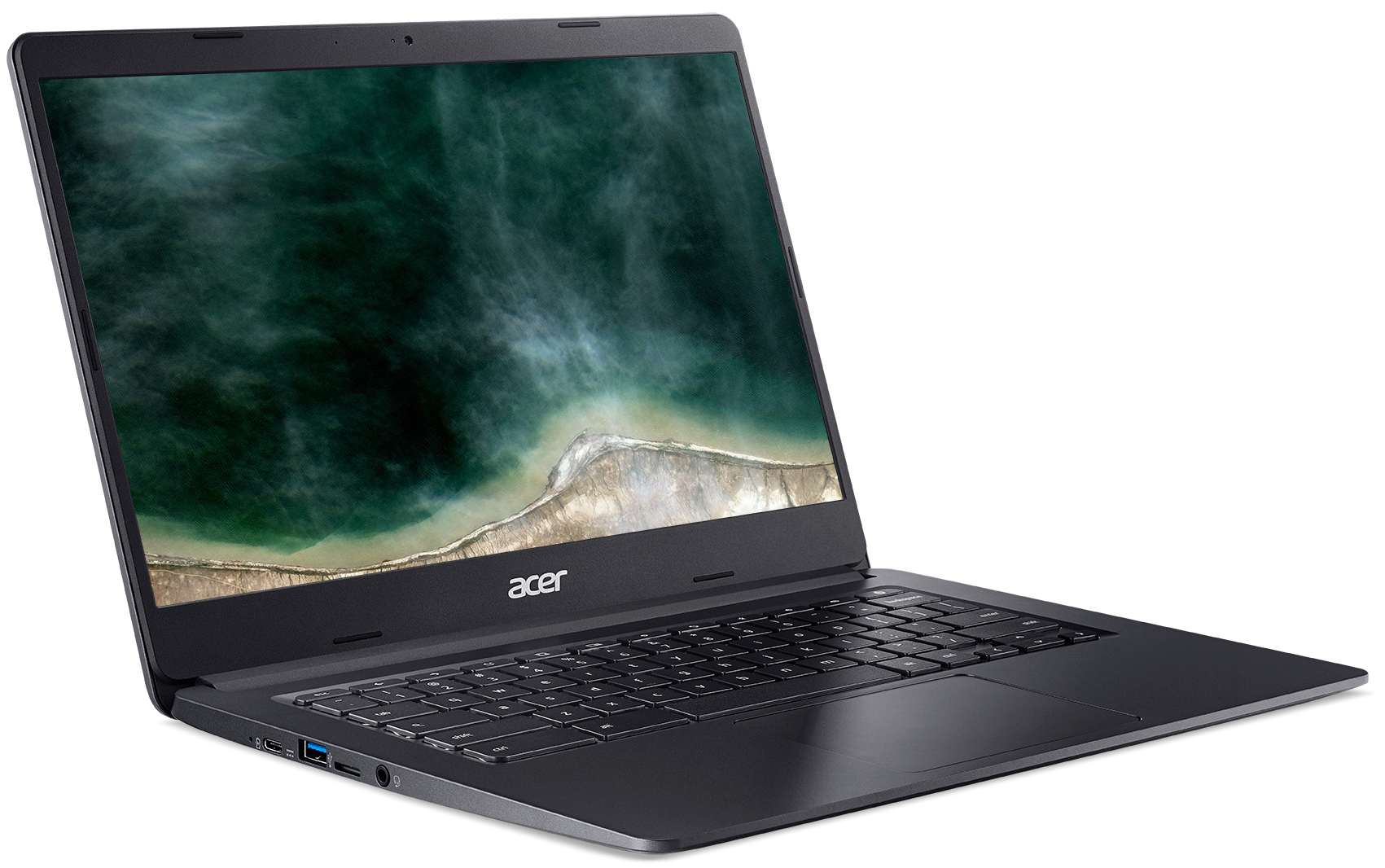
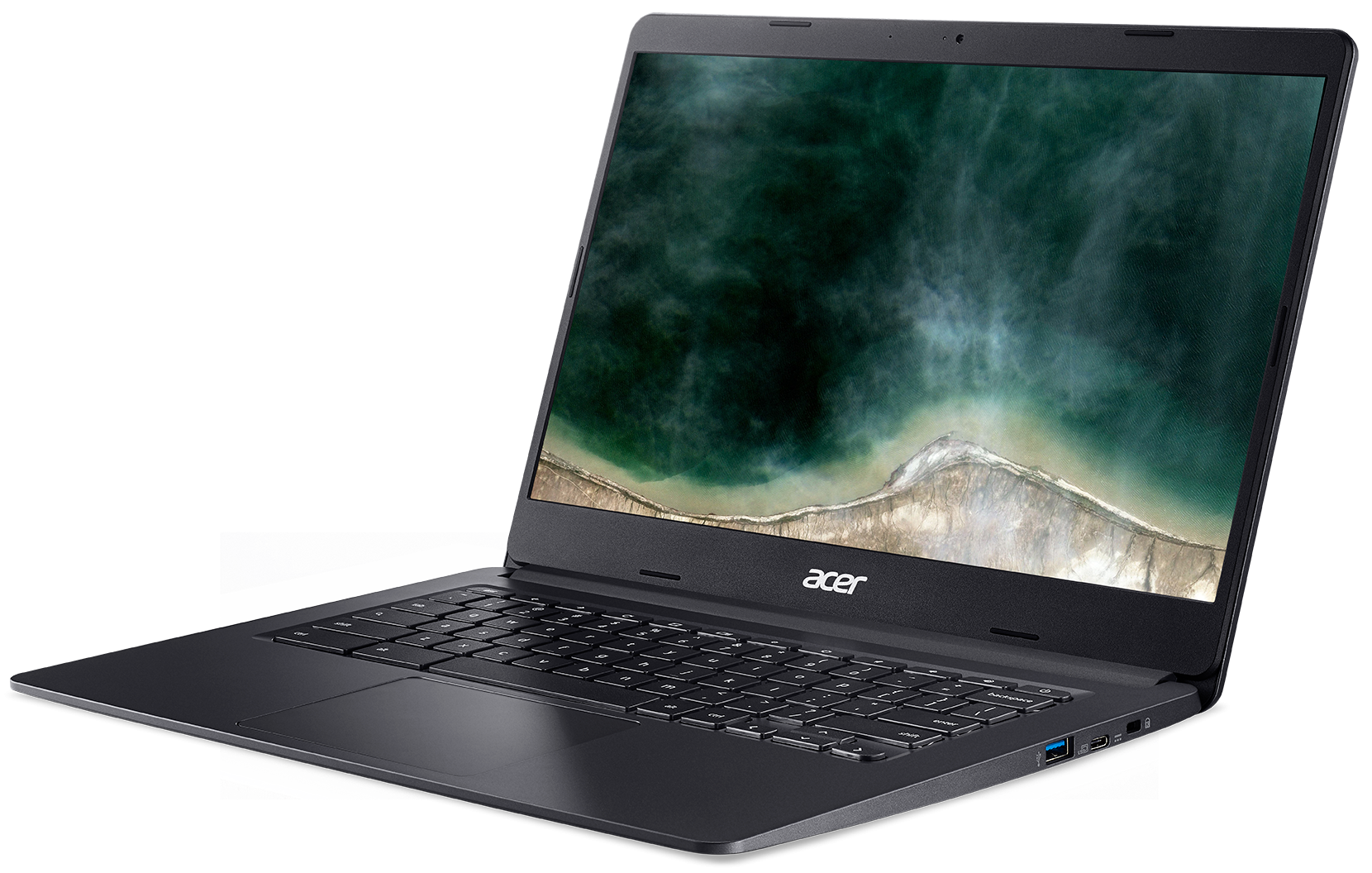
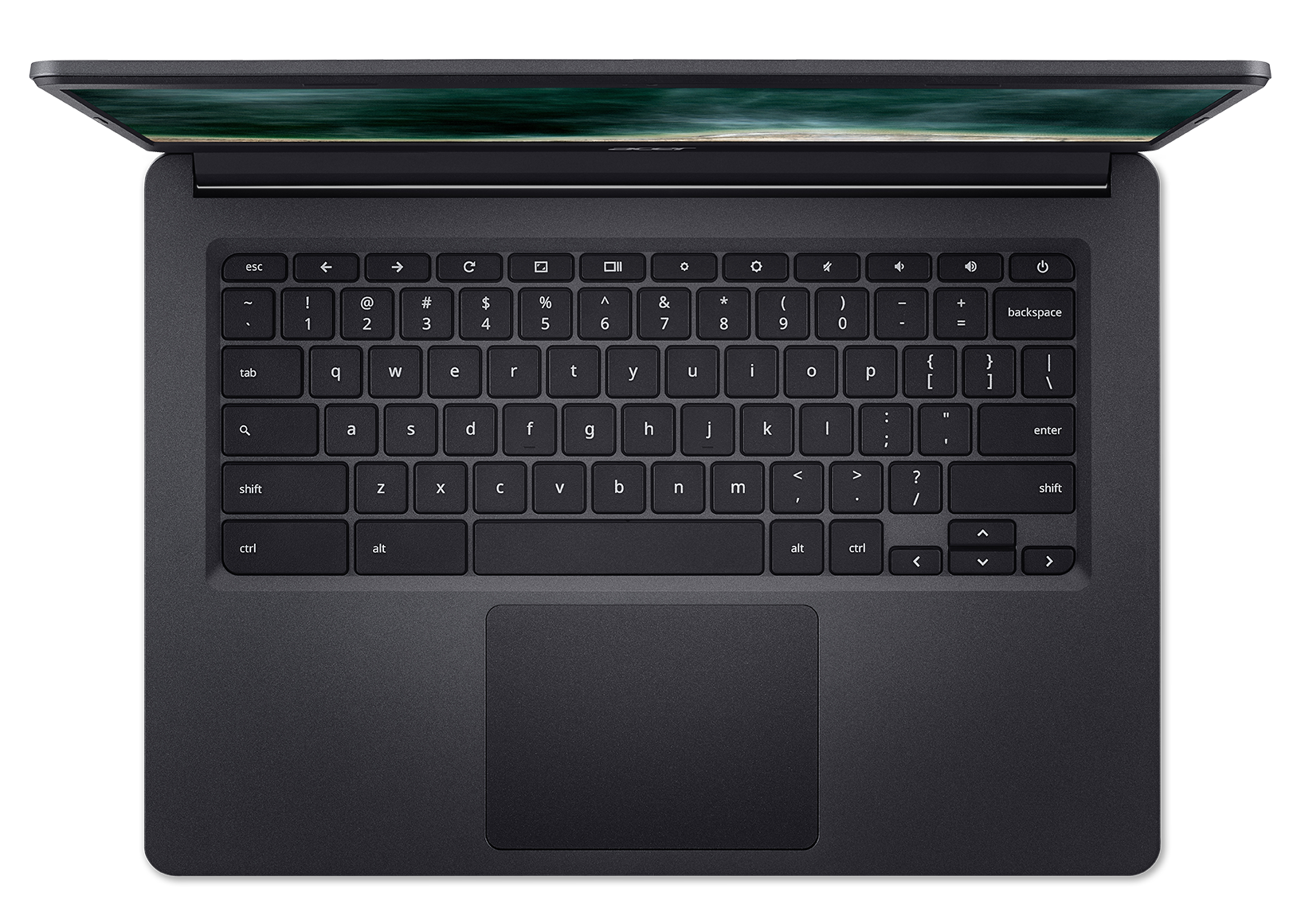
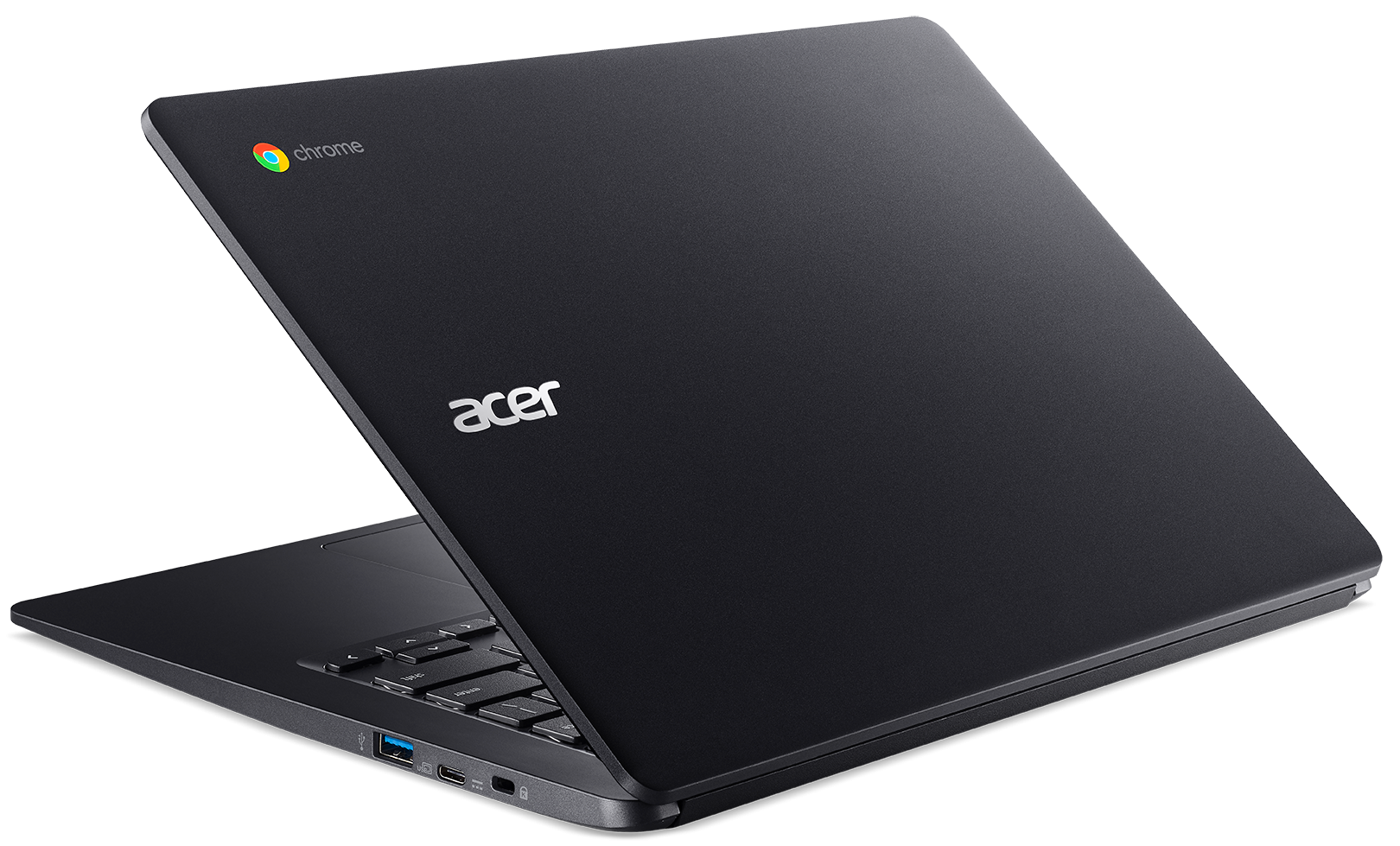
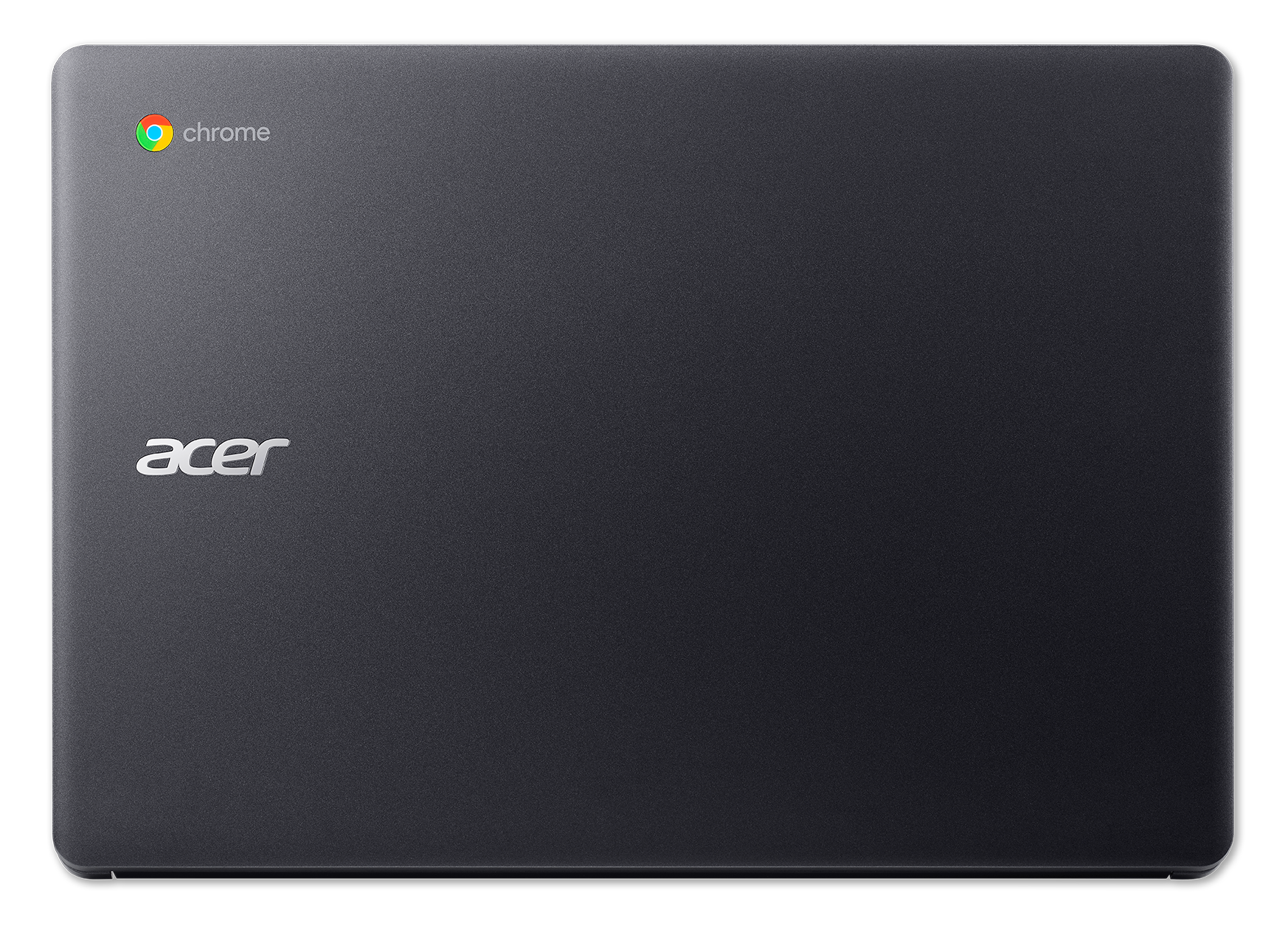
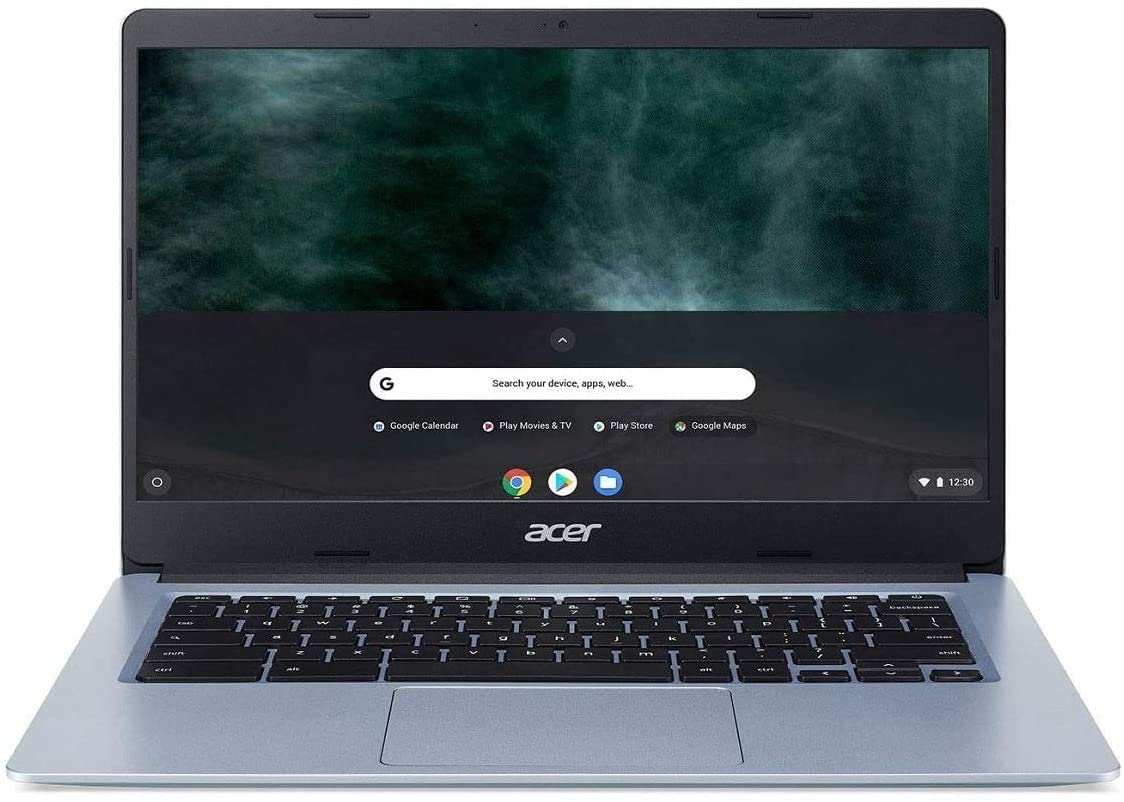
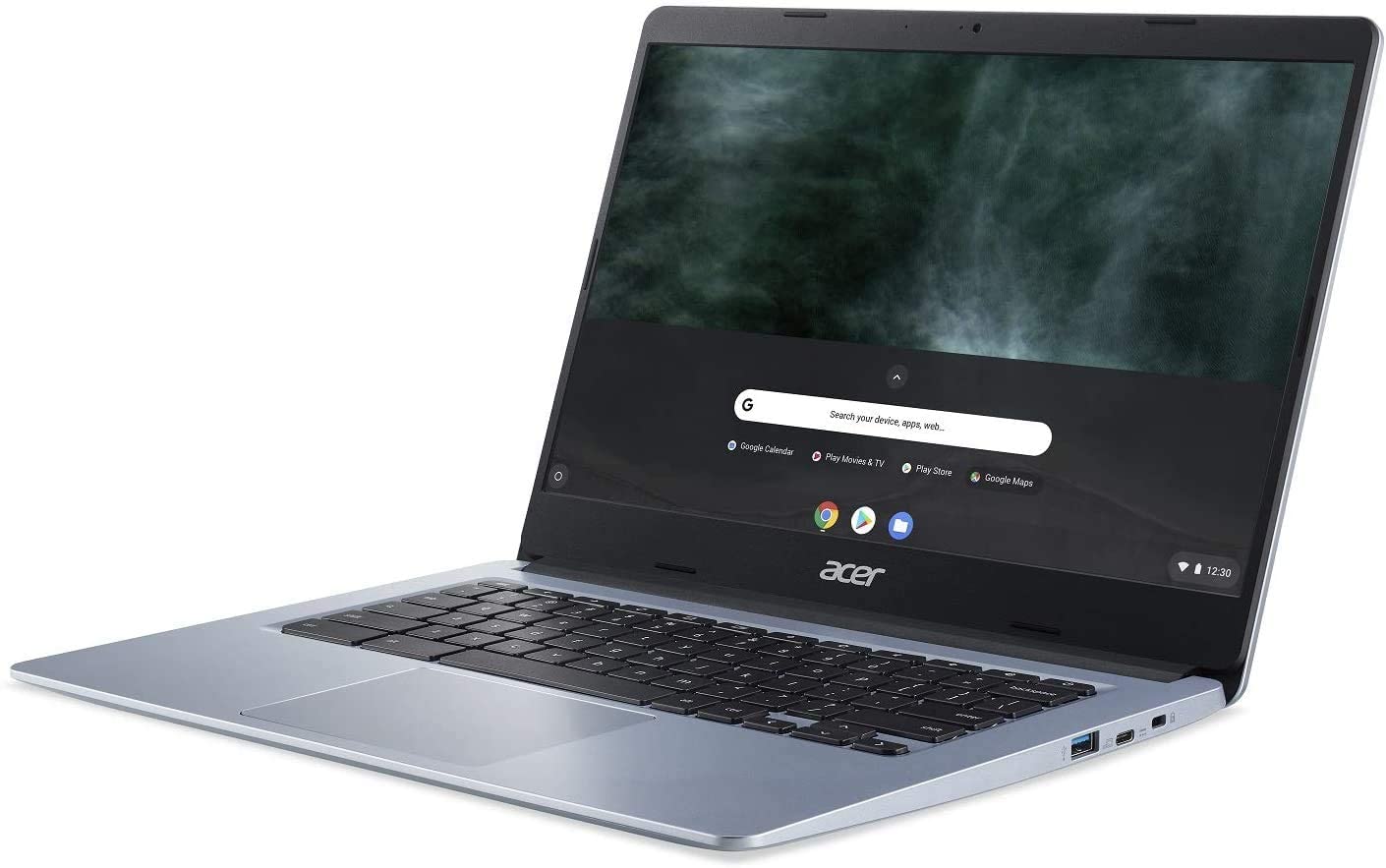
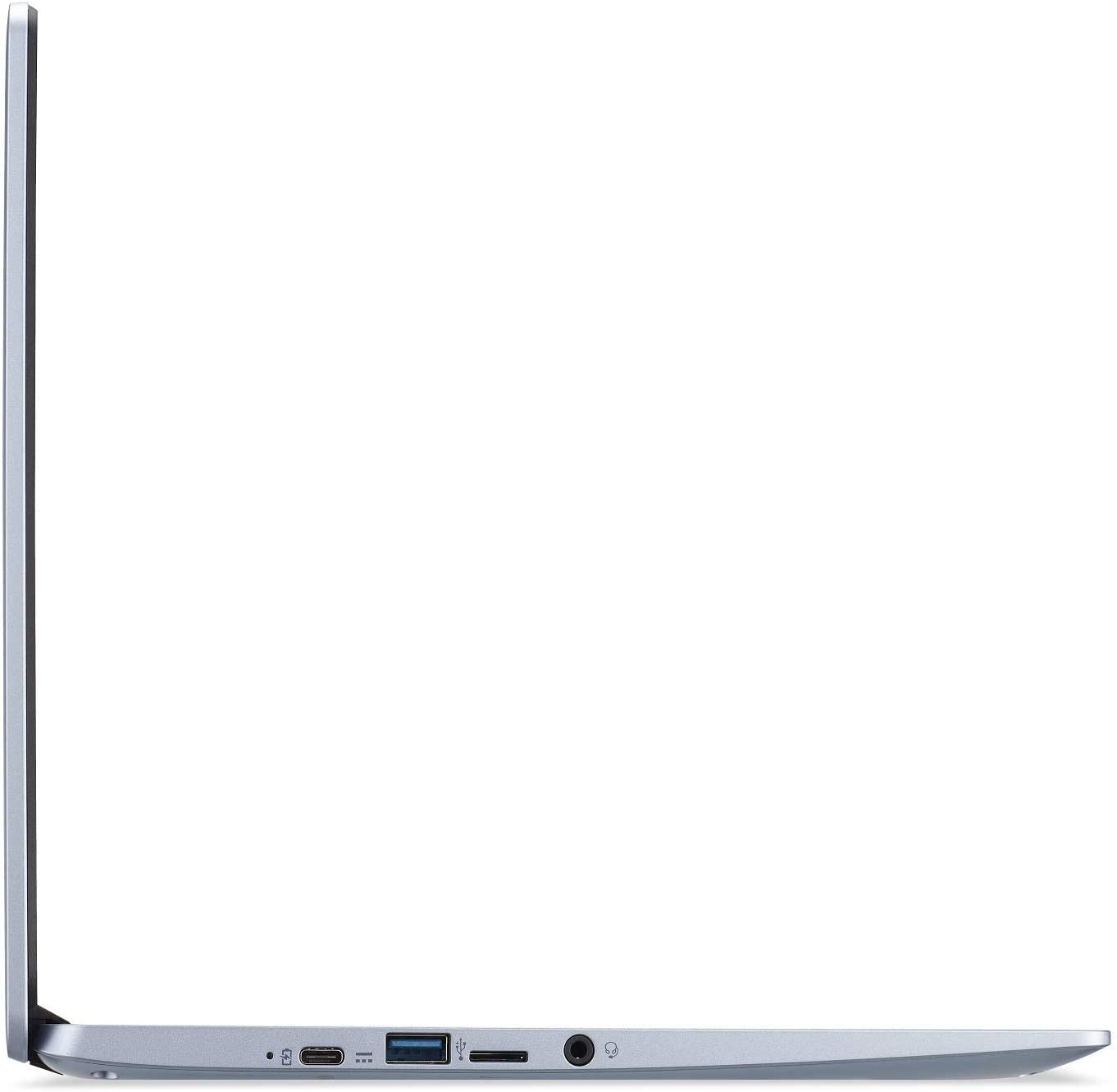
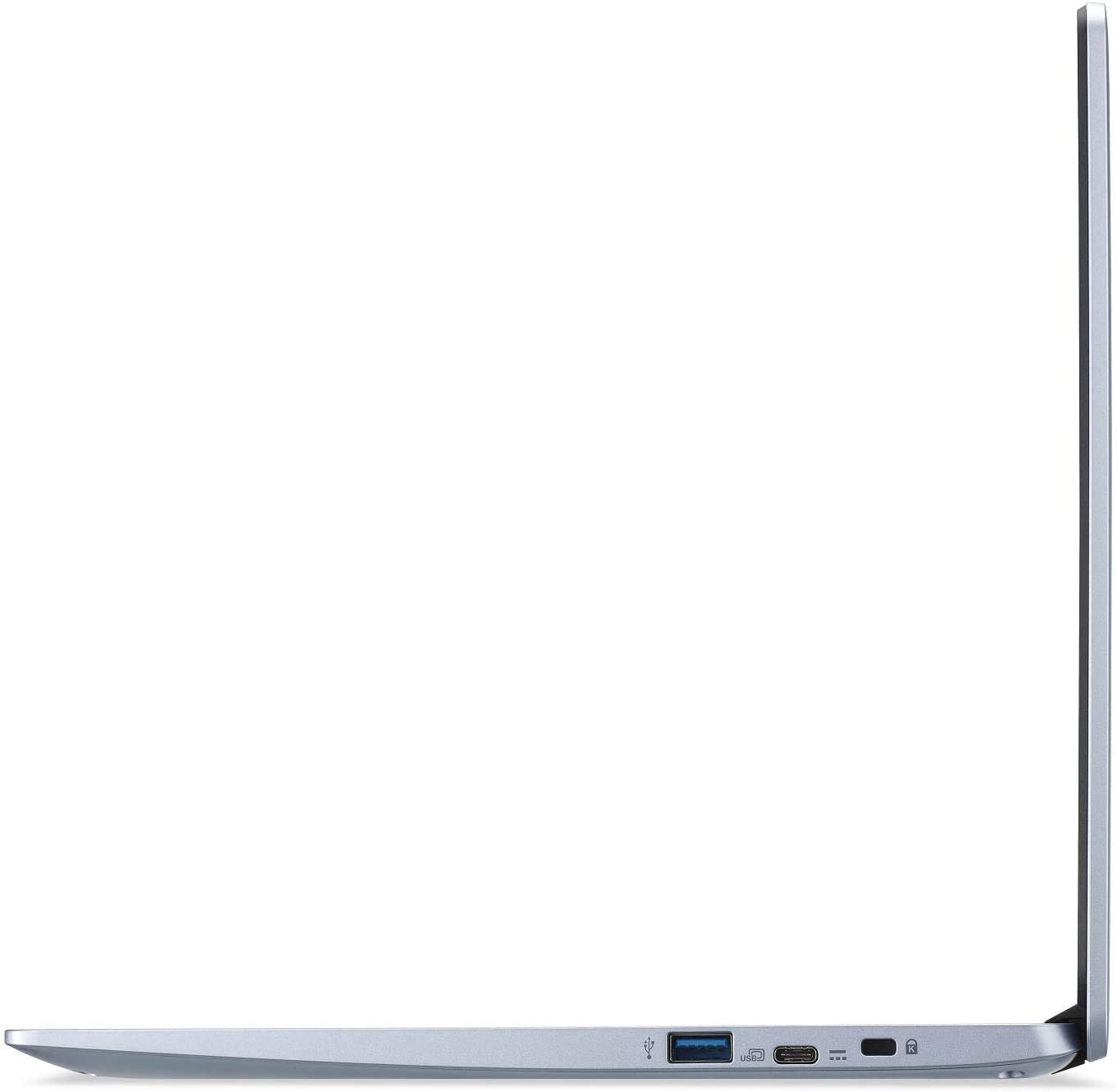
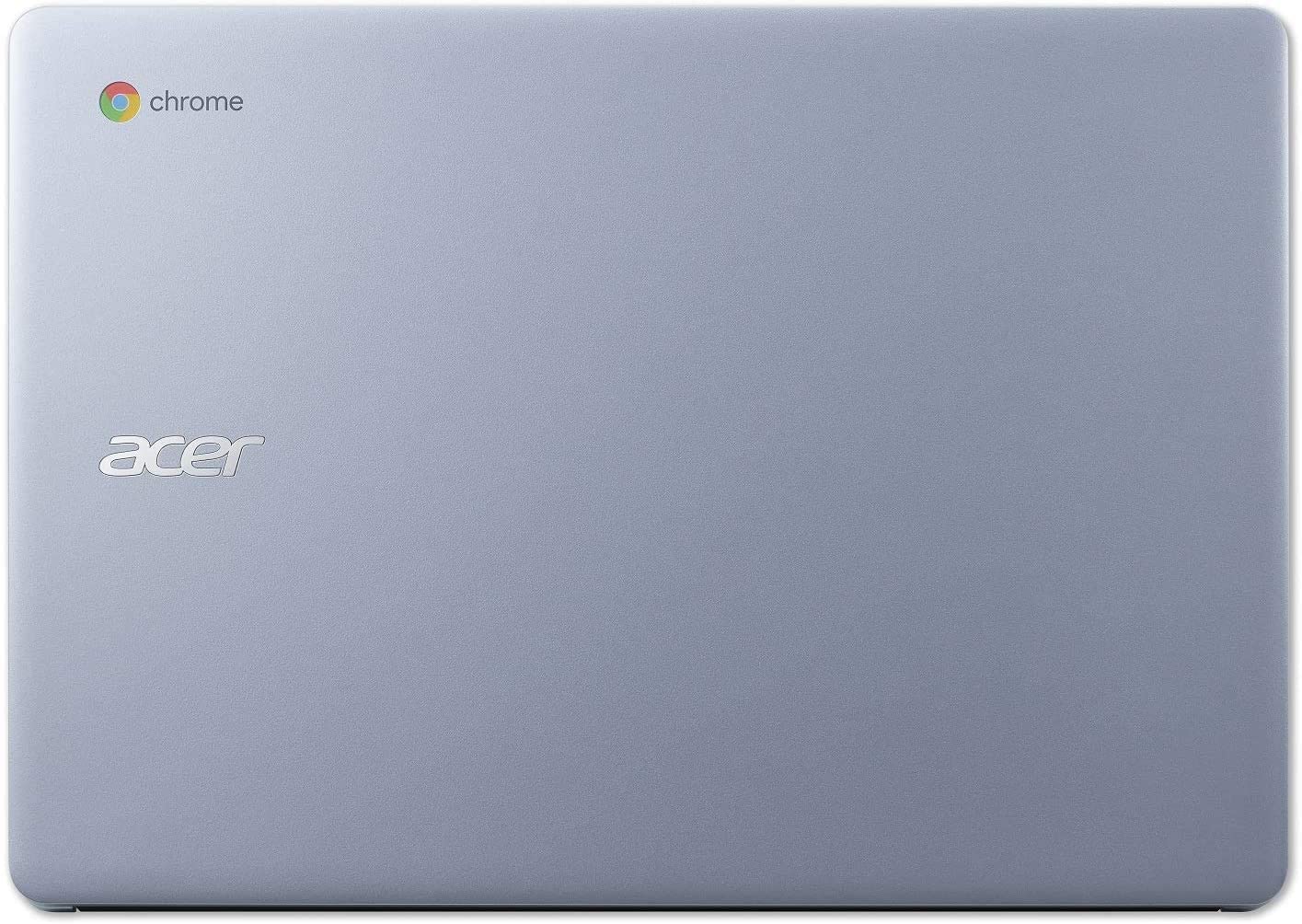
- HDD/SSD
- upp till 128GB SSD
- RAM
- up to 8GB
- OS
- Chrome OS, Windows 10 Home
- Batteri
- 48Wh, 3-cell, 48Wh, 4-cell, 45Wh, 3-cell, 3-cell, 4-cell
- Mått
- 325.1 x 231.1 x 19.8 mm (12.80" x 9.10" x 0.78")
- Vikt
- 1.70 kg (3.7 lbs)
- Portar och anslutningar
- 2x USB Type-A
- 3.2 Gen 1 (5 Gbps)
- 2x USB Type-C
- 3.2 Gen 1 (5 Gbps), DisplayPort
- Kortläsare
- MicroSD
- Wi-Fi
- 802.11ac
- Bluetooth
- 5.0
- Ljuduttag
- 3.5 mm combo
- Funktioner
- Fingeravtrycksläsare
- Webbkamera
- Bakgrundsbelyst tangentbord
- optional
- Mikrofon
- Högtalare
- 2 Stereo Speakers
- Optisk enhet
- Säkerhetslås-port
Alla Acer Chromebook 314 (C933) konfigurationer
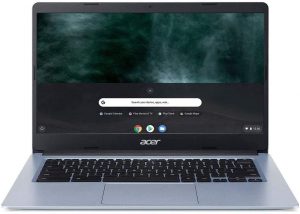
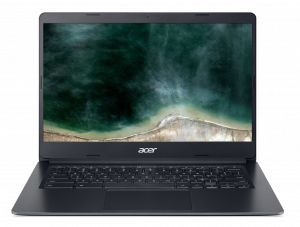
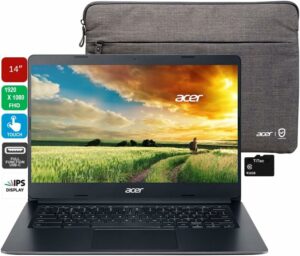
CPU-prestanda
Här kan du se skillnaden i pris/prestanda mellan alla CPU:er som finns i Acer Chromebook 314 (C933) Serier.
Resultaten är från Cinebench R23 CPU-testet (ju högre poäng, desto bättre)
GPU-prestanda
Här kan du se skillnaden i pris/prestanda mellan alla GPU:er som ingår i Acer Chromebook 314 (C933) Serier.
Resultaten är från 3DMark Time Spy (Graphics). Högre är bättre.
Acer Chromebook 314 (C933) djupgående recension
A Chromebook meant for working inside the office and out (at home as well). As a 14-inch laptop, the Acer Chromebook 314 (C933) has a big competition in the business market. Most of it comes from Windows-equipped devices, of course, but how exactly does the Chrome OS benefit (or hurt) its usability.Essentially, you won't be able to use the full-fledged Adobe Suit, nor any sophisticated 3D modeling software, but honestly, this is not what the Chromebook 314 (C933) is about. Even if you had the OS support for these programs, the low-power Intel Pentium Silver N5030 simply doesn't have the p[...]

Fördelar
- Quick through the menu
- The OS loads in an instant
- Two USB Type-C ports that charge the laptop and can output DisplayPort
- Its display has comfortable viewing angles and good contrast ratio (BOE BOE07A0)
- Doesn't use PWM to adjust screen brightness (BOE BOE07A0)
- MicroSD card storage expansion and LTE connectivity
Nackdelar
- Touchpad feels weird
- Covers only 50% of sRGB
- Memory and storage are soldered to the motherboard




