Alienware 17 R4
Alienware 17 R4 - Specs
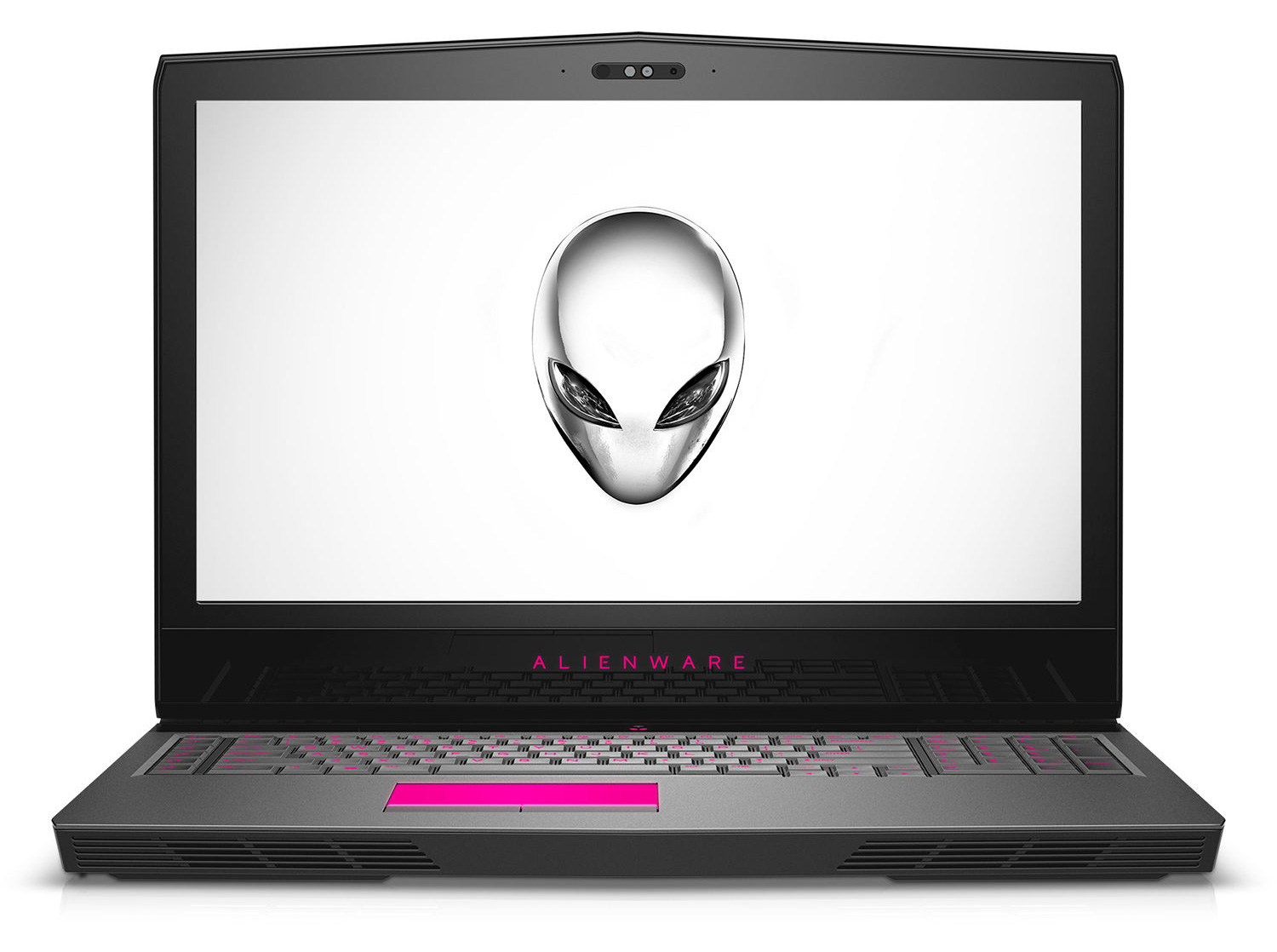
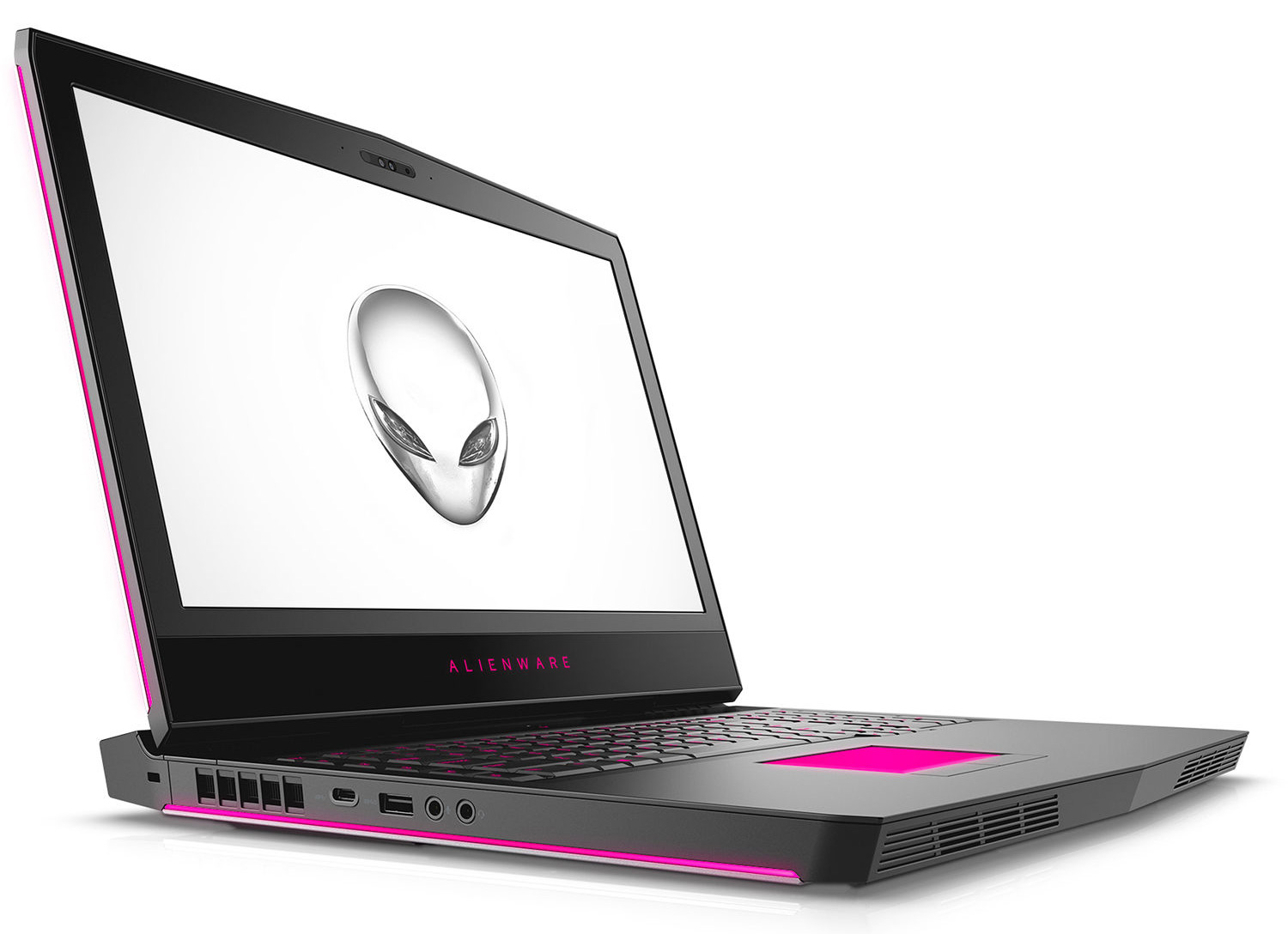
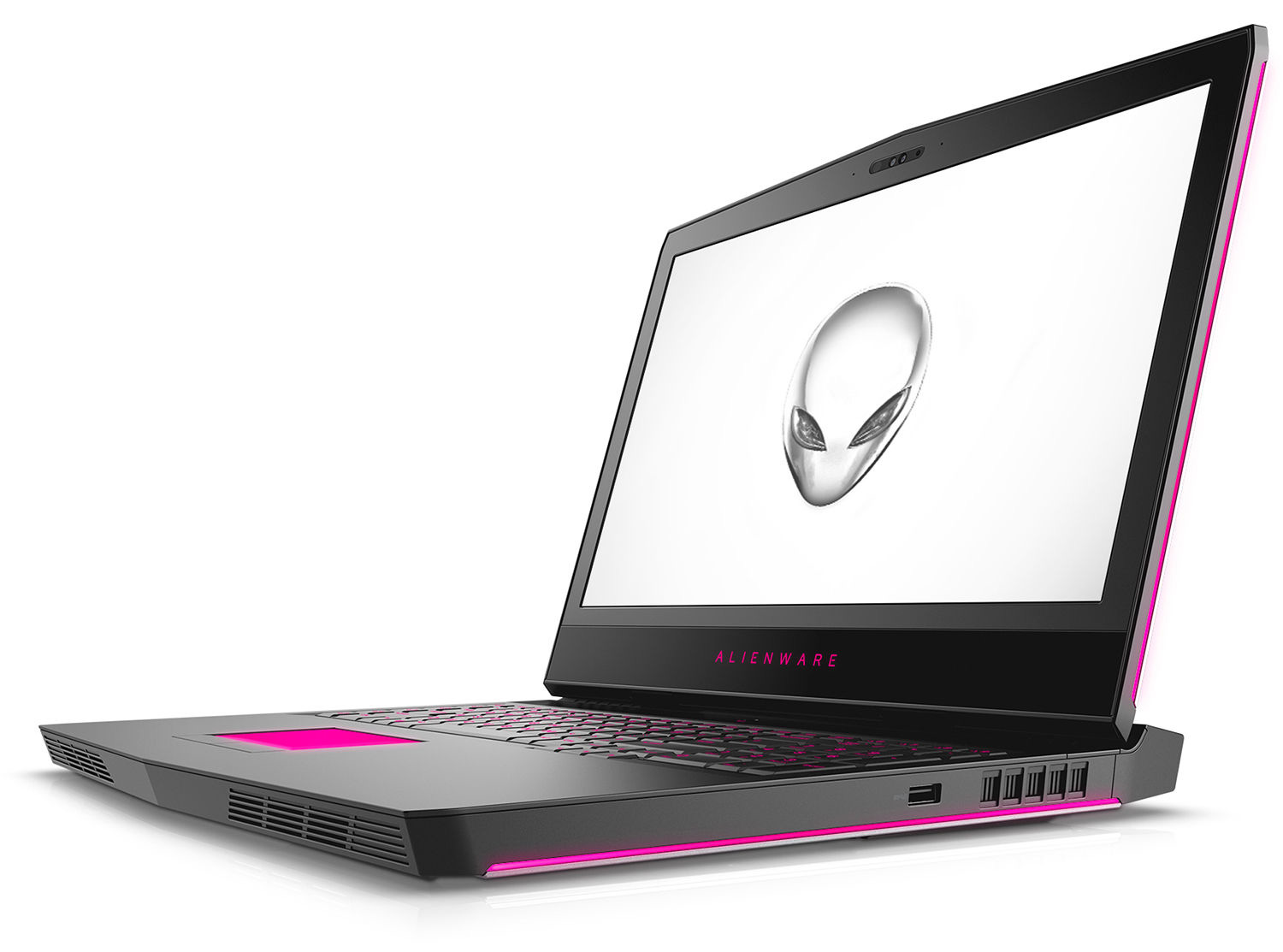
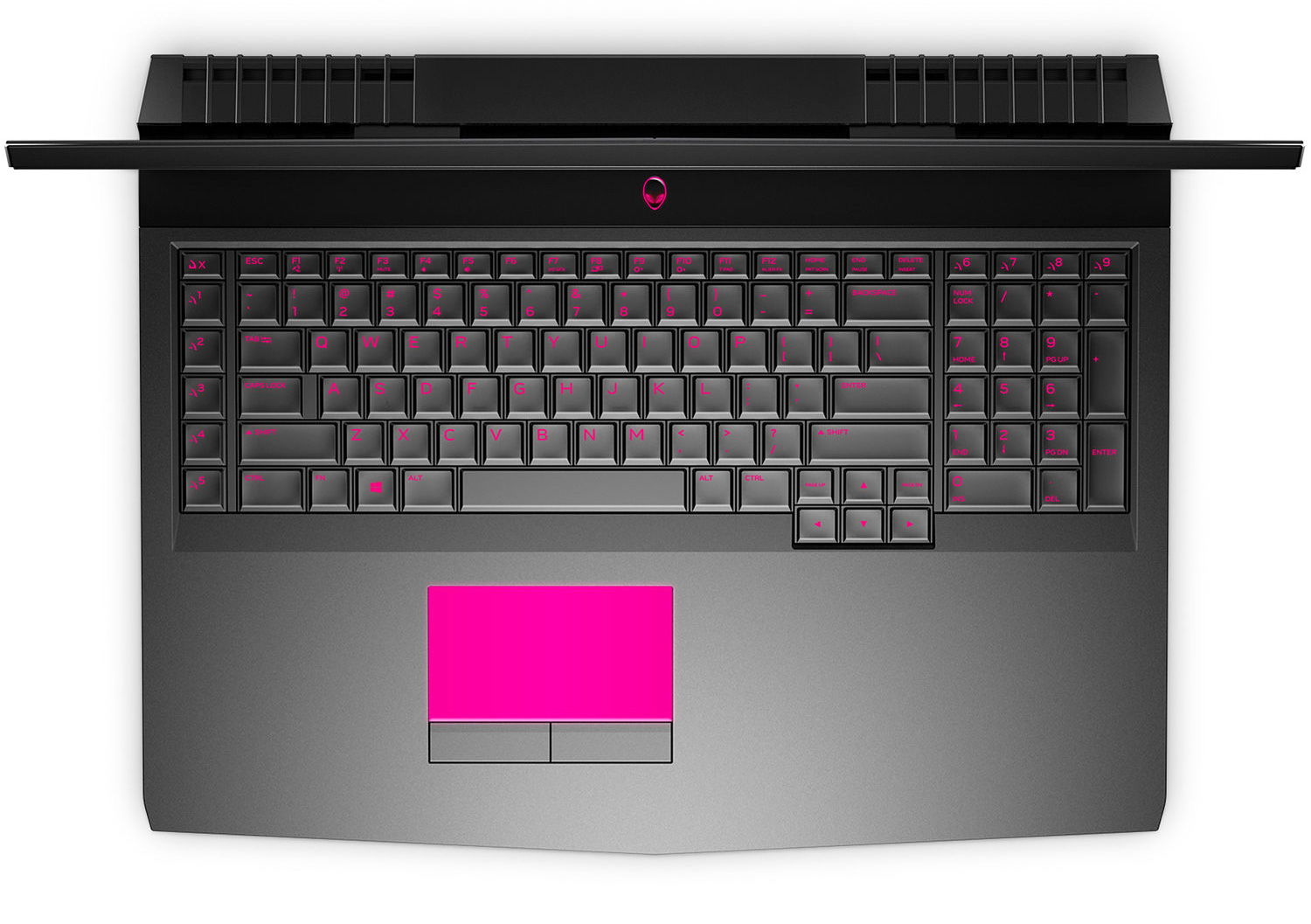


- HDD/SSD
- up to 6000GB SSD + up to 2000GB HDD
- M.2 Slot
- 2x 2280 PCIe NVMe (M key) + 1x 2242 PCIe NVMe (M key)
- RAM
- up to 32GB
- OS
- Windows 10 Home, Windows 10 Pro
- Battery
- 68Wh, 4-cell, 68Wh, 68Wh, Li-Ion, 4-cell, 68Wh, Lithium-Ion, 4-cell, 68Wh, lithium-ion, 4-cell, 99Wh, 68 Wh, 99 Wh, 6-cell, 99Wh, 6-cell, 68Wh, Li-Ion
- Body material
- Plastic / Polycarbonate, Aluminum
- Dimensions
- 424 x 332 x 29.99 mm (16.69" x 13.07" x 1.18")
- Weight
- 4.42 kg (9.7 lbs)
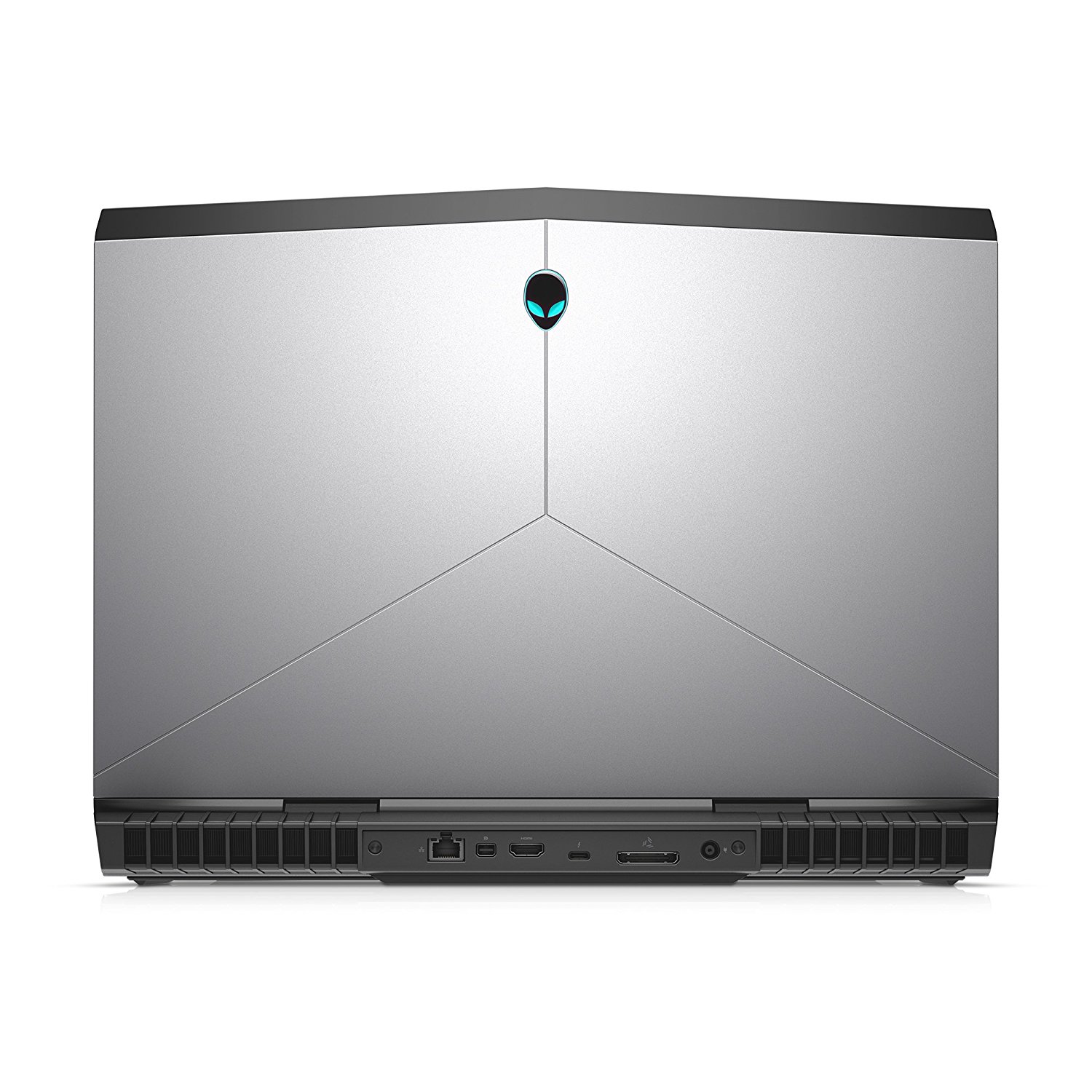
- Ports and connectivity
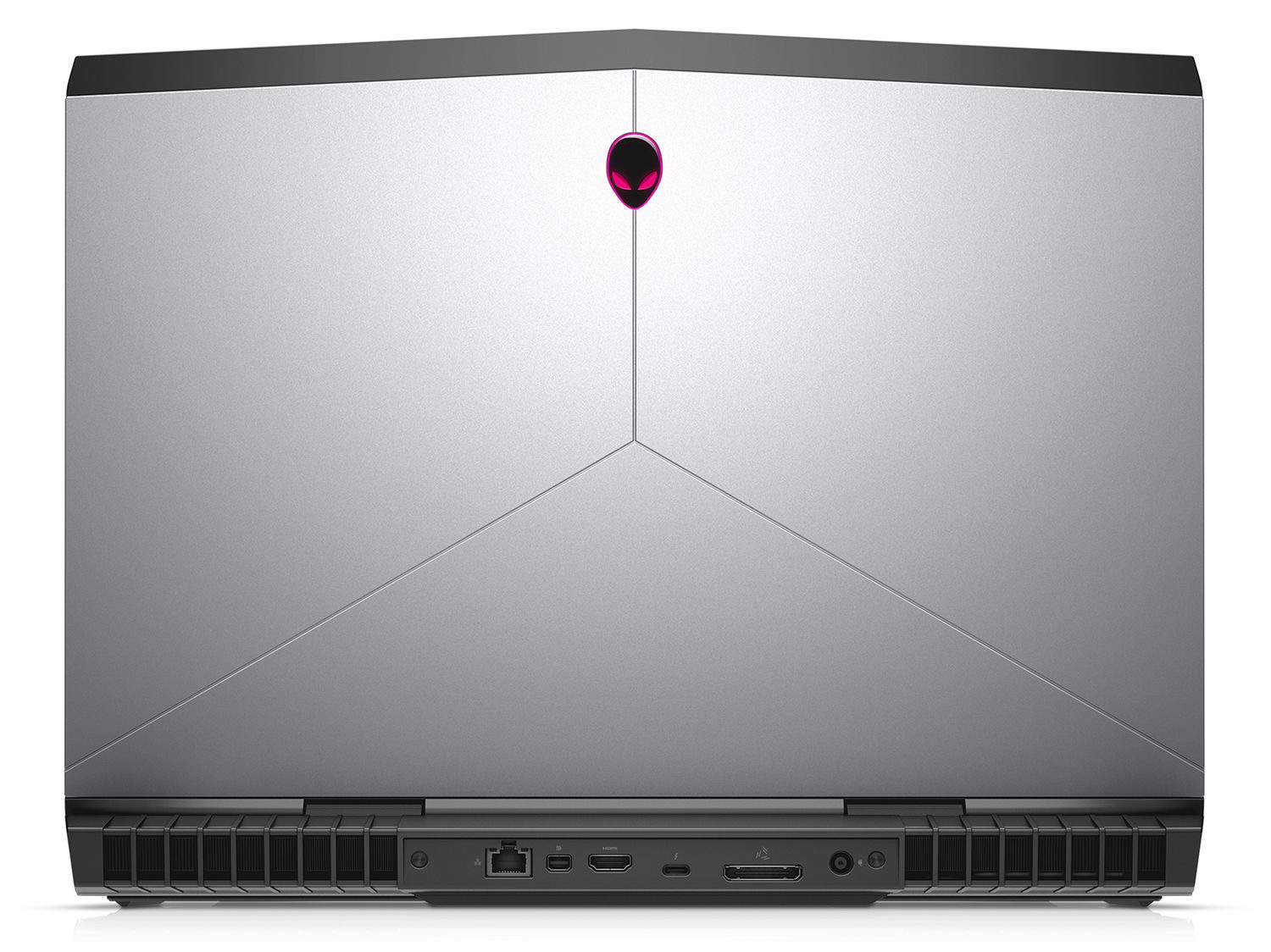
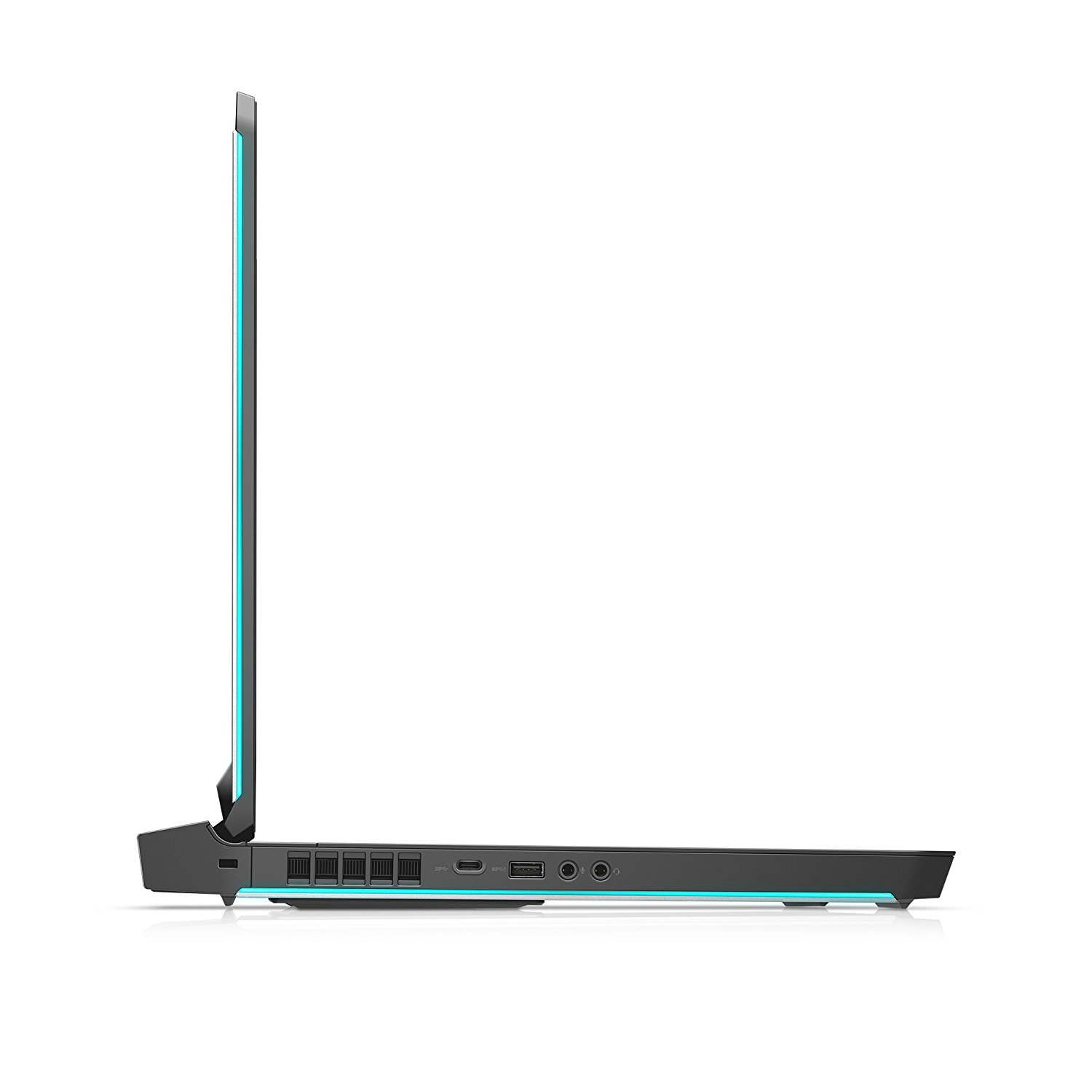
- 1x USB Type-C
- 3.2 Gen 2 (10 Gbps), Thunderbolt 3, DisplayPort, HDMI
- 1x USB Type-A
- 3.2 Gen 1 (5 Gbps), Sleep and Charge
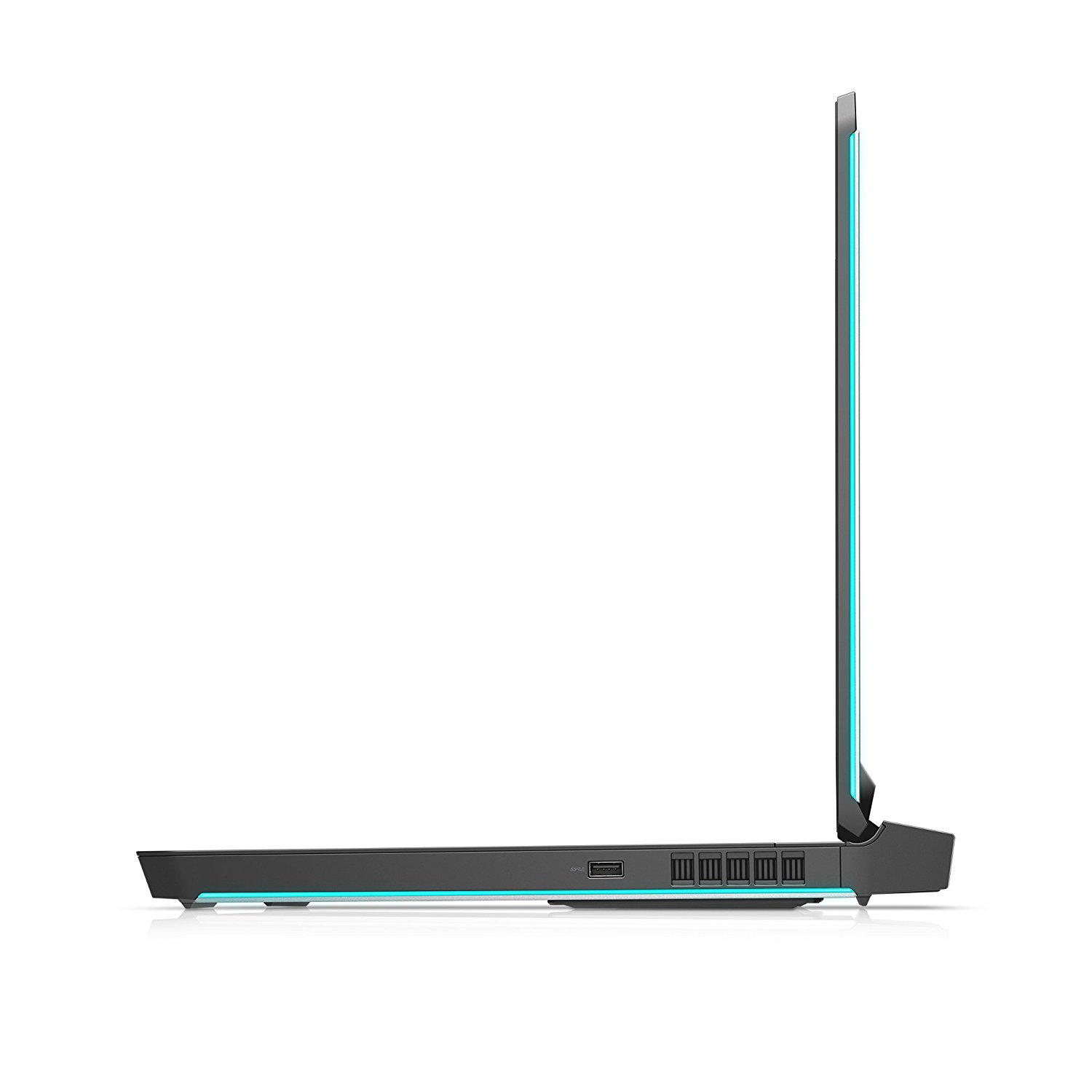
- 1x USB Type-A
- 3.2 Gen 1 (5 Gbps)
- HDMI
- Displayport mini
- Ethernet LAN
- 10/100/1000 Mbps
- Wi-Fi
- 802.11ac
- Bluetooth
- 4.1
- Audio jack
- 2x 3.5 mm jacks for headset and external microphone
- External graphics port for Alienware Graphics Amplifier
- Features
- Fingerprint reader
- Web camera
- 1080p Full HD
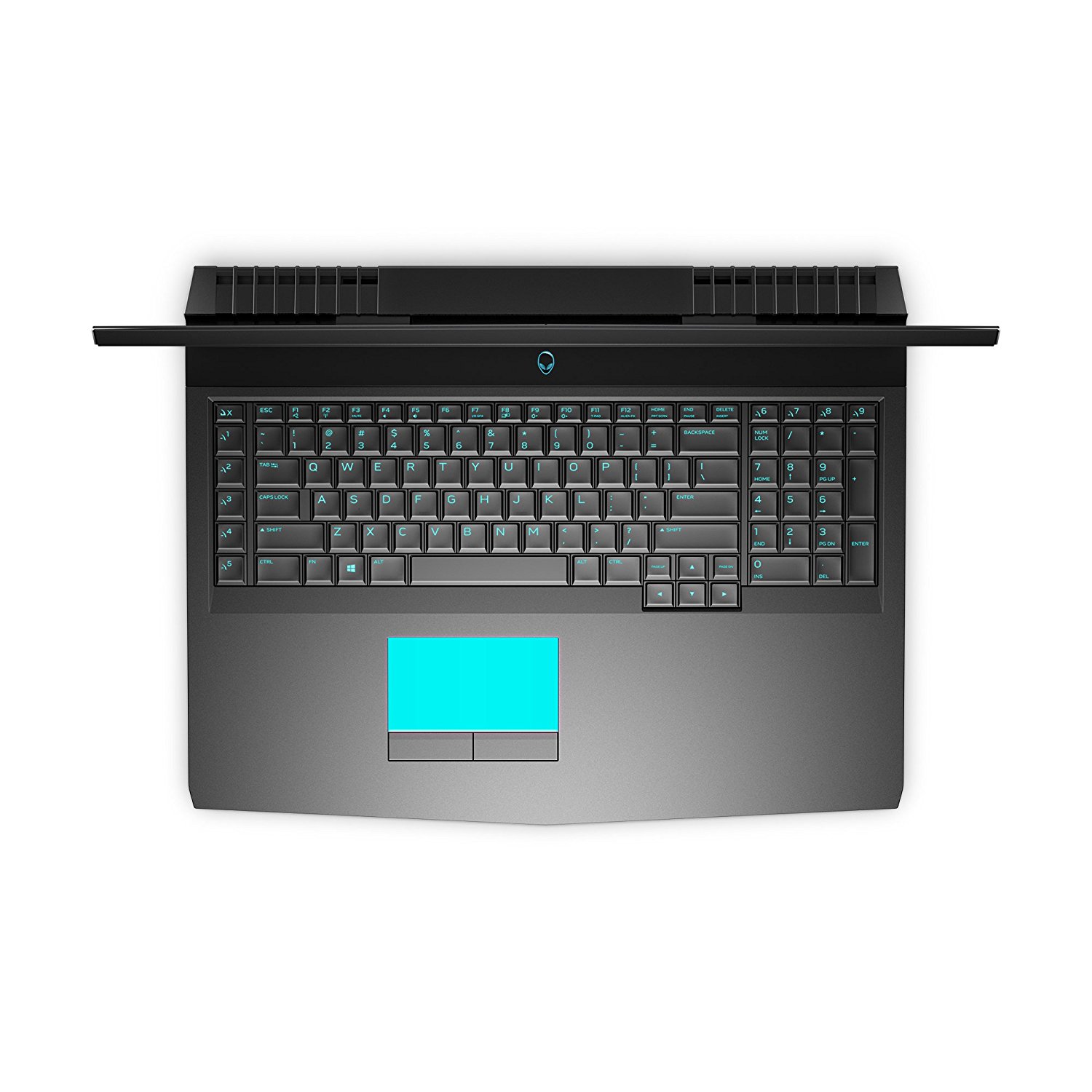
- Backlit keyboard
- optional
- Microphone
- Dual-Array Microphone
- Speakers
- Optical drive
- Security Lock slot
All Alienware 17 R4 configurations

Buy our profiles for AUO B173QTN01.0 / 17.3”, QHD (2560 x 1440), TN
In addition to receiving efficient and health-friendly profiles, by buying LaptopMedia's products you also support the development of our labs, where we test devices in order to produce the most objective reviews possible.

Office Work / Web Design
If your field is office work or web design, or you just want your monitor's color set to be as accurate as possible for the Internet color space, this profile will prove to be useful.

Gaming and Movie Nights
We developed this profile especially for games and movies. It makes fine nuances in dark scenes easier to discern during long sessions in front of the display.

Health-Guard
This profile reduces the negative impact of Pulse-Width Modulation (PWM) and the Blue Light spectrum, while keeping colors perceptually accurate for this panel.
Get all 3 profiles with 33% discount

CPU performance
Here you can find the price/performance difference between all the CPUs that come in the Alienware 17 R4 series.
Results are from the Cinebench 20 Multi-core test (the higher the score, the better)
GPU performance
Here you can find the price/performance difference between all the GPUs that come in the Alienware 17 R4 series.
The results are from 3DMark Time Spy (Graphics). Higher is better.
Alienware 17 R4 in-depth review
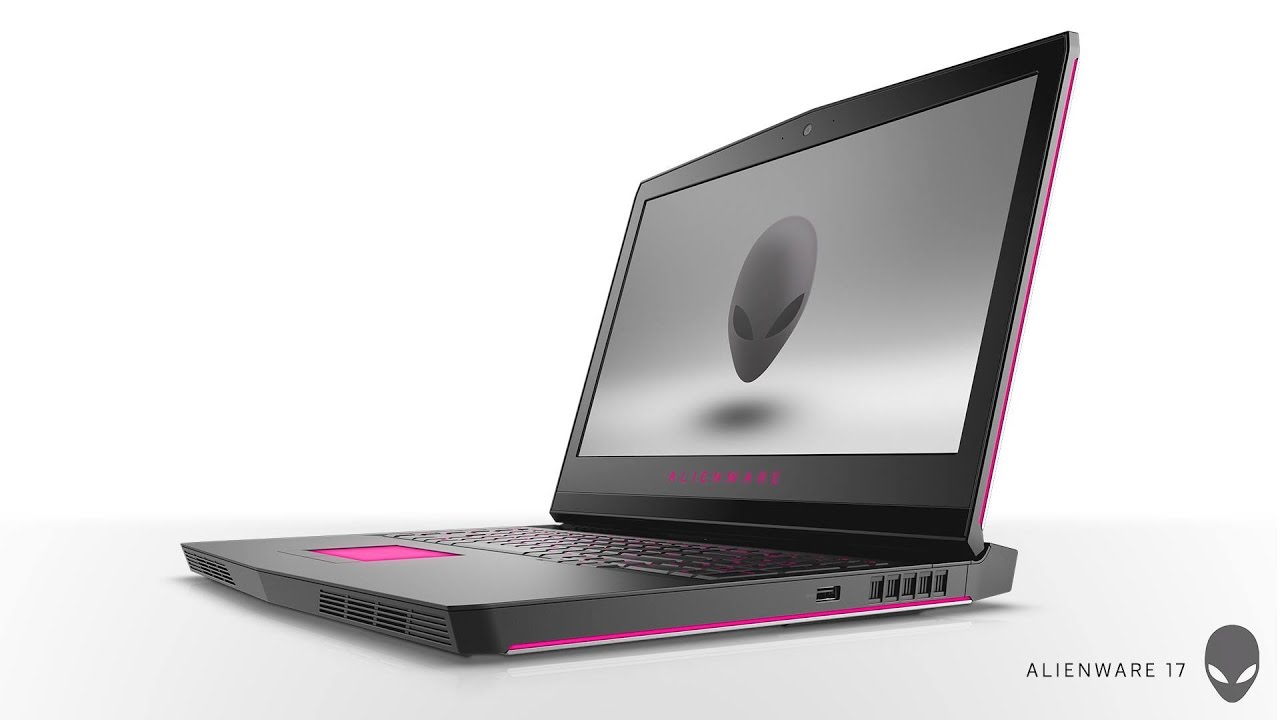
Alienware is a love it or hate it brand. It has built its name on solid ground offering the most premium gaming notebooks you can get. The company dared to stick the most insane hardware inside and still make it look cool. However, times are changing and the biggest names in the industry want to get a piece of the pie. ASUS, Acer, Lenovo, MSI all of them now have their own versions of an absurdly powerful gaming notebooks while still being competitive in terms of pricing. So why are Alienware notebooks still sensibly pricier than its competitors?If we call Alienware the Apple in the ga[...]
Pros
- Clean and sophisticated design
- Impeccable build quality
- Good keyboard and touchpad experience
- Supports three M.2 PCIe NVMe SSDs
- Impressive display with excellent image quality, G-Sync, 120 Hz refresh rate and QHD resolution
- The screen doesn't use PWM for regulating brightness
- Fairly portable compared to other 17-inch gaming laptops
- Well-designed cooling system
- Tobii Eye Tracking system
Cons
- Short battery life despite the huge 99Wh battery, thanks to the lack of NVIDIA Optimus support
- Only the QHD configuration comes with G-Sync support
- Overclocking is possible only through BIOS and third-party software
- The CPU's stock clock speeds are lower than they should
- The TN panel has low contrast ratio and poor viewing angles when tilted forward
- Only two RAM slots


![[September 2026] Best-Selling Laptop Brands on Amazon Global – Apple Dominates the Market with Over 70% Revenue Share](https://laptopmedia.com/wp-content/uploads/2026/10/GLOBAL-Best-Brands-400x225.jpg)
![[September 2026] Amazon Global: Top 10 Best-Selling Laptops – Apple’s MacBook Neo Claims the #1 Spot as Budget and Premium Devices Dominate](https://laptopmedia.com/wp-content/uploads/2026/10/Best-Selling-Laptops-GLOBAL-Top-10-400x225.jpg)
![[September 2026] Amazon Global: Top 10 Best-Selling Gaming Laptops – ASUS ROG Strix G16 Dominates the Market with Record-Breaking Unit Sales](https://laptopmedia.com/wp-content/uploads/2026/10/Best-Selling-Gaming-Laptops-GLOBAL-Top-10-400x225.jpg)
![[September 2026] Global Ranking of Best-Selling Laptop GPUs on Amazon – Apple’s M5 Chip Obliterates NVIDIA in Premium Laptops, But the RTX 5060 Is the Only Dedicated GPU to Crack the Top 10](https://laptopmedia.com/wp-content/uploads/2026/10/Best-Selling-GPUs-GLOBAL-Top-10-400x225.jpg)
![[September 2026] Global Ranking of Best-Selling Laptop CPUs on Amazon – Apple’s M5 Crushes Intel as Premium Market Becomes a One-Horse Race](https://laptopmedia.com/wp-content/uploads/2026/10/Best-Selling-CPUs-GLOBAL-Top-10-400x225.jpg)
