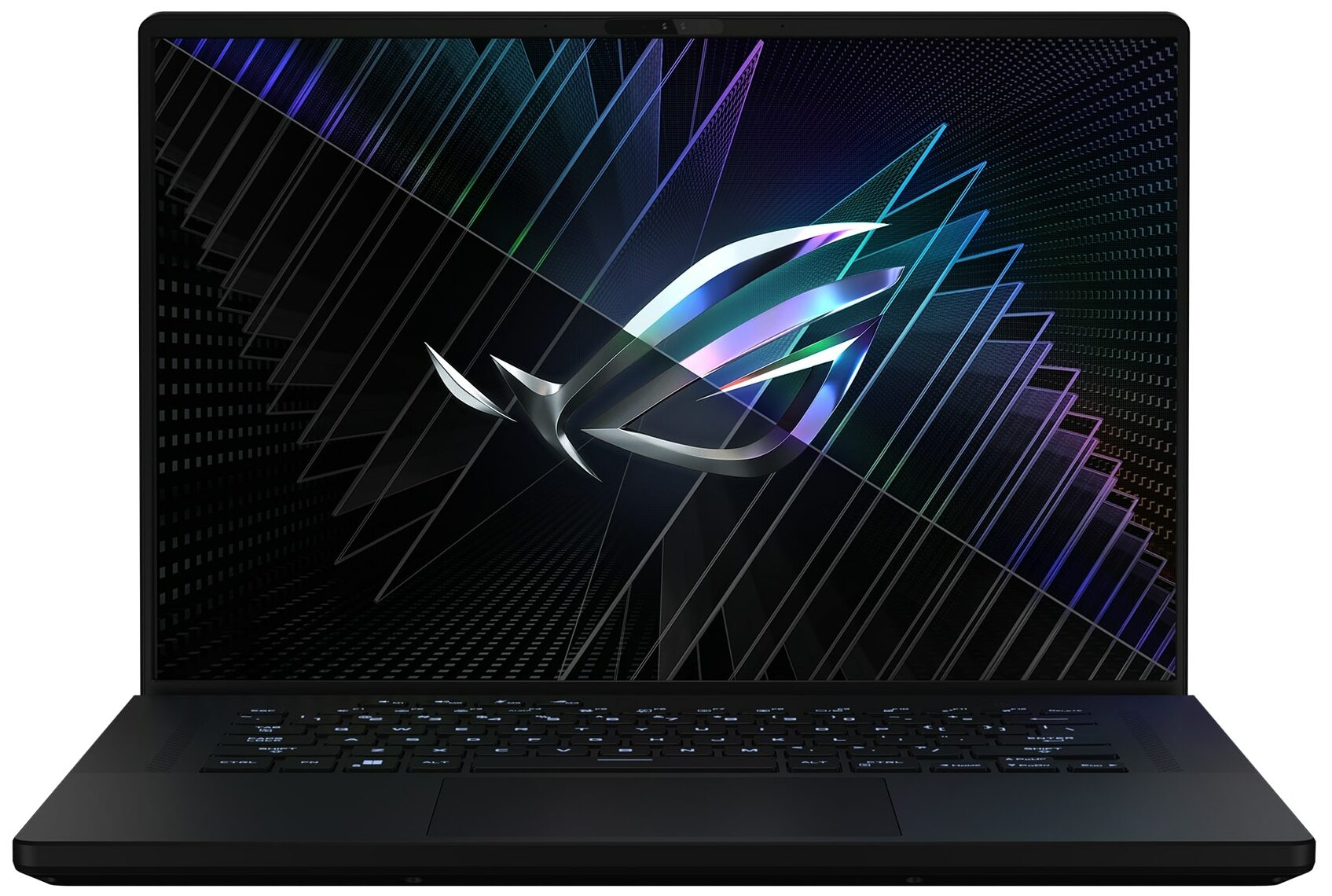
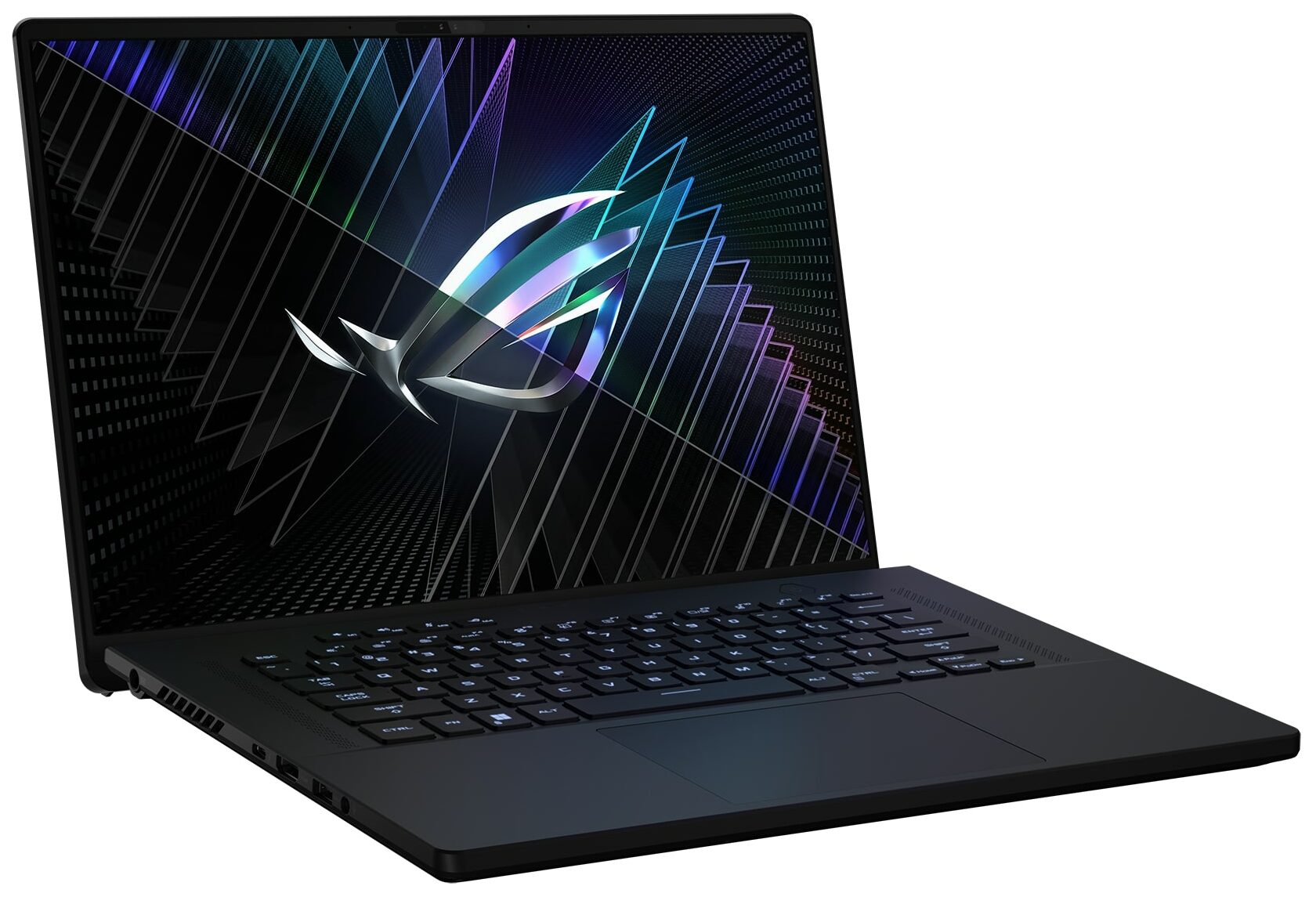
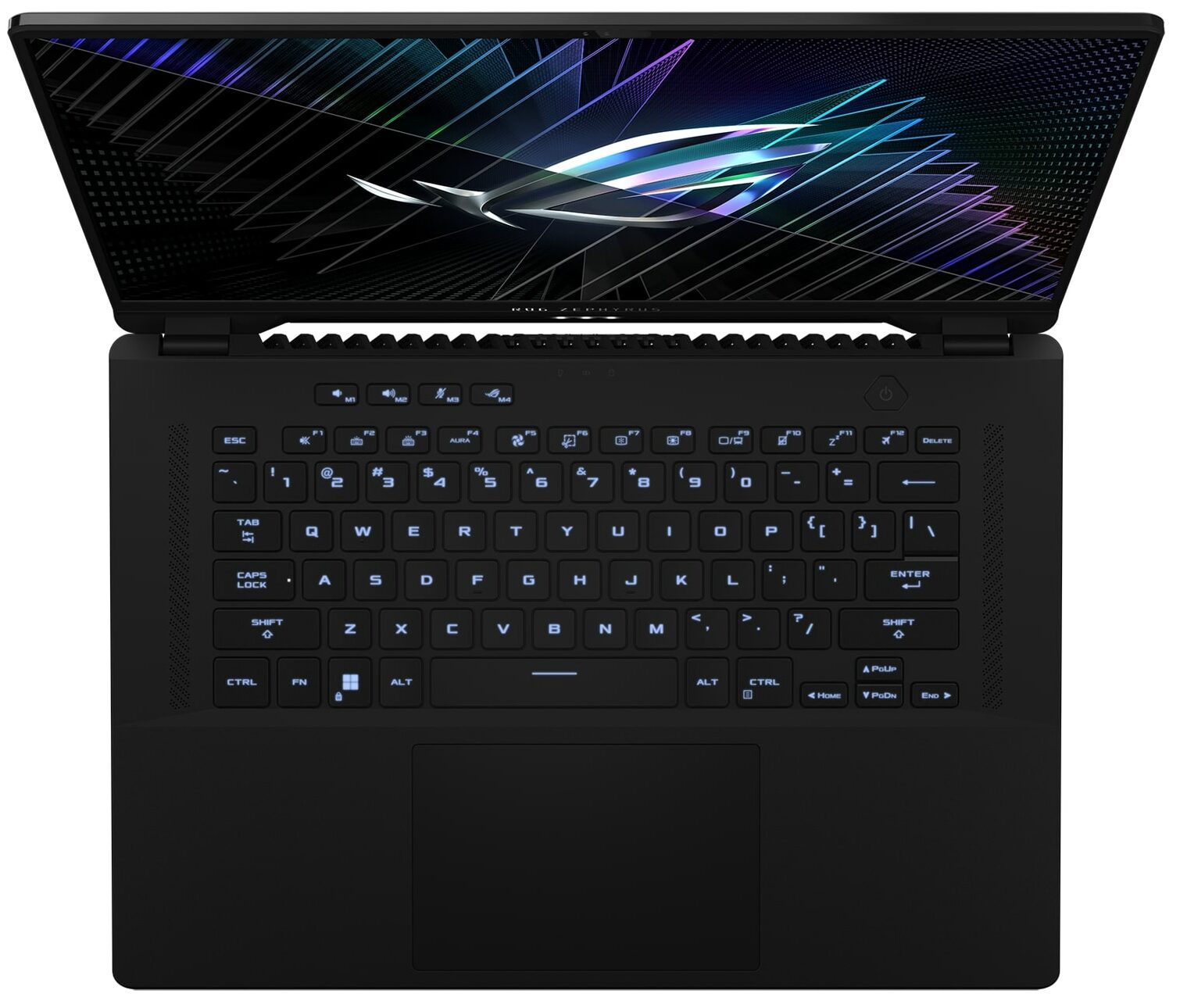
ASUS ROG Zephyrus M16 GU604
ASUS ROG Zephyrus M16 GU604 - Specs
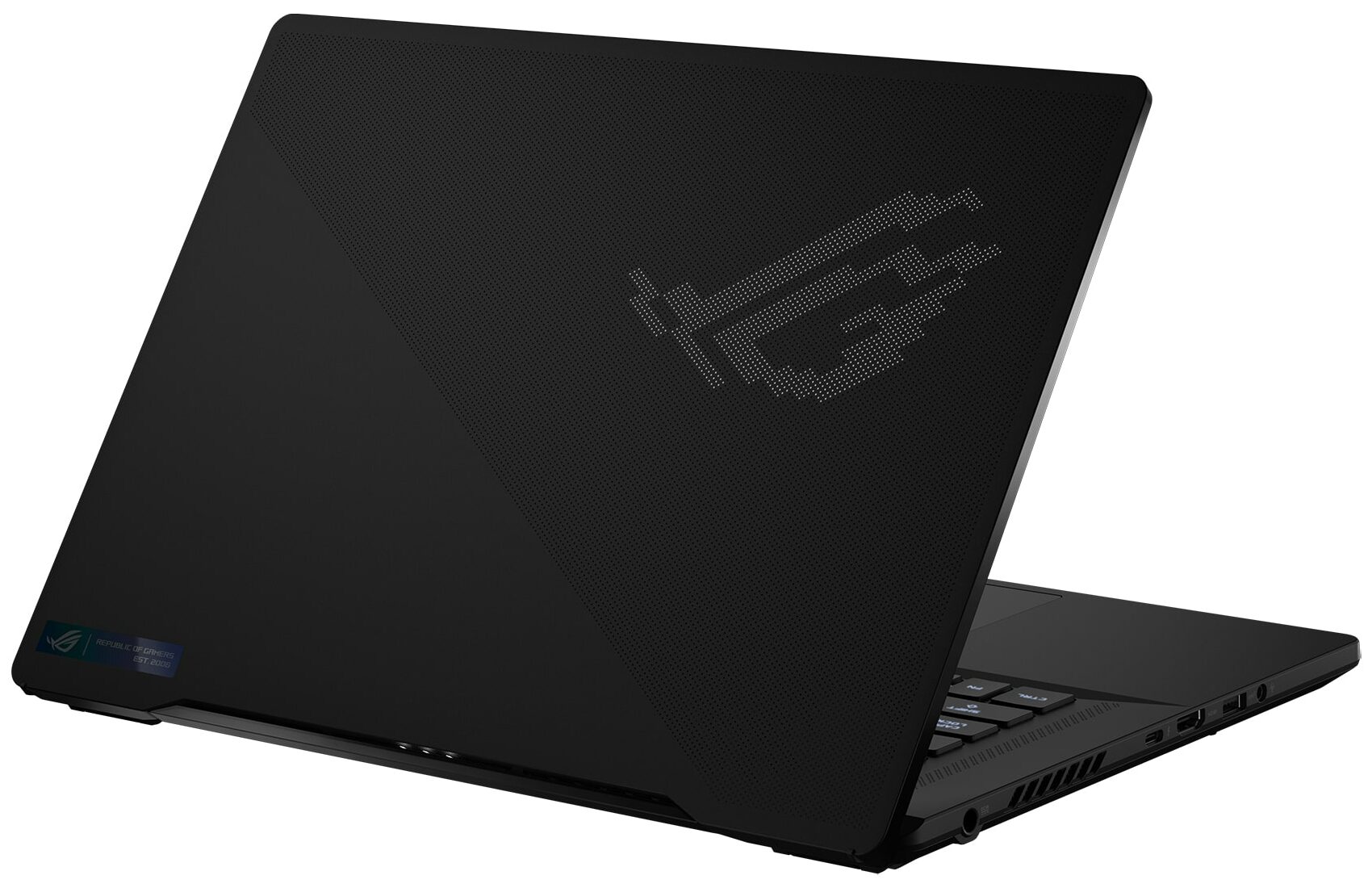
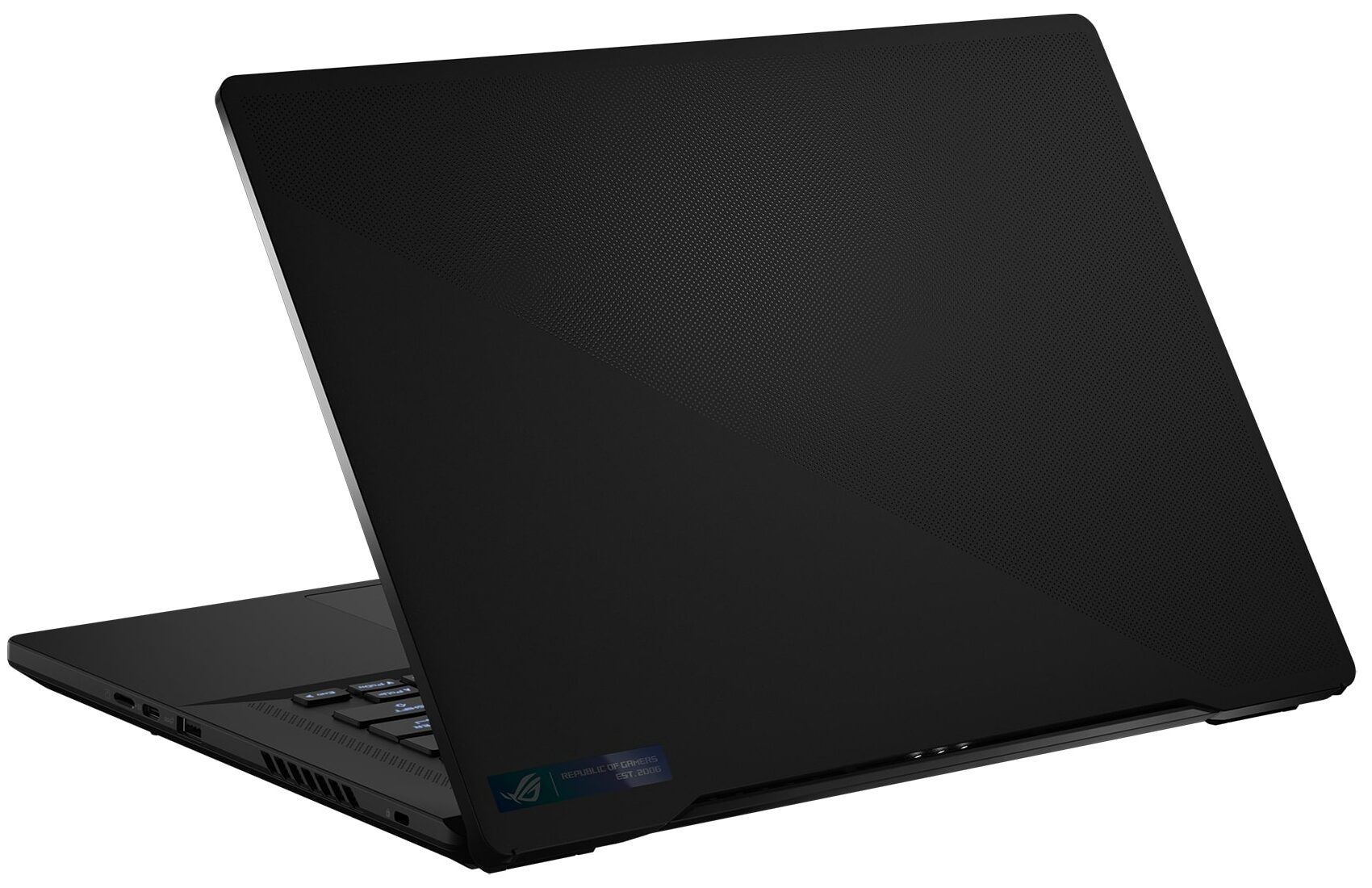
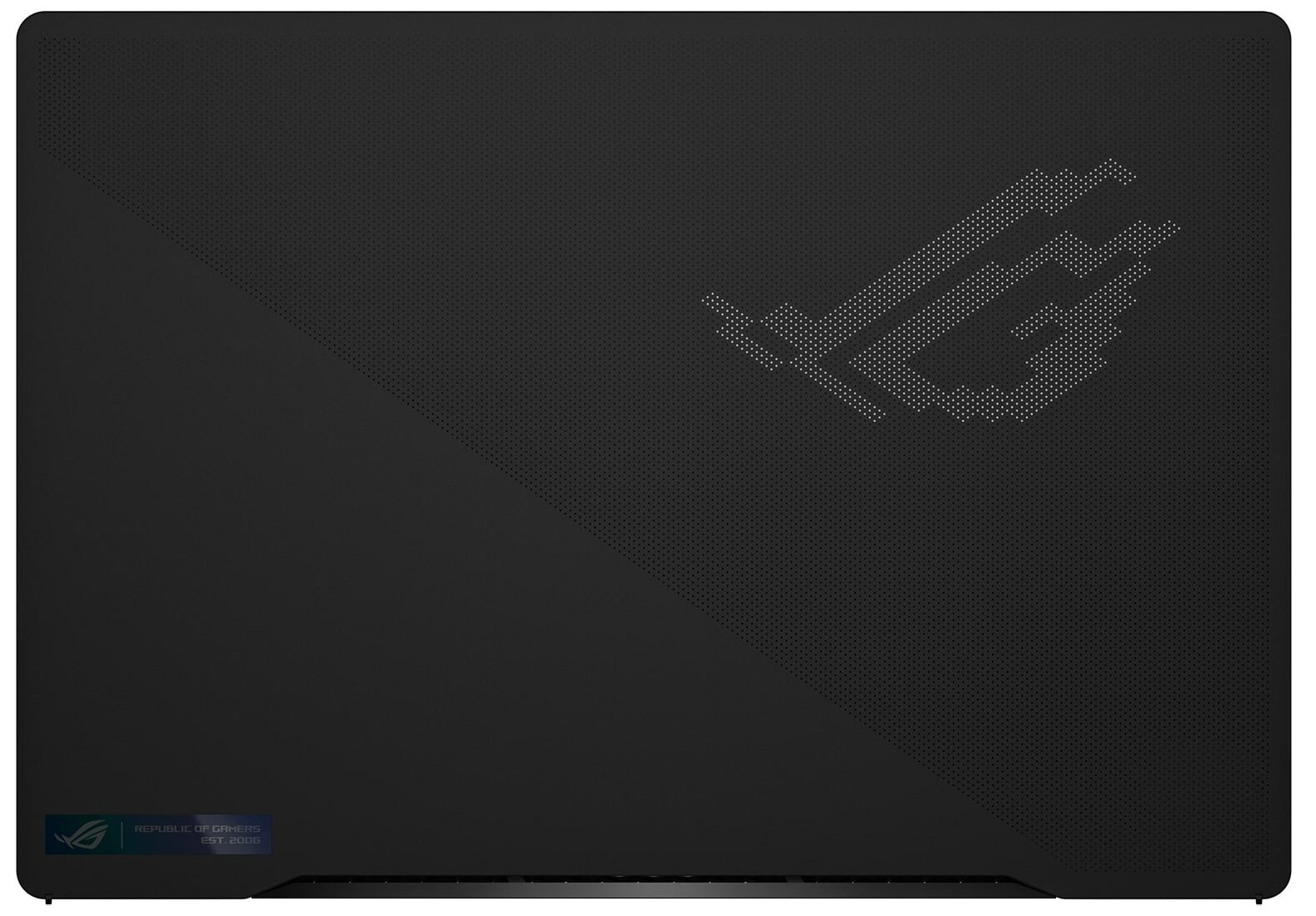

- HDD/SSD
- up to 16000GB SSD
- M.2 Slot
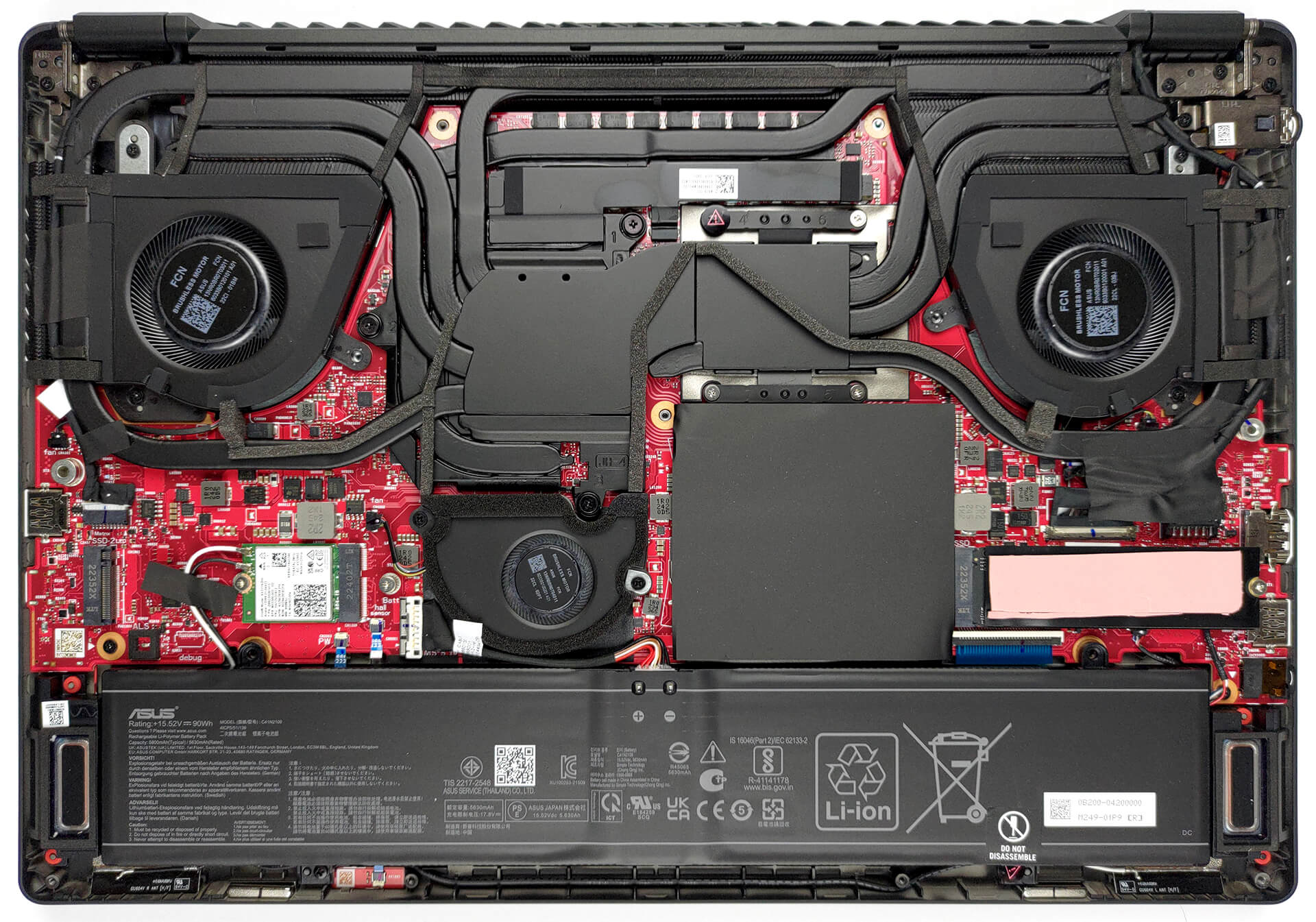
- 2x 2280 PCIe NVMe 4.0 x4 See photo
- RAM
- up to 96GB
- OS
- Windows 11 Home, Windows 11 Pro, Windows 11
- Battery
- 90Wh, 4-cell, 90Wh, 4-cell
- Body material
- Aluminum
- Dimensions
- 355 x 246 x 19.9/21.1 - 22.3/22.9 mm (13.98" x 9.69" x 0.78")
- Weight
- 2.10 kg (4.6 lbs)
- Ports and connectivity
- 2x USB Type-A
- 3.2 Gen 2 (10 Gbps)
- 1x USB Type-C
- 3.2 Gen 2 (10 Gbps), Power Delivery (PD), DisplayPort
- 1x USB Type-C
- Thunderbolt 4, Power Delivery (PD), DisplayPort
- HDMI
- 2.1
- Card reader
- MicroSD (UHS-II)
- Ethernet LAN
- Wi-Fi
- 802.11ax
- Bluetooth
- 5.2
- Audio jack
- 3.5mm Combo Jack
- Features
- Fingerprint reader
- Web camera
- FHD IR Camera for Windows Hello
- Backlit keyboard
- Microphone
- 3x Microphone Array with Ai noise-canceling technology
- Speakers
- 2x 2W Tweeters + 2x 2W dual-force Woofers, Smart Amp, Dolby Atmos
- Optical drive
- Security Lock slot
- Kensington Lock
All ASUS ROG Zephyrus M16 GU604 configurations
Buy our profiles for BOE NE160QDM-NM4 (BOE0B74) / 16.0", WQXGA (2560 x 1600), 240 Hz, IPS
In addition to receiving efficient and health-friendly profiles, by buying LaptopMedia's products you also support the development of our labs, where we test devices in order to produce the most objective reviews possible.

Office Work
Office Work should be used mostly by users who spend most of the time looking at pieces of text, tables or just surfing. This profile aims to deliver better distinctness and clarity by keeping a flat gamma curve (2.20), native color temperature and perceptually accurate colors.

Design and Gaming
This profile is aimed at designers who work with colors professionally, and for games and movies as well. Design and Gaming takes display panels to their limits, making them as accurate as possible in the sRGB IEC61966-2-1 standard for Web and HDTV, at white point D65.

Health-Guard
Health-Guard eliminates the harmful Pulse-Width Modulation (PWM) and reduces the negative Blue Light which affects our eyes and body. Since it’s custom tailored for every panel, it manages to keep the colors perceptually accurate. Health-Guard simulates paper so the pressure on the eyes is greatly reduced.
Get all 3 profiles with 33% discount

GPU performance
Here you can find the price/performance difference between all the GPUs that come in the ASUS ROG Zephyrus M16 GU604 series.
The results are from 3DMark Time Spy (Graphics). Higher is better.
ASUS ROG Zephyrus M16 GU604 in-depth review
The ASUS ROG Zephyrus subbrand has always been about combining style with super-fast hardware. This is easier said than done since the CPUs and GPUs for mobile devices have gotten really hungry for power.That hunger translates to a lot of heat. And to get good thermal management, your laptop needs either a lot of heat pipes or a bulky vapor chamber. Regardless of what the manufacturer chooses, the sheer volume of copper will significantly increase the weight of the device.This is why building the ROG Zephyrus M16 (GU604, 2023) has inevitably been a huge challenge for ASUS engineers. [...]
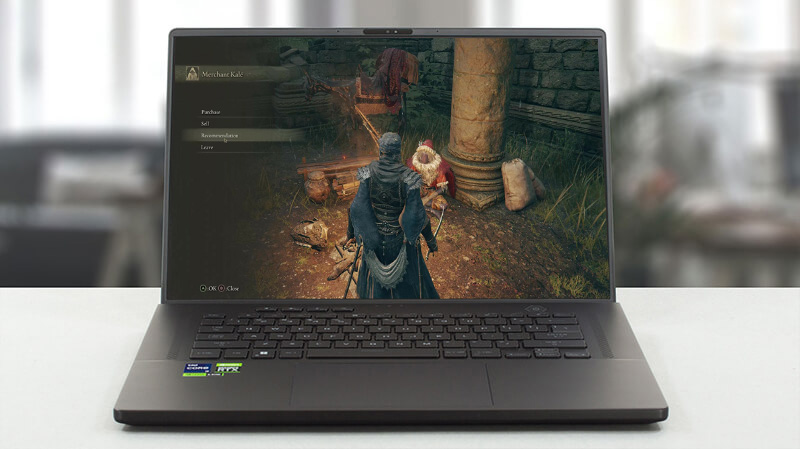
Pros
- Bright RGB
- Good cooling setup + liquid metal on CPU
- 98% DCI-P3 coverage (BOE NE160QDM-NM4 (BOE0B74))
- 240Hz panel has very quick pixel response times (BOE NE160QDM-NM4 (BOE0B74))
- HDR, G-Sync, and MUX switch on board
- Wi-Fi 6E and 2.5Gbit Ethernet support
- Great keyboard and touchpad
- 2x DDR5 SODIMM + 2x M.2 PCIe x4 slots
- Populous port selection
Cons
- Loud during gaming
- Keyboard gets pretty warm during gaming
How to open ASUS ROG Zephyrus M16 (GU604, 2023) - disassembly and upgrade options
Games you can play on this laptop series

Resolution: 1920 x 1080 (Full HD) |
NORMAL |
HIGH |
VERY HIGH |
MAX |
|---|---|---|---|---|
 | 187 FPS PLAY VIDEO | 186 FPS PLAY VIDEO | 145 FPS PLAY VIDEO | 118 FPS PLAY VIDEO |
| NVIDIA GeForce RTX 4070 (Laptop, 140W) | 186 FPS PLAY VIDEO | 186 FPS PLAY VIDEO | 127 FPS PLAY VIDEO | 73 FPS PLAY VIDEO |

Resolution: 1920 x 1080 (Full HD) |
MIN |
MAX |
|---|---|---|
| 3511 FPS PLAY VIDEO | 203 FPS PLAY VIDEO |
| NVIDIA GeForce RTX 4070 (Laptop, 140W) | 3304 FPS PLAY VIDEO | 205 FPS PLAY VIDEO |

Resolution: 1920 x 1080 (Full HD) |
LOW |
MED |
HIGH |
ULTRA |
|---|---|---|---|---|
| 193 FPS PLAY VIDEO | 171 FPS PLAY VIDEO | 164 FPS PLAY VIDEO | 141 FPS PLAY VIDEO |
| NVIDIA GeForce RTX 4070 (Laptop, 140W) | 193 FPS PLAY VIDEO | 157 FPS PLAY VIDEO | 119 FPS PLAY VIDEO | 99 FPS PLAY VIDEO |

Resolution: 1920 x 1080 (Full HD) |
VERY LOW |
MED |
MAX |
|---|---|---|---|
| 792 FPS PLAY VIDEO | 669 FPS PLAY VIDEO | 617 FPS PLAY VIDEO |
| NVIDIA GeForce RTX 4070 (Laptop, 140W) | 757 FPS PLAY VIDEO | 692 FPS PLAY VIDEO | 608 FPS PLAY VIDEO |

Resolution: 1920 x 1080 (Full HD) |
MIN |
MED |
HIGH |
ULTRA |
|---|---|---|---|---|
| 157 FPS PLAY VIDEO | 148 FPS PLAY VIDEO | 102 FPS PLAY VIDEO | 59 FPS PLAY VIDEO |
| NVIDIA GeForce RTX 4070 (Laptop, 140W) | 161 FPS PLAY VIDEO | 112 FPS PLAY VIDEO | 63 FPS PLAY VIDEO | 33 FPS PLAY VIDEO |

Resolution: 1920 x 1080 (Full HD) |
LOW |
NORMAL |
HIGH |
MAX |
|---|---|---|---|---|
| 263 FPS PLAY VIDEO | 230 FPS PLAY VIDEO | 216 FPS PLAY VIDEO | 208 FPS PLAY VIDEO |
| NVIDIA GeForce RTX 4070 (Laptop, 140W) | 213 FPS PLAY VIDEO | 182 FPS PLAY VIDEO | 178 FPS PLAY VIDEO | 167 FPS PLAY VIDEO |

Resolution: 1920 x 1080 (Full HD) |
LOW |
MED |
MAX |
|---|---|---|---|
| 753 FPS PLAY VIDEO | 708 FPS PLAY VIDEO | 674 FPS PLAY VIDEO |
| NVIDIA GeForce RTX 4070 (Laptop, 140W) | 745 FPS PLAY VIDEO | 671 FPS PLAY VIDEO | 483 FPS PLAY VIDEO |

Resolution: 1920 x 1080 (Full HD) |
LOW |
MED |
HIGH |
EPIC |
|---|---|---|---|---|
| 271 FPS PLAY VIDEO | 215 FPS PLAY VIDEO | 185 FPS PLAY VIDEO | 120 FPS PLAY VIDEO |
| NVIDIA GeForce RTX 4070 (Laptop, 140W) | 258 FPS PLAY VIDEO | 168 FPS PLAY VIDEO | 131 FPS PLAY VIDEO | 80 FPS PLAY VIDEO |

Resolution: 1920 x 1080 (Full HD) |
MIN |
MED |
ULTRA |
|---|---|---|---|
| 670 FPS PLAY VIDEO | 584 FPS PLAY VIDEO | 367 FPS PLAY VIDEO |
| NVIDIA GeForce RTX 4070 (Laptop, 140W) | 389 FPS PLAY VIDEO | 515 FPS PLAY VIDEO | 265 FPS PLAY VIDEO |

Resolution: 1920 x 1080 (Full HD) |
LOW |
MED |
U.NIGHT |
|---|---|---|---|
| 377 FPS PLAY VIDEO | 355 FPS PLAY VIDEO | 342 FPS PLAY VIDEO |
| NVIDIA GeForce RTX 4070 (Laptop, 140W) | 377 FPS PLAY VIDEO | 327 FPS PLAY VIDEO | 255 FPS PLAY VIDEO |


![[October 2026] Best-Selling Laptop Brands on Amazon Global – Apple Dominates Revenue Despite HP Leading in Model Variety](https://laptopmedia.com/wp-content/uploads/2026/11/GLOBAL-Best-Brands-400x225.jpg)
![[October 2026] Amazon Global: Top 10 Best-Selling Laptops – Apple Dominates the Global Market as the M5-Powered MacBook Air 13 Claims the #1 Spot](https://laptopmedia.com/wp-content/uploads/2026/11/Best-Selling-Laptops-GLOBAL-Top-10-400x225.jpg)
![[October 2026] Amazon Global: Top 10 Best-Selling Gaming Laptops – HP Victus 15 Claims the Crown as Budget-Friendly Configurations Dominate Global Sales](https://laptopmedia.com/wp-content/uploads/2026/11/Best-Selling-Gaming-Laptops-GLOBAL-Top-10-400x225.jpg)
![[October 2026] Global Ranking of Best-Selling Laptop GPUs on Amazon – Apple M5 Dominates as NVIDIA’s RTX 5060 Leads Dedicated GPUs in October 2026](https://laptopmedia.com/wp-content/uploads/2026/11/Best-Selling-GPUs-GLOBAL-Top-10-400x225.jpg)
![[October 2026] Global Ranking of Best-Selling Laptop CPUs on Amazon – Apple’s M5 Dominates as Intel and AMD Battle for Scraps](https://laptopmedia.com/wp-content/uploads/2026/11/Best-Selling-CPUs-GLOBAL-Top-10-400x225.jpg)