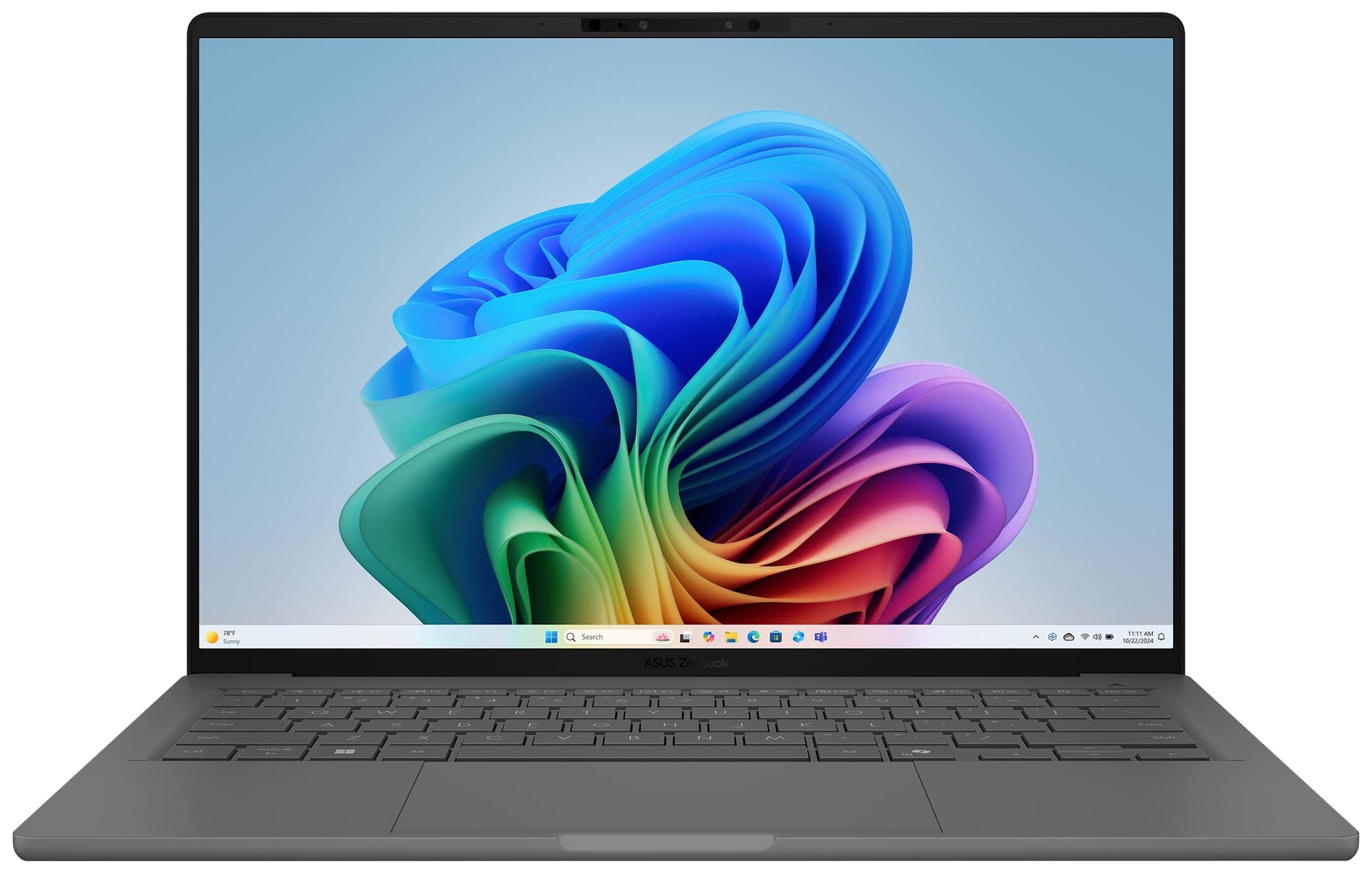
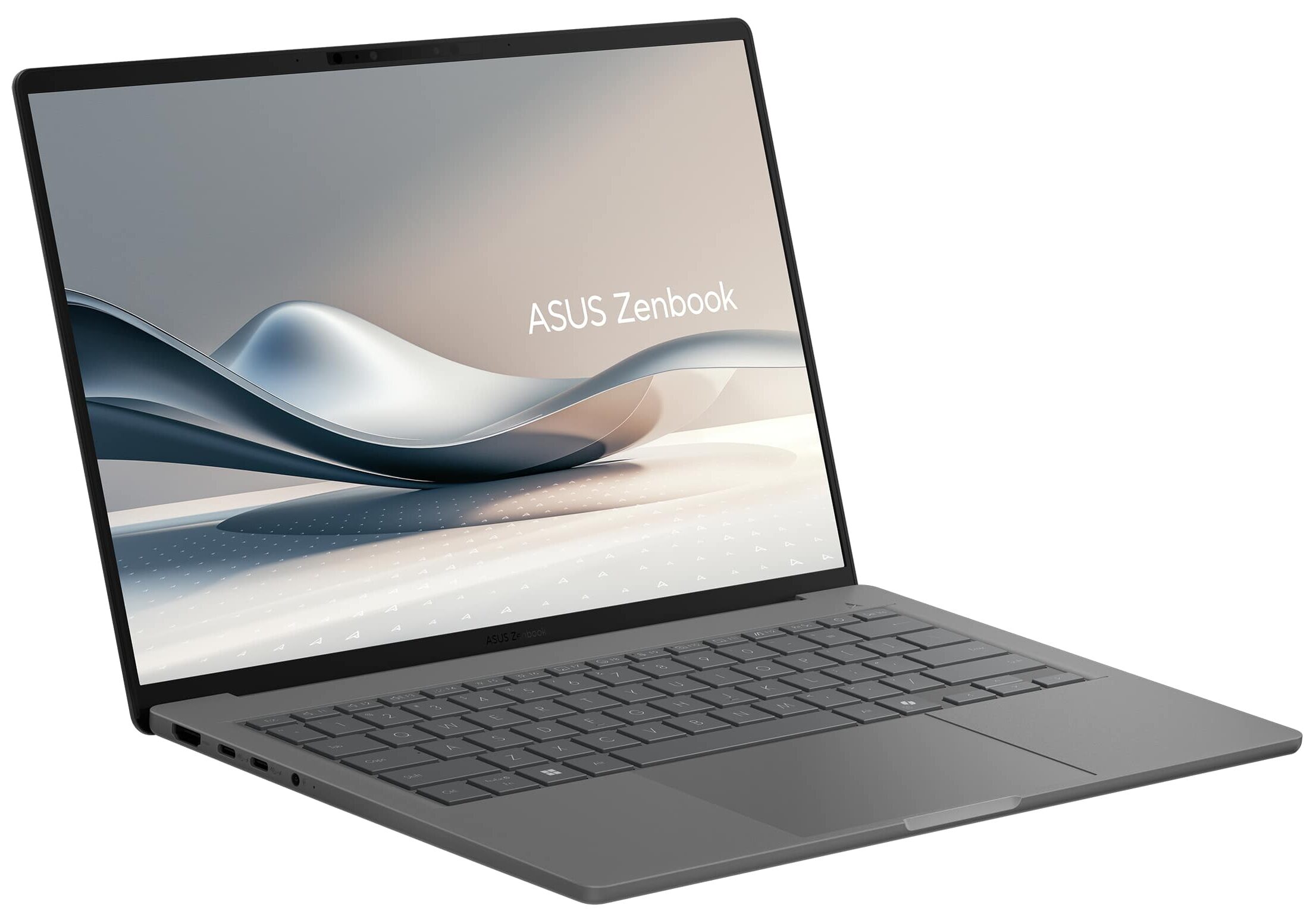
ASUS Zenbook A14 (UX3407)
ASUS Zenbook A14 (UX3407) - Specs

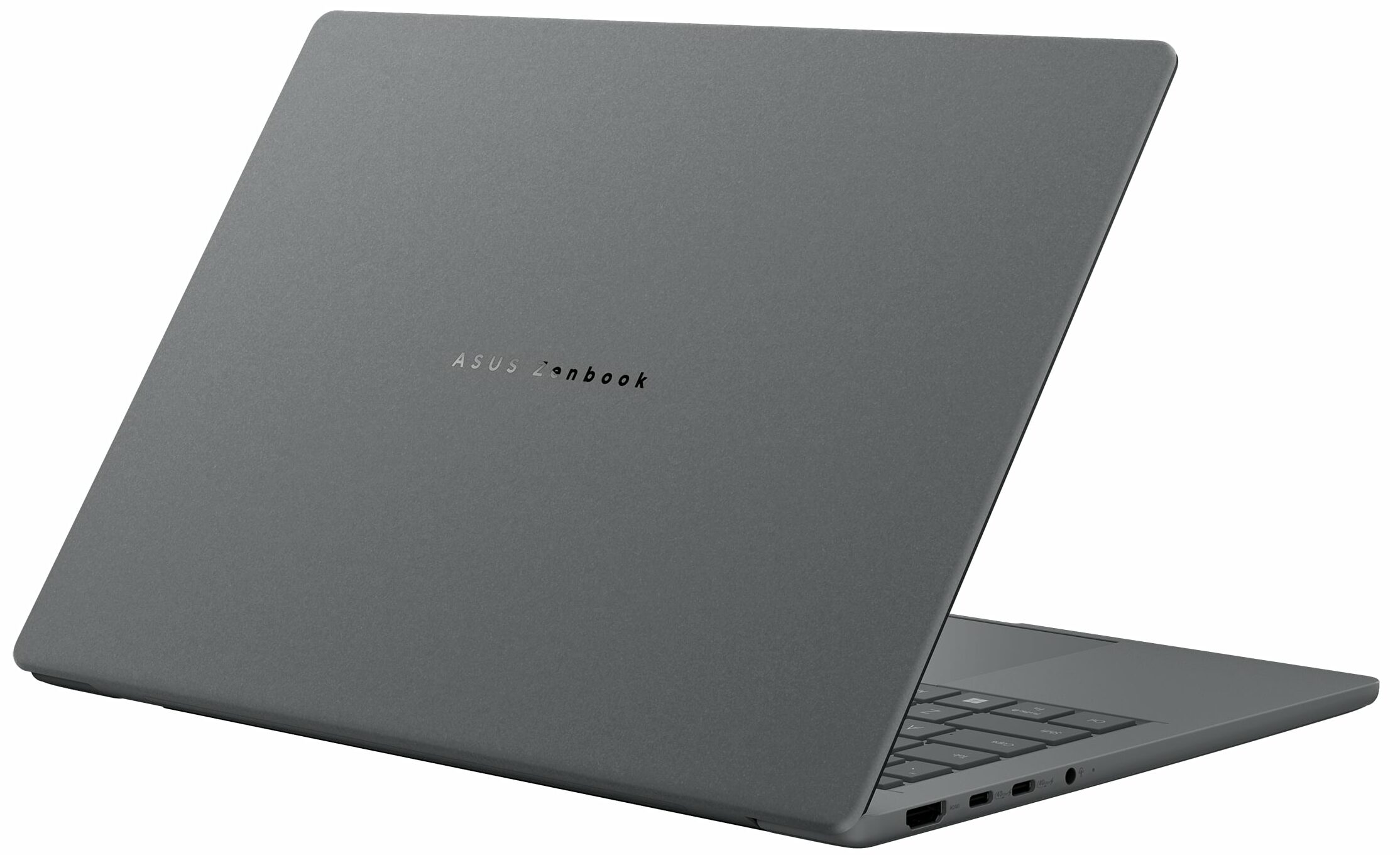
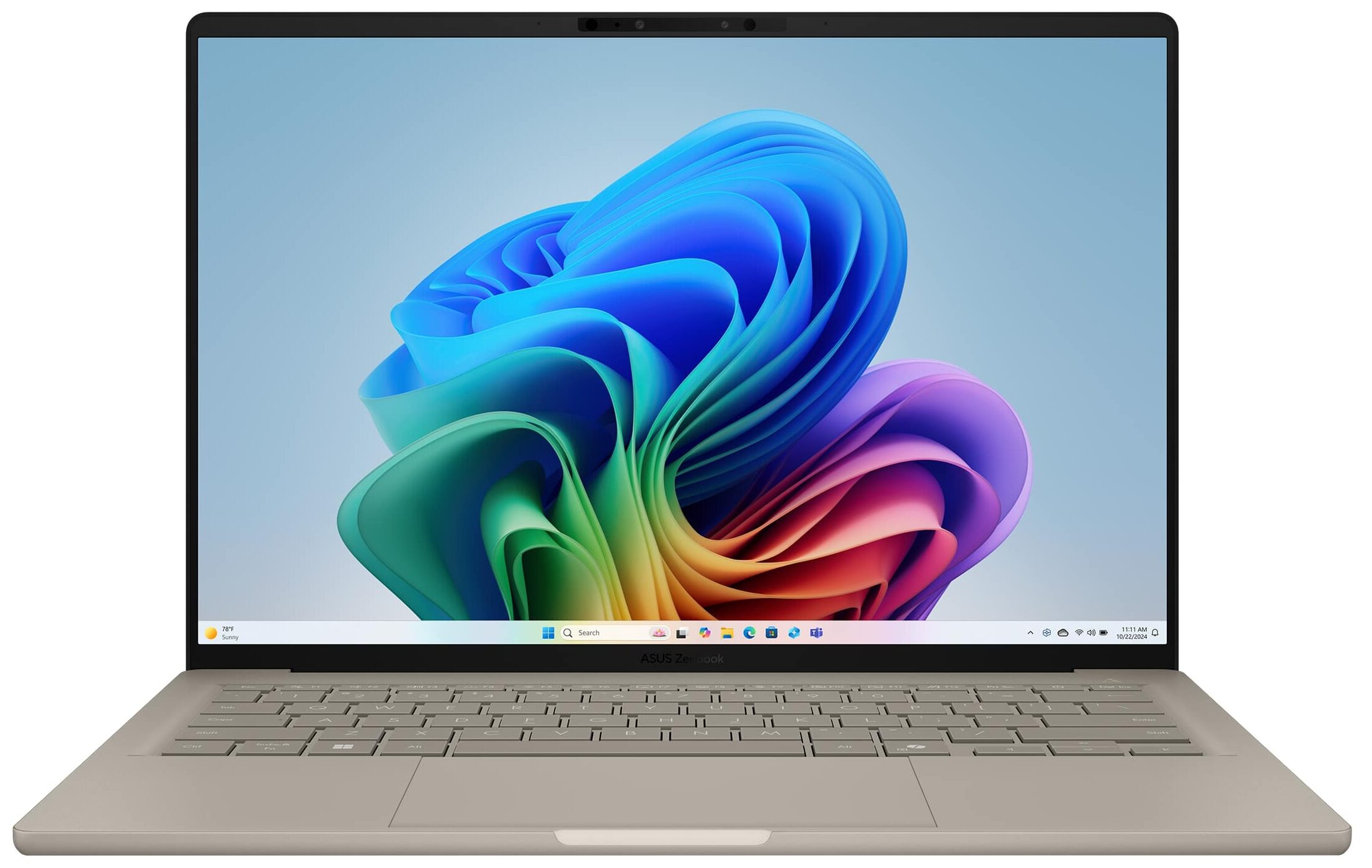
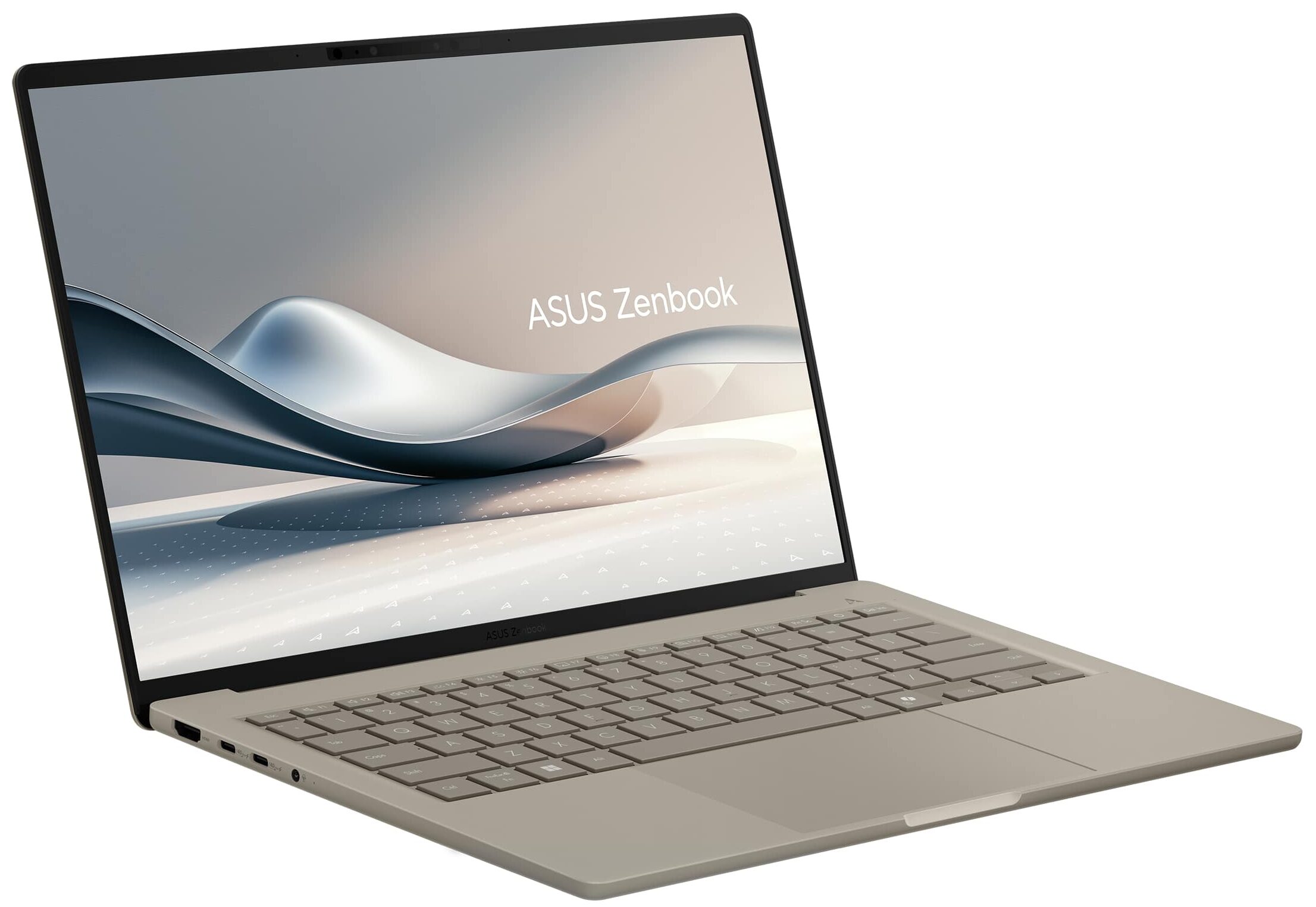

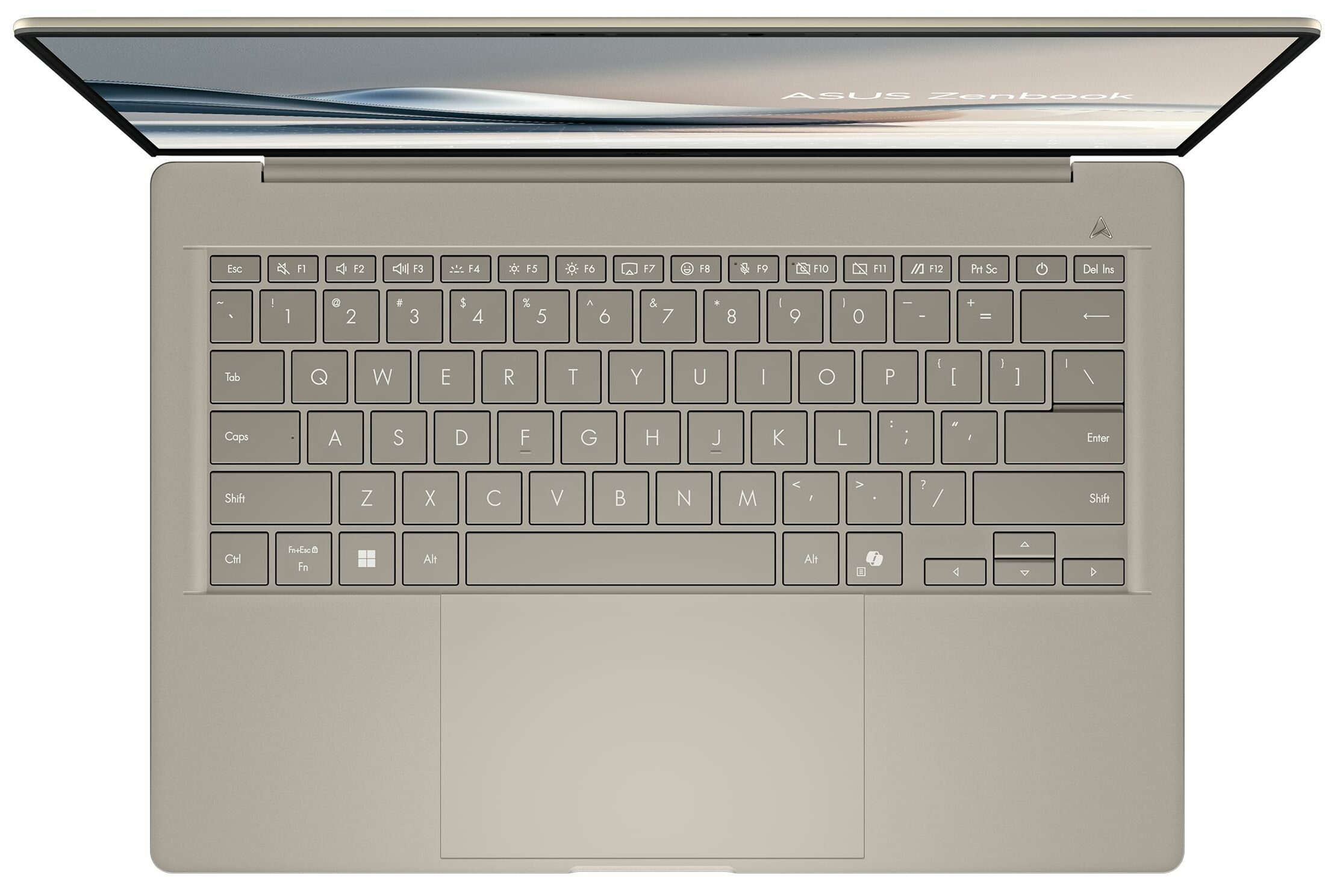
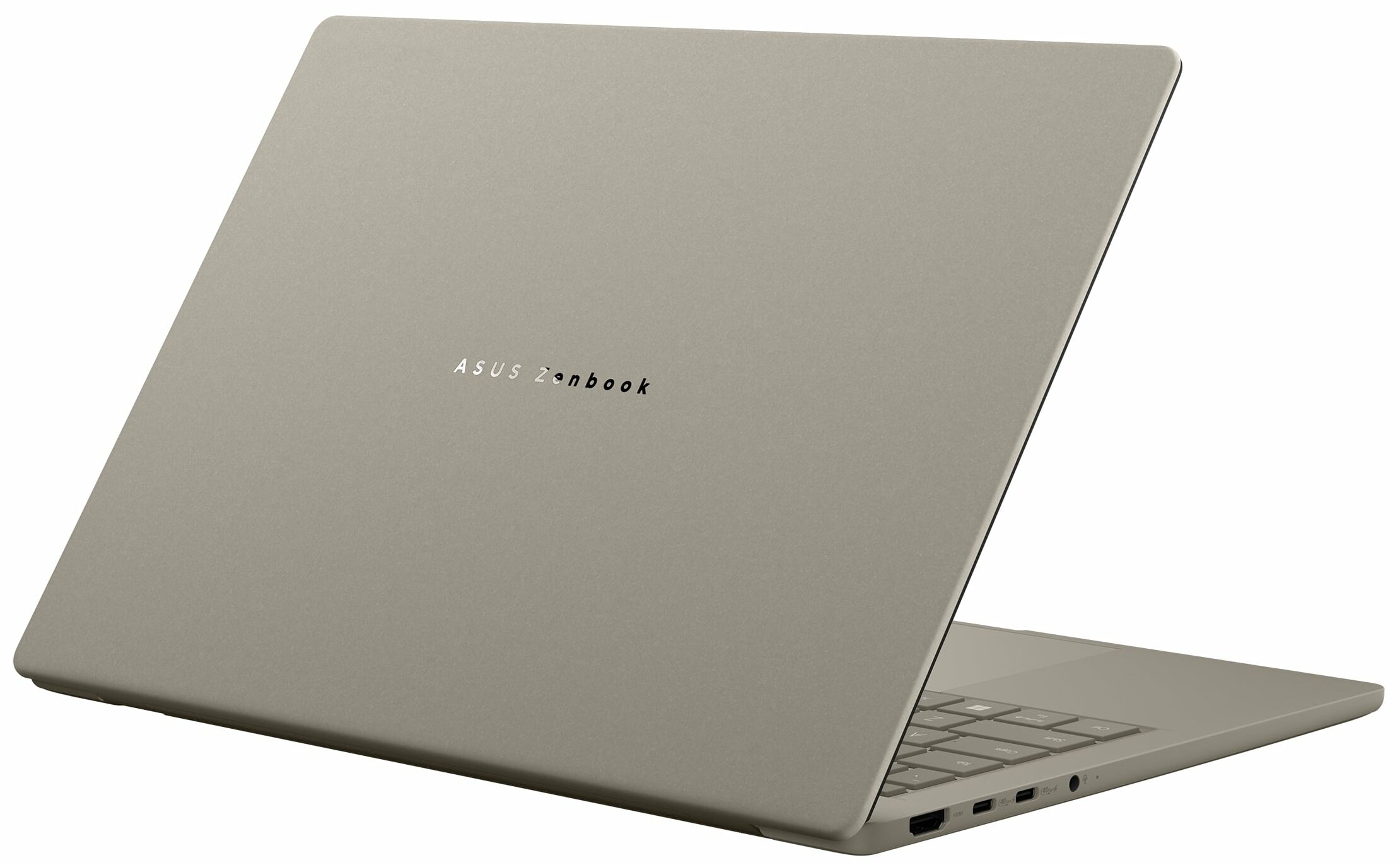

- HDD/SSD
- up to 4000GB SSD
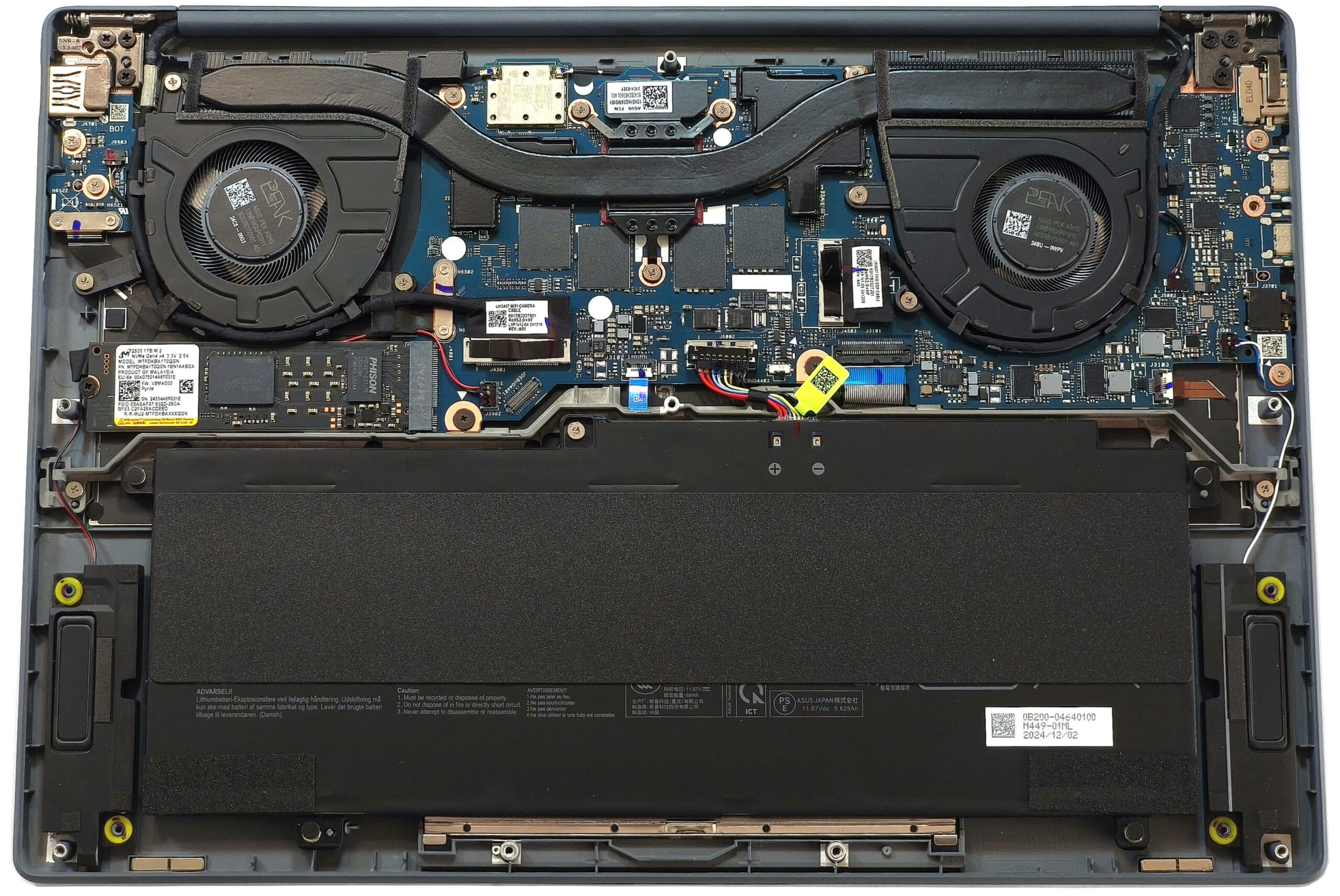
- M.2 Slot
- 1x 2280 M.2 NVMe PCIe 4.0 x4 See photo
- RAM
- up to 32GB
- OS
- Windows 11 Home, Windows 11 Pro
- Battery
- 70Wh
- Body material
- Aluminum (Ceraluminum)
- Dimensions
- 310.7 x 213.9 x 13.4 ~ 15.9 mm (12.23" x 8.42" x 0.53")
- Weight
- 0.90 kg (2 lbs)
- Ports and connectivity
- 1x USB Type-A
- 3.2 Gen 2 (10 Gbps)
- 2x USB Type-C
- 4.0, Power Delivery (PD), DisplayPort
- HDMI
- 2.1
- Card reader
- Ethernet LAN
- Wi-Fi
- Wi-Fi 7
- Bluetooth
- 5.4
- Audio jack
- 3.5mm Combo Jack
- Features
- Fingerprint reader
- optional
- Web camera
- FHD IR with Windows Hello Face Authentication
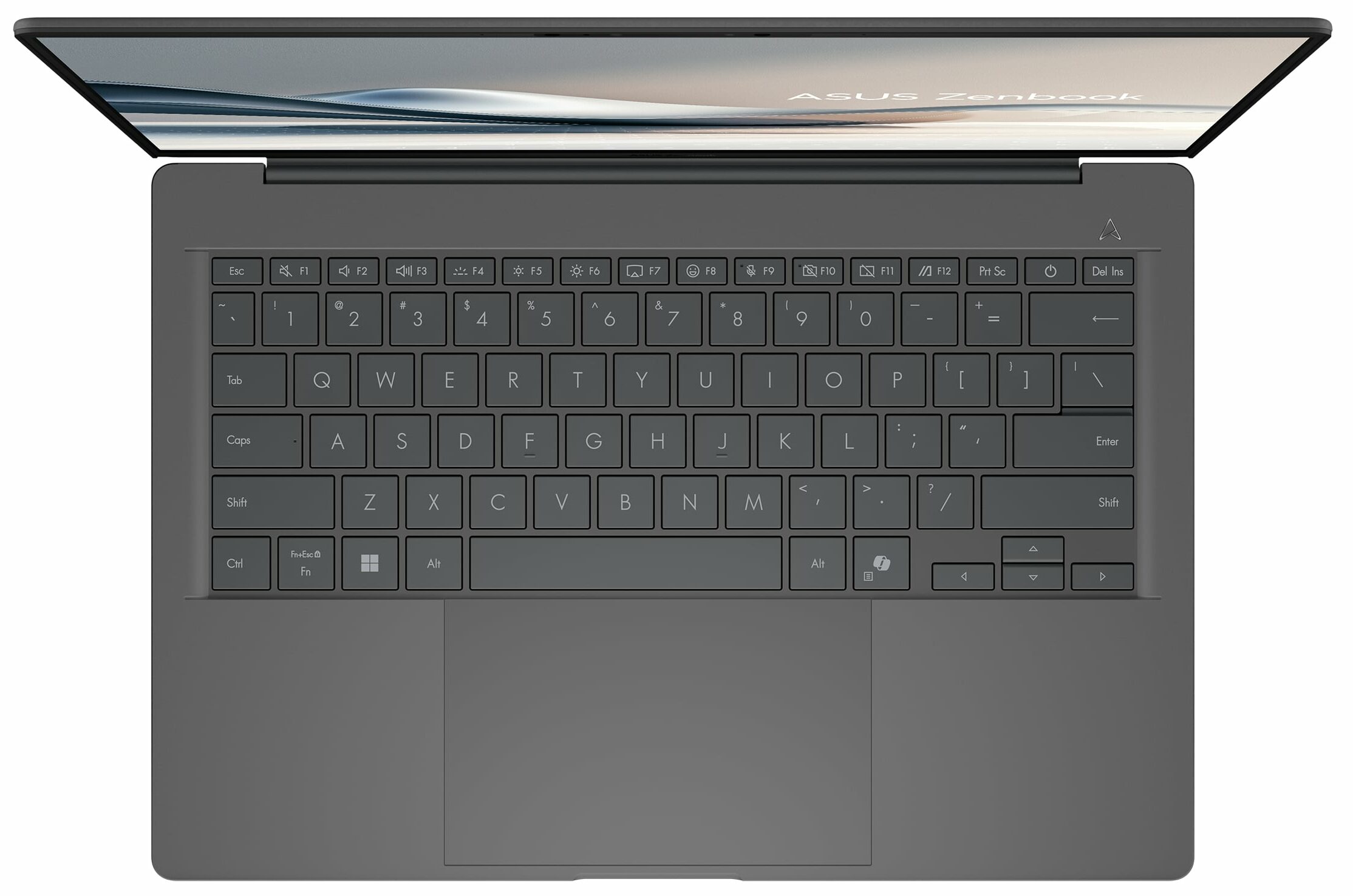
- Backlit keyboard
- optional
- Microphone
- Array Microphone
- Speakers
- Speakers by SonicMaster
- Optical drive
- Security Lock slot
All ASUS Zenbook A14 (UX3407) configurations
Buy our profiles for Samsung ATNA40CT06-0 (SDC420D) / 14.0”, WUXGA (1920 x 1200), OLED
In addition to receiving efficient and health-friendly profiles, by buying LaptopMedia's products you also support the development of our labs, where we test devices in order to produce the most objective reviews possible.

Design and Office
The Design and Office profile makes display colors as close to real as possible.Ideal not only for professionals but also for everyday users, it meets sRGB standards (D65 white point, sRGB gamma) with minimal DeltaE for precise color reproduction on your panel.

Gaming and Movies
Have you ever watched a movie where, during dark scenes, you can barely see anything? Many displays fail to distinguish dark tones properly. Our Gaming and Movies profile enhances low-light performance, like HDR tech, using a gamma curve tailored to human perception — ideal for gamers seeking faster reactions and clearer visuals.

Health-Guard
Our Health-Guard profile protects your eyes by eliminating PWM flickering, reducing strain and fatigue, and minimizing harmful Blue light exposure that can disrupt sleep and health. It uses software dimming and a gamma curve tailored to human perception for comfort and safety during screen use.
Get All The Profiles With 33% Discount!

CPU performance
Here you can find the price/performance difference between all the CPUs that come in the ASUS Zenbook A14 (UX3407) series.
Here, we evaluate the CPU's performance using a real-world 3D rendering task, assessing its ability to handle complex computations and rendering workloads efficiently.
Results are from the Cinebench 2024 Multi-Core test (higher is better)
ASUS Zenbook A14 (UX3407) in-depth review
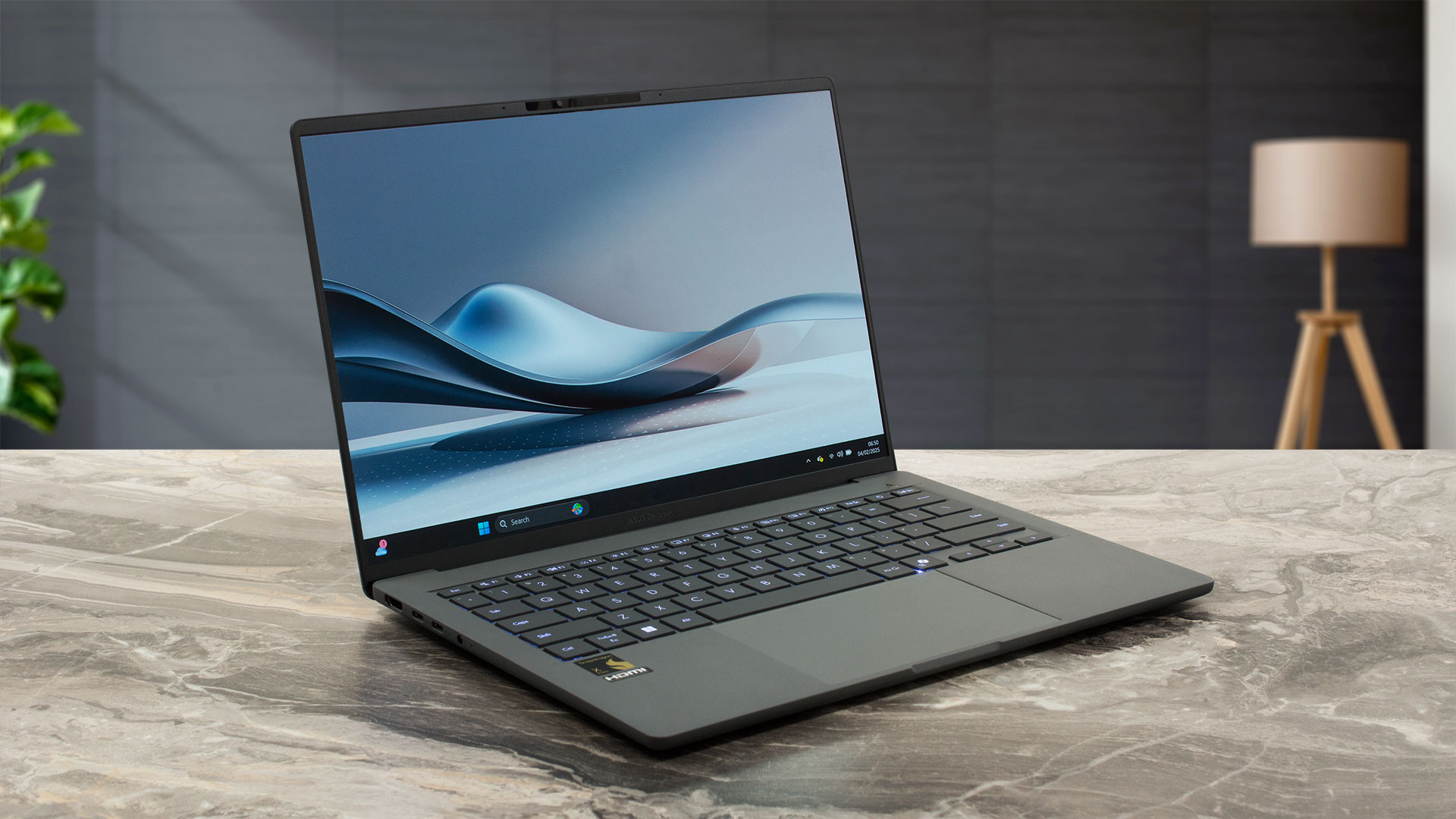
One of the most impressive things regarding the Zenbook A14 (UX3407) is its sub-1 kilo weight. Yep, that's an ultra-light 14-inch Copilot+ PC that is powered by an eight or 12-core Snapdragon SoC. This also means that the upgradability is limited. Well, at least you can change the SSD drive with a bigger one. Because of the up to 45 NPU TOPS, this small fella is great for AI tasks, for those who need such functionality. Curiously, the Wi-Fi 7 connectivity is only available for the top-end X Elite CPU. The port selection is good for such a thin machine with its two USB4 connectors alongside a T[...]
Pros
- Great OLED display with 100% sRGB and DCI-P3 coverage (SDC420D)
- Infinite contrast ratio (SDC420D)
- 603 nits in HDR and 391 nits max brightness in SDR mode (SDC420D)
- Superb color accuracy (SDC420D)
- Outstanding 3D rendering performance, especially for this kind of size
- Light and thin (sub-1.0 kg / 13.4 - 15.9 mm)
- Quality speakers
- Good keyboard
- Big and smooth touchpad
- 1080p IR Web camera
- Very good overall performance given the thin profile
- Up to 32GB of soldered LPDDR5x RAM
- Very long battery life (~ 20 hours of videos)
- The Snapdragon X Elite X1E-78-100 maintains 3.42 GHz in short loads
- The Ceraluminum build is sturdy and premium
- 2x Type-C + 1x Type-A ports
- Good for AI tasks
- Feels super responsive for normal work
- Up to 45 NPU TOPS
Cons
- 92°C CPU temperature in medium loads
- Only one M.2 slot + soldered memory
- No fingerprint reader
- The Wi-Fi 7 connectivity is reserved only for the top-end SoC model


![[August 2026] Amazon Italy: Top 10 Best-Selling Laptops – Apple MacBook Neo Claims the Crown as Budget and Mid-Range Windows Machines Dominate Volume](https://laptopmedia.com/wp-content/uploads/2026/09/Best-Selling-Laptops-IT-Top-10-400x225.jpg)
![[August 2026] Amazon Italy: Top 7 Best-Selling Gaming Laptops – ASUS V16 Claims the #1 Spot Amid Strong Mid-Range Demand](https://laptopmedia.com/wp-content/uploads/2026/09/Best-Selling-Gaming-Laptops-IT-Top-10-400x225.jpg)
![[August 2026] Best-Selling Laptop Brands on Amazon Italy – Lenovo Dominates Market Share and Revenue Leadership](https://laptopmedia.com/wp-content/uploads/2026/09/IT-Best-Brands-400x225.jpg)
![[August 2026] Amazon India: Top 10 Best-Selling Laptops – Apple MacBook Neo Dominates the Charts with Massive Sales Lead](https://laptopmedia.com/wp-content/uploads/2026/09/Best-Selling-Laptops-IN-Top-10-400x225.jpg)
![[August 2026] Amazon India: Top 10 Best-Selling Gaming Laptops – HP Victus 15 Dominates the Market with Massive Unit Lead](https://laptopmedia.com/wp-content/uploads/2026/09/Best-Selling-Gaming-Laptops-IN-Top-10-400x225.jpg)