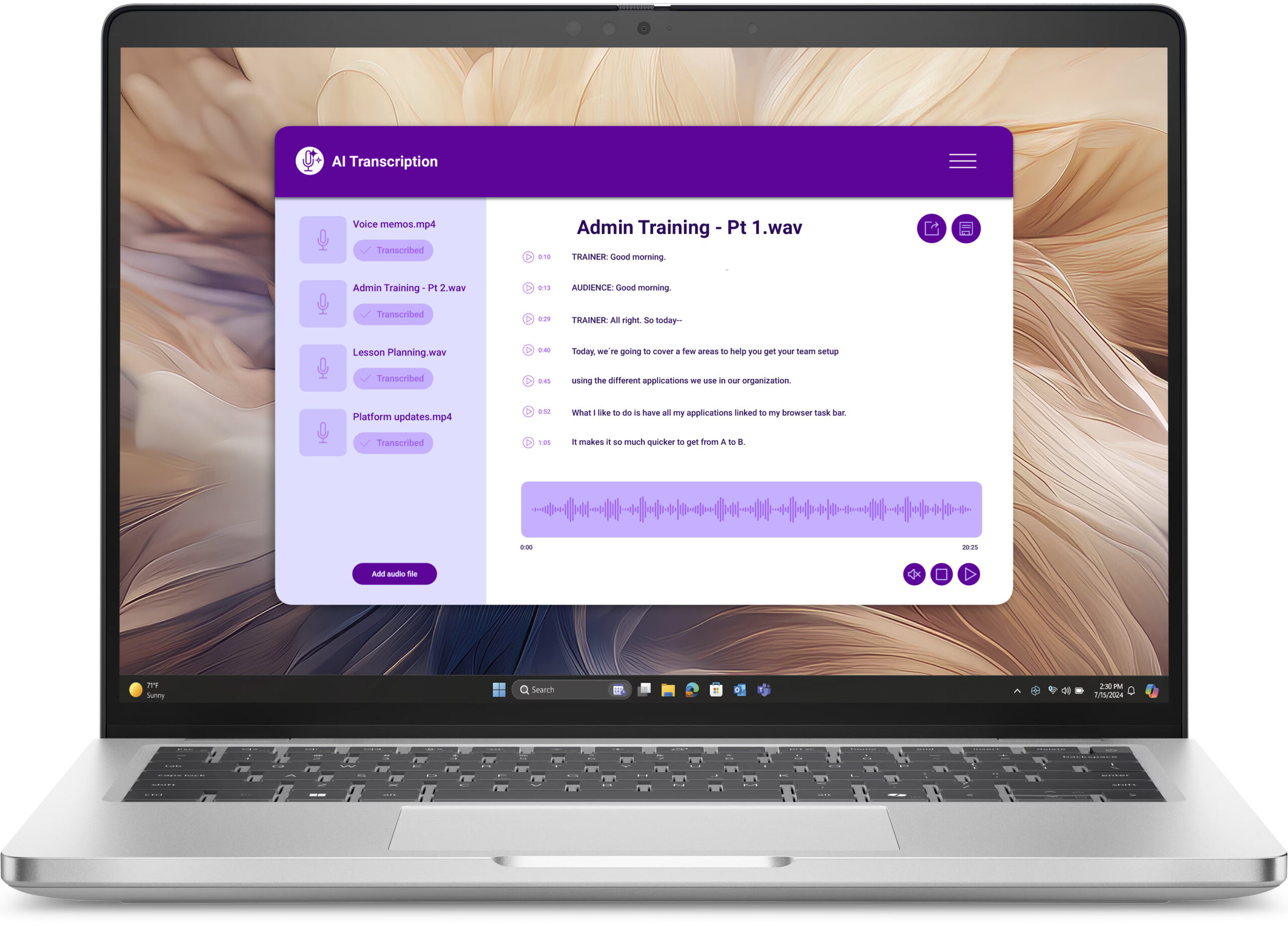
Dell Pro 14 Plus (PB14250, Intel Core Ultra 200V Series)
Dell Pro 14 Plus (PB14250, Intel Core Ultra 200V Series) - Specs

- HDD/SSD
- up to 4000GB SSD
- M.2 Slot
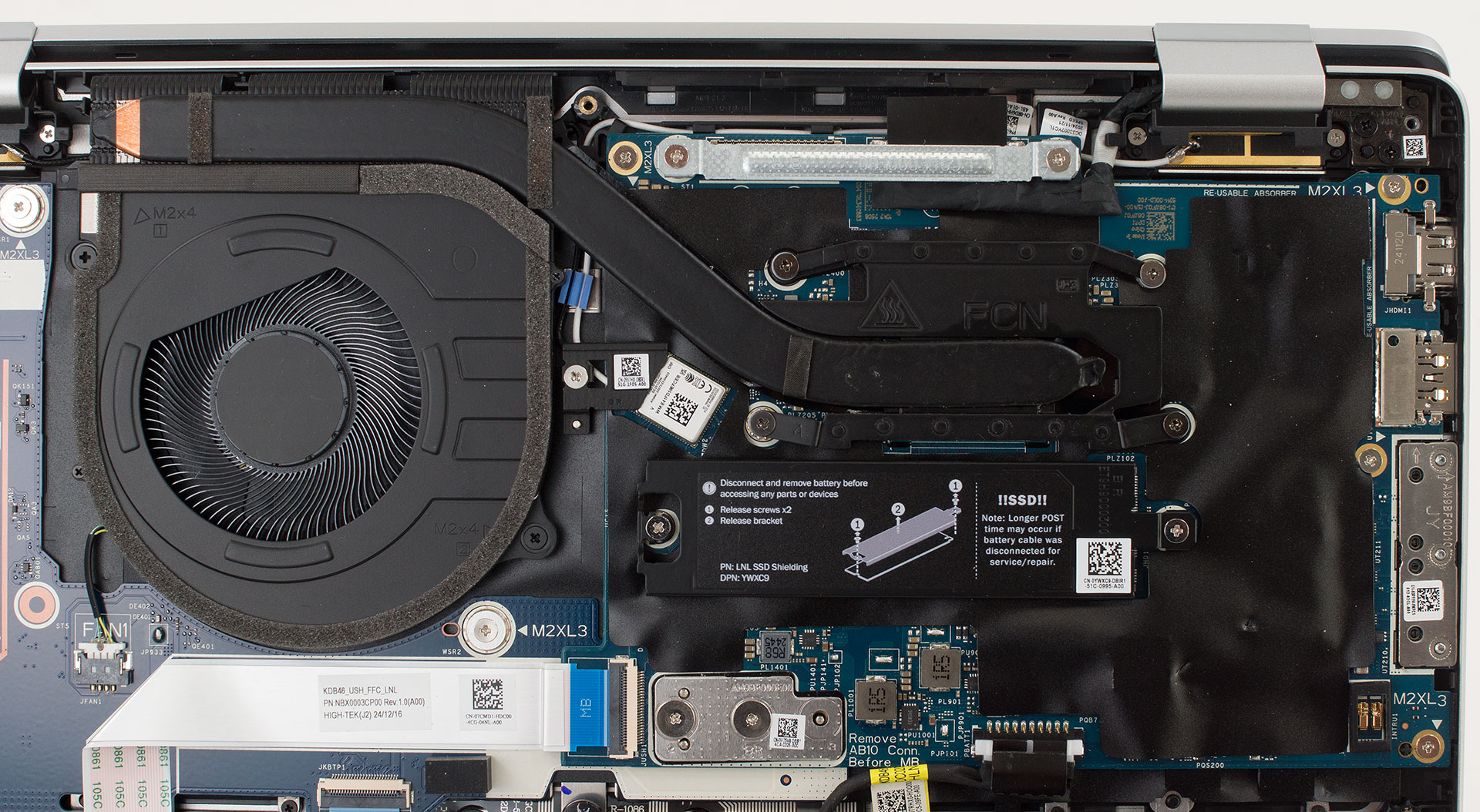
- 1x 2230 M.2 NVMe PCIe 4.0 x4 See photo
- RAM
- up to 32GB
- OS
- Windows 11 Home, Windows 11 Pro, Windows 10 Pro, No OS
- Battery
- 55Wh
- Dimensions
- 313.50 x 224 x 19.50 - 21.20 mm (12.34" x 8.82" x 0.77")
- Weight
- 1.40 kg (3.1 lbs)
- Ports and connectivity
- 1x USB Type-A
- 3.2 Gen 1 (5 Gbps)
- 1x USB Type-A
- 3.2 Gen 1 (5 Gbps), Sleep and Charge
- 2x USB Type-C
- 4.0, Thunderbolt 4, Power Delivery (PD), DisplayPort
- HDMI
- 2.1
- Card reader
- Ethernet LAN
- Wi-Fi
- Wi-Fi 7
- Bluetooth
- 5.4
- Audio jack
- 3.5mm Combo Jack
- Features
- Fingerprint reader
- optional
- Web camera
- 1x RGB Camera / 1x RGB + IR Camera / 1x MIPI + IR Camera
- Backlit keyboard
- optional
- Microphone
- Digital Array Microphones
- Speakers
- 2x 2.5W Stereo Speakers
- Security Lock slot
- Wedge Lock
All Dell Pro 14 Plus (PB14250, Intel Core Ultra 200V Series) configurations
CPU performance
Here you can find the price/performance difference between all the CPUs that come in the Dell Pro 14 Plus (PB14250, Intel Core Ultra 200V Series) series.
Here, we evaluate the CPU's performance using a real-world 3D rendering task, assessing its ability to handle complex computations and rendering workloads efficiently.
Results are from the Cinebench 2024 Multi-Core test (higher is better)
GPU performance
Here you can find the price/performance difference between all the GPUs that come in the Dell Pro 14 Plus (PB14250, Intel Core Ultra 200V Series) series.
The results are from 3DMark Time Spy (Graphics). Higher is better.
Dell Pro 14 Plus (PB14250, Intel Core Ultra 200V Series) in-depth review
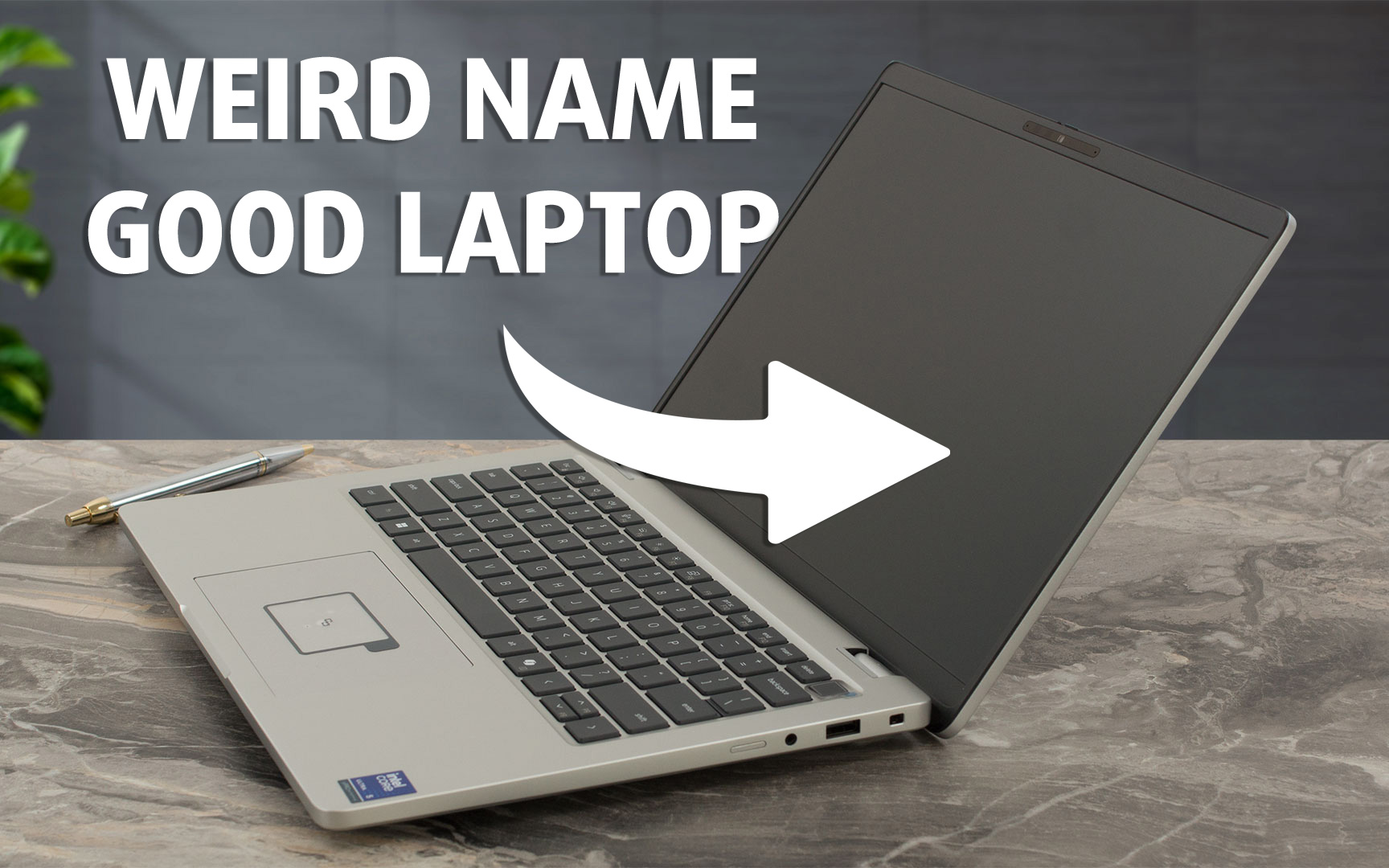
Recently, we navigated the sleek lines of the Dell Pro 14 Premium, model "PA14250" (in-depth review). Now, we have its sibling, the "PB14250," in our lab. First, a moment of appreciation for Dell's "beautifully intuitive naming scheme" (/s)... That "B" in PB14250? It stands for "Plus," slotting this model just below the "A" (Premium) tier, and above the base "C" variant in Dell's Pro Laptop hierarchy. The "P" signifies Pro Laptop, "14" the screen size, "25" the year (2025), and the final "0" points to an Intel CPU. The more you know!So, with the "Plus" designation, what can we expect from [...]
Pros
- Robust and premium all-aluminum construction with excellent fingerprint resistance
- Excellent battery life (16+ hours with 55Wh battery)
- Strong performance for productivity tasks with Intel Core Ultra CPUs
- Good thermal management, remaining quiet and cool under normal load
- Comprehensive security features (physical webcam shutter, fingerprint reader, optional Smartcard, NFC)
- Modern and versatile port selection including dual Thunderbolt 4 and HDMI 2.1
- Comfortable keyboard with backlight
- PWM-free display backlight for comfortable viewing
- Optional Wi-Fi 7 and WWAN connectivity
- Good sound quality
Cons
- Very limited display color gamut (only 51% sRGB on reviewed FHD+ panel)
- Mediocre factory color accuracy on reviewed FHD+ panel
- Soldered RAM limits upgradeability
- Single M.2 2230 slot for storage
- Optional RJ45 Ethernet port is limited to specific CPU configurations
- Keyboard backlighting is not standard on all configurations


![[September 2026] Best-Selling Laptop Brands on Amazon Global – Apple Dominates the Market with Over 70% Revenue Share](https://laptopmedia.com/wp-content/uploads/2026/10/GLOBAL-Best-Brands-400x225.jpg)
![[September 2026] Amazon Global: Top 10 Best-Selling Laptops – Apple’s MacBook Neo Claims the #1 Spot as Budget and Premium Devices Dominate](https://laptopmedia.com/wp-content/uploads/2026/10/Best-Selling-Laptops-GLOBAL-Top-10-400x225.jpg)
![[September 2026] Amazon Global: Top 10 Best-Selling Gaming Laptops – ASUS ROG Strix G16 Dominates the Market with Record-Breaking Unit Sales](https://laptopmedia.com/wp-content/uploads/2026/10/Best-Selling-Gaming-Laptops-GLOBAL-Top-10-400x225.jpg)
![[September 2026] Global Ranking of Best-Selling Laptop GPUs on Amazon – Apple’s M5 Chip Obliterates NVIDIA in Premium Laptops, But the RTX 5060 Is the Only Dedicated GPU to Crack the Top 10](https://laptopmedia.com/wp-content/uploads/2026/10/Best-Selling-GPUs-GLOBAL-Top-10-400x225.jpg)
![[September 2026] Global Ranking of Best-Selling Laptop CPUs on Amazon – Apple’s M5 Crushes Intel as Premium Market Becomes a One-Horse Race](https://laptopmedia.com/wp-content/uploads/2026/10/Best-Selling-CPUs-GLOBAL-Top-10-400x225.jpg)