Şubat 01, 2024
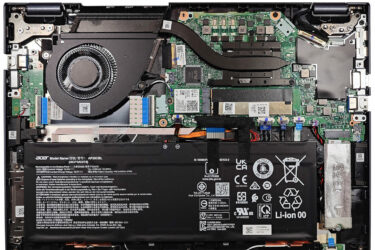
0How to open Acer TravelMate P4 (TMP413-51) – disassembly and upgrade options
Step 1: Accessing the Internal Components Ensure the Acer TravelMate P4 (TMP413-51) is powered off and placed on a soft, clean surface to prevent scratches or damage. Remove the 9 Torx-head screws from the bottom…
Şubat 01, 2024
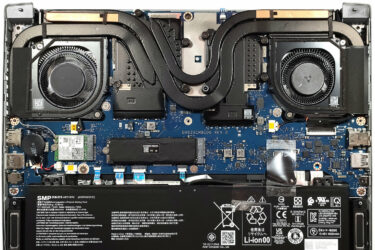
0How to open Acer Predator Triton 14 (PT14-51) – disassembly and upgrade options
Step 1: Accessing the Internal Components Ensure the Acer Predator Triton 14 (PT14-51) is powered off and placed on a soft, clean surface to prevent scratches or damage. Remove the 9 Torx-head screws from the…
Şubat 01, 2024
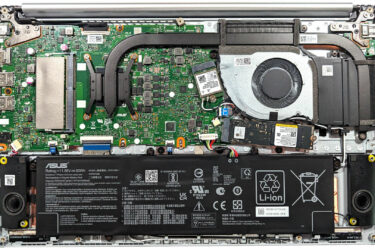
0How to open ASUS Vivobook 15 OLED (M1505) – disassembly and upgrade options
Step 1: Accessing the Internal Components Ensure the ASUS Vivobook 15 OLED (M1505) is powered off and placed on a soft, clean surface to prevent scratches or damage. Remove the 10 Phillips-head screws securing…
Şubat 01, 2024
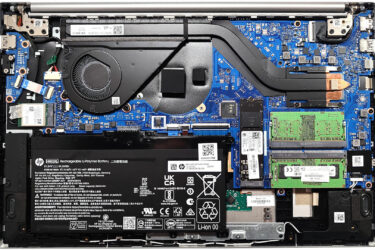
0How to open HP Pavilion 15 (15-eg3000) – disassembly and upgrade options
Step 1: Accessing the Internal Components Ensure the HP Pavilion 15 (15-eg3000) is powered off and placed on a soft, clean surface to prevent scratches or damage. Remove the six Phillips-head screws from the bottom…
Şubat 01, 2024
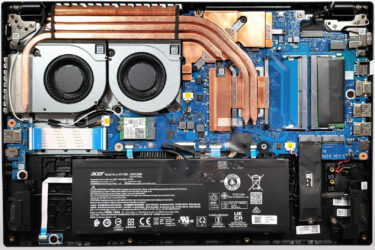
3How to open Acer Nitro V 15 (ANV15-51) – disassembly and upgrade options
Step 1: Accessing the Internal Components Ensure the Acer Nitro V 15 (ANV15-51) is powered off and placed on a soft, clean surface to prevent scratches or damage. Remove the 11 Phillips-head screws from the…
Şubat 01, 2024
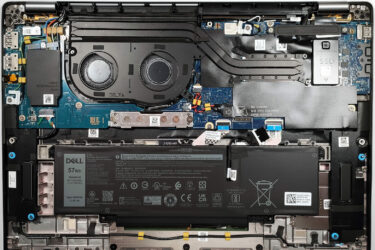
0How to open Dell Latitude 16 7640 – disassembly and upgrade options
Step 1: Accessing the Internal Components Ensure the Dell Latitude 16 7640 is powered off and placed on a soft, clean surface to prevent scratches or damage. Remove the 8 Phillips-head screws from the bottom…
Şubat 01, 2024
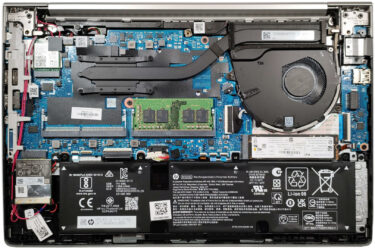
0How to open HP EliteBook 640 G10 – disassembly and upgrade options
Step 1: Accessing the Internal Components Ensure the HP EliteBook 640 G10 is powered off and placed on a soft, clean surface to prevent scratches or damage. Undo the 5 captive Phillips-head screws on the…
Şubat 01, 2024
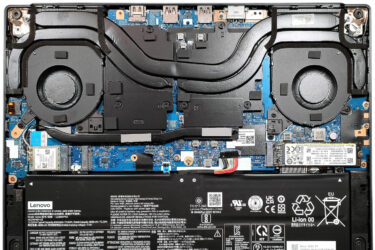
0How to open Lenovo Legion Slim 5 (14, Gen 8) – disassembly and upgrade options
Step 1: Accessing the Internal Components Ensure the Lenovo Legion Slim 5 (14, Gen 8) is powered off and placed on a soft, clean surface to prevent scratches or damage. Remove the 10 Phillips-head screws…
Şubat 01, 2024
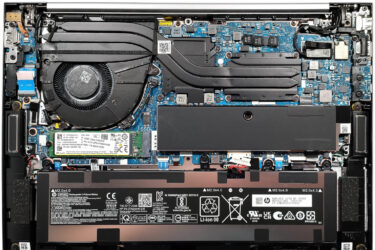
0How to open HP ZBook Firefly 14 G10 – disassembly and upgrade options
Step 1: Accessing the Internal Components Ensure the HP ZBook Firefly 14 G10 is powered off and placed on a soft, clean surface to prevent scratches or damage. Remove the 5 captive Phillips-head screws from…
Şubat 01, 2024
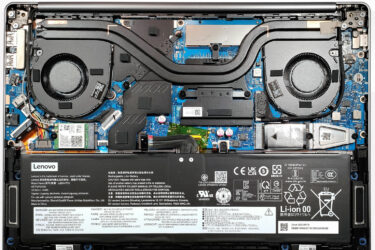
0How to open Lenovo IdeaPad Pro 5i (14, Gen 8) – disassembly and upgrade options
Step 1: Accessing the Internal Components Ensure the Lenovo IdeaPad Pro 5i (14, Gen 8) is powered off and placed on a soft, clean surface to prevent scratches or damage. Remove the 6 Torx-head screws…
Şubat 01, 2024
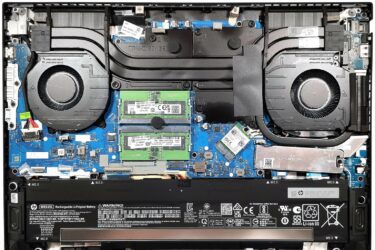
0How to open HP Omen 16 (16-wd0000) – disassembly and upgrade options
Step 1: Accessing the Internal Components Ensure the HP Omen 16 (16-wd0000) is powered off and placed on a soft, clean surface to prevent scratches or damage. Remove the 8 Phillips-head screws from the bottom…
Şubat 01, 2024
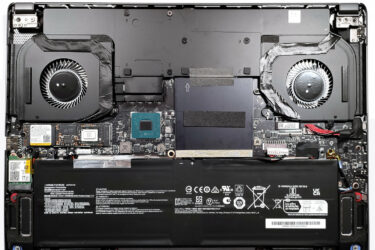
0How to open MSI Creator Z16 HX Studio (A13V) – disassembly and upgrade options
Step 1: Accessing the Internal Components Ensure the MSI Creator Z16 HX Studio (A13V) is powered off and placed on a soft, clean surface to prevent scratches or damage. Remove the 6 Phillips-head screws from…
Şubat 01, 2024
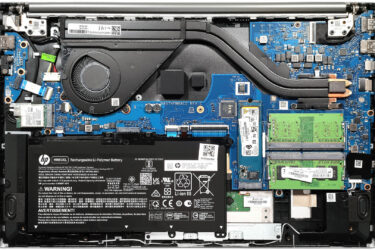
0How to open HP Pavilion 15 (15-eh3000) – disassembly and upgrade options
Step 1: Accessing the Internal Components Ensure the HP Pavilion 15 (15-eh3000) is powered off and placed on a soft, clean surface to prevent scratches or damage. Remove the six Phillips-head screws from the bottom…
Şubat 01, 2024
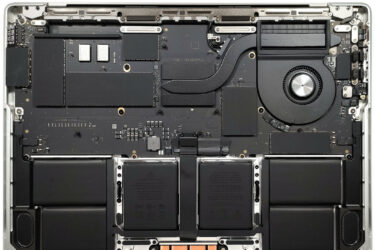
0How to open Apple MacBook Pro (14-inch, M3) – disassembly and (no) upgrade options
Step 1: Accessing the Internal Components Power off your Apple MacBook Pro (14-inch, M3) to ensure safety and prevent any damage. Remove the six Pentalobe screws from the bottom of the laptop. Attach a suction…
Şubat 01, 2024
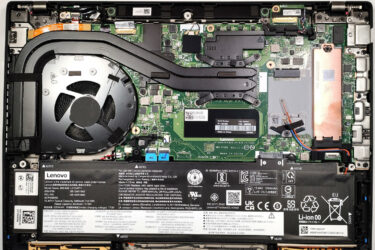
2How to open Lenovo ThinkPad P14s Gen 4 – disassembly and upgrade options
Step 1: Accessing the Internal Components Ensure the Lenovo ThinkPad P14s Gen 4 is powered off and placed on a soft, clean surface to prevent scratches or damage. Unscrew the seven captive Phillips-head screws from…
Şubat 01, 2024
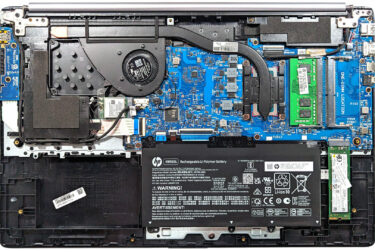
2How to open HP 470 G10 – disassembly and upgrade options
Step 1: Accessing the Internal Components Power off the HP 470 G10 and place it on a soft, clean surface to prevent scratches or damage. Remove the four Phillips-head screws visible on the bottom of…
Şubat 01, 2024
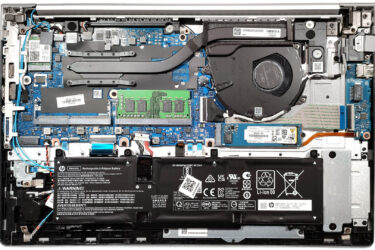
0How to open HP EliteBook 650 G10 – disassembly and upgrade options
Step 1: Accessing the Internal Components Ensure the HP EliteBook 650 G10 is powered off and placed on a soft, clean surface to prevent scratches or damage. Remove the 5 Phillips-head screws from the bottom…
Şubat 01, 2024
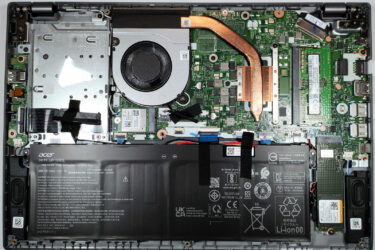
1How to open Acer Aspire 5 (A514-55) – disassembly and upgrade options
Step 1: Accessing the Internal Components Ensure the Acer Aspire 5 (A514-55) is powered off and placed on a soft, clean surface to prevent scratches or damage. Remove the 10 Phillips-head screws from the bottom…
Şubat 01, 2024
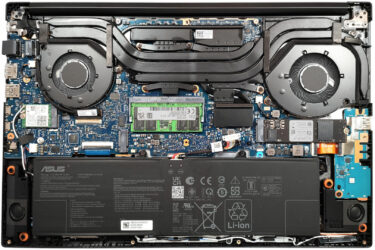
0How to open ASUS Vivobook Pro 15 OLED (N6506) – disassembly and upgrade options
Step 1: Opening the ASUS Vivobook Pro 15 OLED (N6506) Ensure the ASUS Vivobook Pro 15 OLED is turned off and placed on a soft surface to prevent damage. Remove the 10 Torx-head screws securing…
Şubat 01, 2024
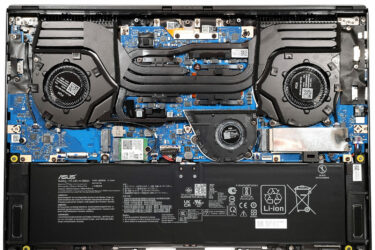
3How to open ASUS ROG Zephyrus G16 GU605 – disassembly and upgrade options
Step 1: Accessing the ASUS ROG Zephyrus G16 GU605 Ensure the ASUS ROG Zephyrus G16 GU605 is powered off and placed on a soft surface to prevent any damage. Remove the 11 Torx-head screws securing…


![[Ağustos 2026] Amazon’da En Çok Satan Dizüstü Bilgisayar GPU’larının Küresel Sıralaması – Apple Liderliğini Sürdürüyor, NVIDIA’nın RTX 5060 Modeli Özel GPU Sıralamasında Zirvede](https://laptopmedia.com/wp-content/uploads/2026/09/Best-Selling-GPUs-GLOBAL-Top-10-400x225.jpg)
![[Ağustos 2026] Amazon’da En Çok Satan Dizüstü Bilgisayar İşlemcilerinin Küresel Sıralaması – Apple Hem Ekonomik Hem de Üst Sınıf Segmentte Hakimiyet Kuruyor: A18 Pro ve M5, Ağustos 2026’da Intel ve AMD’yi Geride Bıraktı](https://laptopmedia.com/wp-content/uploads/2026/09/Best-Selling-CPUs-GLOBAL-Top-10-400x225.jpg)
![[Ağustos 2026] Amazon Global: En Çok Satan 10 Dizüstü Bilgisayar – Apple MacBook Neo Listelerin Zirvesinde Yer Alırken, Ekonomik ve Orta Sınıf Windows Dizüstü Bilgisayarlar Satış Hacmi İçin Rekabet Ediyor](https://laptopmedia.com/wp-content/uploads/2026/09/Best-Selling-Laptops-GLOBAL-Top-10-400x225.jpg)
![[Ağustos 2026] Amazon Global’de En Çok Satan Dizüstü Bilgisayar Markaları – Apple Gelirde Liderken, HP Model Çeşitliliği Konusunda Önde](https://laptopmedia.com/wp-content/uploads/2026/09/GLOBAL-Best-Brands-400x225.jpg)
![[Ağustos 2026] Amazon Global: En Çok Satan 10 Oyun Dizüstü Bilgisayarı – HP Victus 15 Birinci Sırayı Aldı; Listeyi Uygun Fiyatlı Modeller Hakimiyetine Aldı](https://laptopmedia.com/wp-content/uploads/2026/09/Best-Selling-Gaming-Laptops-GLOBAL-Top-10-400x225.jpg)
