Şubat 01, 2024
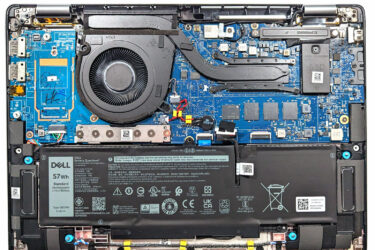
0How to open Dell Latitude 14 7440 – disassembly and upgrade options
Step 1: Opening the Dell Latitude 14 7440 Prepare a clean, soft surface to place the laptop on to avoid scratching its surface. Locate and undo the 8 captive Phillips-head screws on the bottom of…
Şubat 01, 2024
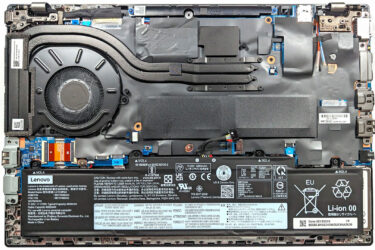
0How to open Lenovo ThinkPad L14 Gen 4 (Intel) – disassembly and upgrade options
Step 1: Opening the Laptop Ensure the Lenovo ThinkPad L14 Gen 4 (Intel) is powered off and placed on a soft, clean surface to prevent scratches or damage. Remove the 11 Phillips-head screws from the…
Şubat 01, 2024
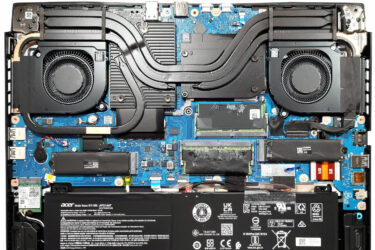
0How to open Acer Nitro 16 (AN16-72) – disassembly and upgrade options
Step 1: Opening the Laptop Turn off the Acer Nitro 16 (AN16-72) and place it on a soft surface to prevent scratches. Remove the 11 Phillips-head screws from the bottom panel of the laptop. Carefully…
Şubat 01, 2024
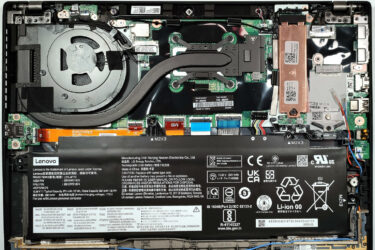
0How to open Lenovo ThinkPad T14s Gen 4 – disassembly and upgrade options
Step 1: Accessing the Internal Components Ensure the Lenovo ThinkPad T14s Gen 4 is powered off and placed on a soft, clean surface to prevent scratches or damage. Remove the 5 captive Phillips-head screws from…
Şubat 01, 2024
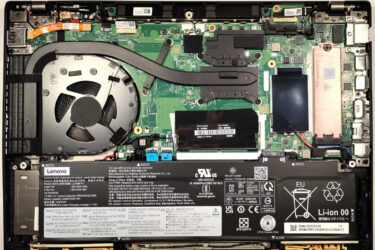
0How to open Lenovo ThinkPad T14 Gen 4 – disassembly and upgrade options
Step 1: Accessing the Internal Components Ensure the Lenovo ThinkPad T14 Gen 4 is powered off and placed on a soft, clean surface to prevent scratches or damage. Unscrew the 7 captive Phillips-head screws from…
Şubat 01, 2024
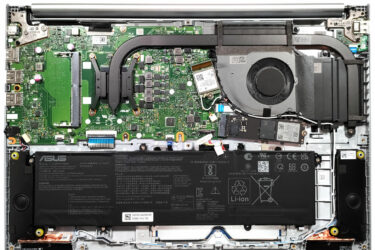
0How to open ASUS Vivobook 16 (M1605) – disassembly and upgrade options
Opening the Notebook Ensure the device is powered off and unplugged from any power source. Remove the 10 Phillips-head screws from the bottom panel. Gently lift the bottom panel near one of the top two…
Şubat 01, 2024
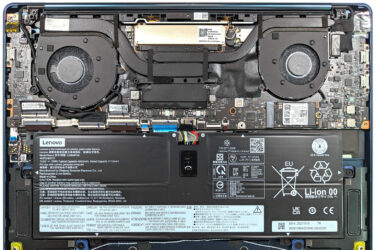
0How to open Lenovo Yoga 9i (14, Gen 9) – disassembly and upgrade options
Accessing the Internals Power off the device and disconnect all cables. Remove the four Torx-head screws and three Phillips-head screws. The Phillips-head screws are located beneath the back rubber foot, which can be removed with…
Şubat 01, 2024
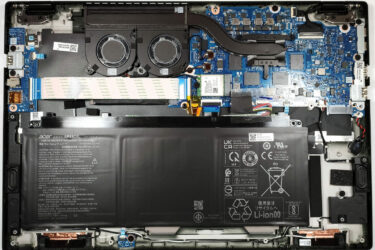
0How to open Acer Swift Edge (SFE16-43) – disassembly and upgrade options
Removing the Bottom Plate Turn off the device and unplug all connected peripherals. Remove the 10 Torx-head screws securing the bottom panel. Using a plastic tool, carefully pry up the bottom panel starting from one…
Şubat 01, 2024
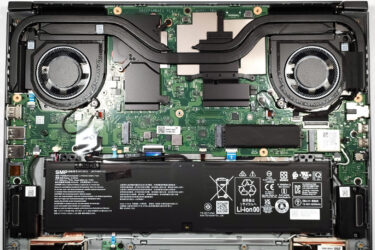
0How to open Acer Swift Edge (SFX16-61G) – disassembly and upgrade options
Removing the Bottom Panel Ensure the laptop is turned off and all peripherals are disconnected. Remove the 11 Torx-head screws securing the bottom panel. Gently pry up the bottom panel using a plastic tool, starting…
Şubat 01, 2024
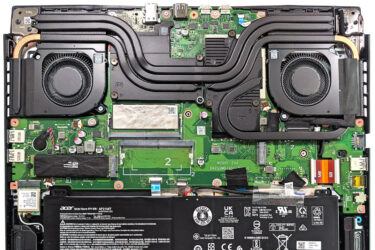
1How to open Acer Nitro 16 (AN16-41) – disassembly and upgrade options
Step 1: Accessing the Internals Ensure the Acer Nitro 16 (AN16-41) is powered off and placed on a soft, clean surface to prevent scratches or damage. Remove the 11 Phillips-head screws from the bottom of…
Ocak 01, 2024
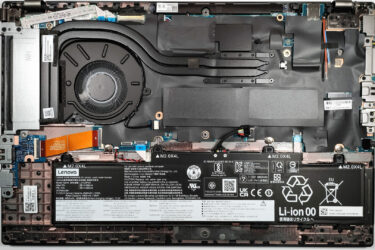
0How to open Lenovo ThinkPad L15 Gen 4 (Intel) – disassembly and upgrade options
Opening the Laptop Undo the 10 Phillips-head screws securing the bottom panel of the laptop. Eject the SIM card tray using a SIM eject tool or a small pin. Use a plastic pry tool to…
Ocak 01, 2024
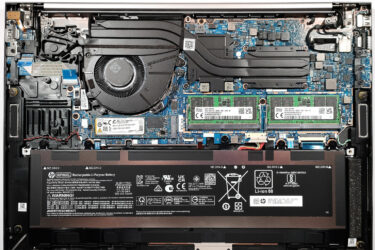
0How to open HP ZBook Firefly 16 G10 – disassembly and upgrade options
Opening the Laptop Undo the 5 captive Phillips-head screws on the bottom panel of the laptop. Pry the bottom panel starting from one of the top corners, near the hinge, using a plastic pry tool.…
Ocak 01, 2024
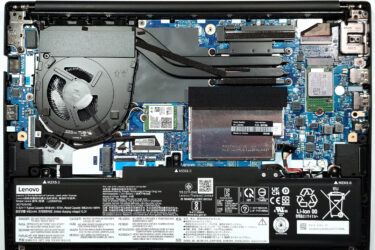
0How to open Lenovo ThinkPad E14 Gen 5 (Intel) – disassembly and upgrade options
Opening the Laptop Undo the 7 captive Phillips-head screws on the bottom panel of the laptop. Use a plastic pry tool to gently separate the bottom panel from the chassis, starting from one of the…
Ocak 01, 2024
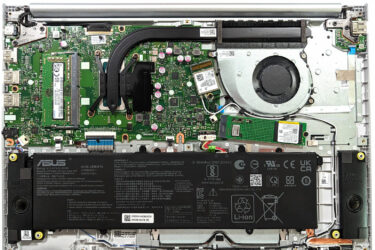
0How to open ASUS Vivobook 16X OLED (K3604) – disassembly and upgrade options
Step 1: Accessing the Internal Components Power off the ASUS Vivobook 16X OLED (K3604) and place it on a soft, clean surface to prevent any damage. Remove the 10 Phillips-head screws securing the bottom panel…
Ocak 01, 2024
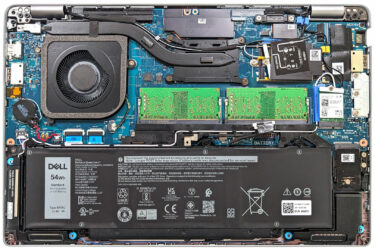
0How to open Dell Latitude 14 5440 – disassembly and upgrade options
Step 1: Accessing the Internal Components Ensure the Dell Latitude 14 5440 is powered off and placed on a soft, clean surface to avoid damage. Undo the 8 captive Phillips-head screws securing the bottom panel.…

Ocak 01, 2024
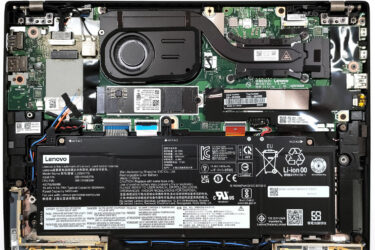
0How to open Lenovo ThinkPad P1 Gen 6 – disassembly and upgrade options
Step 1: Accessing the Internal Components Power off the Lenovo ThinkPad P1 Gen 6 and place it on a soft, clean surface to avoid damage. Undo the 7 captive Phillips-head screws on the back of…
Ocak 01, 2024
0How to open Lenovo ThinkPad X13 Gen 4 (Intel) – disassembly and upgrade options
Step 1: Accessing the Internal Components Ensure the Lenovo ThinkPad X13 Gen 4 (Intel) is powered off and placed on a safe, soft surface to prevent damage. Undo the 5 captive Phillips-head screws on the…
Ocak 01, 2024
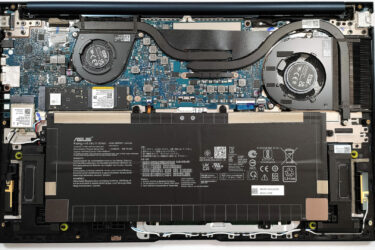
1How to open ASUS Zenbook 15 OLED (UM3504) – disassembly and upgrade options
Step 1: Accessing the Internal Components Ensure the ASUS Zenbook 15 OLED (UM3504) is powered off and placed on a soft, clean surface to avoid damage. Remove the 7 Torx-head screws from the laptop’s back,…
Ocak 01, 2024
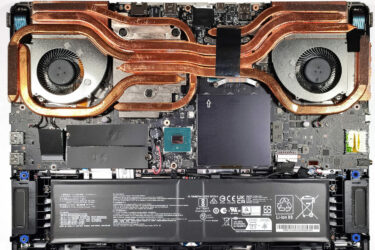
0How to open MSI Vector GP78 HX (13V) – disassembly and upgrade options
Opening the Laptop Undo the 13 Phillips-head screws securing the bottom panel of the laptop. Flip the laptop to remove the back plastic shroud behind the lid, starting from one of the sides close to…
Ocak 01, 2024
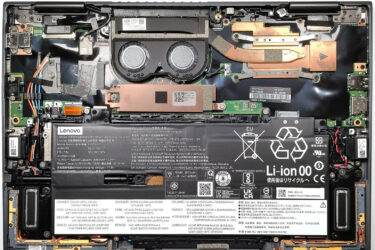
1How to open Lenovo ThinkPad X1 Yoga Gen 8 – disassembly and upgrade options
Opening the Laptop Undo the 5 captive Phillips-head screws securing the bottom panel of the laptop. Use a plastic pry tool to gently separate the bottom panel from the chassis, starting from one of the…


![[Ağustos 2026] Amazon’da En Çok Satan Dizüstü Bilgisayar GPU’larının Küresel Sıralaması – Apple Liderliğini Sürdürüyor, NVIDIA’nın RTX 5060 Modeli Özel GPU Sıralamasında Zirvede](https://laptopmedia.com/wp-content/uploads/2026/09/Best-Selling-GPUs-GLOBAL-Top-10-400x225.jpg)
![[Ağustos 2026] Amazon’da En Çok Satan Dizüstü Bilgisayar İşlemcilerinin Küresel Sıralaması – Apple Hem Ekonomik Hem de Üst Sınıf Segmentte Hakimiyet Kuruyor: A18 Pro ve M5, Ağustos 2026’da Intel ve AMD’yi Geride Bıraktı](https://laptopmedia.com/wp-content/uploads/2026/09/Best-Selling-CPUs-GLOBAL-Top-10-400x225.jpg)
![[Ağustos 2026] Amazon Global: En Çok Satan 10 Dizüstü Bilgisayar – Apple MacBook Neo Listelerin Zirvesinde Yer Alırken, Ekonomik ve Orta Sınıf Windows Dizüstü Bilgisayarlar Satış Hacmi İçin Rekabet Ediyor](https://laptopmedia.com/wp-content/uploads/2026/09/Best-Selling-Laptops-GLOBAL-Top-10-400x225.jpg)
![[Ağustos 2026] Amazon Global’de En Çok Satan Dizüstü Bilgisayar Markaları – Apple Gelirde Liderken, HP Model Çeşitliliği Konusunda Önde](https://laptopmedia.com/wp-content/uploads/2026/09/GLOBAL-Best-Brands-400x225.jpg)
![[Ağustos 2026] Amazon Global: En Çok Satan 10 Oyun Dizüstü Bilgisayarı – HP Victus 15 Birinci Sırayı Aldı; Listeyi Uygun Fiyatlı Modeller Hakimiyetine Aldı](https://laptopmedia.com/wp-content/uploads/2026/09/Best-Selling-Gaming-Laptops-GLOBAL-Top-10-400x225.jpg)
