How to open Lenovo Legion 5i (16, Gen 9) – disassembly and upgrade options
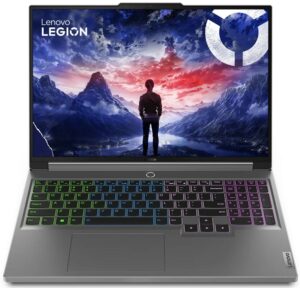
Step 1: Opening the Lenovo Legion 5i (16, Gen 9)
- Ensure the Lenovo Legion 5i (16, Gen 9) is powered off and placed on a soft, clean surface to prevent scratches or damage.
- Remove the 10 Phillips-head screws from the bottom of the laptop.
- Begin prying the panel with a thin plastic tool from one of the bottom two corners, pop the front, and then continue working your way around the sides and the back.
Hint: Be gentle during the prying process to avoid damaging the internal clips or the laptop casing.
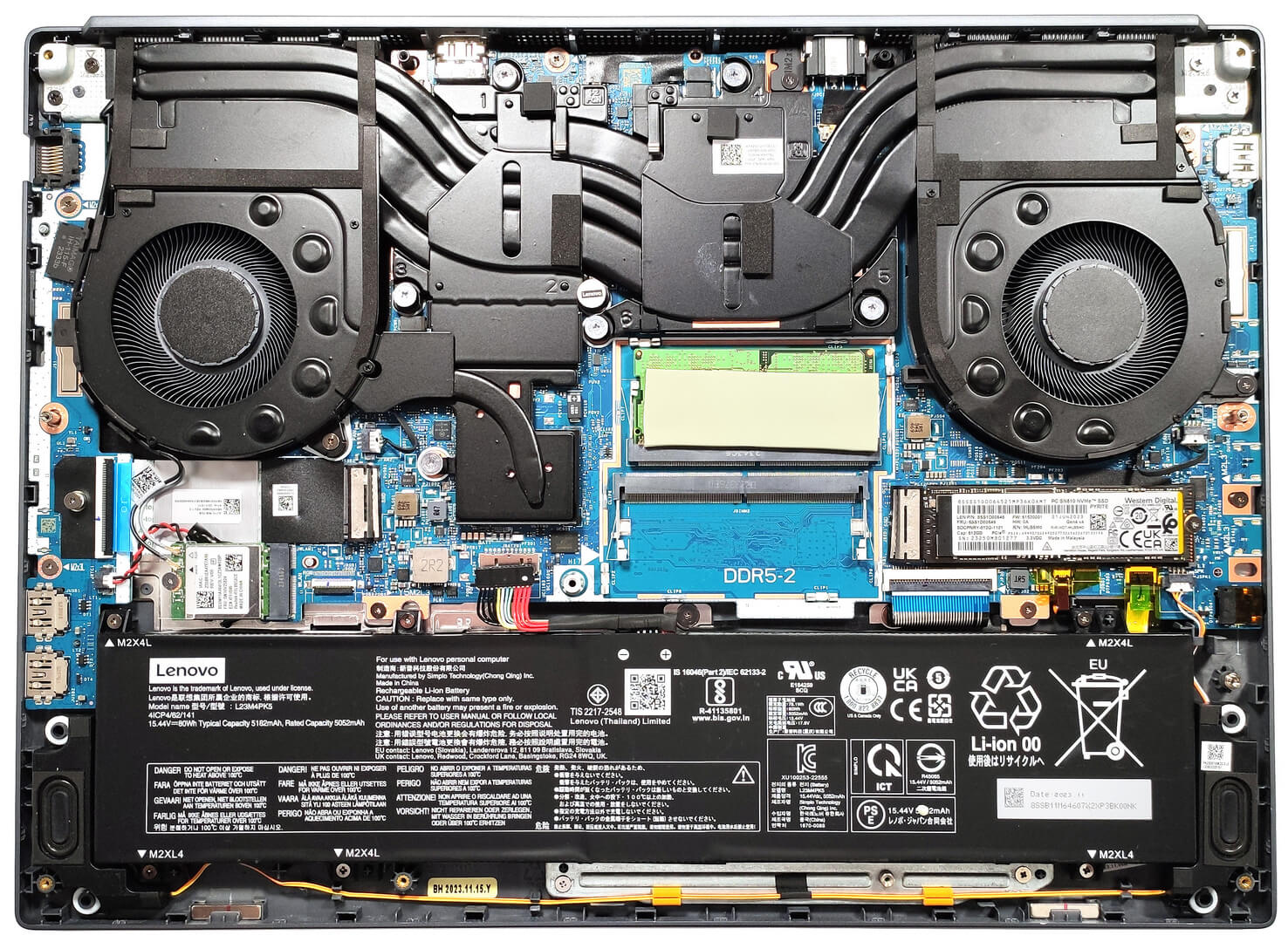
Step 2: Removing the Battery
- Disconnect the battery by pulling out its connector from the motherboard.
- Remove the 6 Phillips-head screws securing the 80Wh battery,
- Carefully lift it away from the chassis.
Caution: Handle the battery and its connector with care to avoid any damage.
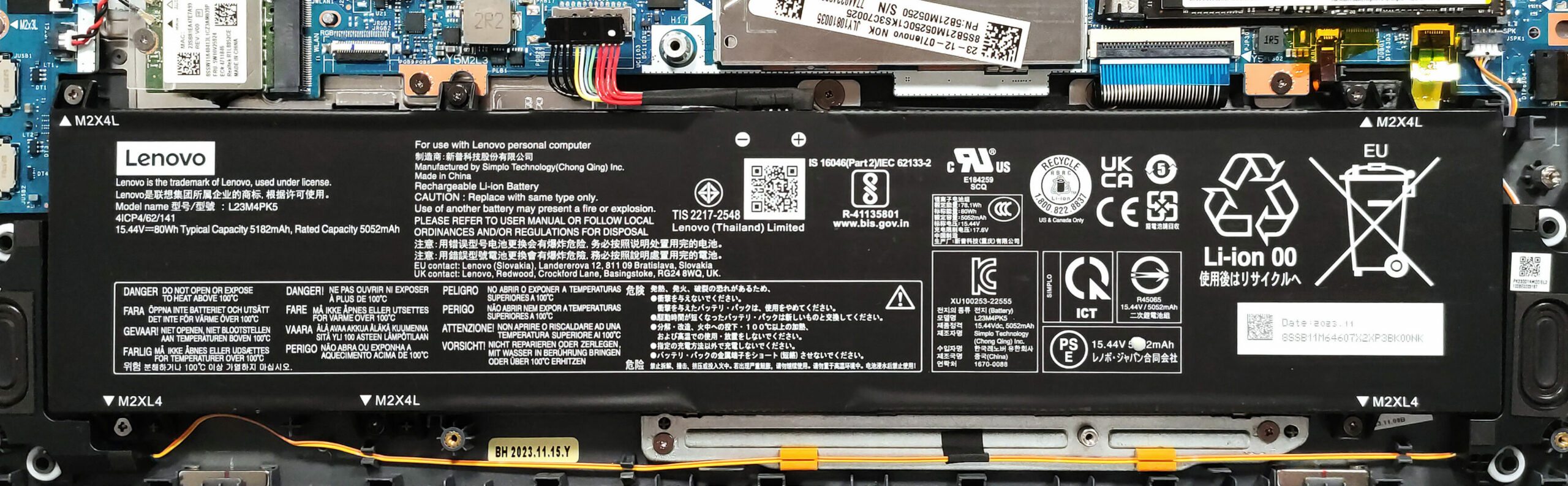
More info: The 80Wh battery provides up to 8 hours and 20 minutes of web browsing or 6 hours and 40 minutes of video playback, offering decent battery life for gaming and productivity.
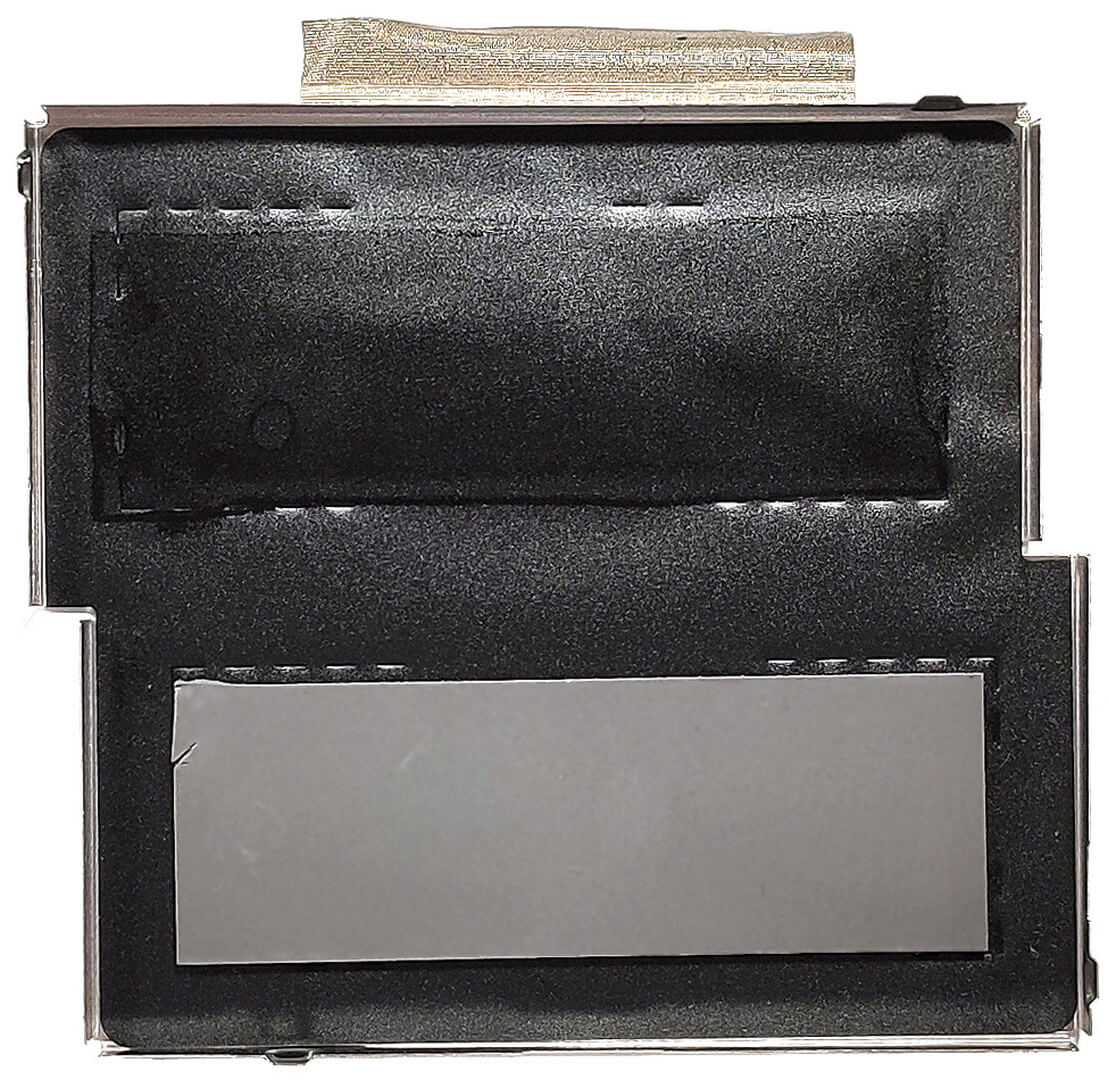
Memory Upgrade
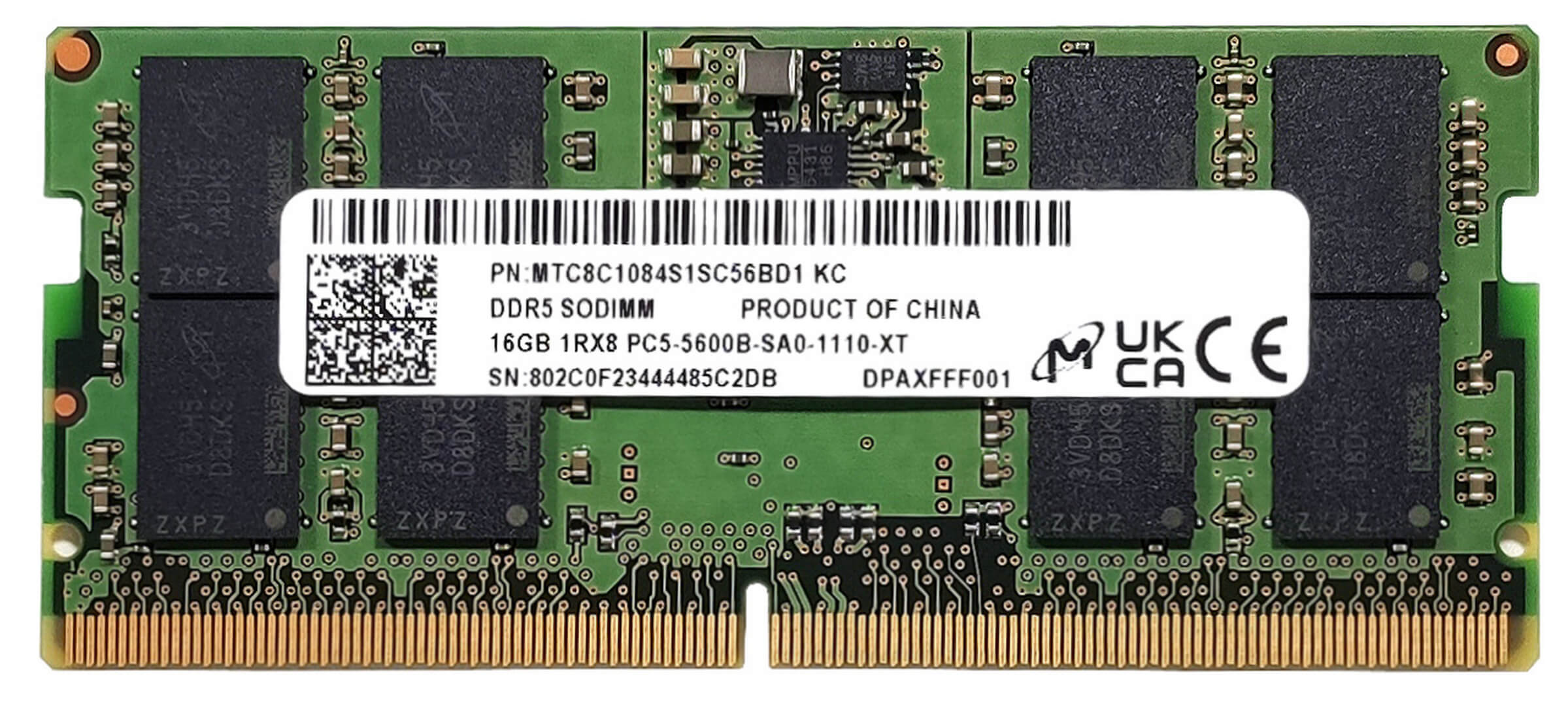
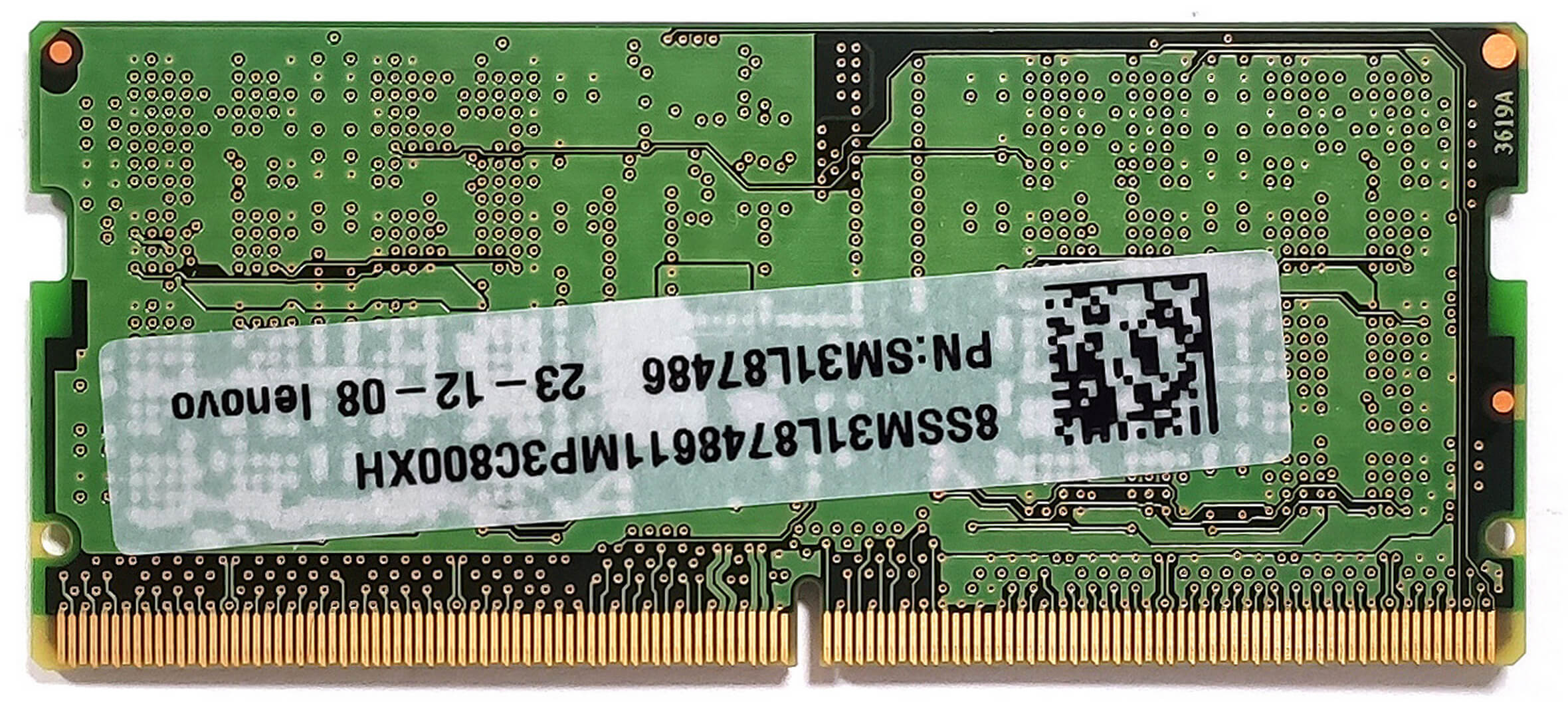
- Access the RAM section, which is shielded by a metal plate with two thermal pads on the inside for cooling.
- The laptop supports up to 32GB of DDR5-4800MHz or 5600MHz RAM in dual-channel mode, allowing for significant memory upgrades.
You can buy DDR5 RAM modules here: Amazon.com'dan satın al (#CommissionsEarned)

Storage Upgrade
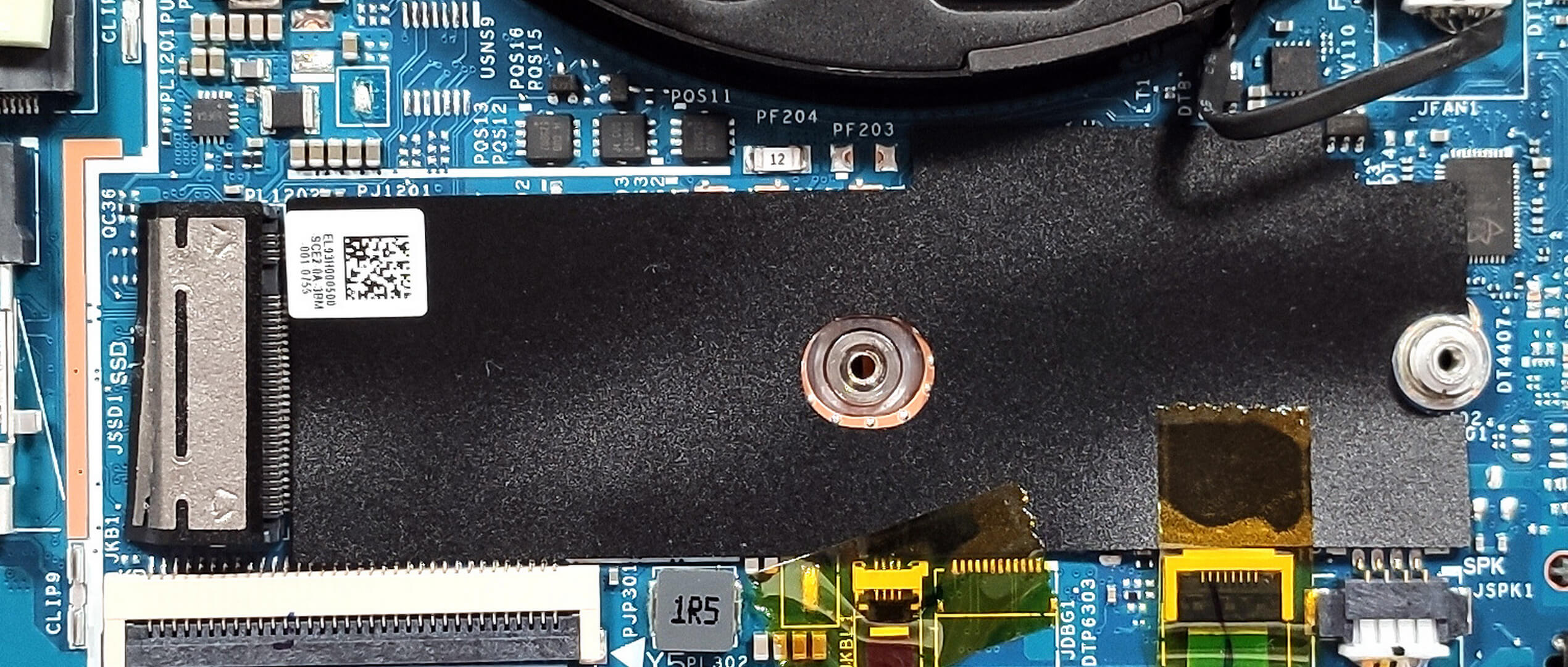
Identify the two M.2 slots compatible with 2280 Gen 4 SSDs, noting that the right slot also accommodates 2242 NVMes for flexible storage solutions.
Hint: Don’t forget to check out our Top M.2 SSDs Performance Rankings for insights on the best storage options available.
You can buy Gen 4 M.2 SSD modules here: Amazon.com'dan satın al (#CommissionsEarned)


Cooling System Overview
Examine the cooling system, which includes two fans, three heat pipes shared between the CPU and the GPU—with one being extra thick—and two additional smaller heat pipes dedicated to the video card, alongside two heat sinks and two large metal plates.

 Author: Anna Iorgova

![[Ağustos 2026] Amazon’da En Çok Satan Dizüstü Bilgisayar GPU’larının Küresel Sıralaması – Apple Liderliğini Sürdürüyor, NVIDIA’nın RTX 5060 Modeli Özel GPU Sıralamasında Zirvede](https://laptopmedia.com/wp-content/uploads/2026/09/Best-Selling-GPUs-GLOBAL-Top-10-400x225.jpg)
![[Ağustos 2026] Amazon’da En Çok Satan Dizüstü Bilgisayar İşlemcilerinin Küresel Sıralaması – Apple Hem Ekonomik Hem de Üst Sınıf Segmentte Hakimiyet Kuruyor: A18 Pro ve M5, Ağustos 2026’da Intel ve AMD’yi Geride Bıraktı](https://laptopmedia.com/wp-content/uploads/2026/09/Best-Selling-CPUs-GLOBAL-Top-10-400x225.jpg)
![[Ağustos 2026] Amazon Global: En Çok Satan 10 Dizüstü Bilgisayar – Apple MacBook Neo Listelerin Zirvesinde Yer Alırken, Ekonomik ve Orta Sınıf Windows Dizüstü Bilgisayarlar Satış Hacmi İçin Rekabet Ediyor](https://laptopmedia.com/wp-content/uploads/2026/09/Best-Selling-Laptops-GLOBAL-Top-10-400x225.jpg)
![[Ağustos 2026] Amazon Global’de En Çok Satan Dizüstü Bilgisayar Markaları – Apple Gelirde Liderken, HP Model Çeşitliliği Konusunda Önde](https://laptopmedia.com/wp-content/uploads/2026/09/GLOBAL-Best-Brands-400x225.jpg)
![[Ağustos 2026] Amazon Global: En Çok Satan 10 Oyun Dizüstü Bilgisayarı – HP Victus 15 Birinci Sırayı Aldı; Listeyi Uygun Fiyatlı Modeller Hakimiyetine Aldı](https://laptopmedia.com/wp-content/uploads/2026/09/Best-Selling-Gaming-Laptops-GLOBAL-Top-10-400x225.jpg)

Can the second slot take a2Tb ssd