How to open Acer Aspire 5 (A517-53G) – disassembly and upgrade options
This laptop’s upgradeability is great. Especially for its price range.
Check out all Acer Aspire 5 (A517-53G) prices and configurations in our Specs System, or read more in our In-Depth review.
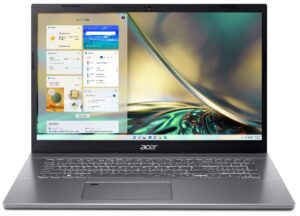

1. Remove the bottom plate
To get inside this device, you need to undo 14 Phillips-head screws. Then, pry the bottom panel with a plastic tool, and lift it away from the chassis.

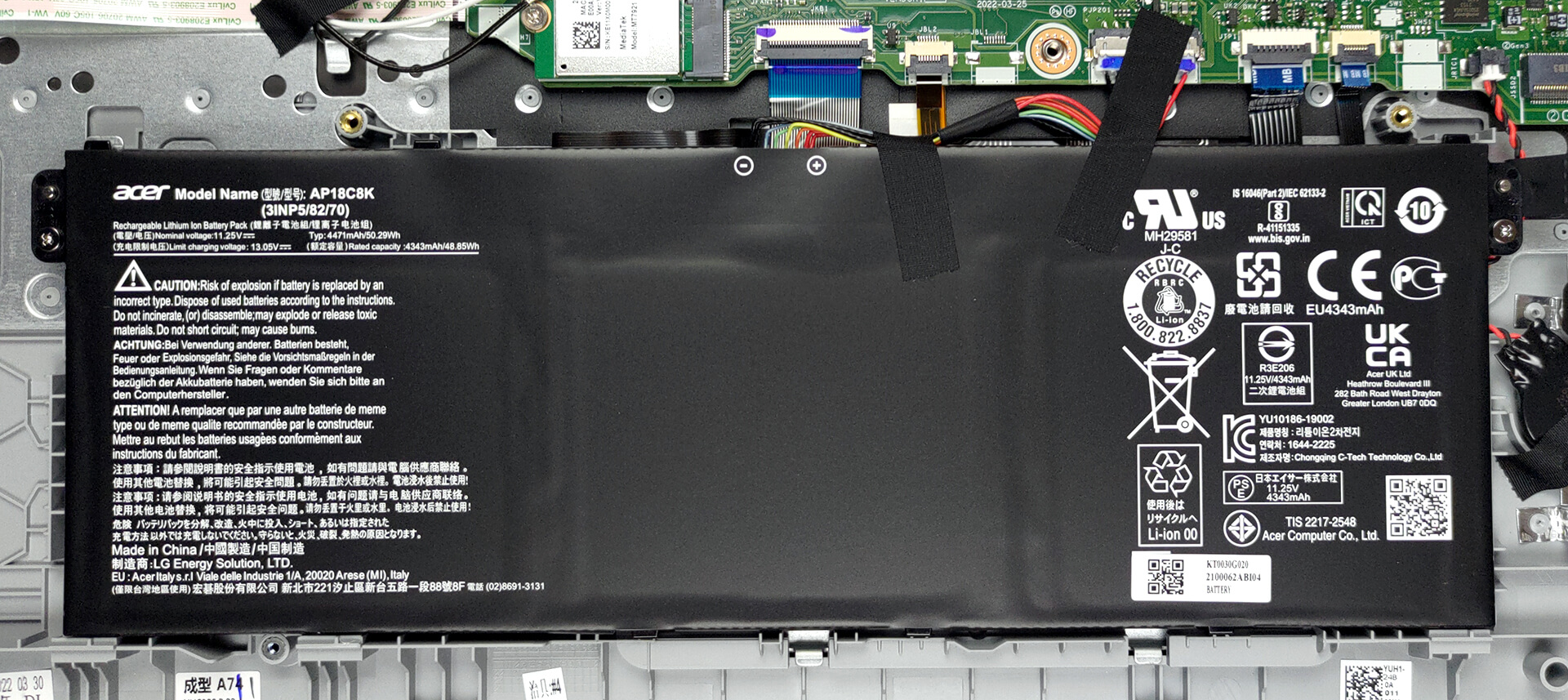
2. Remove the battery
Here, we find a 50.3Wh battery pack, which lasts for 11 hours and 30 minutes of Web browsing, or 7 hours of video playback. Taking it out is pretty easy. Just unplug the connector from the motherboard, and undo the two Phillips-head screws keeping the battery in place.
3. Upgrade memory and storage
This laptop features two SODIMM slots for DDR4 memory, which can work in dual-channel mode. Storage-wise, there are also two slots of M.2 PCIe x4 type. One of them supports Gen 4 SSDs, while the other is limited to Gen 3.
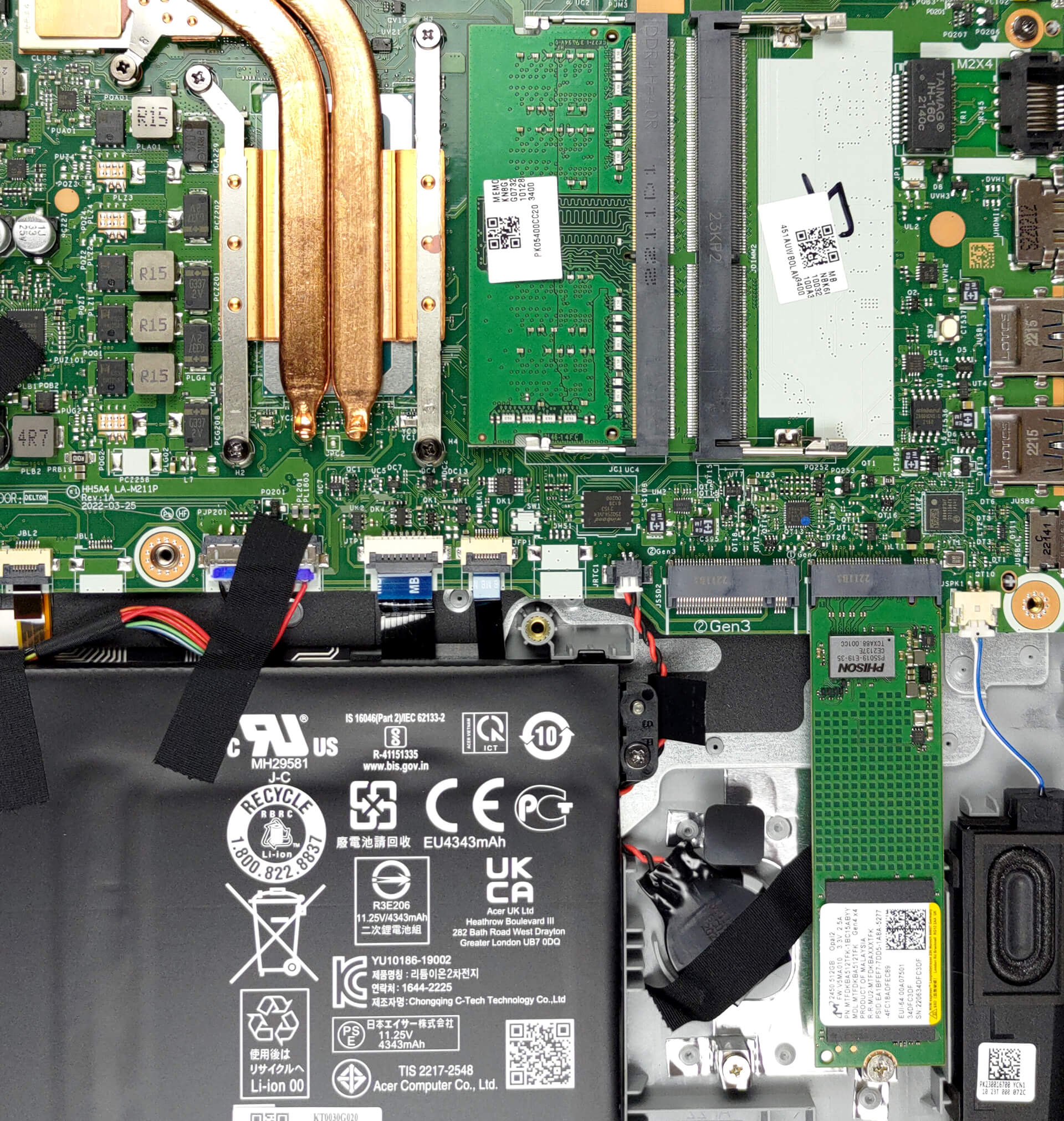
4. Cooling system
There are two heat pipes shared between the CPU and the GPU. In addition, you get a large heat sink, two fans, and some heat spreaders over the graphics memory.

Check out all Acer Aspire 5 (A517-53G) prices and configurations in our Specs System, or read more in our In-Depth review.
Acer Aspire 5 (A517-53 / A517-53G) derinlemesine inceleme
If 17-inch laptops are your vibe, you are at the right place. We have recently had a run of large notebooks, and we ran it through the LaptopMedia treatment of tests. Some of the results were expected, while others were impressive.Nevertheless, the best thing we have seen is that you have a wide variety of choices, for pretty much every budget. And you can almost never go wrong. On the other hand, we might be seeing the last days of 17-inch computers. The market was flooded with 16-inch devices, while 18-inch monsters are just around the corner, as we have seen at CES 2023.Regardless [...]
Artıları
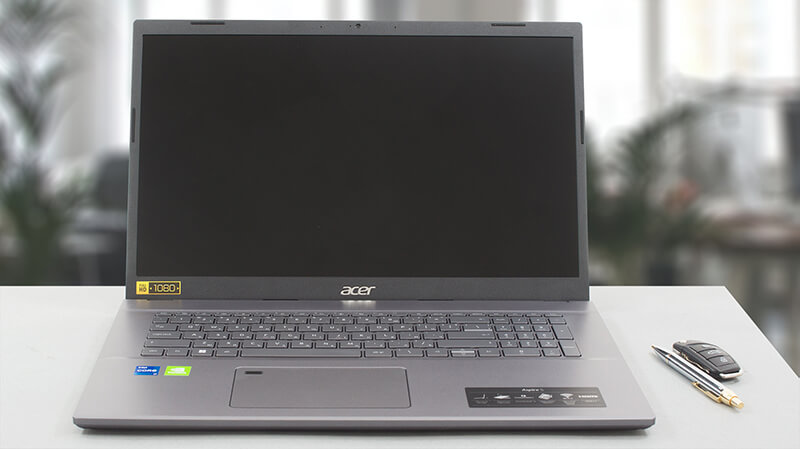
- 2x SODIMM, 2x M.2 PCIe x4 (one Gen 4)
- Great cooling and performance
- Comfortable viewing angles and good contrast ratio
- No PWM
- Light chassis
- Thunderbolt 4 + fingerprint reader
Eksileri
- Covers only 52% of the sRGB gamut
- No SD card reader
 Author: Alex Iliev

![[Haziran 2026] Amazon Global’de En Çok Satan Dizüstü Bilgisayar Markaları – Apple’ın Satış Adedi ve Gelir Açısından Rakipsiz Hakimiyeti](https://laptopmedia.com/wp-content/uploads/2026/07/GLOBAL-Best-Brands-400x225.jpg)
![[Haziran 2026] Amazon Global: En Çok Satan 10 Dizüstü Bilgisayar – Apple’ın Yeni MacBook Neo, 1. Sıraya Fırtına Gibi Yükseldi; Uygun Fiyatıyla Pazarı Yeniden Şekillendiriyor](https://laptopmedia.com/wp-content/uploads/2026/07/Best-Selling-Laptops-GLOBAL-Top-10-400x225.jpg)
![[Haziran 2026] Amazon Global: En Çok Satan 10 Oyun Dizüstü Bilgisayarı – Acer’ın Nitro V 16S AI modeli satışlarda başı çekerken, ASUS toplam gelirde lider konumda](https://laptopmedia.com/wp-content/uploads/2026/07/Best-Selling-Gaming-Laptops-GLOBAL-Top-10-400x225.jpg)
![[Haziran 2026] Amazon’da En Çok Satan Dizüstü Bilgisayar GPU’larının Küresel Sıralaması – NVIDIA RTX 5060, en çok satan özel amaçlı GPU’dur](https://laptopmedia.com/wp-content/uploads/2026/07/Best-Selling-GPUs-GLOBAL-Top-10-400x225.jpg)
![[Haziran 2026] Amazon’da En Çok Satan Dizüstü Bilgisayar İşlemcilerinin Küresel Sıralaması – Apple M5 Liderlik Yapıyor, AMD Ryzen 7 260 Üst Sınıf Segmentte Sağlam Bir Pay Elde Ediyor](https://laptopmedia.com/wp-content/uploads/2026/07/Best-Selling-CPUs-GLOBAL-Top-10-400x225.jpg)

Tolles Gerät, ABER: Beschriftung der Tastatur bei Tageslicht, trotz Tastaturbeleuchtung nicht lesbar!!! Da das Gehäuse grau ist hilft auch die Beleuchtung kaum. Anstrengendes Arbeiten!