How to open Lenovo IdeaPad Flex 5 (14″, 2022) – disassembly and upgrade options
Getting inside this device is not a hard job. However, there is not much to do there, besides accessing the M.2 storage slot.
Check out all Lenovo IdeaPad Flex 5 (14″, 2022) prices and configurations in our Specs System, or read more in our In-Depth review.
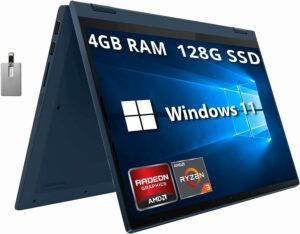
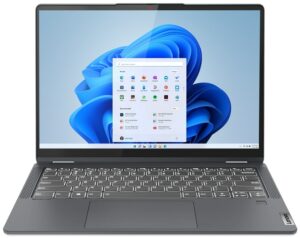
1. Remove the bottom plate
To open this device, you need to undo 9 Torx-head screws. Then, pry the bottom panel with a plastic tool, and remove it from the chassis.

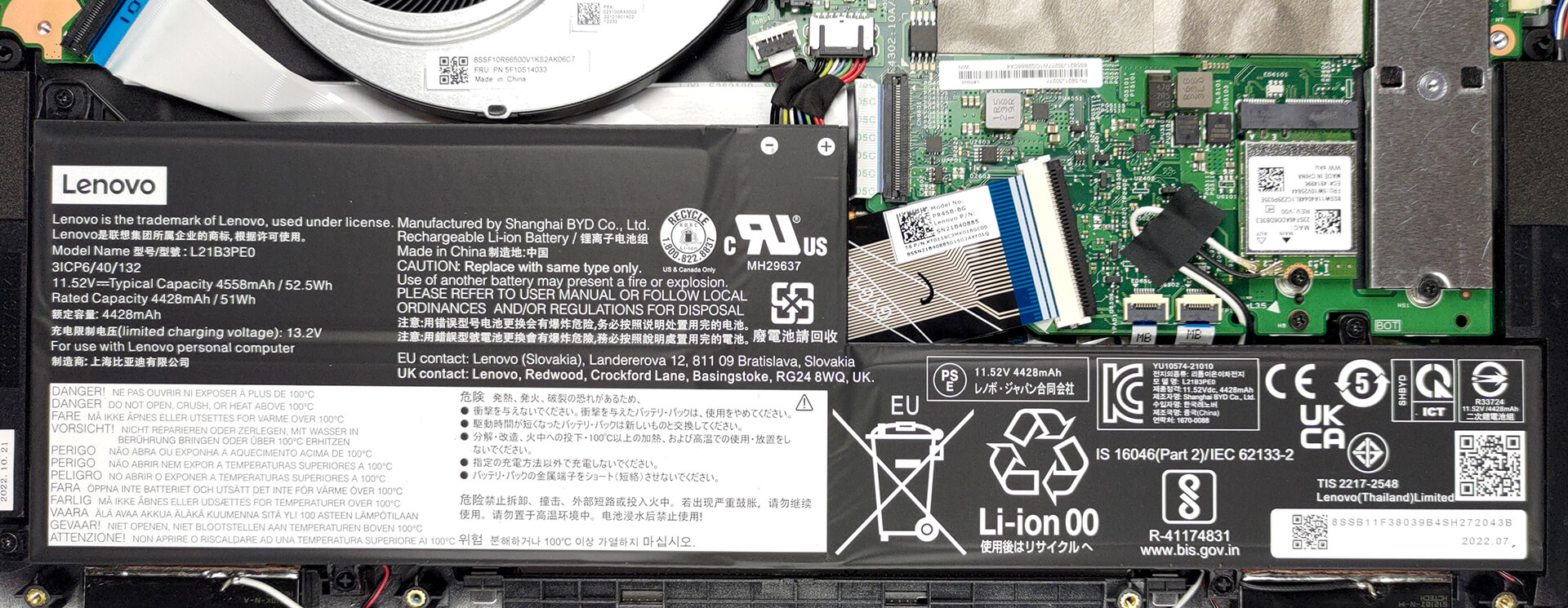
2. Remove the battery
This device comes with a 52.5Wh battery pack. To remove it, unplug the connector from the motherboard, and undo the three Phillips-head screws, keeping it in place.
3. Upgrade memory and storage
Memory-wise, you can get up to 16GB of LPDDR4x RAM, working in dual-channel mode. Unfortunately, it is soldered to the motherboard. As for the storage, you get one M.2 PCIe x4 slot.
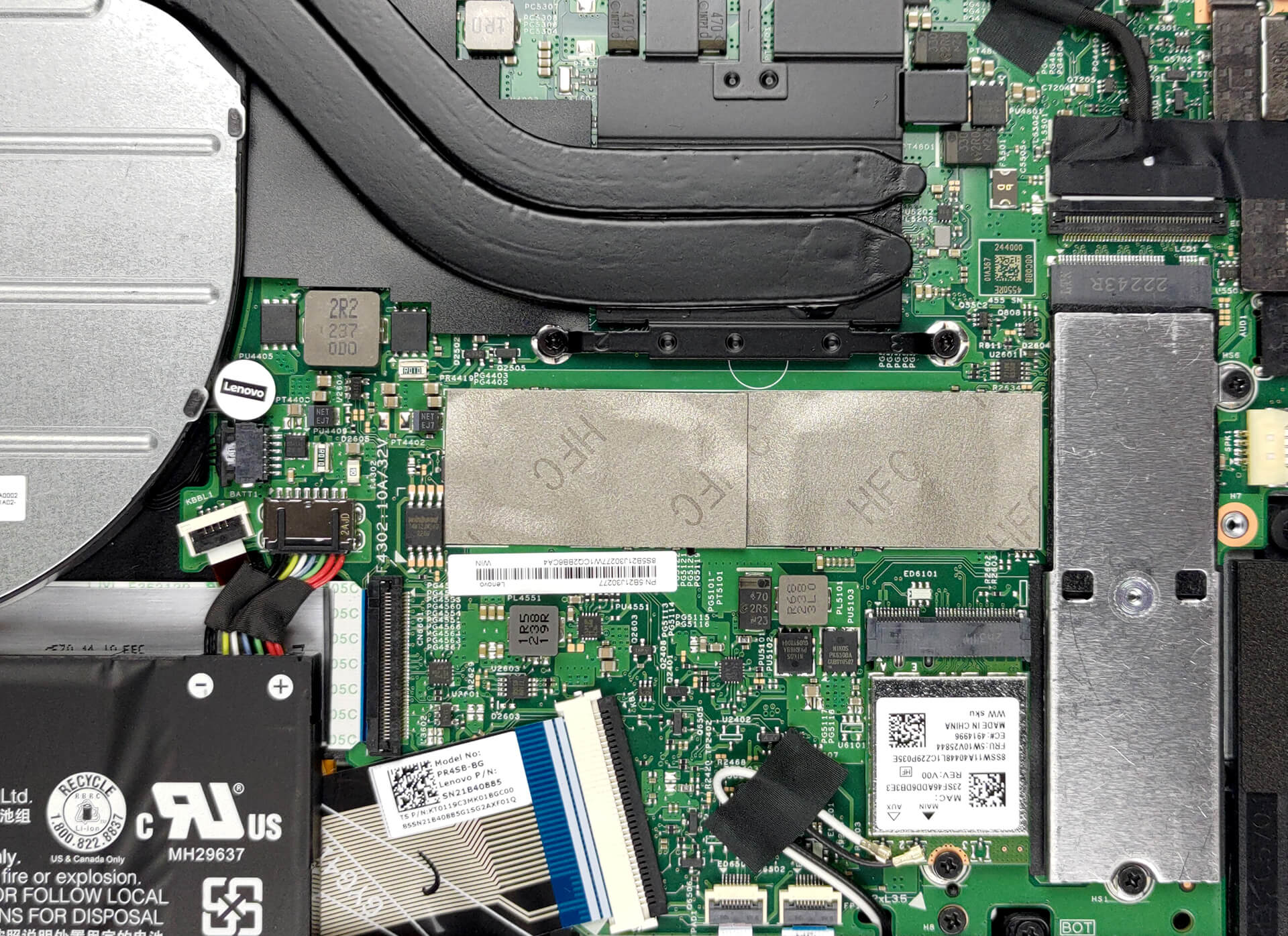
4. Cooling system
In terms of cooling, you get two heat pipes, a heat sink, and a large fan. Furthermore, the VRMs come with a heat spreader.
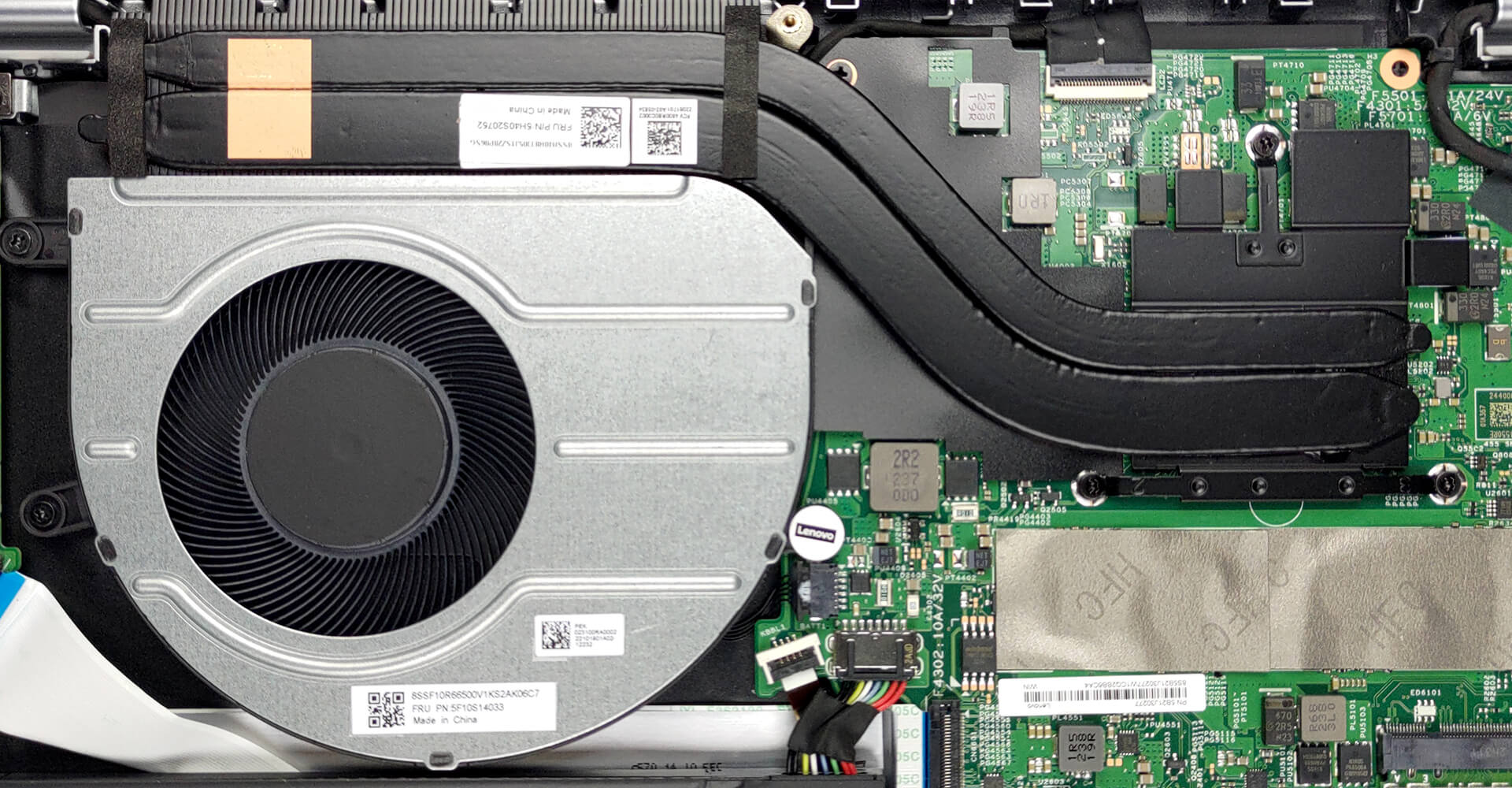
Check out all Lenovo IdeaPad Flex 5 (14″, 2022) prices and configurations in our Specs System, or read more in our In-Depth review.
Lenovo IdeaPad Flex 5 (14", 2022) derinlemesine inceleme
Lenovo produces a lot of machines that focus on affordability. In fact, it was once the brand's identity. Now, its notebooks are a combination of high-quality materials, powerful hardware, and again - competitive pricing.One such machine is the IdeaPad Flex 5 (14", 2022). It comes in an AMD and an Intel option. Frankly, we had the former, which may provide a hint of disappointment on everyone's faces, once you take a look at the specs sheet.Yes, while Lenovo has picked the latest and greatest from Intel, the Team Red solution only features the rebranded Zen 2 chips, maxing out with th[...]
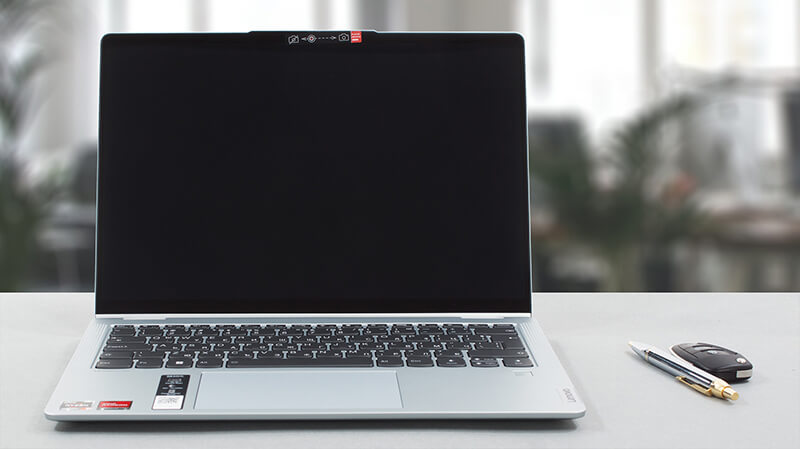
Artıları
- 13-hour battery life
- 16:10 aspect ratio
- Fantastic cooling
- Comfortable input devices
- No PWM (LEN140WUXGA (LEN9125))
- SD card reader
- Fingerprint reader
Eksileri
- Soldered memory
- 54% sRGB coverage (LEN140WUXGA (LEN9125))
- Older processors (although still pretty powerful)
 Author: Alex Iliev

![[Haziran 2026] Amazon Global’de En Çok Satan Dizüstü Bilgisayar Markaları – Apple’ın Satış Adedi ve Gelir Açısından Rakipsiz Hakimiyeti](https://laptopmedia.com/wp-content/uploads/2026/07/GLOBAL-Best-Brands-400x225.jpg)
![[Haziran 2026] Amazon Global: En Çok Satan 10 Dizüstü Bilgisayar – Apple’ın Yeni MacBook Neo, 1. Sıraya Fırtına Gibi Yükseldi; Uygun Fiyatıyla Pazarı Yeniden Şekillendiriyor](https://laptopmedia.com/wp-content/uploads/2026/07/Best-Selling-Laptops-GLOBAL-Top-10-400x225.jpg)
![[Haziran 2026] Amazon Global: En Çok Satan 10 Oyun Dizüstü Bilgisayarı – Acer’ın Nitro V 16S AI modeli satışlarda başı çekerken, ASUS toplam gelirde lider konumda](https://laptopmedia.com/wp-content/uploads/2026/07/Best-Selling-Gaming-Laptops-GLOBAL-Top-10-400x225.jpg)
![[Haziran 2026] Amazon’da En Çok Satan Dizüstü Bilgisayar GPU’larının Küresel Sıralaması – NVIDIA RTX 5060, en çok satan özel amaçlı GPU’dur](https://laptopmedia.com/wp-content/uploads/2026/07/Best-Selling-GPUs-GLOBAL-Top-10-400x225.jpg)
![[Haziran 2026] Amazon’da En Çok Satan Dizüstü Bilgisayar İşlemcilerinin Küresel Sıralaması – Apple M5 Liderlik Yapıyor, AMD Ryzen 7 260 Üst Sınıf Segmentte Sağlam Bir Pay Elde Ediyor](https://laptopmedia.com/wp-content/uploads/2026/07/Best-Selling-CPUs-GLOBAL-Top-10-400x225.jpg)
