Inside ASUS ZenBook Pro 15 UX535 – disassembly and upgrade options
Although the ZenBook Pro 15 UX535 is a very good notebook, its memory situation is a bit disappointing.
Check out all ASUS ZenBook Pro 15 UX535 prices and configurations in our Specs System or read more in our In-Depth review.
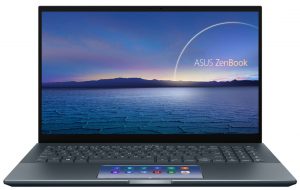
1. Remove the bottom plate
To take this laptop apart, you need to undo 11 Torx-head screws. Then, remove the back rubber feet and undo the two hidden Phillips-head screws. After that, pry the bottom panel, and remove it from the chassis.
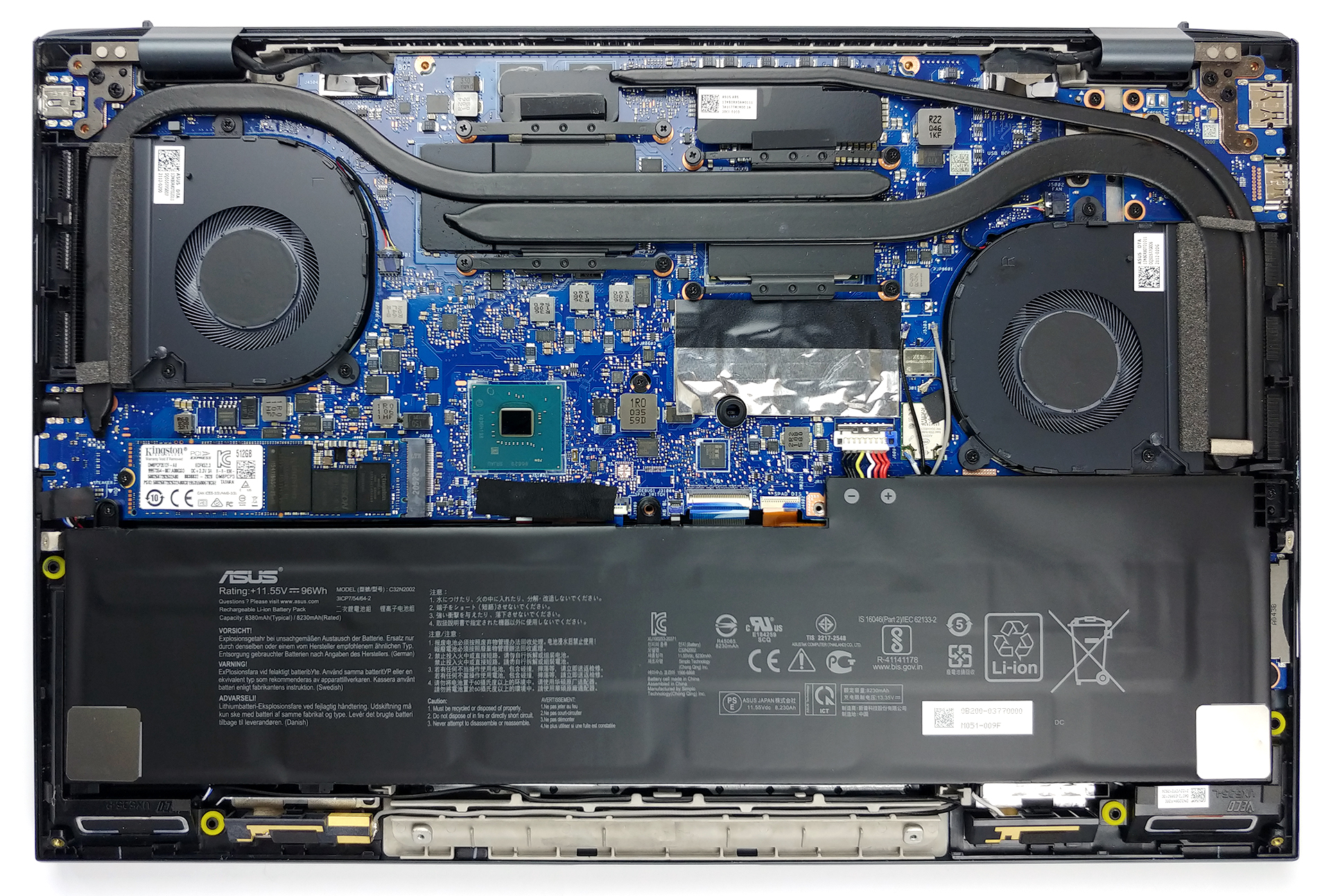
2. Battery
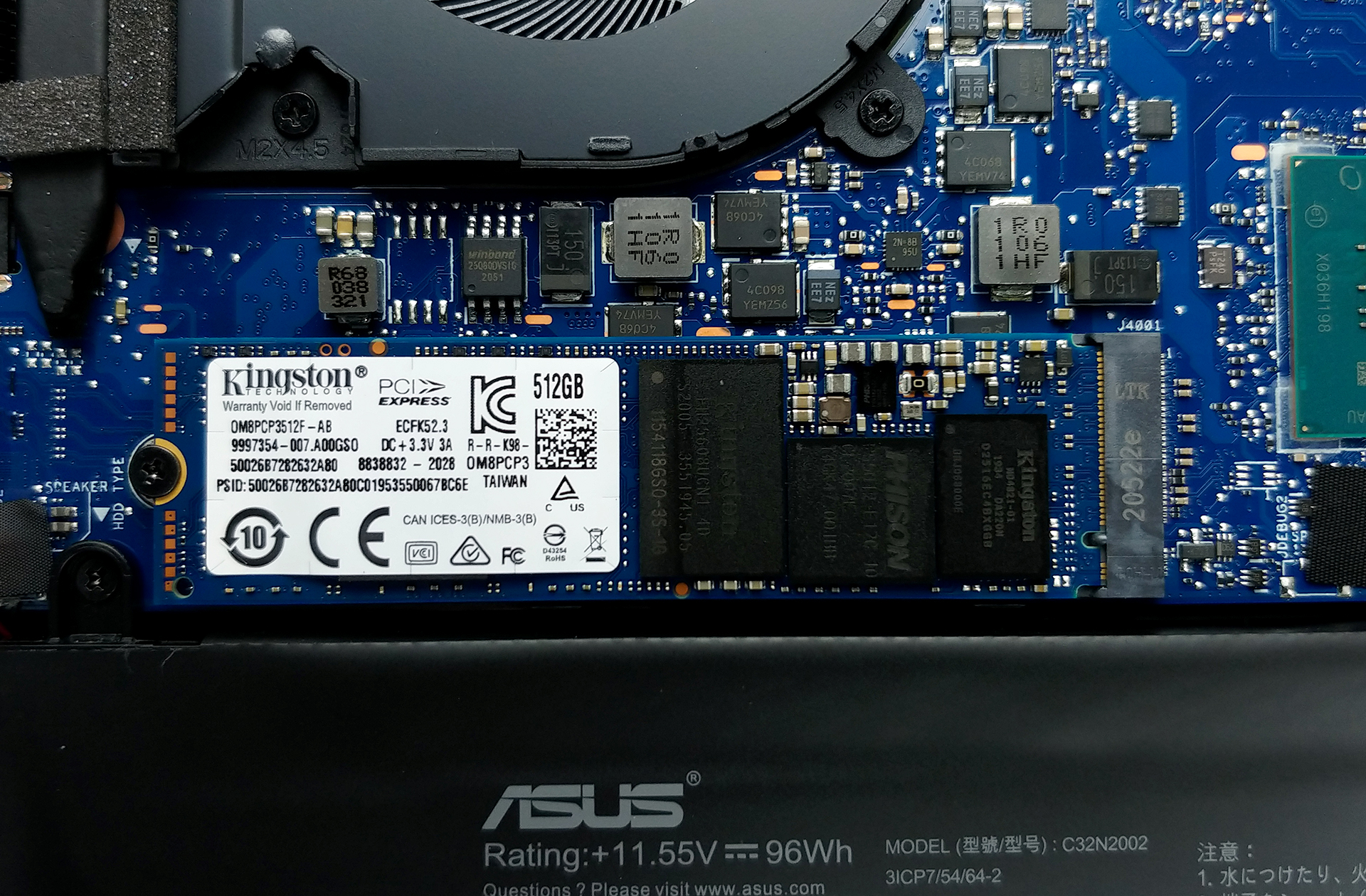
Thankfully, ASUS has provided the largest battery available. It has a capacity of 96Wh.
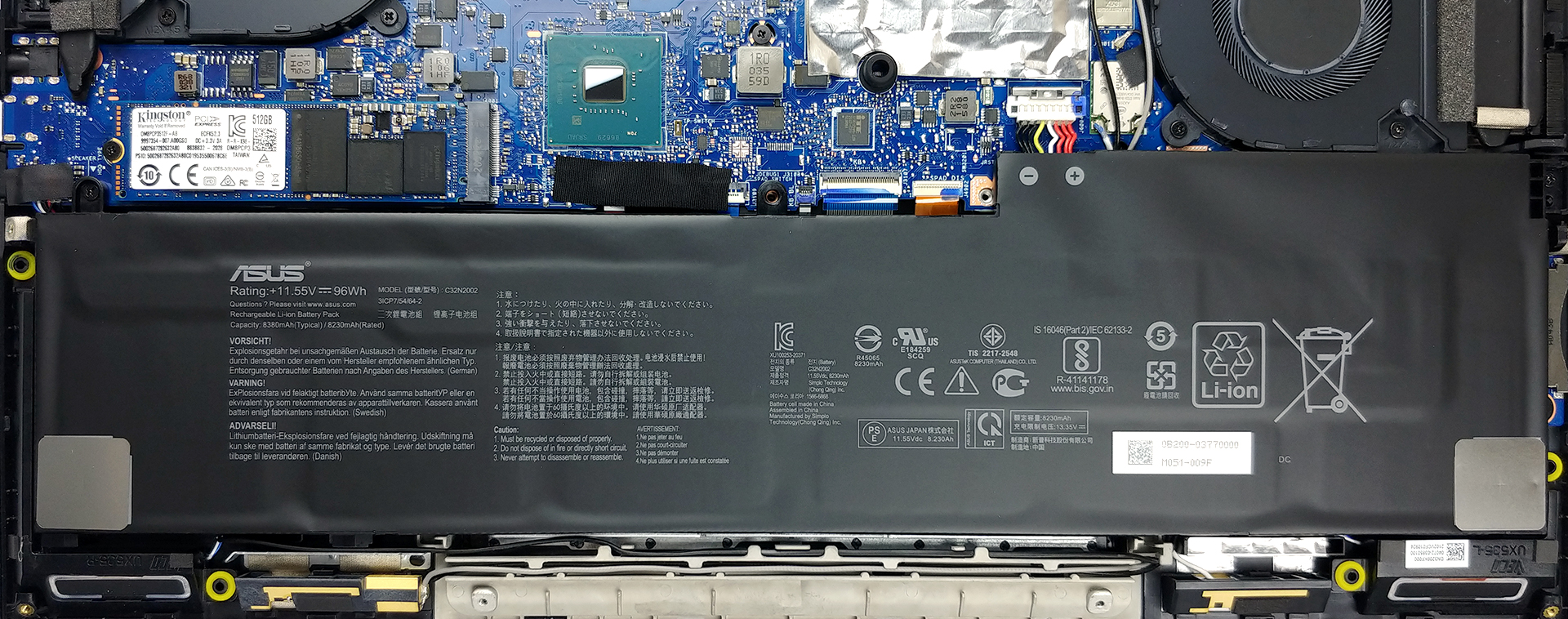
3. Мemory and storage
Unfortunately, there are no memory upgrade options. The manufacturer supplies the device with either 8 or 16GB of dual-channel memory. Storage-wise, there’s one M.2 PCIe x4 slot.
4. Cooling system
Looking at the cooling solution, we see two heat pipes cooling the CPU and the GPU. Also, there is a third one, which is taking the heat away from the graphics memory and the VRMs.

Check out all ASUS ZenBook Pro 15 UX535 prices and configurations in our Specs System or read more in our In-Depth review.
ASUS ZenBook Pro 15 UX535 derinlemesine inceleme
The entire purpose of the ZenBook Pro series is to satisfy the needs of a specific market, often referred to as the "Creator segment". It doesn't matter if we're talking about video creators, graphics designers, or just artists in general. Today, we have the ASUS ZenBook Pro 15 UX535.Looking at the specs we see a real competitor to the HP Envy 15 (15-ep0000). And while HP tried to perfect everything possible - from performance, to display quality, and battery life, ASUS has a bit different approach. Often seen as the most innovative laptop producer lately, the company employs pretty much [...]
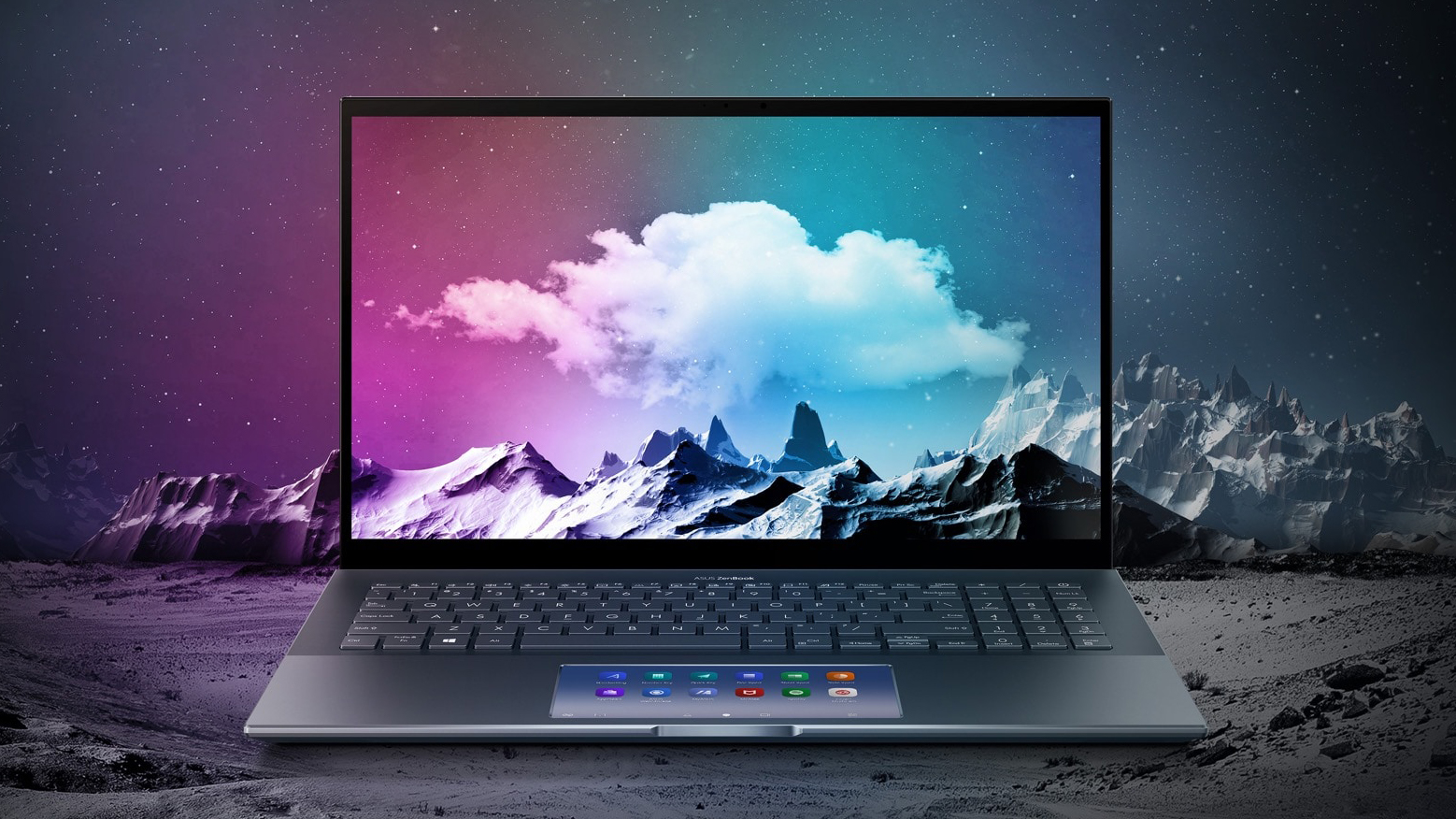
Artıları
- Deep blacks and infinite contrast ratio
- 100% DCI-P3 coverage from the main panel (Samsung ATNA56WR14-0 (SDC4143))
- ScreenPad
- Decent battery life
- Rigid build quality
- Thunderbolt 3, SD card slot
- IR face recognition
Eksileri
- Soldered memory
- Main panel uses PWM until 90 nits (Samsung ATNA56WR14-0 (SDC4143))
 Author: Alex Iliev

![[Haziran 2026] Amazon Global’de En Çok Satan Dizüstü Bilgisayar Markaları – Apple’ın Satış Adedi ve Gelir Açısından Rakipsiz Hakimiyeti](https://laptopmedia.com/wp-content/uploads/2026/07/GLOBAL-Best-Brands-400x225.jpg)
![[Haziran 2026] Amazon Global: En Çok Satan 10 Dizüstü Bilgisayar – Apple’ın Yeni MacBook Neo, 1. Sıraya Fırtına Gibi Yükseldi; Uygun Fiyatıyla Pazarı Yeniden Şekillendiriyor](https://laptopmedia.com/wp-content/uploads/2026/07/Best-Selling-Laptops-GLOBAL-Top-10-400x225.jpg)
![[Haziran 2026] Amazon Global: En Çok Satan 10 Oyun Dizüstü Bilgisayarı – Acer’ın Nitro V 16S AI modeli satışlarda başı çekerken, ASUS toplam gelirde lider konumda](https://laptopmedia.com/wp-content/uploads/2026/07/Best-Selling-Gaming-Laptops-GLOBAL-Top-10-400x225.jpg)
![[Haziran 2026] Amazon’da En Çok Satan Dizüstü Bilgisayar GPU’larının Küresel Sıralaması – NVIDIA RTX 5060, en çok satan özel amaçlı GPU’dur](https://laptopmedia.com/wp-content/uploads/2026/07/Best-Selling-GPUs-GLOBAL-Top-10-400x225.jpg)
![[Haziran 2026] Amazon’da En Çok Satan Dizüstü Bilgisayar İşlemcilerinin Küresel Sıralaması – Apple M5 Liderlik Yapıyor, AMD Ryzen 7 260 Üst Sınıf Segmentte Sağlam Bir Pay Elde Ediyor](https://laptopmedia.com/wp-content/uploads/2026/07/Best-Selling-CPUs-GLOBAL-Top-10-400x225.jpg)
