Acer Aspire 5 (A514-55) review – good budget daily driver
Temperatures and comfort, Battery Life
Max CPU load
In this test we use 100% on the CPU cores, monitoring their frequencies and chip temperature. The first column shows a computer’s reaction to a short load (2-10 seconds), the second column simulates a serious task (between 15 and 30 seconds), and the third column is a good indicator of how good the laptop is for long loads such as video rendering.
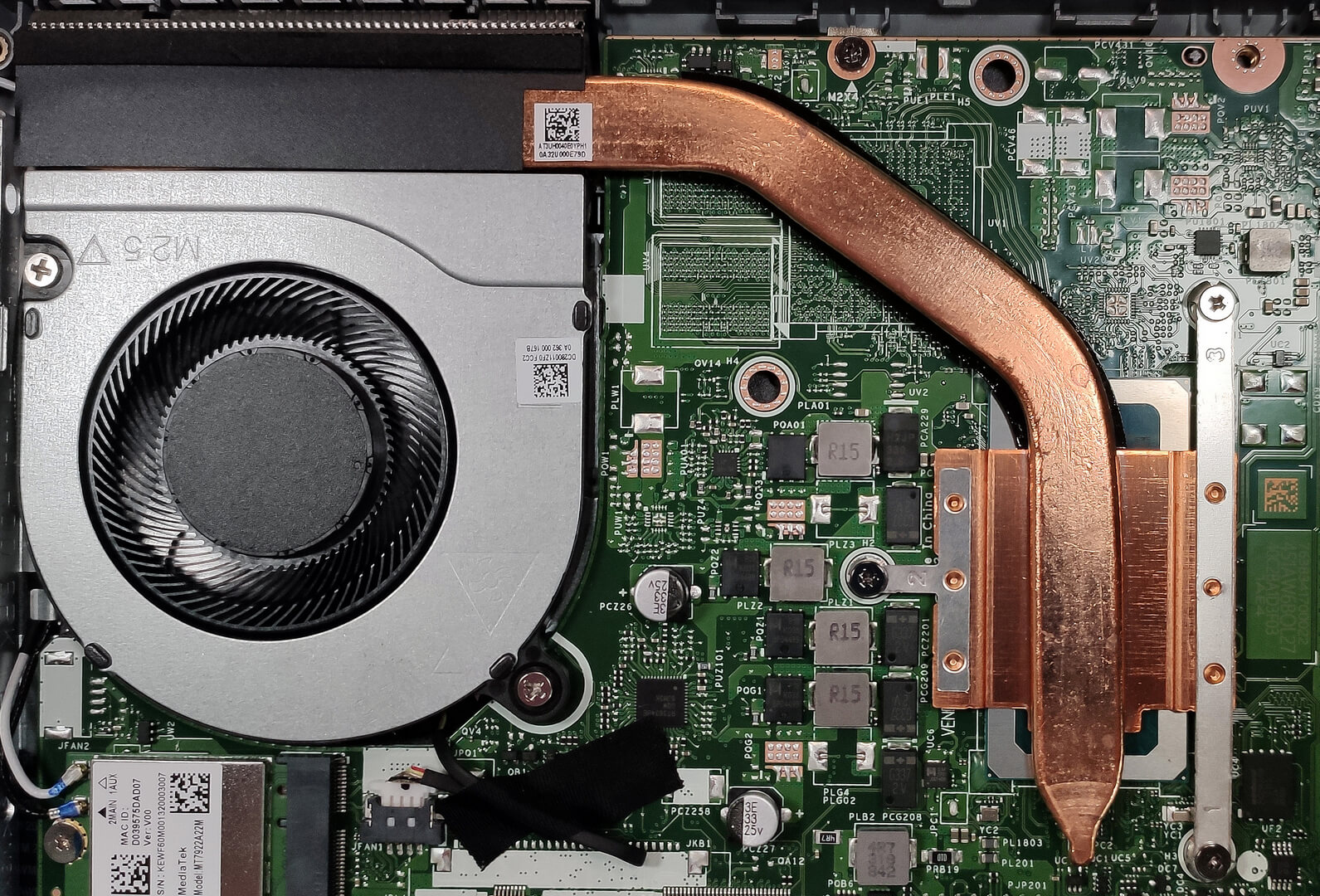
Average P-core frequency; Average E-core frequency; CPU temp.; Package Power
| Intel Core i3-1215U (15W TDP) | 0:02 – 0:10 sec | 0:15 – 0:30 sec | 10:00 – 15:00 min |
|---|---|---|---|
| Acer Aspire 5 (A514-55) | 3.99 GHz @ 3.22 GHz @ 66°C @ 49W | 3.55 GHz @ 2.80 GHz @ 66°C @ 37W | 3.17 GHz @ 2.49 GHz @ 68°C @ 28W |
| Acer Aspire 5 (A515-57) | 3.99 GHz @ 3.09 GHz @ 78°C @ 55W | 3.09 GHz @ 2.45 GHz @ 67°C @ 34W | 2.84 GHz @ 2.33 GHz @ 63°C @ 28W |
The Core i3-1215U is an unpretentious CPU that has 6 cores and 8 threads. That’s why even the entry-level cooling system here is enough for a nearly 4.00 GHz P core clock and ~3.20 GHz for the E cores in short loads. In long periods of stress, the processor can maintain ~3.20 GHz for the P cores and ~2.50 GHz for the efficient ones. In this case, the chip temperature isn’t high – 68°C and the power limit of 28W also looks good.
Comfort during combined load
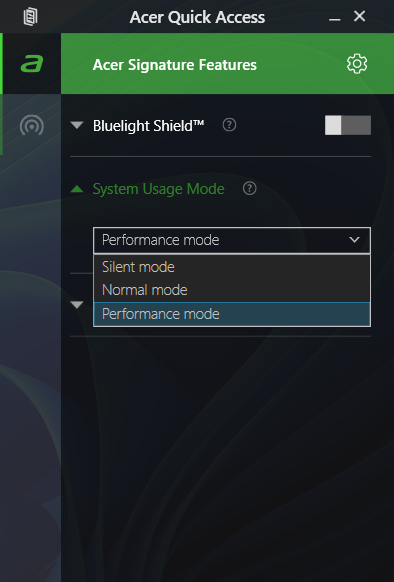
In “Performance mode”, the noise that is coming from the single fan can be described as average. Under heavy CPU stress, the left side of the keyboard is warm to the touch but it’s not hot.
Battery
Now, we conduct the battery tests with the Windows Better performance setting turned on, screen brightness adjusted to 120 nits, and all other programs turned off except for the one we are testing the notebook with. This machine has a 54.6Wh battery model. It lasts for 8 hours and 20 minutes of Web browsing or 6 hours and 40 minutes of video playback.
Parlaklık: 180 nit; Ekran Modu: SDR
Tam Deşarj Süresi: Yüksek Olan Daha İyidir


Gerçek hayat koşullarını simüle etmek için 70'ten fazla web sitesinde otomatik web taraması için kendi komut dosyamızı kullandık.
 Author: Nikolay Palaozov
 Author: eng. Kroum NikolovHead of Engineering at LaptopMedia.com, inventor and innovator with 40+ years of experience in electronics and high technology.

![[Haziran 2026] Amazon Global’de En Çok Satan Dizüstü Bilgisayar Markaları – Apple’ın Satış Adedi ve Gelir Açısından Rakipsiz Hakimiyeti](https://laptopmedia.com/wp-content/uploads/2026/07/GLOBAL-Best-Brands-400x225.jpg)
![[Haziran 2026] Amazon Global: En Çok Satan 10 Dizüstü Bilgisayar – Apple’ın Yeni MacBook Neo, 1. Sıraya Fırtına Gibi Yükseldi; Uygun Fiyatıyla Pazarı Yeniden Şekillendiriyor](https://laptopmedia.com/wp-content/uploads/2026/07/Best-Selling-Laptops-GLOBAL-Top-10-400x225.jpg)
![[Haziran 2026] Amazon Global: En Çok Satan 10 Oyun Dizüstü Bilgisayarı – Acer’ın Nitro V 16S AI modeli satışlarda başı çekerken, ASUS toplam gelirde lider konumda](https://laptopmedia.com/wp-content/uploads/2026/07/Best-Selling-Gaming-Laptops-GLOBAL-Top-10-400x225.jpg)
![[Haziran 2026] Amazon’da En Çok Satan Dizüstü Bilgisayar GPU’larının Küresel Sıralaması – NVIDIA RTX 5060, en çok satan özel amaçlı GPU’dur](https://laptopmedia.com/wp-content/uploads/2026/07/Best-Selling-GPUs-GLOBAL-Top-10-400x225.jpg)
![[Haziran 2026] Amazon’da En Çok Satan Dizüstü Bilgisayar İşlemcilerinin Küresel Sıralaması – Apple M5 Liderlik Yapıyor, AMD Ryzen 7 260 Üst Sınıf Segmentte Sağlam Bir Pay Elde Ediyor](https://laptopmedia.com/wp-content/uploads/2026/07/Best-Selling-CPUs-GLOBAL-Top-10-400x225.jpg)
