Lenovo ThinkPad L14 Gen 4 (Intel) review – light device with quiet fan and long battery life
Disassembly, Upgrade options, and Maintenance
To access the device’s internals, you have to undo 11 Phillips-head screws. The ones on the bottom are captive so they will slightly raise the panel and you can begin the prying process from there. Then, you can work your way around the sides and on the back. Before that, you have to eject the SIM card tray.
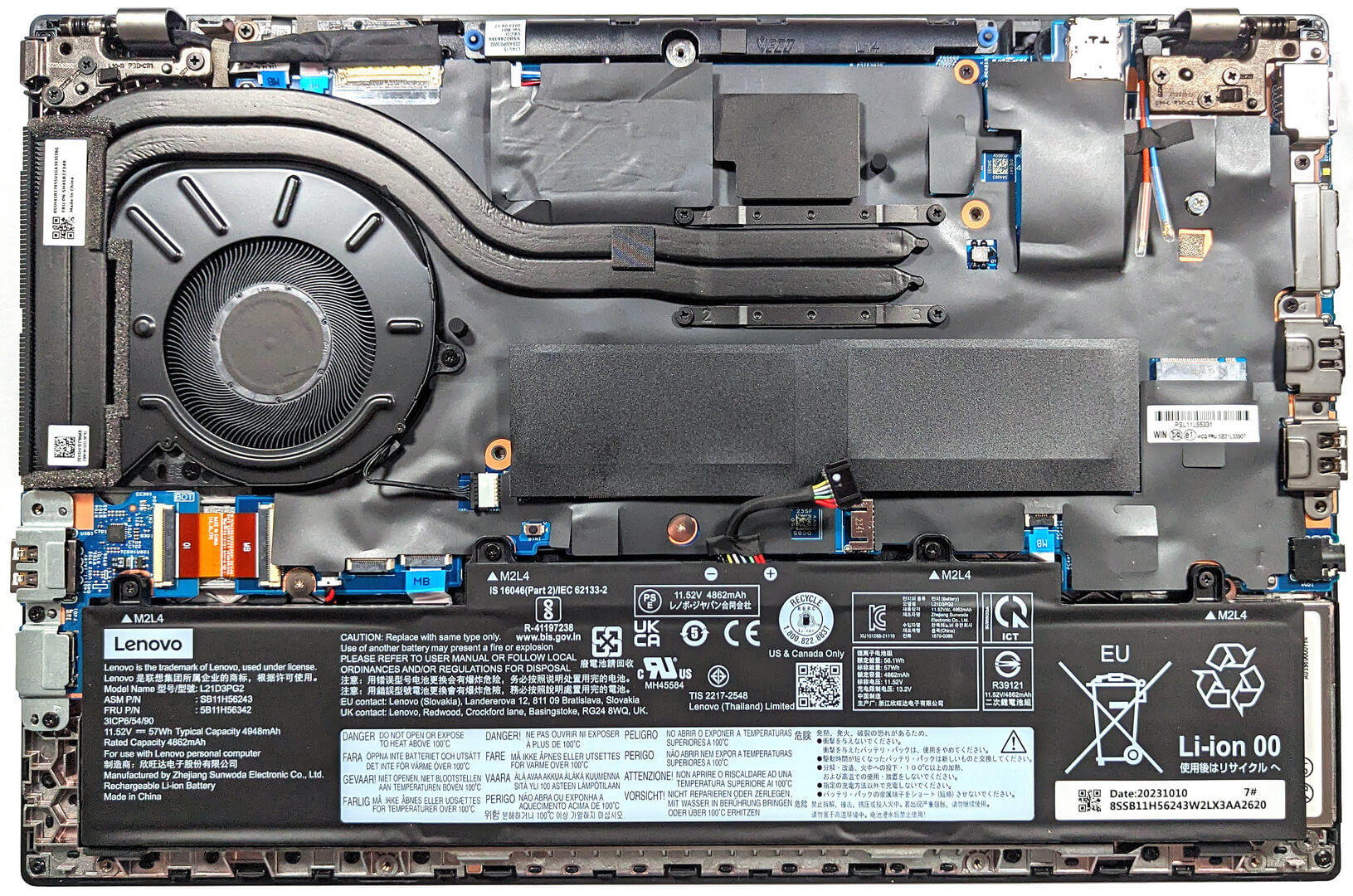
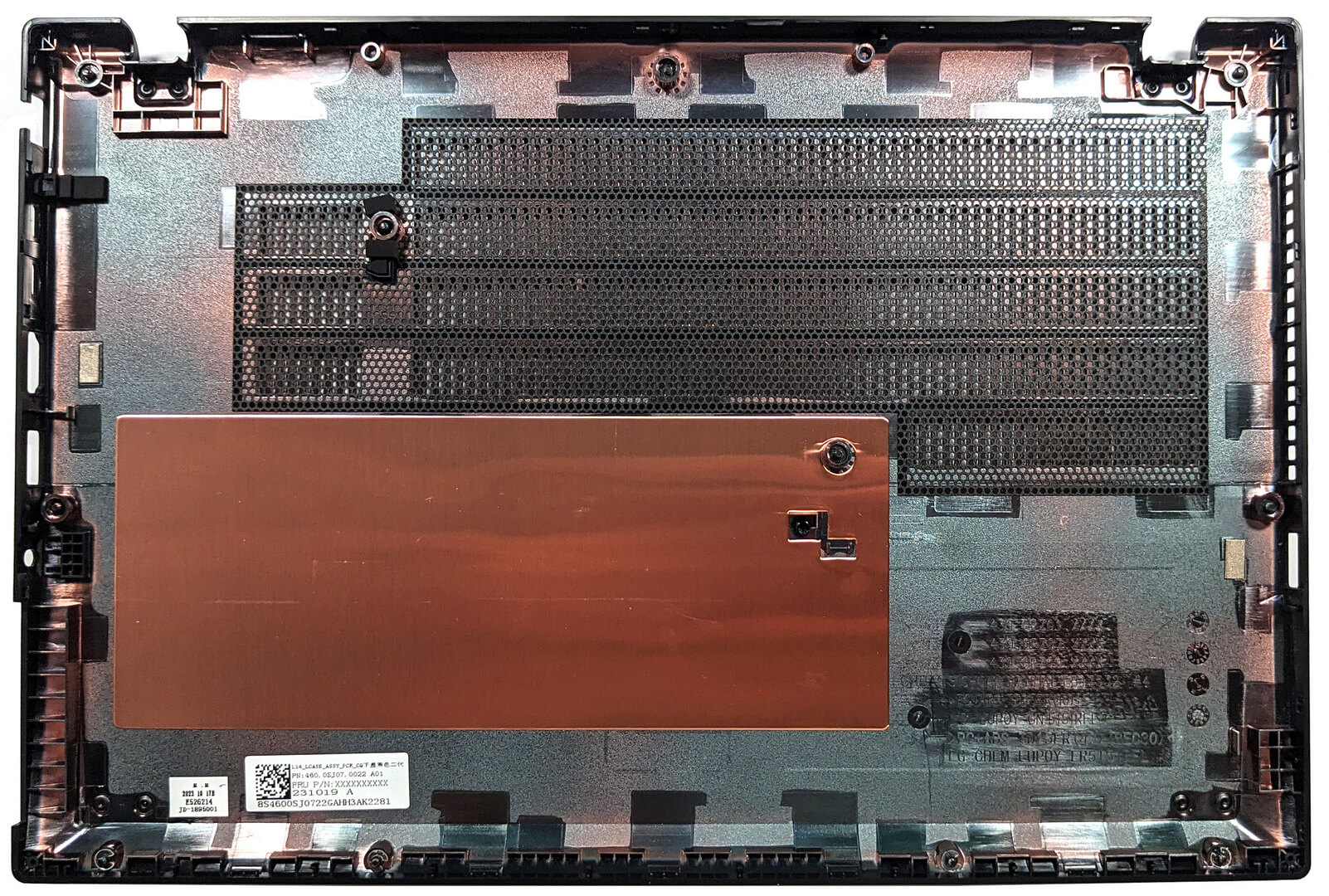
This is how the bottom panel looks on the inside.
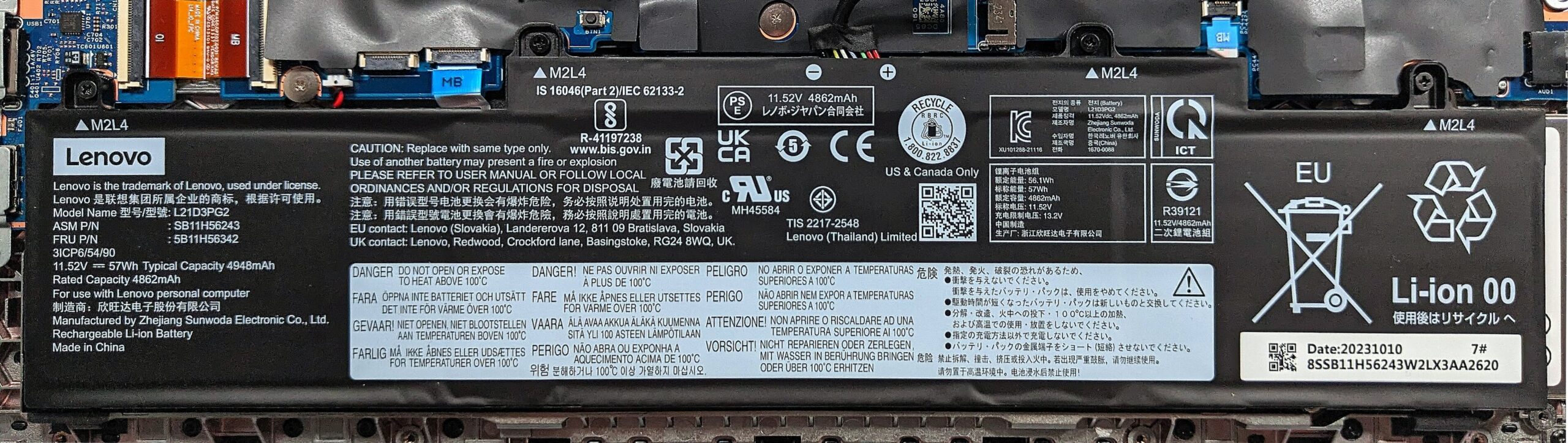
Here, we have the optional 57Wh battery. The default version is a 46.5Wh unit, and the top-tier variant has a capacity of 63Wh. To take out the battery, detach the connector from the mainboard, and then undo the four Phillips-head screws, that fix the unit to the base.
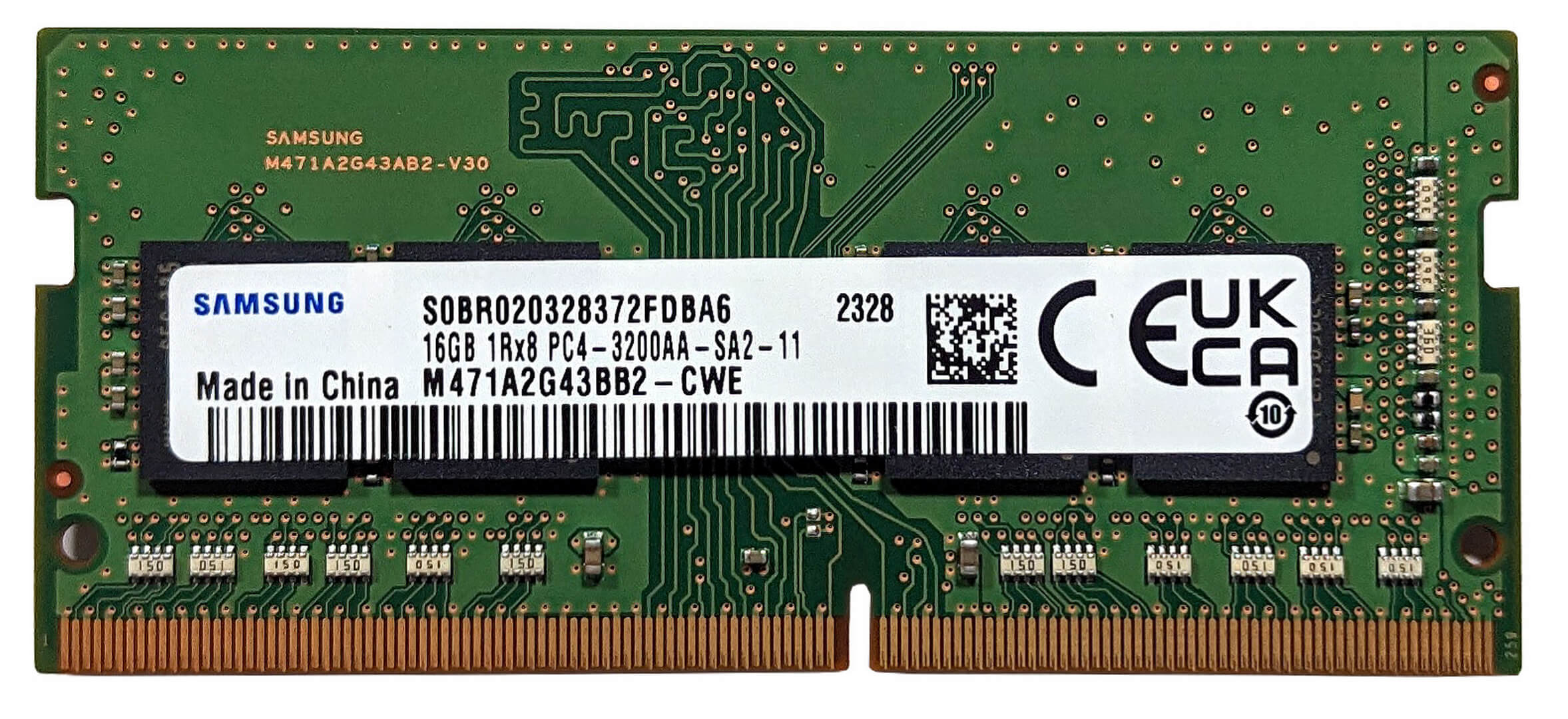
Memory-wise, you get two SODIMMs for up to 64GB of DDR4-3200 MHz RAM in dual-channel mode. The WWAN slot for optional 4G connectivity is placed on the right of the slots.


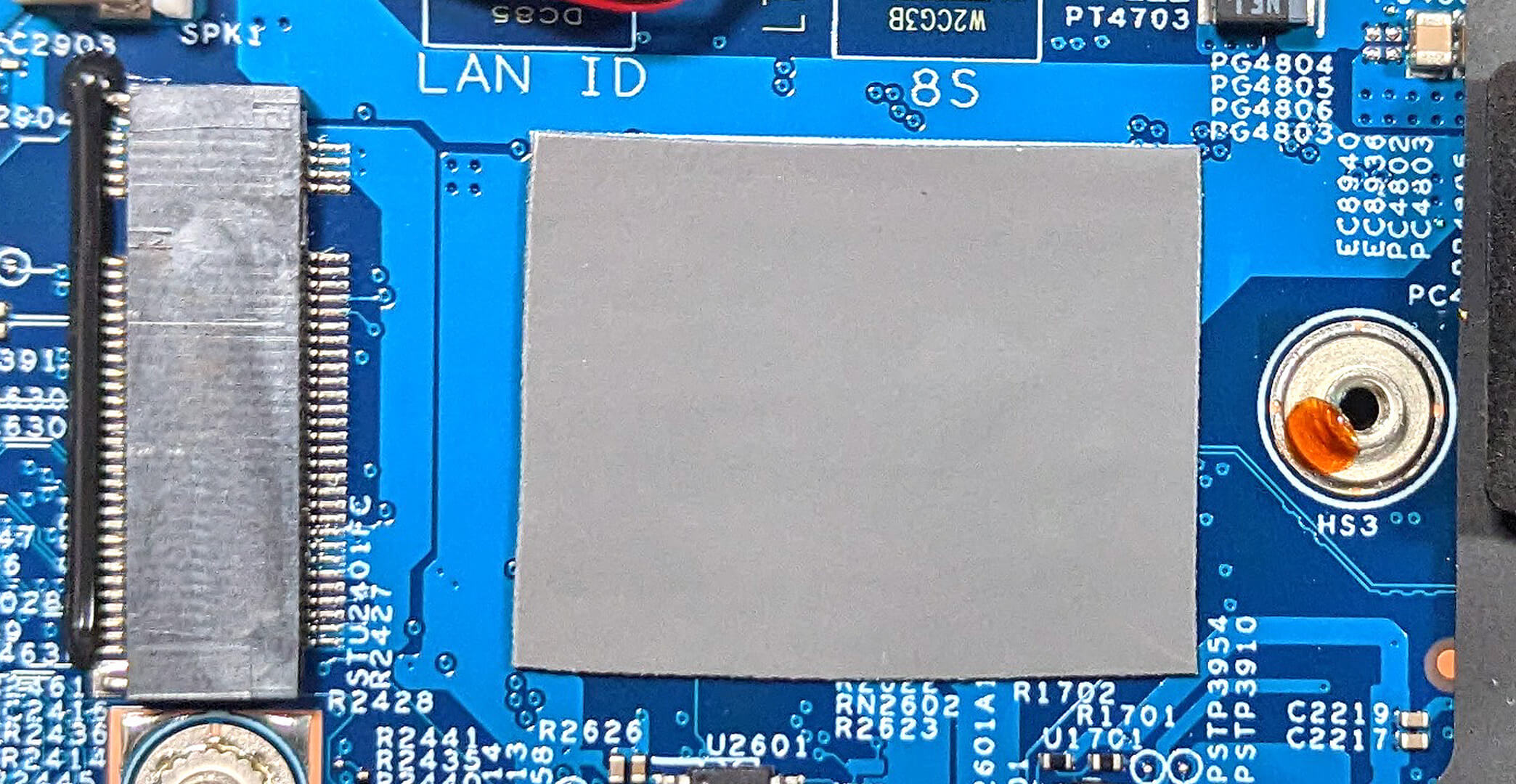
In terms of storage, there is just a single M.2 slot for 2242 Gen 4 SSDs. The NVMe is protected by a metal plate that has a thin thermal pad on the inside. Below the SSD, there is another pad.


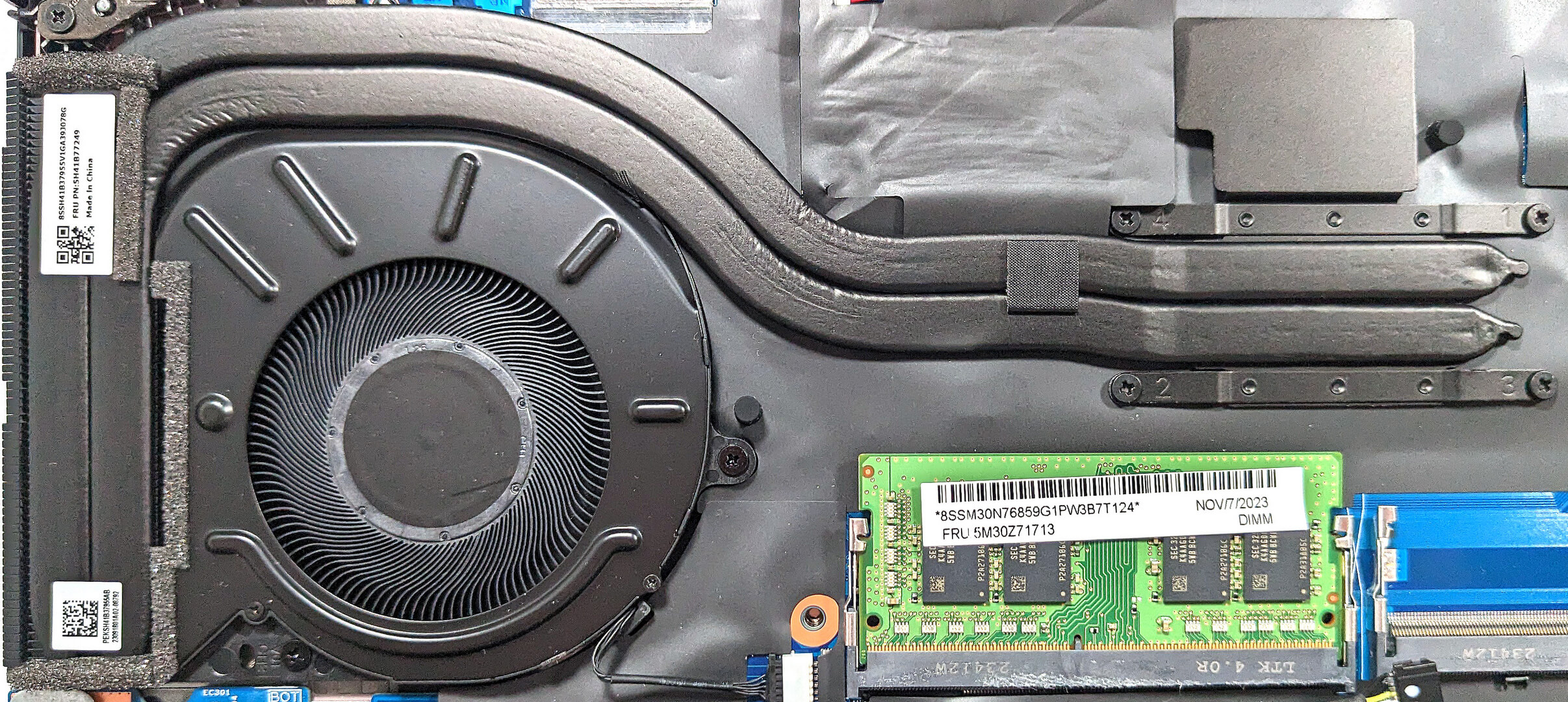
The cooling comprises one large fan, two long heat pipes, a heat sink, and a heat spreader. The zone where the heatsink is attached to the pipes isn’t directly fixed to the chassis and you can wobble the pipes with ease.
 Author: Nikolay Palaozov
 Author: eng. Kroum NikolovHead of Engineering at LaptopMedia.com, inventor and innovator with 40+ years of experience in electronics and high technology.

![[Temmuz 2026] Amazon’da En Çok Satan Dizüstü Bilgisayar Grafik Kartlarının Küresel Sıralaması – RTX 5060, Üst Sınıf Segmentte Hakimiyet Kurarken, Intel Hala Ekonomik Segmentte Lider](https://laptopmedia.com/wp-content/uploads/2026/08/Best-Selling-GPUs-GLOBAL-Top-10-400x225.jpg)
![[Temmuz 2026] Amazon’da En Çok Satan Dizüstü Bilgisayar İşlemcilerinin Küresel Sıralaması – Apple, Üst Sınıf Segmentte Liderlik Yaparken, Intel Genel Sıralamada Birinci Sırayı Koruyor](https://laptopmedia.com/wp-content/uploads/2026/08/Best-Selling-CPUs-GLOBAL-Top-10-400x225.jpg)
![[Haziran 2026] Amazon Global’de En Çok Satan Dizüstü Bilgisayar Markaları – Apple’ın Satış Adedi ve Gelir Açısından Rakipsiz Hakimiyeti](https://laptopmedia.com/wp-content/uploads/2026/07/GLOBAL-Best-Brands-400x225.jpg)
![[Haziran 2026] Amazon Global: En Çok Satan 10 Dizüstü Bilgisayar – Apple’ın Yeni MacBook Neo, 1. Sıraya Fırtına Gibi Yükseldi; Uygun Fiyatıyla Pazarı Yeniden Şekillendiriyor](https://laptopmedia.com/wp-content/uploads/2026/07/Best-Selling-Laptops-GLOBAL-Top-10-400x225.jpg)
![[Haziran 2026] Amazon Global: En Çok Satan 10 Oyun Dizüstü Bilgisayarı – Acer’ın Nitro V 16S AI modeli satışlarda başı çekerken, ASUS toplam gelirde lider konumda](https://laptopmedia.com/wp-content/uploads/2026/07/Best-Selling-Gaming-Laptops-GLOBAL-Top-10-400x225.jpg)

Laptop
Laptop shahay yojana
Free leptop
Haa
Haa
haa what?