How to open HP EliteBook 860 G11 – disassembly and upgrade options
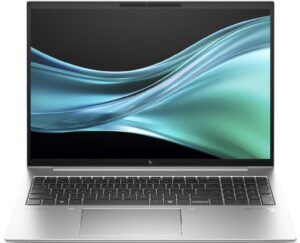
Opening the HP EliteBook 860 G11
- Undo the 5 Phillips-head screws on the bottom panel.
- Use a lever tool to pop the zones close to the top two edges and lift the middle of the rear.
- Finally, pry the sides and the front using a thin plastic tool.
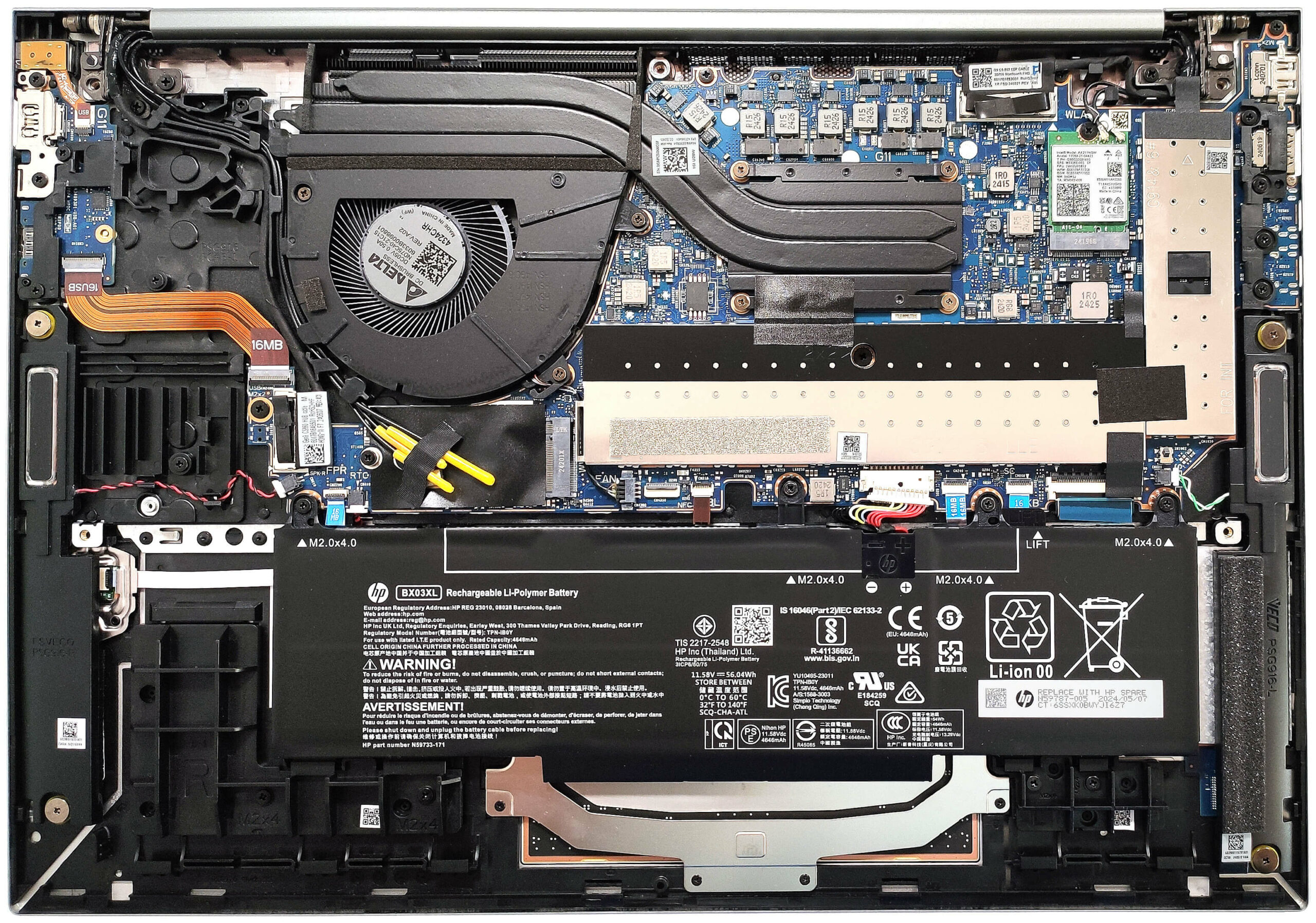
Note: The inside of the bottom plate includes thermal pads for the WWAN slot and SSD.
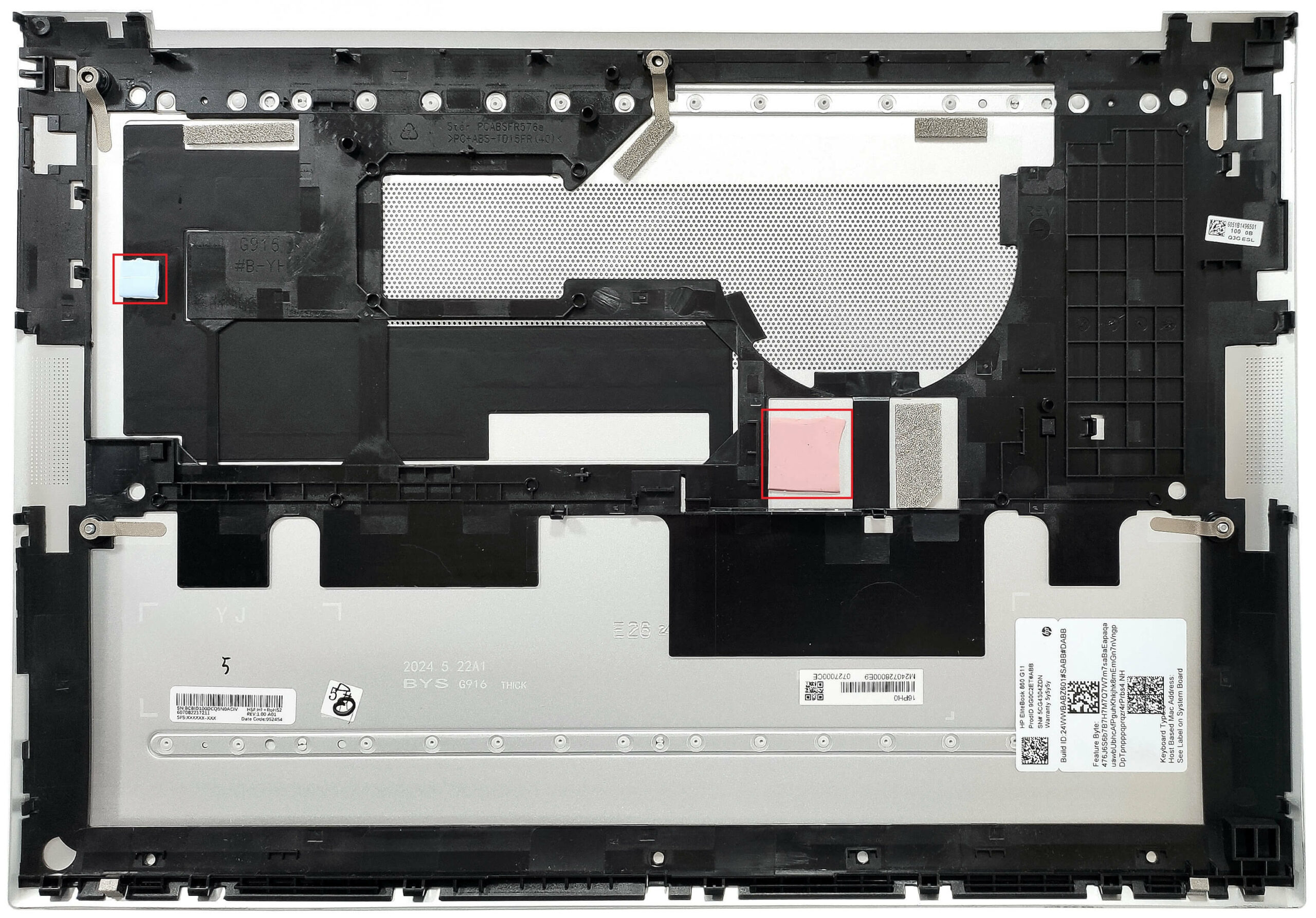
Battery Removal
- This device is equipped with the default 56Wh battery, but you can opt for a 76Wh variant.
- To remove it, detach the connector from the motherboard and undo the 4 Phillips-head screws that secure the battery.
Note: The 56Wh battery provides around 10 hours of video playback.
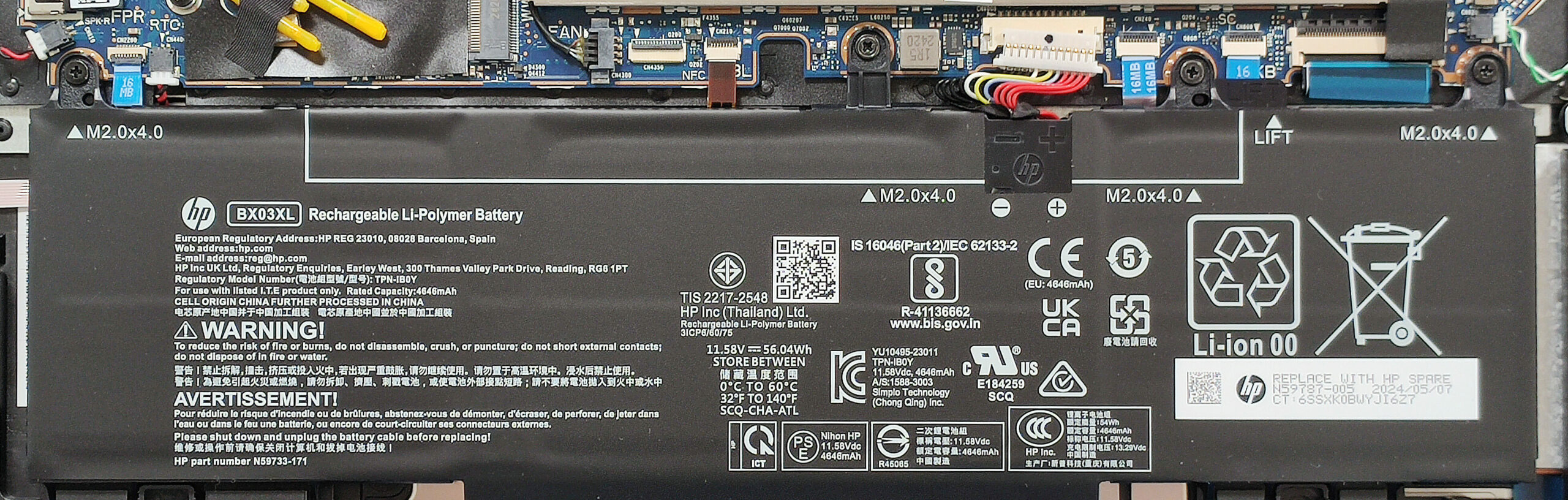
Memory and Storage
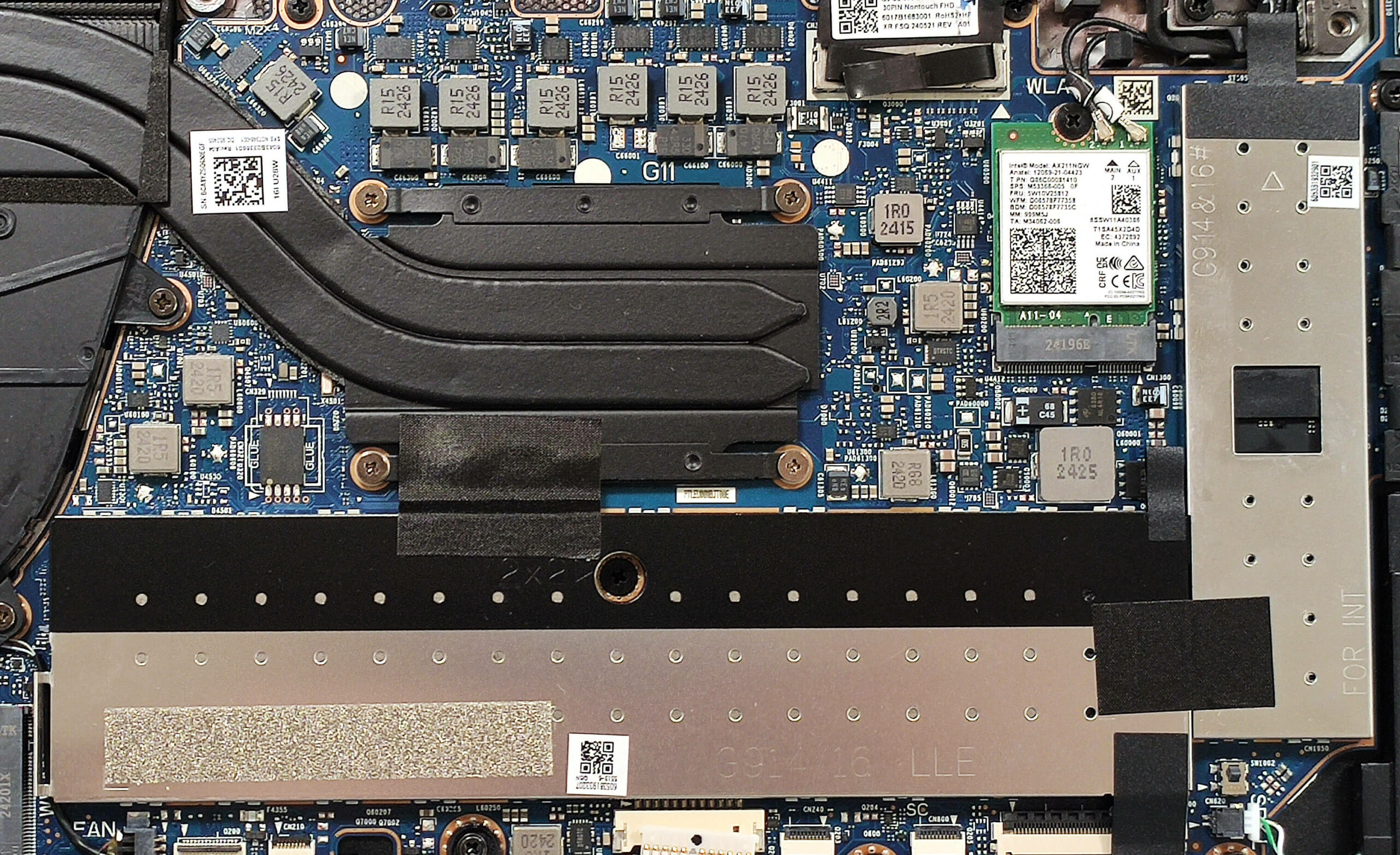
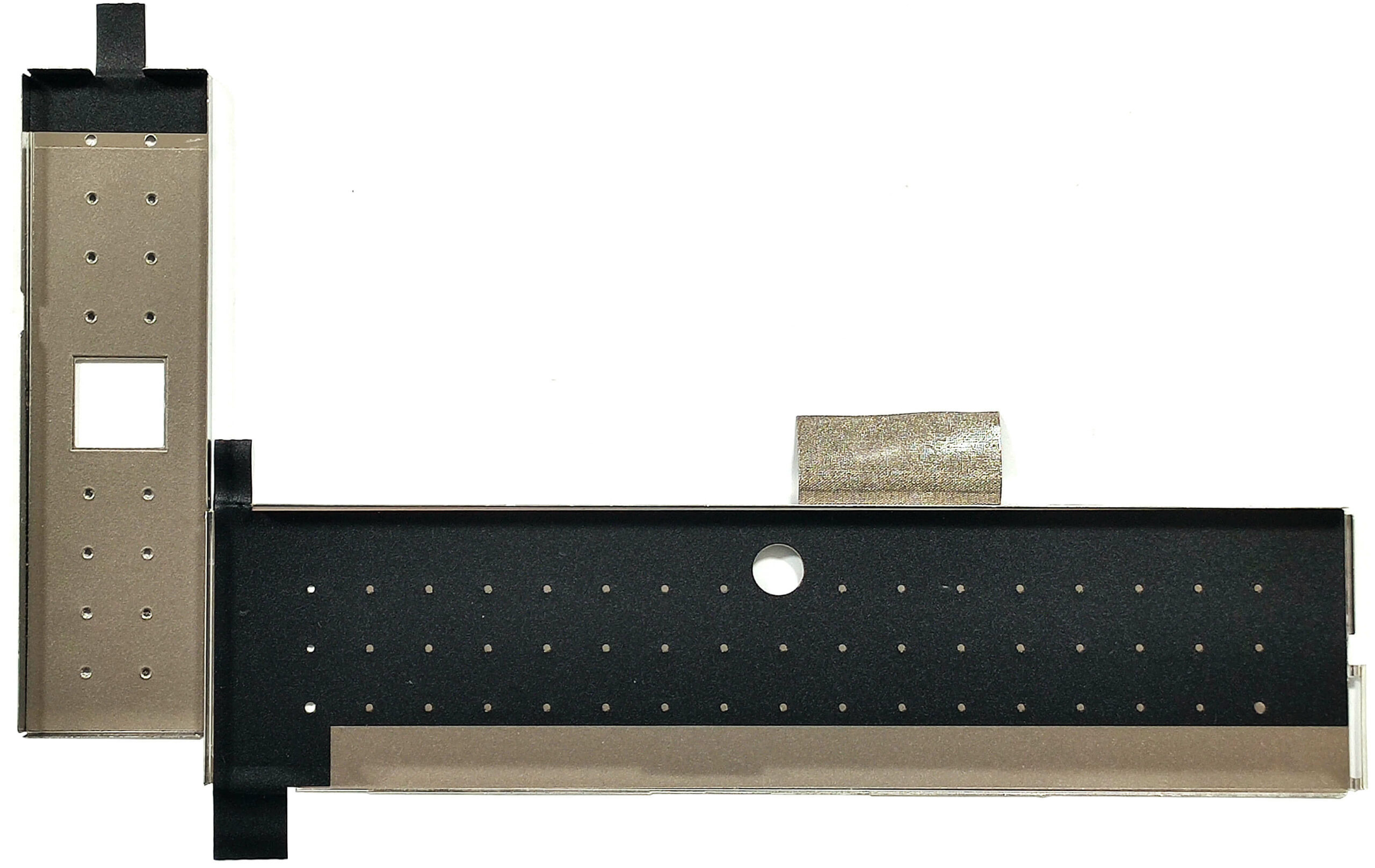
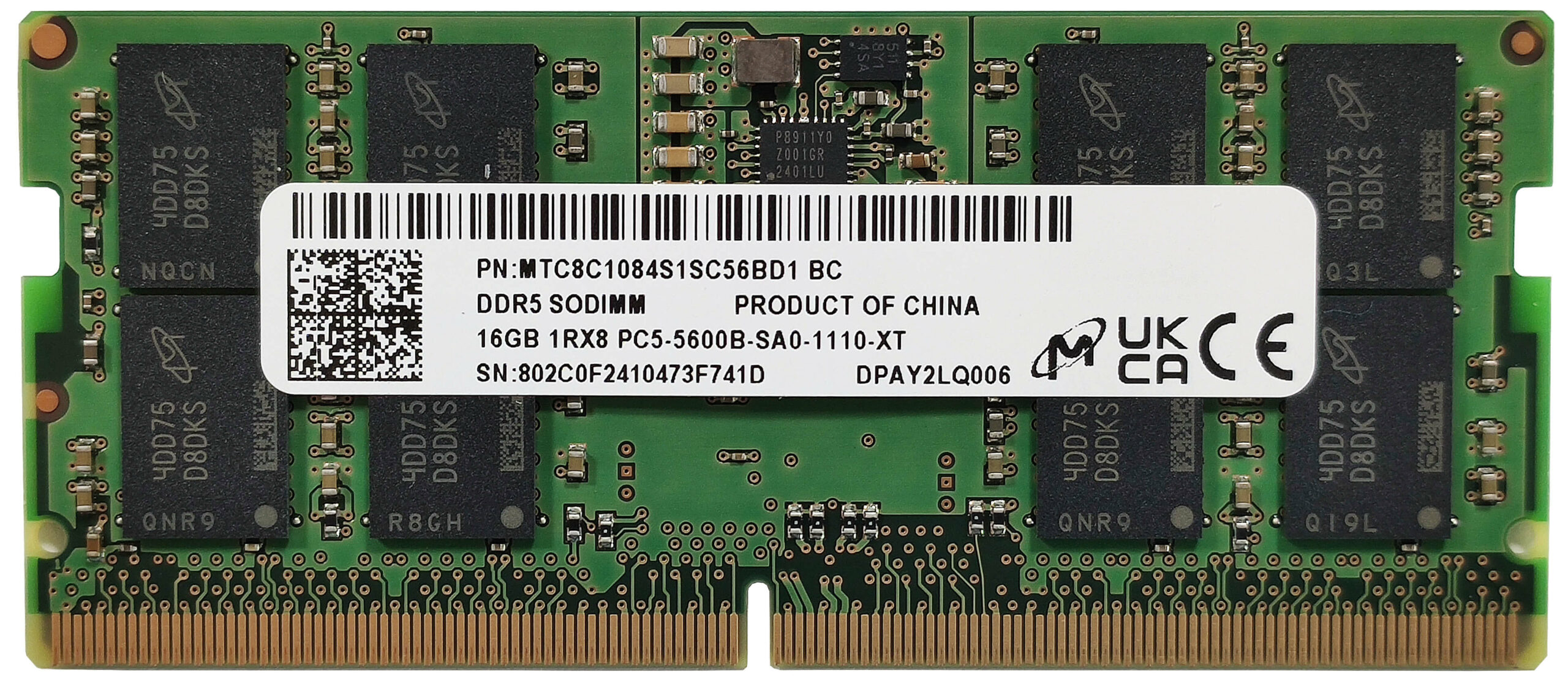
- The metal shrouds protecting the memory and SSD can be removed by gently lifting their attached fabric handles.
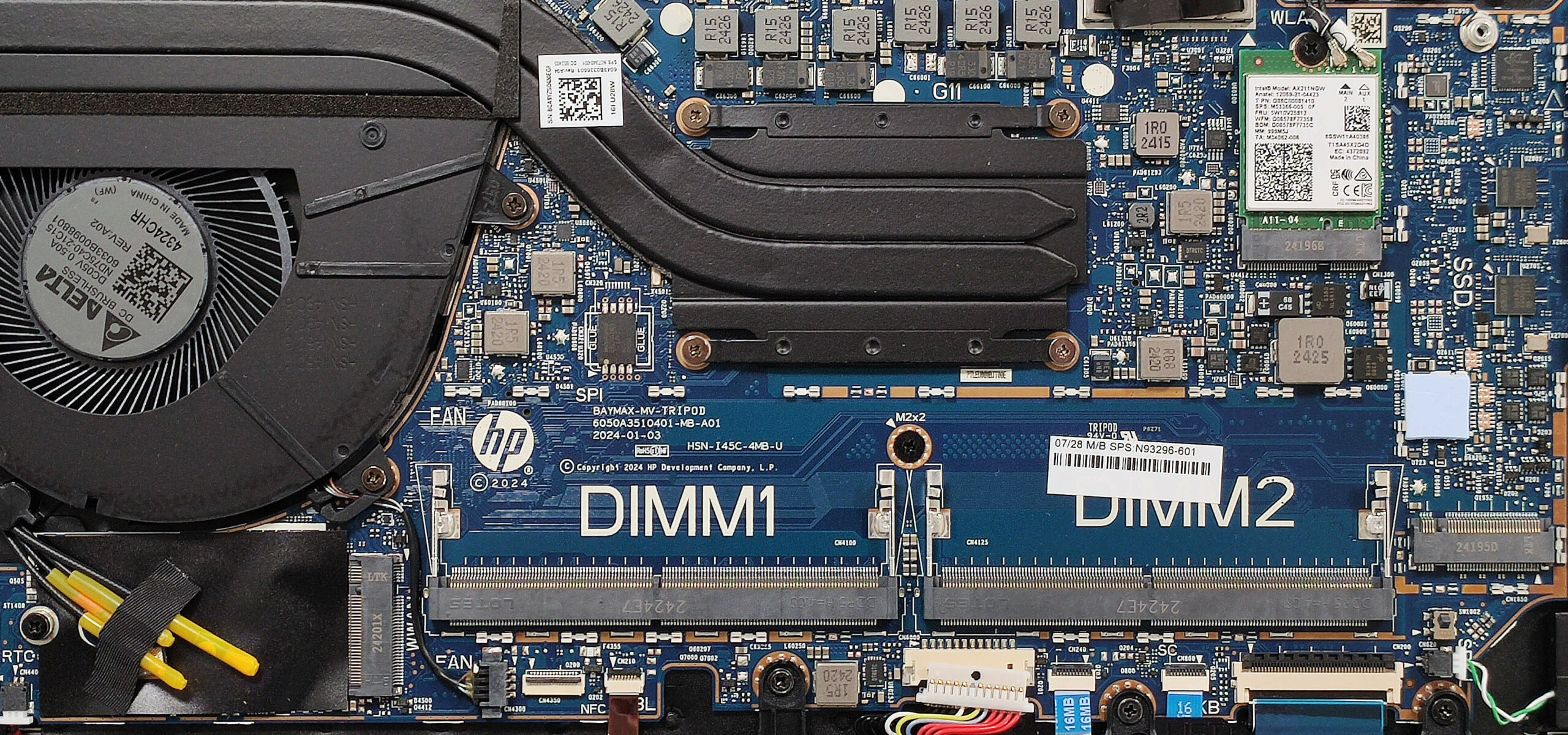
- The two SODIMMs support up to 64GB of DDR5-5600 MHz RAM in dual-channel mode. The CPU can handle up to 96GB.
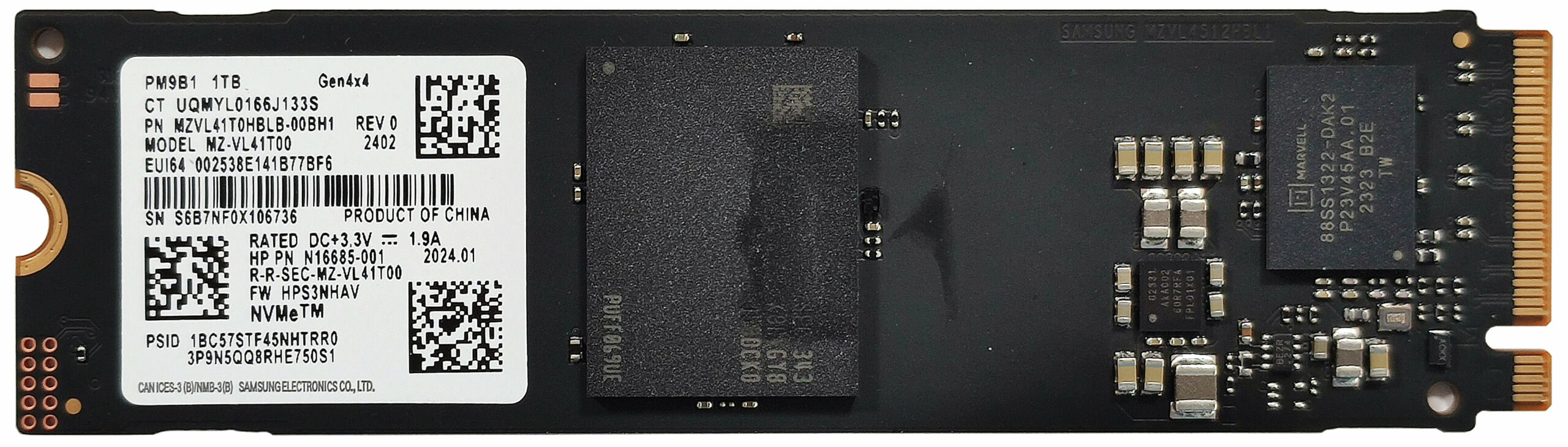
- The NVMe drive has a small cooling pad underneath it for heat dissipation.
Additional Features
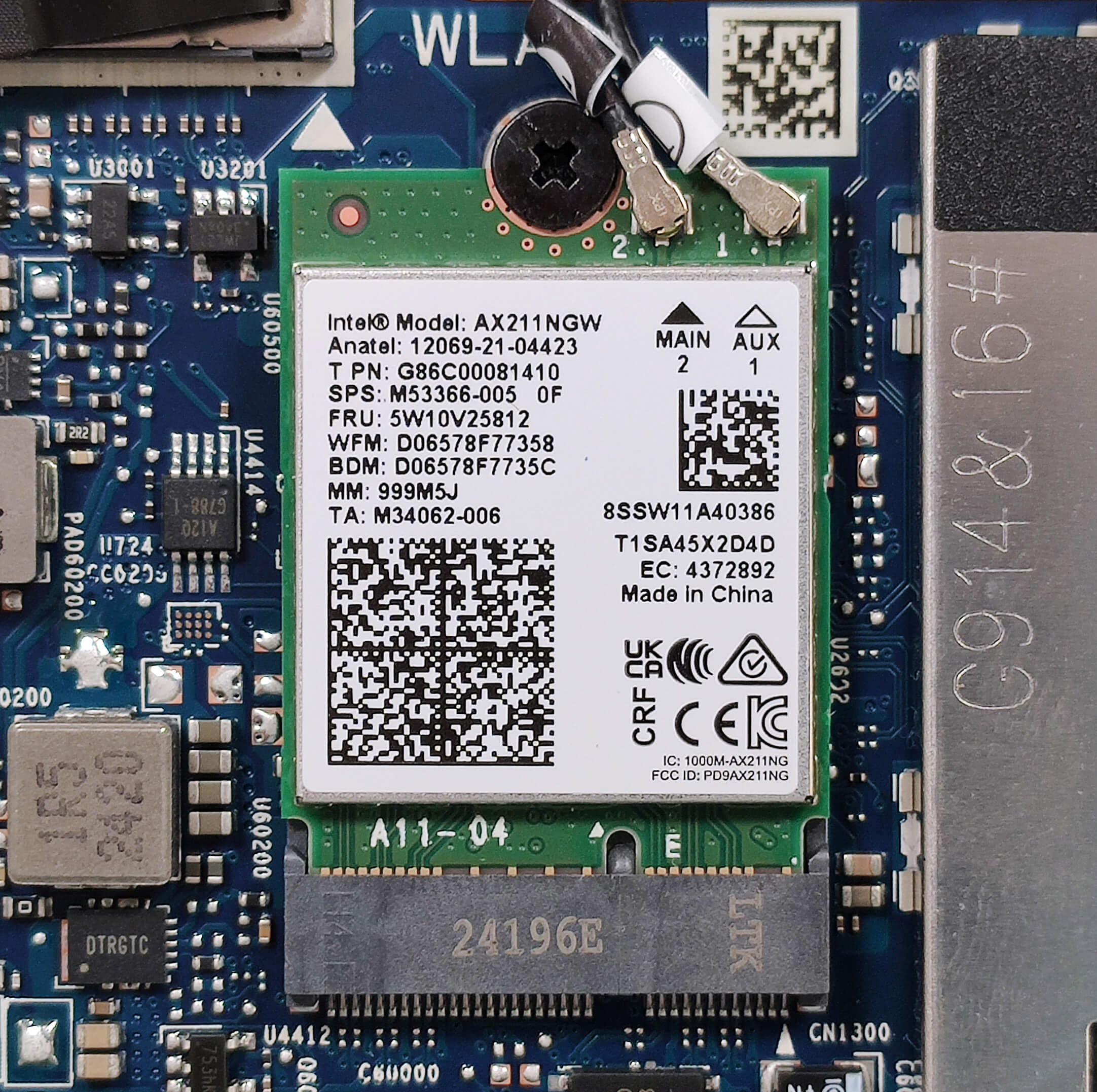
- The Wi-Fi card is located on the right of the thermal system.
- The WWAN slot for optional 4G or 5G connectivity is positioned below the fan.
Cooling System
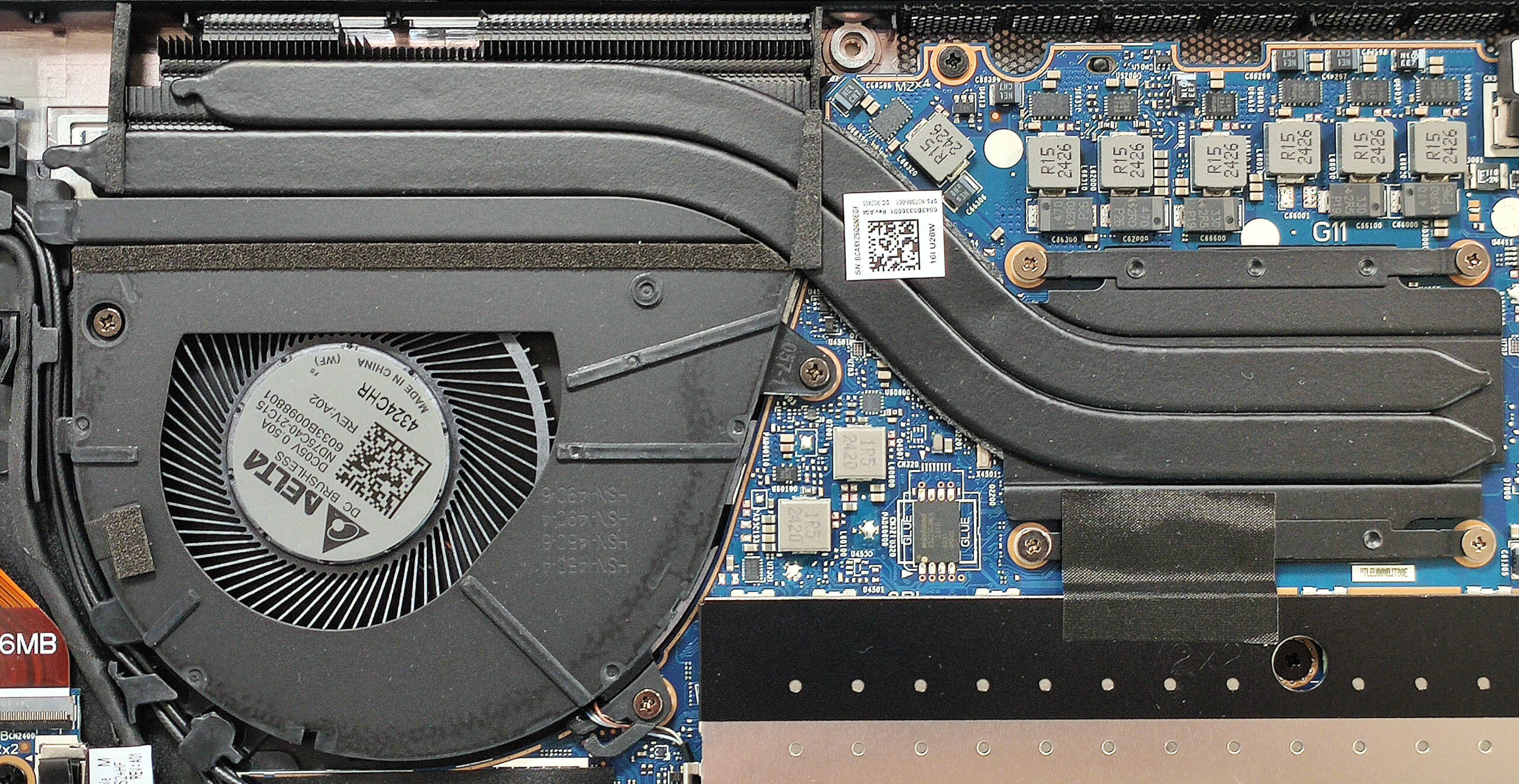
- The cooling system includes one large fan, two heat pipes, a top-mounted heat sink, and a heat spreader.
HP EliteBook 860 G11 in-depth review
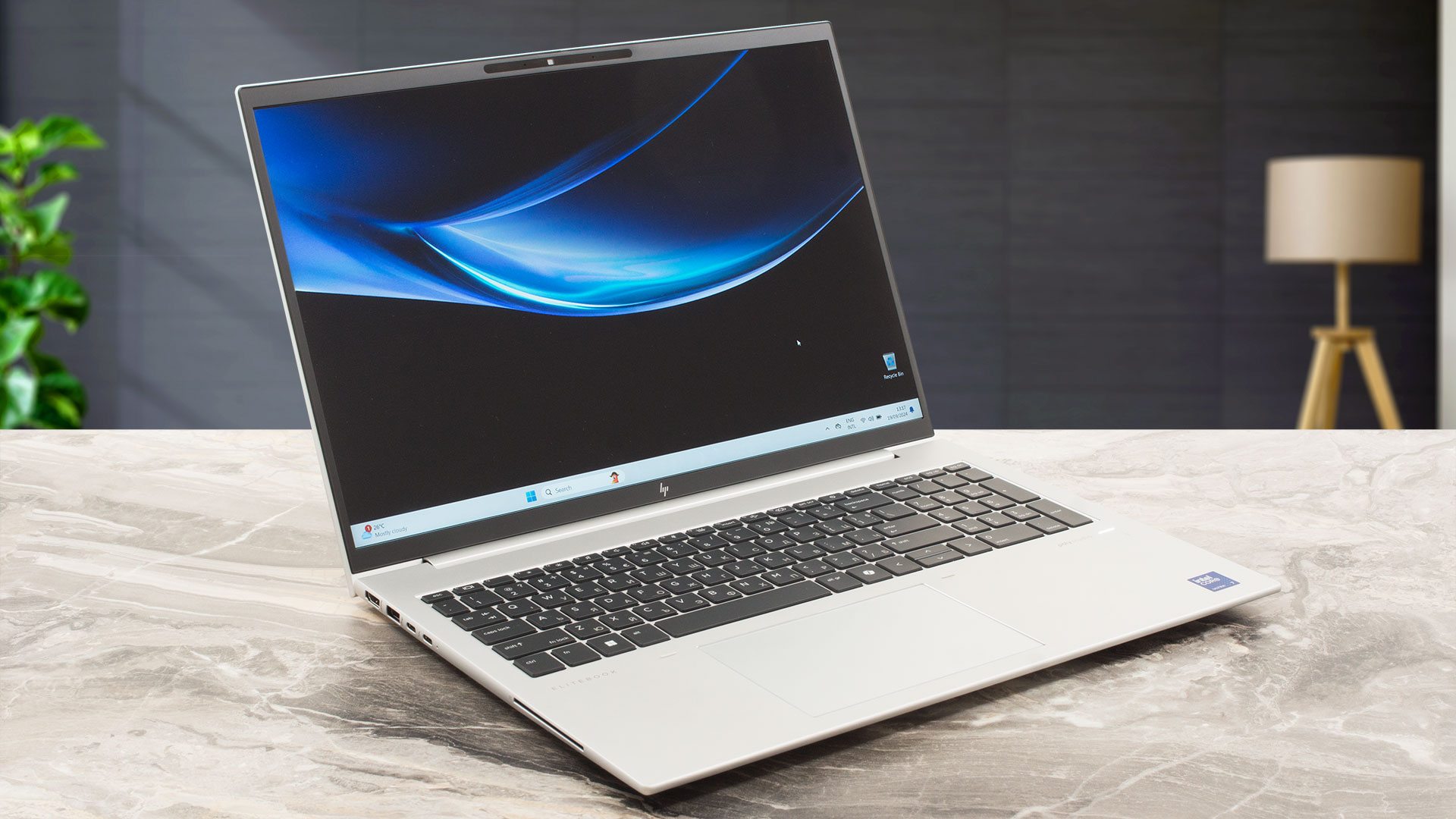
The EliteBook 860 G11 seems like a good choice for office or hybrid employees because of the security features. You get a Tamper Lock protection, a self-healing BIOS, a Lock slot, a privacy shutter, and a dTPM2.0 chip. If that's not enough for you, HP offers many optional goodies. This includes a fingerprint reader, IR Web camera, NFC, eSIM, and a vPro CPU. We can spot the Intel Evo certification in the specifications which isn't standard but it enhances the battery life. You can achieve longer autonomous work if you pick a device with a U-series Meteor Lake processor and an optional 76Wh bat[...]
Pros
- Metal build
- The matte finish is almost fingerprint-proof
- Good dimensions for a 16-incher (1.729 kg / 9.02 mm - 16.35 mm)
- The Core Ultra 7 155H maintains 2.70 GHz / 2.22 GHz P and E core clocks in medium loads
- Wide viewing angles + 16:10 aspect ratio (CMN1638)
- 317 nits of max brightness (CMN1638)
- 1540:1 contrast ratio (CMN1638)
- Great spill-resistant keyboard
- Smooth glass touchpad
- 2x Thunderbolt 4 + 2x Type-A ports
- The fan is nearly quiet in "Performance" mode during heavy CPU loads
- Almost silent fan in "Smart Sense" mode during heavy CPU loads
- Long battery battery life considering the modest 56Wh capacity and the 28W CPU (10 hours of video playback)
- 5MP Web camera with a privacy shutter
- Well-cooled NVMe
- Lid with a lever design
- Solid base
- Quality sound
- Smart Card Reader, NFC, fingerprint reader, IR Web camera, vPro, Intel Evo, eSIM, backlit keyboard (all are optional)
Cons
- Just a single M.2 slot
- You can't open the lid with one hand
- Tons of optional features
- Low sRGB coverage (CMN1638)
 Author: Dimitar Stalev

![[August 2026] Best-Selling Laptop Brands on Amazon Japan – Apple Dominates Market Share and Revenue Led by Strong Unit Sales](https://laptopmedia.com/wp-content/uploads/2026/09/CO.JP-Best-Brands-1-400x225.jpg)
![[August 2026] Best-Selling Laptop Brands on Amazon USA – Apple Dominates Market Revenue and Volume Despite Lower Model Diversity](https://laptopmedia.com/wp-content/uploads/2026/09/COM-Best-Brands-1-400x225.jpg)
![[August 2026] Amazon Germany: Top 8 Best-Selling Gaming Laptops – Acer Dominates the Market as the Premium Nitro V 17 AI Takes the #1 Spot](https://laptopmedia.com/wp-content/uploads/2026/09/Best-Selling-Gaming-Laptops-DE-Top-10-1-400x225.jpg)
![[August 2026] Best-Selling Laptop Brands on Amazon France – Apple Dominates Revenue Despite Lenovo and HP Leading in Catalog Breadth and Volume](https://laptopmedia.com/wp-content/uploads/2026/09/FR-Best-Brands-1-400x225.jpg)
![[August 2026] Amazon Italy: Top 10 Best-Selling Laptops – Apple MacBook Neo Claims the Crown as Budget and Mid-Range Windows Machines Dominate Volume](https://laptopmedia.com/wp-content/uploads/2026/09/Best-Selling-Laptops-IT-Top-10-400x225.jpg)
