Inside Acer Swift 1 (SF114-34) – disassembly and upgrade options
This is a super affordable laptop that offers completely silent work thanks to its passive cooling solution.
Check out all Acer Swift 1 (SF114-34) prices and configurations in our Specs System or read more in our In-Depth review.
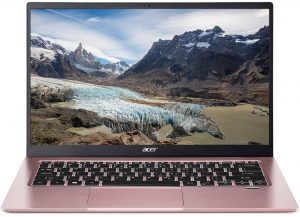


1. Remove the bottom plate
This laptop’s bottom panel is held in place by 11 Phillips-head screws. After you undo them, pry the panel with a plastic tool, and lift it away from the chassis.

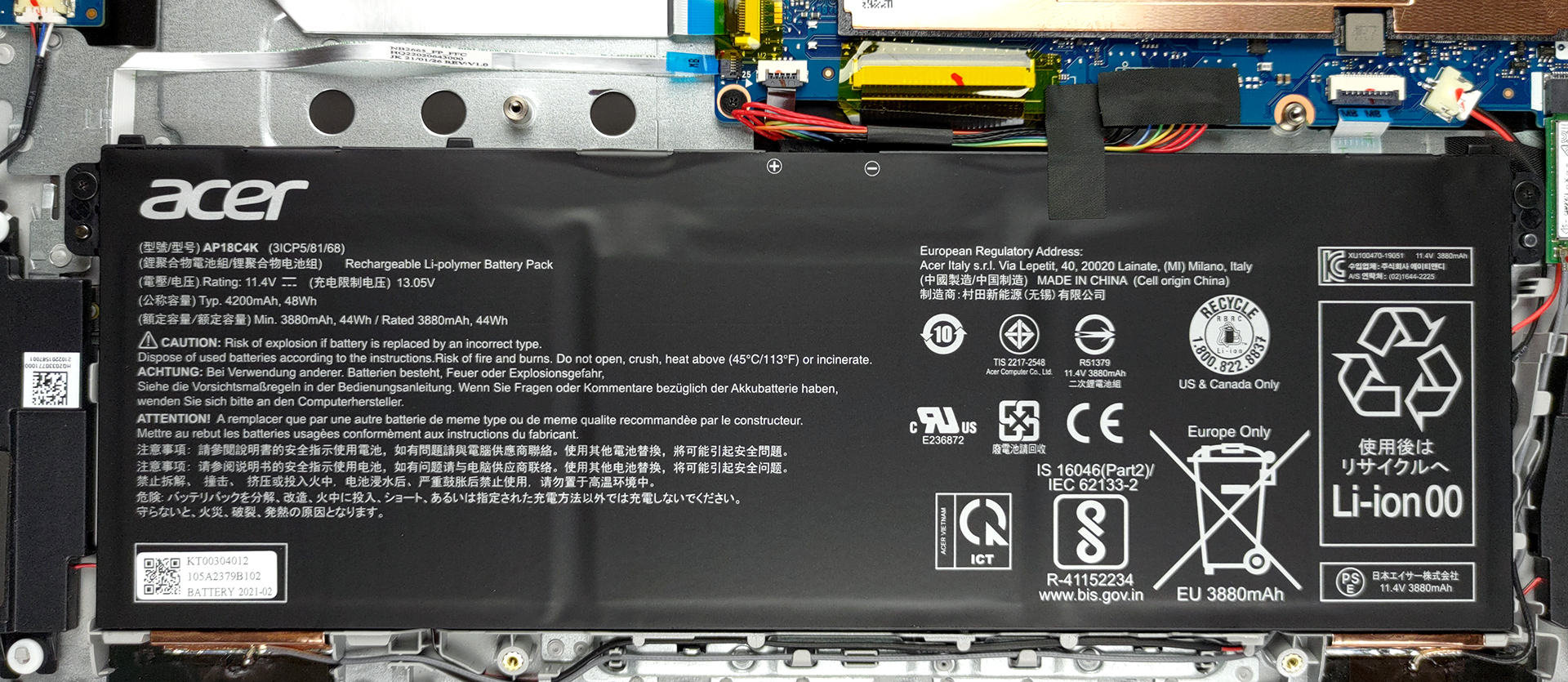
2. Battery
The battery capacity here is 48Wh.
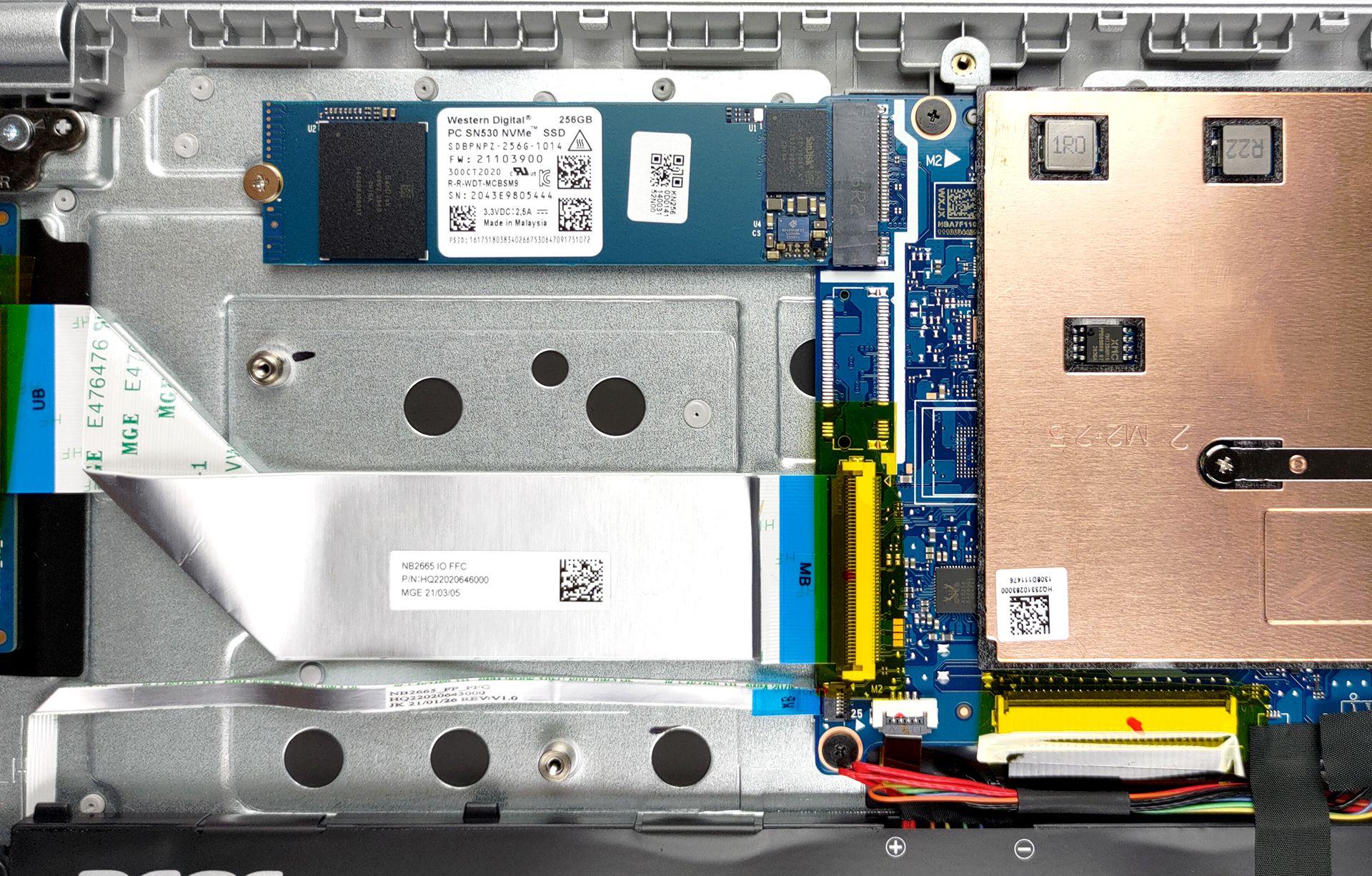
3. Мemory and storage
Unfortunately, the memory is soldered to the motherboard. On the bright side, you get one M.2 NVMe slot for storage upgrades.
4. Cooling system
The main event here, however, is the passive cooling solution. There is a metal heat spreader with a relatively large footprint.

Check out all Acer Swift 1 (SF114-34) prices and configurations in our Specs System or read more in our In-Depth review.
Acer Swift 1 (SF114-33/34) in-depth review
There are a couple of selling points of the Swift 1 (SF114-34). In the first place, there is the price. Then, you get the battery life, followed by silent operation, and not in the last place - 1080p IPS display. These are quite some reasons to get you hooked up on buying this device.However, there is a big caveat here, and it is the processing power. You can get the Swift 1 (SF114-34) with one of a bunch of Celeron or Pentium Silver processors. If you are looking for something that will run some heavier tasks, you should at least aim for the Pentium Silver N6000 model. On the other hand,[...]
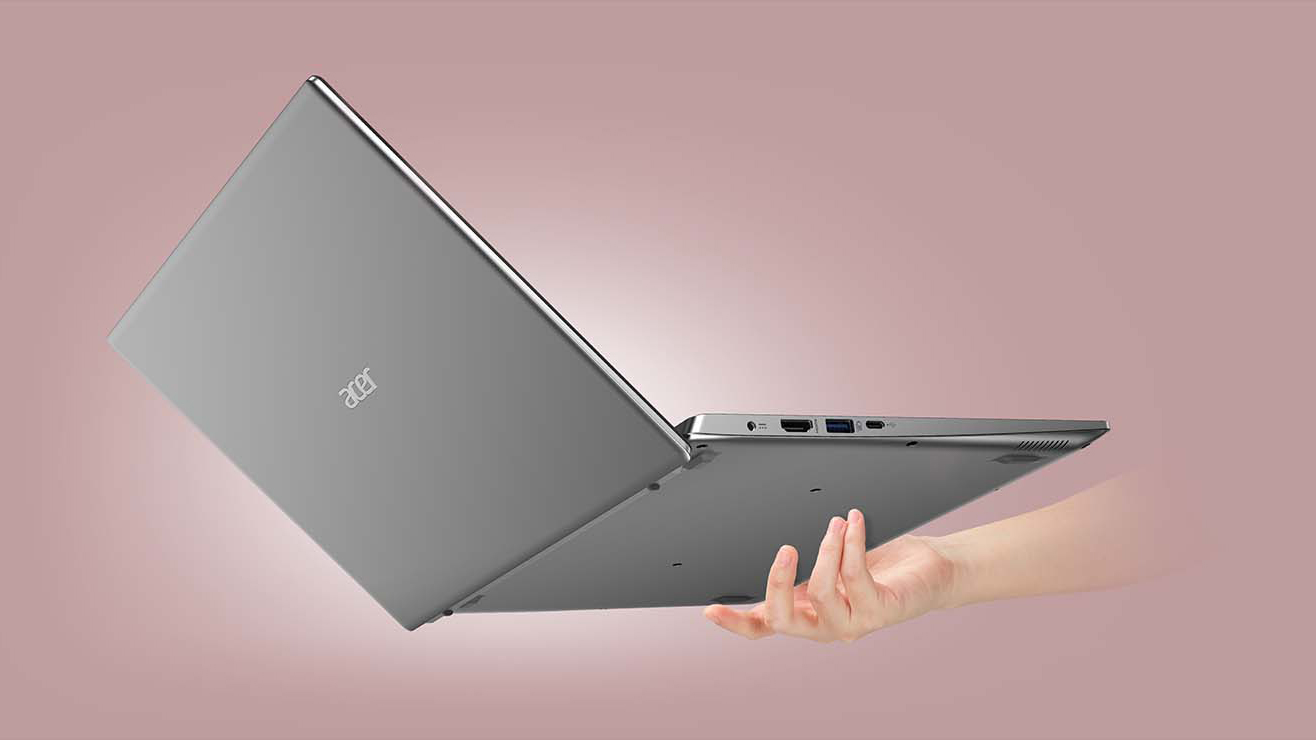
Pros
- Surprisingly good value
- Optional fingerprint reader
- Comfortable backlit keyboard
- USB Type-C connection and an M.2 slot for storage upgrades
- Very good battery life
- Its Full HD IPS panel has comfortable viewing angles and a good contrast ratio (Chi Mei N140HCA-EAC (CNM14D4))
- No aggressive PWM for brightness adjustment (Chi Mei N140HCA-EAC (CNM14D4))
Cons
- Memory is soldered to the motherboard
- Covers only 52% of sRGB (Chi Mei N140HCA-EAC (CNM14D4))
- Subpar performance
 Author: Alex Iliev

![[August 2026] Amazon Italy: Top 10 Best-Selling Laptops – Apple MacBook Neo Claims the Crown as Budget and Mid-Range Windows Machines Dominate Volume](https://laptopmedia.com/wp-content/uploads/2026/09/Best-Selling-Laptops-IT-Top-10-400x225.jpg)
![[August 2026] Amazon Italy: Top 7 Best-Selling Gaming Laptops – ASUS V16 Claims the #1 Spot Amid Strong Mid-Range Demand](https://laptopmedia.com/wp-content/uploads/2026/09/Best-Selling-Gaming-Laptops-IT-Top-10-400x225.jpg)
![[August 2026] Best-Selling Laptop Brands on Amazon Italy – Lenovo Dominates Market Share and Revenue Leadership](https://laptopmedia.com/wp-content/uploads/2026/09/IT-Best-Brands-400x225.jpg)
![[August 2026] Amazon India: Top 10 Best-Selling Laptops – Apple MacBook Neo Dominates the Charts with Massive Sales Lead](https://laptopmedia.com/wp-content/uploads/2026/09/Best-Selling-Laptops-IN-Top-10-400x225.jpg)
![[August 2026] Amazon India: Top 10 Best-Selling Gaming Laptops – HP Victus 15 Dominates the Market with Massive Unit Lead](https://laptopmedia.com/wp-content/uploads/2026/09/Best-Selling-Gaming-Laptops-IN-Top-10-400x225.jpg)
