February 01, 2024
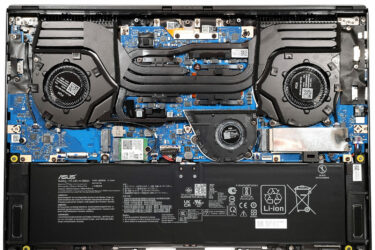
3How to open ASUS ROG Zephyrus G16 GU605 – disassembly and upgrade options
Step 1: Accessing the ASUS ROG Zephyrus G16 GU605 Ensure the ASUS ROG Zephyrus G16 GU605 is powered off and placed on a soft surface to prevent any damage. Remove the 11 Torx-head screws securing…
February 01, 2024
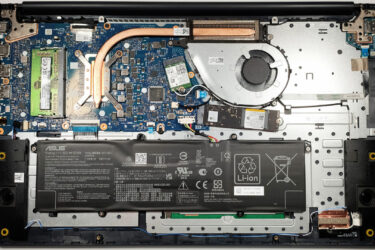
0How to open ASUS Vivobook 17 F1704 (X1704) – disassembly and upgrade options
Step 1: Accessing the Internal Components Ensure the ASUS Vivobook 17 F1704 (X1704) is powered off and placed on a soft, clean surface to prevent scratches or damage. Remove the 11 Phillips-head screws from the…
February 01, 2024
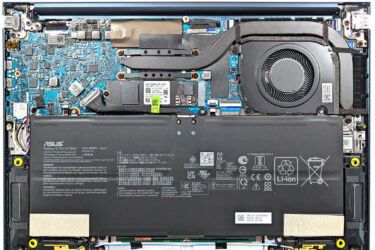
3How to open ASUS Zenbook 14 OLED (UX3405) – disassembly and upgrade options
Step 1: Accessing the Internal Components Ensure the ASUS Zenbook 14 OLED (UX3405) is powered off and placed on a soft, clean surface to prevent scratches or damage. Remove the 7 Torx-head screws from the…
February 01, 2024
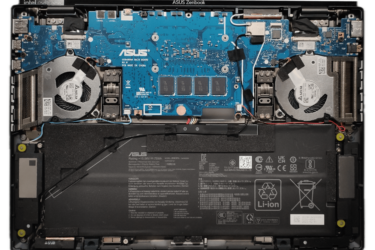
3How to open ASUS Zenbook DUO (UX8406) – disassembly and upgrade options
Step 1: Opening the ASUS Zenbook DUO (UX8406) Power off the ASUS Zenbook DUO (UX8406) and place it on a soft, clean surface to prevent scratches. Remove the 12 Torx-head screws from the laptop’s bottom,…
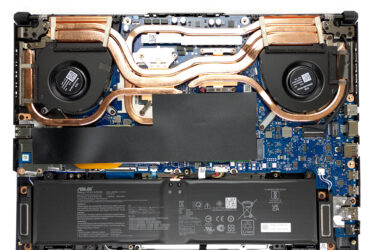
February 01, 2024
0How to open ASUS TUF Gaming A15 FA507 – disassembly and upgrade options
Step 1: Accessing the Internal Components Ensure the ASUS TUF Gaming A15 FA507 is powered off and placed on a soft, clean surface to prevent scratches or damage. Remove the 12 Phillips-head screws from the…
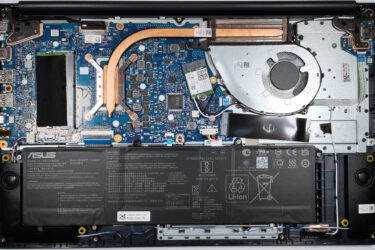
February 01, 2024
2How to open ASUS Vivobook 15 F1504 (X1504) – disassembly and upgrade options
Step 1: Accessing the Internal Components Ensure the ASUS Vivobook 15 F1504 (X1504) is powered off and placed on a soft, clean surface to prevent scratches or damage. Remove the 10 Phillips-head screws from the…
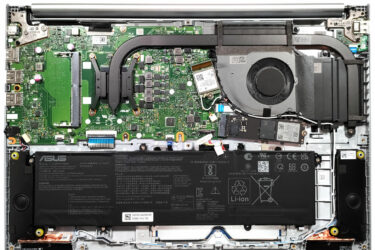
February 01, 2024
0How to open ASUS Vivobook 16 (M1605) – disassembly and upgrade options
Opening the Notebook Ensure the device is powered off and unplugged from any power source. Remove the 10 Phillips-head screws from the bottom panel. Gently lift the bottom panel near one of the top two…

January 29, 2024
0Display Profiles for ASUS VZ24EHE – Professional Accuracy with a Budget Monitor?
What we have here is perhaps the lightest and thinnest monitor we’ve seen. Just looking at the ASUS VZ24EHE from…

January 13, 2024
0Display Profiles for ASUS TUF Gaming VG27AQA1A – Great at everything
Here we have a purebred gaming monitor, which turns out is also excellent for content creation. Thanks to our Display Profiles, the ASUS TUF Gaming…
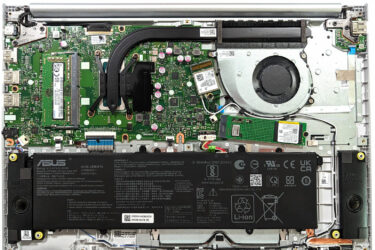
January 01, 2024
0How to open ASUS Vivobook 16X OLED (K3604) – disassembly and upgrade options
Step 1: Accessing the Internal Components Power off the ASUS Vivobook 16X OLED (K3604) and place it on a soft, clean surface to prevent any damage. Remove the 10 Phillips-head screws securing the bottom panel…
January 01, 2024
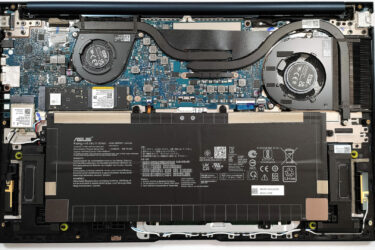
1How to open ASUS Zenbook 15 OLED (UM3504) – disassembly and upgrade options
Step 1: Accessing the Internal Components Ensure the ASUS Zenbook 15 OLED (UM3504) is powered off and placed on a soft, clean surface to avoid damage. Remove the 7 Torx-head screws from the laptop’s back,…

January 01, 2024
0How to open ASUS ROG Zephyrus Duo 16 (GX650, 2023) – disassembly and upgrade options
Opening the Laptop Unscrew the 13 Torx-head screws from the back panel. Note that the central screw is hidden beneath a small rubber pad, which you can lift using a flathead screwdriver. Remember, the bottom…
January 01, 2024
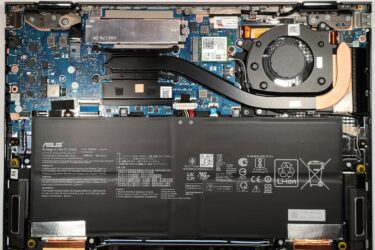
0How to open ASUS Zenbook 14 Flip OLED (UP3404) – disassembly and upgrade options
1. Removing the Bottom Panel Before you start, ensure the laptop is powered off and disconnected from any external power sources. Place the laptop upside-down to access the bottom panel. Remove the two rubber back…
January 01, 2024
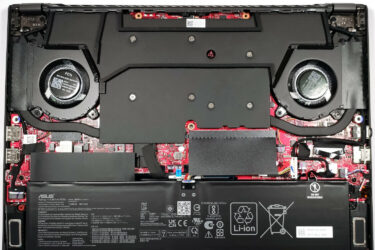
0How to open ASUS ROG Zephyrus G14 GA402 (2023) – disassembly and upgrade options
Opening the Laptop Undo the 11 Phillips-head screws securing the bottom panel of the laptop. Note that the three middle screws are covered by rubber caps. Remove these caps with a flathead screwdriver first. Start…
January 01, 2024
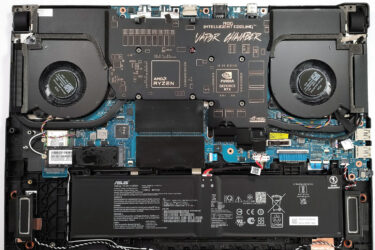
0How to open ASUS ROG Strix SCAR 17 G733 (2023) – disassembly and upgrade options
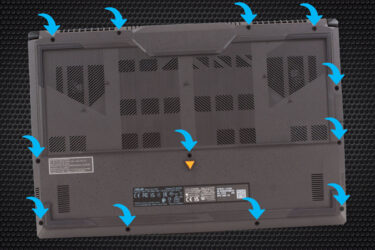
Step 1: Accessing the Internal Components Turn off your ASUS ROG Strix SCAR 17 G733 (2023) and place it on a soft, clean surface to prevent any damage. Undo the 11 Philips-head screws securing the…
November 15, 2023
0How to open ASUS TUF Gaming A17 (FA707, 2023) – disassembly and upgrade options
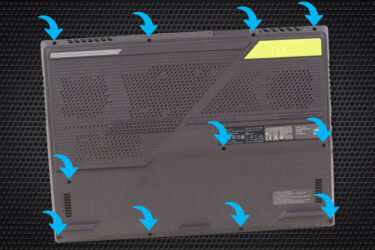
1. Opening the Bottom Panel – Ensure the laptop is powered off and unplugged from any power source. – Using a Phillips-head screwdriver, remove the 12 screws securing the bottom panel. Note that one of…
November 13, 2023
0How to open ASUS ROG Strix G17 G713P (2023) – disassembly and upgrade options
1. Opening the Bottom Panel – Ensure the laptop is powered off and unplugged from any power source. – Using a Phillips-head screwdriver, remove the 11 screws that secure the bottom panel. Remember that one…
November 03, 2023
0ASUS ROG Zephyrus G14 GA402 (2023) can be easily turned into a top-notch laptop for graphic design
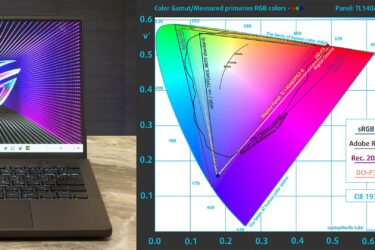
When purchasing the ASUS ROG Zephyrus G14 GA402 (2023) for our review, we opted for the model with a WQXGA (2560 x 1600), 165 Hz, IPS panel. This proved to be an excellent choice, as…

October 29, 2023
0[USA] Don’t miss these Top 3 Gaming Laptop Deals for October – ASUS on top again
While schools and universities have just begun, it doesn’t mean that gamers need to quit their hobby or get a sweet deal on a new laptop. In fact, gaming laptops are some of the most…

August 09, 2023
0[Video Review] ASUS ROG Strix SCAR 18 (G834, 2023) – The most powerful gaming laptop!
[Intro] Get ready to experience the ultimate gaming machine of 2023 – the ASUS ROG Strix SCAR 18 (G834)! Yes, while it’s still early in the year, we’re pretty confident in saying that the chance…



![[May 2026] Amazon Global: Top 10 Best-Selling Gaming Laptops – Budget-Friendly ASUS TUF Gaming A15 Dominates the Market](https://laptopmedia.com/wp-content/uploads/2026/06/Best-Selling-Gaming-Laptops-GLOBAL-Top-10-400x225.jpg)
![[May 2026] Amazon Global: Top 10 Best-Selling Laptops – Apple’s Affordable ‘MacBook Neo’ Takes the Crown Amidst Strong Air and Pro Sales](https://laptopmedia.com/wp-content/uploads/2026/06/Best-Selling-Laptops-GLOBAL-Top-10-400x225.jpg)
![[May 2026] Best-Selling Laptop Brands on Amazon Global – Apple Dominates in Units and Revenue](https://laptopmedia.com/wp-content/uploads/2026/06/GLOBAL-Best-Brands-400x225.jpg)