Inside Dell Inspiron 14 5490 – disassembly and upgrade options
An everyday laptop that offers quite the upgradability, actually.
Check out all Dell Inspiron 14 5490 prices and configurations in our Specs System or read more in our In-Depth review.
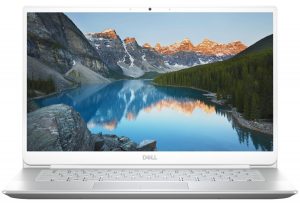
1. Remove the bottom plate
There are 9 Phillips-head screws you need to remove before you can remove the bottom plate. Interestingly, two of them stay attached to the panel, and as you unscrew them, they lift it up, so you can start your prying and picking from there.
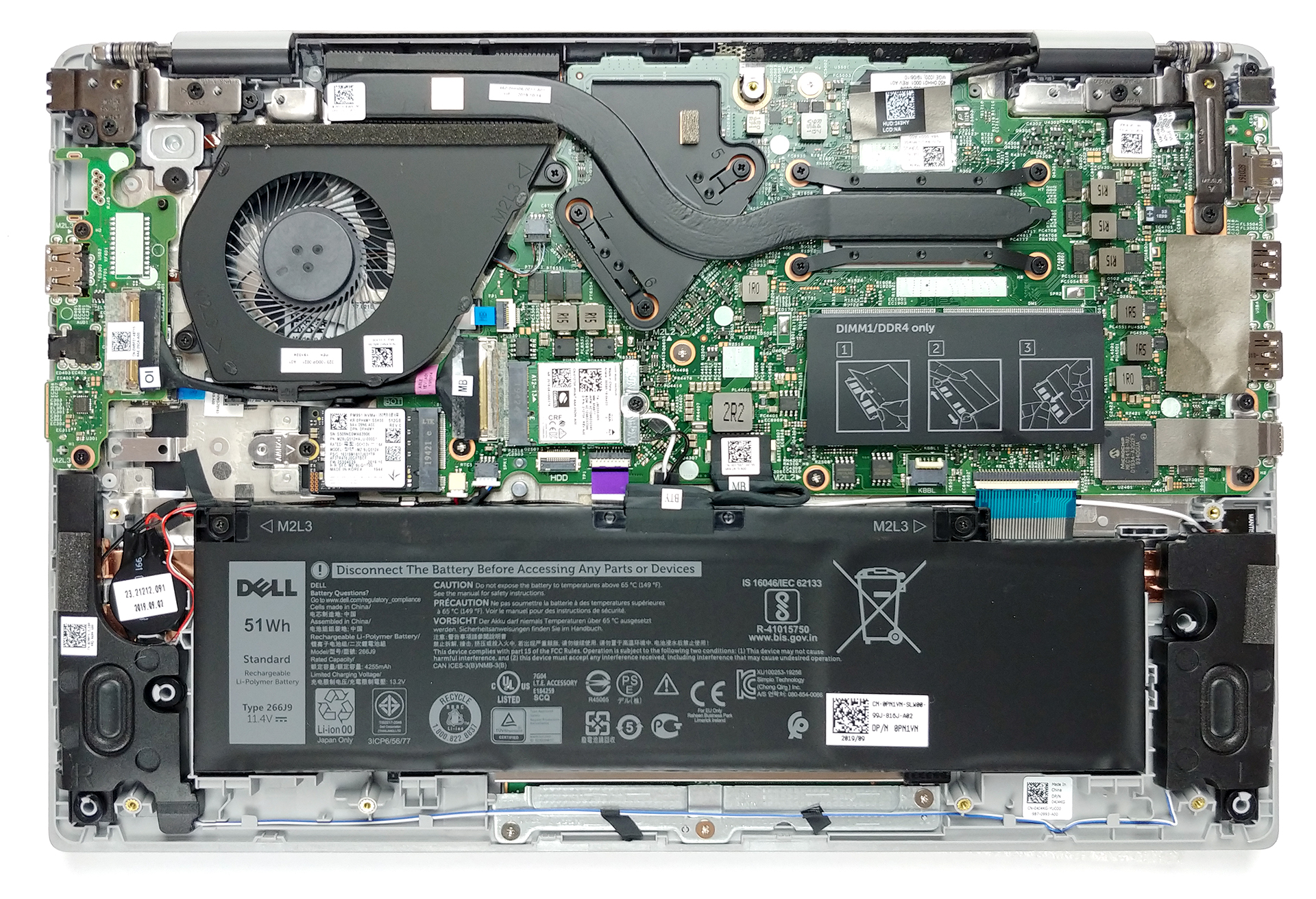
2. Battery
Battery-wise there is a 51Wh unit.
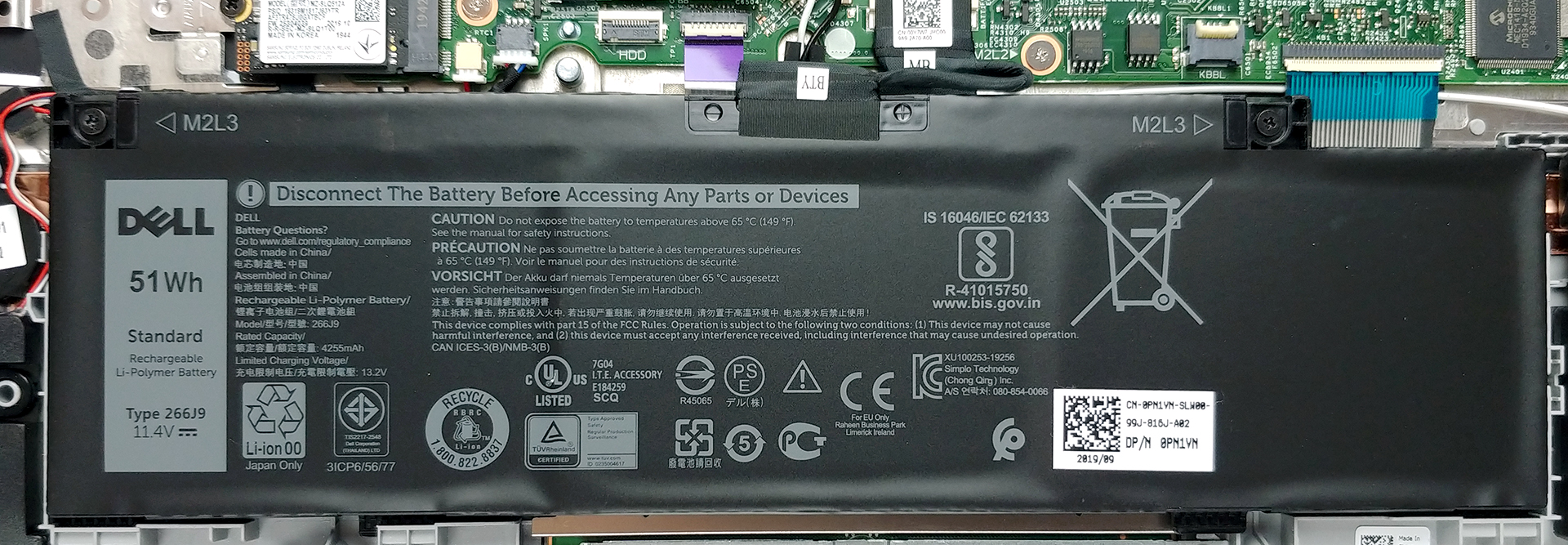
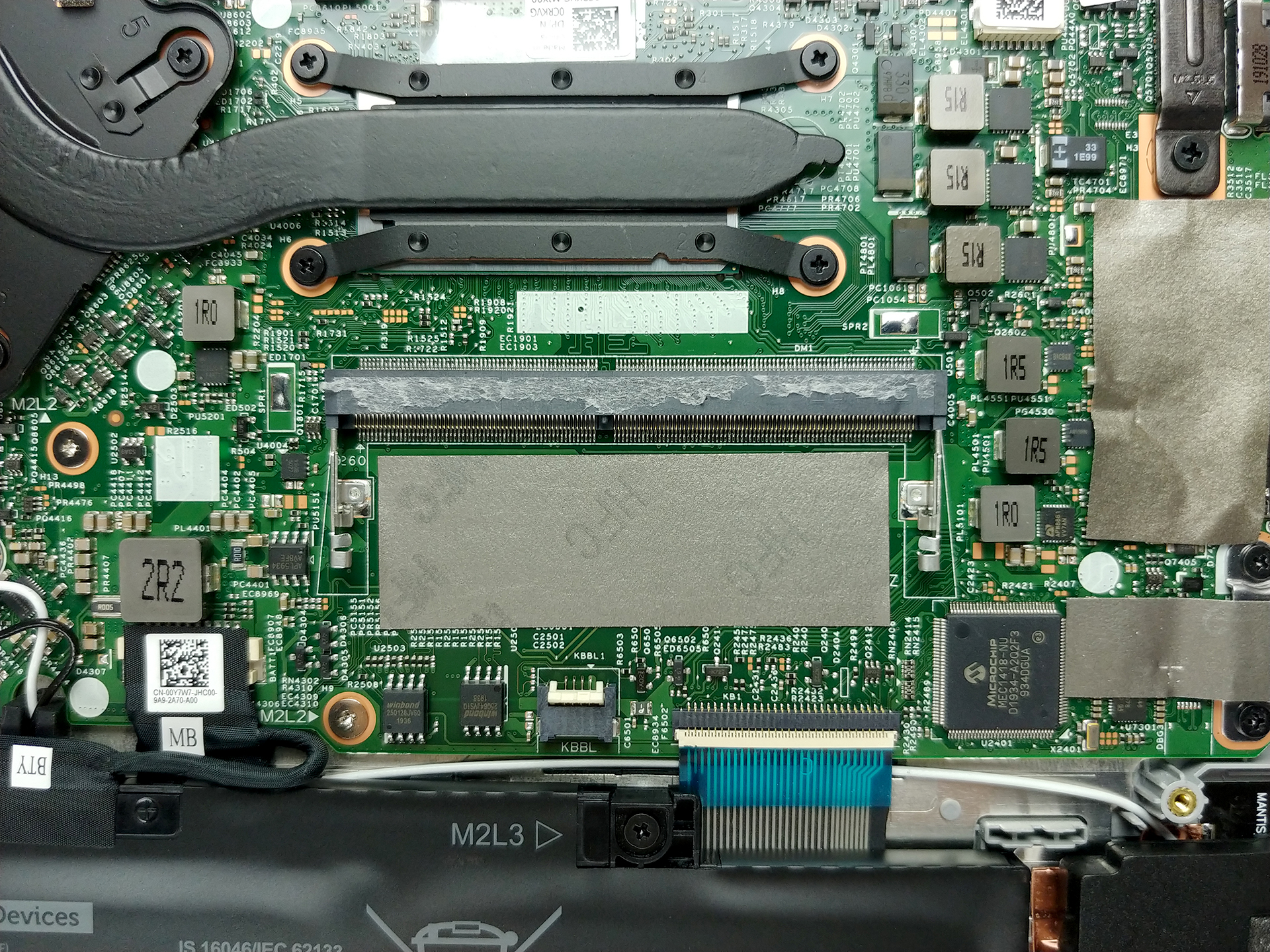
3. Memory and storage
There are 4GB soldered to the motherboard, and you can upgrade with up to 16GB for a total of 20GB of DDR4 memory, that works at 2666 MHz. As of the storage – it supports PCIe x4 drives via its M.2 slot.
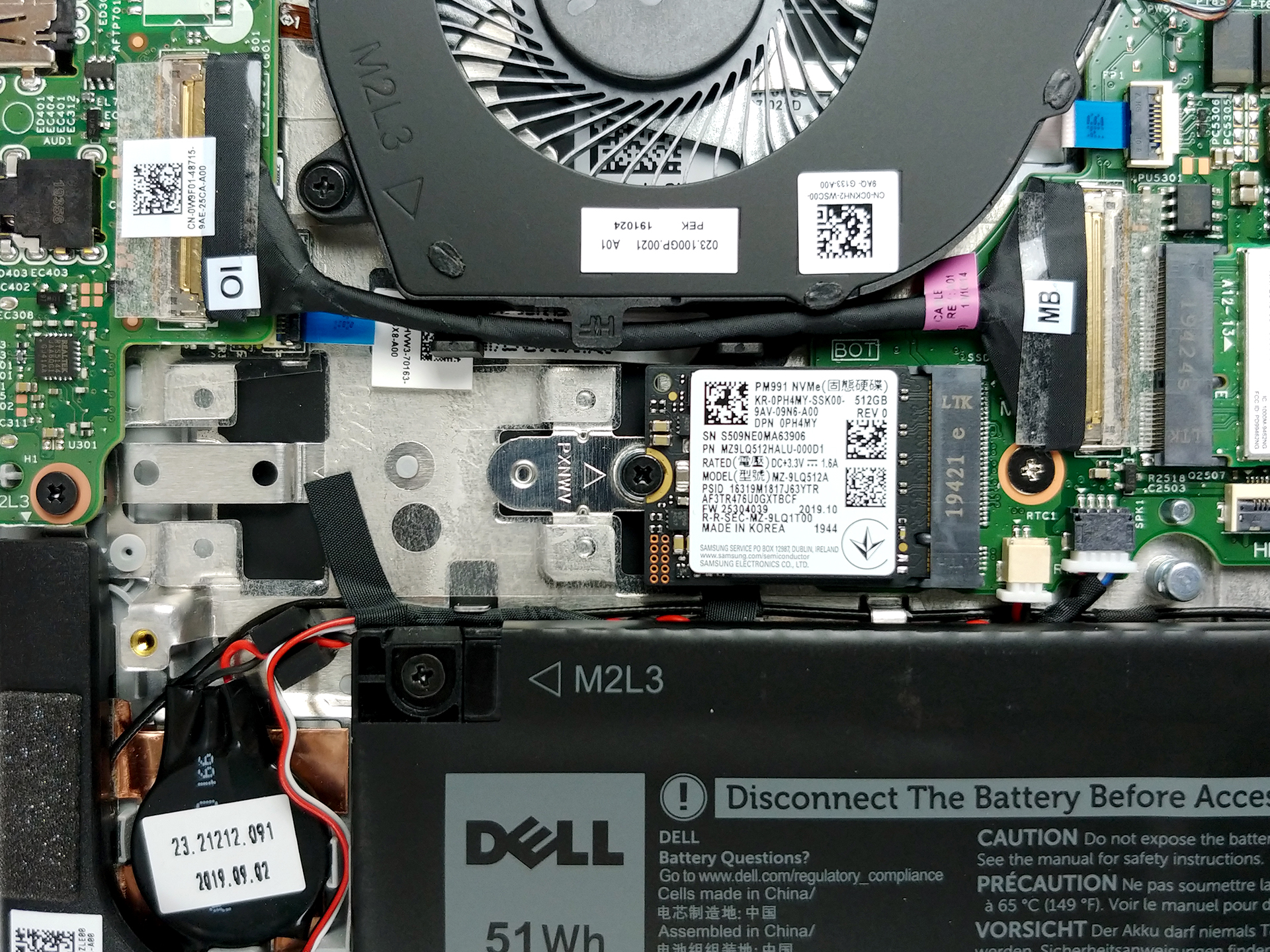
4. Cooling system
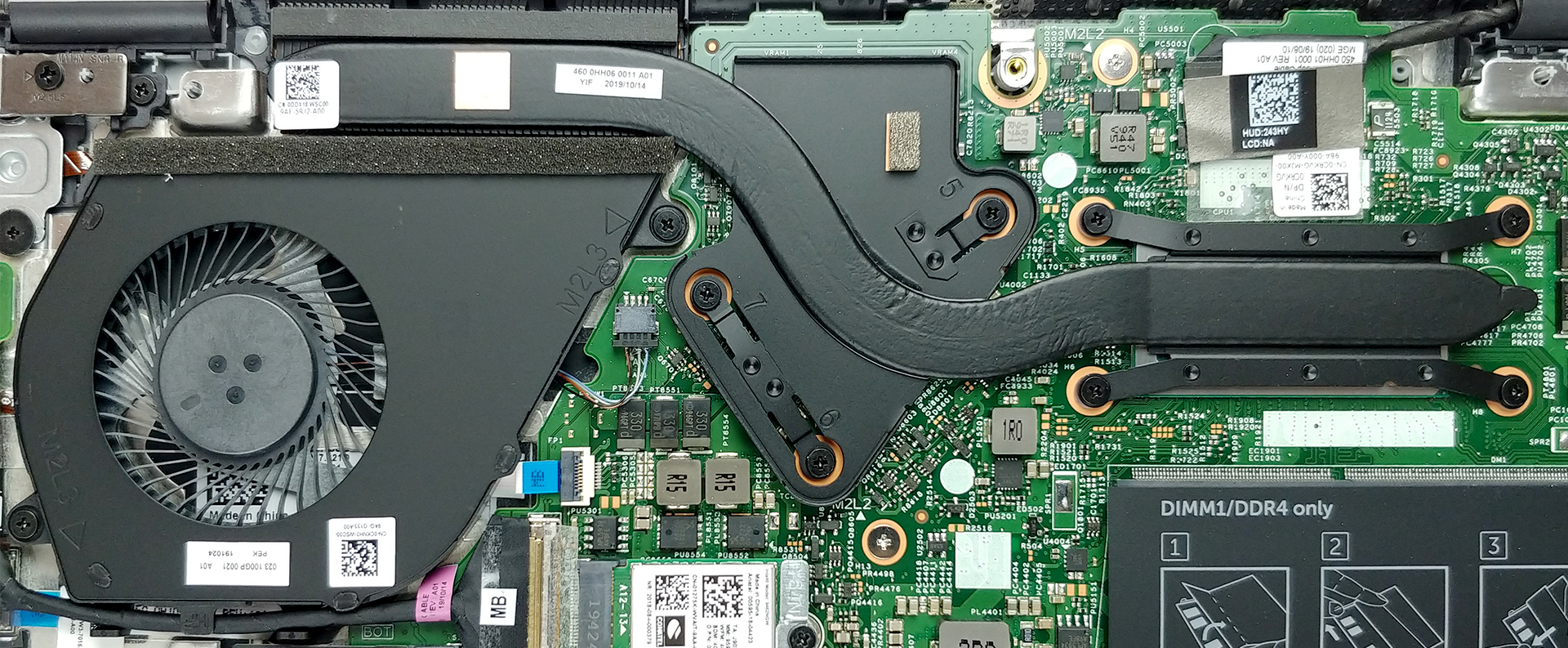
So, the cooling solution is nothing special – basically, there is a single (yet bulky) heat pipe that cools down both the CPU and the GPU via a single fan – something very common with these notebooks.
Check out all Dell Inspiron 14 5490 prices and configurations in our Specs System or read more in our In-Depth review.
 Author: Alex Iliev

![[2026年6月] 亚马逊全球畅销笔记本电脑品牌——苹果在销量和营收方面均占据无可匹敌的统治地位](https://laptopmedia.com/wp-content/uploads/2026/07/GLOBAL-Best-Brands-400x225.jpg)
![[2026年6月] 亚马逊全球:笔记本电脑销量前十名——苹果新款MacBook Neo强势登顶,以亲民价格重塑市场格局](https://laptopmedia.com/wp-content/uploads/2026/07/Best-Selling-Laptops-GLOBAL-Top-10-400x225.jpg)
![[2026年6月] 亚马逊全球:十大畅销游戏笔记本电脑——宏碁Nitro V 16S AI销量领跑,华硕总营收居首](https://laptopmedia.com/wp-content/uploads/2026/07/Best-Selling-Gaming-Laptops-GLOBAL-Top-10-400x225.jpg)
![[2026年6月] 亚马逊全球畅销笔记本电脑显卡排行榜——NVIDIA RTX 5060 位居专用显卡销量榜首](https://laptopmedia.com/wp-content/uploads/2026/07/Best-Selling-GPUs-GLOBAL-Top-10-400x225.jpg)
![[2026年6月] 亚马逊全球畅销笔记本电脑CPU排行榜——苹果M5占据主导地位,AMD锐龙7 260在高端市场占据稳固份额](https://laptopmedia.com/wp-content/uploads/2026/07/Best-Selling-CPUs-GLOBAL-Top-10-400x225.jpg)

Is SSD upgradable too?
Is there an HDD slot?