宏碁 Nitro 17(AN17-51)评测–散热能力强,显示效果好
设计和结构
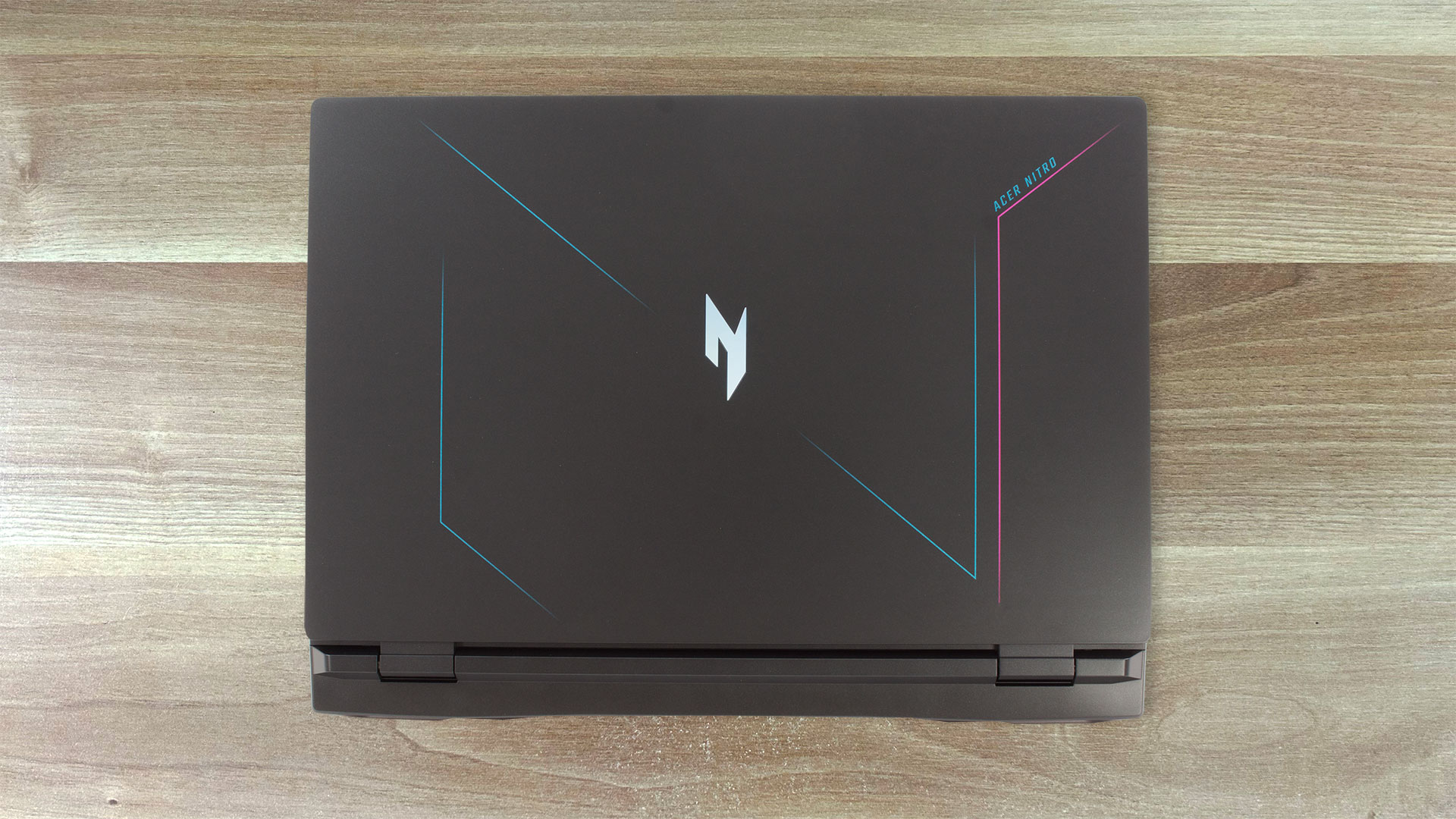
这款笔记本电脑的外观与宏碁 Nitro 17(AN17-71)几乎一模一样。因此,我们得到的是全塑料结构,但其刚性高于平均水平。盖子中间可以弯曲,弯曲程度适中。不过,底座很牢固,我们看到触摸板和空格键之间仅有少量弯曲。
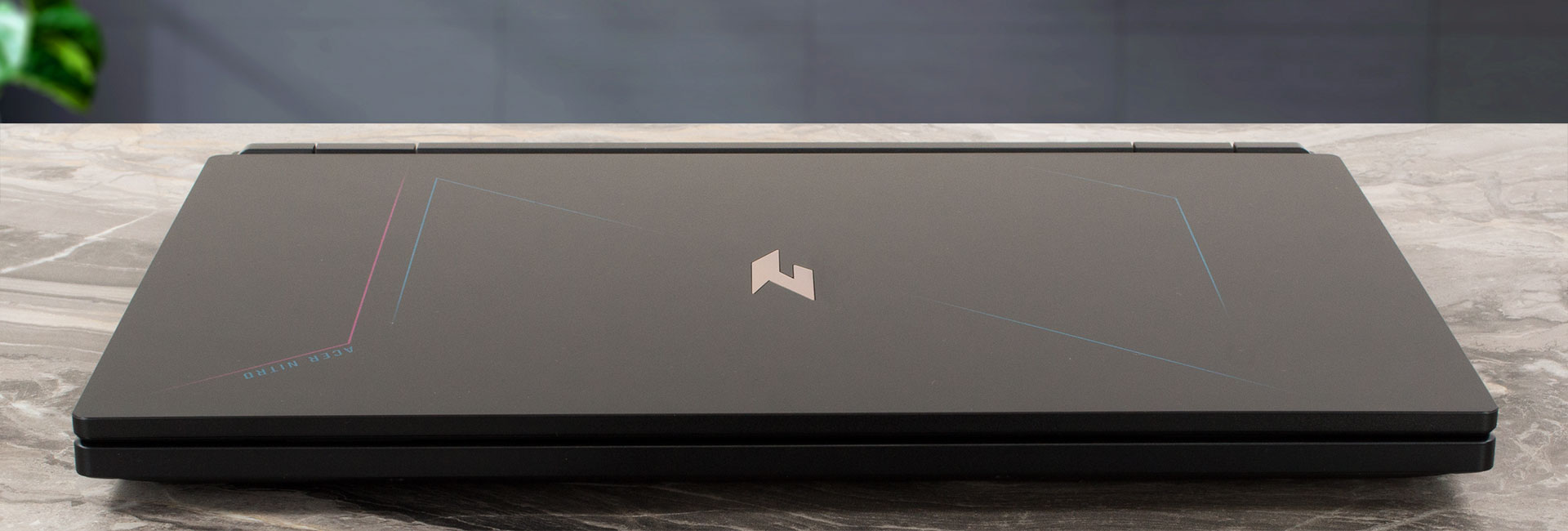
盖子可以单手打开,在改变角度时会有弹跳。对于 17.3 英寸的大屏幕来说,尺寸是正常的 – 27.9 – 28.9 的厚度,起始重量为 3 千克。顺便说一下,盖子和底座的光面以及底板的磨砂面都很有抓地力,这对携带如此大的笔记本电脑时的安全性很有帮助。

底部边框较厚,而其他边框较薄。顶部是一个带时域降噪功能的 720p 网络摄像头。
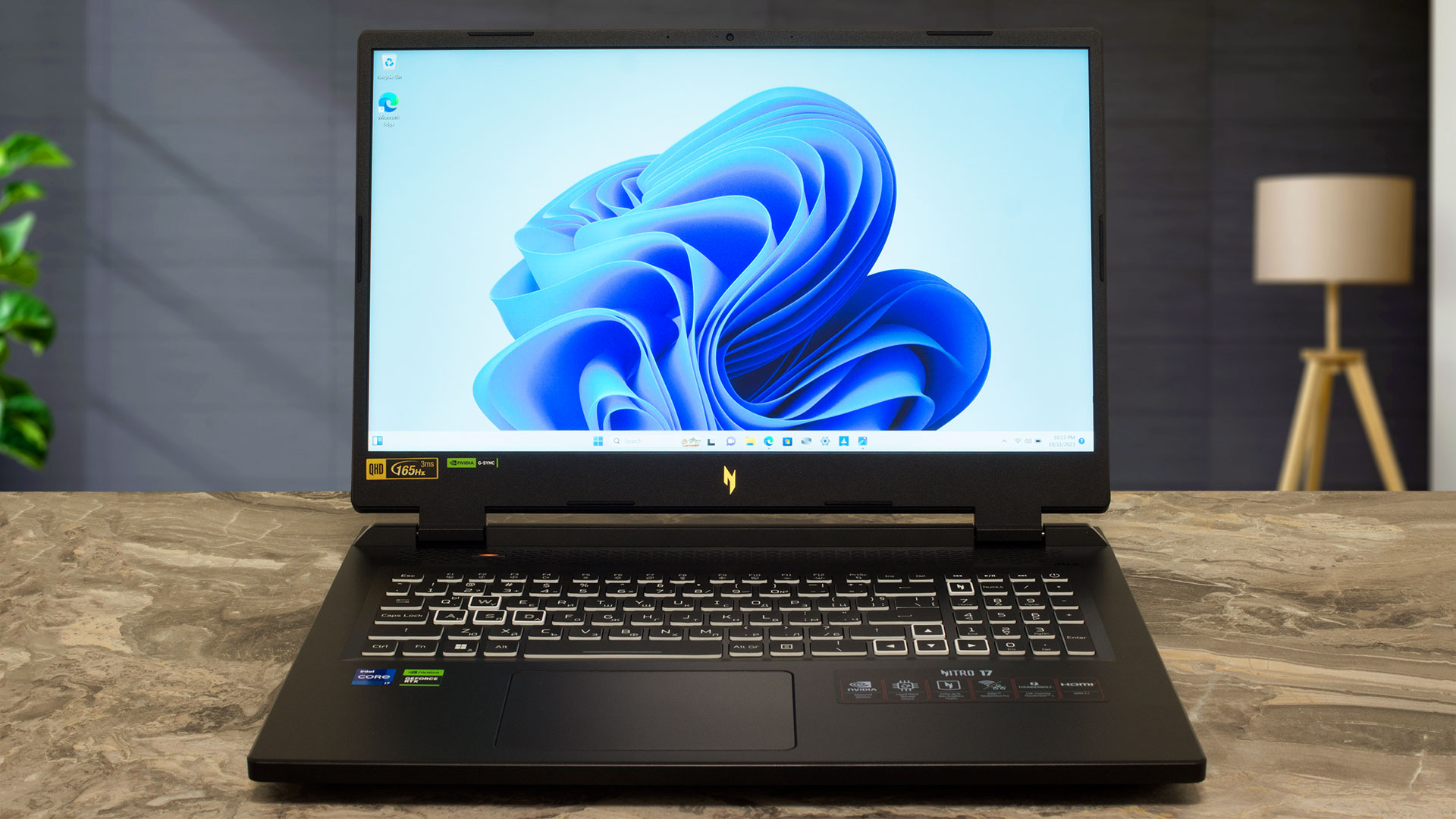
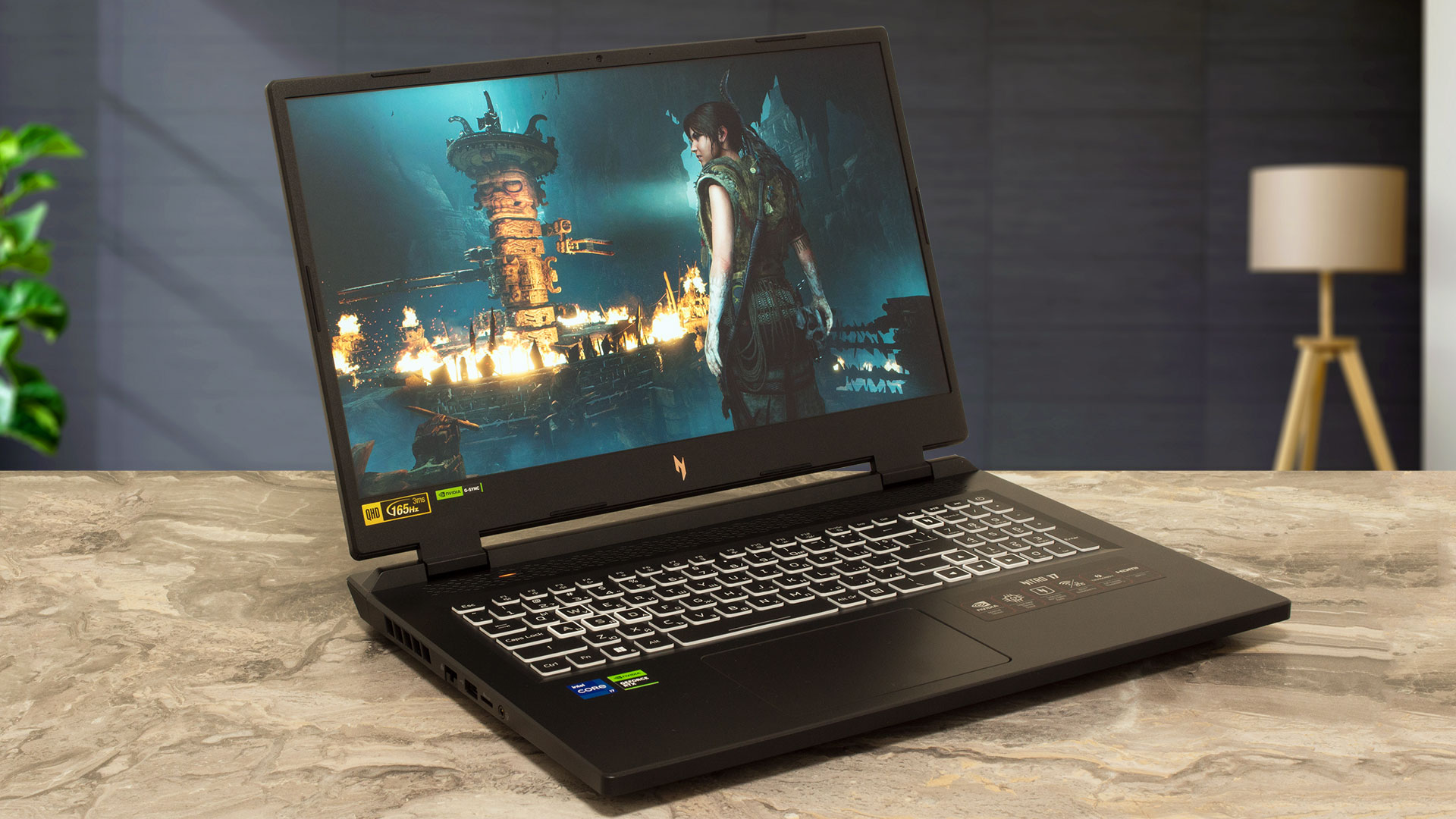
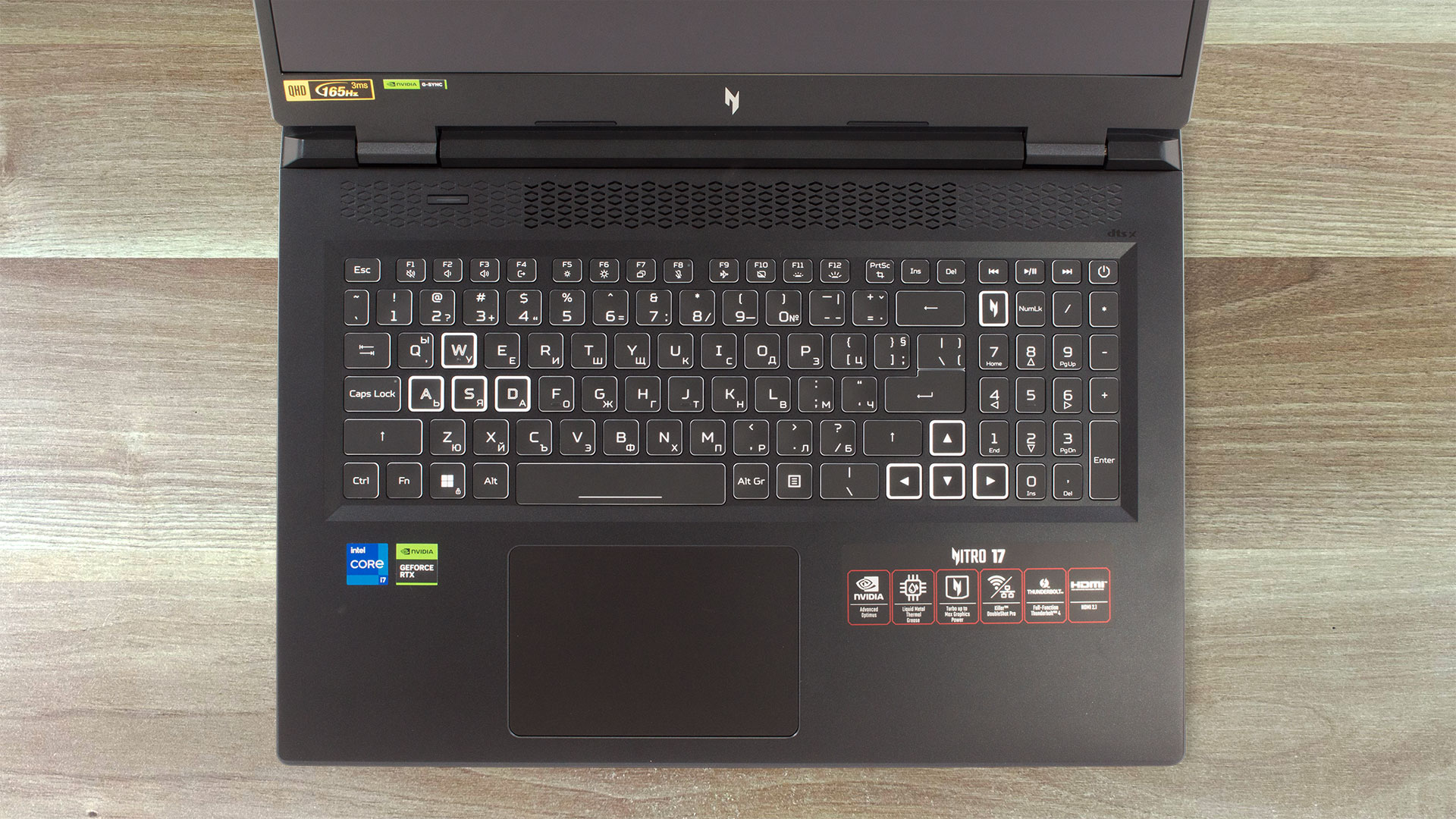
在底座上,我们可以看到一个大的通风栅和一个专用的 “Nitro sense “按钮(可用于在功率预设值之间切换或以最大转速提升风扇),该按钮位于键盘上方。后者具有全尺寸 NumPad 部分和大箭头键。由于大键帽具有较长的键程和 “咔哒 “声反馈,因此无论是打字还是游戏,这款键盘都非常舒适。
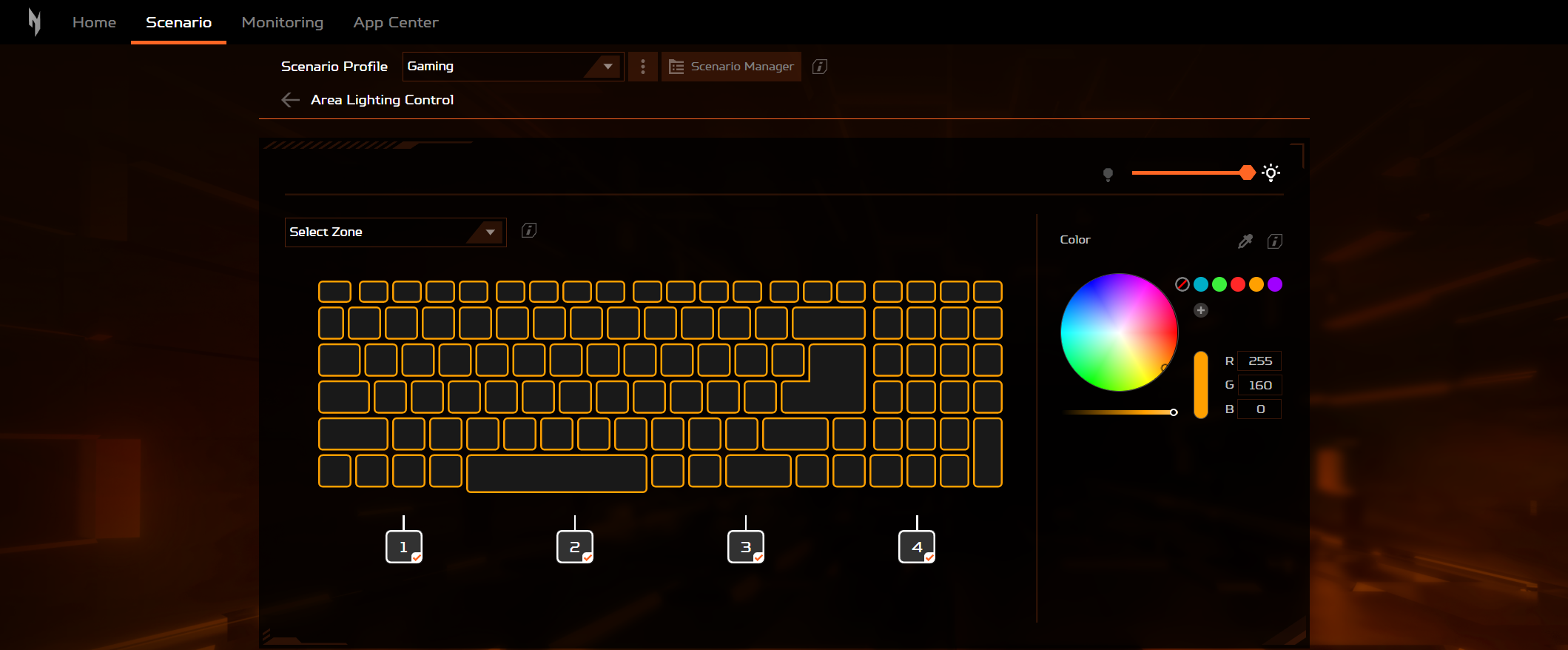
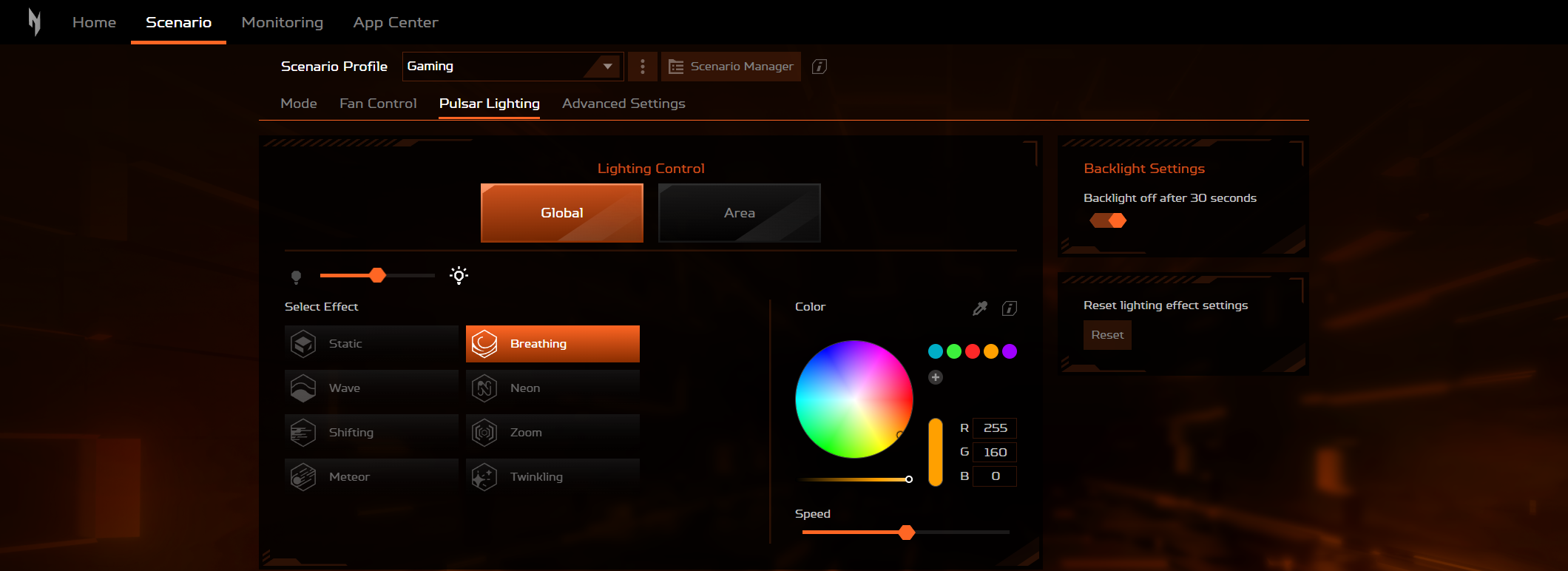
4 区 RGB 背光可通过 Acer 应用程序进行控制。
触摸板足够大,适合正常使用。但反过来说,它的流畅度和准确性一般。
在底板上,我们可以看到四个橡胶脚垫、两个 DTS X:Ultra 扬声器和一个巨大的通风栅。热空气通过四个通风口排出–两个在侧面,两个在背面。

端口
左侧有一个 LAN 端口、一个 USB Type-A 3.2(Gen.1)端口、一个 MicroSD 卡插槽和一个音频插孔。电源插头、HDMI 2.1 接口、一个 Thunderbolt 4 端口和一个 USB Type-C 3.2(Gen.2)端口位于背面(两个 Type-C 端口都具有 DisplayPort 和充电功能)。右侧是一个 Kensington 锁插槽,然后是两个 USB Type-A 3.2(Gen.2)端口(前者具有断电充电功能)。



 Author: Nikolay Palaozov
 Author: eng. Kroum NikolovHead of Engineering at LaptopMedia.com, inventor and innovator with 40+ years of experience in electronics and high technology.

![[2026年8月] 亚马逊全球:销量前十的笔记本电脑——苹果MacBook Neo独占鳌头,而平价和中端Windows笔记本则在销量上展开激烈角逐](https://laptopmedia.com/wp-content/uploads/2026/09/Best-Selling-Laptops-GLOBAL-Top-10-400x225.jpg)
![[2026年8月] 亚马逊全球畅销笔记本电脑品牌——苹果在营收方面占据主导地位,而惠普在机型种类方面领跑](https://laptopmedia.com/wp-content/uploads/2026/09/GLOBAL-Best-Brands-400x225.jpg)
![[2026年8月] 亚马逊全球:畅销游戏本前十名——惠普Victus 15荣登榜首,高性价比机型占据榜单主导地位](https://laptopmedia.com/wp-content/uploads/2026/09/Best-Selling-Gaming-Laptops-GLOBAL-Top-10-400x225.jpg)
![[August 2026] Best-Selling Laptop Brands on Amazon Japan – Apple Dominates Market Share and Revenue Led by Strong Unit Sales](https://laptopmedia.com/wp-content/uploads/2026/09/CO.JP-Best-Brands-1-400x225.jpg)
![[August 2026] Best-Selling Laptop Brands on Amazon USA – Apple Dominates Market Revenue and Volume Despite Lower Model Diversity](https://laptopmedia.com/wp-content/uploads/2026/09/COM-Best-Brands-1-400x225.jpg)

I have this laptop, but with Micron 3400 512Gb Ssd and 2×8 GB Ram
I undervolted Rtx 4060 via Msi afterburner (2250 Mhz at 0.825 V) max TGP is 68W with minimal loose of fps and GPU memory is set +1000 (18 Gbps)
I disabled E cores in Bios and set CPU PL1/PL2 manually to 65/85W this will assure max turbo 5 GHz and in stress mode all core turbo ~4.1 GHz all time (4.5 Ghz for 30 sec)
With this settings I have solid performance in games, much lower temps and power draw overall
how did you adjust pl1/pl2 manually? I have this same laptop and the cpu runs way too hot, i also cant adjust the fan curv e and auto mode does not keep it cool enough.