Acer Nitro 17 (AN17-71) review – the gap between the Predator and Nitro series is only cosmetic
Design and construction
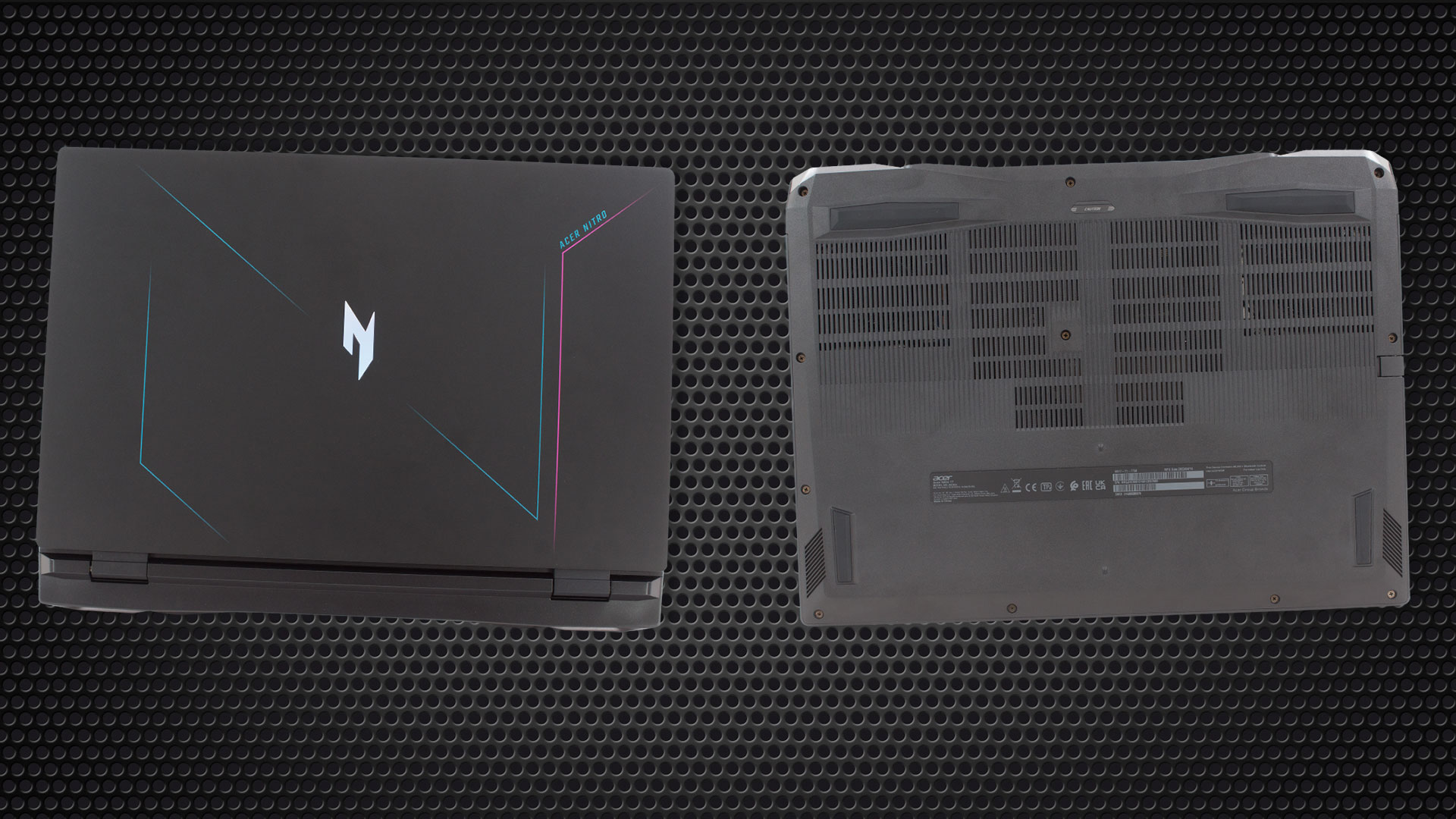
This notebook is entirely made out of plastic. This is pretty surprising, as we were convinced that at least its base is aluminum. That’s because it is pretty rigid and resistant to flex.
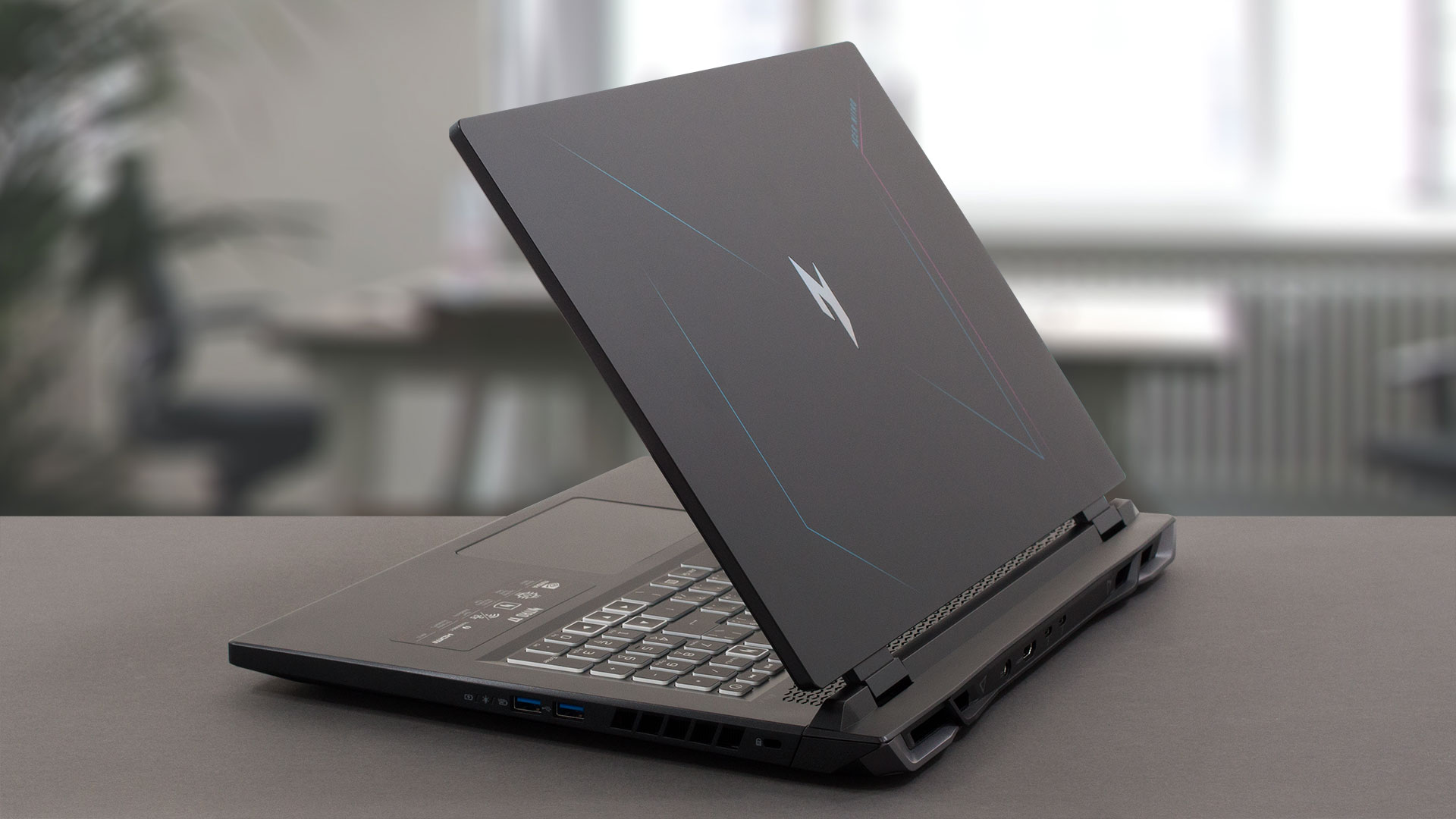
The same cannot be said about the lid, which is a bit softer than what we’d like to see. In terms of dimensions, the laptop is not too thick – about 29mm, but it is a bit heavy – 3.25 kilos. To be honest, this is pretty fine for a 17.3-inch gaming notebook, but that doesn’t make it feel lighter when you carry it around.
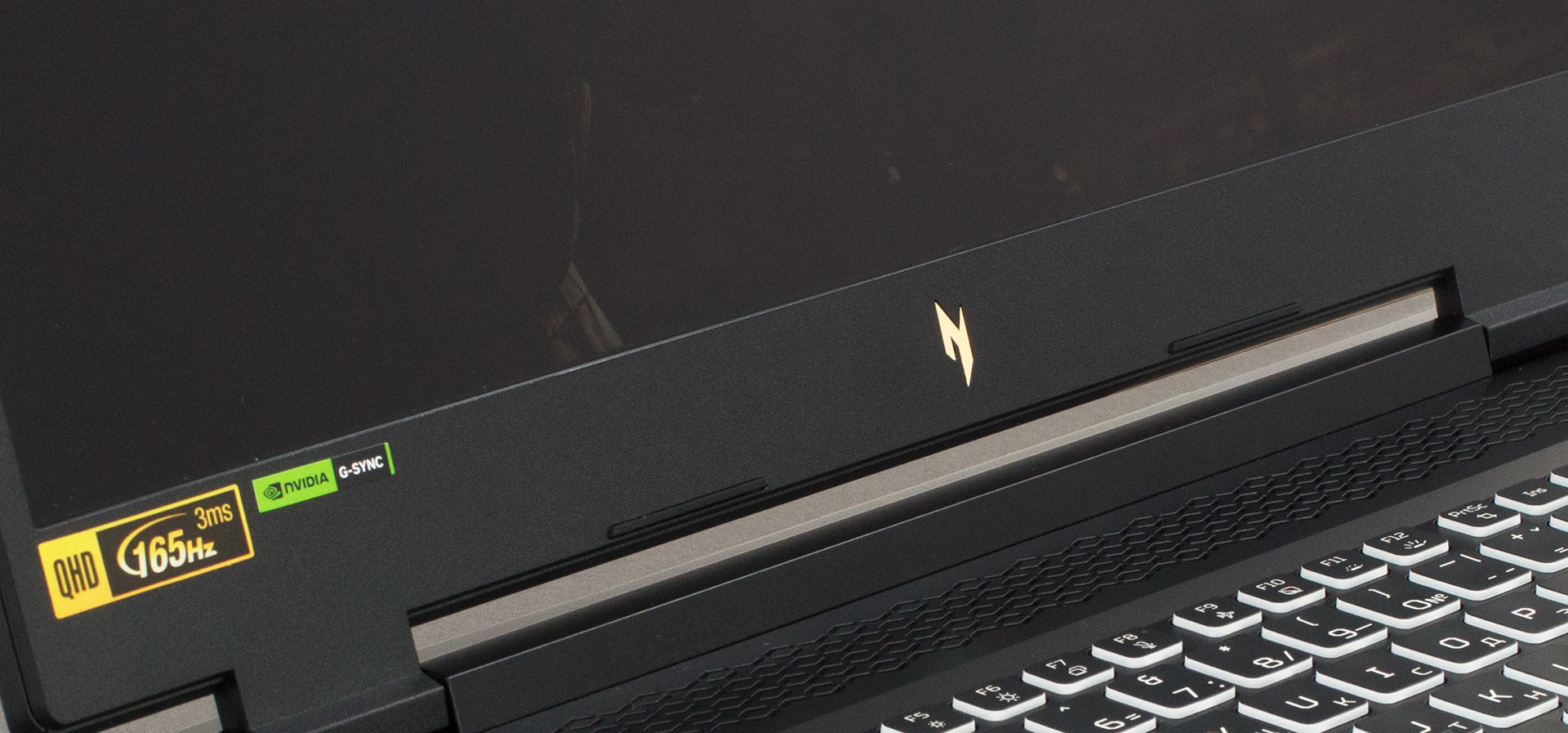
Thankfully, the lid can be opened with one hand. The bezels around the display are pretty thin, with the exception of the bottom one, which houses the new Nitro logo. On the opposite end, the top one houses the Web camera, which is flanked by a couple of microphones.

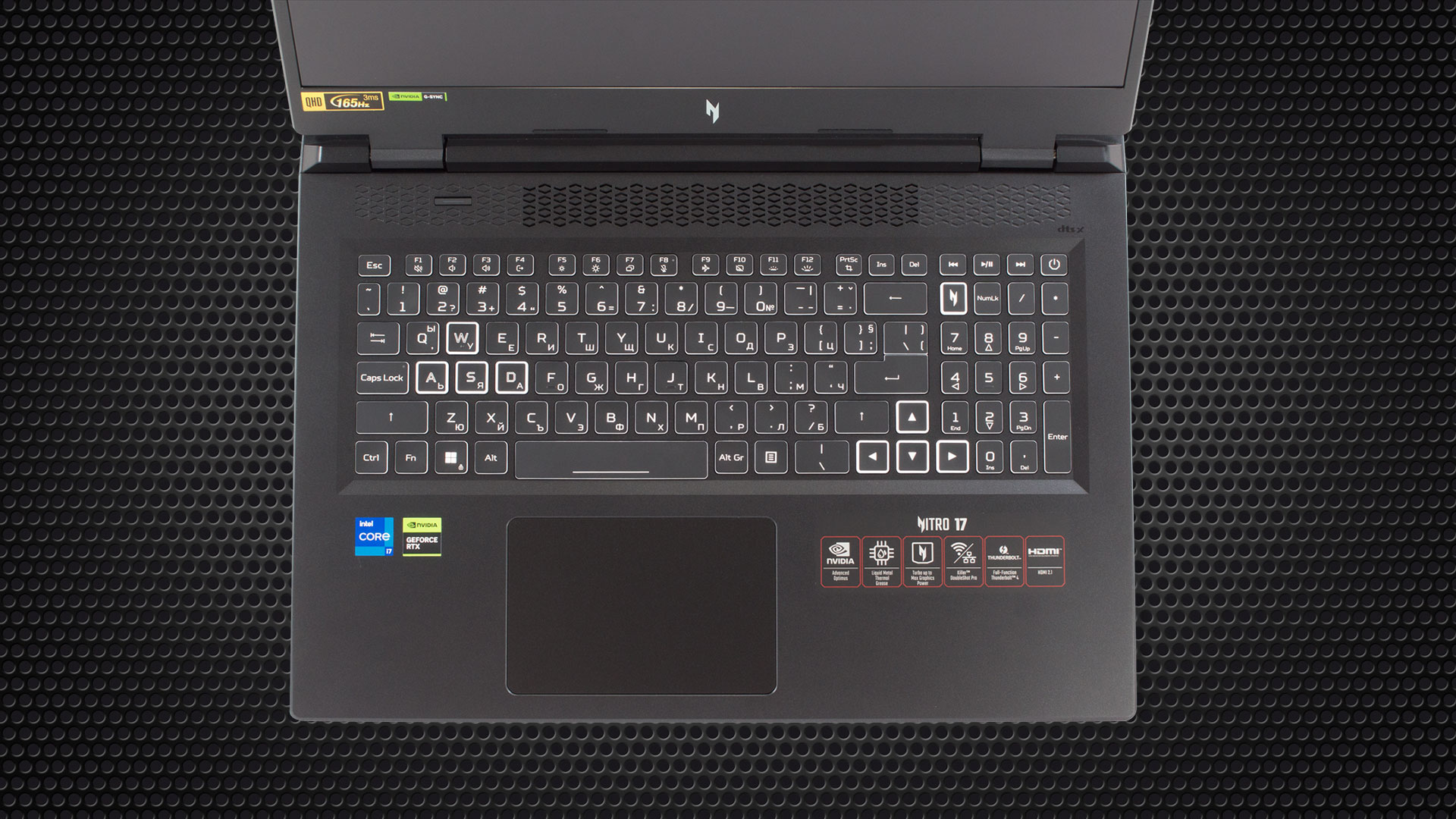
Moving to the base, we see the keyboard. It features a 4-zone RGB backlight, a NumberPad, and a dedicated Nitro Sense shortcut button. Furthermore, we are happy with the Arrow keys’ size, as well as the comfort of use.
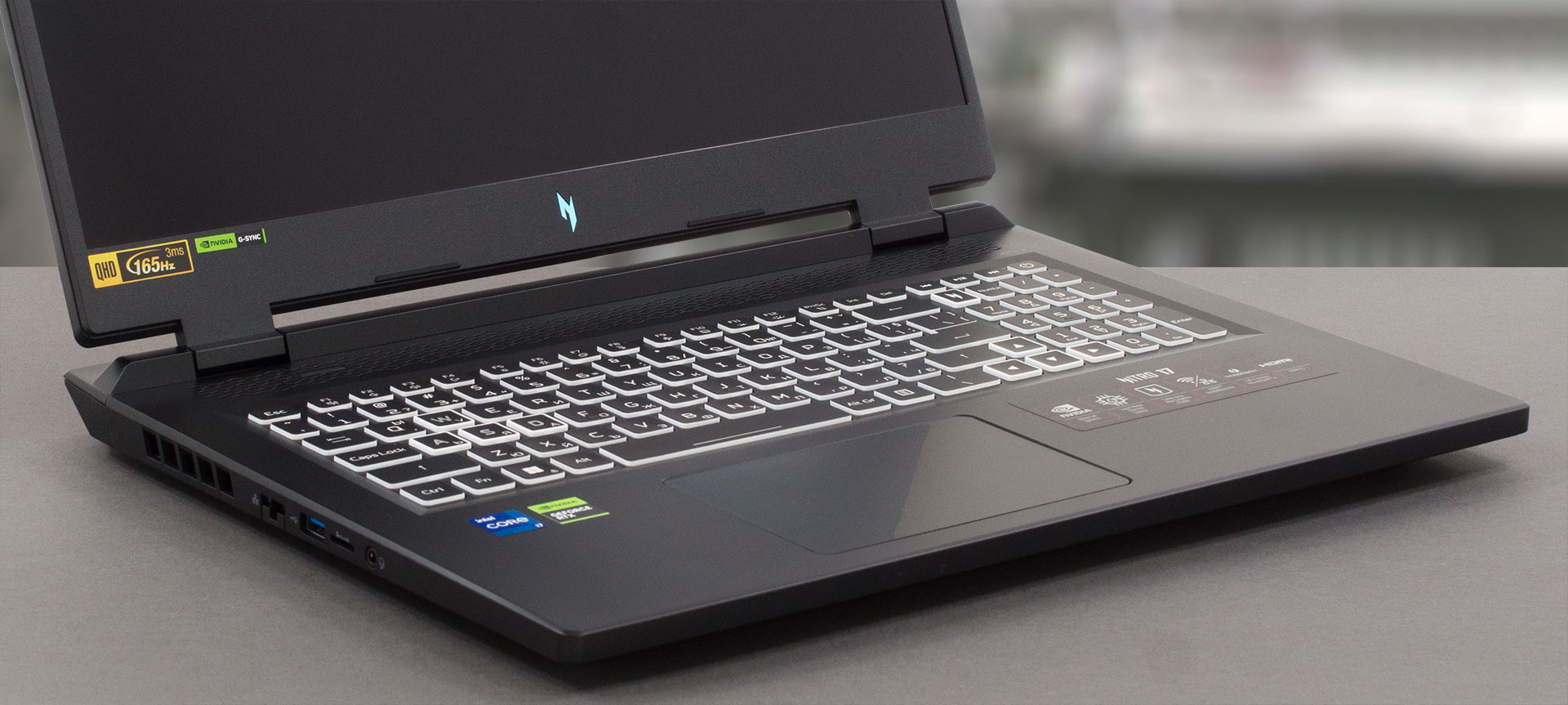
This is because of the long key travel and clicky feedback – ideal for a gaming laptop. While the touchpad is pretty big, its tracking is not the best in its class.
If you turn the laptop upside down, you will find the two speaker cutouts, as well as the quite sizeable ventilation grill. Like every other self-respecting gaming laptop in 2023, this one has four exhaust vents – two on the back, and one on each side of the device.
Ports
On the left side, you get a LAN port, a USB Type-A 3.2 (Gen. 1) port, a MicroSD card slot, and an Audio jack. Then, on the right, there is a Kensington lock slot, as well as two USB Type-A 3.2 (Gen. 1) ports. If you move to the back, you will find the power plug, an HDMI 2.1 connector, and two Thunderbolt 4 ports.



 Author: Alex Iliev
 Author: eng. Kroum NikolovHead of Engineering at LaptopMedia.com, inventor and innovator with 40+ years of experience in electronics and high technology.

![[June 2026] Best-Selling Laptop Brands on Amazon Global – Apple’s Unrivaled Dominance in Units and Revenue](https://laptopmedia.com/wp-content/uploads/2026/07/GLOBAL-Best-Brands-400x225.jpg)
![[June 2026] Amazon Global: Top 10 Best-Selling Laptops – Apple’s New MacBook Neo Storms to #1, Reshaping the Market with Affordability](https://laptopmedia.com/wp-content/uploads/2026/07/Best-Selling-Laptops-GLOBAL-Top-10-400x225.jpg)
![[June 2026] Amazon Global: Top 10 Best-Selling Gaming Laptops – Acer’s Nitro V 16S AI Dominates Sales, While ASUS Leads Overall Revenue](https://laptopmedia.com/wp-content/uploads/2026/07/Best-Selling-Gaming-Laptops-GLOBAL-Top-10-400x225.jpg)
![[June 2026] Global Ranking of Best-Selling Laptop GPUs on Amazon – NVIDIA RTX 5060 is the Top-Selling Dedicated GPU](https://laptopmedia.com/wp-content/uploads/2026/07/Best-Selling-GPUs-GLOBAL-Top-10-400x225.jpg)
![[June 2026] Global Ranking of Best-Selling Laptop CPUs on Amazon – Apple M5 Dominates, AMD Ryzen 7 260 Gets Solid Premium Share](https://laptopmedia.com/wp-content/uploads/2026/07/Best-Selling-CPUs-GLOBAL-Top-10-400x225.jpg)

Hi, I have this laptop and on battery it shows no more than 4 hours(browsing at 30% brightness) from the store told me that it is normal for that laptop, but in yours review you are saying that the battery lasts over 7 hours. Do you think there is a problem with the battery? Also CPU idle temperatures are normal, 40 – 45 C, but Intel XTU power limit throttling turns on very often(for a few seconds ‘YES’ and then ‘NO’ for a few seconds), when I’m playing games the temperatures are also good(around 60 C), but the power limit… Read more »
I’ve seen these with 96gb ram