惠普 ZBook Fury 16 G10 评测–近乎静音的强大工作站,如同坦克一般的构造
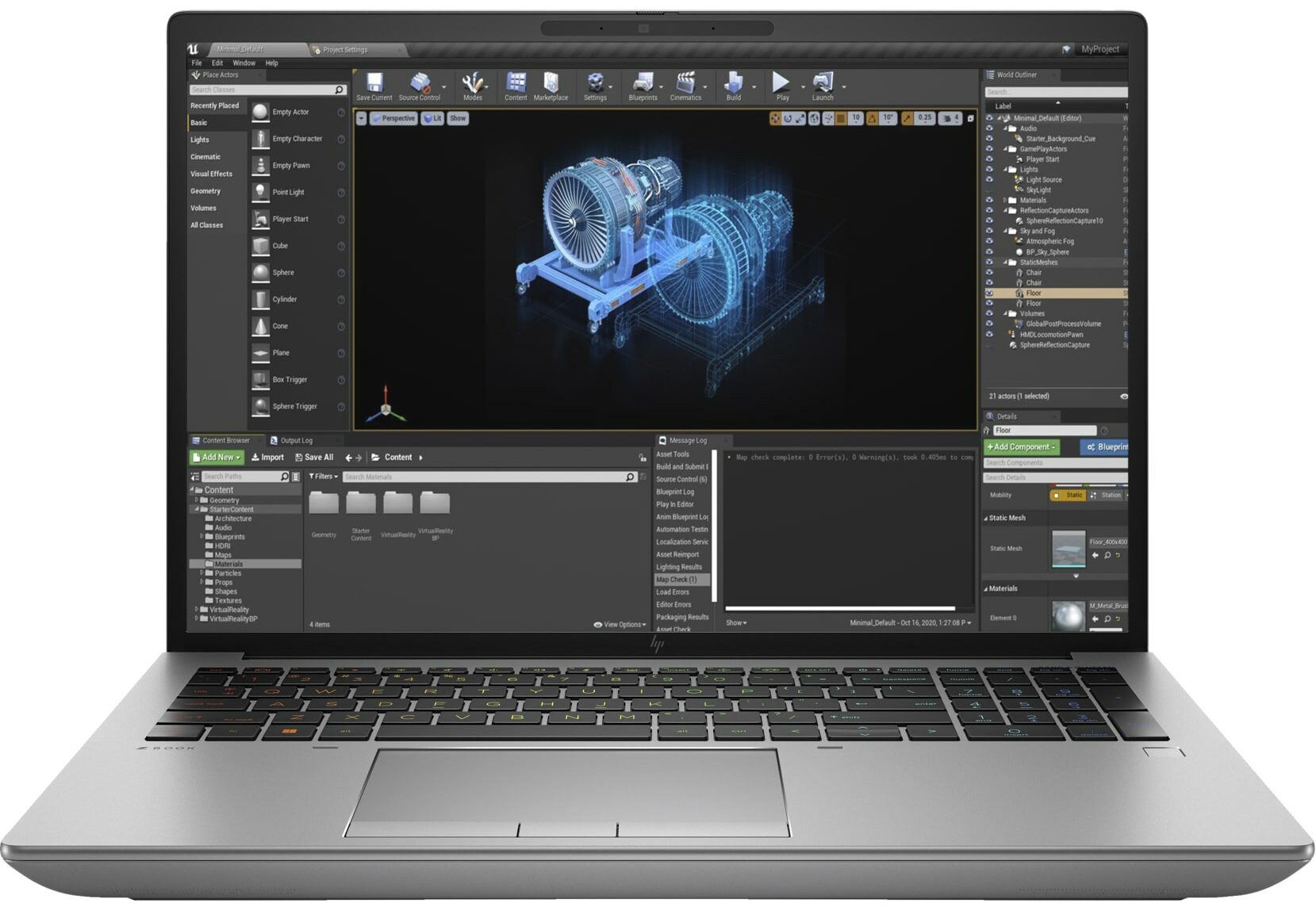
 如果您需要一台能够胜任 4K / 8K 视频编辑或 3D 渲染等长时间繁重工作的移动工作站,您的选择就会受到一定的限制,因为这些设备不像游戏笔记本电脑那样常见。不过,惠普 ZBook Fury 16 G10 绝对属于适合重负荷使用的设备。当然,它并不是一款轻薄的笔记本电脑,因为它的主要目的是提供类似台式机的性能。在大多数情况下,这样的笔记本电脑都是放在桌子上,充电器始终插在充电器上,以便在任何负载下都能发挥最大功率。
这款小工具配备了高端硬件。其中包括英特尔第 13 代猛禽湖 HX CPU 和英伟达 RTX Ada 代笔记本电脑 GPU。最顶级的是基于 AD103 芯片的 RTX 5000 Ada Generation,就像移动版 GeForce RTX 4090 一样。最强大的 CPU 选择是 24 核酷睿 i9-13950HX。
奇怪的是,惠普声称基本显示屏选项是 1080p 15.6 英寸 IPS 设备。其他面板均为 16 英寸型号。所谓的 DreamColor 显示屏拥有 3840 x 2400 分辨率和 120Hz 刷新率。还有一个分辨率相同的 OLED 触摸屏。我们买的笔记本电脑的显示屏分辨率为 1200p 60Hz,比较普通。如果你对安全性很重视,制造商会提供支持 SureView 功能的屏幕–当从左侧或右侧观看时,只需按一下按钮,面板就会变色。
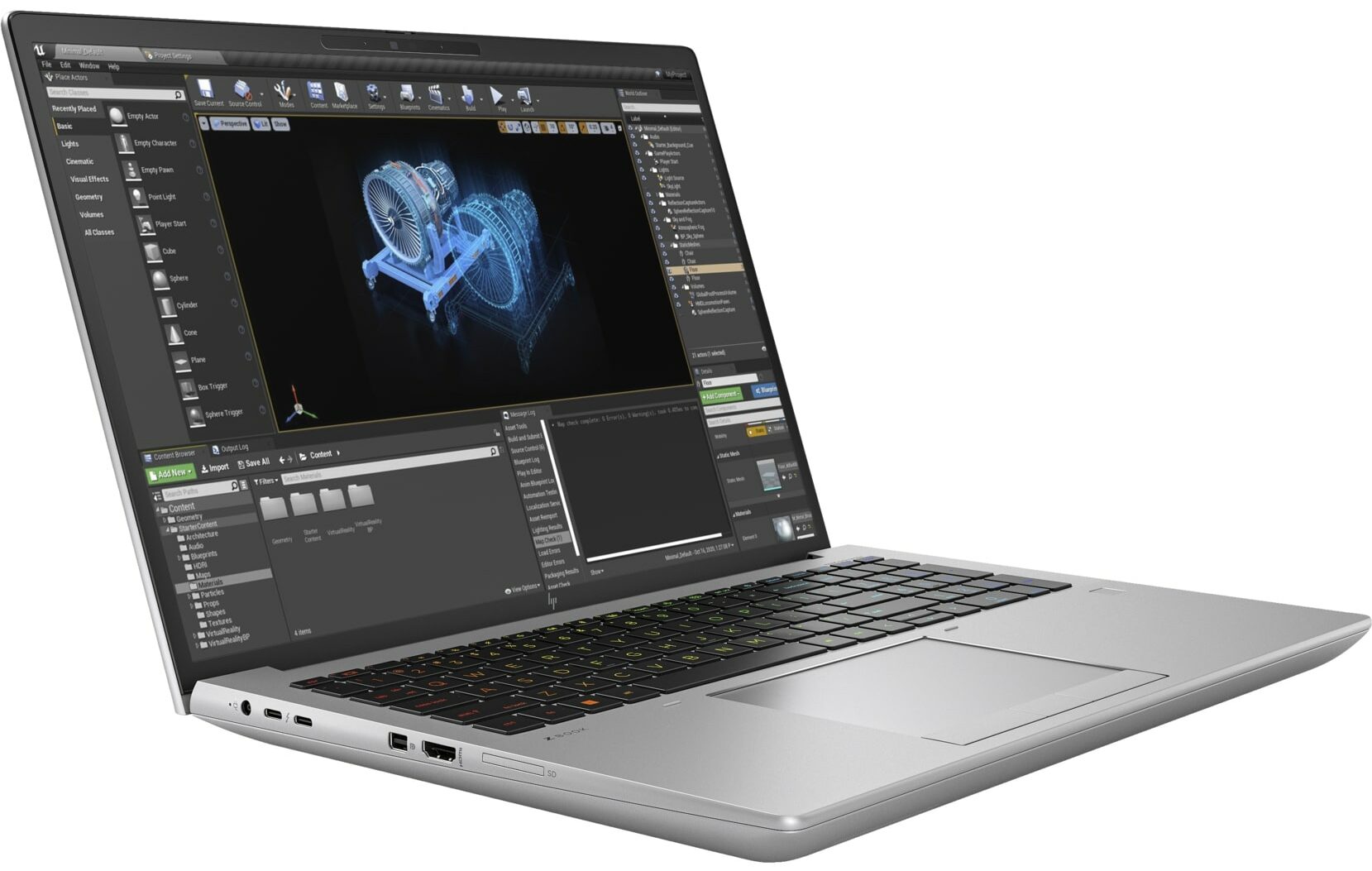
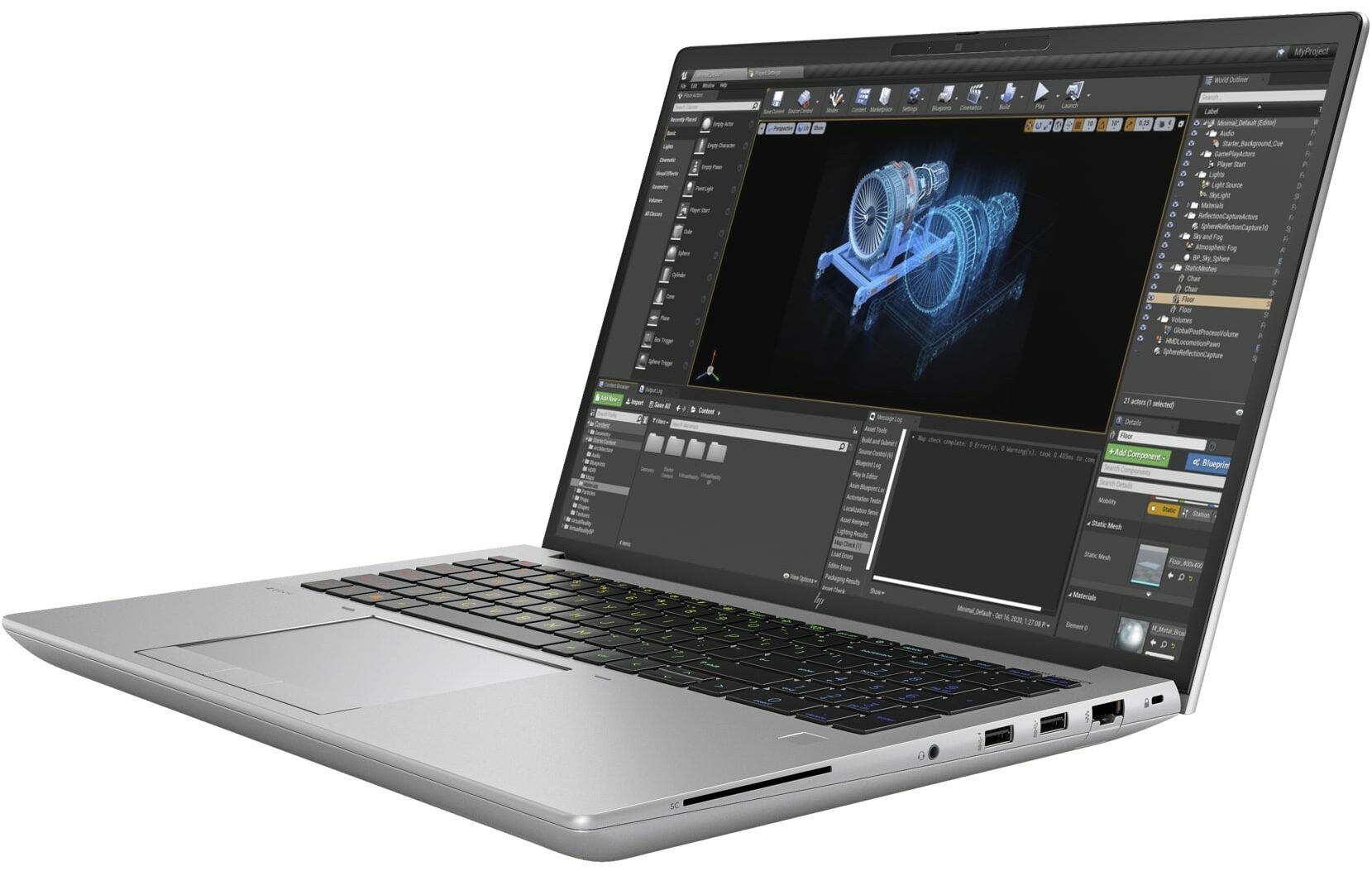
毫不奇怪,像这样一款价格昂贵的大功率笔记本电脑会配备各种功能(其中一些功能是可选的),如强大的输入/输出接口、红外摄像头、指纹识别器、背光键盘、防篡改锁、自修复 BIOS、dTPM 2.0 芯片、LTE/5G 模块、NFC 等。
您可以在我们的规格系统中查看价格和配置: https://laptopmedia.com/series/hp-zbook-fury-16-g10/
Contents
规格、驱动程序、包装盒中的物品
HP ZBook Fury 16 G10 - 规格
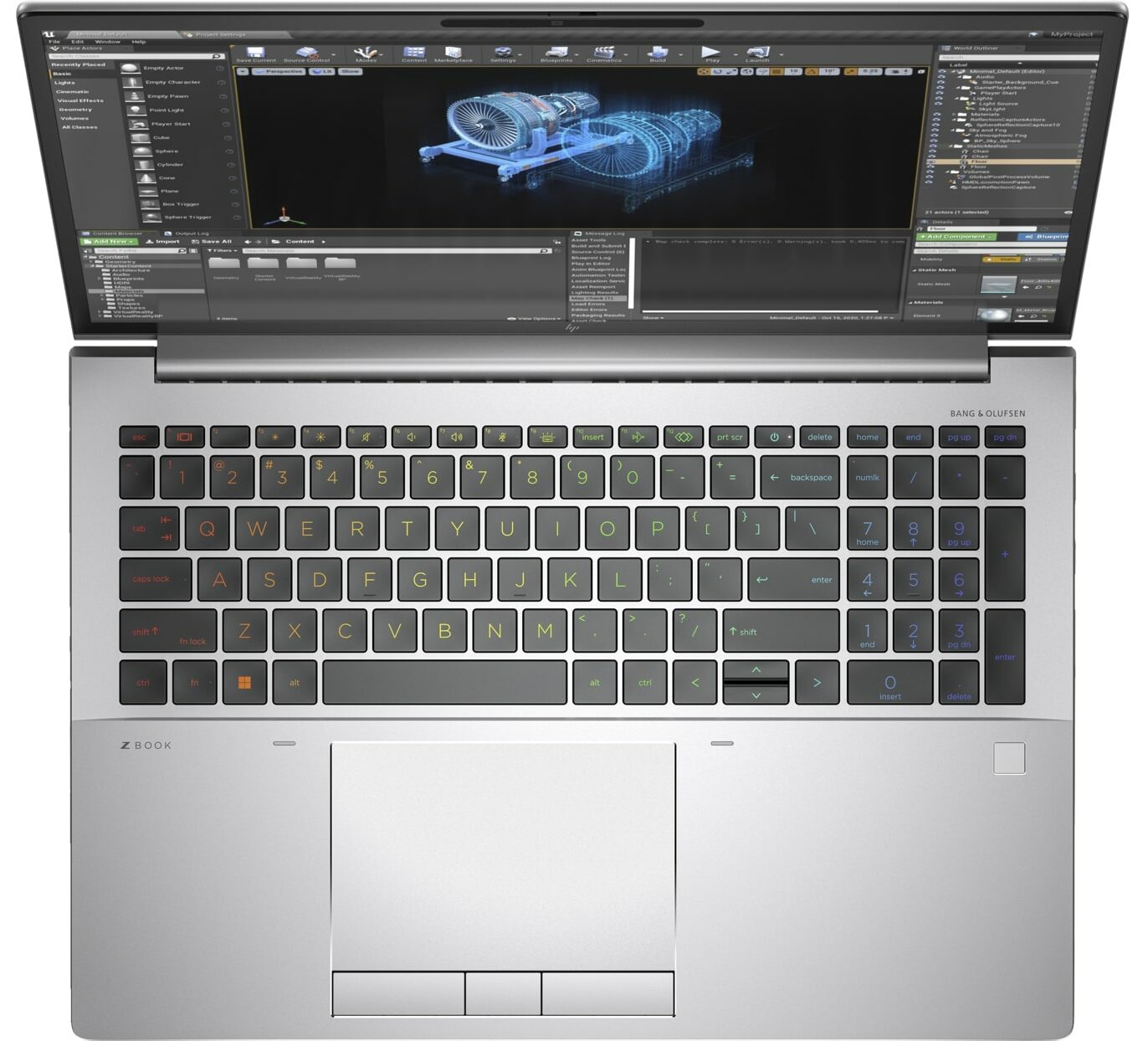
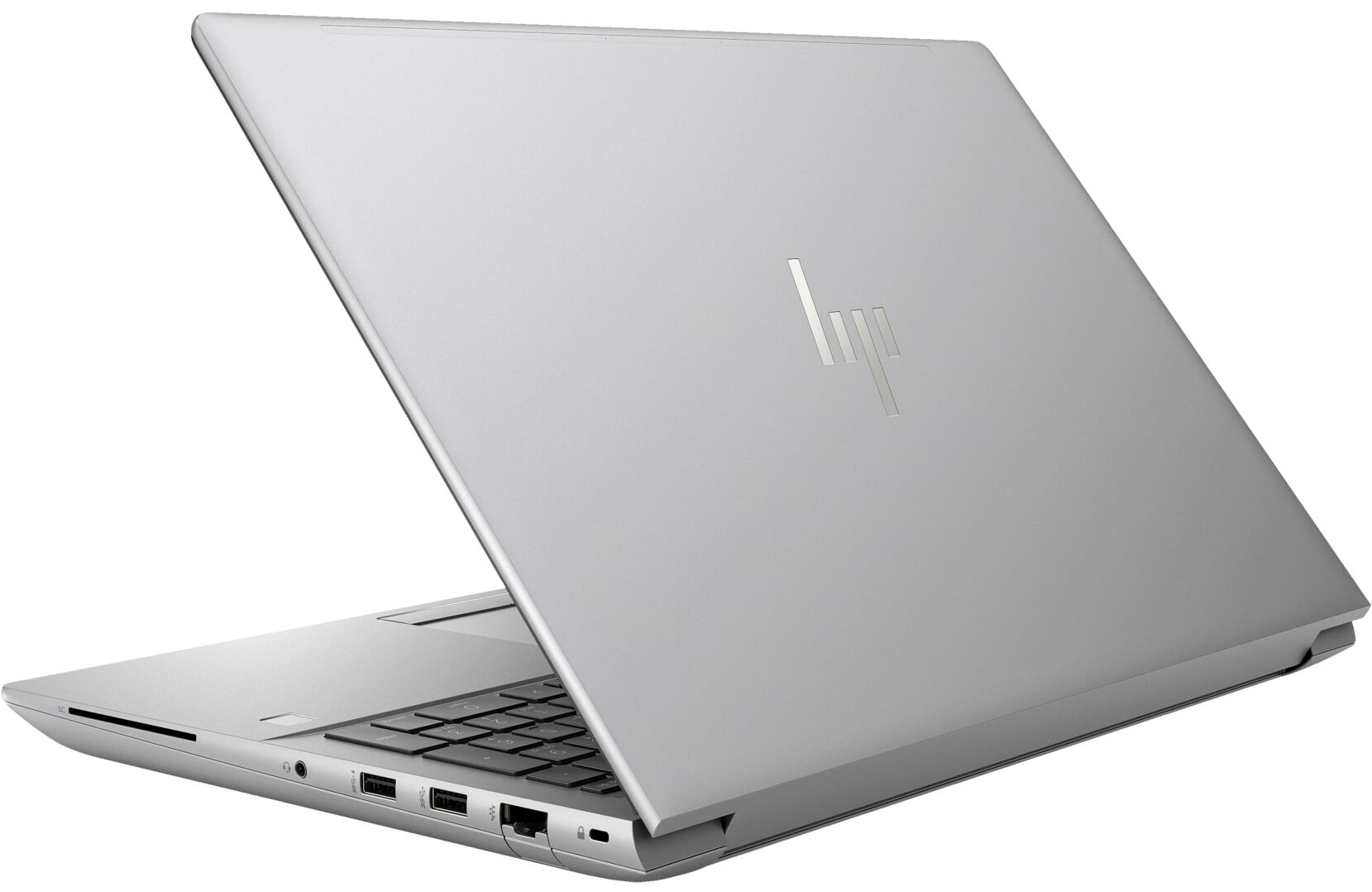
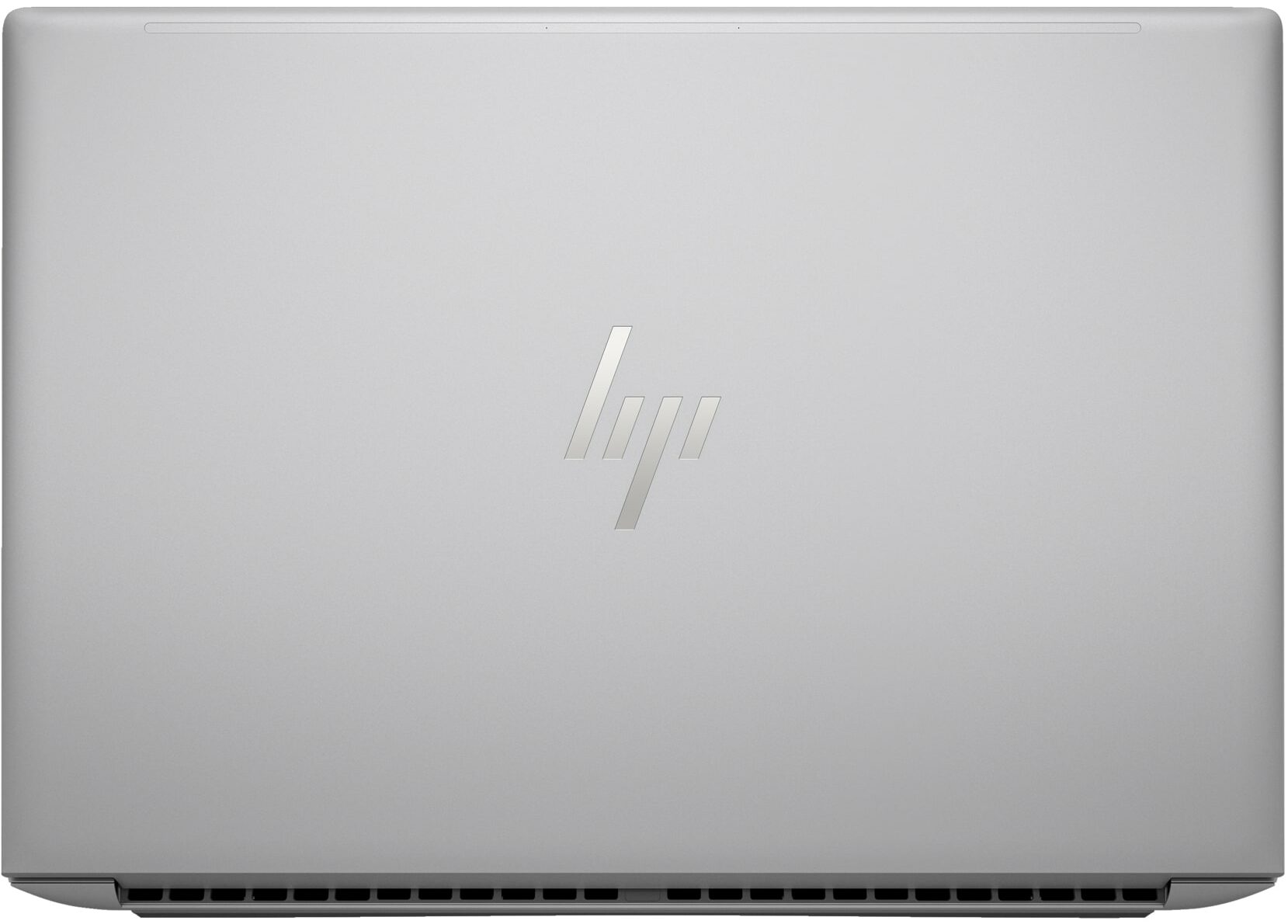
- GPU
- NVIDIA RTX 2000 Ada Generation (65W) #85 在顶级 GPU 中 Intel UHD Graphics 770 #312 在顶级 GPU 中NVIDIA RTX A2000 (Laptop) NVIDIA RTX A1000 (Laptop) NVIDIA RTX 5000 Ada Generation (Laptop) NVIDIA RTX 4000 Ada Generation (Laptop) NVIDIA RTX 3500 Ada Generation (Laptop) NVIDIA RTX 3000 Ada Generation (Laptop) NVIDIA RTX 2000 Ada Generation (Laptop) NVIDIA GeForce RTX 4090 (Laptop)

- HDD/SSD
- 高达 2000GB SSD + 高达 1000GB HDD
- M.2 插槽
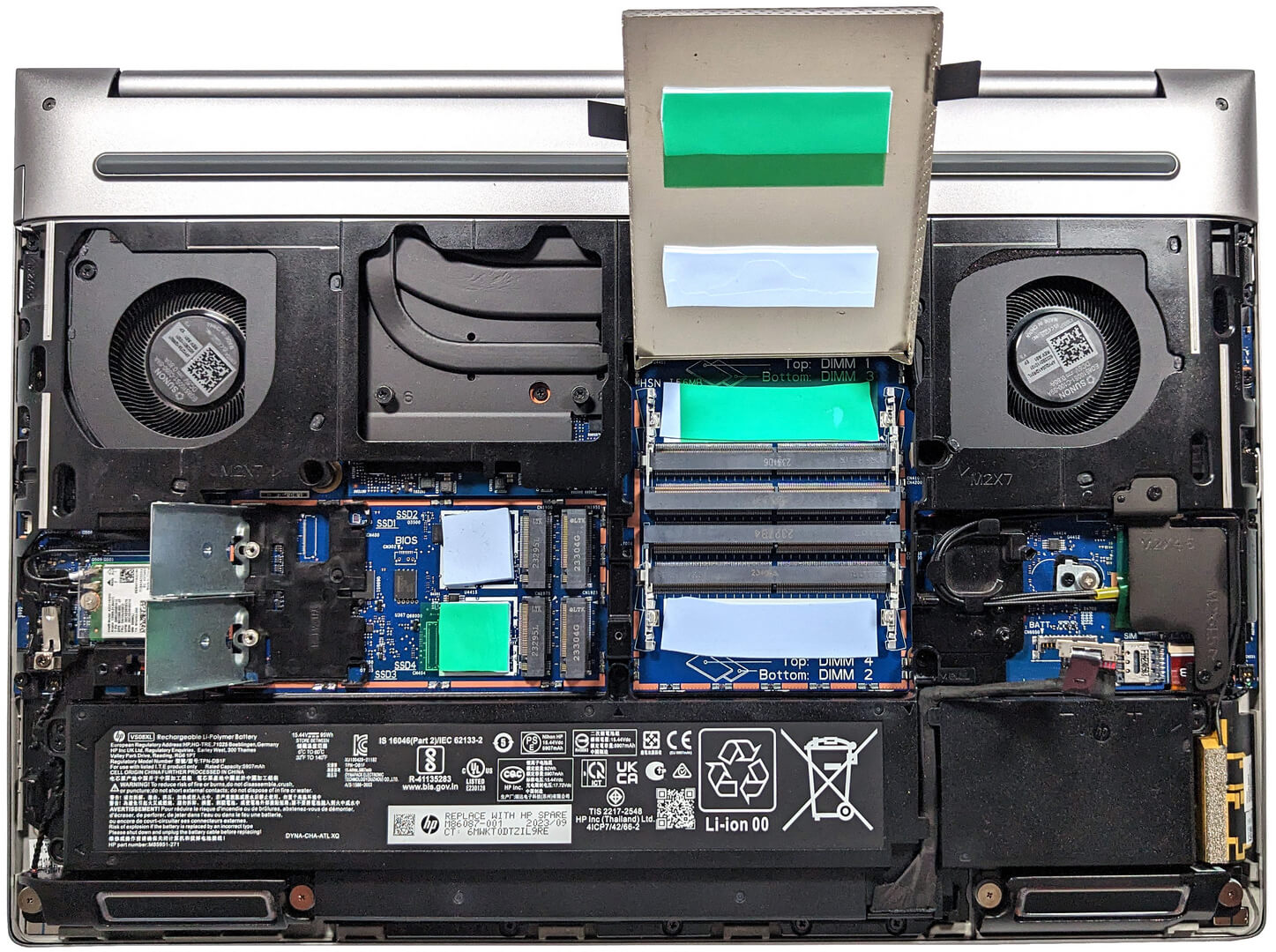
- 4x 2280 M.2 NVMe PCIe 4.0 x4 查看照片
- RAM
- up to 128GB
- 操作系统
- Windows 11 Pro, Windows 11 Home, DOS
- 电池
- 95Wh, 95Wh, 8-cell
- 机身材质
- Aluminum
- 尺寸
- 362.96 x 250.69 x 27.7 - 28.60 mm (14.29" x 9.87" x 1.09")
- 重量
- 2.35 kg (5.2 lbs)
- 端口和连接
- 1x USB Type-A
- 3.2 Gen 1 (5 Gbps)
- 1x USB Type-A
- 3.2 Gen 1 (5 Gbps), Sleep and Charge
- 2x USB Type-C
- 4.0, Thunderbolt 4, Power Delivery (PD), DisplayPort, Sleep and Charge
- HDMI
- 2.1
- 迷你显示接口
- 读卡器
- SD (SD, SDHC, SDXC)
- 以太网 LAN
- 10, 100, 1000 Mbit/s
- Wi-Fi
- 802.11ax
- 蓝牙
- 5.2
- 音频插孔
- 3.5mm Combo Jack
- 功能
- 指纹识别器
- optional
- 网络摄像头
- 5MP IR auto tracking camera
- 背光键盘
- optional
- 麦克风
- HP World Facing dual array digital microphones
- 扬声器
- 2x Stereo Speakers with discrete amps, Audio by Bang & Olufsen
- 光驱
- optional
- 安全锁槽
- Nano Security Lock
全部 HP ZBook Fury 16 G10 配置
驱动程序
该笔记本的所有驱动程序和实用程序均可在此处找到: https://support.hp.com/us-en/drivers/hp-zbook-fury-16-g10-mobile-workstation-pc/2101628542
包装盒里有什么?
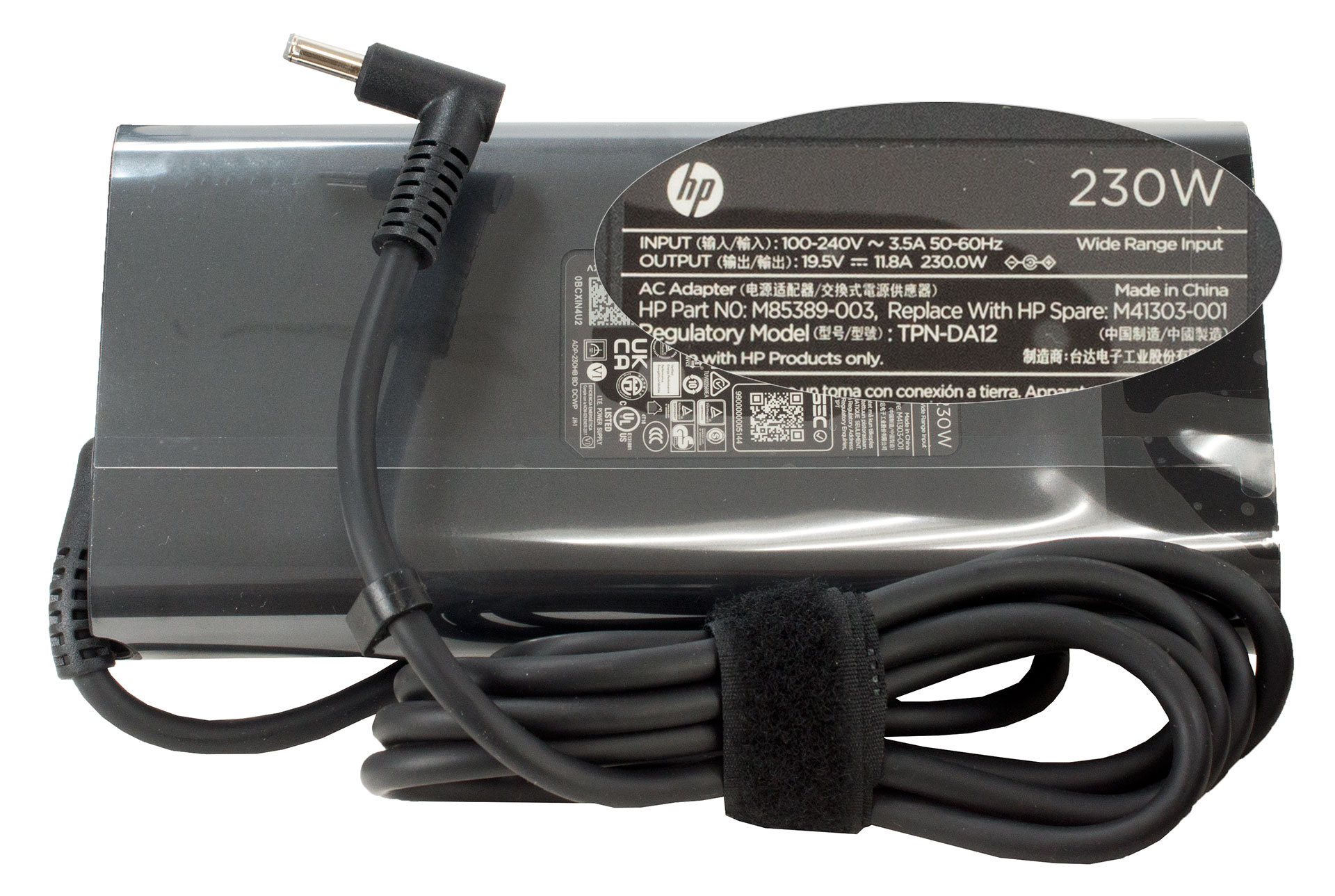
在包装盒内,我们发现了一些手册和笔记本电脑本身。根据设备的功率,桶插适配器可以是150W、200W 或230W型号。
 Author: Nikolay Palaozov
 Author: eng. Kroum NikolovHead of Engineering at LaptopMedia.com, inventor and innovator with 40+ years of experience in electronics and high technology.

![[2026年8月] 亚马逊全球畅销笔记本电脑显卡排行榜——苹果独占鳌头,英伟达RTX 5060领跑独立显卡榜单](https://laptopmedia.com/wp-content/uploads/2026/09/Best-Selling-GPUs-GLOBAL-Top-10-400x225.jpg)
![[2026年8月] 亚马逊全球畅销笔记本电脑处理器排行榜——苹果同时称霸平价和高端市场:2026年8月,A18 Pro和M5大获全胜,碾压英特尔和AMD](https://laptopmedia.com/wp-content/uploads/2026/09/Best-Selling-CPUs-GLOBAL-Top-10-400x225.jpg)
![[2026年8月] 亚马逊全球:销量前十的笔记本电脑——苹果MacBook Neo独占鳌头,而平价和中端Windows笔记本则在销量上展开激烈角逐](https://laptopmedia.com/wp-content/uploads/2026/09/Best-Selling-Laptops-GLOBAL-Top-10-400x225.jpg)
![[2026年8月] 亚马逊全球畅销笔记本电脑品牌——苹果在营收方面占据主导地位,而惠普在机型种类方面领跑](https://laptopmedia.com/wp-content/uploads/2026/09/GLOBAL-Best-Brands-400x225.jpg)
![[2026年8月] 亚马逊全球:畅销游戏本前十名——惠普Victus 15荣登榜首,高性价比机型占据榜单主导地位](https://laptopmedia.com/wp-content/uploads/2026/09/Best-Selling-Gaming-Laptops-GLOBAL-Top-10-400x225.jpg)

Thanks for the comprehensive review, it’s one of the few quality reviews out there. I’m glad HP kept the physical touchpad buttons. I suppose the laptop designers have no idea how IMPORTANT these physical buttons can be to the design & engineering industries (e.g. architectural and urban design, and perhaps the entire creative industry). We need the middle button to quickly pan/rotate views in 3D modelling / simulation software, and the physical left/right keys for fast, precise clicking without any sluggishness / accidental clicking and dragging. Not everyone wants to carry around a mouse and separate keyboard. After all, this is… 阅读更多 »
I don´t think people are doing 3d modeling at a café or in a plane, and need full control of the camera all the time. They have a standard usb mouse or a 3d connexion if they need that feature. I get it, I’use middle mouse drag and even more complex gestures in SideFX Houdini, but when you’re on your laptop on the go, you do with what you have.