Inside Dell Latitude 15 5520 – disassembly and upgrade options
A business laptop should be fluent in a lot of different tasks in order to in full service to its owner. Upgradability is definitely one of the most important of them.
Check out all Dell Latitude 15 5520 prices and configurations in our Specs System or read more in our In-Depth review.
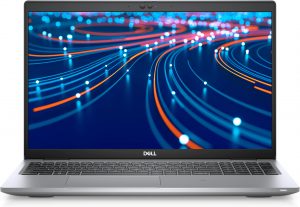
1. Remove the bottom plate
Accessing this laptop’s internals is extremely easy. You just need to undo 8 captive Phillips-head screws, and then pry the bottom panel with a plastic tool.
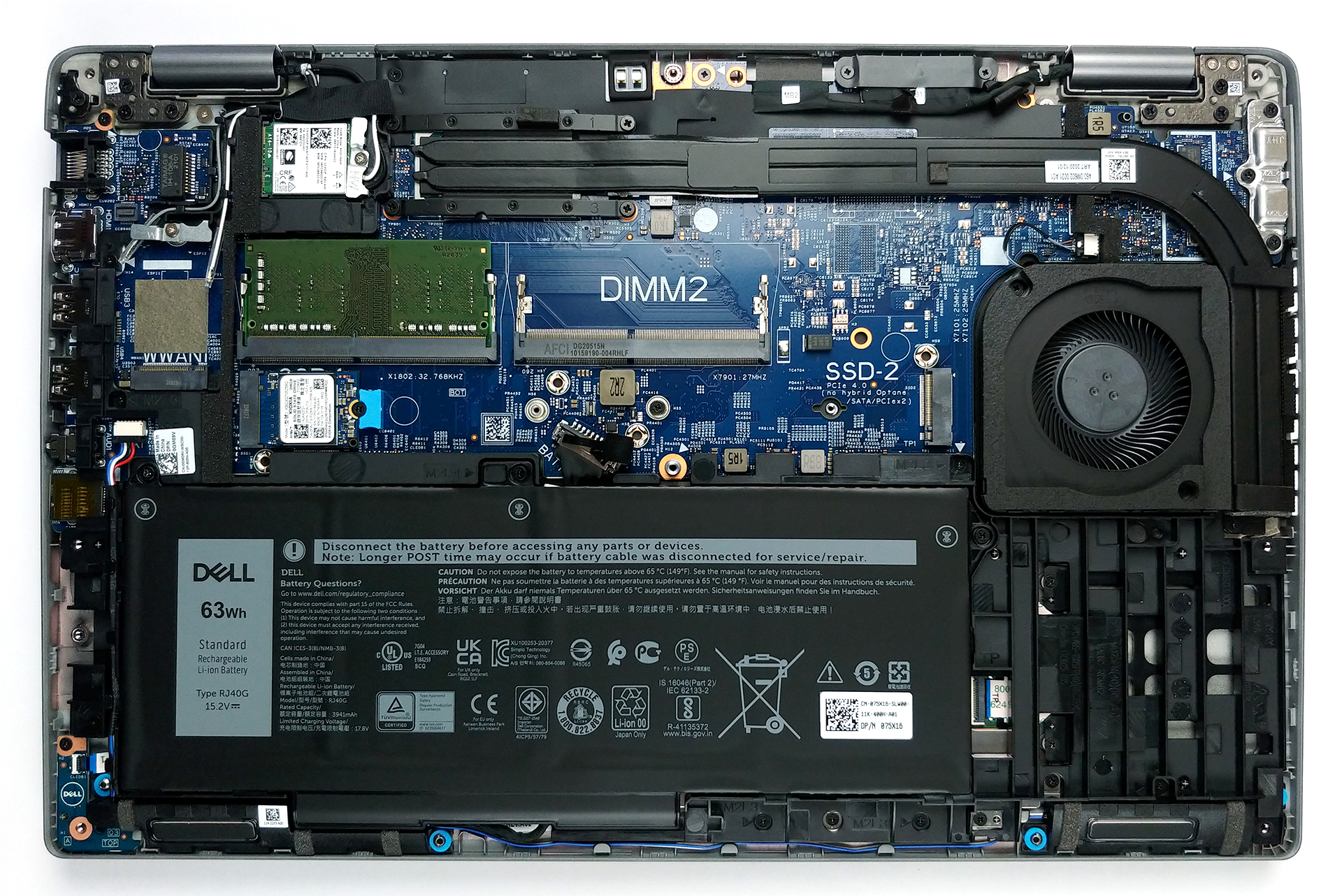
2. Battery
After you get inside, you will see the battery pack. Our unit has a 63Wh capacity, while some configurations will include a smaller 42Wh battery.
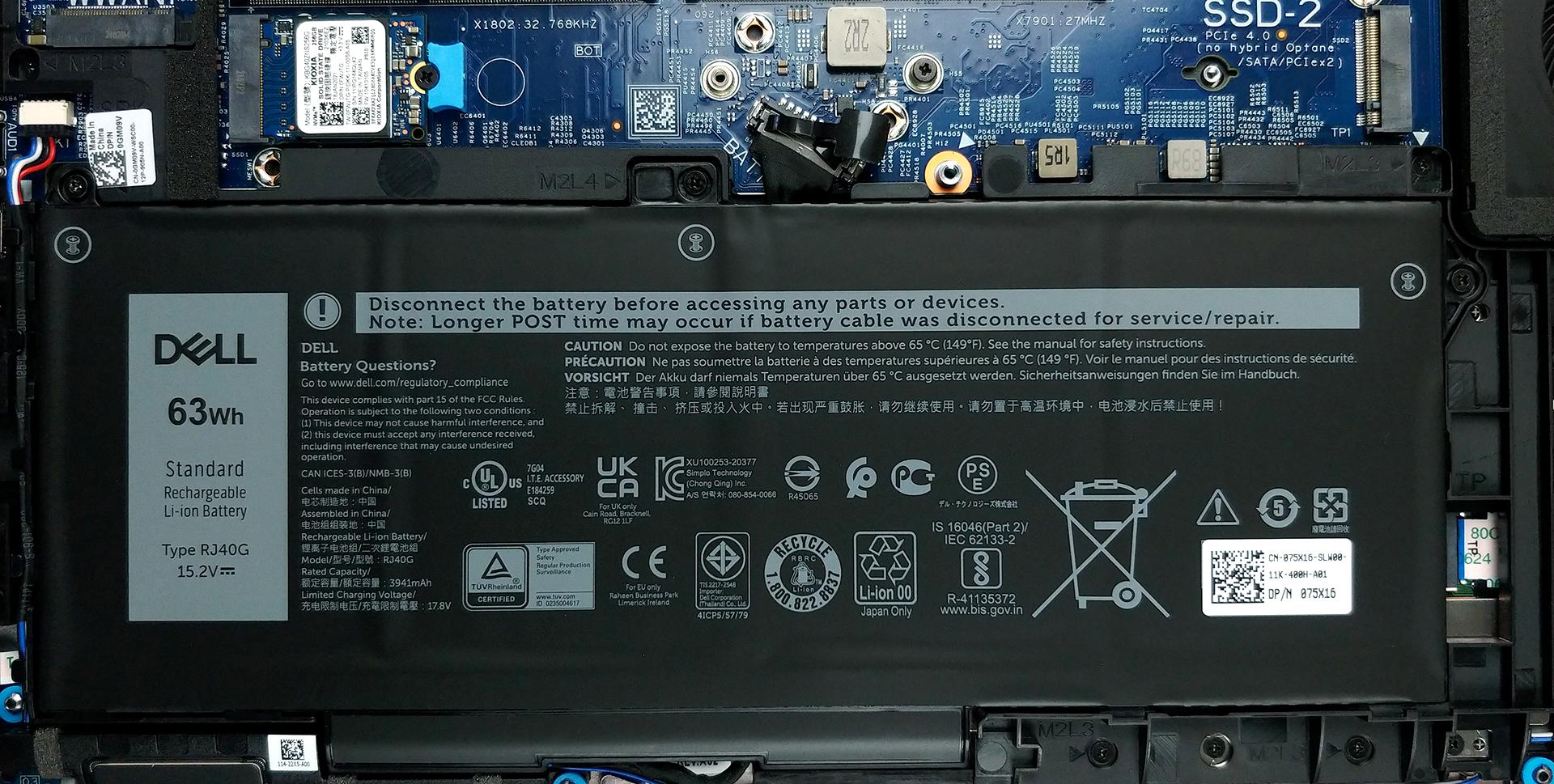
3. Мemory and storage
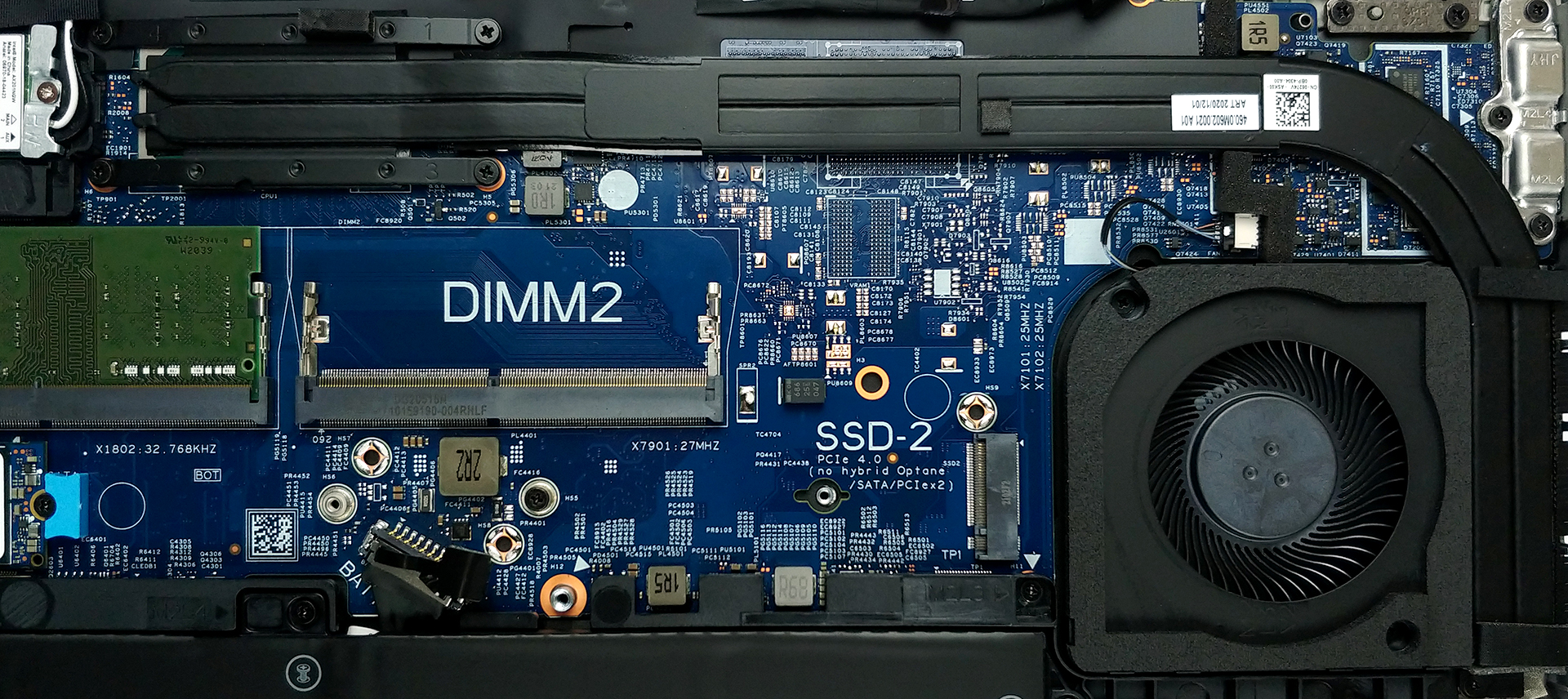
In terms of memory, there are two SODIMM slots, which support up to 64GB of dual-channel RAM in total. Storage-wise, you get two M.2 PCIe x4 slots, with that one labeled with number 2 supporting PCIe Gen 4 drives.
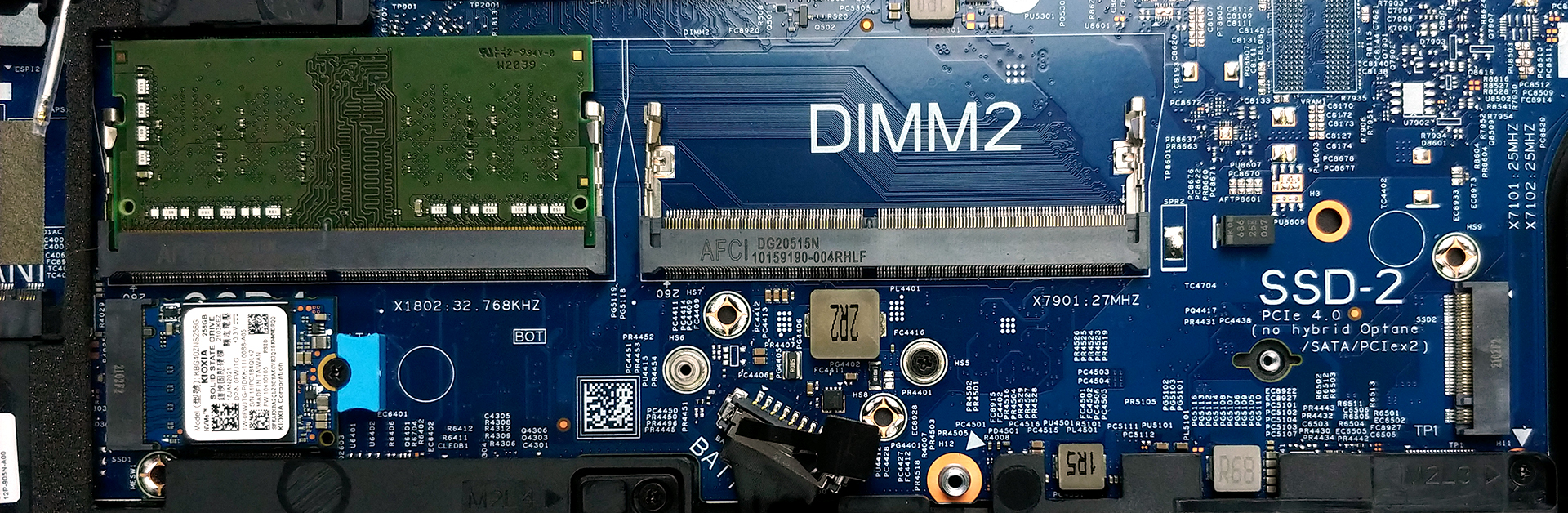
4. Cooling system
As for the cooling, there are two rather long heat pipes, connected to a side-mounted heat spreader. The tough job of getting the heat dissipated is done by the fan, which is not that big in diameter but has a pretty thick profile.
Check out all Dell Latitude 15 5520 prices and configurations in our Specs System or read more in our In-Depth review.
Dell Latitude 15 5520 ausführliche Bewertung
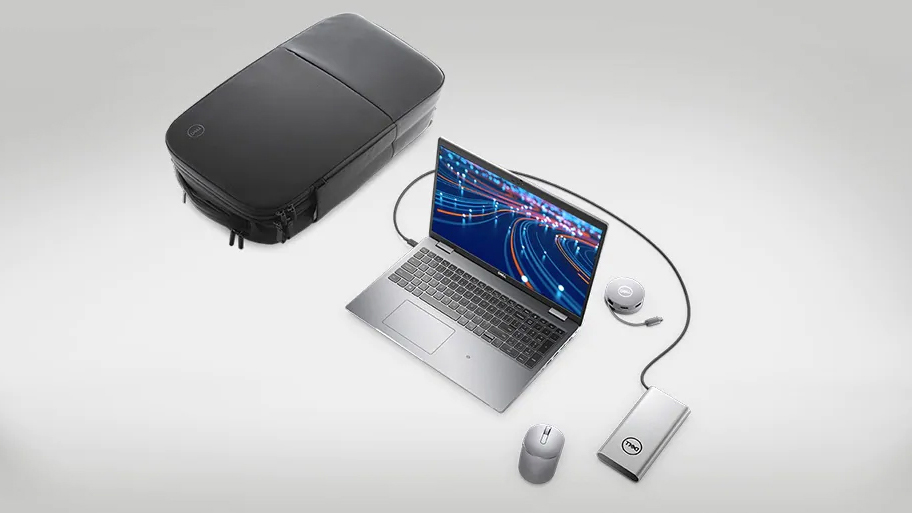
Dank der Tiger Lake-Prozessorreihe von Intel wurden die Business-Notebooks aller Marken im Vergleich zu ihren Vorgängern grundlegend aufgewertet. Eines dieser Notebooks ist zweifelsohne das Dell Latitude 15 5520.Neben dem neuen Chipsatz gibt es auch ein leichtes Redesign, bei dem die Natur im Mittelpunkt der Materialien steht. In diesem Jahr verwendet Dell bis zu 21 % Biokunststoff, der aus einem Nebenprodukt der Papierherstellung gewonnen wird, für seine gesamte Latitude 5000-Serie. Unabhängig von der Qualität des Geräts werden wir Unternehmen, die sich um die Erhaltung unseres Plan[...]
Profis
- Umfangreiche E/A, darunter ein MicroSD-Kartenleser
- Zwei M.2-Speichersteckplätze, einer davon mit 4.0-Geschwindigkeit + 2x RAM-SODIMM-Steckplätze
- Fingerabdruckleser in der Einschalttaste + optionale IR-Gesichtserkennung
- Wi-Fi 6, PCIe x4, Thunderbolt 4
- Nutzt kein PWM zur Helligkeitsanpassung (AUO 5NG4M-B156HAN)
- Komfortable Tastatur mit Hintergrundbeleuchtung
- Gute Akkulaufzeit
Nachteile
- Deckt nur 53% von sRGB ab (AUO 5NG4M-B156HAN)
- Verzicht auf die dedizierten Touchpad-Tasten und den Trackpoint
 Author: Alex Iliev

![[August 2026] Amazon Global: Die 10 meistverkauften Laptops – Das Apple MacBook Neo führt die Charts an, während preisgünstige und Mittelklasse-Windows-Laptops um Absatzzahlen kämpfen](https://laptopmedia.com/wp-content/uploads/2026/09/Best-Selling-Laptops-GLOBAL-Top-10-400x225.jpg)
![[August 2026] Die meistverkauften Laptop-Marken bei Amazon Global – Apple dominiert den Umsatz, während HP bei der Modellvielfalt führend ist](https://laptopmedia.com/wp-content/uploads/2026/09/GLOBAL-Best-Brands-400x225.jpg)
![[August 2026] Amazon Global: Die 10 meistverkauften Gaming-Laptops – Der HP Victus 15 erobert den ersten Platz, während preisgünstige Modelle die Rangliste dominieren](https://laptopmedia.com/wp-content/uploads/2026/09/Best-Selling-Gaming-Laptops-GLOBAL-Top-10-400x225.jpg)
![[August 2026] Best-Selling Laptop Brands on Amazon Japan – Apple Dominates Market Share and Revenue Led by Strong Unit Sales](https://laptopmedia.com/wp-content/uploads/2026/09/CO.JP-Best-Brands-1-400x225.jpg)
![[August 2026] Best-Selling Laptop Brands on Amazon USA – Apple Dominates Market Revenue and Volume Despite Lower Model Diversity](https://laptopmedia.com/wp-content/uploads/2026/09/COM-Best-Brands-1-400x225.jpg)
