Dell Precision 16 7670 im Test – ist der CAMM-Speicher ein Dauerbrenner?
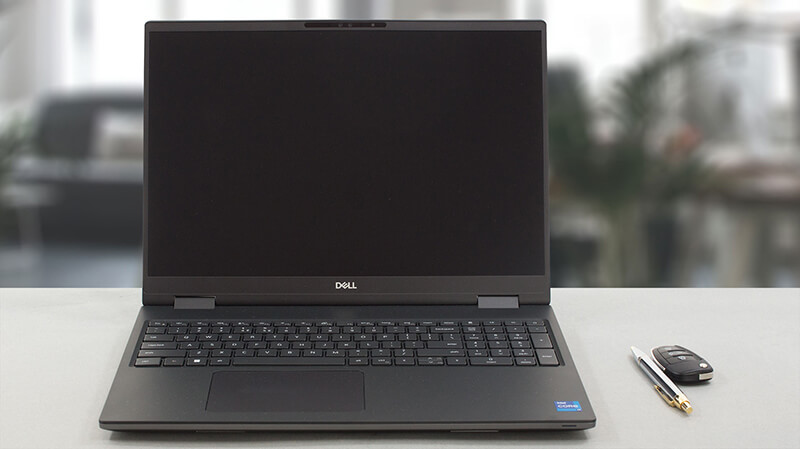 Das vergangene Jahr war für die Welt der leistungsstarken Laptops von entscheidender Bedeutung. Mit der Popularisierung von 16-Zoll-Bildschirmen kamen immer weniger 15-Zoll-Exemplare auf den Markt. So kam das Precision 16 7670 zustande.
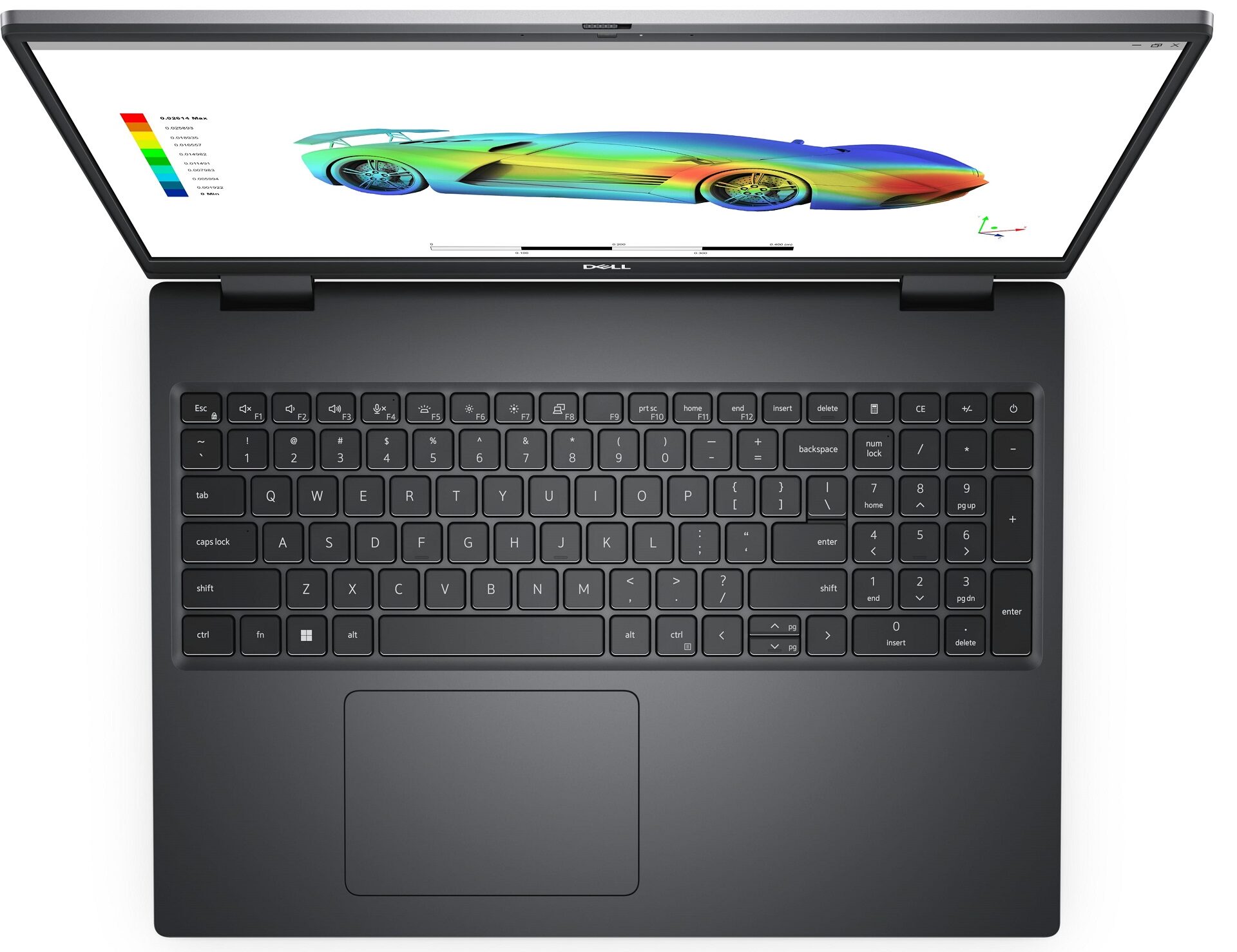
Auf den ersten Blick können wir sagen, dass es ein dringend benötigtes Redesign erhalten hat. Es sieht jetzt moderner aus mit seinen scharfen Ecken und den schmalen Rändern um das Display. Apropos, Dell bietet Ihnen jetzt die Möglichkeit, die Precision 16 7670 mit einem 4K OLED-Display zu kaufen. Etwas, das bei dieser Marke nur selten zu sehen ist.
Wissen Sie, es gibt eine Sache, die Workstations spannend macht – ihre Hardware. Dieses Gerät kann mit einer ziemlich leistungsstarken CPU erworben werden, die eine hohe Kernanzahl und eine 55W Basis-TDP hat. Es handelt sich um den Core i9-12950HX.
Einige Leute (uns eingeschlossen) sind verwirrt über die Wahl der Grafikkarte und was dies mit dem Gehäuse zu tun hat. Nun, viele Laptops bieten unterschiedliche Kühllösungen an, je nachdem, welche GPU im Inneren steckt. Bei diesem Gerät reicht die Palette von der RTX A1000 bis zur RTX A5500 – extrem unterschiedliche Leistungsprofile.
Die RTX A1000 und die RTX A2000 sind daher in einem dünneren Gehäuse untergebracht, dem Precision 16 7670 Thin Base. Der Rest des Feldes, der ein besseres Kühlsystem benötigt, muss dementsprechend auf ein dickeres Gehäuse zurückgreifen. Aber da “Thick base” ein wenig sexistisch klingt, nennt Dell es “Performance base”.
Erwähnenswert ist auch die Tatsache, dass Dell in der Speicherabteilung neue Wege beschreitet. Wir halten uns jedoch bedeckt, bis wir zu diesem Teil des Tests kommen.
Sie können die Preise und Konfigurationen in unserem Specs System überprüfen: https://laptopmedia.com/series/dell-precision-16-7670/
Contents
- Technische Daten, Treiber, Lieferumfang
- Design und Konstruktion
- Anzeigequalität, Auswirkungen auf den Gesundheitszustand (PWM), Sound
- Kaufen Sie unsere Profile
- Leistung: CPU, GPU, Spiele-Tests
- [eBook Guide + Werkzeuge] Wie Sie Ihr Dell Precision 16 7670 voll ausreizen
- Temperaturen und Komfort, Akkulaufzeit
- Demontage, Upgrade-Optionen und Wartung
- Fazit
Technische Daten, Treiber, Lieferumfang
Dell Precision 16 7670 - Spezifikationen

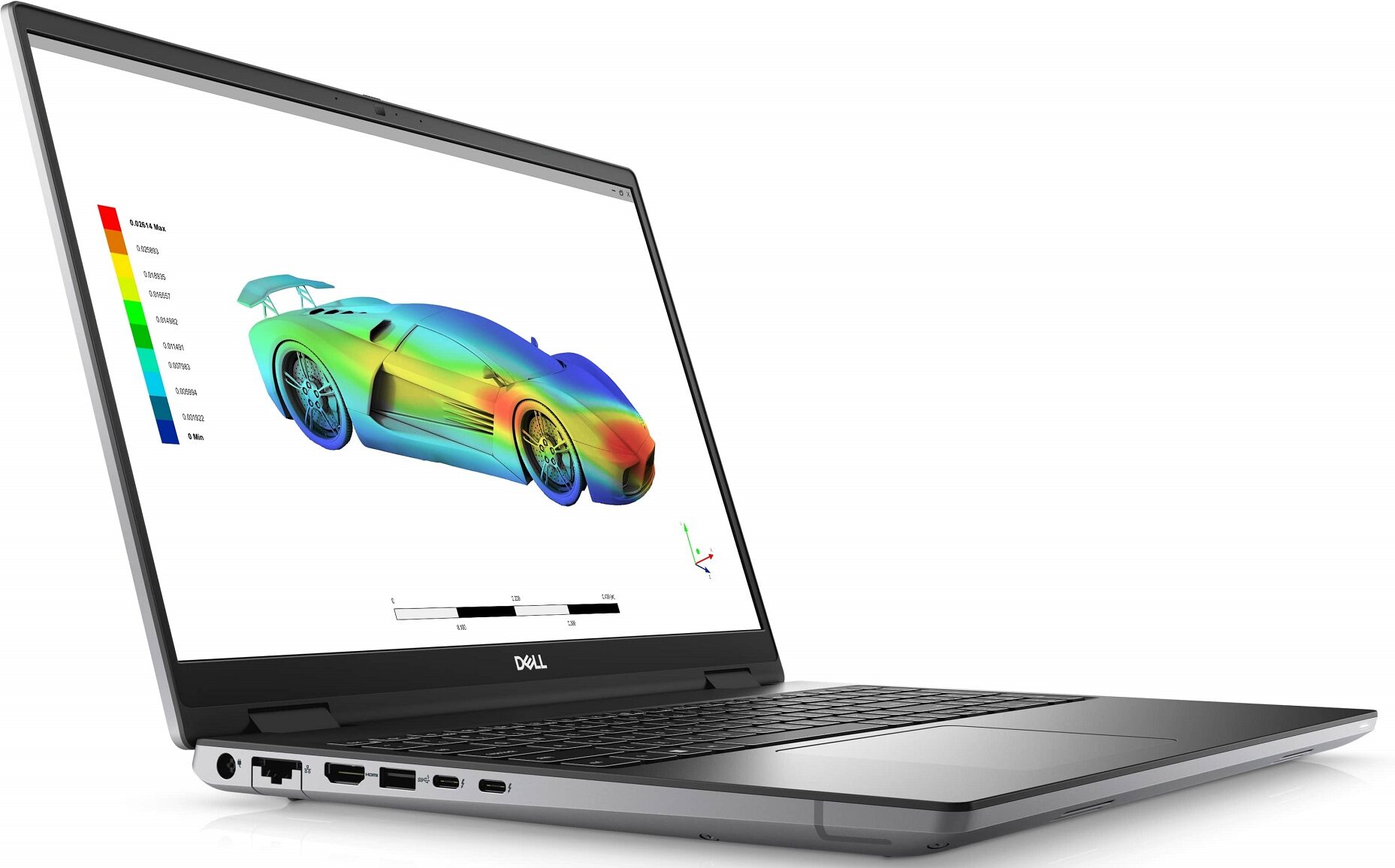
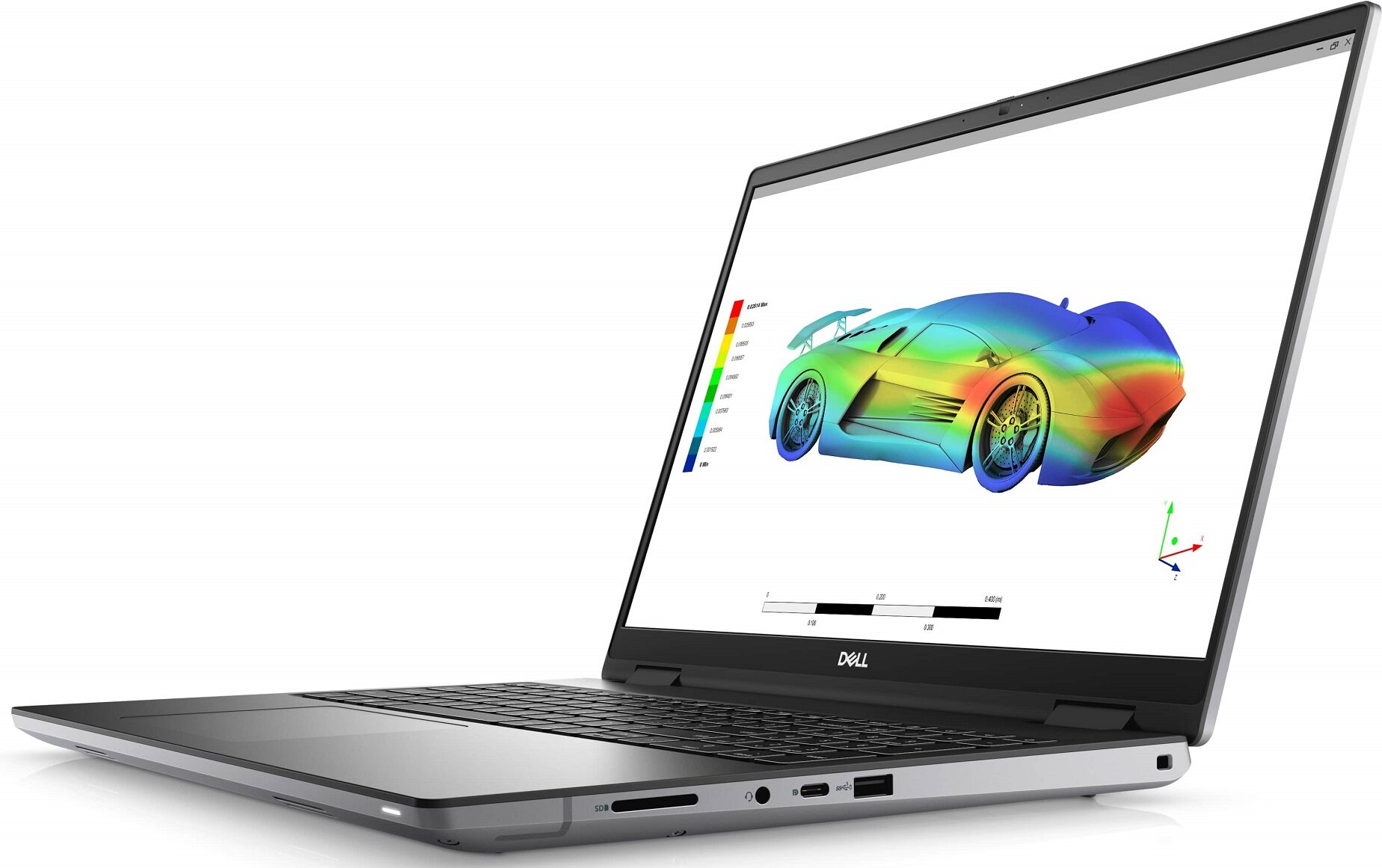

- GPU
- NVIDIA RTX A4500 (Laptop, 135W) #71 in den Top GPUs NVIDIA RTX A3000 (Laptop, 135W) #103 in den Top GPUs NVIDIA RTX A1000 (Laptop, 95W) #175 in den Top GPUs Intel UHD Graphics Xe 750 (32EU) #343 in den Top GPUsNVIDIA RTX A5500 (Laptop, 135W) NVIDIA RTX A4500 (Laptop) NVIDIA RTX A2000 (Laptop, 95W) NVIDIA RTX A2000 (Laptop) NVIDIA GeForce RTX 3080 Ti (Laptop, 135W)

- HDD/SSD
- bis zu 8000GB SSD + bis zu 512GB HDD
- M.2 Steckplatz
- 2x 2280 PCIe NVMe 4.0 x4 Siehe Foto
- RAM
- up to 128GB
- Betriebssystem
- Windows 10 Pro, Windows 11 Pro, Windows 11 Home
- Akku
- 83Wh, 6-cell, 93Wh, 6-cell, 83Wh
- Gehäusematerial
- Plastic / Polycarbonate, Aluminum, Carbon
- Abmessungen
- 356 x 258.34 x 23.20 - 25.90 mm (14.02" x 10.17" x 0.91")
- Gewicht
- 2.60 kg (5.7 lbs)
- Anschlüsse und Konnektivität
- 1x USB Type-A
- 3.2 Gen 1 (5 Gbps)
- 1x USB Type-A
- 3.2 Gen 1 (5 Gbps), Sleep and Charge
- 1x USB Type-C
- 3.2 Gen 2 (10 Gbps), DisplayPort
- 2x USB Type-C
- Thunderbolt 4
- HDMI
- 2.1
- Kartenleser
- SD, SDHC, SDXC
- Ethernet LAN
- 10, 100, 1000 Mbit/s
- Wi-Fi
- 802.11ax
- Bluetooth
- 5.2
- Audioanschluss
- 3.5mm Combo Jack
- Merkmale
- Fingerabdruckleser
- optional
- Web Kamera
- FHD + IR scanner
- Tastatur mit Hintergrundbeleuchtung
- optional
- Mikrofon
- Dual Array Digital Microphones
- Lautsprecher
- 2x 2.5W Woofers + 2x 2.5W Tweeters
- Optisches Laufwerk
- Sicherheits Schloss Steckplatz
- Wedge Lock
Alle Dell Precision 16 7670 Konfigurationen
Treiber
Alle Treiber und Dienstprogramme für dieses Notebook finden Sie hier: https://www.dell.com/support/home/en-us/product-support/product/precision-16-7670-laptop/drivers
Was befindet sich im Karton?
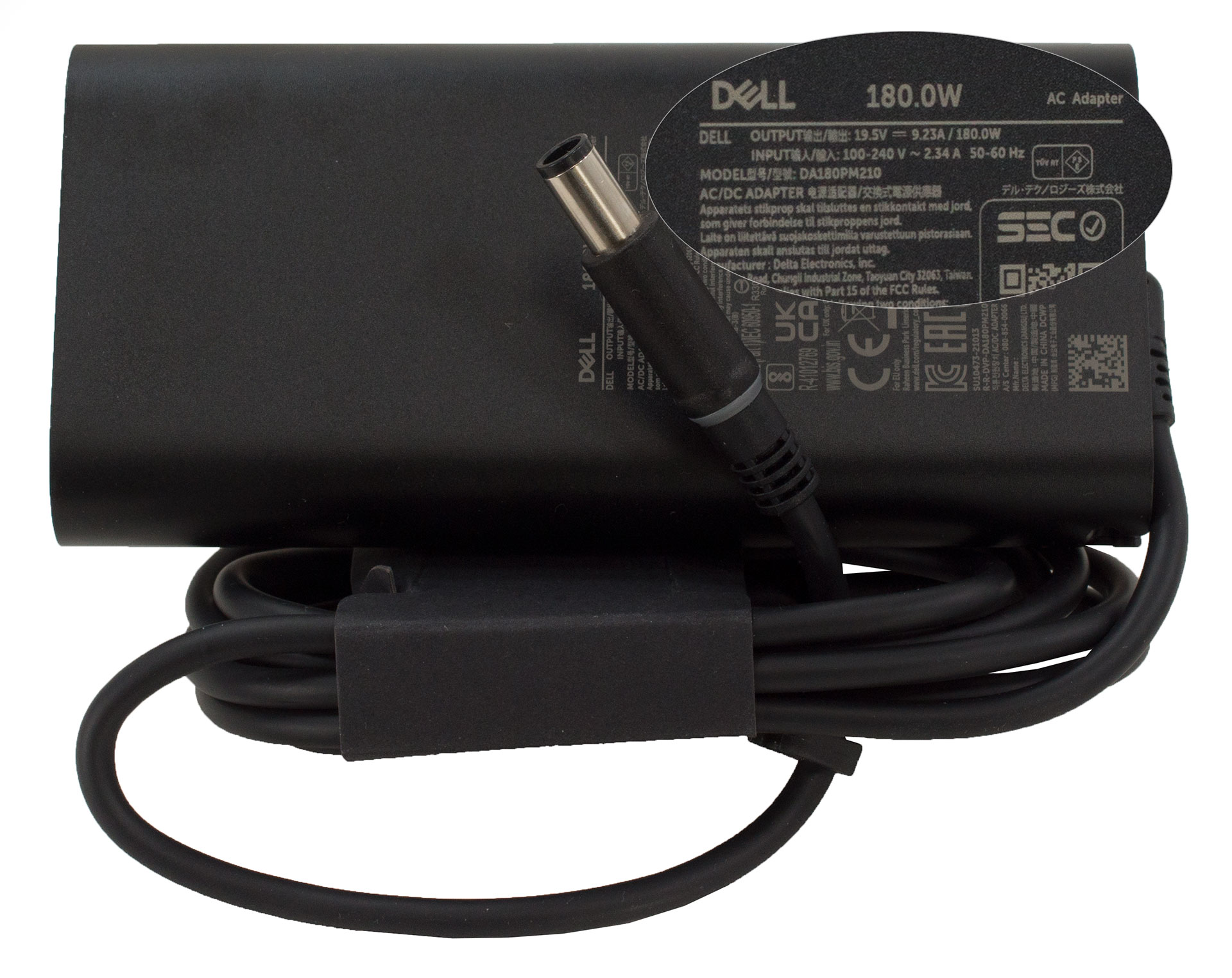
In der Verpackung, die wie eine Standardverpackung aussieht, finden wir den obligatorischen Papierkram sowie ein 180-W-Ladegerät. Einige Geräte erhalten ein 230-W-Ladegerät, aber was wohl noch wichtiger ist, ist die Tatsache, dass Dell für die Verpackung fast ausschließlich recycelte Materialien und fast keinen Kunststoff verwendet.
 Author: Alex Iliev
 Author: eng. Kroum NikolovHead of Engineering at LaptopMedia.com, inventor and innovator with 40+ years of experience in electronics and high technology.

![[August 2026] Weltweite Rangliste der meistverkauften Laptop-Grafikkarten bei Amazon – Apple dominiert, NVIDIAs RTX 5060 führt die Rangliste der dedizierten Grafikkarten an](https://laptopmedia.com/wp-content/uploads/2026/09/Best-Selling-GPUs-GLOBAL-Top-10-400x225.jpg)
![[August 2026] Weltweite Rangliste der meistverkauften Laptop-CPUs bei Amazon – Apple dominiert sowohl im Einsteiger- als auch im Premium-Segment: A18 Pro und M5 lassen Intel und AMD im August 2026 weit hinter sich](https://laptopmedia.com/wp-content/uploads/2026/09/Best-Selling-CPUs-GLOBAL-Top-10-400x225.jpg)
![[August 2026] Amazon Global: Die 10 meistverkauften Laptops – Das Apple MacBook Neo führt die Charts an, während preisgünstige und Mittelklasse-Windows-Laptops um Absatzzahlen kämpfen](https://laptopmedia.com/wp-content/uploads/2026/09/Best-Selling-Laptops-GLOBAL-Top-10-400x225.jpg)
![[August 2026] Die meistverkauften Laptop-Marken bei Amazon Global – Apple dominiert den Umsatz, während HP bei der Modellvielfalt führend ist](https://laptopmedia.com/wp-content/uploads/2026/09/GLOBAL-Best-Brands-400x225.jpg)
![[August 2026] Amazon Global: Die 10 meistverkauften Gaming-Laptops – Der HP Victus 15 erobert den ersten Platz, während preisgünstige Modelle die Rangliste dominieren](https://laptopmedia.com/wp-content/uploads/2026/09/Best-Selling-Gaming-Laptops-GLOBAL-Top-10-400x225.jpg)

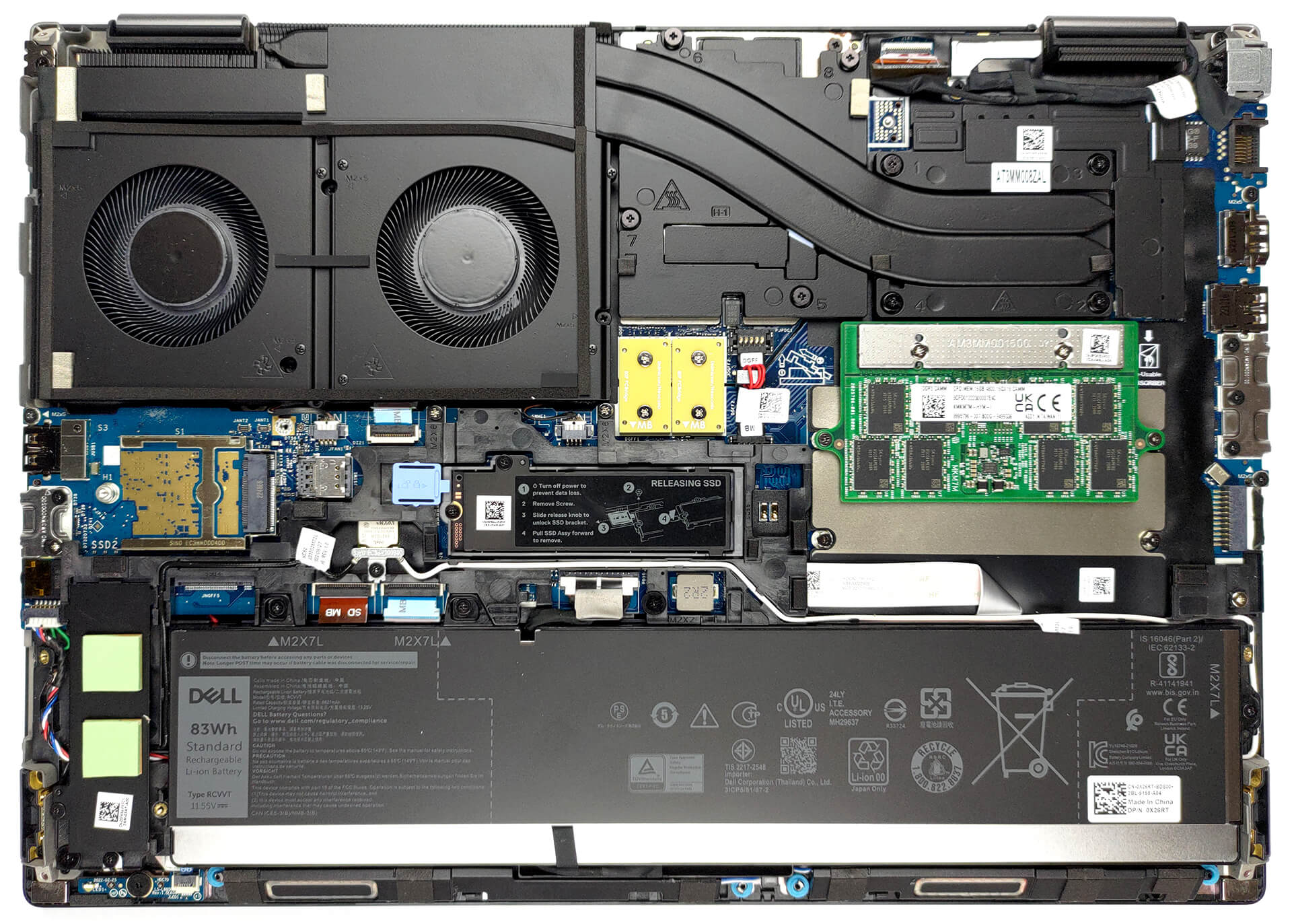
Try running the 7670 with an RTX A3000… even with the thicker chassis, the cooling system is absolutely demolished by any kind of load that hits the CPU and GPU at the same time. Games are bad enough, but professional 3D workloads are appalling. The CPU wattage and CPU frequency is throttled down so low, the laptop is slower than it’s predecessors (Precision 7550 or 7560). With only 2 heatpipes shared between the CPU and GPU, and the fans at the end of the thermal line, any load on the GPU overwhelms the CPU.
Indeed. There are several gurus (e.g. Tech3D channel on YouTube) discussing the poor job Dell is doing with thermal management on these machines, not to mention using the same old 240 watt adapter which causes these system to be power starved. Inexcusable.
Piggybacking a powerful CPU and GPU this way being questionable in the first place, heat efficiency appears to suffer further by the second heat pipe falling short of covering the entire width of the second fan, seeming to cover only about half the width – alas, the hinge is in the way. The heat sink’s width is also halved in this section to accomodate the hinge. It’s a good example of high quality material put to bad use.