HP ZBook Fury 16 G10 im Test – nahezu geräuschlose, leistungsstarke Workstation, die wie ein Panzer gebaut ist
Leistung: CPU, GPU, Spiele-Tests
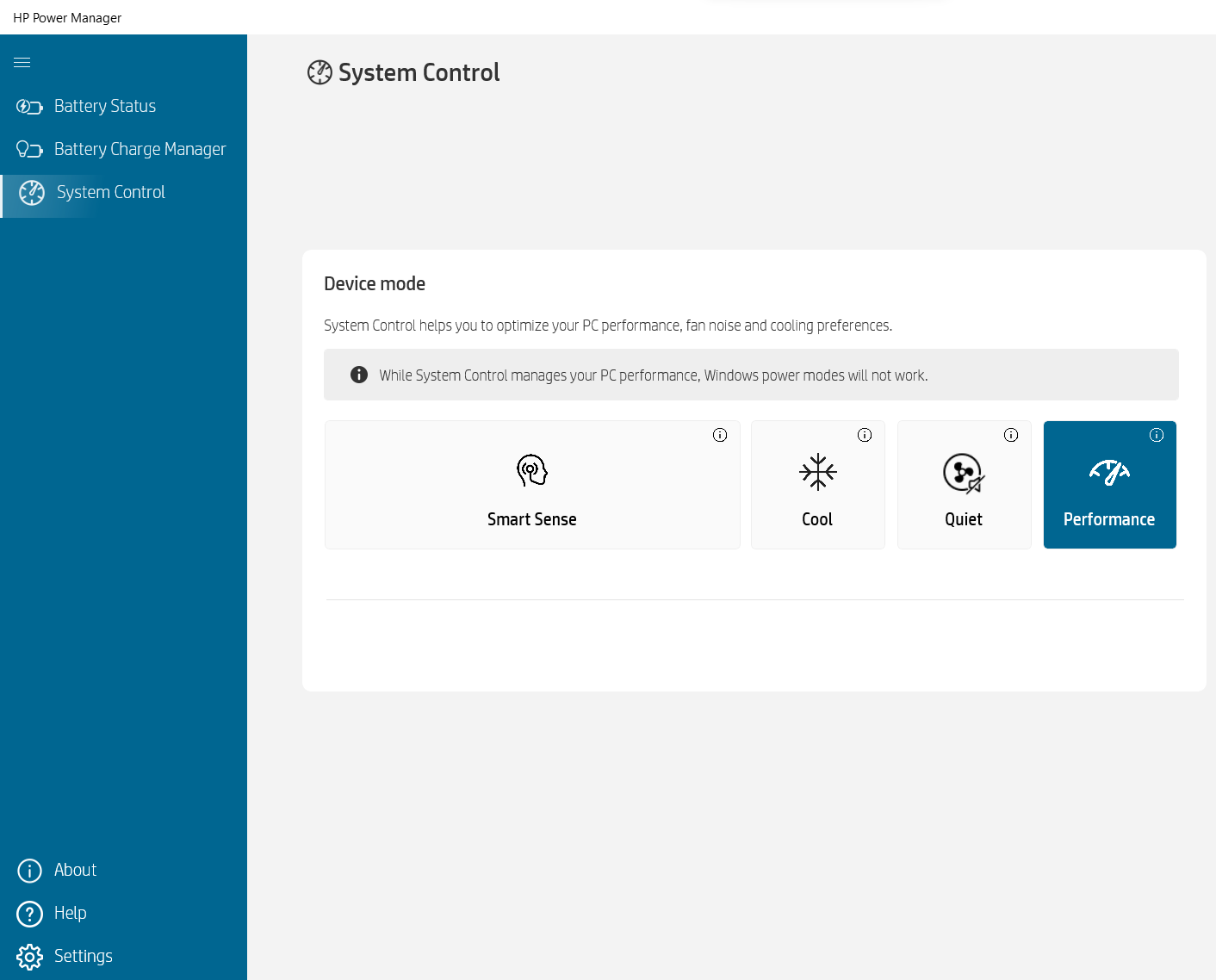
Alle Benchmarks und Tests wurden mit dem Profil “Leistung” durchgeführt, das in der HP Power Manager App aktiviert ist. Außerdem ist der “Discrete Graphics Mode” (dGPU-only) im BIOS aktiviert, ebenso wie die Funktion “Fan Always on while on AC Power”.


CPU-Optionen
Dieses Gerät kann mit Intel Core i5-13600HX, Core i7-13700HX, Core i7-13850HX oder Core i9-13950HX gefunden werden.
Hier bewerten wir die CPU-Leistung anhand einer realen 3D-Rendering-Aufgabe und beurteilen ihre Fähigkeit, komplexe Berechnungen und Rendering-Workloads effizient zu bewältigen.
Die Ergebnisse stammen vom Cinebench 2024 Multi-Core-Test (höher ist besser).
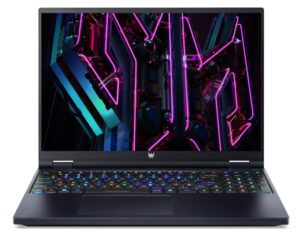
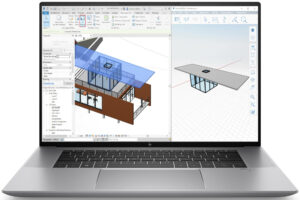
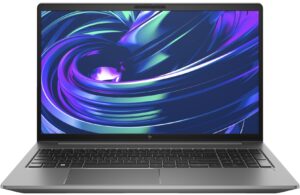
GPU-Optionen
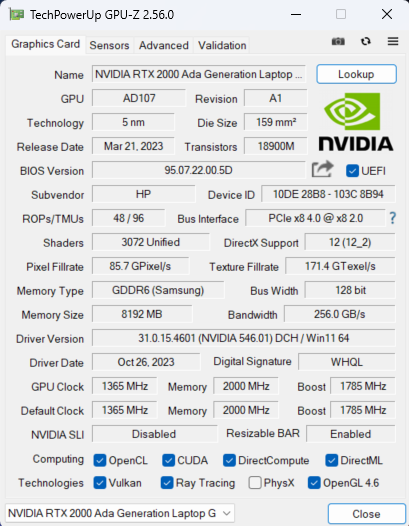
Interessanterweise gibt es auch reine iGPU-Konfigurationen. Sie können auch zwischen fünf dGPU-Optionen wählen – NVIDIA RTX A1000 (Laptop), RTX 2000 Ada Generation (65W), RTX 3500 Ada Generation, RTX 4000 Ada Generation und RTX 5000 Ada Generation.
Die Ergebnisse stammen vom 3DMark Time Spy (Grafik). Ein höherer Wert ist besser.
Die Ergebnisse stammen vom 3DMark Fire Strike (Grafik) Benchmark (ein höherer Wert ist besser).
Die Ergebnisse stammen vom 3DMark Wild Life Extreme Unlimited. Ein höherer Wert ist besser.
Die Ergebnisse stammen vom Unigine Superposition Benchmark (ein höherer Wert ist besser).
Gaming-Tests


| Assassin’s Creed Walhalla | Full HD, Niedrig(Einstellungen prüfen) | Full HD, Mittel (Einstellungenprüfen) | Full HD, Hoch(Einstellungen prüfen) | Full HD, Ultra(Einstellungen prüfen) |
|---|---|---|---|---|
| Durchschnittliche FPS | 158 fps | 131 fps | 108 fps | 92 fps |

| Borderlands 3 | Full HD, V.Low(Einstellungen prüfen) | Full HD, Mittel (Einstellungenprüfen) | Full HD, Hoch(Einstellungen prüfen) | Full HD, Knallhart(Einstellungen prüfen) |
|---|---|---|---|---|
| Durchschnittliche FPS | 188 fps | 146 fps | 101 fps | 77 fps |

| Far Cry 6 | Full HD, Niedrig(Einstellungen prüfen) | Full HD, Hoch(Einstellungen prüfen) | Full HD, Ultra(Einstellungen prüfen) |
|---|---|---|---|
| Durchschnittliche FPS | 143 fps | 115 fps | 101 fps |

| Gears 5 | Full HD, Niedrig(Einstellungen prüfen) | Full HD, Mittel (Einstellungenprüfen) | Full HD, Hoch(Einstellungen prüfen) | Full HD, Ultra(Einstellungen prüfen) |
|---|---|---|---|---|
| Durchschnittliche FPS | 218 fps | 159 fps | 137 fps | 110 fps |
Die 65W RTX 2000 Ada Generation GPU schneidet bei den vier getesteten Titeln sehr gut ab. Wenn wir Borderlands 3 in Badass-Qualität nicht mitzählen, sind die anderen Scores besser als die der 60W NVIDIA RTX 3000 Ada Generation GPU im HP ZBook Studio 16 G10. Das zeigt, wie leistungsfähig das HP ZBook Fury 16 G10 ist und dass es ein gut abgestimmtes Gerät ist.
 Author: Nikolay Palaozov
 Author: eng. Kroum NikolovHead of Engineering at LaptopMedia.com, inventor and innovator with 40+ years of experience in electronics and high technology.

![[August 2026] Weltweite Rangliste der meistverkauften Laptop-Grafikkarten bei Amazon – Apple dominiert, NVIDIAs RTX 5060 führt die Rangliste der dedizierten Grafikkarten an](https://laptopmedia.com/wp-content/uploads/2026/09/Best-Selling-GPUs-GLOBAL-Top-10-400x225.jpg)
![[August 2026] Weltweite Rangliste der meistverkauften Laptop-CPUs bei Amazon – Apple dominiert sowohl im Einsteiger- als auch im Premium-Segment: A18 Pro und M5 lassen Intel und AMD im August 2026 weit hinter sich](https://laptopmedia.com/wp-content/uploads/2026/09/Best-Selling-CPUs-GLOBAL-Top-10-400x225.jpg)
![[August 2026] Amazon Global: Die 10 meistverkauften Laptops – Das Apple MacBook Neo führt die Charts an, während preisgünstige und Mittelklasse-Windows-Laptops um Absatzzahlen kämpfen](https://laptopmedia.com/wp-content/uploads/2026/09/Best-Selling-Laptops-GLOBAL-Top-10-400x225.jpg)
![[August 2026] Die meistverkauften Laptop-Marken bei Amazon Global – Apple dominiert den Umsatz, während HP bei der Modellvielfalt führend ist](https://laptopmedia.com/wp-content/uploads/2026/09/GLOBAL-Best-Brands-400x225.jpg)
![[August 2026] Amazon Global: Die 10 meistverkauften Gaming-Laptops – Der HP Victus 15 erobert den ersten Platz, während preisgünstige Modelle die Rangliste dominieren](https://laptopmedia.com/wp-content/uploads/2026/09/Best-Selling-Gaming-Laptops-GLOBAL-Top-10-400x225.jpg)

Thanks for the comprehensive review, it’s one of the few quality reviews out there. I’m glad HP kept the physical touchpad buttons. I suppose the laptop designers have no idea how IMPORTANT these physical buttons can be to the design & engineering industries (e.g. architectural and urban design, and perhaps the entire creative industry). We need the middle button to quickly pan/rotate views in 3D modelling / simulation software, and the physical left/right keys for fast, precise clicking without any sluggishness / accidental clicking and dragging. Not everyone wants to carry around a mouse and separate keyboard. After all, this is… Read more »
I don´t think people are doing 3d modeling at a café or in a plane, and need full control of the camera all the time. They have a standard usb mouse or a 3d connexion if they need that feature. I get it, I’use middle mouse drag and even more complex gestures in SideFX Houdini, but when you’re on your laptop on the go, you do with what you have.