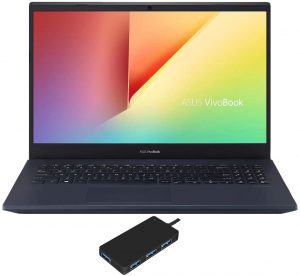
ASUS VivoBook K571 (X571 / N571 / F571)
ASUS VivoBook K571 (X571 / N571 / F571) - Spezifikationen

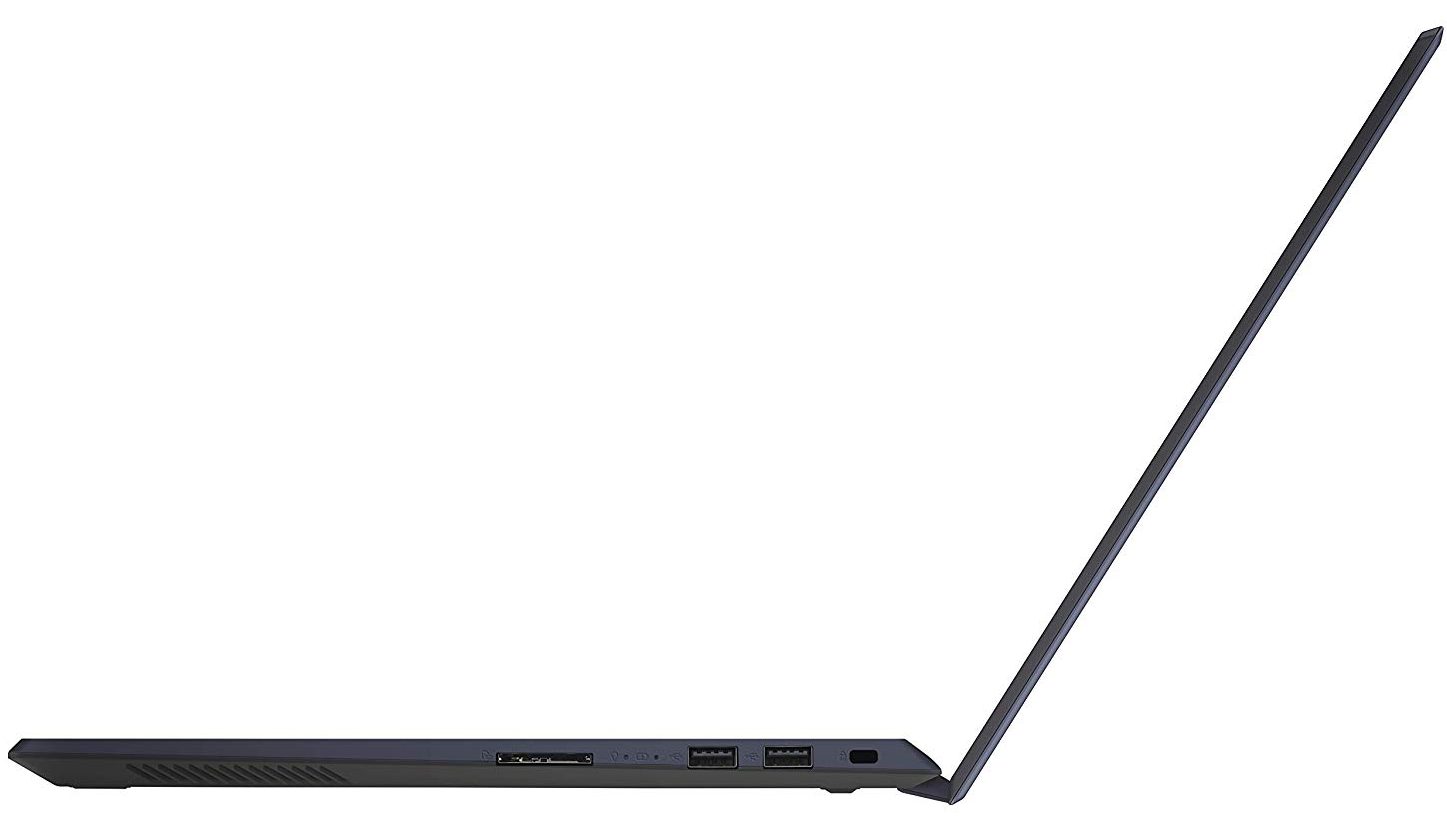
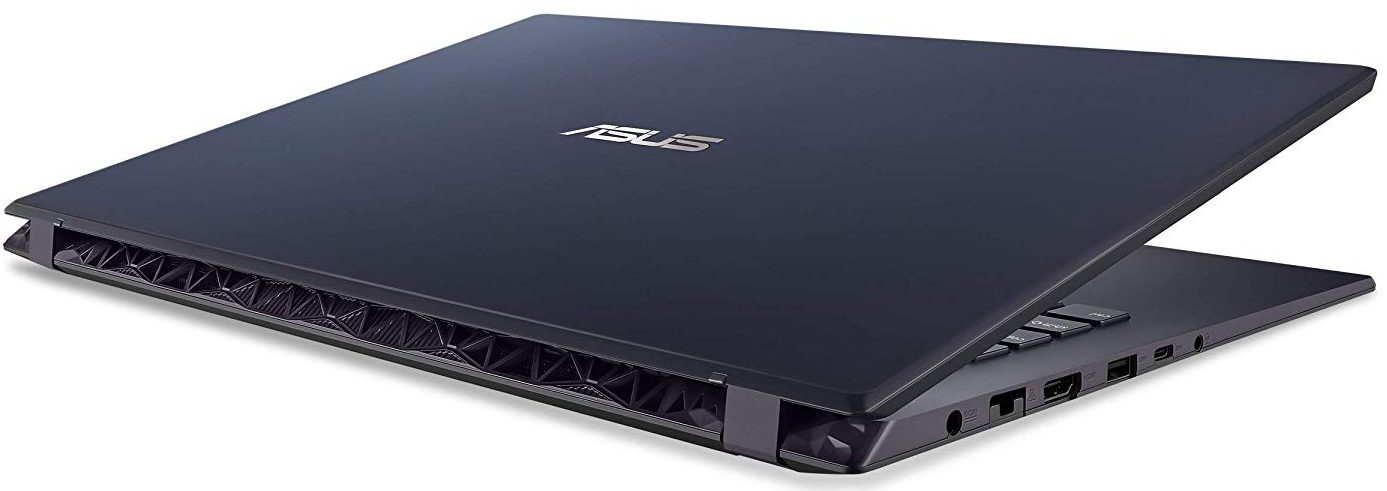
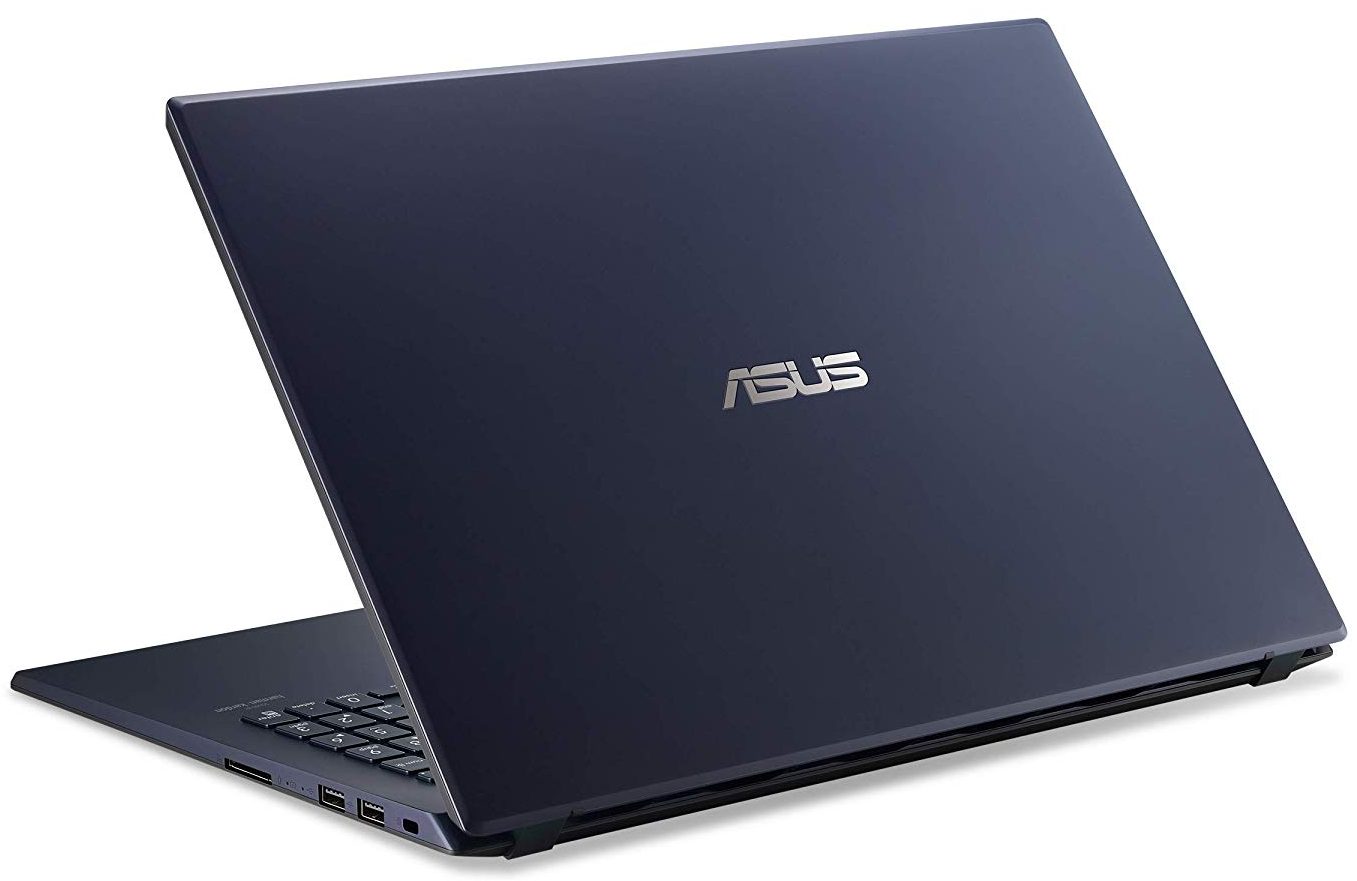

- HDD/SSD
- bis zu 8192GB SSD + bis zu 2000GB HDD
- RAM
- up to 40GB
- Betriebssystem
- Windows 10 Pro, Windows 11 Pro, Windows 10 S, No OS, Windows 10 Home
- Akku
- 42Wh, 3-cell
- Abmessungen
- 359 x 248 x 21.9 mm (14.13" x 9.76" x 0.86")
- Gewicht
- 2.14 kg (4.7 lbs)
- Anschlüsse und Konnektivität
- 1x USB Type-C
- 3.2 Gen 1 (5 Gbps)
- 1x USB Type-A
- 3.2 Gen 1 (5 Gbps)
- 2x USB Type-A
- 2.0
- HDMI
- Wi-Fi
- 802.11ac
- Bluetooth
- 5.0
- Audioanschluss
- 3.5 mm combo
- Merkmale
- Fingerabdruckleser
- optional
- Web Kamera
- HD
- Tastatur mit Hintergrundbeleuchtung
- optional
- Optisches Laufwerk
- Sicherheits Schloss Steckplatz
Alle ASUS VivoBook K571 (X571 / N571 / F571) Konfigurationen
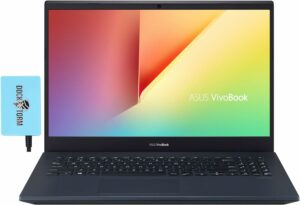
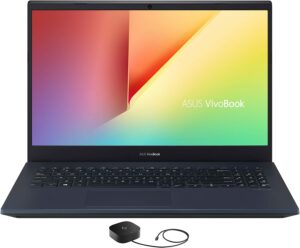

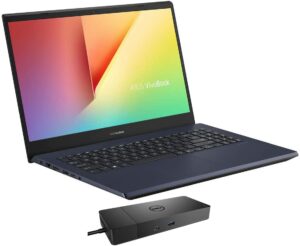

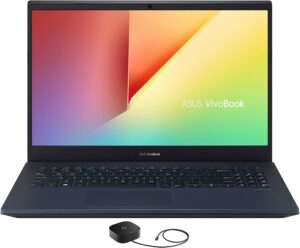
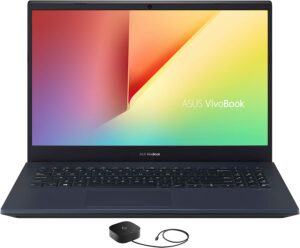


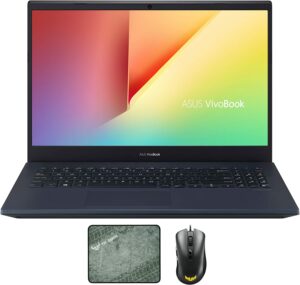
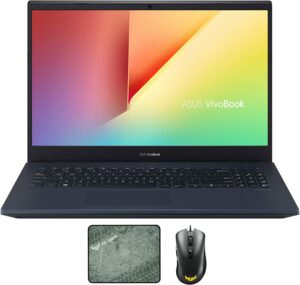
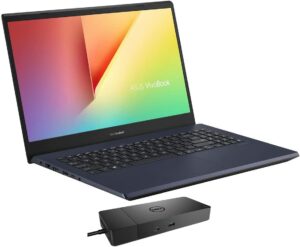
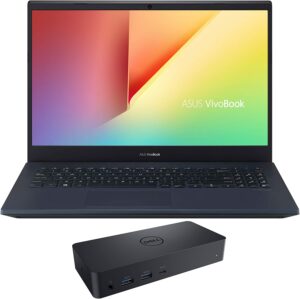
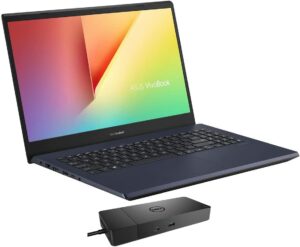

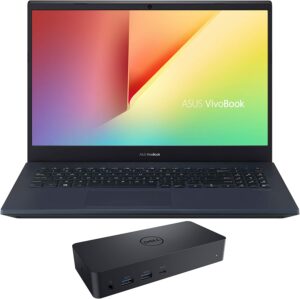
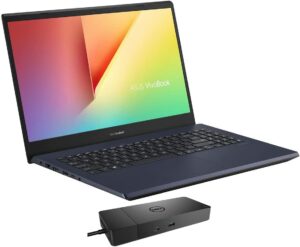
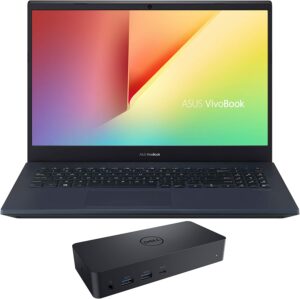


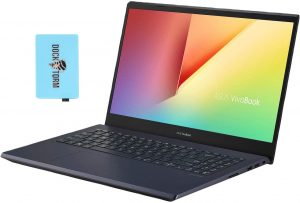


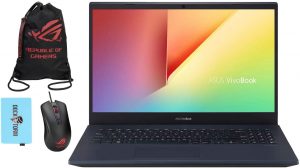

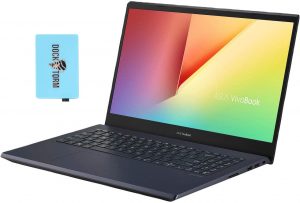
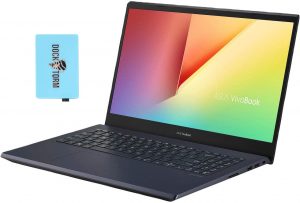


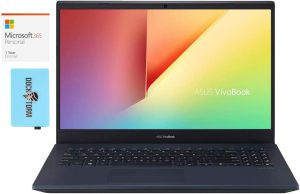


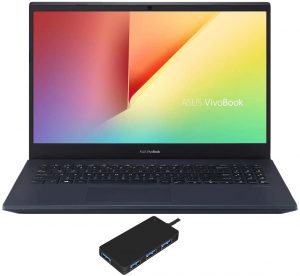
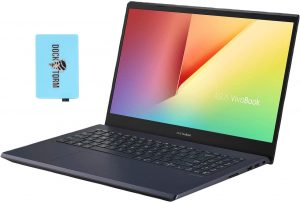

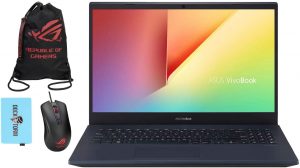
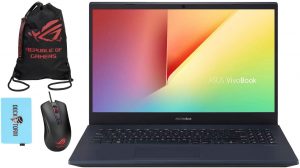
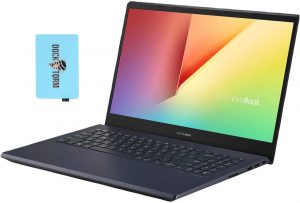
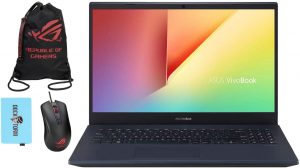


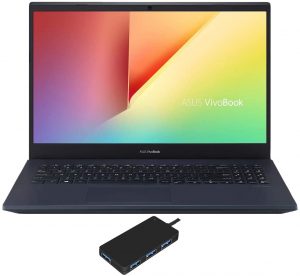

Kaufen Sie unsere Profile für LG LP156WFC-SPD1 (LGD0563) / 15.6”, Full HD (1920 x 1080), IPS
Zusätzlich zum Erhalt effizienter und gesundheitsfreundlicher Profile unterstützen Sie durch den Kauf von LaptopMedia-Produkten auch die Entwicklung unserer Labore, in denen wir Geräte testen, um möglichst objektive Bewertungen zu erstellen.

Office Work
Office Work sollte hauptsächlich von Benutzern verwendet werden, die die meiste Zeit mit Texten, Tabellen oder dem Surfen im Internet verbringen. Dieses Profil zielt darauf ab, eine bessere Deutlichkeit und Klarheit zu liefern, indem es eine flache Gammakurve (2.20), eine native Farbtemperatur und wahrnehmungsgetreue Farben beibehält.

Design und Gaming
Dieses Profil richtet sich an Designer, die professionell mit Farben arbeiten, sowie für Spiele und Filme. Design und Gaming bringt Displays an ihre Grenzen und macht sie im sRGB IEC61966-2-1 Standard für Web und HDTV am Weißpunkt D65 so genau wie möglich.

Health-Guard
Health-Guard eliminiert die schädliche Pulsweitenmodulation (PWM) und reduziert das negative blaue Licht, das sich auf unsere Augen und unseren Körper auswirkt. Da es für jedes Panel maßgeschneidert ist, gelingt es, die Farben wahrnehmungsgetreu zu halten. Health-Guard simuliert Papier, so dass die Belastung für die Augen stark reduziert wird.
Holen Sie sich alle 3 Profile mit 33 % Rabatt

CPU-Leistung
Hier finden Sie den Preis-/Leistungsunterschied zwischen allen CPUs, die im ASUS VivoBook K571 (X571 / N571 / F571) Serie.
Die Ergebnisse stammen aus dem Cinebench R23 CPU-Test (je höher die Punktzahl, desto besser)
GPU Leistung
Hier finden Sie den Preis-/Leistungsunterschied zwischen allen GPUs, die im ASUS VivoBook K571 (X571 / N571 / F571) Serie.
Die Ergebnisse stammen vom 3DMark Time Spy (Grafik). Ein höherer Wert ist besser.
ASUS VivoBook K571 (X571 / N571 / F571) ausführliche Bewertung
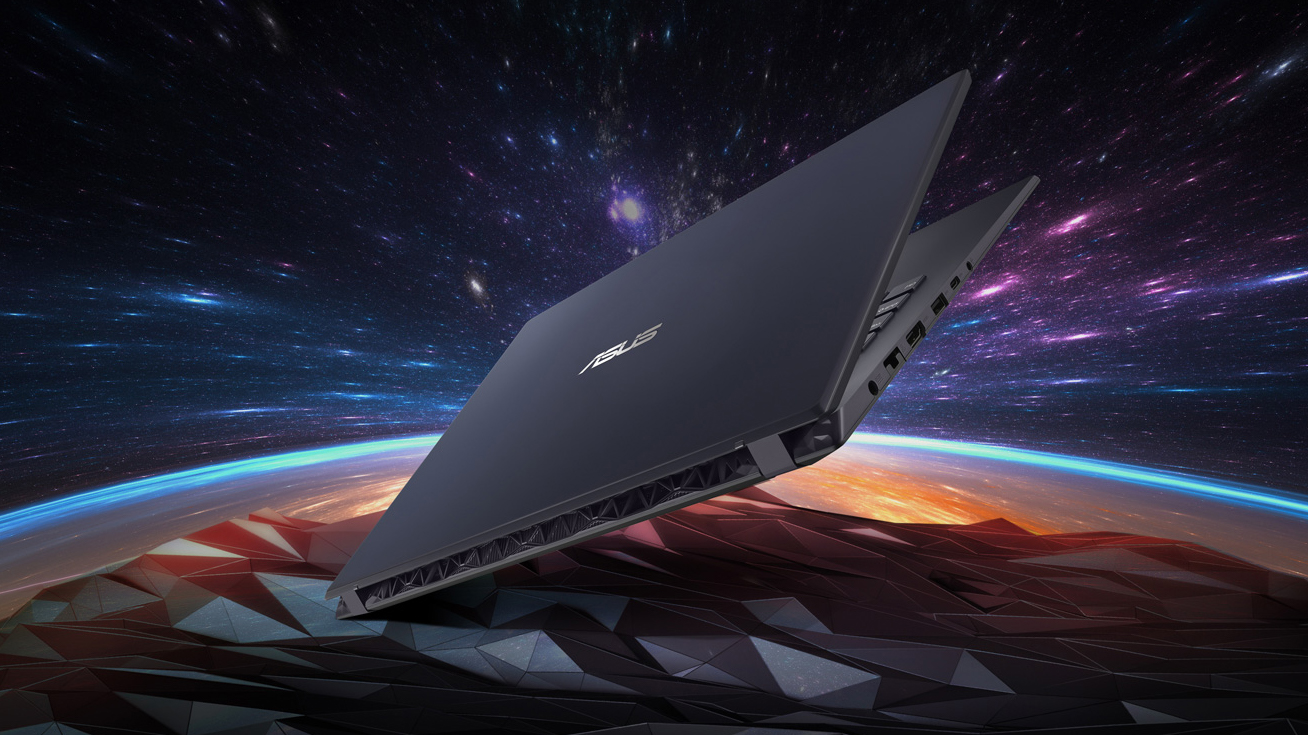
Let's start by clarifying the name of this guy. In the US it is known as the VivoBook K571. However, around the world, you can find it by the X571 and N571 moniker. Yep, similarly to the Netherlands, which is known as Holland, ASUS was not very decisive, so we are going to use the VivoBook K571 from now on. Other than that, the laptop belongs to the budget gaming notebook market. What else is there? The Lenovo Ideapad L340 Gaming 15, HP Pavilion Gaming 15 (2019), Dell G3 3590 and more. Similarly to them, the VivoBook K571 features a brand new design - both inside and out.It can be purchas[...]
Profis
- ErgoLift hinge and subjectively cool exterior
- Backlit keyboard
- Features an SD card
- Adequate price
- Lacks PWM for brightness adjustment (LG LP156WFC-SPD1 (LGD0563))
Nachteile
- Budget build quality
- Weird power management with BIOS version 302
- Covers only 53% of sRGB (LG LP156WFC-SPD1 (LGD0563))
- Only one RAM DIMM and maximum support of 16GB of memory
- Most of the USB ports are 2.0
- Gets a little warm on the outside
Inside ASUS VivoBook K571 (X571) - disassembly and upgrade options
Spiele, die Sie auf dieser Laptop-Serie spielen können




Resolution: 1920 x 1080 (Full HD) |
MIN |
MED |
HIGH |
ULTRA |
|---|---|---|---|---|
 | 60 FPS | 37 FPS | 48 FPS | 10 FPS |
-6% | 60 FPS | 37 FPS | 48 FPS | - |
-23% | 64 FPS VIDEO ABLAUFEN | 36 FPS VIDEO ABLAUFEN | 20 FPS VIDEO ABLAUFEN | - VIDEO ABLAUFEN |





Resolution: 1920 x 1080 (Full HD) |
LOW |
HIGH |
|---|---|---|
| 160 FPS | 101 FPS |
| 160 FPS | 101 FPS |
-3% | 157 FPS | 96 FPS |



![[August 2026] Amazon Global: Die 10 meistverkauften Laptops – Das Apple MacBook Neo führt die Charts an, während preisgünstige und Mittelklasse-Windows-Laptops um Absatzzahlen kämpfen](https://laptopmedia.com/wp-content/uploads/2026/09/Best-Selling-Laptops-GLOBAL-Top-10-400x225.jpg)
![[August 2026] Die meistverkauften Laptop-Marken bei Amazon Global – Apple dominiert den Umsatz, während HP bei der Modellvielfalt führend ist](https://laptopmedia.com/wp-content/uploads/2026/09/GLOBAL-Best-Brands-400x225.jpg)
![[August 2026] Amazon Global: Die 10 meistverkauften Gaming-Laptops – Der HP Victus 15 erobert den ersten Platz, während preisgünstige Modelle die Rangliste dominieren](https://laptopmedia.com/wp-content/uploads/2026/09/Best-Selling-Gaming-Laptops-GLOBAL-Top-10-400x225.jpg)
![[August 2026] Best-Selling Laptop Brands on Amazon Japan – Apple Dominates Market Share and Revenue Led by Strong Unit Sales](https://laptopmedia.com/wp-content/uploads/2026/09/CO.JP-Best-Brands-1-400x225.jpg)
![[August 2026] Best-Selling Laptop Brands on Amazon USA – Apple Dominates Market Revenue and Volume Despite Lower Model Diversity](https://laptopmedia.com/wp-content/uploads/2026/09/COM-Best-Brands-1-400x225.jpg)
