How to open Lenovo IdeaPad 5 2-in-1 (14″) – disassembly and upgrade options

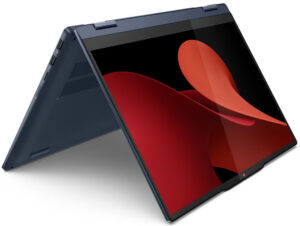
Opening the Device
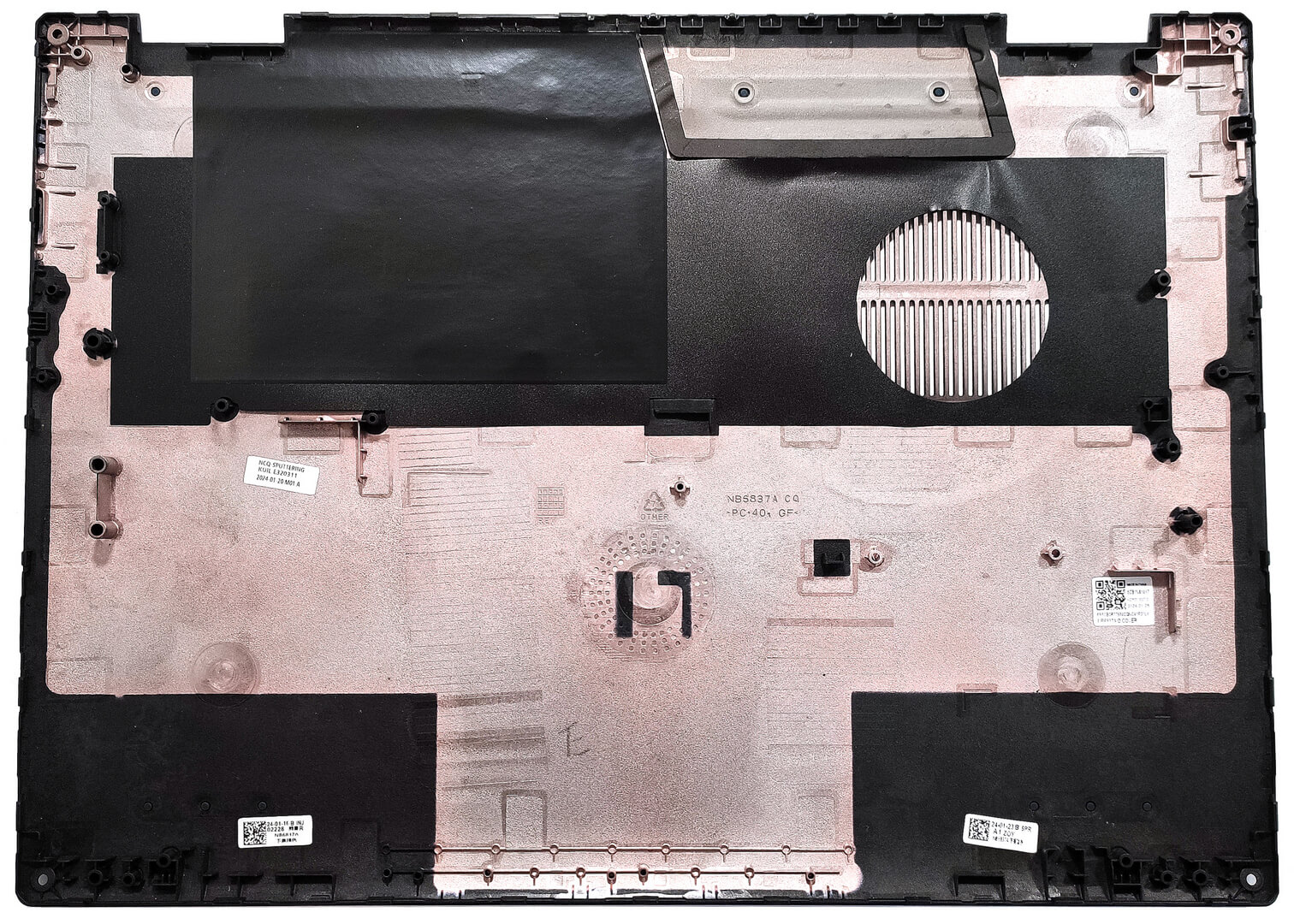
- Undo the four Torx-head screws securing the bottom panel.
- Use a thin prying tool to open a gap by prying the top two corners or the zones behind the hinges.
- Pry the sides and the front, leaving the back for last.
More info: Here’s how the bottom panel looks on the inside.
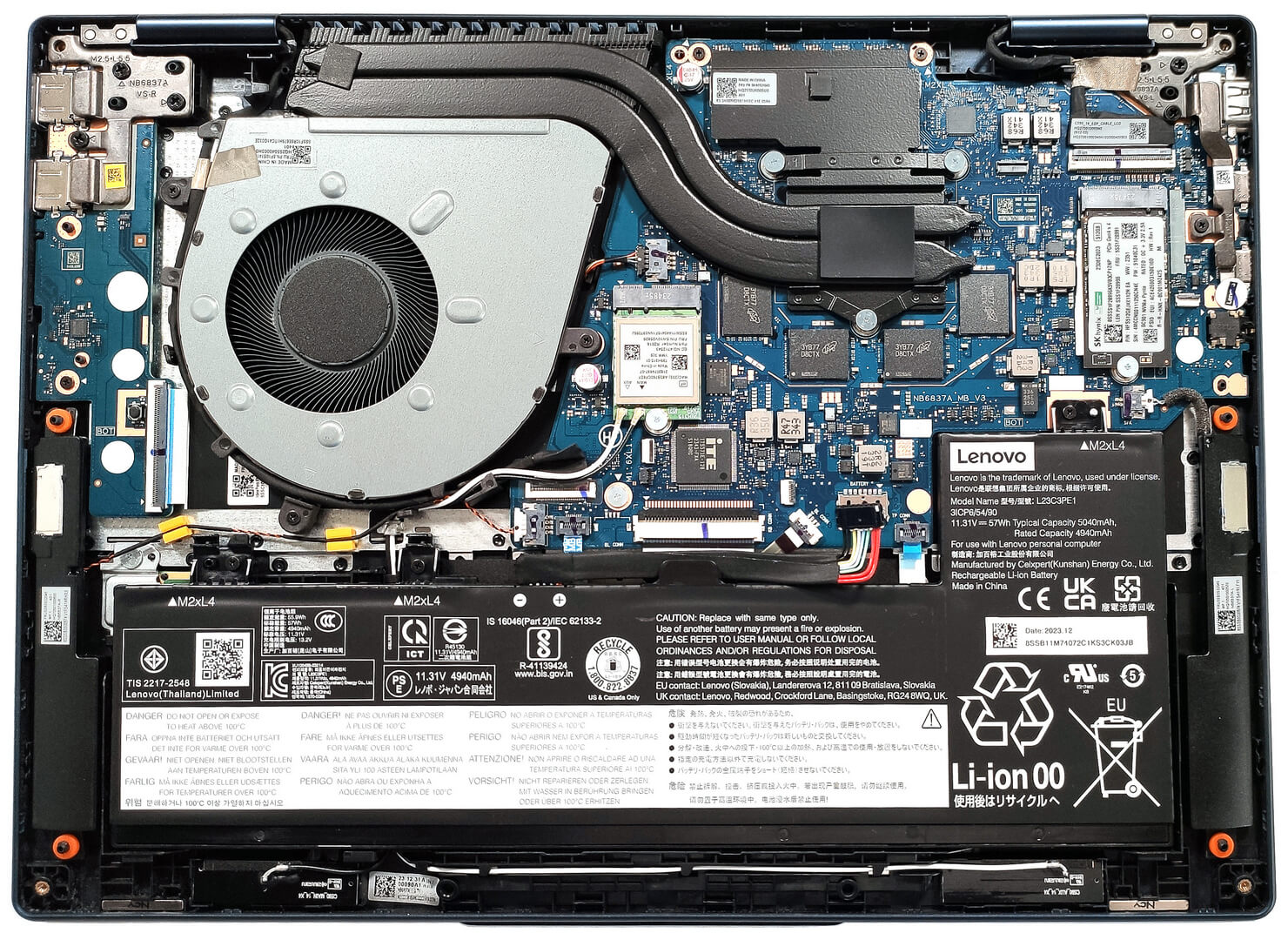
Battery Removal
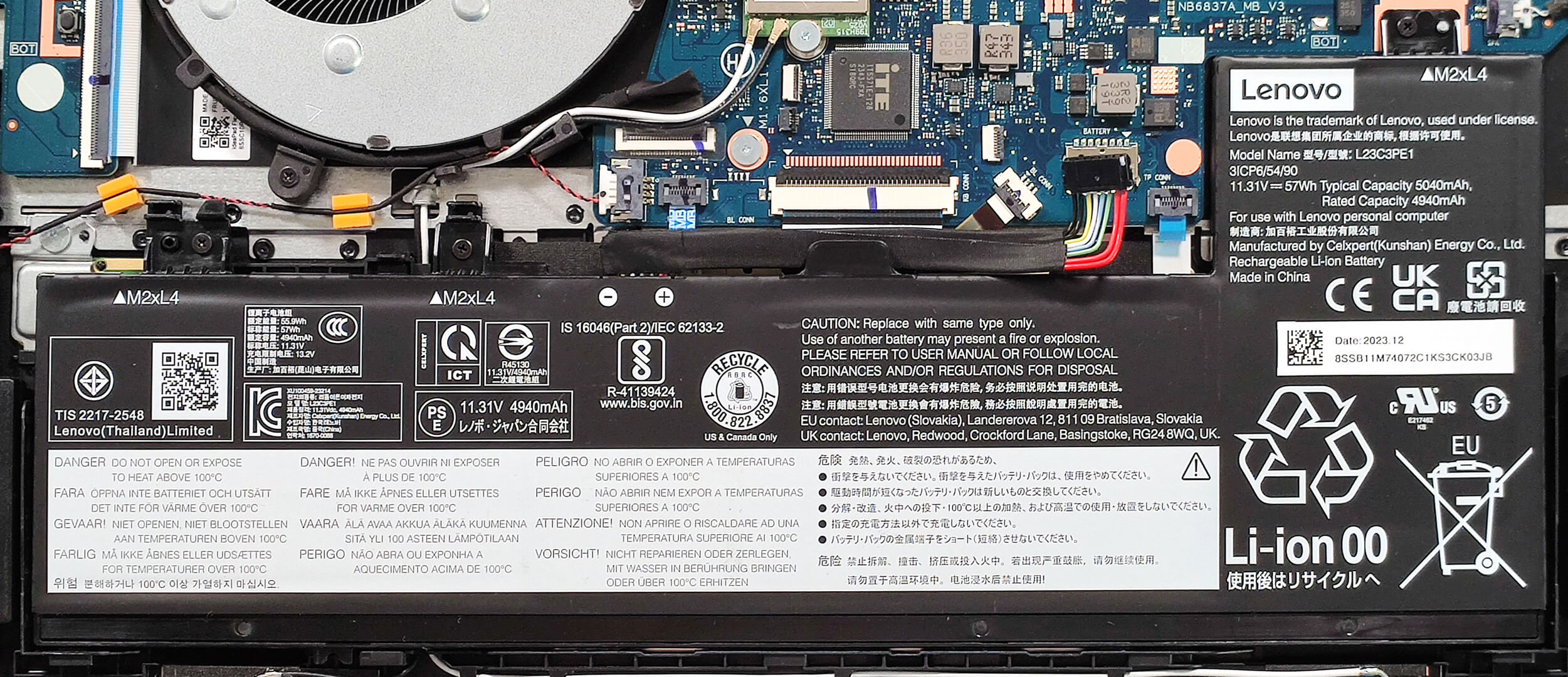
- Unplug the battery connector from the motherboard.
- Undo the 3 Phillips-head screws securing the battery.
- Lift the battery to remove it from the device.
Note: The notebook uses a 57Wh battery, providing approximately 11 hours of video playback.
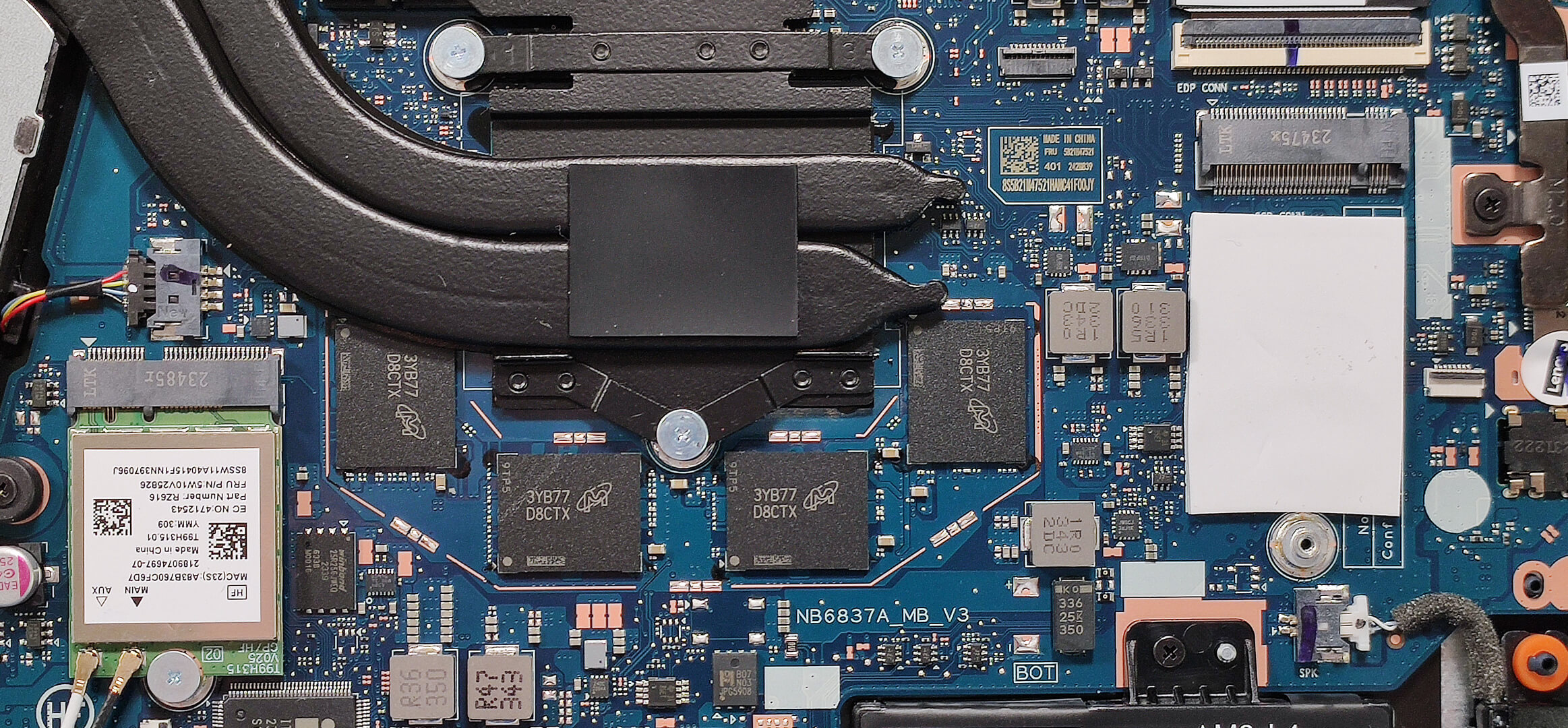
Memory Information
Note: All devices are configured with soldered 16GB of LPDDR5x-6400MHz RAM in dual-channel mode.
Storage Upgrade
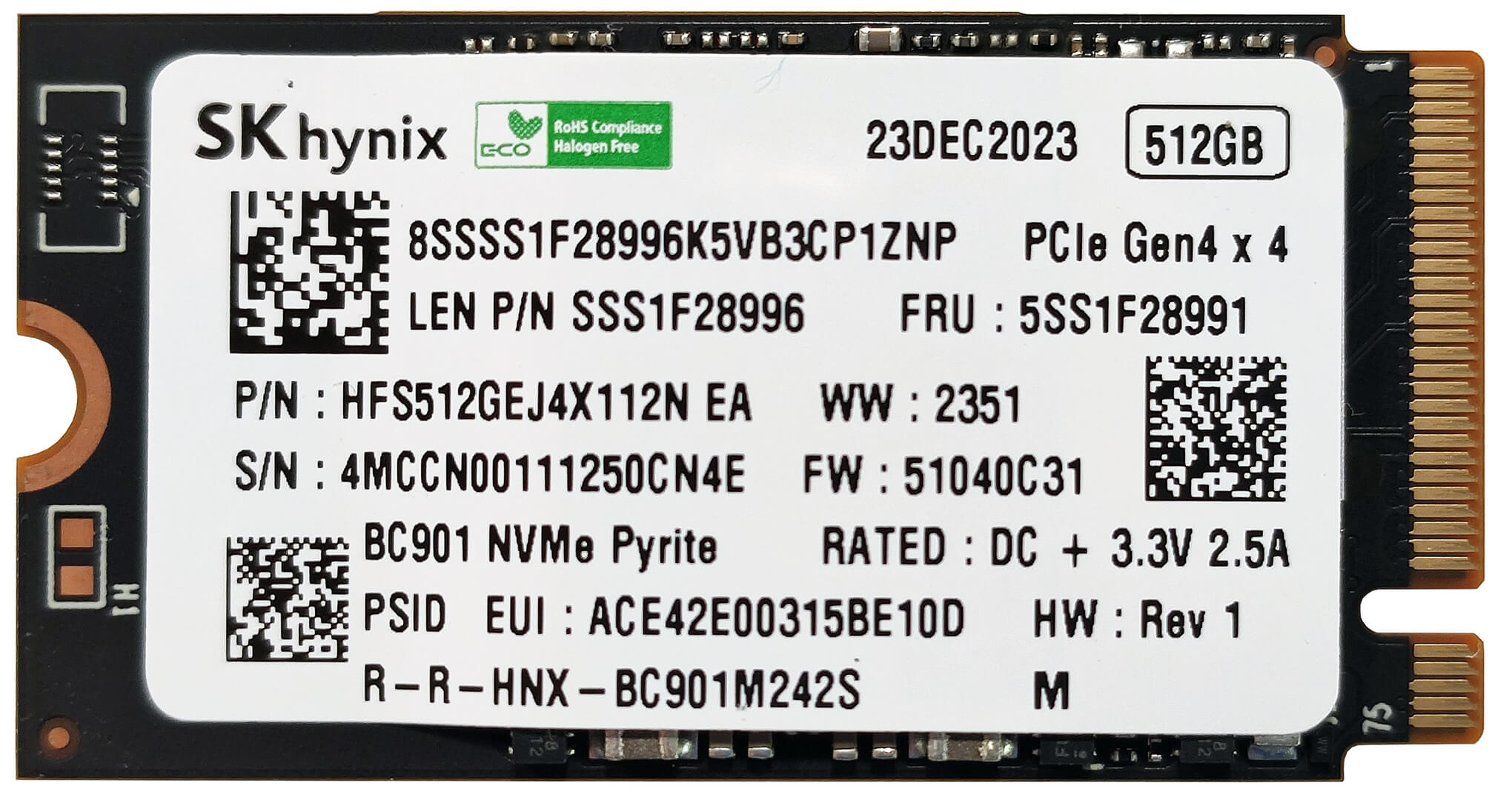
- Locate the single M.2 slot for 2242 Gen 4 SSDs.
- Remove the preinstalled SSD and the thermal pad below it, if present.
- Install the new SSD in the slot.
Hint: Don’t forget to check out our Top M.2 SSDs Performance Rankings for insights on the best storage options available.
You can buy compatible SSDs here: Buy from Amazon.com (#CommissionsEarned)
Cooling System Overview
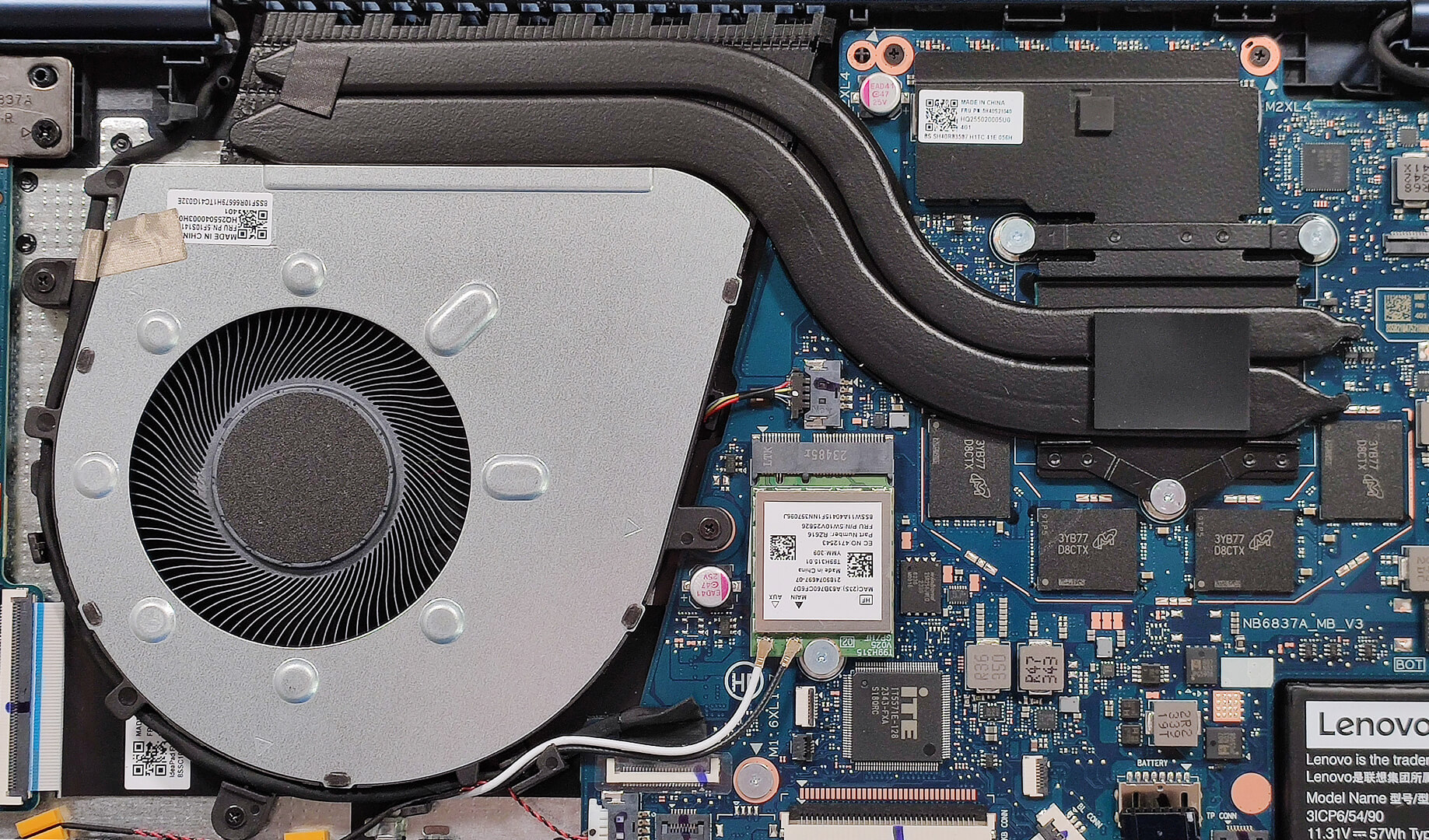
- The cooling system includes one large fan, two heat pipes, one heat sink, and a heat spreader.
- Ensure all cooling components are clean and free of dust for optimal performance.
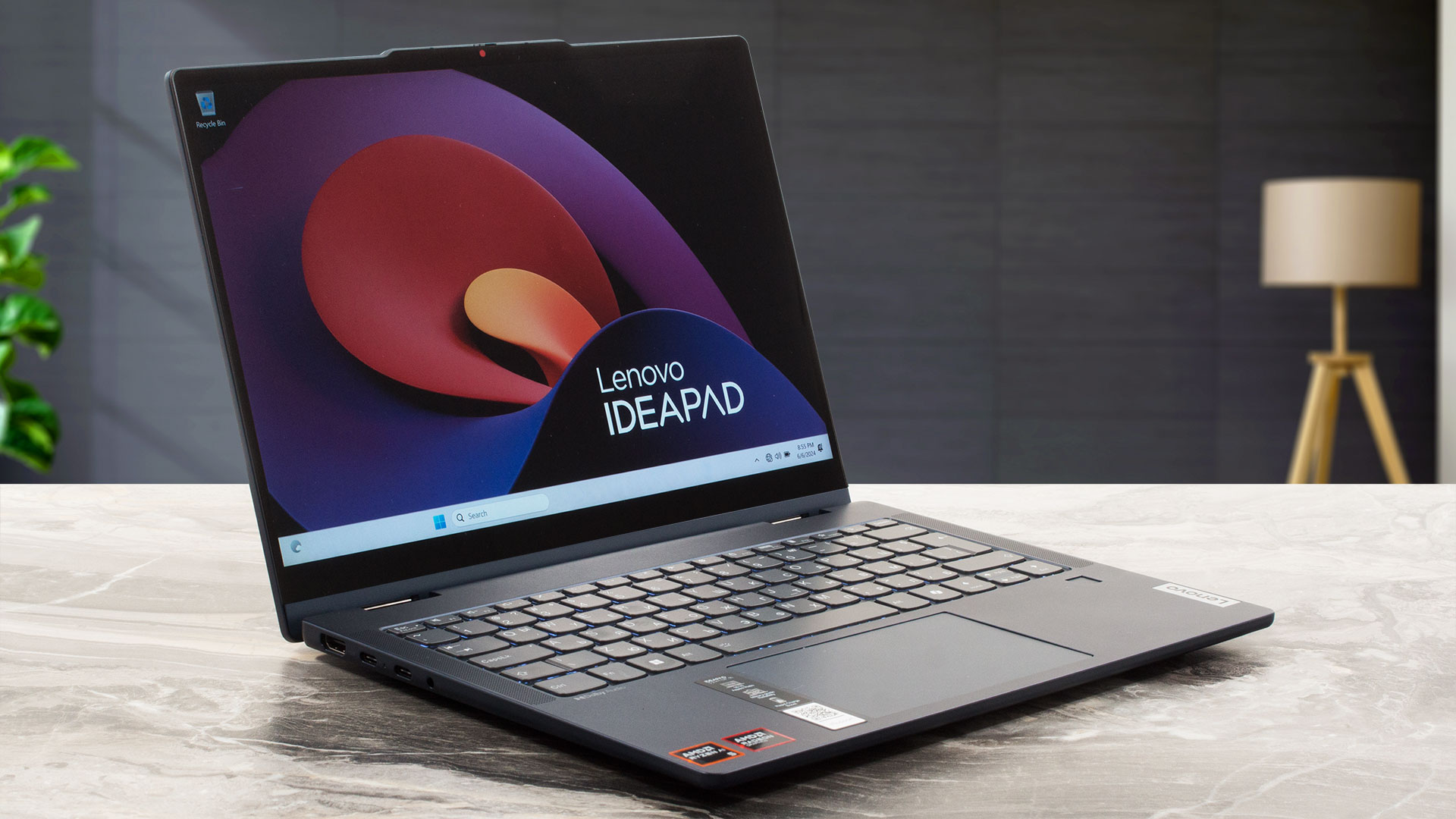
Lenovo IdeaPad 5 2-in-1 (14APH9) in-depth review
If you need a small 2-in-1 laptop in 2024, you can choose from a lot of machines. Lenovo is one of the leading manufacturers in this category of devices. If the price of the all-metal Yoga 7i 2-in-1 (14, Gen 9) or Yoga 9i (14, Gen 9) is too hefty for your budget, you can have a look at the IdeaPad 5 2-in-1 (14″, Gen 9) which isn't that costly and it's offered with snappy hardware. This includes two 45W AMD Zen 4 Hawk Point-HS CPUs alongside AMD Radeon 760M or 780M for graphics tasks. Just like many other compact transformers, the upgradability is as limited as it gets. However, the port sel[...]
Pros
- Good build quality
- Compact and light (17.9 mm profile + 1.60 kg)
- Fair price
- The fan isn't too noisy during full CPU loads in "Performance" mode
- Comfortable viewing angles (LEN9125)
- 307 nits max brightness (LEN9125)
- Good audio quality
- Type-C charging
- Web camera with a privacy shutter
- Four USB ports and a MicroSD card reader
- Snappy NVMe (512GB SK Hynix HFS512GEJ4X112N)
- The keyboard with an optional backlight is suitable for typing
- Fingerprint reader, self-healing BIOS, fTPM 2.0 + fast charging
- 360-degree hinge that supports laptop, tent, stand, and tablet modes
- Optional Lenovo Pen
Cons
- Soldered memory and just one 2242 M.2 slot
- The CPU can't maintain its official base clock
- Low sRGB coverage (LEN9125)
 Author: Severin Kolakov

![[June 2026] Best-Selling Laptop Brands on Amazon Global – Apple’s Unrivaled Dominance in Units and Revenue](https://laptopmedia.com/wp-content/uploads/2026/07/GLOBAL-Best-Brands-400x225.jpg)
![[June 2026] Amazon Global: Top 10 Best-Selling Laptops – Apple’s New MacBook Neo Storms to #1, Reshaping the Market with Affordability](https://laptopmedia.com/wp-content/uploads/2026/07/Best-Selling-Laptops-GLOBAL-Top-10-400x225.jpg)
![[June 2026] Amazon Global: Top 10 Best-Selling Gaming Laptops – Acer’s Nitro V 16S AI Dominates Sales, While ASUS Leads Overall Revenue](https://laptopmedia.com/wp-content/uploads/2026/07/Best-Selling-Gaming-Laptops-GLOBAL-Top-10-400x225.jpg)
![[June 2026] Global Ranking of Best-Selling Laptop GPUs on Amazon – NVIDIA RTX 5060 is the Top-Selling Dedicated GPU](https://laptopmedia.com/wp-content/uploads/2026/07/Best-Selling-GPUs-GLOBAL-Top-10-400x225.jpg)
![[June 2026] Global Ranking of Best-Selling Laptop CPUs on Amazon – Apple M5 Dominates, AMD Ryzen 7 260 Gets Solid Premium Share](https://laptopmedia.com/wp-content/uploads/2026/07/Best-Selling-CPUs-GLOBAL-Top-10-400x225.jpg)
