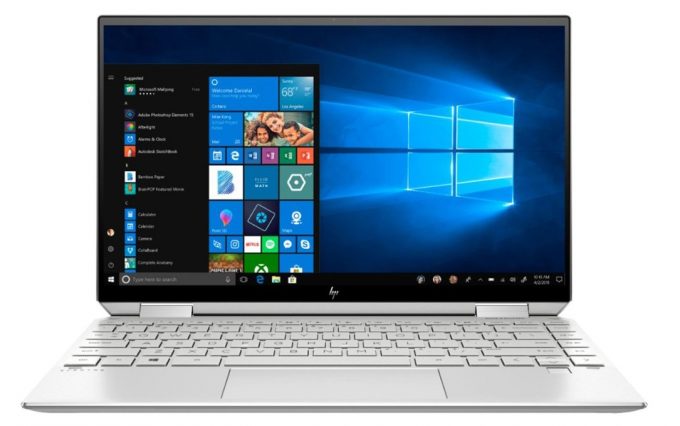
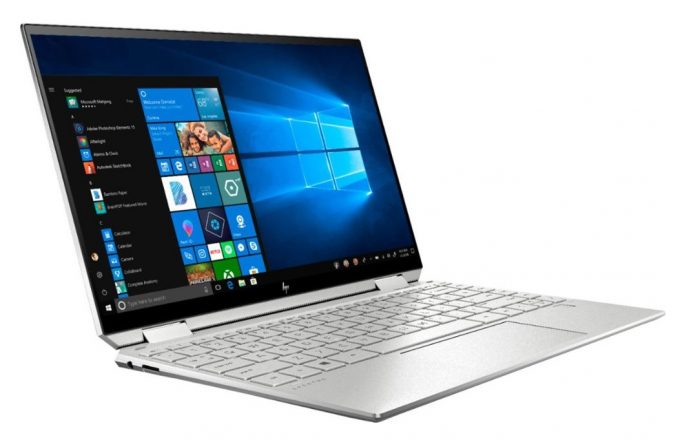
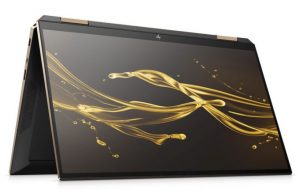
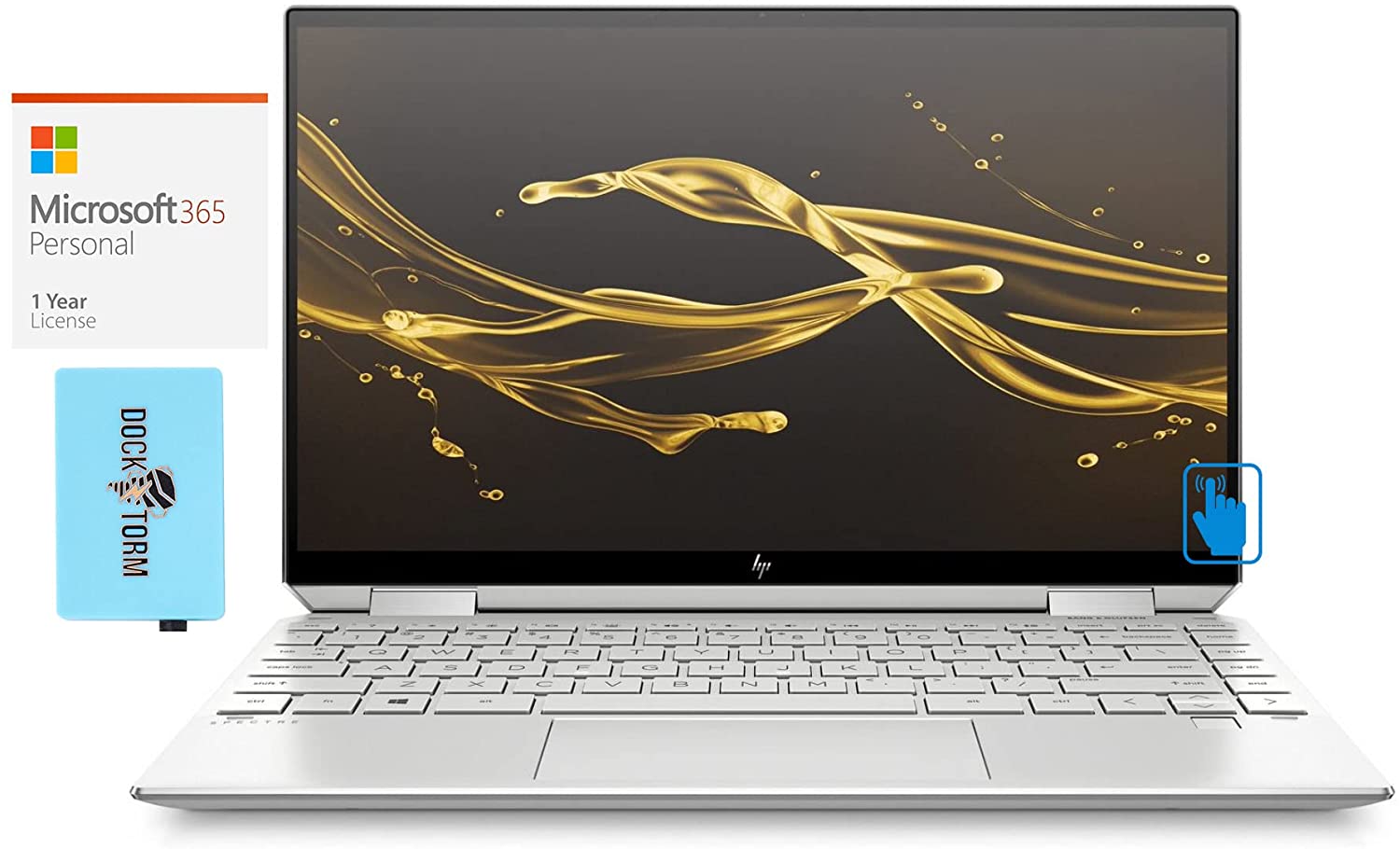
HP Spectre x360 13 (13-aw2000)
HP Spectre x360 13 (13-aw2000) - Specifiche
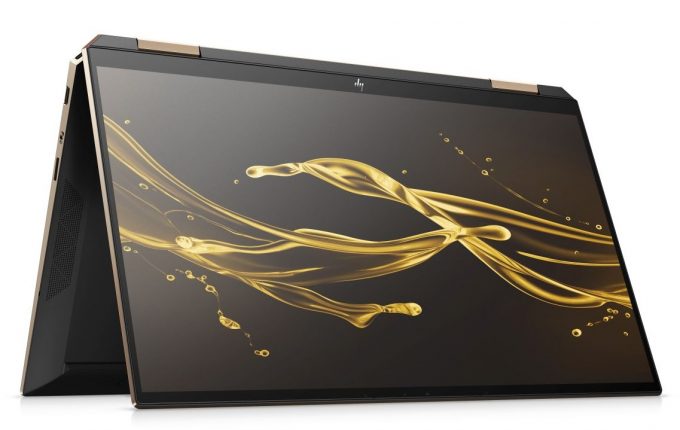
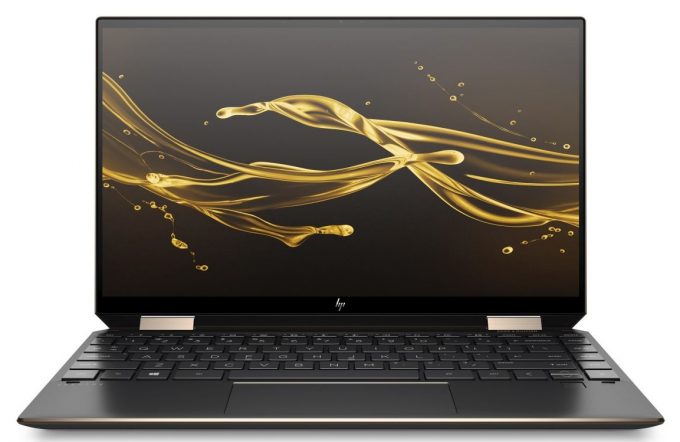
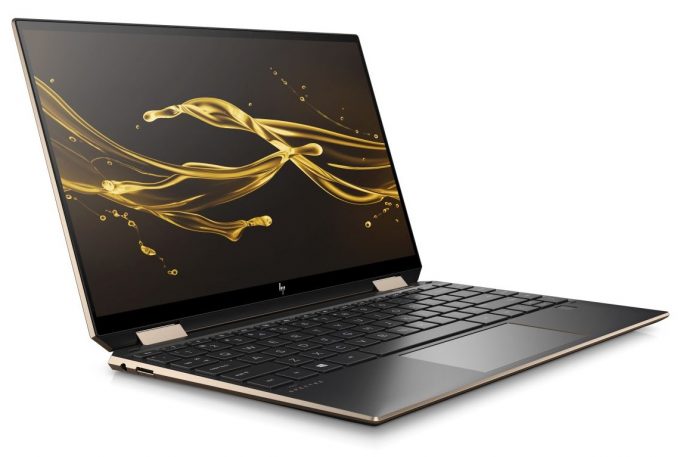
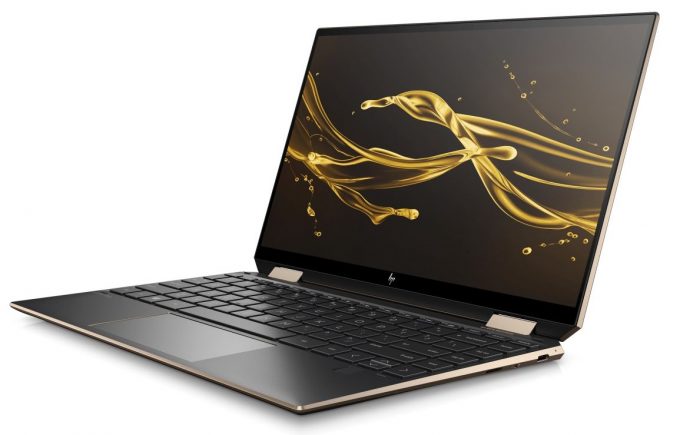
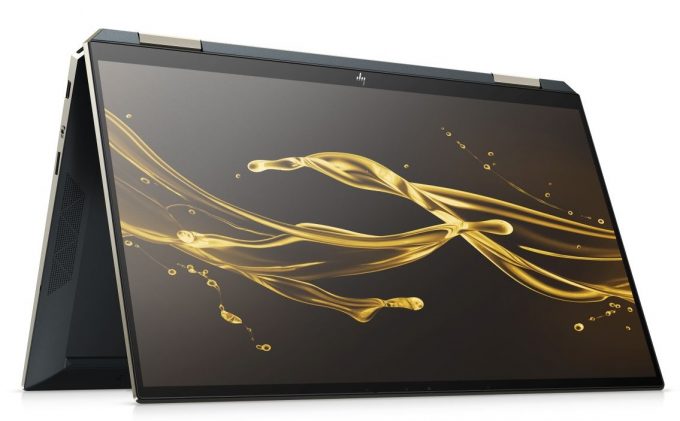
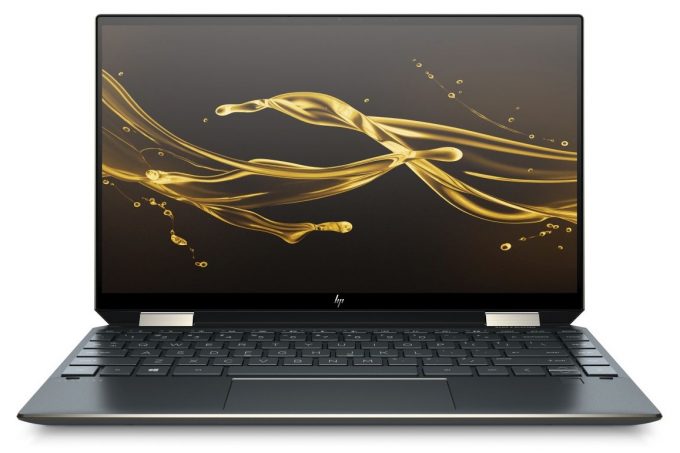

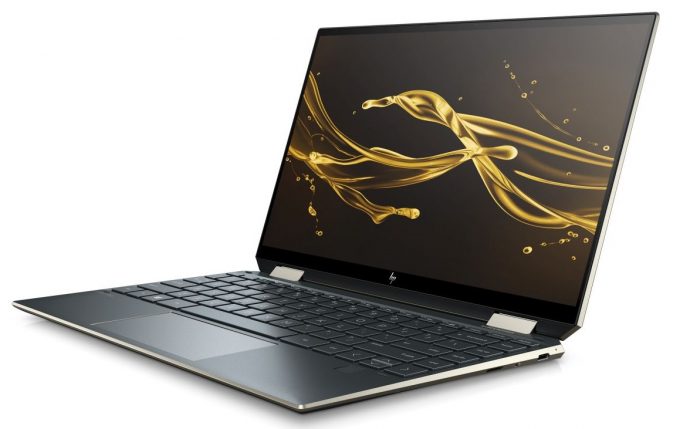
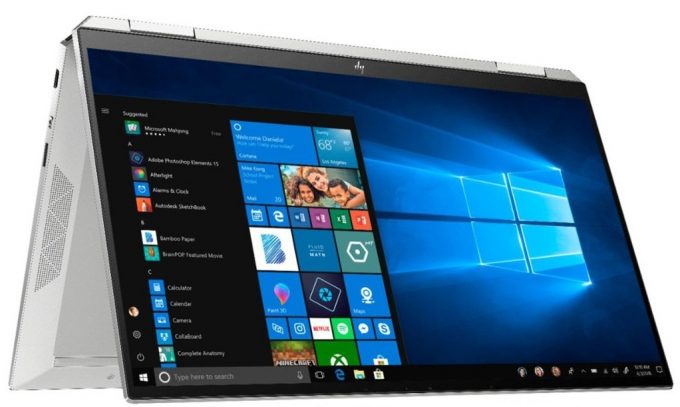


- HDD/SSD
- fino a 2000GB SSD
- RAM
- up to 16GB
- SO
- Windows 10 Home, Windows 11 Pro, Windows 10 Pro, Windows 11 Home
- Batteria
- 60Wh, 4-cell
- Materiale del corpo
- Aluminum
- Dimensioni
- 306.8 x 194.5 x 17 mm (12.08" x 7.66" x 0.67")
- Peso
- 1.28 kg (2.8 lbs)
- Porte e connettività
- 1x USB Type-A
- 3.2 Gen 1 (5 Gbps), Sleep and Charge
- 2x USB Type-C
- 3.2 Gen 2 (10 Gbps), Thunderbolt 4, Power Delivery (PD), DisplayPort, Sleep and Charge
- Lettore di schede
- microSD
- Wi-Fi
- 802.11ax
- Bluetooth
- 5.0
- Jack audio
- 3.5mm Combo Jack
- Caratteristiche
- Lettore di impronte digitali
- optional
- Webcam
- HP TrueVision HD Camera
- Tastiera retroilluminata
- optional
- Microfono
- Dual-Array Digital Microphones
- Altoparlanti
- Stereo Speakers, Bang & Olufsen
- Unità ottica
Tutti HP Spectre x360 13 (13-aw2000) configurazioni




Acquista i nostri profili per IVO M133NVFD R2 (IVO8584) / 13.3”, Full HD (1920 x 1080), IPS
Oltre a ricevere profili efficienti e salutari, acquistando i prodotti di LaptopMedia sosterrai anche lo sviluppo dei nostri laboratori, dove testiamo i dispositivi per produrre le recensioni più oggettive possibili.

Office Work
Office Work dovrebbe essere usato principalmente da utenti che passano la maggior parte del tempo a guardare testi, tabelle o semplicemente a navigare. Questo profilo mira a fornire una migliore distinzione e chiarezza mantenendo una curva gamma piatta (2.20), una temperatura colore nativa e colori percettivamente accurati.

Design e Gaming
Questo profilo è rivolto ai designer che lavorano con i colori professionalmente, nonché per giochi e film. Design and Gaming porta i pannelli dei display ai loro limiti, rendendoli il più accurati possibile nello standard sRGB IEC61966-2-1 per Web e HDTV, con punto di bianco D65.

Health-Guard
Health-Guard elimina la dannosa Modulazione di Larghezza d'Impulso (PWM) e riduce la Luce Blu negativa che influisce sui nostri occhi e sul nostro corpo. Essendo personalizzato per ogni pannello, riesce a mantenere i colori percettivamente accurati. Health-Guard simula la carta, quindi la pressione sugli occhi è notevolmente ridotta.
Ottieni tutti e 3 i profili con il 33% di sconto

Prestazioni CPU
Qui potete trovare la differenza di prezzo/prestazioni tra tutte le CPU che vengono in HP Spectre x360 13 (13-aw2000) Serie.
I risultati provengono dal test CPU Cinebench R23 (più alto è il punteggio, meglio è)
Prestazioni GPU
Qui potete trovare la differenza di prezzo/prestazioni tra tutte le GPU che vengono in HP Spectre x360 13 (13-aw2000) Serie.
I risultati provengono da 3DMark Time Spy (Graphics). Un valore più alto è migliore.
HP Spectre x360 13 (13-aw2000) recensione approfondita
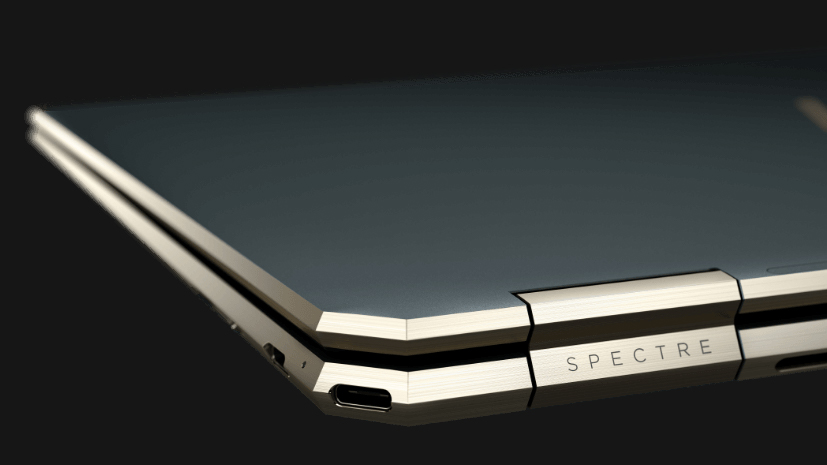
Usually, when a manufacturer releases a laptop, there is something in its name, that reveals the purpose of the device. For example, the Creator-dubbed devices from MSI are meant for professional content creators, while others are a bit more obvious - the 2-in-1 moniker on Dell's convertibles. HP, in this case, is equally self-contained here, as their convertible indicator is "x360".Today, we are taking a look at the HP Spectre x360 13 (13-aw2000), which is an evolution of last year's Spectre x360 13 (13-aw0000). In fact, the notebook, HP produced the year before was one of the best 13-in[...]
Pro
- Comfortable to use input devices and an optional stylus inside the box
- Great performance output
- Very high maximum brightness
- Covers 92% of sRGB and has accurate colors, especially with our Gaming and Web design profile installed (IVO M133NVFD R2 (IVO8584))
- Has two Thunderbolt 4 connectors
- Supports PCIe x4 SSDs, WiFi 6 standards
- Premium aluminum build
- Excellent battery life
Contro
- Sure View doesn't work as promised (IVO M133NVFD R2 (IVO8584))
- Uses harmful PWM to adjust brightness at all levels (IVO M133NVFD R2 (IVO8584))
- Prominent unevenness in the luminance across the screen (IVO M133NVFD R2 (IVO8584))
- No RAM upgradability post-purchase
Inside HP Spectre x360 13 (13-aw2000) - disassembly and upgrade options
Giochi che puoi giocare su questa serie di laptop

Resolution: 1920 x 1080 (Full HD) |
NORMAL |
HIGH |
VERY HIGH |
MAX |
|---|---|---|---|---|
| Intel Iris Xe Graphics G7 (96EU) | 48 FPS RIPRODUCI VIDEO | 19 FPS RIPRODUCI VIDEO | - RIPRODUCI VIDEO | - RIPRODUCI VIDEO |

Resolution: 1920 x 1080 (Full HD) |
MIN |
MAX |
|---|---|---|
| Intel Iris Xe Graphics G7 (96EU) | 537 FPS RIPRODUCI VIDEO | 50 FPS RIPRODUCI VIDEO |

Resolution: 1920 x 1080 (Full HD) |
VERY LOW |
MED |
MAX |
|---|---|---|---|
| Intel Iris Xe Graphics G7 (96EU) | 231 FPS RIPRODUCI VIDEO | 183 FPS RIPRODUCI VIDEO | 142 FPS RIPRODUCI VIDEO |

Resolution: 1920 x 1080 (Full HD) |
MIN |
MED |
ULTRA |
|---|---|---|---|
| Intel Iris Xe Graphics G7 (96EU) | 174 FPS RIPRODUCI VIDEO | 41 FPS RIPRODUCI VIDEO | 23 FPS RIPRODUCI VIDEO |

Resolution: 1920 x 1080 (Full HD) |
MIN |
MED |
MAX |
|---|---|---|---|
| Intel Iris Xe Graphics G7 (96EU) | 42 FPS RIPRODUCI VIDEO | 33 FPS RIPRODUCI VIDEO | 23 FPS RIPRODUCI VIDEO |

Resolution: 1920 x 1080 (Full HD) |
PERF. |
ORIG. |
ENCH. |
|---|---|---|---|
| Intel Iris Xe Graphics G7 (96EU) | 53 FPS RIPRODUCI VIDEO | 47 FPS RIPRODUCI VIDEO | 41 FPS RIPRODUCI VIDEO |

Resolution: 1920 x 1080 (Full HD) |
LOW |
NORMAL |
HIGH |
MAX |
|---|---|---|---|---|
| Intel Iris Xe Graphics G7 (96EU) | 94 FPS RIPRODUCI VIDEO | 63 FPS RIPRODUCI VIDEO | 45 FPS RIPRODUCI VIDEO | 34 FPS RIPRODUCI VIDEO |

Resolution: 1920 x 1080 (Full HD) |
LOW |
MED |
MAX |
|---|---|---|---|
| Intel Iris Xe Graphics G7 (96EU) | 117 FPS RIPRODUCI VIDEO | 79 FPS RIPRODUCI VIDEO | 39 FPS RIPRODUCI VIDEO |

Resolution: 1920 x 1080 (Full HD) |
HIGH PERF |
HIGH QLT |
|---|---|---|
| Intel Iris Xe Graphics G7 (96EU) | 97 FPS RIPRODUCI VIDEO | 43 FPS RIPRODUCI VIDEO |

Resolution: 1920 x 1080 (Full HD) |
VERY LOW |
MED |
HIGH |
ULTRA |
|---|---|---|---|---|
| Intel Iris Xe Graphics G7 (96EU) | 30 FPS RIPRODUCI VIDEO | 23 FPS RIPRODUCI VIDEO | - RIPRODUCI VIDEO | - RIPRODUCI VIDEO |


![[Agosto 2026] Classifica globale delle GPU per laptop più vendute su Amazon: Apple domina la scena, mentre la RTX 5060 di NVIDIA è in testa alla classifica delle schede dedicate](https://laptopmedia.com/wp-content/uploads/2026/09/Best-Selling-GPUs-GLOBAL-Top-10-400x225.jpg)
![[Agosto 2026] Classifica globale delle CPU per laptop più vendute su Amazon: Apple domina sia nella fascia economica che in quella premium; A18 Pro e M5 sbaragliano Intel e AMD nell’agosto 2026](https://laptopmedia.com/wp-content/uploads/2026/09/Best-Selling-CPUs-GLOBAL-Top-10-400x225.jpg)
![[Agosto 2026] Amazon Global: i 10 laptop più venduti – L’Apple MacBook Neo domina le classifiche mentre i portatili Windows economici e di fascia media si contendono i volumi di vendita](https://laptopmedia.com/wp-content/uploads/2026/09/Best-Selling-Laptops-GLOBAL-Top-10-400x225.jpg)
![[Agosto 2026] Le marche di laptop più vendute su Amazon Global: Apple domina in termini di fatturato, mentre HP è in testa per varietà di modelli](https://laptopmedia.com/wp-content/uploads/2026/09/GLOBAL-Best-Brands-400x225.jpg)
![[Agosto 2026] Amazon Global: i 10 laptop da gaming più venduti – L’HP Victus 15 conquista il primo posto mentre i modelli economici dominano la classifica](https://laptopmedia.com/wp-content/uploads/2026/09/Best-Selling-Gaming-Laptops-GLOBAL-Top-10-400x225.jpg)
