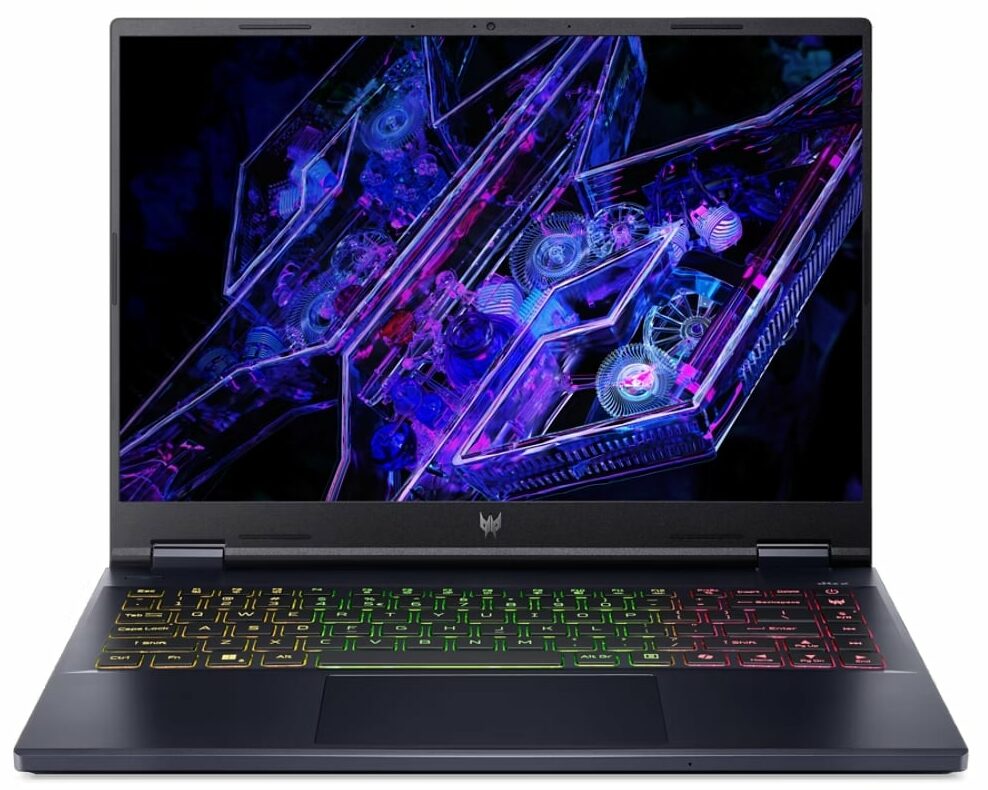
Acer Predator Helios Neo 14
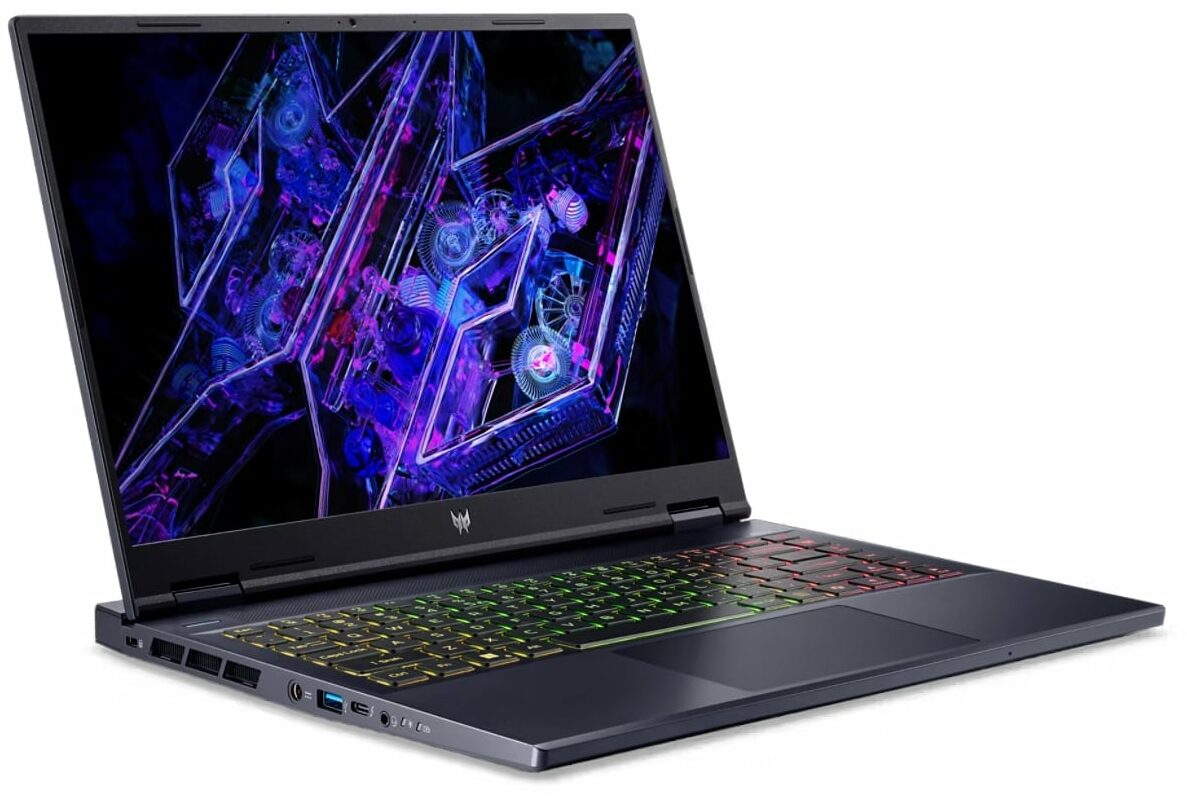
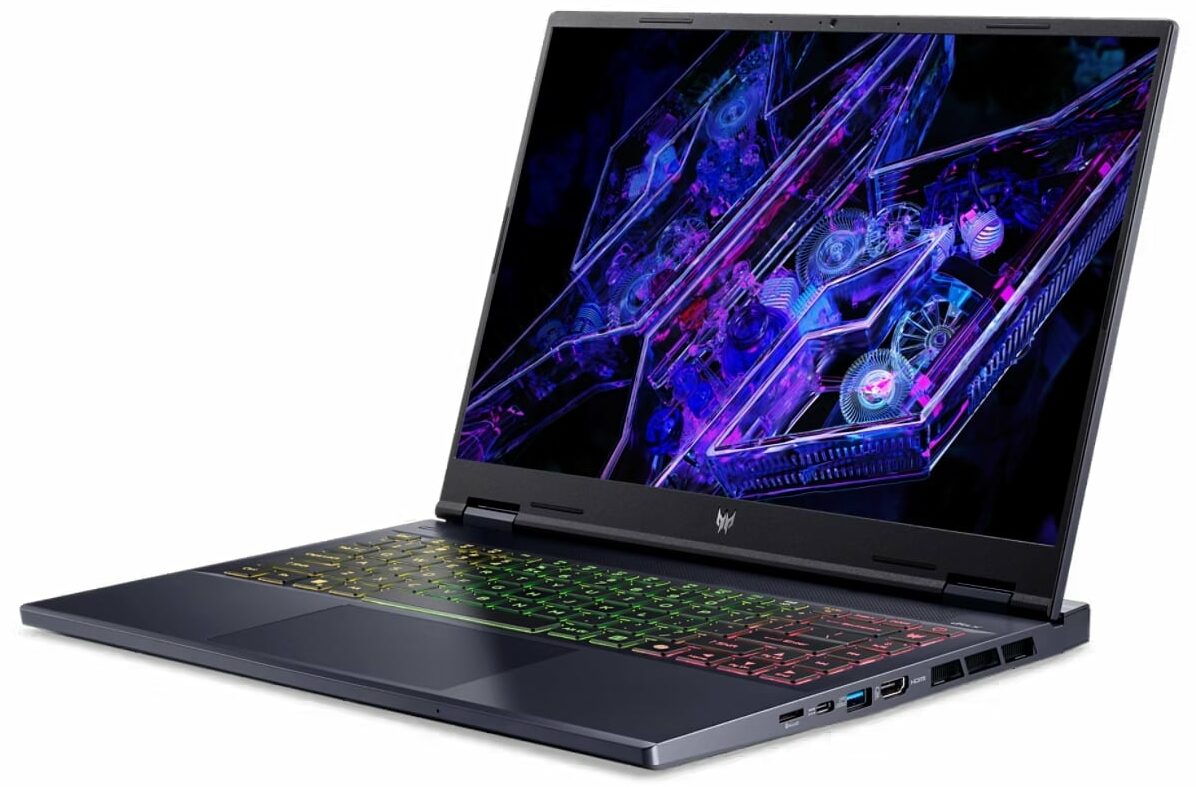
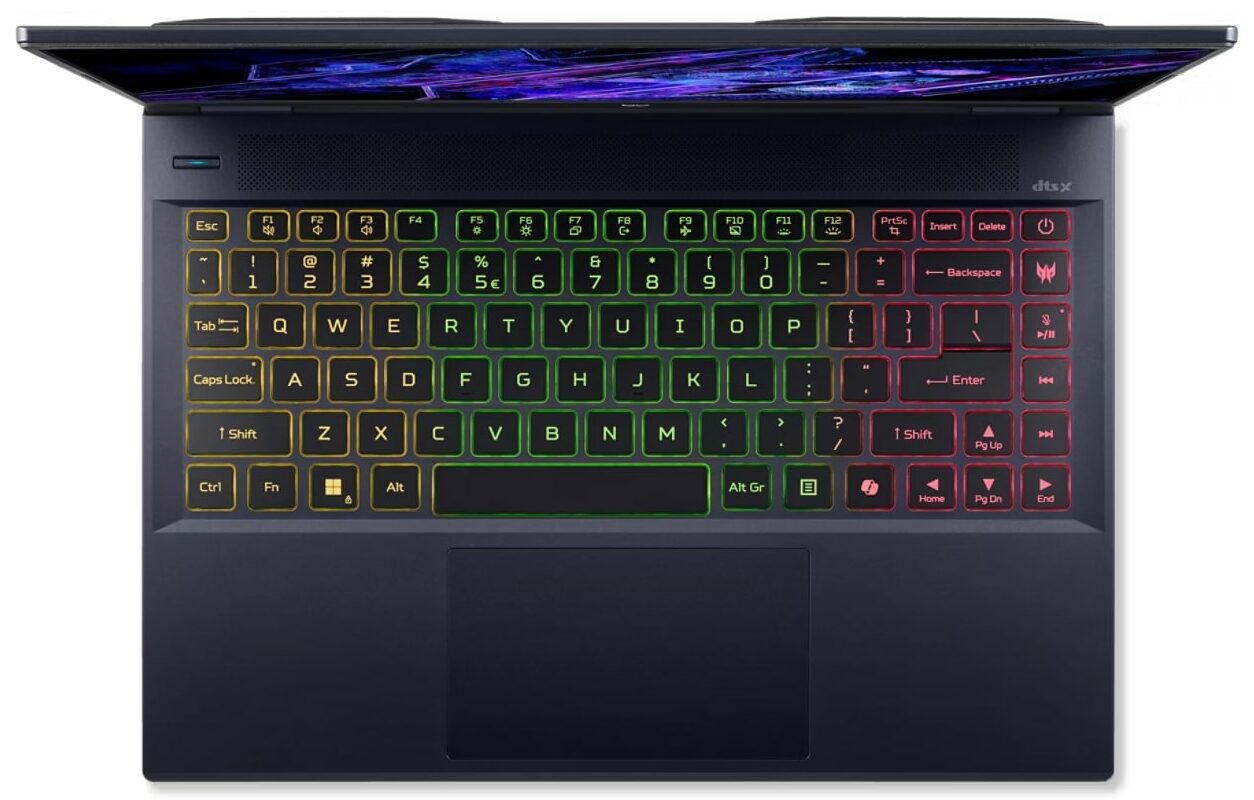
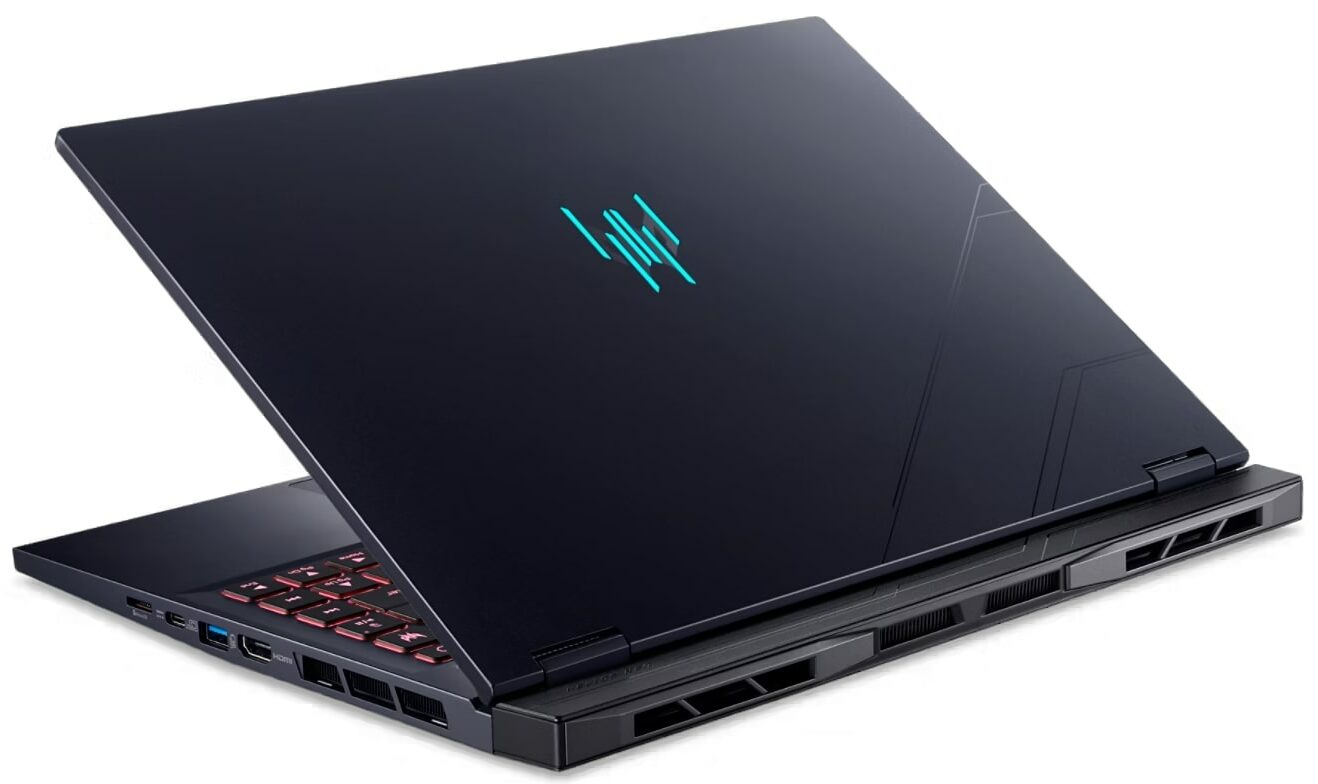
- Date Published: 13 Mar 2025
- Intel Core Ultra 7 155H
- NVIDIA GeForce RTX 4070 (Laptop, 125W)
- 14.5″, 2.5K (2560 x 1600), 120 Hz, IPS
- 4000GB SSD
- 16GB RAM
- 1.90 kg (4.2 lbs)
Review
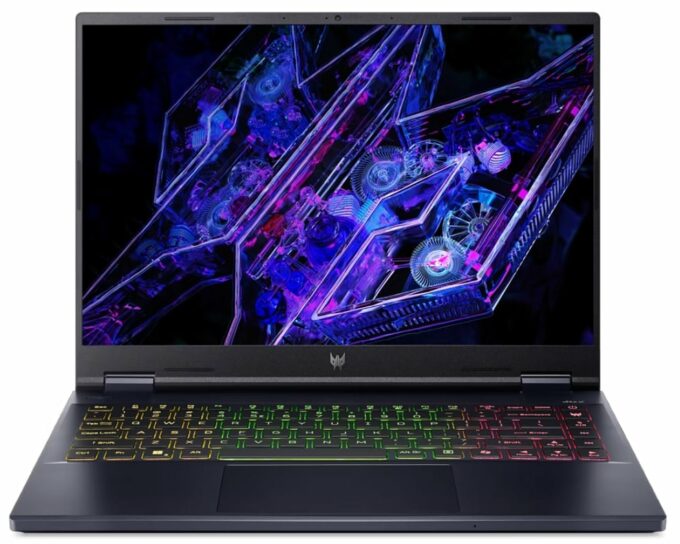
Acer Predator Helios Neo 14 in-depth review
We were quite impressed by the Nitro 14 (AN14-41) since it offers tons of power for a 14-incher. Now, it's time to test the more premium sibling of this machine which is called Acer Predator Helios Neo 14 (PHN14-51). This time around, the Helios version is powered by Intel Meteor Lake-H CPUs. These chips are efficient but they aren't as punchy as the Raptor Lake-H / HX CPUs which are a better complement to GPUs as fast as the GeForce RTX 4070 which is the most powerful graphics card for this Acer series. Still, considering the device's limited internal space, a 28W processor offers an optimal balance of performance and heat dissipation. The device is full of gamer-centric features such as G-SYNC, Nvidia Advanced Optimus, and a MUX switch for optimal GPU performance when using the machine [...]
Read the full review
Pros
- Great performance for a 14-incher
- Covers 94% of the sRGB gamut and has accurate colors when our "Design and Gaming" profile is applied (BOE0C65)
- 165Hz refresh rate + 3072 х 1920 resolution (BOE0C65)
- No PWM (BOE0C65)
- High max brightness of 452 nits (BOE0C65)
- Snappy pixel response times (8 ms) (BOE0C65)
- MUX switch + Nvidia Advanced Optimus + G-SYNC
- Modern port selection - 2x Thunderbolt 4 plus 2x Gen 2 Type-A connectors
- Good keyboard and touchpad
- Long battery life given the powerful hardware (~9 hours of video playback)
- Solid base
- The CPU and the GPU can maintain high clocks during long full loads (3.70 GHz for the P-cores / 2514 MHz for the GPU core)
- The fans aren't extremely aggressive in "Turbo" mode
- Great "Performance" mode - much less noise + 100W GPU TGP
- Fast and well-cooled SSD (1TB SK Hynyx HFS001TEJ9X125N)
Cons
- The CPU hits 95°C in long loads
- The right side of the keyboard feels hot during gaming
- A bit shorter key travel than expected
- Soldered RAM and just one M.2 Gen 4 slot
Disassembly, maintenance and upgrade options
Opening the DeviceUndo the 9 Torx-head screws securing the bottom panel. Turn over the laptop and pop the hinge cover. Carefully pop the rear step by step by inserting a thin plastic tool between the plate and the base. Flip the device upside down and pry the sides and the front to remove the bottom panel.More info: We found a metal shroud with a cooling pad for the NVMe on the inside of the bottom panel.Battery RemovalDetach the battery connector from the motherboard. Undo the two Phillips-head screws securing the battery. Lift the battery to[...]
Read more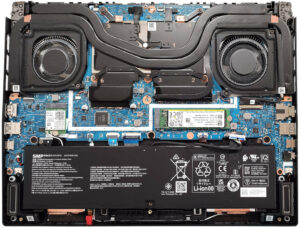


![[June 2026] Best-Selling Laptop Brands on Amazon Global – Apple’s Unrivaled Dominance in Units and Revenue](https://laptopmedia.com/wp-content/uploads/2026/07/GLOBAL-Best-Brands-400x225.jpg)
![[June 2026] Amazon Global: Top 10 Best-Selling Laptops – Apple’s New MacBook Neo Storms to #1, Reshaping the Market with Affordability](https://laptopmedia.com/wp-content/uploads/2026/07/Best-Selling-Laptops-GLOBAL-Top-10-400x225.jpg)
![[June 2026] Amazon Global: Top 10 Best-Selling Gaming Laptops – Acer’s Nitro V 16S AI Dominates Sales, While ASUS Leads Overall Revenue](https://laptopmedia.com/wp-content/uploads/2026/07/Best-Selling-Gaming-Laptops-GLOBAL-Top-10-400x225.jpg)
![[June 2026] Global Ranking of Best-Selling Laptop GPUs on Amazon – NVIDIA RTX 5060 is the Top-Selling Dedicated GPU](https://laptopmedia.com/wp-content/uploads/2026/07/Best-Selling-GPUs-GLOBAL-Top-10-400x225.jpg)
![[June 2026] Global Ranking of Best-Selling Laptop CPUs on Amazon – Apple M5 Dominates, AMD Ryzen 7 260 Gets Solid Premium Share](https://laptopmedia.com/wp-content/uploads/2026/07/Best-Selling-CPUs-GLOBAL-Top-10-400x225.jpg)
