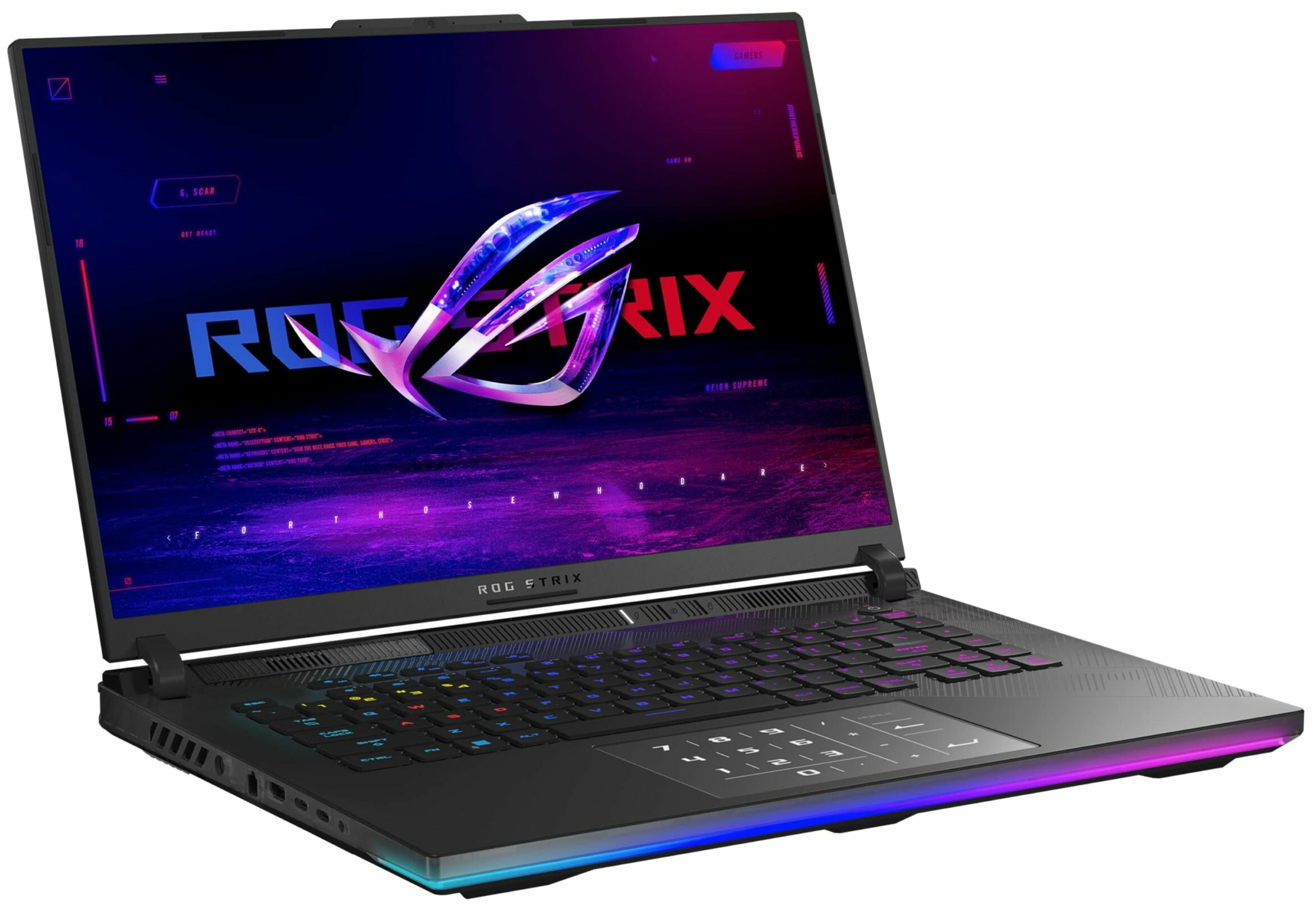
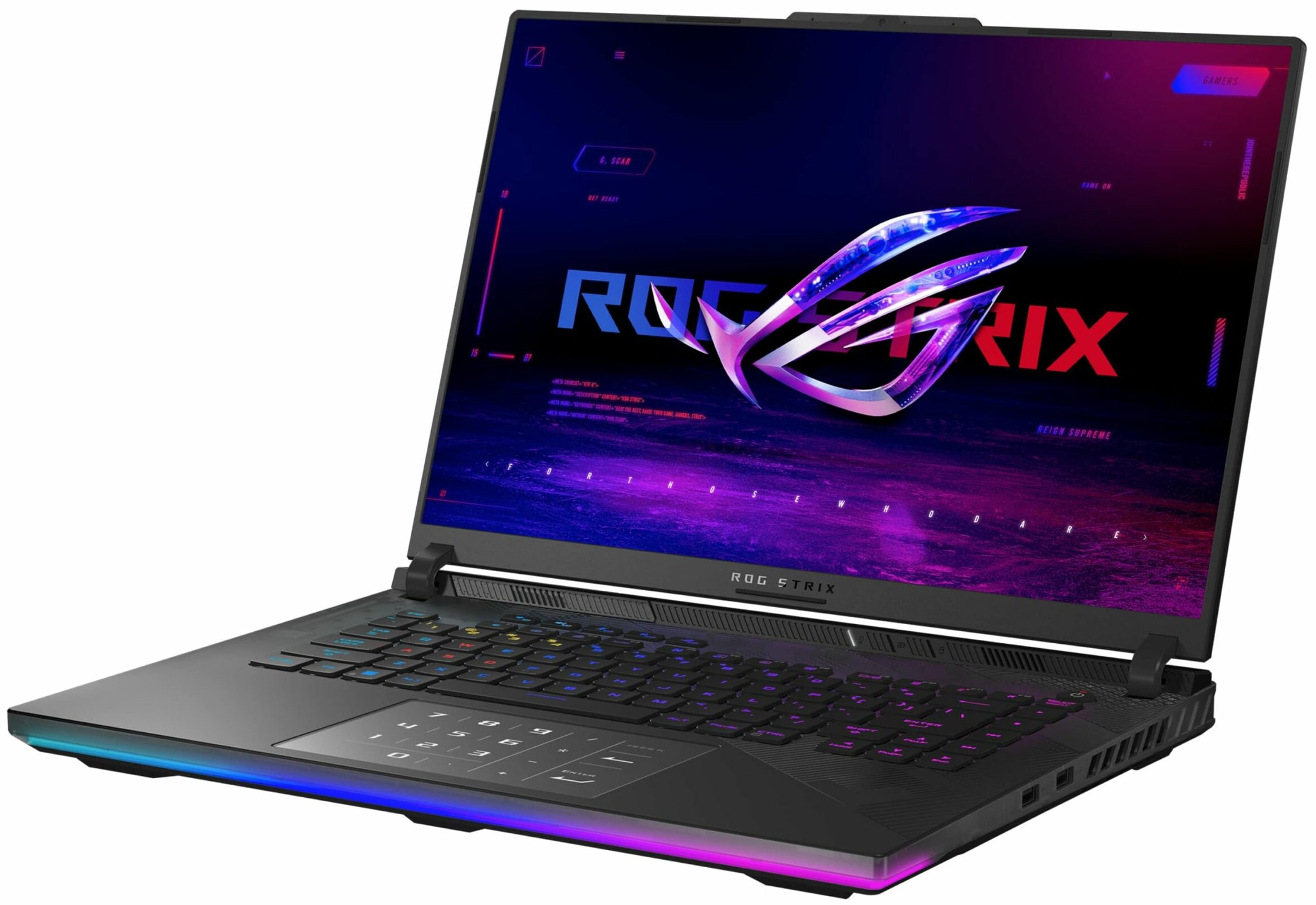
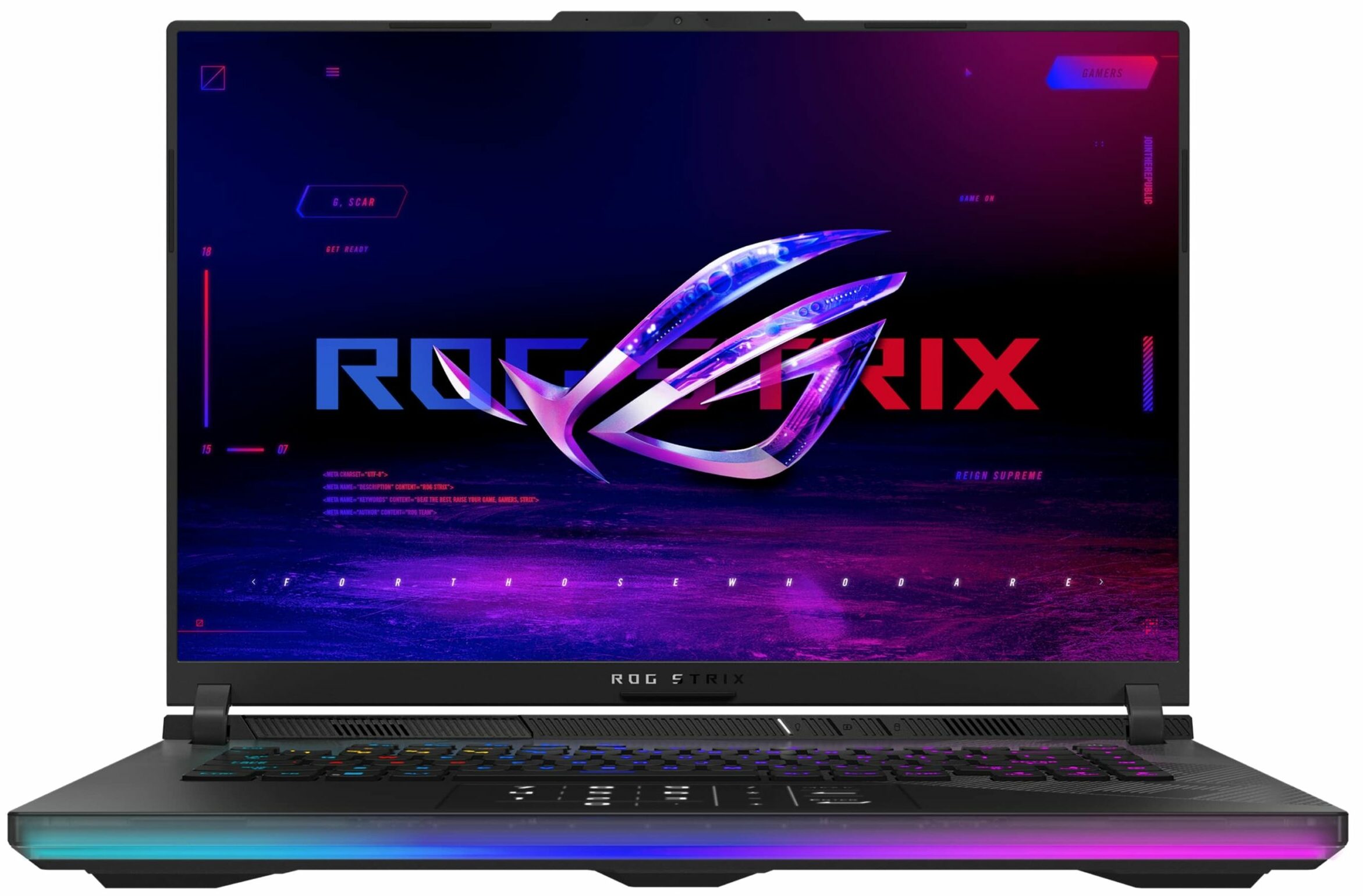
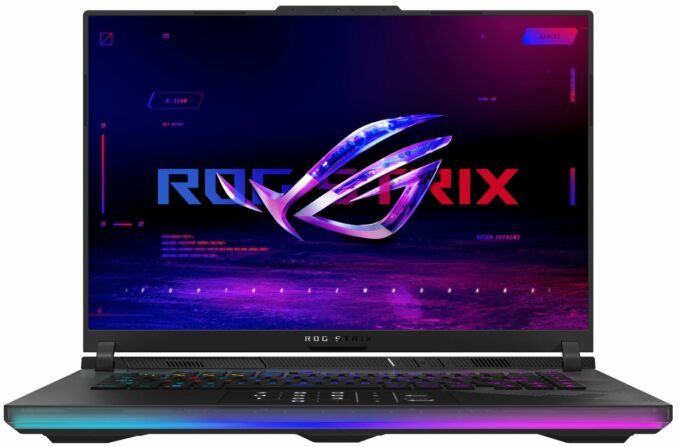
ASUS ROG Strix SCAR 16


- Date Published: 20 May 2024
- Intel Core i9-14900HX
- NVIDIA GeForce RTX 4090 (Laptop, 175W)
- 16.0", WQXGA (2560 x 1600), 240 Hz, Mini LED
- 2000GB SSD
- 64GB RAM
- 2.65 kg (5.8 lbs)
Review
ASUS ROG Strix SCAR 16 in-depth review
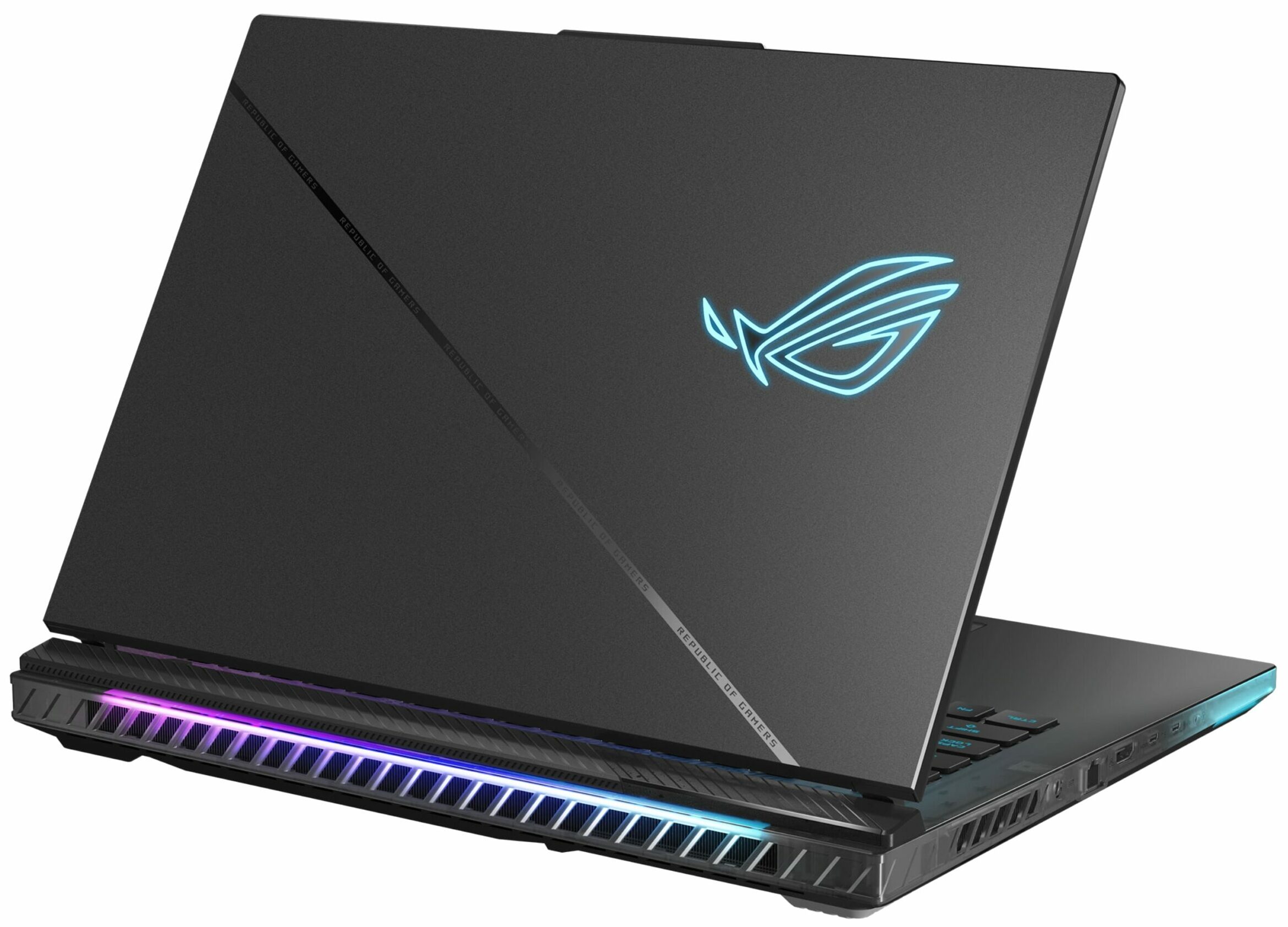
The ASUS ROG Strix SCAR 16 G634 (2024) is a powerful 16-incher that offers virtually the same hardware as its 18-inch sibling, the G834. This means a 32-thread Core i9-14900HX and the full-powered (175W) versions of the GeForce RTX 4080 or 4090. That sounds like a pretty potent combination, especially for such a form factor. Still, ASUS was able to fit an enormous cooling that looks practically identical to the one of the 18-inch "cousin". Conductonaut Extreme liquid metal has been applied on both CPU and GPU dies.There is just one display variant for this Strix series and that's the so-called ROG Nebula HDR Display. On paper, we have no complaints regarding this Mini LED HDR panel since it offers a 1600p resolution and a 240Hz refresh rate alongside G-SYNC and NVIDIA Advanced Optimus.[...]
Read the full review
Pros
- Good upgrade options
- Performs at the levels of the 18-inch version
- High CPU frequencies and power limits during heavy loads in "Turbo" mode (3.40 GHz P-core clock + 141W)
- Great "Performance" preset - lower fan noise combined with 2.9 GHz P-core clock + 160W GPU TGP
- G-Sync + MUX Switch + NVIDIA Advanced Optimus
- Good port selection
- Full DCI-P3 coverage + accurate color with our "Design and Gaming" profile (BOE0C24)
- 240Hz refresh rate and 1600p resolution (BOE0C24)
- High max brightness of 546 nits in SDR and 1330 nits in HDR mode (BOE0C24)
- The Armoury crate app offers tons of customization options
- Comfortable and quiet RGB backlit keyboard + accurate touchpad
- Decent battery life given the powerful hardware (~7 hours of video playback)
- The fans aren't too noisy even in "Turbo mode"
- Many customizable RGBs
- Metal lid + stable base
- Huge cooling solution with a third fan over the chipset
- CPU undervolt option in the BIOS
Cons
- Hefty (22.6 - 30.4 mm / 2.65 kg)
- Lacks Wi-Fi 7, Gen 5 SSD slot, thermals pad for the memory, and bigger pads for the NVMe
- The battery connector is placed below the third fan
- Plastic base
- PWM usage (BOE0C24)
Disassembly, maintenance and upgrade options
Opening the DeviceUndo the 11 Philips-head screws securing the bottom panel. Note that the screw in the front right corner is captive and will slightly raise the panel up. Start prying the front with a thin plastic tool or a lever tool. Raise the two front corners a bit higher to pop the sides slightly past the end of the LED stripe. Fully pry the sides and the back to remove the bottom panel.More info: On the inside of the bottom panel, there are many plastic elements for greater internal structural support and dust filters for the three fans.Battery Removal[...]
Read more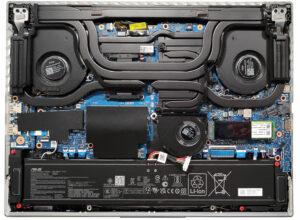
DISPLAY: 16.0-inch, 2560x1600, IPS
- Name
- BOE NE160QDM-NM7 (BOE0C24)
- Diagonal
- 16.0"
- Pixel density
- 188.68 ppi
- Brightness
- 546 cd/m2
- sRGB
- 100%
- PWM frequency
- 19700 Hz
- Panel Type
- IPS
- Resolution
- 2560x1600
- Becomes "Retina" from
- 18 inches (46 cm)
- Contrast
- 1140:1
- dE Color Checker
- 1.2 1.0
- PWM Rating
- 10.0: (safe)

Buy our profiles for BOE NE160QDM-NM7 (BOE0C24)
In addition to receiving efficient and health-friendly profiles, by buying LaptopMedia's products you also support the development of our labs, where we test devices in order to produce the most objective reviews possible.

Office Work
Office Work should be used mostly by users who spend most of the time looking at pieces of text, tables or just surfing. This profile aims to deliver better distinctness and clarity by keeping a flat gamma curve (2.20), native color temperature and perceptually accurate colors.

Design and Gaming
This profile is aimed at designers who work with colors professionally, and for games and movies as well. Design and Gaming takes display panels to their limits, making them as accurate as possible in the sRGB IEC61966-2-1 standard for Web and HDTV, at white point D65.

Health-Guard
Health-Guard eliminates the harmful Pulse-Width Modulation (PWM) and reduces the negative Blue Light which affects our eyes and body. Since it’s custom tailored for every panel, it manages to keep the colors perceptually accurate. Health-Guard simulates paper so the pressure on the eyes is greatly reduced.



![[June 2026] Best-Selling Laptop Brands on Amazon Global – Apple’s Unrivaled Dominance in Units and Revenue](https://laptopmedia.com/wp-content/uploads/2026/07/GLOBAL-Best-Brands-400x225.jpg)
![[June 2026] Amazon Global: Top 10 Best-Selling Laptops – Apple’s New MacBook Neo Storms to #1, Reshaping the Market with Affordability](https://laptopmedia.com/wp-content/uploads/2026/07/Best-Selling-Laptops-GLOBAL-Top-10-400x225.jpg)
![[June 2026] Amazon Global: Top 10 Best-Selling Gaming Laptops – Acer’s Nitro V 16S AI Dominates Sales, While ASUS Leads Overall Revenue](https://laptopmedia.com/wp-content/uploads/2026/07/Best-Selling-Gaming-Laptops-GLOBAL-Top-10-400x225.jpg)
![[June 2026] Global Ranking of Best-Selling Laptop GPUs on Amazon – NVIDIA RTX 5060 is the Top-Selling Dedicated GPU](https://laptopmedia.com/wp-content/uploads/2026/07/Best-Selling-GPUs-GLOBAL-Top-10-400x225.jpg)
![[June 2026] Global Ranking of Best-Selling Laptop CPUs on Amazon – Apple M5 Dominates, AMD Ryzen 7 260 Gets Solid Premium Share](https://laptopmedia.com/wp-content/uploads/2026/07/Best-Selling-CPUs-GLOBAL-Top-10-400x225.jpg)
