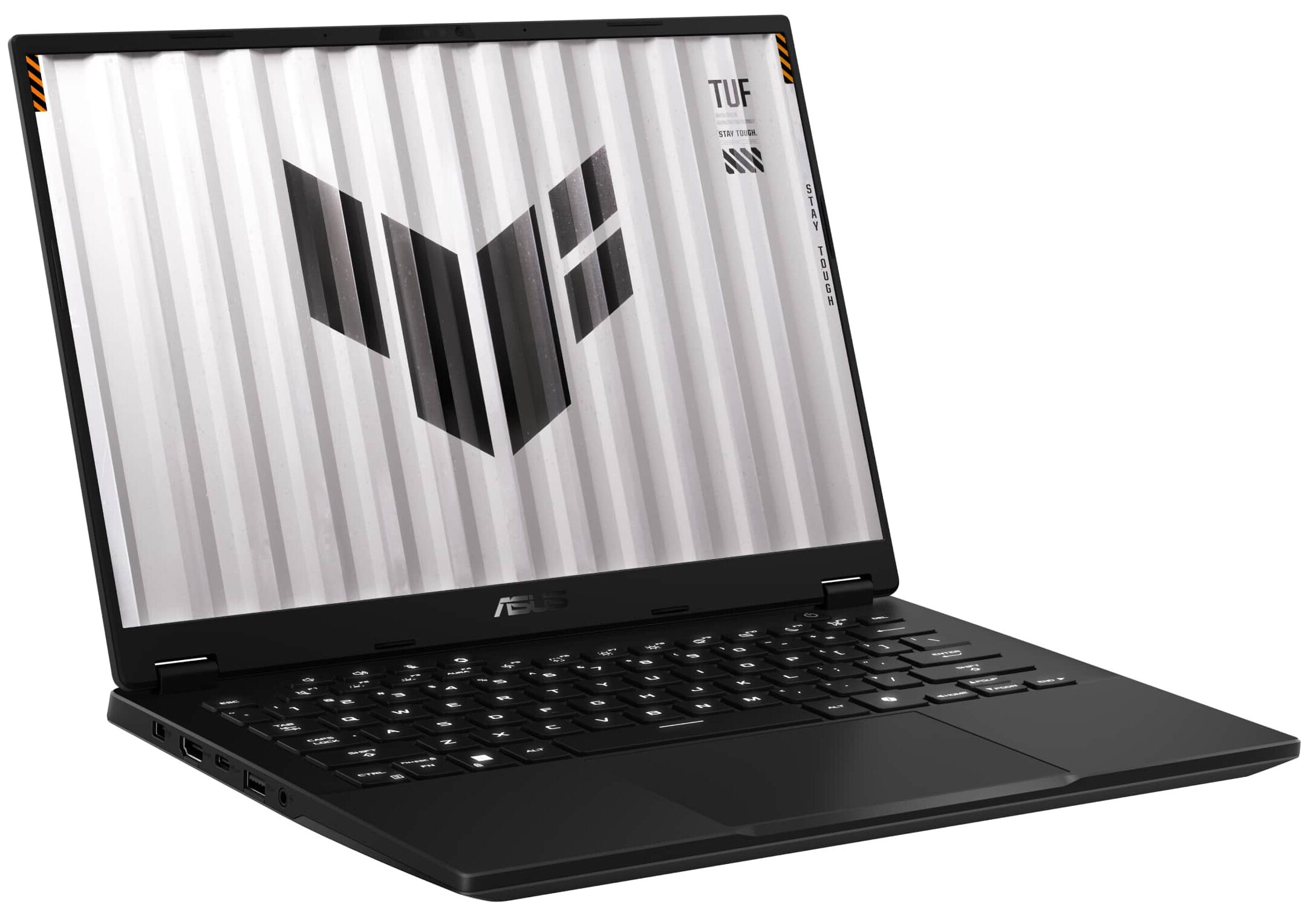
ASUS TUF Gaming A14 FA401
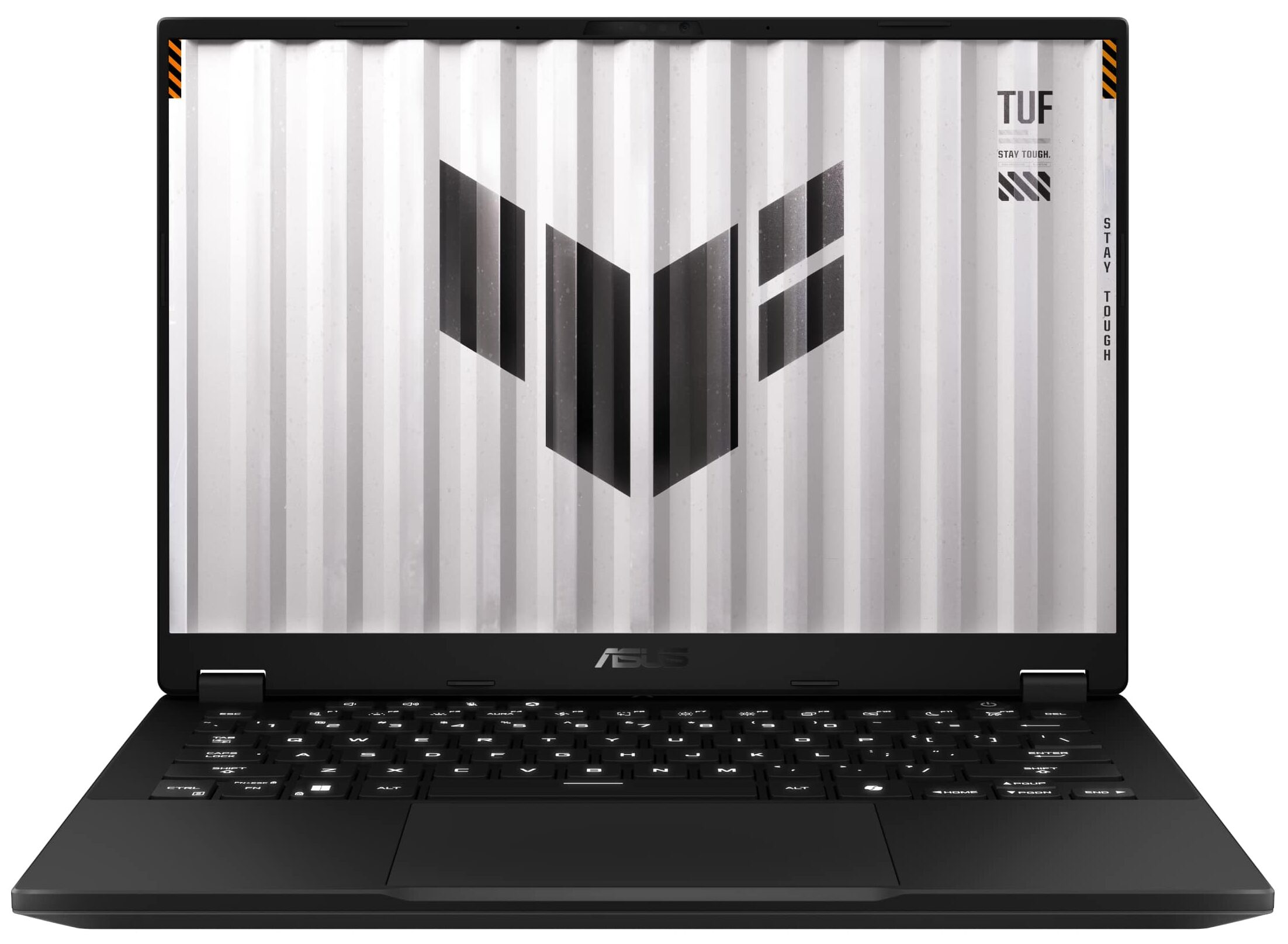
- Date Published: 07 Oct 2025
- AMD Ryzen AI 7 350
- NVIDIA GeForce RTX 5060 (Laptop)
- 14.0”, WQXGA (2560 x 1600), 165 Hz, IPS
- 2000GB SSD
- 16GB RAM
- 1.46 kg (3.2 lbs)
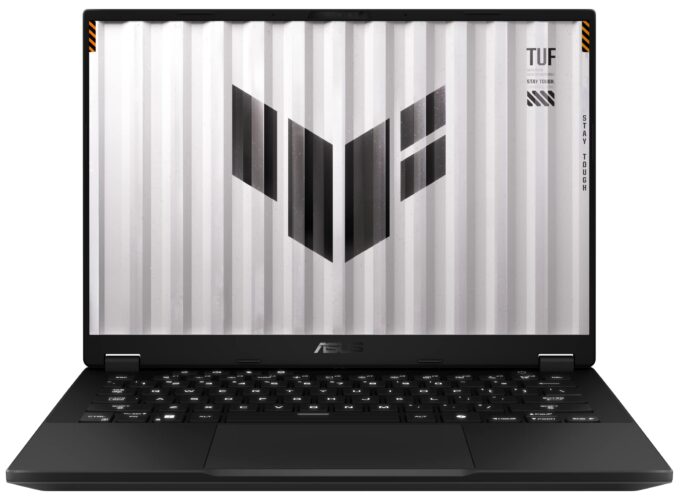
Specs

- HDD/SSD
- 2000GB SSD
- M.2 Slot
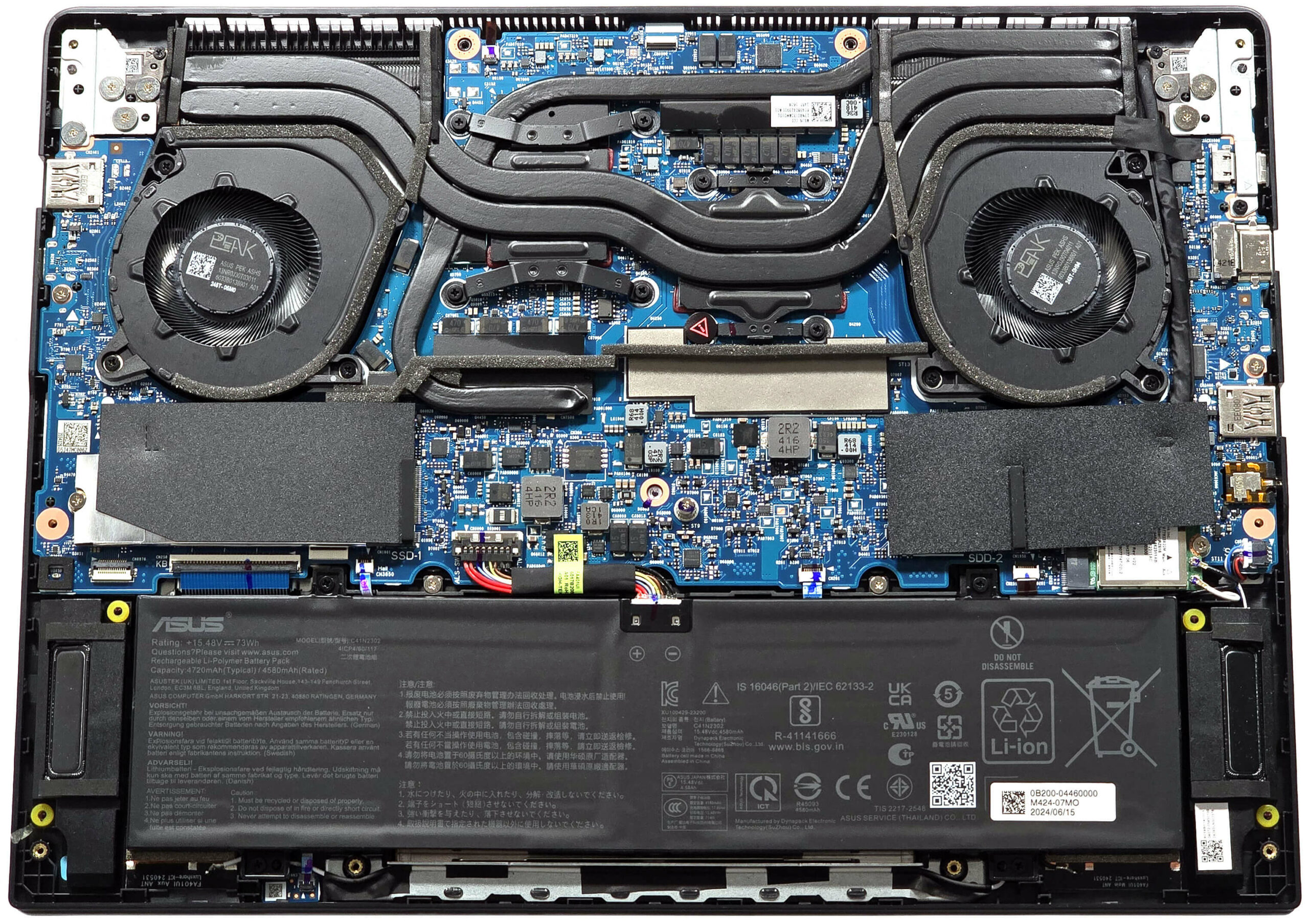
- 1x 2280 M.2 NVMe PCIe 4.0 x4 + 1x 2280 M.2 NVMe PCIe 4.0 x2 See photo
- RAM
- 16GB RAM
- OS
- Windows 11 Home
- Body Material
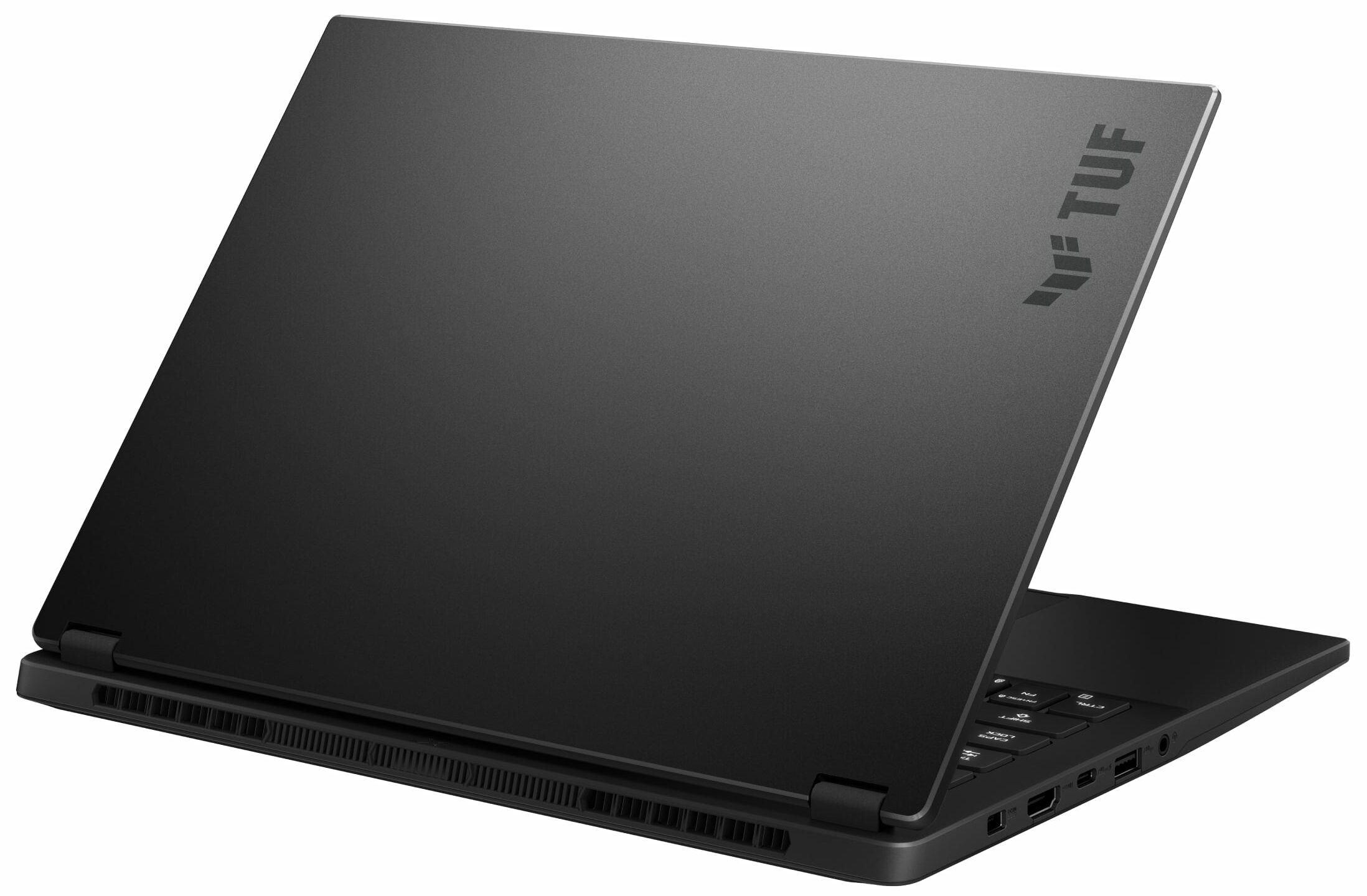
- Plastic / Polycarbonate, Aluminum
- Dimensions
- 311 x 227 x 16.9 - 19.9 mm (12.24" x 8.94" x 0.67")
- Weight
- 1.46 kg (3.2 lbs)
- Ports and connectivity
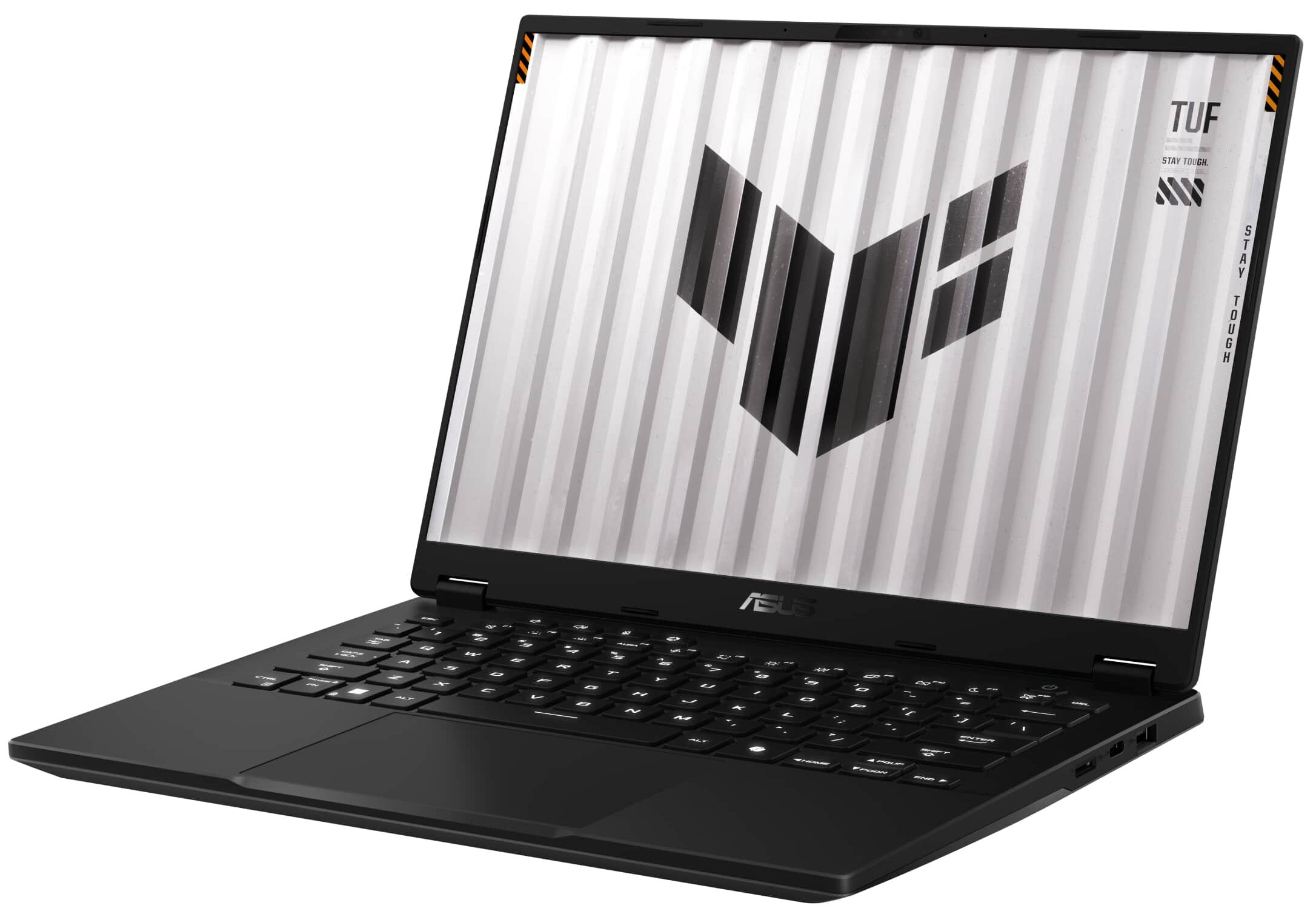
- 2x USB Type-A
- 3.2 Gen 2 (10 Gbps)
- 1x USB Type-C
- 3.2 Gen 2 (10 Gbps), DisplayPort, Sleep and Charge
- 1x USB Type-C
- 4.0, Power Delivery (PD), DisplayPort
- HDMI
- 2.1
- Card Reader
- microSD (microSD, microSDHC, microSDXC)
- Ethernet LAN
- Wi-Fi
- 802.11ax
- Bluetooth
- 5.3
- Audio jack
- 3.5mm Combo Jack
- Features
- Fingerprint reader
- Web camera
- FHD IR
- Backlit keyboard
- Microphone
- Array Microphone with AI Noise Cancelling, support for Microsoft Cortana near field/Far Field
- Speakers
- 2x Stereo Speakers, Dolby Atmos
- Security Lock slot
Portability
Review
ASUS TUF Gaming A14 FA401 in-depth review
We saw a lot of small yet potent gaming devices in 2024. Now it's time to check how good the TUF Gaming A14 (FA401) is compared to the competition, including the HP OMEN Transcend 14, Nitro 14 (AN14-41), or the Predator Helios Neo 14 (PHN14-51). The ASUS creation has a lot of tricks up in its sleeve but the most notable one should be its top CPU option which is the Zen 5 AMD Ryzen AI 9 HX 370 with a 50 TOPS NPU. When this chip is well-cooled, it offers fast performance and efficiency at the same time.Speaking of which, this small fella has a pretty capable thermal system with three heat pipes fitted into its compact chassis. We bought a laptop with the most powerful GPU for this ASUS series which is the 100W RTX 4060.The machine is light and thin. That's why the lack of SODIMM slot[...]
Read the full review
Pros
- 2x M.2 slots
- Great overall performance
- Compact and light
- Zen 5 CPU option
- High CPU clocks and power limits during heavy stress (4.35 GHz / 3.23 GHz P and E-core clock + 72W)
- The RTX 4060 can maintain ~ 100W during gaming
- MUX switch + NVIDIA Advanced Optimus + G-SYNC
- Four USBs + Wi-Fi 6E and Bluetooth 5.3
- PWM-free (BOE0AC4)
- Snappy panel (7.6 ms) + 165Hz refresh rate (BOE0AC4)
- 99% sRGB coverage + accurate color thanks to our "Design and Gaming" profile (BOE0AC4)
- 1700:1 contrast ratio a 445 nit max brightness (BOE0AC4)
- The Armoury crate app offers tons of customization options
- Comfortable backlit keyboard + precise touchpad
- Long battery life
- The fans don't spin during light loads in "Silent" mode
- Solid build quality
- Fast and well-cooled SSD ( 1TB WD PC SN5000S SDEQNSJ-1T00-1002)
Cons
- Soldered RAM
- Pricey
- High CPU temperature in medium and long loads
Disassembly, maintenance and upgrade options
Opening the DeviceUndo the 11 Philips-head screws securing the bottom panel. The one in the lower right corner is captive and will lift the panel slightly, making it easier to start prying. Start by prying the front from the lifted section, then proceed to pop the sides and the back.More info: The inside of the bottom panel includes dust filters for the fans and several rubber elements for added internal structural support.Battery RemovalUnplug the battery connector from the mainboard. Undo the 4 Philips-head screws securing the battery to the base. Li[...]
Read more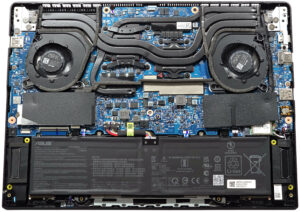


![[June 2026] Best-Selling Laptop Brands on Amazon Global – Apple’s Unrivaled Dominance in Units and Revenue](https://laptopmedia.com/wp-content/uploads/2026/07/GLOBAL-Best-Brands-400x225.jpg)
![[June 2026] Amazon Global: Top 10 Best-Selling Laptops – Apple’s New MacBook Neo Storms to #1, Reshaping the Market with Affordability](https://laptopmedia.com/wp-content/uploads/2026/07/Best-Selling-Laptops-GLOBAL-Top-10-400x225.jpg)
![[June 2026] Amazon Global: Top 10 Best-Selling Gaming Laptops – Acer’s Nitro V 16S AI Dominates Sales, While ASUS Leads Overall Revenue](https://laptopmedia.com/wp-content/uploads/2026/07/Best-Selling-Gaming-Laptops-GLOBAL-Top-10-400x225.jpg)
![[June 2026] Global Ranking of Best-Selling Laptop GPUs on Amazon – NVIDIA RTX 5060 is the Top-Selling Dedicated GPU](https://laptopmedia.com/wp-content/uploads/2026/07/Best-Selling-GPUs-GLOBAL-Top-10-400x225.jpg)
![[June 2026] Global Ranking of Best-Selling Laptop CPUs on Amazon – Apple M5 Dominates, AMD Ryzen 7 260 Gets Solid Premium Share](https://laptopmedia.com/wp-content/uploads/2026/07/Best-Selling-CPUs-GLOBAL-Top-10-400x225.jpg)