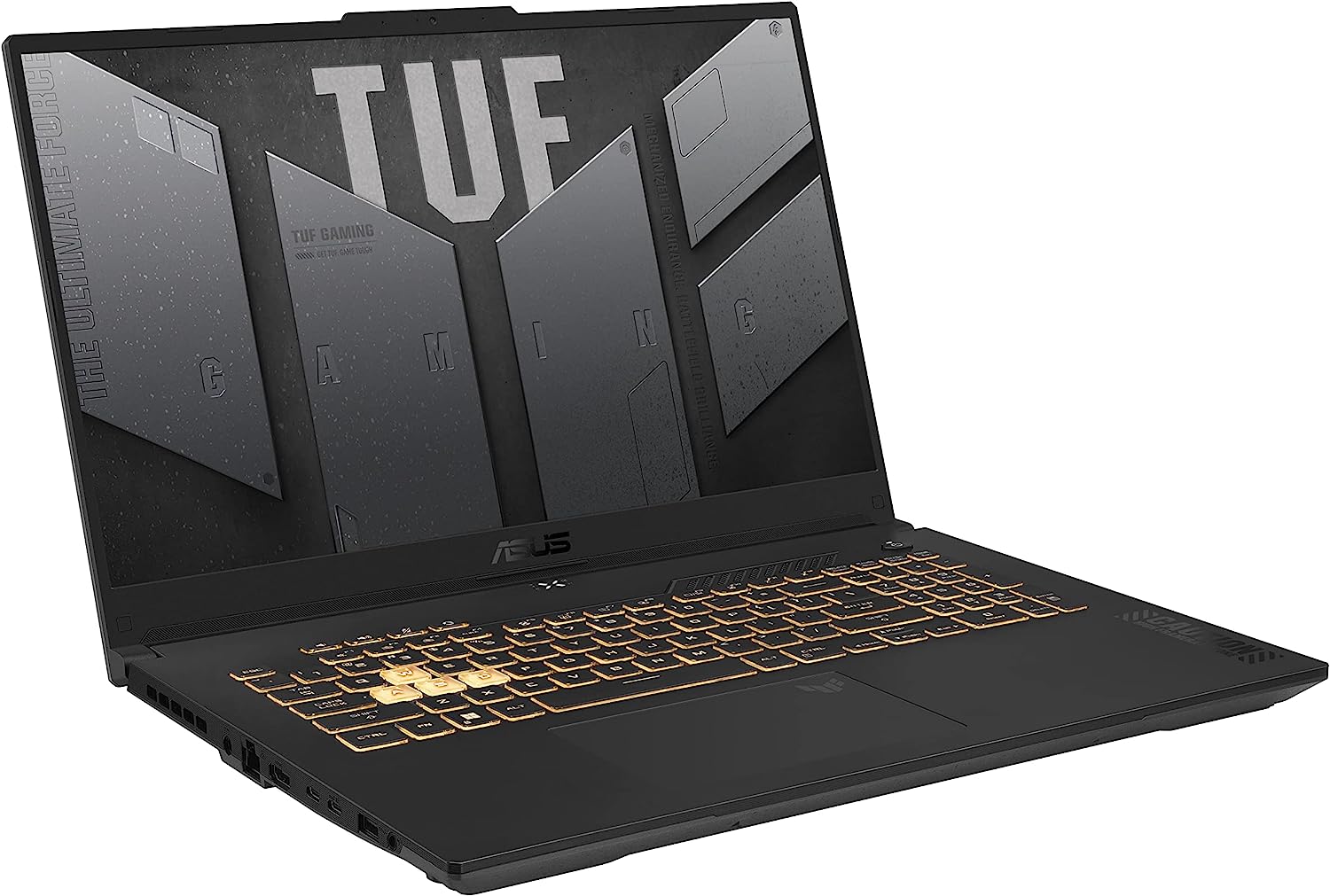
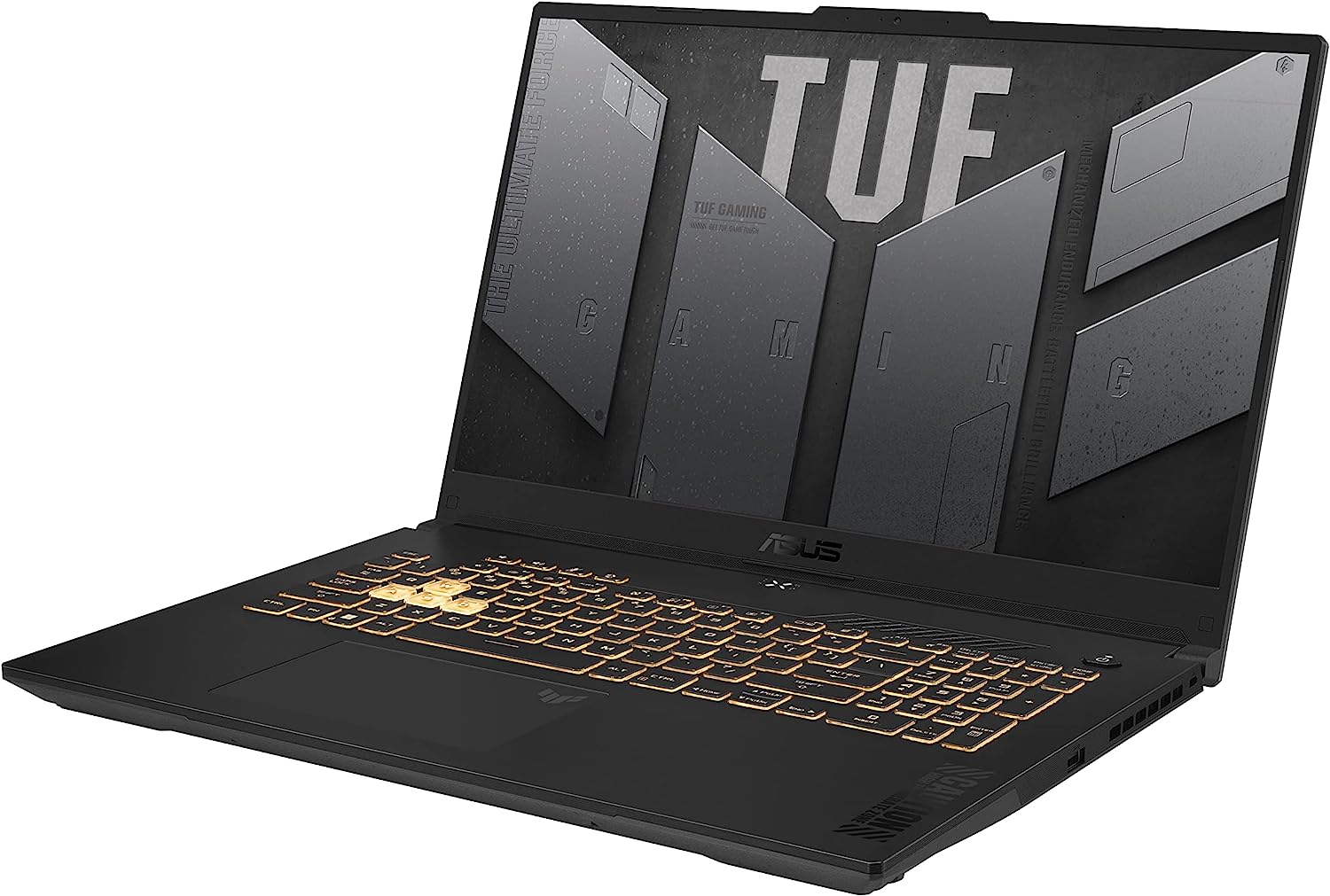
ASUS TUF Gaming F17


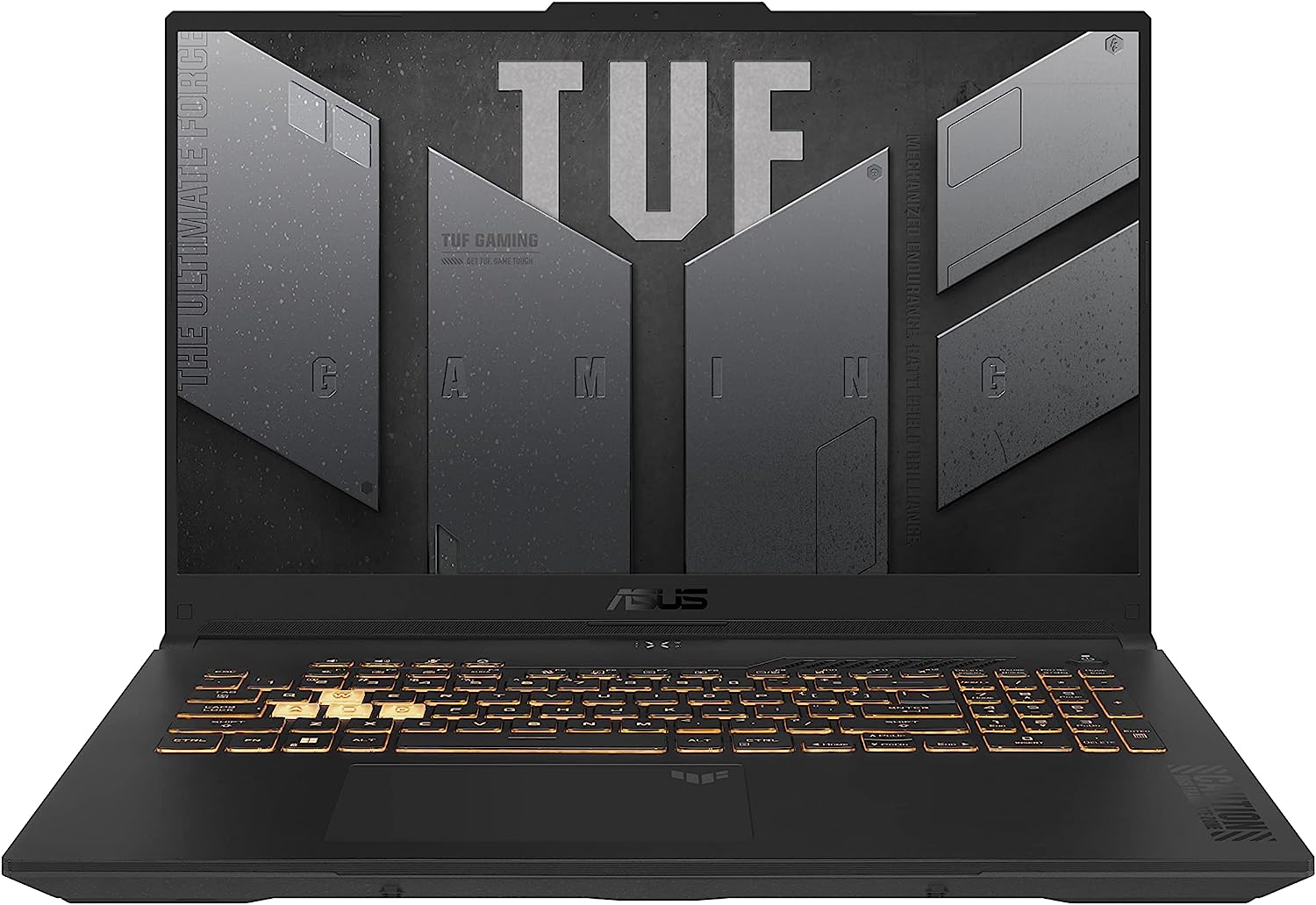
- Date Published: 27 Oct 2025
- Intel Core i7-13620H
- NVIDIA GeForce RTX 4060 (Laptop, 140W)
- 17.3”, Full HD (1920 x 1080), 144 Hz, IPS
- 4000GB SSD
- 32GB RAM
- 2.60 kg (5.7 lbs)
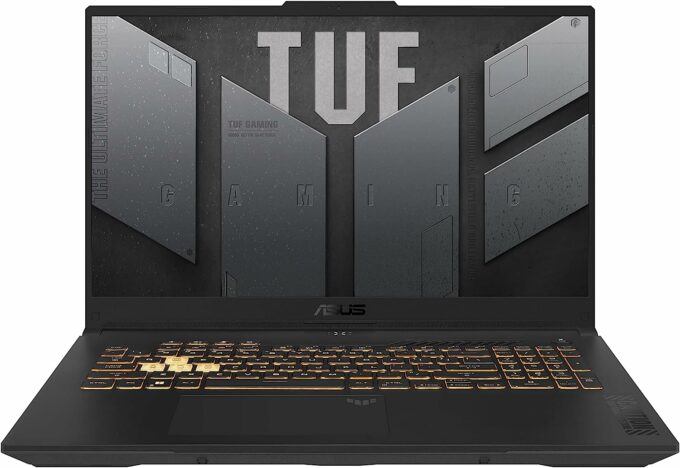
Specs

- HDD/SSD
- 4000GB SSD
- M.2 Slot
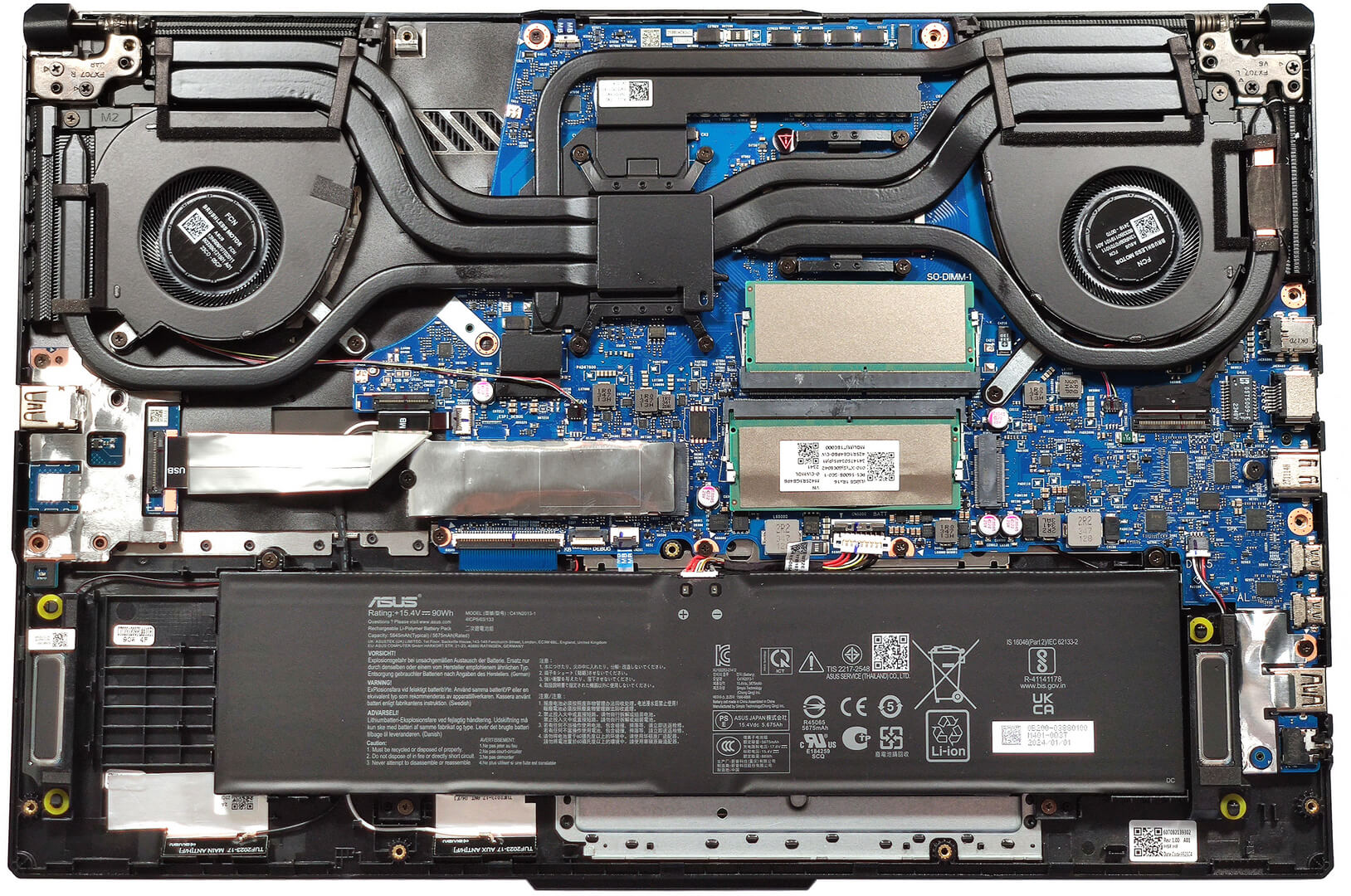
- 2x 2280 M.2 NVMe PCIe 4.0 x4 See photo
- RAM
- 32GB RAM
- OS
- Windows 10 Pro
- Body Material
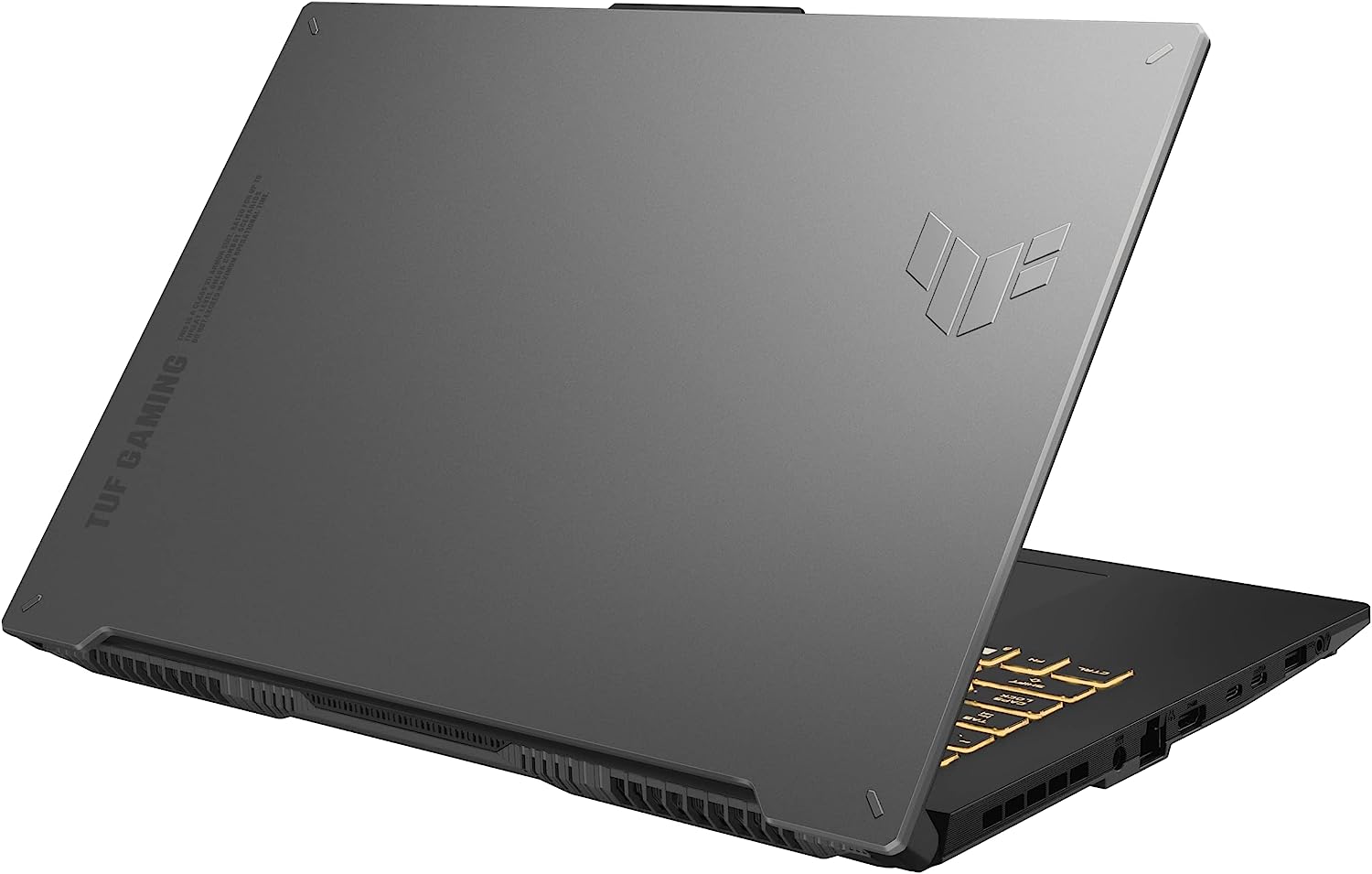
- Plastic / Polycarbonate, Aluminum
- Dimensions
- 394 x 264 x 22.9 - 25.4 mm (15.51" x 10.39" x 0.90")
- Weight
- 2.60 kg (5.7 lbs)
- Ports and connectivity
- 2x USB Type-A
- 3.2 Gen 1 (5 Gbps)
- 1x USB Type-C
- 3.2 Gen 2 (10 Gbps), Power Delivery (PD), DisplayPort
- 1x USB Type-C
- Thunderbolt 4, DisplayPort
- HDMI
- 2.1
- Card Reader
- Ethernet LAN
- Wi-Fi
- 802.11ax
- Bluetooth
- 5.2
- Audio jack
- 3.5mm Combo Jack
- Features
- Fingerprint reader
- Web camera
- HD
- Backlit keyboard
- Microphone
- Array Microphone with Cortana Support, near field/Far field
- Speakers
- 2x Stereo Speaekers, Dolby Atmos
- Security Lock slot
- Kensington Lock
- Gifts
- 32GB USB Drive
Portability
Review
ASUS TUF Gaming F17 in-depth review
The ASUS TUF lineup offers devices for people who don't want to spend a whole fortune on a new laptop but at the same time, they still want to get a well-performing machine. The TUF Gaming F17 (FX707, 2023) boasts a big 17.3" display and there are a lot of options here. For starters, we can spot two 1080p units with a 144Hz refresh rate that are labeled as "Value IPS-level". Yep, the manufacturer kindly reminds you that you don't have to expect miracles in terms of color reproduction when buying a notebook with one of these two.Further down the road, we can spot another Full HD (non-Value) model with a 165Hz refresh rate and the top dog for the series is a 1440p 240Hz variant. We can continue with some good news - G-Sync, MUX Switch, and NVIDIA Advanced Optimus are standard features - [...]
Read the full review
Pros
- Good upgradability
- Great overall performance
- High CPU clocks and power limits during heavy stress (3.70 GHz P-core clock + 90W)
- The RTX 4050 can maintain ~ 2600 MHz under gaming
- MUX switch + iGPU-only mode
- Adequate I/O + Wi-Fi 6 and Bluetooth 5.2
- PWM-free (AUODDA7)
- 144Hz refresh rate (AUODDA7)
- G-Sync and NVIDIA Advanced Optimus support
- The Armoury crate app offers tons of customization options
- Comfortable quiet backlit keyboard + precise touchpad
- Great battery life
- The fans don't spin if the CPU temperature is below 56°C
- Solid build quality
- Great "Performance" mode - decent noise levels, 3.35 GHz for the P cores, and up to 92W GPU TGP
Cons
- Low max brightness and color coverage (AUODDA7)
- High NVMe and CPU temperatures during benchmarking
Disassembly, maintenance and upgrade options
Opening the DeviceUndo the 12 Phillips-head screws securing the bottom panel. Note that the captive screw in the lower right corner will slightly raise the plate up, making it the best starting point. Pop the front, the left, and the back with a thin plastic tool. The right side should be last as it is full of ports and harder to pry.More info: On the inside, the bottom plate features many plastic elements for greater internal structural support.Battery RemovalUnplug the battery connector from the mainboard. Undo the 4 Phillips-head screws securing the bat[...]
Read more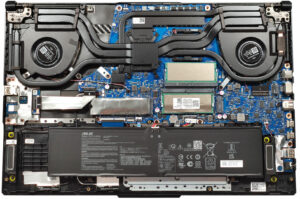


![[June 2026] Best-Selling Laptop Brands on Amazon Global – Apple’s Unrivaled Dominance in Units and Revenue](https://laptopmedia.com/wp-content/uploads/2026/07/GLOBAL-Best-Brands-400x225.jpg)
![[June 2026] Amazon Global: Top 10 Best-Selling Laptops – Apple’s New MacBook Neo Storms to #1, Reshaping the Market with Affordability](https://laptopmedia.com/wp-content/uploads/2026/07/Best-Selling-Laptops-GLOBAL-Top-10-400x225.jpg)
![[June 2026] Amazon Global: Top 10 Best-Selling Gaming Laptops – Acer’s Nitro V 16S AI Dominates Sales, While ASUS Leads Overall Revenue](https://laptopmedia.com/wp-content/uploads/2026/07/Best-Selling-Gaming-Laptops-GLOBAL-Top-10-400x225.jpg)
![[June 2026] Global Ranking of Best-Selling Laptop GPUs on Amazon – NVIDIA RTX 5060 is the Top-Selling Dedicated GPU](https://laptopmedia.com/wp-content/uploads/2026/07/Best-Selling-GPUs-GLOBAL-Top-10-400x225.jpg)
![[June 2026] Global Ranking of Best-Selling Laptop CPUs on Amazon – Apple M5 Dominates, AMD Ryzen 7 260 Gets Solid Premium Share](https://laptopmedia.com/wp-content/uploads/2026/07/Best-Selling-CPUs-GLOBAL-Top-10-400x225.jpg)