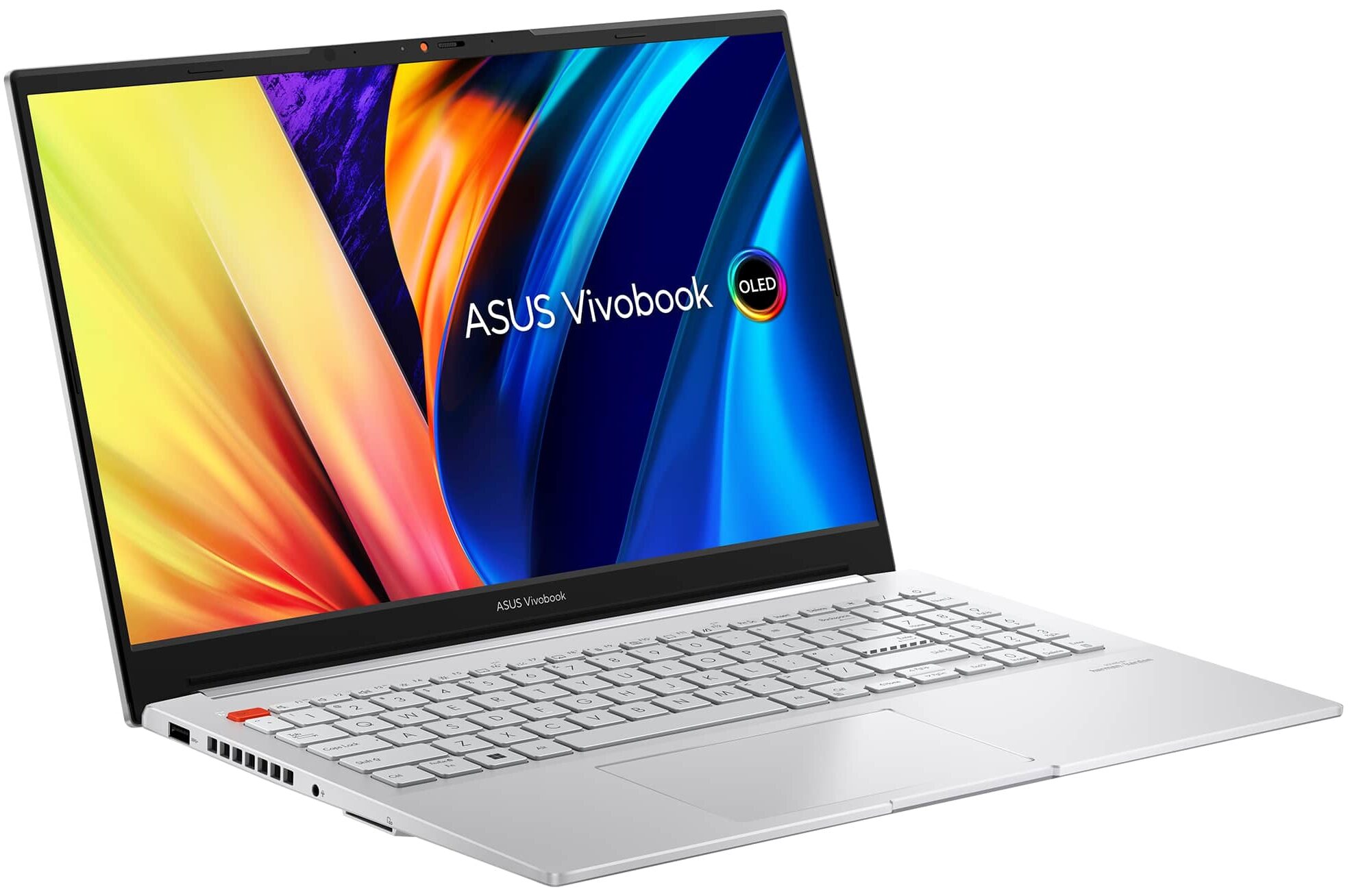
ASUS Vivobook Pro 15 OLED
_000044.jpg)


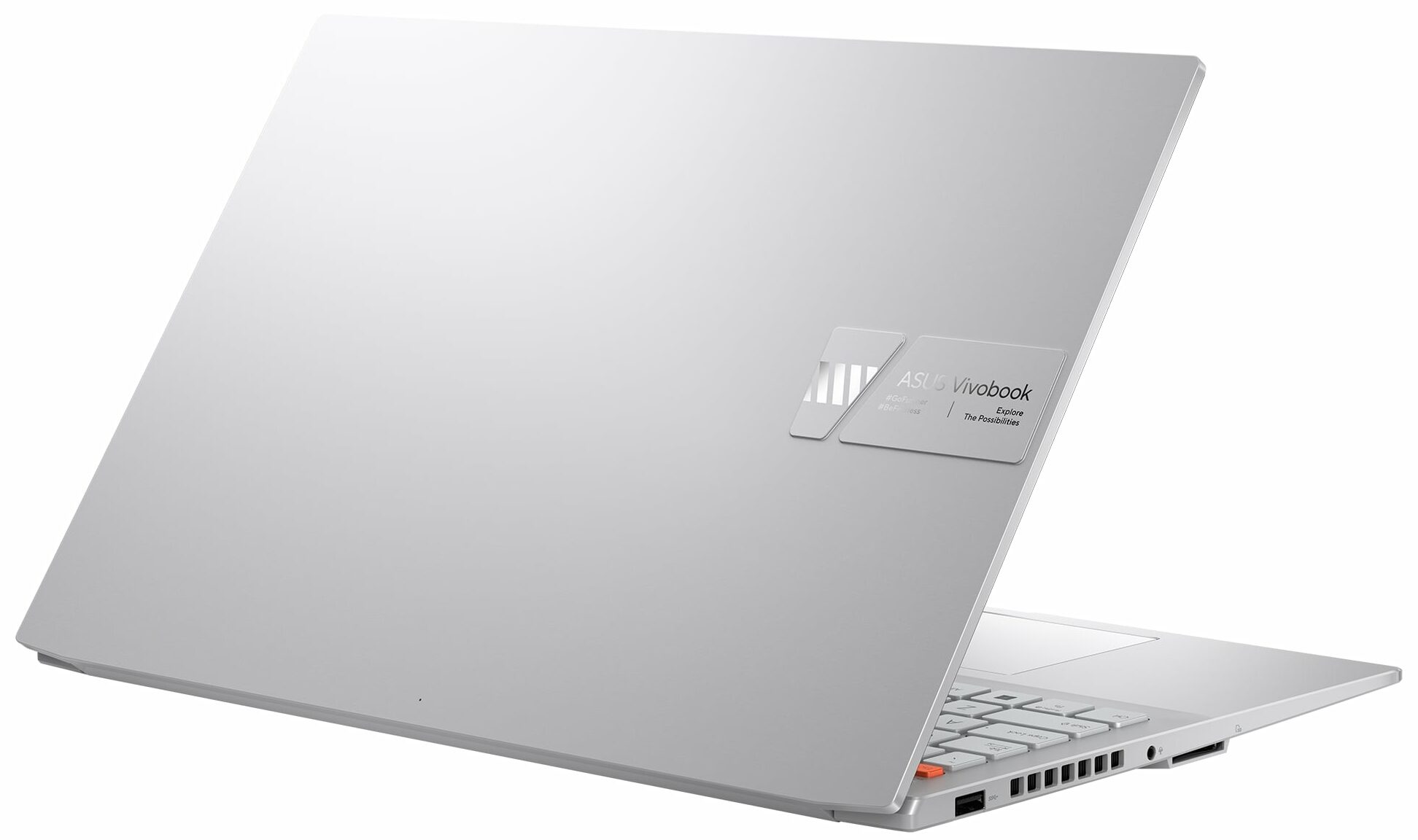

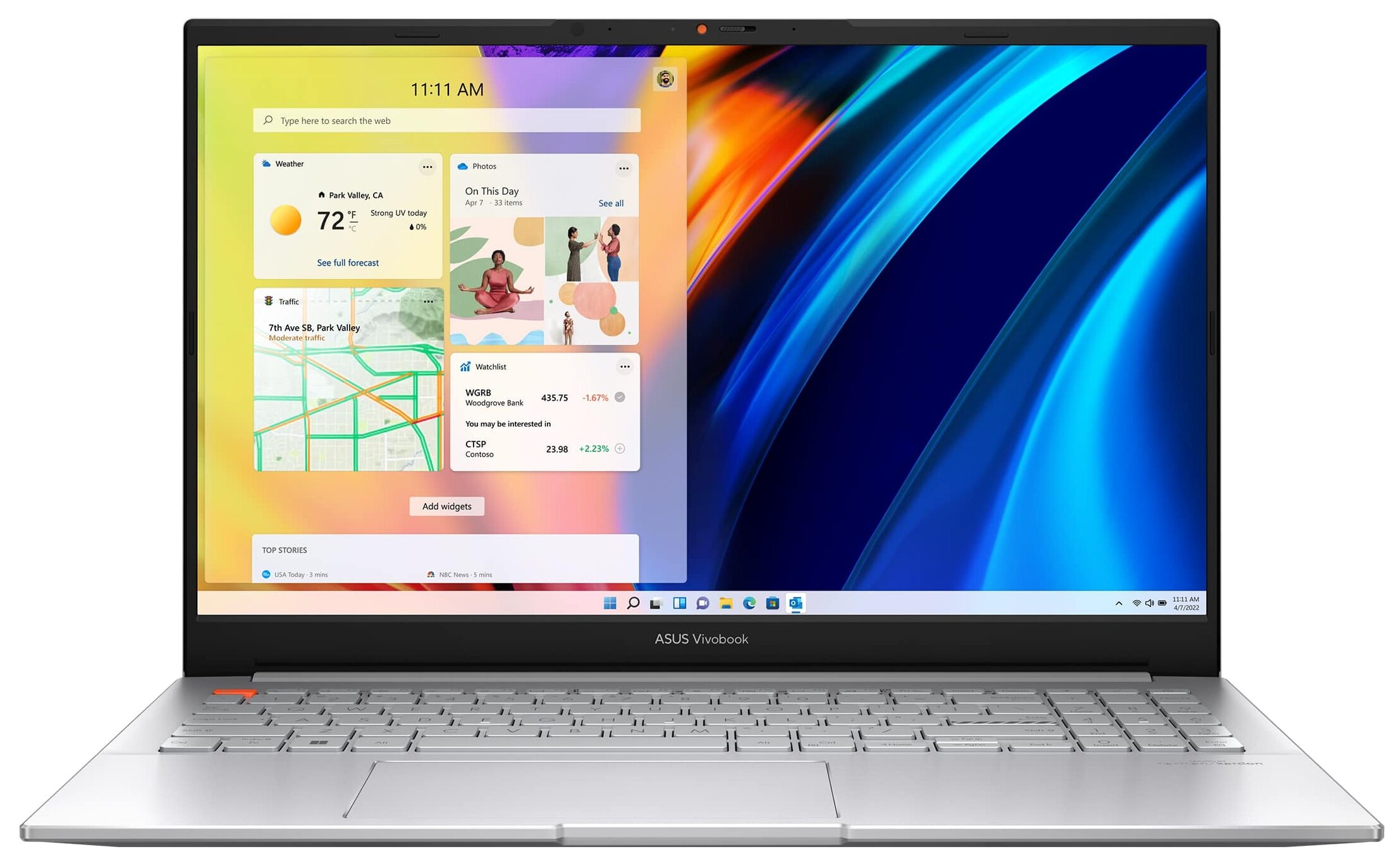
- Date Published: 26 Jun 2025
- Intel Core i9-13900H
- NVIDIA GeForce RTX 4050 (Laptop)
- 15.6”, Full HD (1920 x 1080), 144 Hz, IPS
- 1000GB SSD
- 32GB RAM
- 1.75 kg (3.9 lbs)
Specs
- HDD/SSD
- 1000GB SSD
- M.2 Slot
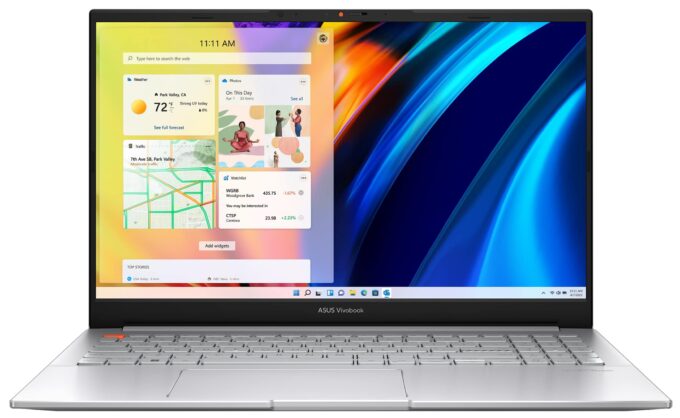
- 1x 2280 PCIe NVMe 4.0 x4 See photo
- RAM
- 32GB RAM
- OS
- Windows 11 Pro
- Body Material
- Plastic / Polycarbonate, Aluminum
- Dimensions
- 356.3 x 235.3 x 19.9 - 20.0 mm (14.03" x 9.26" x 0.78")
- Weight
- 1.75 kg (3.9 lbs)
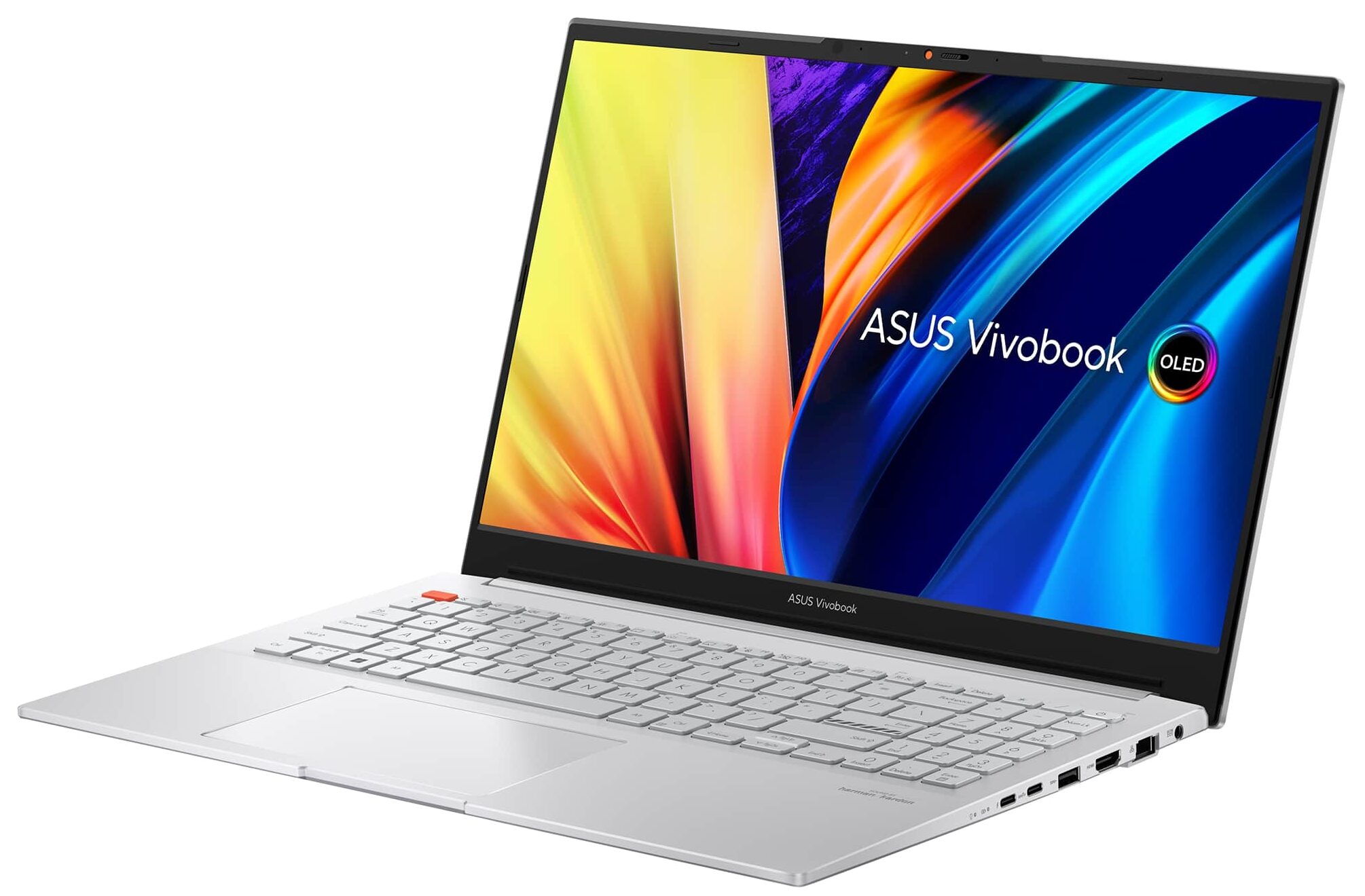
- Ports and connectivity
- 2x USB Type-A
- 3.2 Gen 1 (5 Gbps)
- 1x USB Type-C
- 3.2 Gen 2 (10 Gbps), Power Delivery (PD)
- 1x USB Type-C
- Thunderbolt 4, Power Delivery (PD), DisplayPort
- HDMI
- 2.1
- Card Reader
- SD
- Ethernet LAN
- 10, 100, 1000 Mbit/s
- Wi-Fi
- 802.11ax
- Bluetooth
- 5.0
- Audio jack
- 3.5mm Combo Jack
- Features
- Fingerprint reader
- Web camera
- FHD with privacy shutter
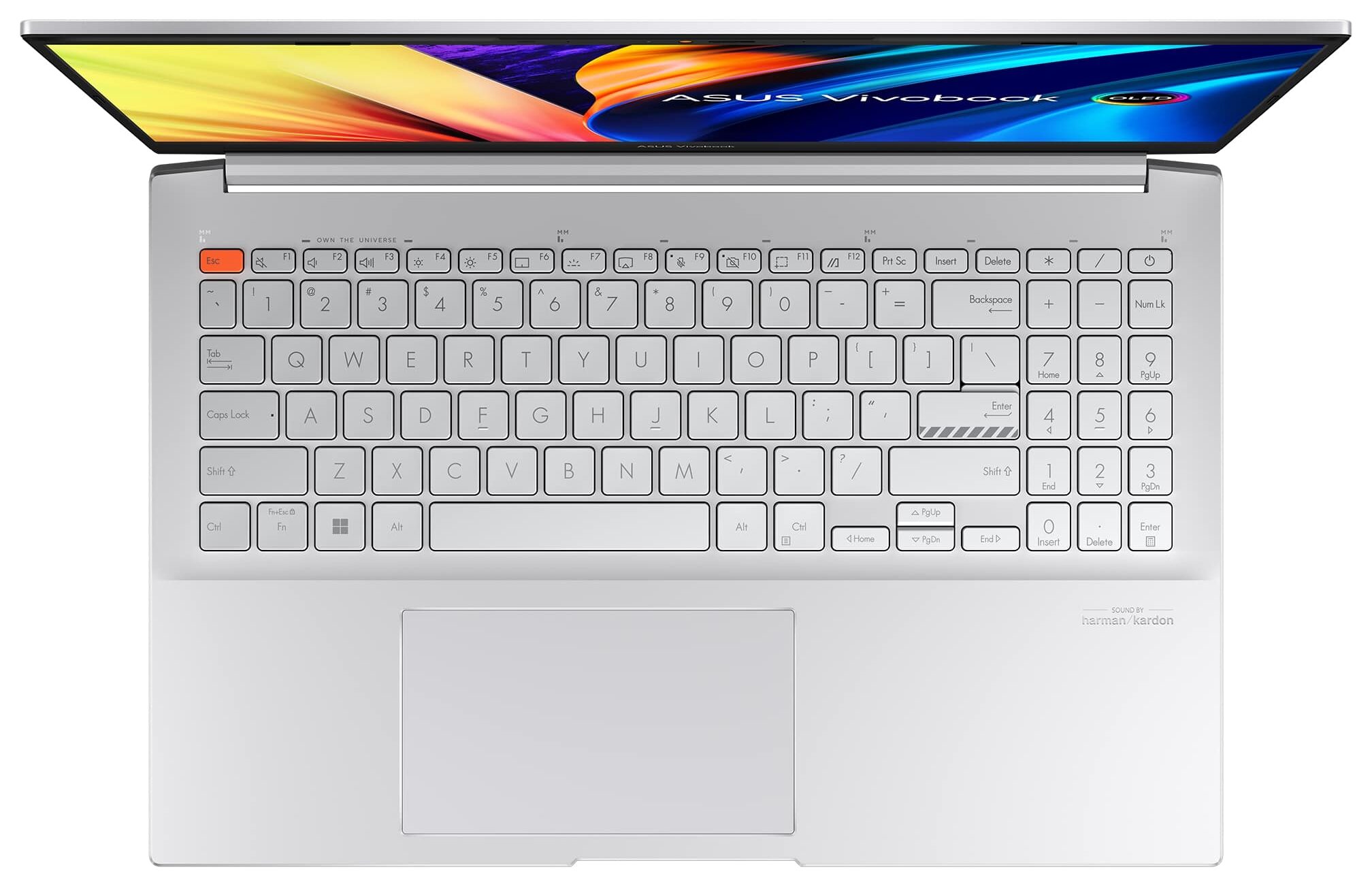
- Backlit keyboard
- Microphone
- Microphone with Cortana and Alexa voice-recognition
- Speakers
- Speaker with Smart Amp Technology, harman/kardon
- Security Lock slot
- Gifts
- PCO Notebook Folding Radiator with Laptop Cooler
Portability
Review
ASUS Vivobook Pro 15 OLED in-depth review
Once you start seeing the word "creative" appear on the official Web page of a laptop, then, you immediately know its target group. However, once you dig deeper into the specs, you will find out, that there is more to it.In fact, there is one feature that stood out among the rest, and it is the MUX switch. Halt! Pull the handbrake! Let's not get ahead of ourselves. We don't yet know what is powering the machine, and here we are talking about switches and stuff.First, you get the full treatment - 45W Alder Lake CPU in the form of the Core i5-12500H and Core i7-12700H, or the more cooling-friendly Core i5-12450H and Core i7-12650H. In addition to them, ASUS provides you with a choice of an RTX 3050 and RTX 3050 Ti dedicated graphics card.Interestingly, the company mentions somet[...]
Read the full review
Pros
- Fantastic battery life
- Antibacterial coating
- 100% sRGB and DCI-P3 coverage + HDR support
- Accurate colors in both the sRGB and the DCI-P3 color spaces
- 120Hz refresh rate + fast pixel response times
- Deep blacks and virtually infinite contrast ratio
- Fingerprint reader
- Thunderbolt 4, SD card slot, and many more
- Noise cancellation
- MUX switch
Cons
- Uses PWM below 110 nits (fixed by the My ASUS app)
- Small Arrow keys
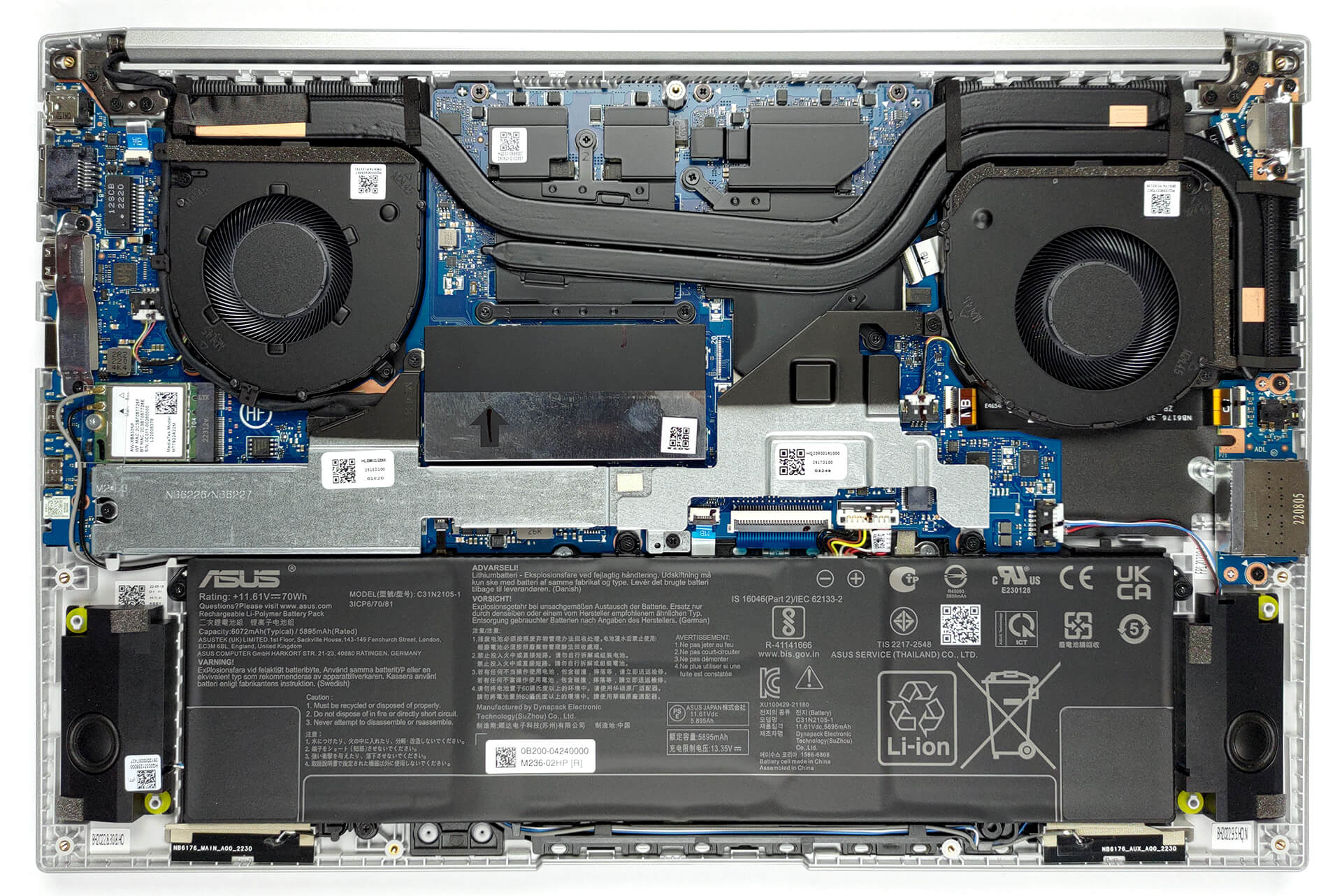
Disassembly, maintenance and upgrade options
It's good to see that ASUS has found a way to offer some upgradeability for this device. It has some memory soldered to the motherboard, but you get an extra SODIMM slot for further expansion.Check out all ASUS Vivobook Pro 15 OLED (K6502) prices and configurations in our Specs System, or read more in our In-Depth review.1. Remove the bottom plate To get access to this notebook's internals, you need to undo a total of 9 Torx-head screws. After that, pry the bottom panel. We found it easiest to start from the front corners.2. Remove the battery Here, we find a 70Wh battery[...]
Read more


![[June 2026] Best-Selling Laptop Brands on Amazon Global – Apple’s Unrivaled Dominance in Units and Revenue](https://laptopmedia.com/wp-content/uploads/2026/07/GLOBAL-Best-Brands-400x225.jpg)
![[June 2026] Amazon Global: Top 10 Best-Selling Laptops – Apple’s New MacBook Neo Storms to #1, Reshaping the Market with Affordability](https://laptopmedia.com/wp-content/uploads/2026/07/Best-Selling-Laptops-GLOBAL-Top-10-400x225.jpg)
![[June 2026] Amazon Global: Top 10 Best-Selling Gaming Laptops – Acer’s Nitro V 16S AI Dominates Sales, While ASUS Leads Overall Revenue](https://laptopmedia.com/wp-content/uploads/2026/07/Best-Selling-Gaming-Laptops-GLOBAL-Top-10-400x225.jpg)
![[June 2026] Global Ranking of Best-Selling Laptop GPUs on Amazon – NVIDIA RTX 5060 is the Top-Selling Dedicated GPU](https://laptopmedia.com/wp-content/uploads/2026/07/Best-Selling-GPUs-GLOBAL-Top-10-400x225.jpg)
![[June 2026] Global Ranking of Best-Selling Laptop CPUs on Amazon – Apple M5 Dominates, AMD Ryzen 7 260 Gets Solid Premium Share](https://laptopmedia.com/wp-content/uploads/2026/07/Best-Selling-CPUs-GLOBAL-Top-10-400x225.jpg)